
1,626 Photos and videos


Pinned Tweet

Mar 10
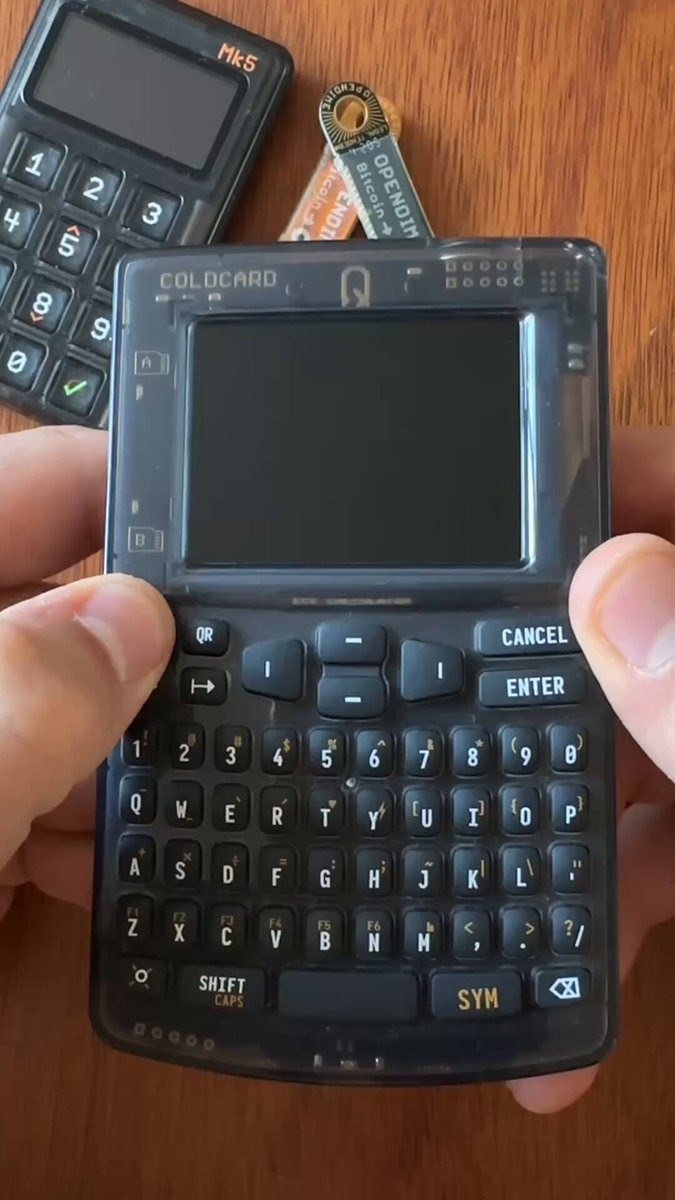
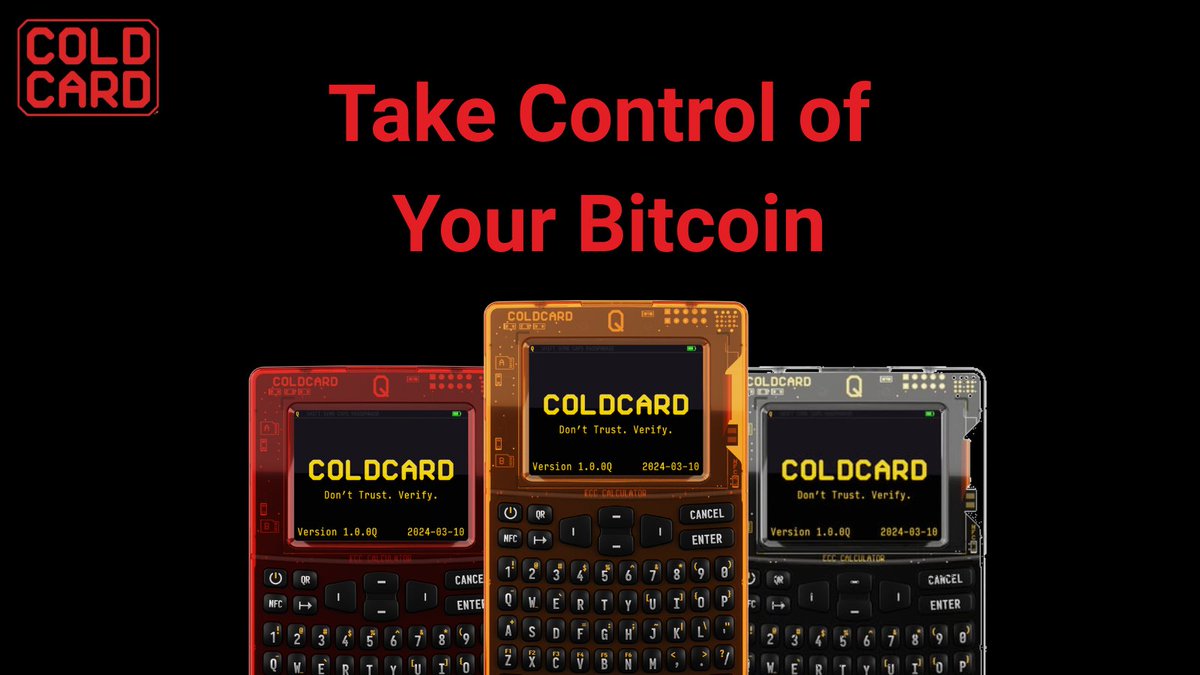
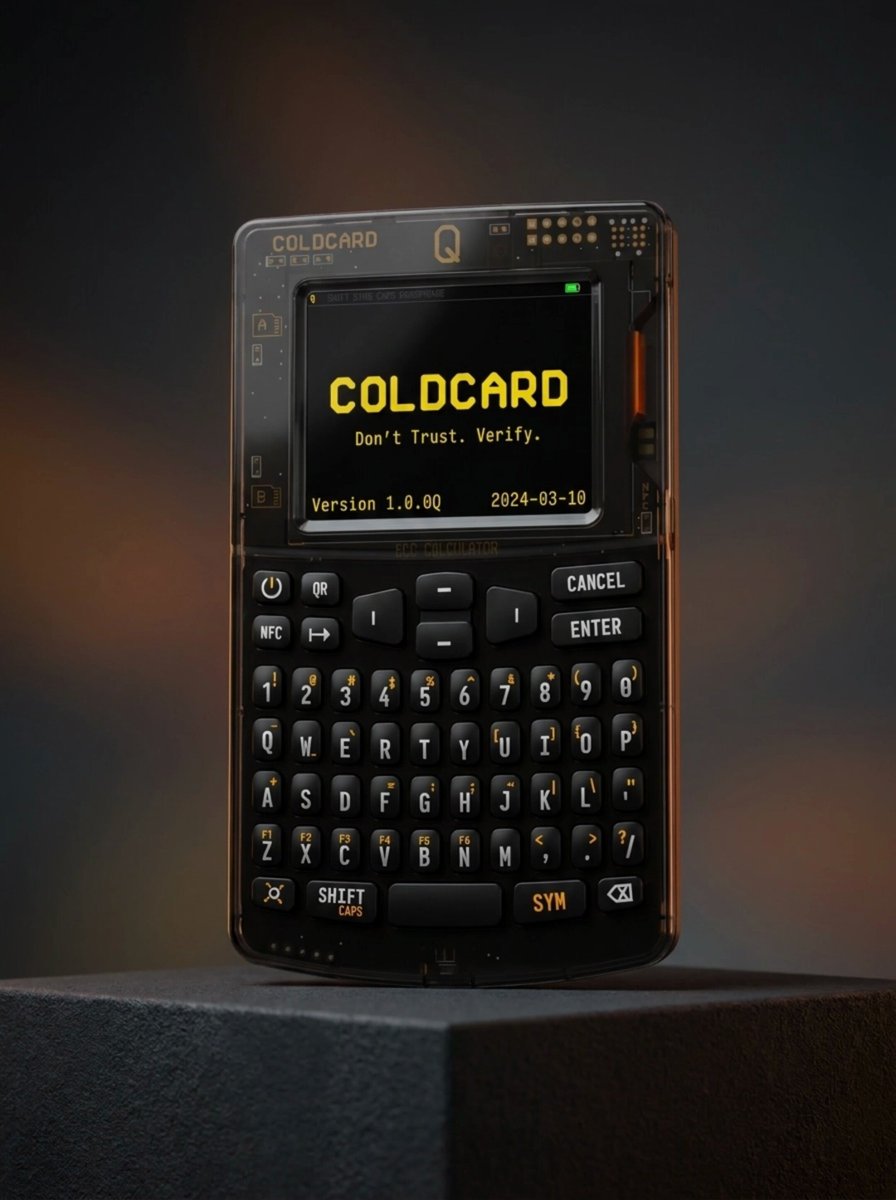
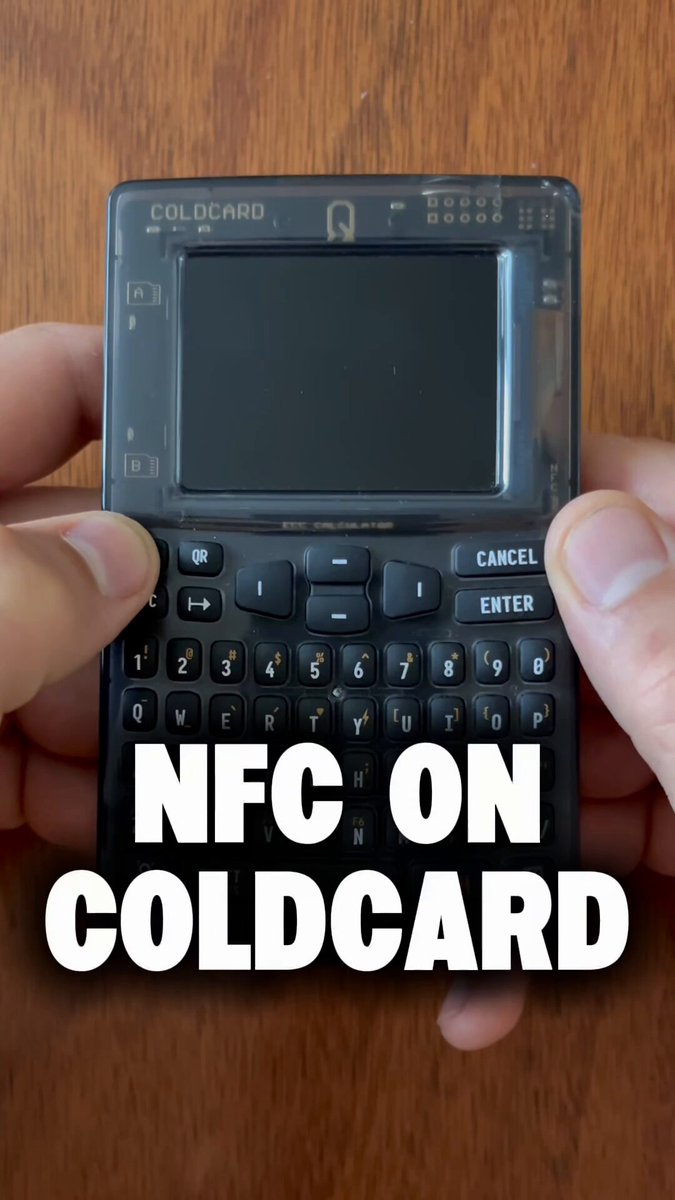
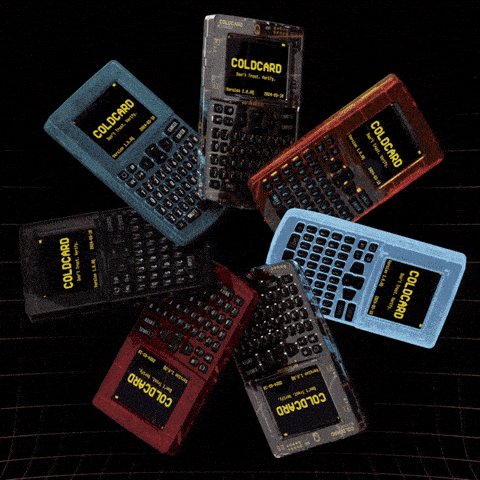
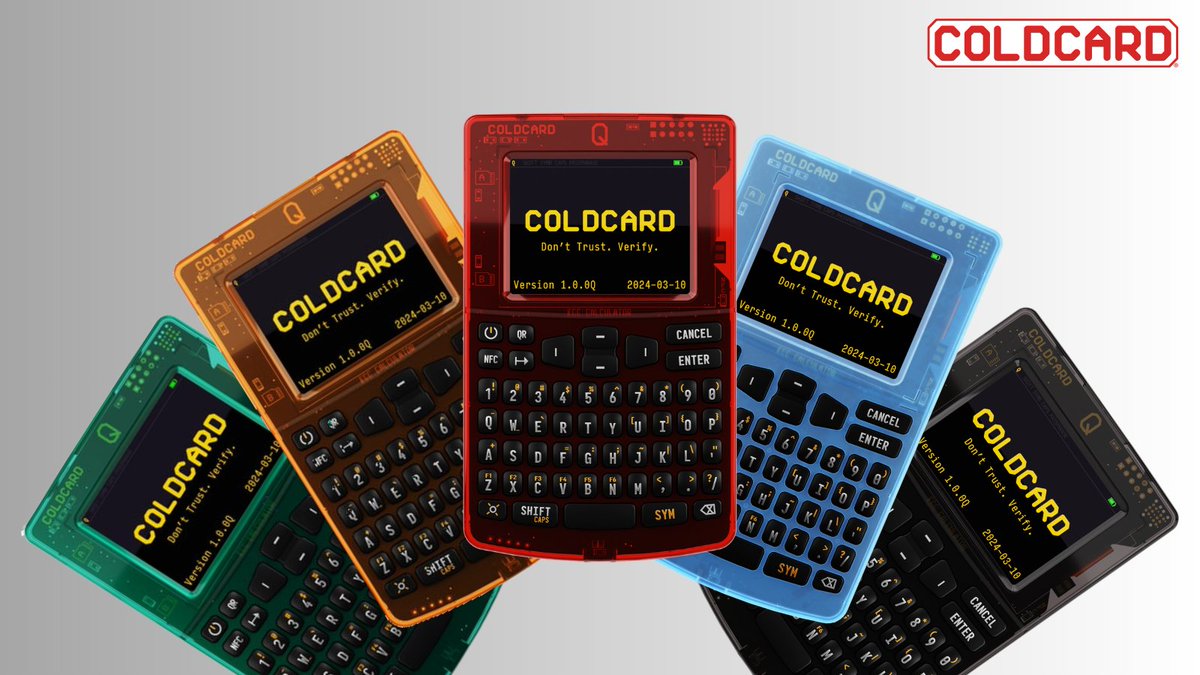
The COLDCARD Mk5 is here. 🔥🔥🔥
Big Screen, Fantastic Keypad, Fast NFC, Backwards Compatible for seamless upgrade.
Quantum Bitcoin Awesomeness
78
111
730
135,619

The more I work on explaining @arcasafes, the more I think the core idea is resilience for critical secrets.
Not just encrypting them. Not just backing them up. Making sure they can survive across places, people, and time.
Most important digital secrets are still surprisingly fragile:
one laptop
one phone
one password manager
one office
one cloud account
one founder
one parent
one person who “knows where everything is”
arca is a physical digital safe that can exist in more than one trusted location and keep encrypted secrets in sync.
One arca can be a standalone safe. Multiple arcas become a geo-distributed network of safes.
And because arca is multi-tenant, one box does not have to mean one person or one vault. You can imagine isolated spaces for family, teams, businesses, or even reciprocal backups into someone else’s arca.
That opens up a much bigger idea: people may eventually offer trusted arca hosting. Not cloud storage. Physical boxes in real places, operated by people or organizations you choose to trust.
That starts to unlock a different category of use cases:
family recovery, team secrets, business continuity, disaster recovery, inheritance, seed backups, signing material, emergency access paths, and important files that should not depend on one place or one person.
The hard balance is this:
critical secrets should not be casually accessible, but they also should not disappear forever because the wrong phone broke, the wrong house burned, or the wrong person was unavailable.
That is the space arca is trying to explore.
A self-syncing safe for secrets that matter.
Still looking for the clearest words. Does “geo-distributed digital safe” explain it, or is there a better phrase?

I am still looking for the best words for @arcasafes. “Geo-distributed digital safe” is close. “Self-syncing secret vault” is close. Neither feels perfect yet.
arca is hard to explain because it is not exactly a password manager, not exactly cloud backup, not exactly a hardware wallet, and not exactly a safe.
It stores:
- seed words
- recovery codes
- passwords
- important encrypted files
- emergency instructions
- business keys
- inheritance notes
- access paths your family or team may need later
3
2
20
3,057
At first glance, it just looks like a calculator. This is COLDCARD’s Calculator Login mode.
It looks like a calculator.
It acts like a calculator.
And it gives you a discreet way to enter your PIN.
Simple, practical, and designed with security in mind.
6
7
76
4,241

Jun 15
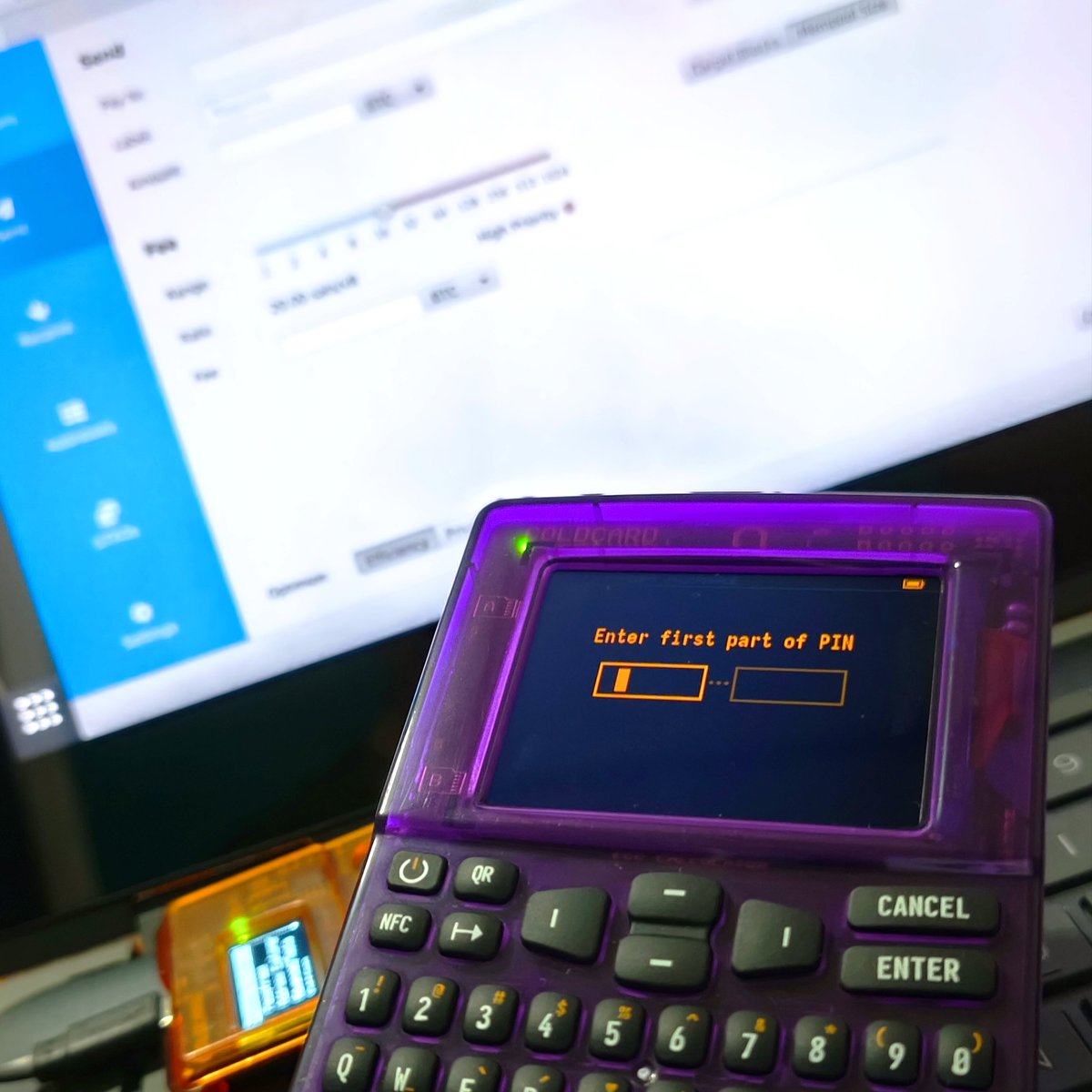
COLDCARD is built to put you in control of your Bitcoin.
Choose the companion wallet that works for you, stay airgapped, verify on-device, and sign on your own terms.
Your keys. Your Bitcoin. Your control.
5
10
63
3,013
COLDCARD retweeted

Jun 12
NUEVO Tutorial completo de la @COLDCARDwallet Mk5
⏱ Capítulos:
✅ 00:00 Unboxing
✅ 10:54 Conectar con @SparrowWallet
✅ 17:33 Recibir Bitcoin
✅ 22:24 Enviar Bitcoin
✅ 27:09 PushTX
✅ 29:17 @nunchuk_io Mk5
✅ 34:59 Recibir Bitcoin usando Nunchuk
✅ 36:38 Enviar Bitcoin con Nunchuk
40 minutos. Paso a paso. Sin humo.
1
11
32
3,047
Jun 12
Love to hear it 🙌
Jun 12

Today at @BTCPrague was fantastic. It's so amazing meeting people that have used tutorials to master self custody, run a node, learn Bitcoin privacy and plenty more. These ppl are so driven and inspiring.
Number one thing I've heard: "You helped me master my @COLDCARDwallet!"
1
1
13
1,879
Jun 12
The COLDCARD Q is unlike any other signing device.
Full-size QWERTY keyboard. Large display. Airgapped workflows with BBQR, NFC, and microSD. Built for Bitcoin, and built to verify.
We’re giving one away.
To enter:
• Like
• Repost
• Reply with your favorite Q feature
165
168
261
9,940
Jun 11
NFC on COLDCARD is about more than convenience.
Export data, sign transactions, use PushTX, or disable it entirely when you don’t need it.
Use the features you want. Stay in control the whole time.
3
10
39
5,572
Jun 10
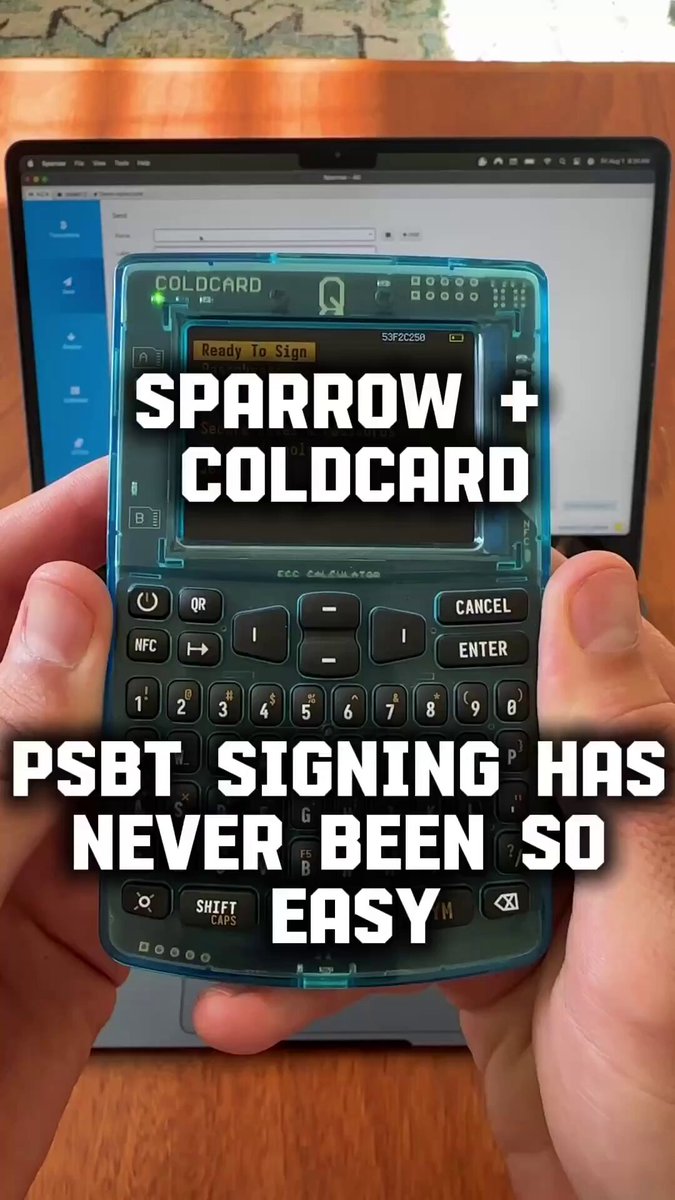
COLDCARD and @SparrowWallet are a great match 🤝
There’s a reason this combination is so common among long-time Bitcoiners. It strikes a nice balance between security and control without getting in your way.
Curious: do you prefer desktop companion wallets or mobile ones?
9
10
82
4,441
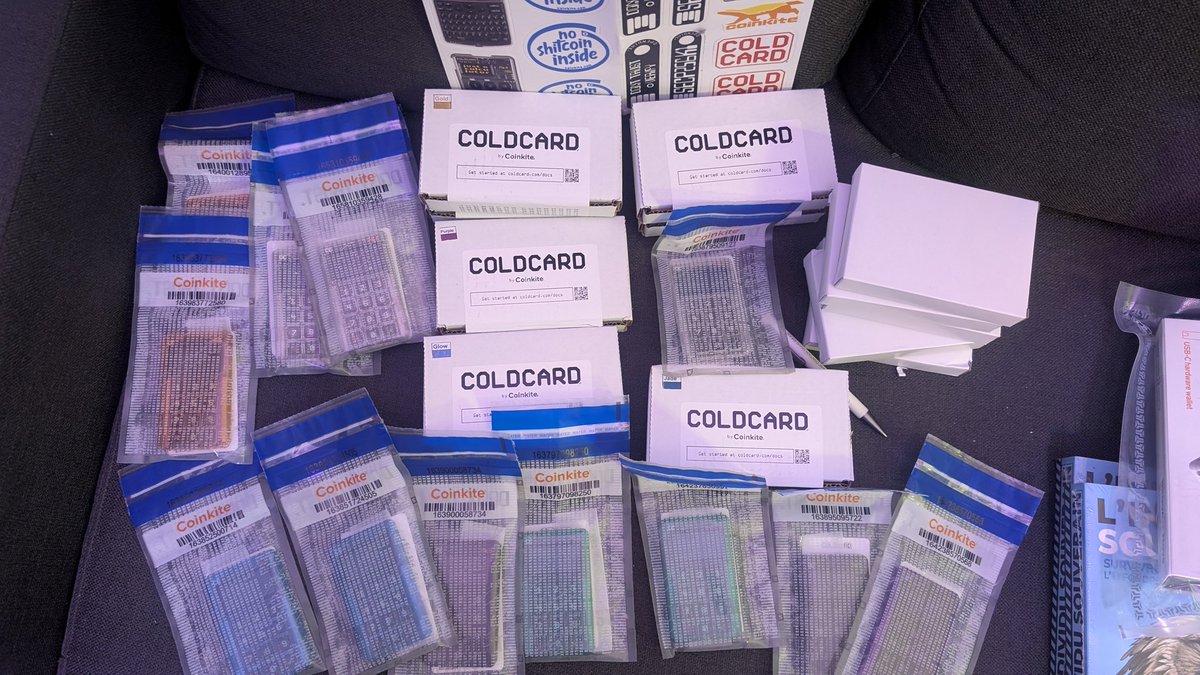
It's hard to convey the satisfaction you get from receiving a no bullshit product in no bullshit packaging for the standard in no bullshit best bitcoin security
Jun 9

Always a pleasure to open this kind of package, can't get tired of it.
Get your Coldcard delivered in Lockers in Spain, Portugal, Belgium, Luxembourg, Italy, Poland, and France of course.
How ?
1- On the checkout page of our website just fill up an address near the place you'd like your locker to be.
You can use pseudos and aliases but your email must be valid of course.
(For France it's easier just simply choose "Delivery in a pick-up point" at the beginning of the checkout)
2- Then "Delivery to Mondial Relay collection point"
3- Choose to pay in Bitcoin to preserve your privacy (lightning is even better for that purpose)
4- Click on the "Review Order" button and on the last page you will "Complete your Payment" through BTCPAY Server AND select your locker of choice (or pickup point).
5- Enjoy your NKYC Coinkite gear
1
5
44
5,087
Jun 9
Correct.

the path to hyperbitcoinization is constant rugs until most people self custody
2
5
68
6,180

Jun 9
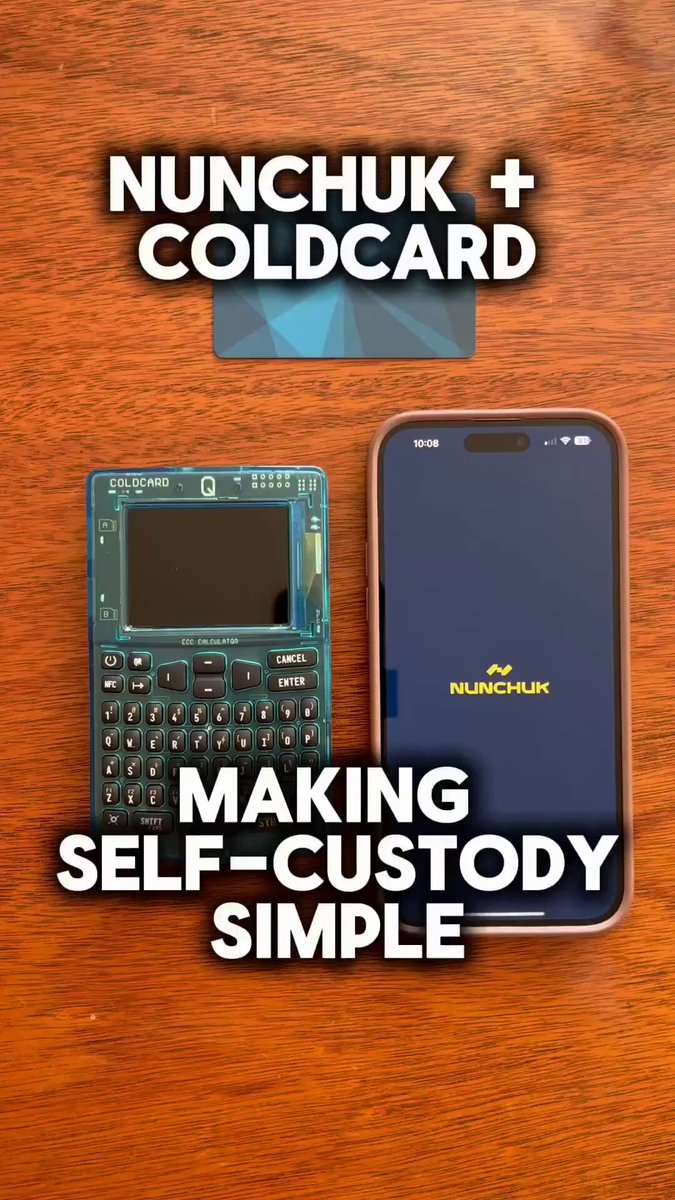
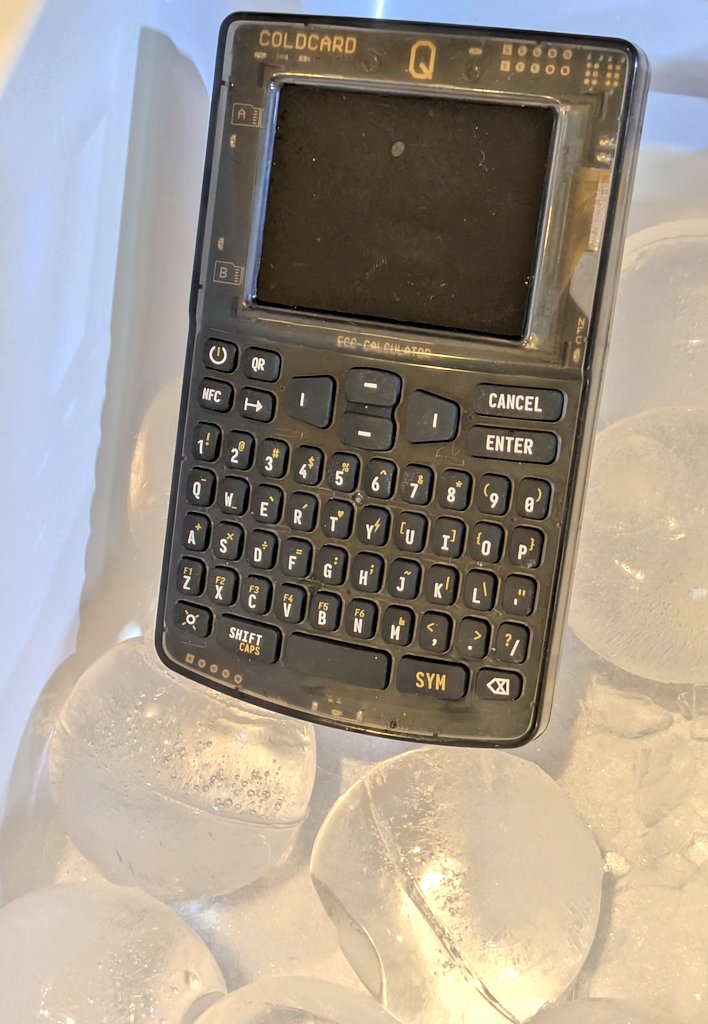
Self-custody doesn’t have to be complicated 🔐
COLDCARD @nunchuk_io make it easy to secure your bitcoin without sacrificing control.
Simple. Secure. Sovereign.
2
12
57
4,700
COLDCARD retweeted

Jun 8
PSA: you can abuse the @COLDCARDwallet whitelist option to make it a refresh-only (send-to-self only) signer.
It's SUPER USEFUL for Liana wallet.
Other projects like @sigbash , or the usual trusted cosigners can do this as 3rd parties, but CC let's you enforce that at home.

2
7
31
7,771
Jun 8
Everyone talks about Bitcoin's price.
Fewer people talk about securing it.
That's where COLDCARD comes in. If you don't hold your keys, you don't really own it.
5
11
76
4,512
COLDCARD retweeted
Jun 7
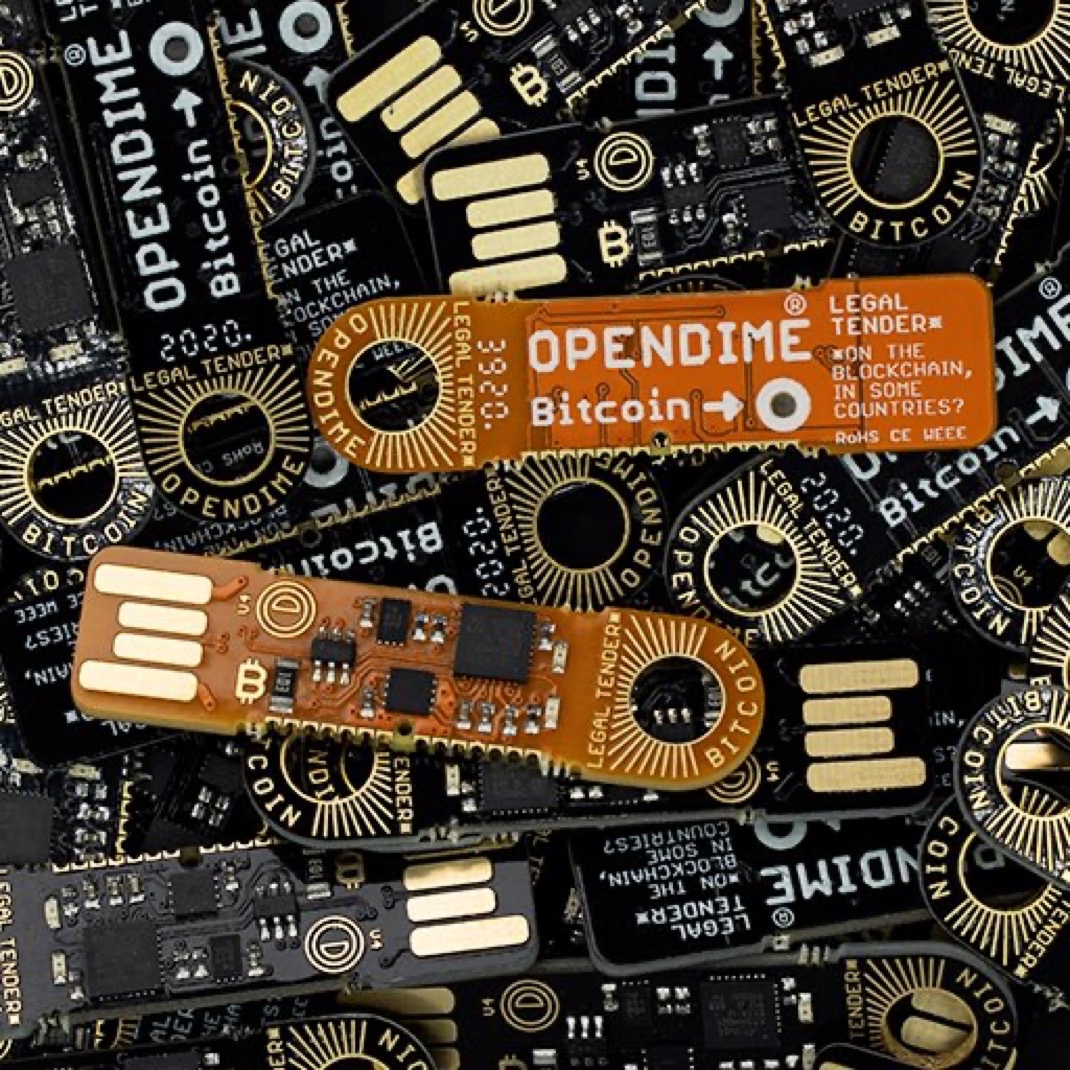
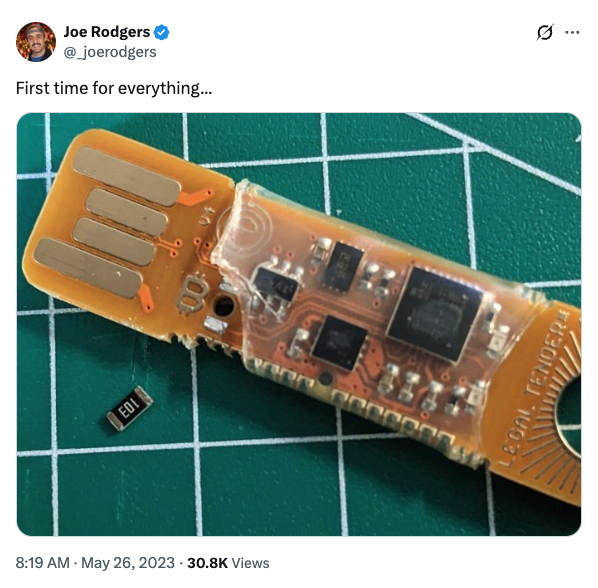
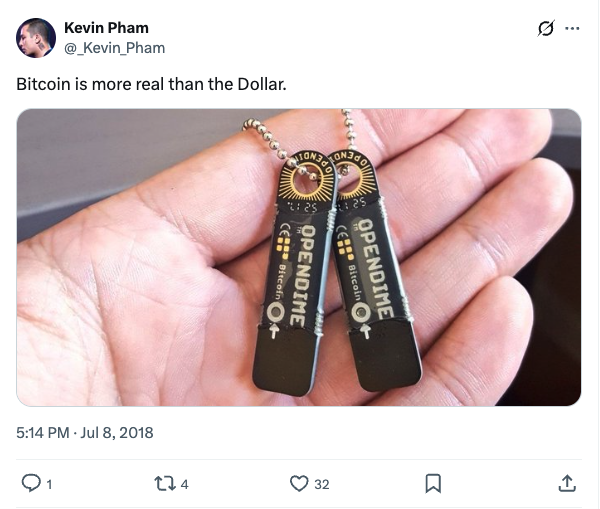
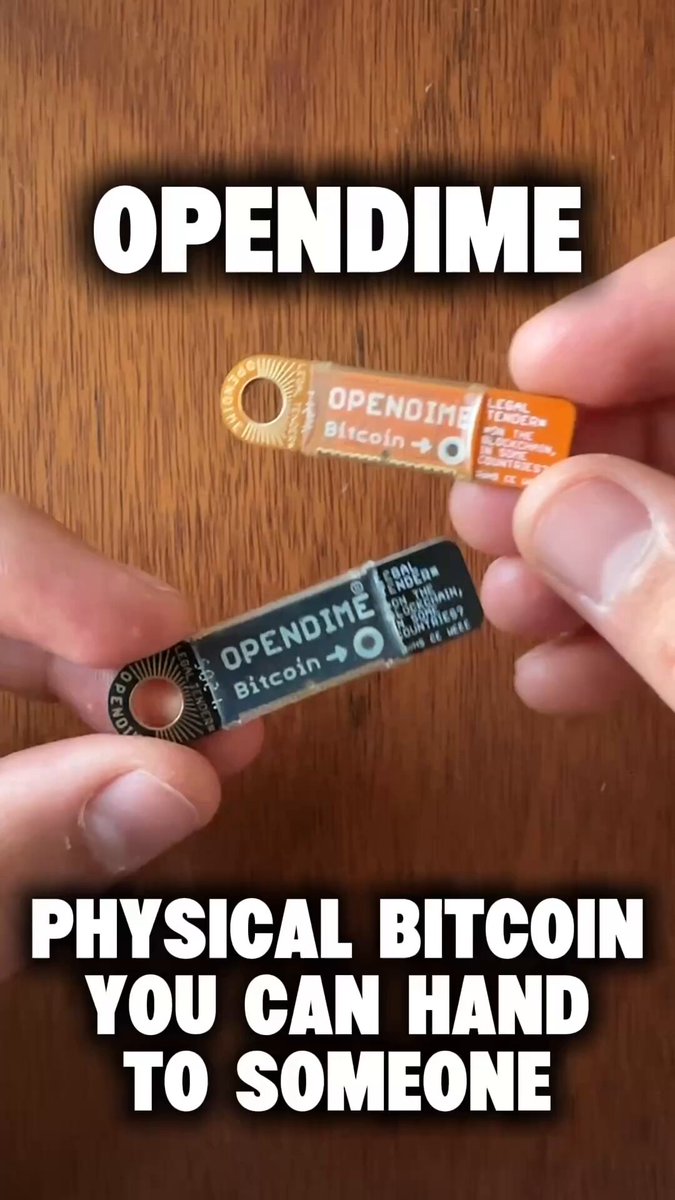
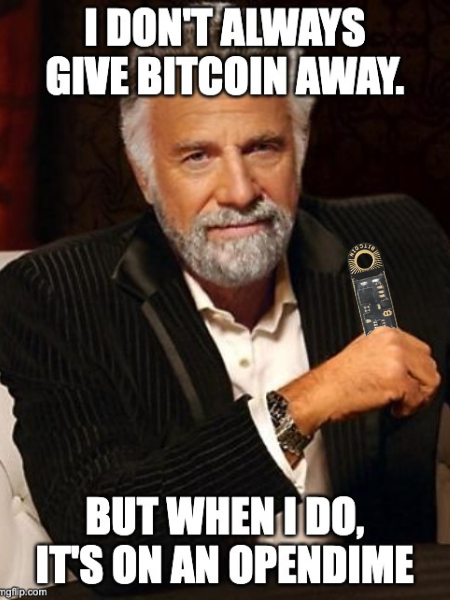
For 10 years, OPENDIME has been helping people gift, save, collect, and pass Bitcoin hand-to-hand.
Today is the last day of the anniversary celebration.
10% off everything at Coinkite.com ends at midnight ET 🎉
1
9
44
4,728
Jun 6
Thinking about a new COLDCARD? Some OPENDIMEs? Or any other Coinkite products?
Consider this your nudge.
The OPENDIME 10th anniversary sale ends tomorrow (June 7) at midnight ET.
10% off everything at Coinkite.com 🎉
5
5
49
5,054