
Onshape by PTC is the leading cloud-native CAD & PDM software for design teams.
Joined November 2013
- Tweets 6,631
- Following 676
- Followers 9,149
- Likes 2,644
3,263 Photos and videos


Jun 12
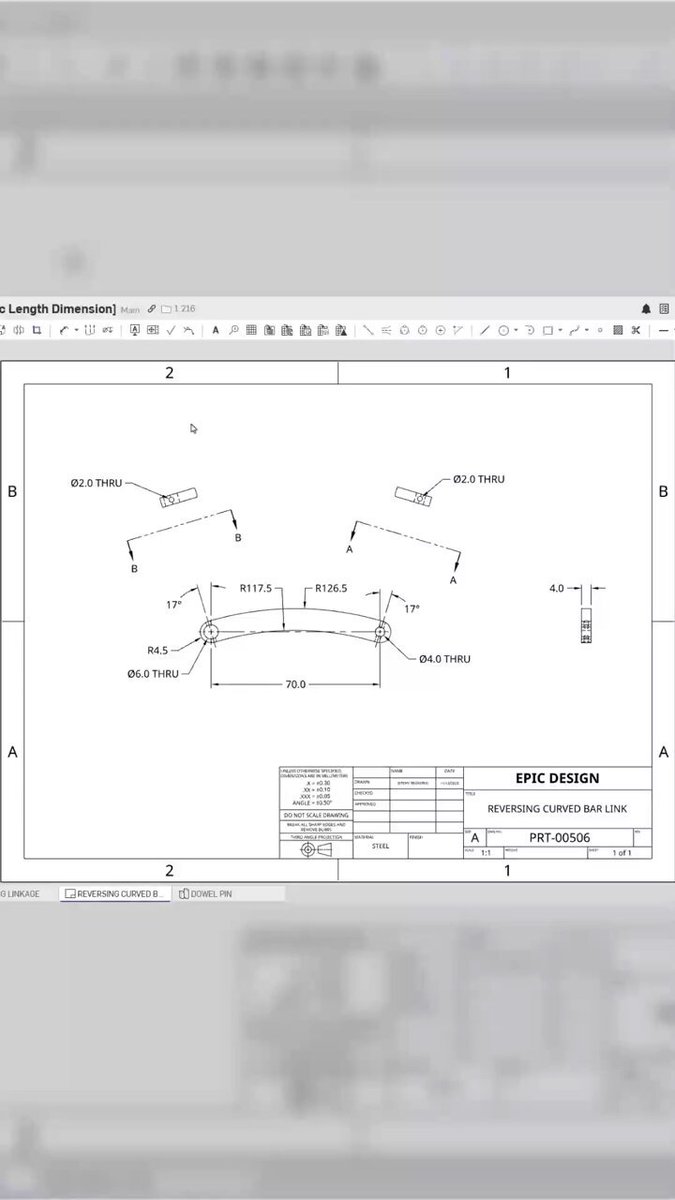
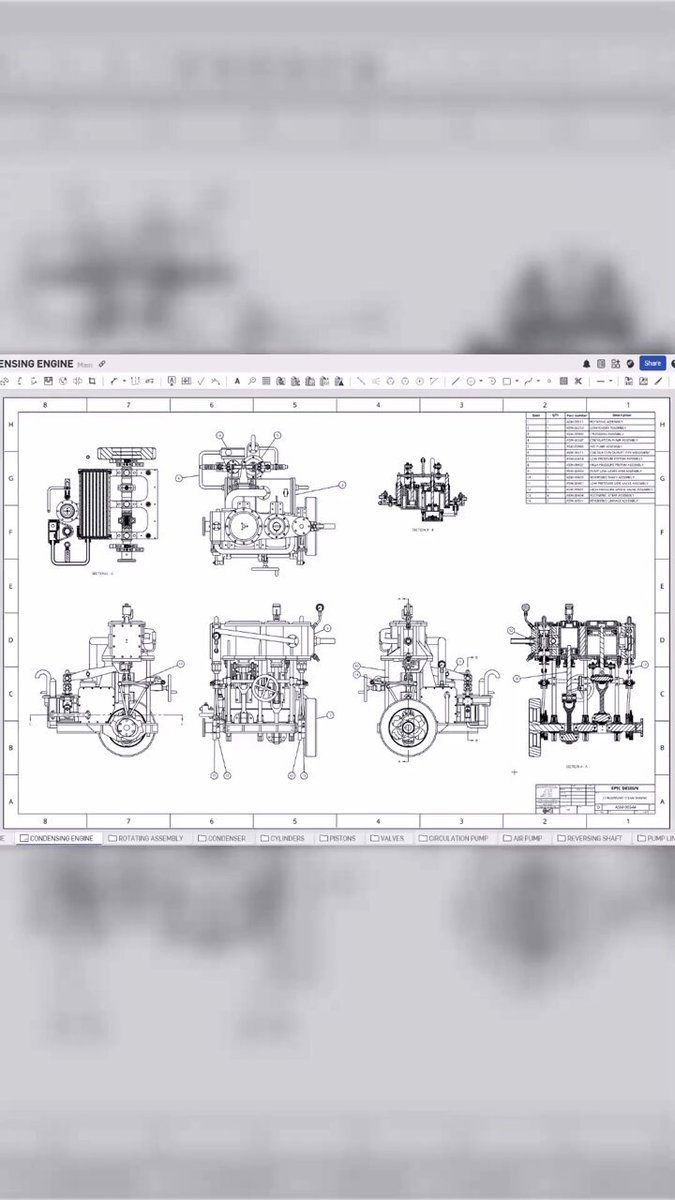
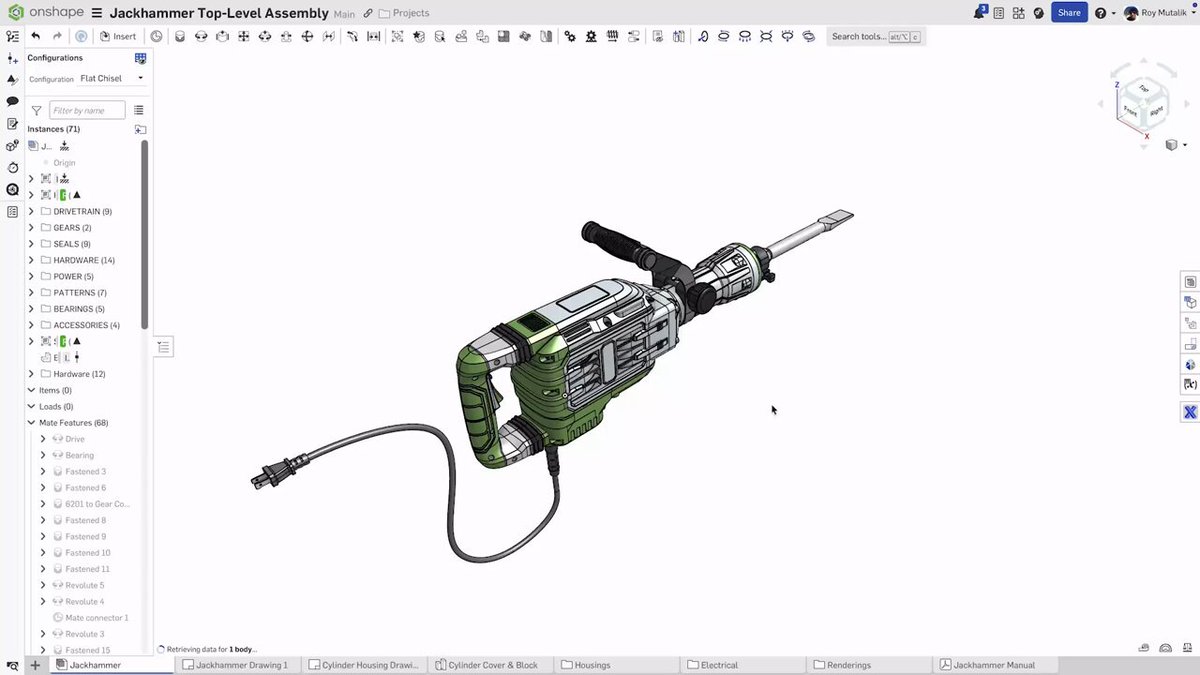
Fresh from our latest release: Arc length dimensions present a new way to define curved geometry in your drawings in Onshape.
3
8
417
Jun 12
"The models are simplistic. They're extremely fragile. They don't have design intent." - Onshape's Darren Henry on most AI-generated CAD. Then he showed what's actually possible: onshp.co/Ds
1
4
178
Jun 11
Most hardware teams find problems late. That’s a tooling problem.
Onshape handles CAD and PDM in one cloud-native system. Arena handles PLM. Together they close the loop, from first design branch to released part. Find problems in design, not production: onshp.co/Dp
1
4
151
Jun 9
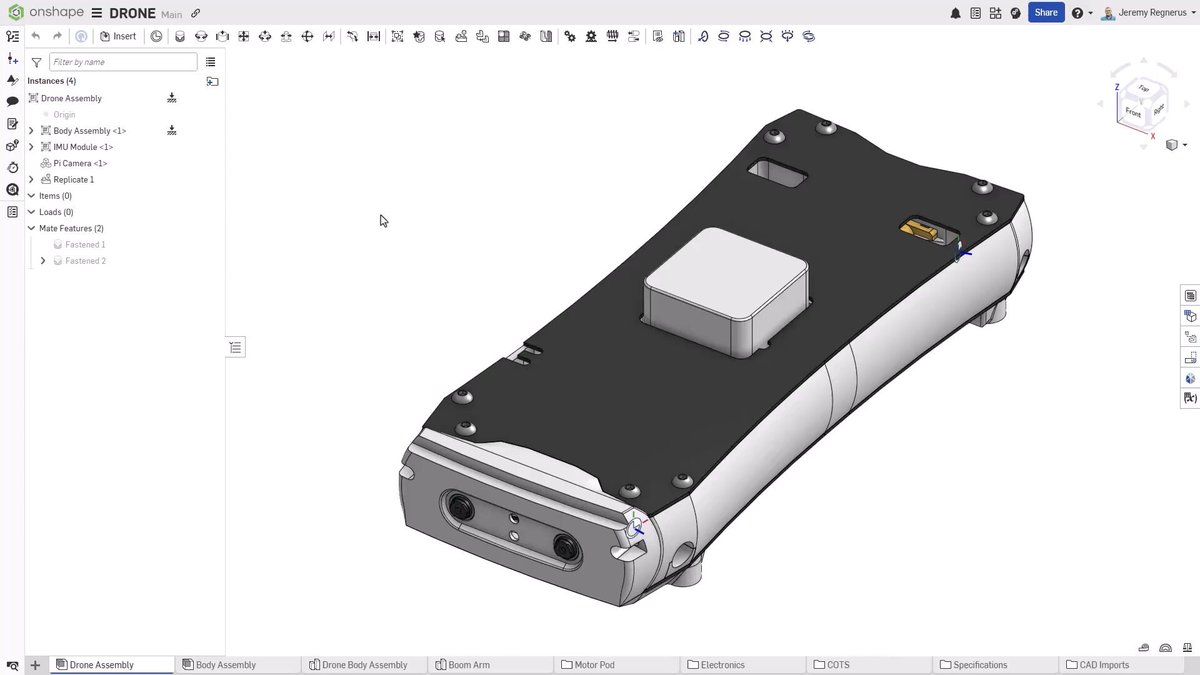
🦾 Mate connectors are the backbone of assembly modeling, and where you place them can shape your entire design intent. Learn about three powerful methods to create: onshp.co/Dl
2
16
1,170
Jun 8
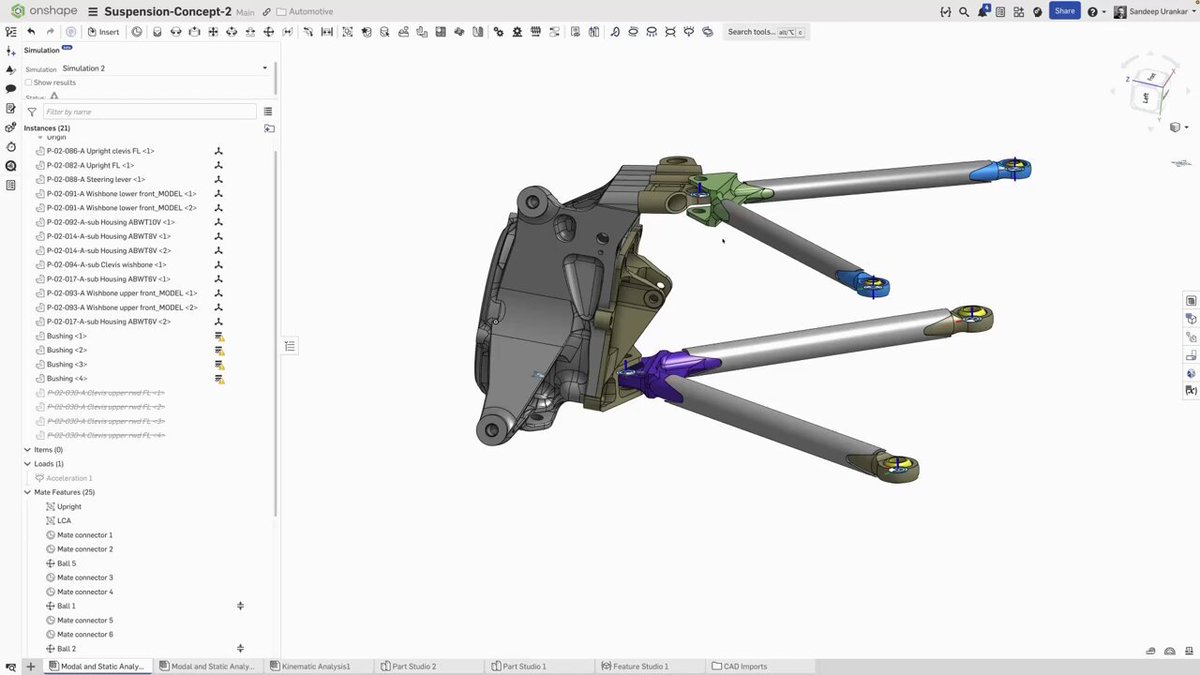
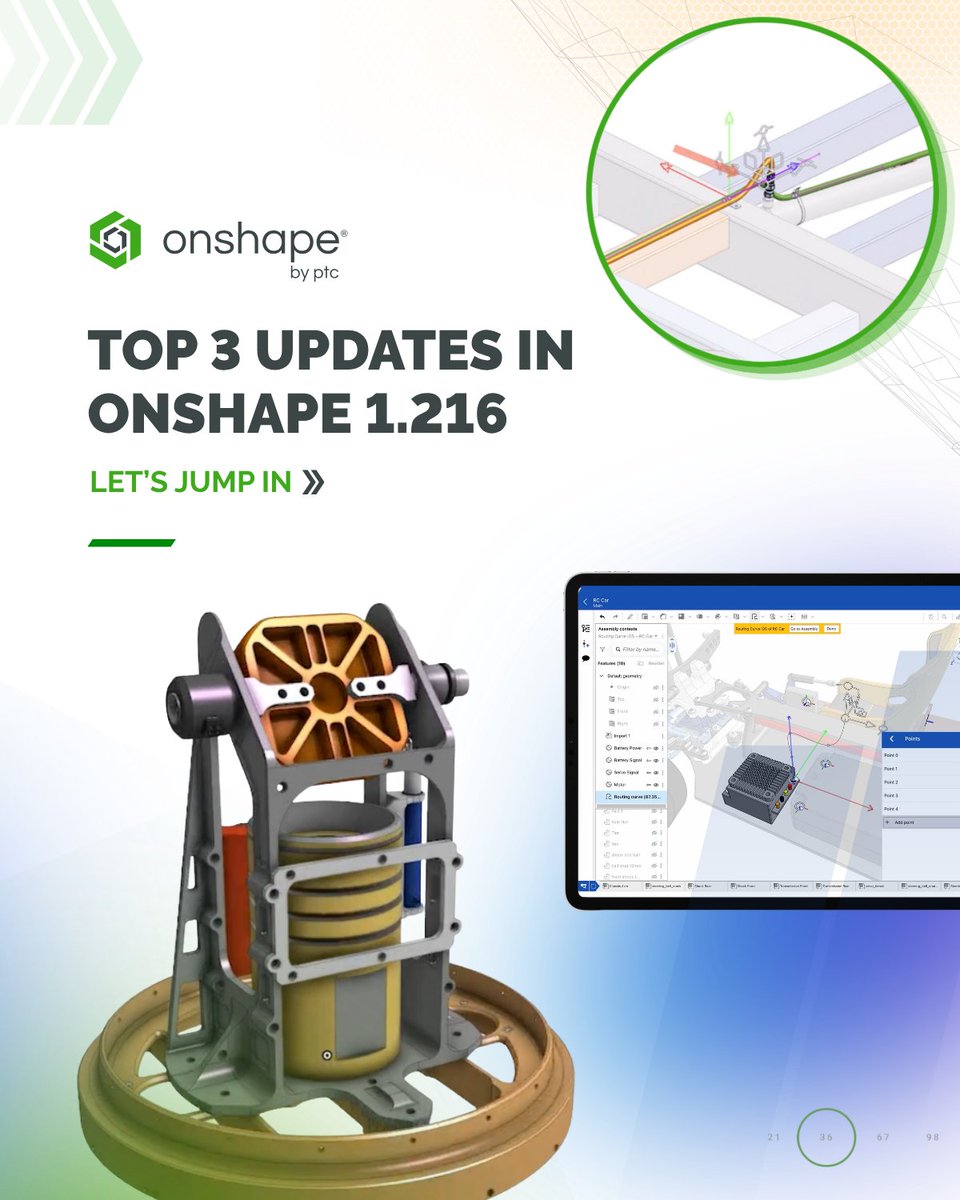
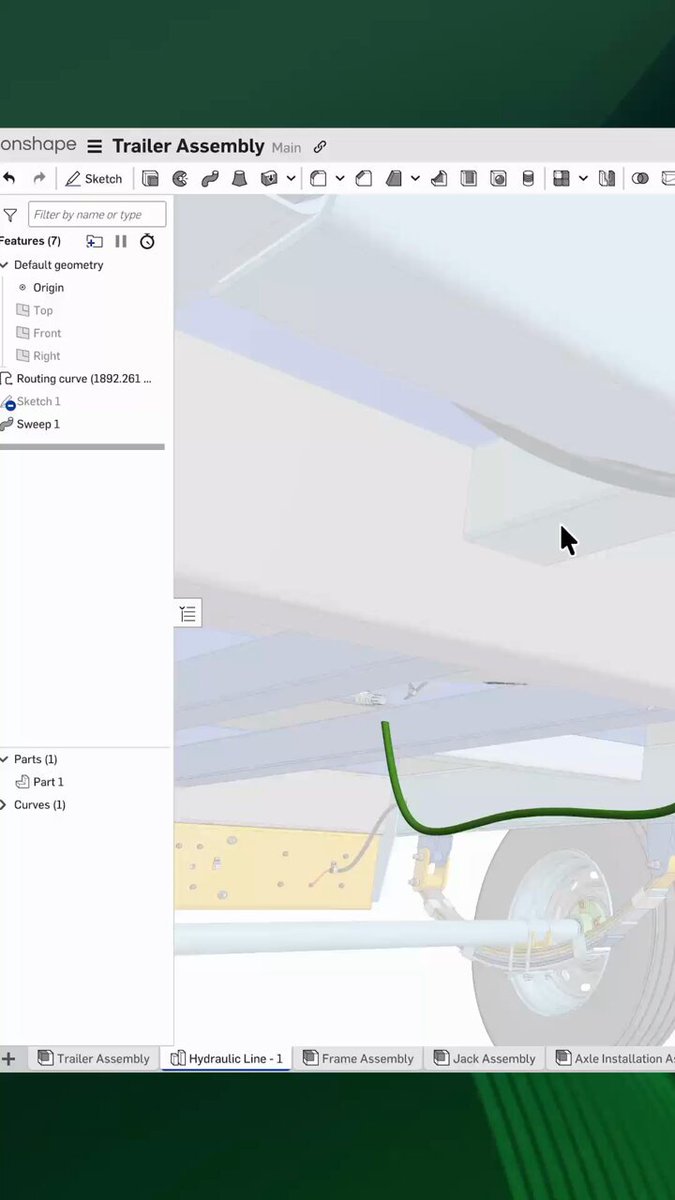
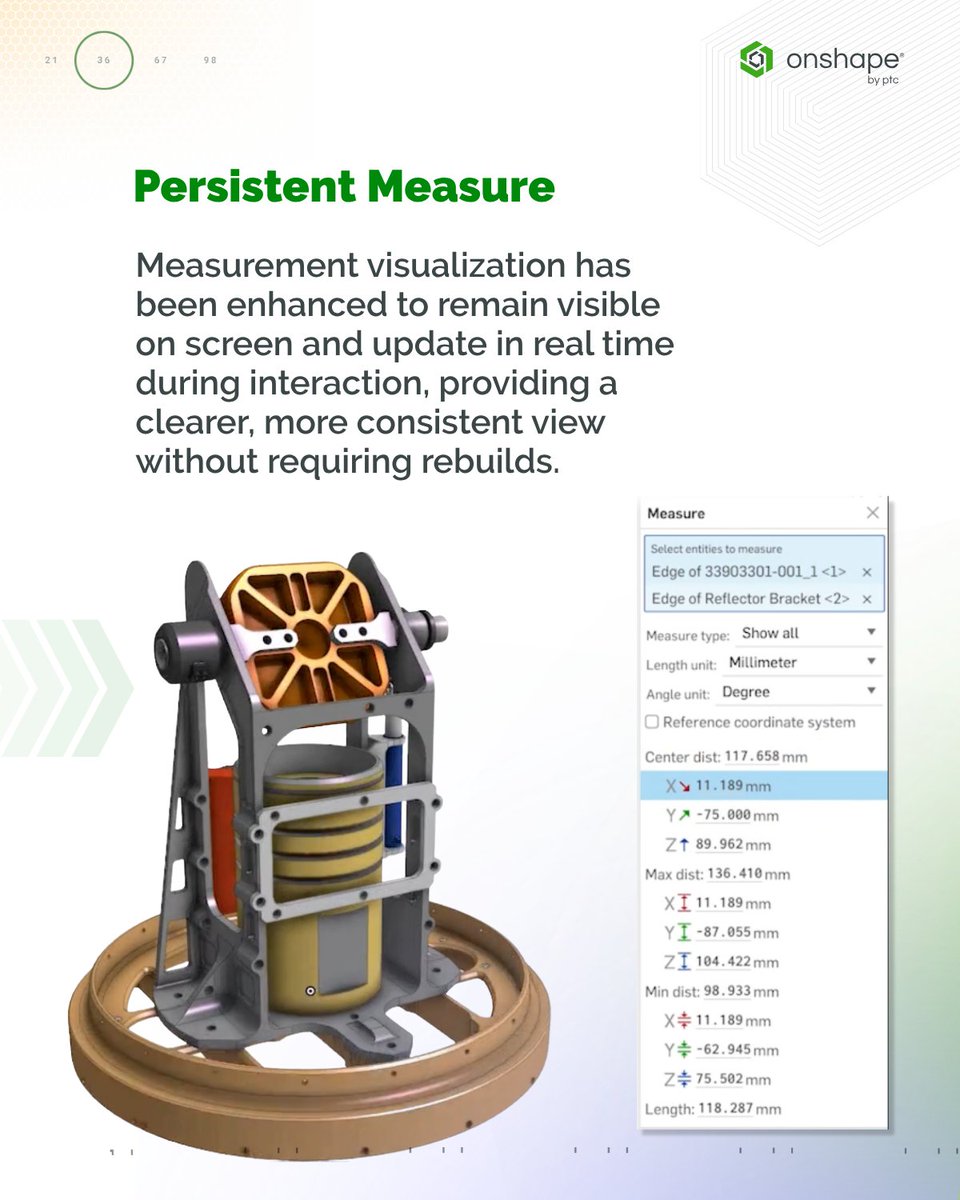
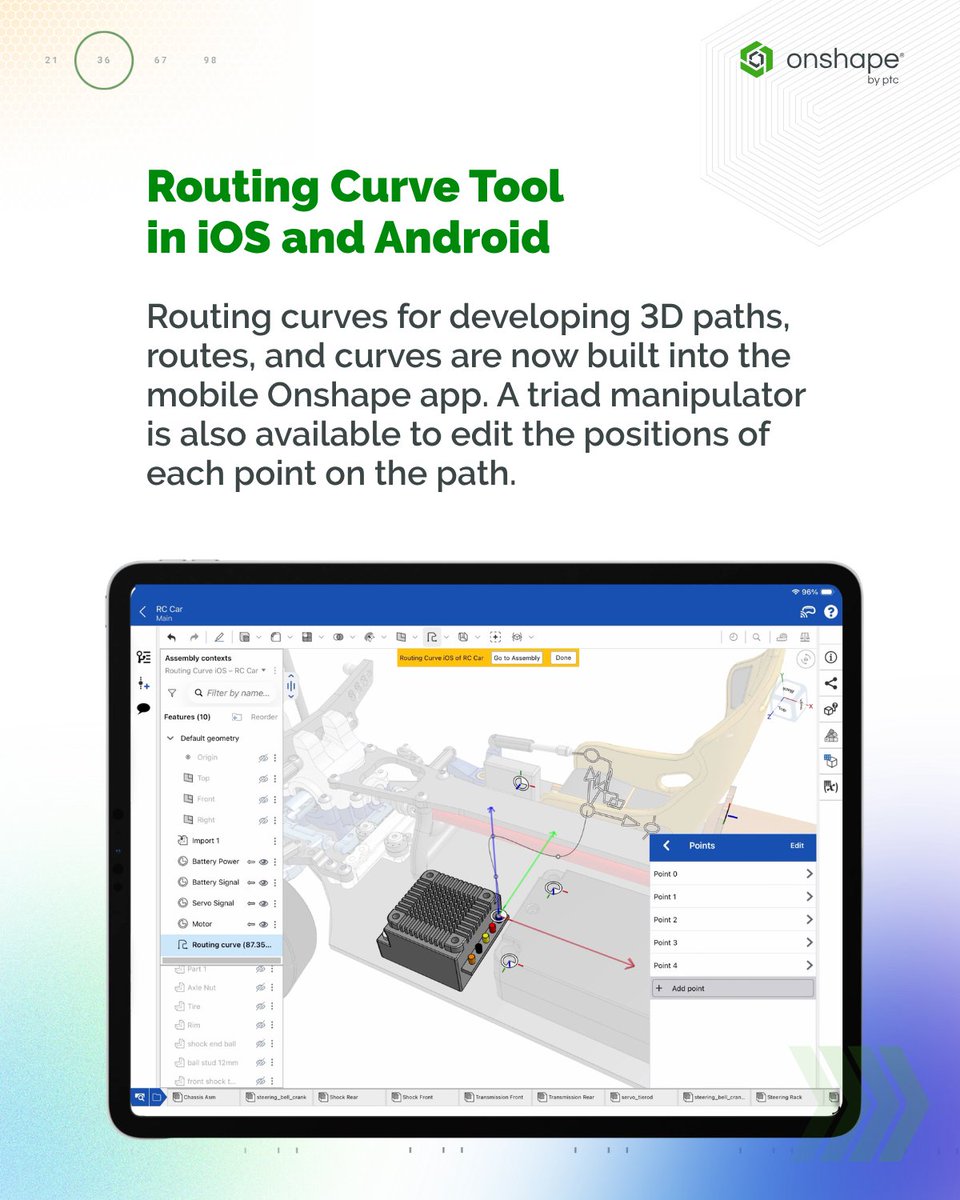
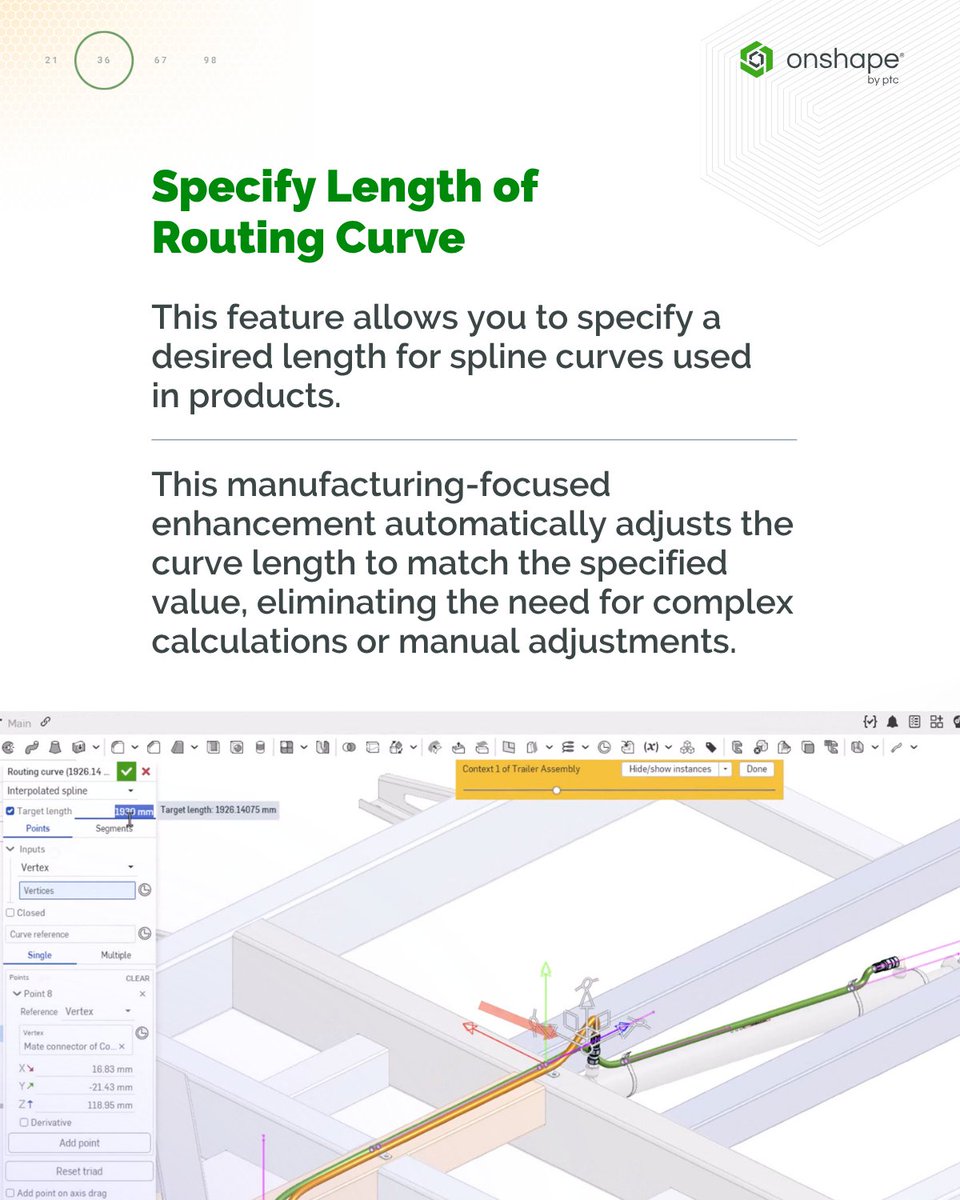
🚀 Our latest updates: routing curve length control, real-time persistent measurements, and sweep twist and scale for non-coincident profiles. Drawings get arc length dimensions and axis auxiliary views. Mobile picks up routing curves on iOS and Android: onshp.co/Dk
1
3
6
327
Jun 5
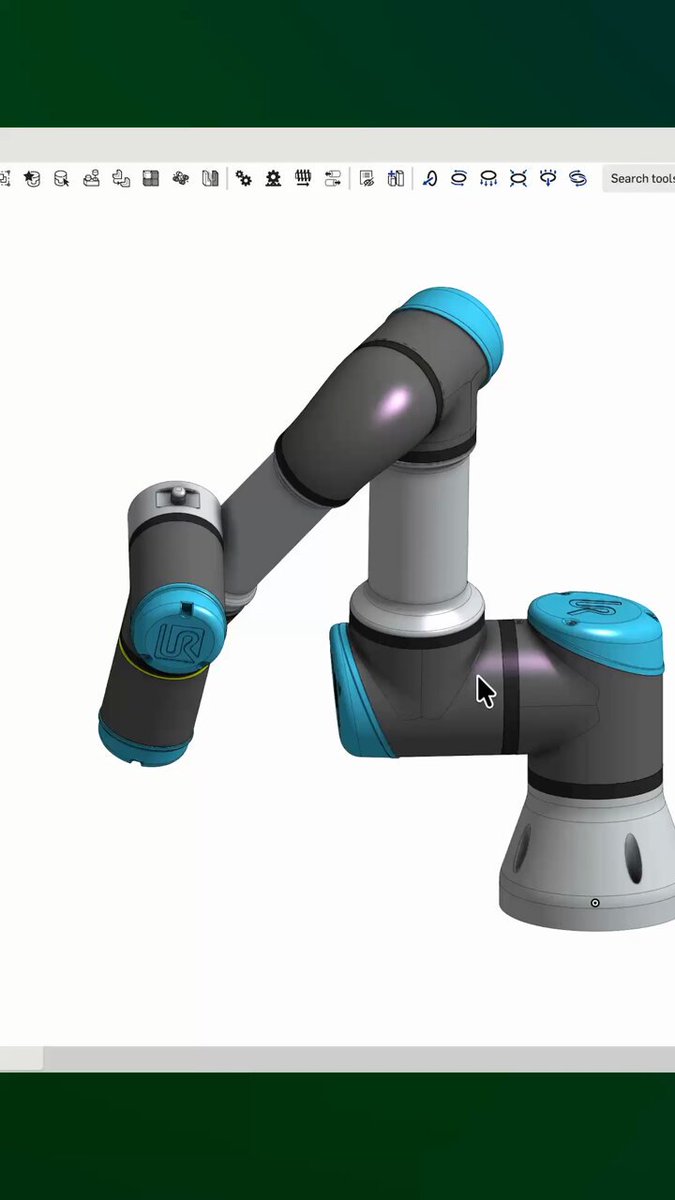
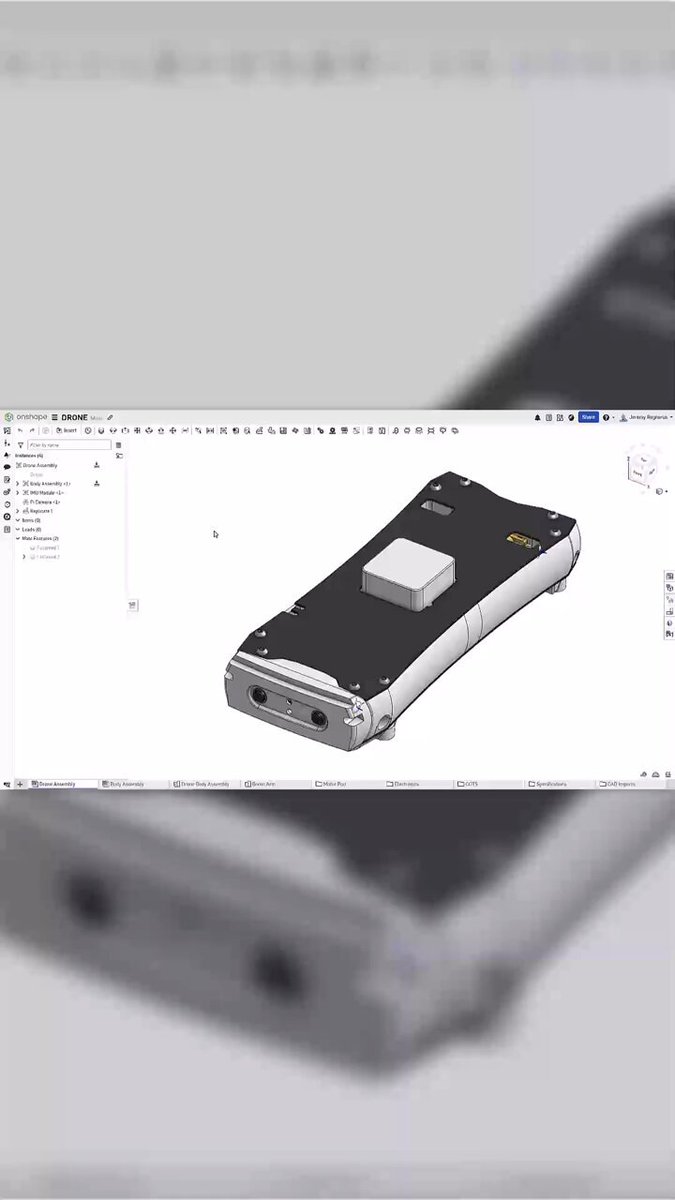
Updated URDF export in Onshape now includes frames, TCPs, and cleaner joint definitions. Mesh exports support adjustable tessellation for STL and GLTF. Less cleanup. More building.
1
4
17
1,015
Jun 3
What if one of the most powerful engineering tools isn’t software, but curiosity?
See how emotional intelligence helps teams collaborate, learn, and innovate faster: onshp.co/Df
2
4
186
Jun 2
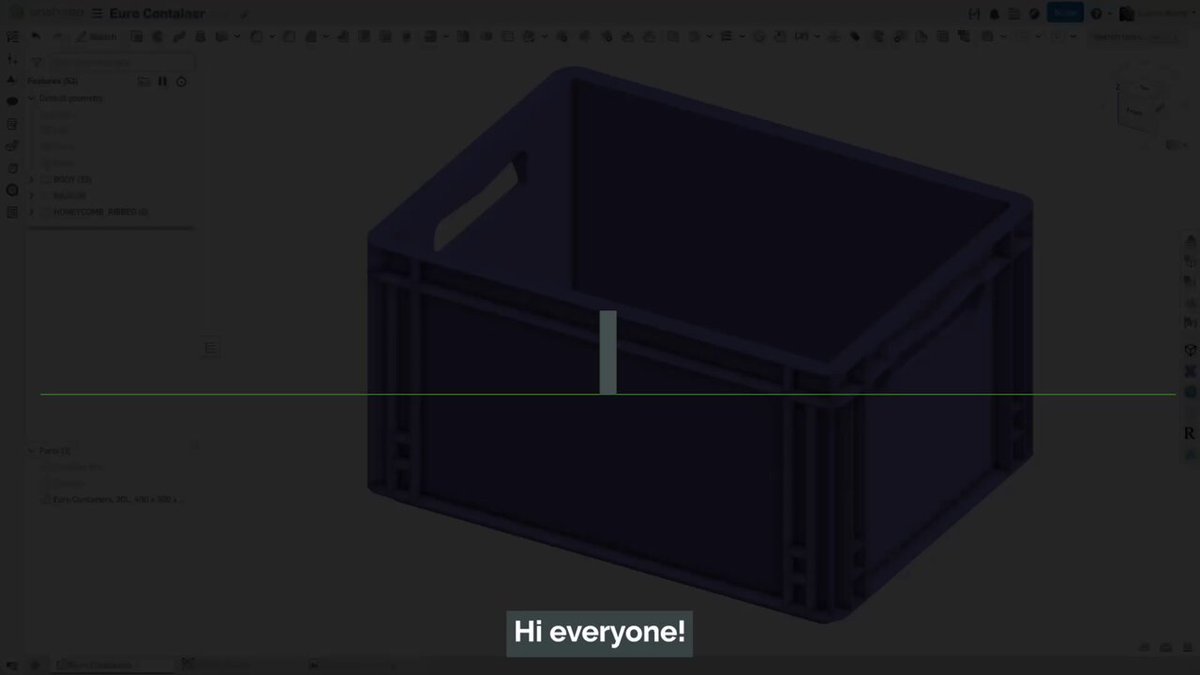
Learn how Onshape’s part modeling tool lets you create a honeycomb rib structure, and how to improve performance when patterning: onshp.co/D1
1
4
25
1,766
Jun 1
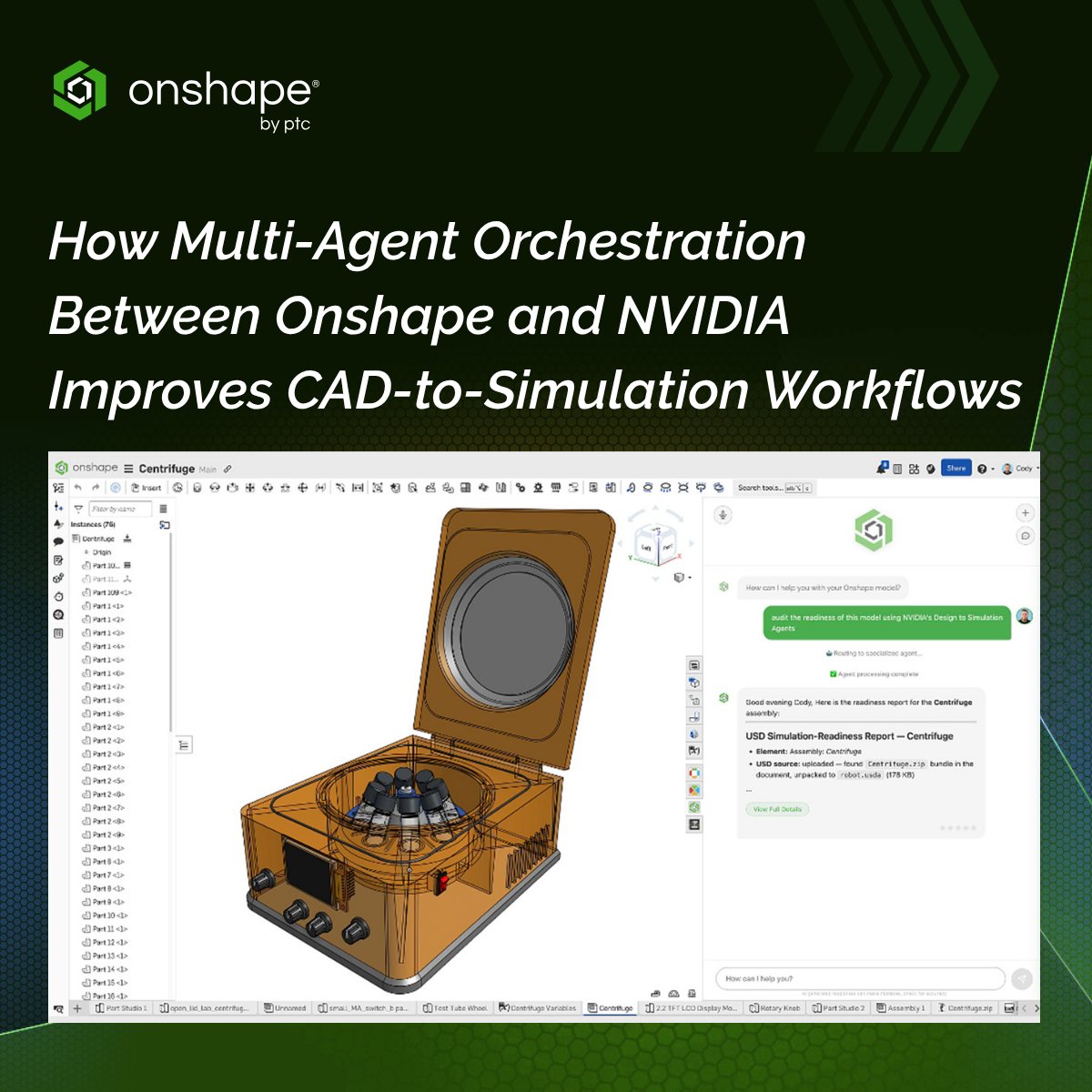
What if your CAD model could prepare itself for simulation?
We’ve been exploring exactly that with a multi-agent AI workflow connecting Onshape and @nvidia Isaac Sim that automatically handles geometry, physics, and materials.
Proof-of-concept → onshp.co/CZ
3
5
210
May 29
Working with complex assemblies just got easier with better access to Mate Connectors. Know how ⬆️
3
10
540
May 28
If your CAD system still depends on specific machines, locations, or file sharing, it’s slowing decisions, collaboration, and production. Here are 3 signs it’s holding your team back: onshp.co/CW
6
215
May 22
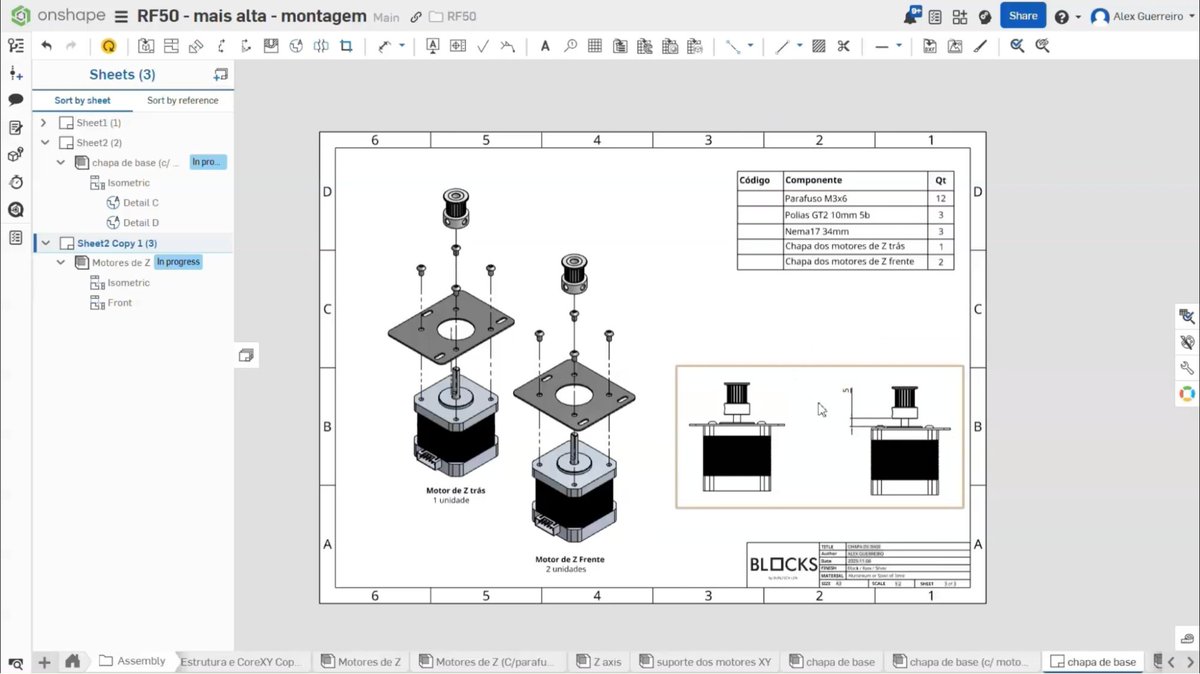
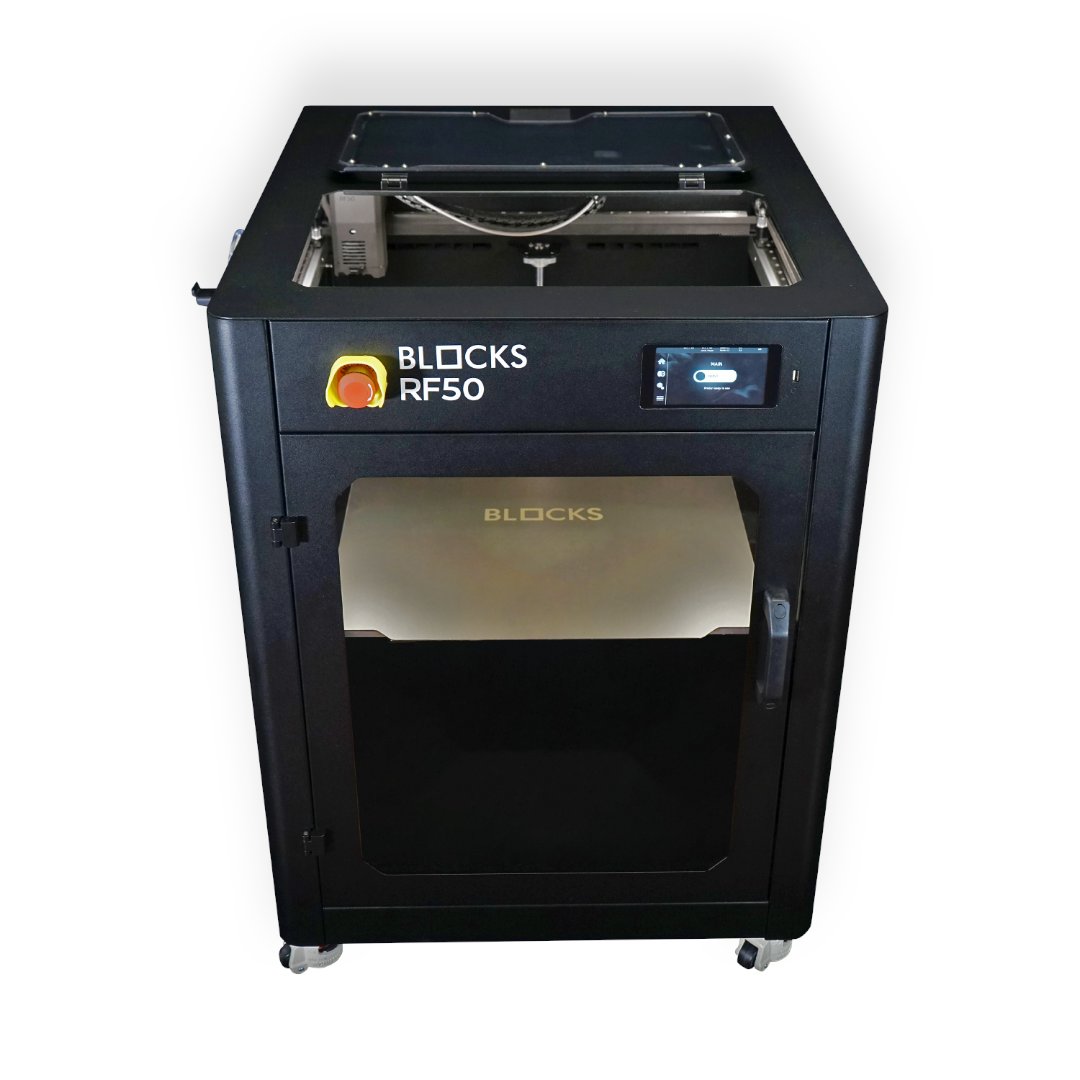
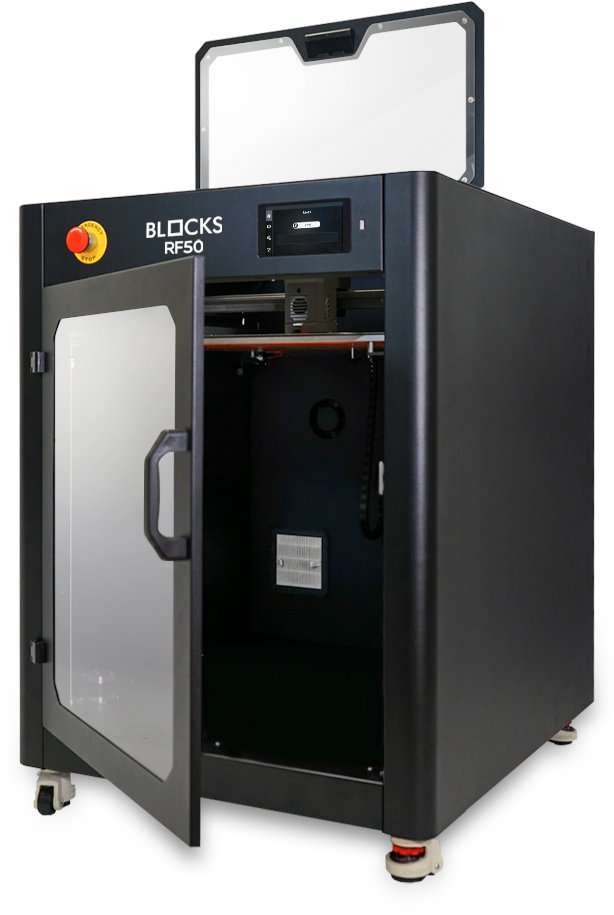
"Enterprise-level capabilities without enterprise-level complexity or cost." - BLOCKS CEO on switching to Onshape. 4,000 engineering hours and €120K saved annually. Read their full story: onshp.co/CQ
1
4
35
2,350
Onshape by PTC retweeted

May 22
What a week at #Design2026 in Cavtat 🇭🇷
It was exciting to connect with engineering leaders from around the world, and hear how teams are thinking about the future of design, collaboration, and product development. Proud for @Onshape to be the main sponsor of this year's event.
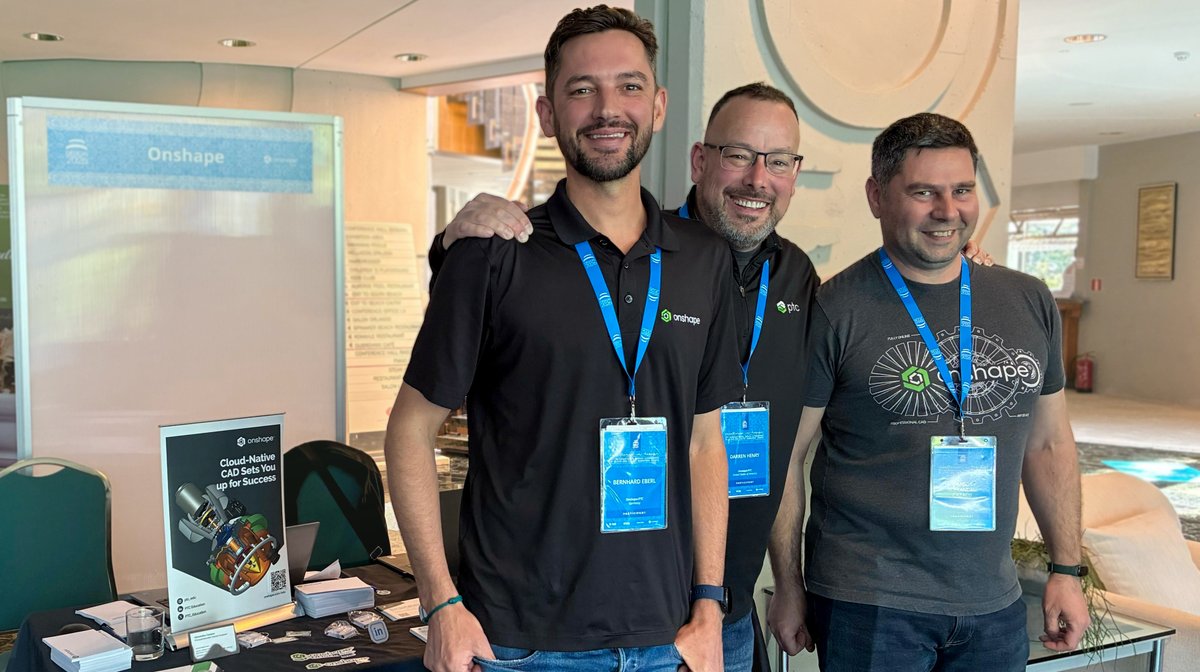
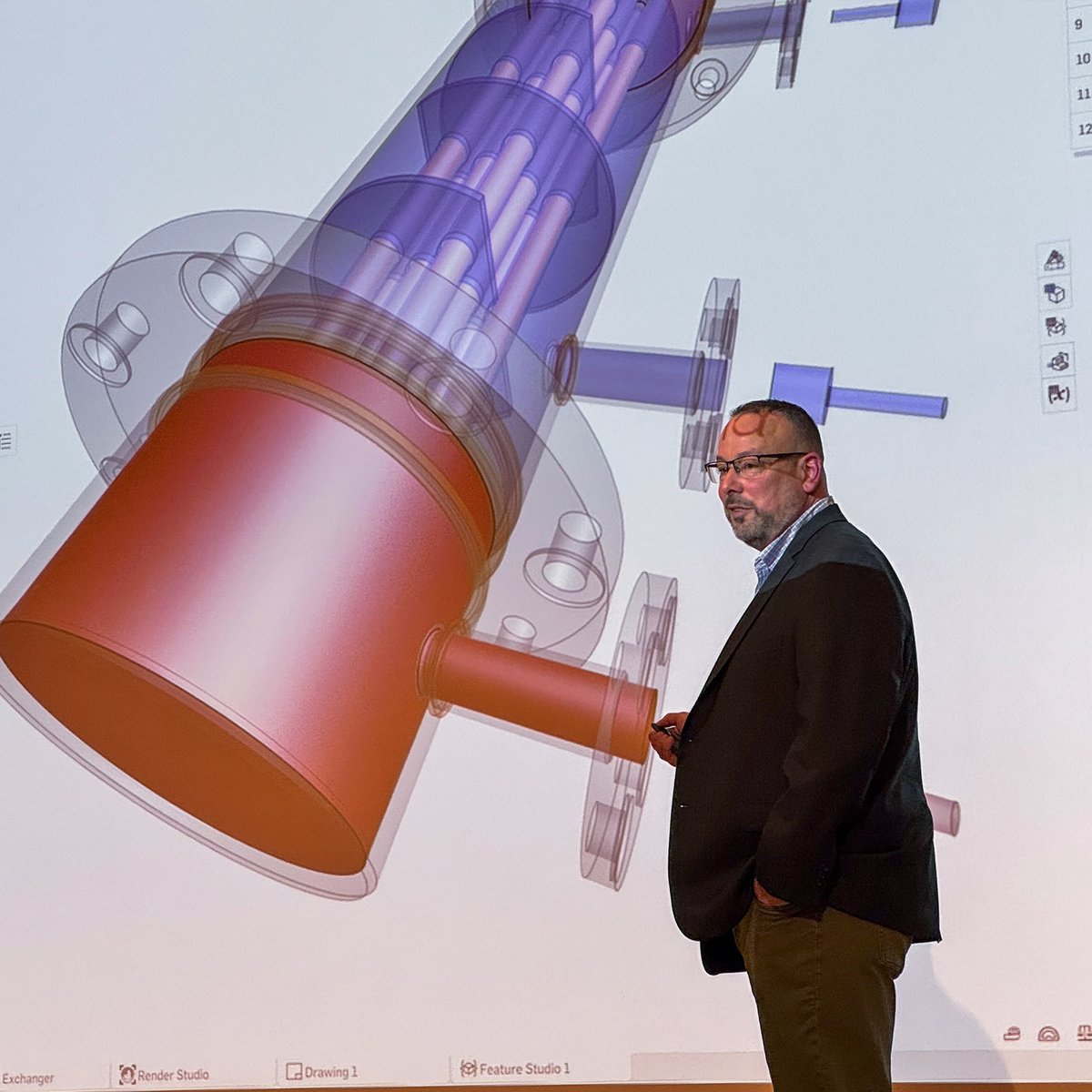


1
2
5
295
May 22
🆕 in drawings: hatch halos that help annotations stay visible over complex patterns.
2
18
826
May 21
Coco Robotics is scaling a delivery robot globally. Their design process runs on a single source of truth that’s tightly connected, always current – powered by Onshape and Arena: onshp.co/CO
1
1
6
290
May 19
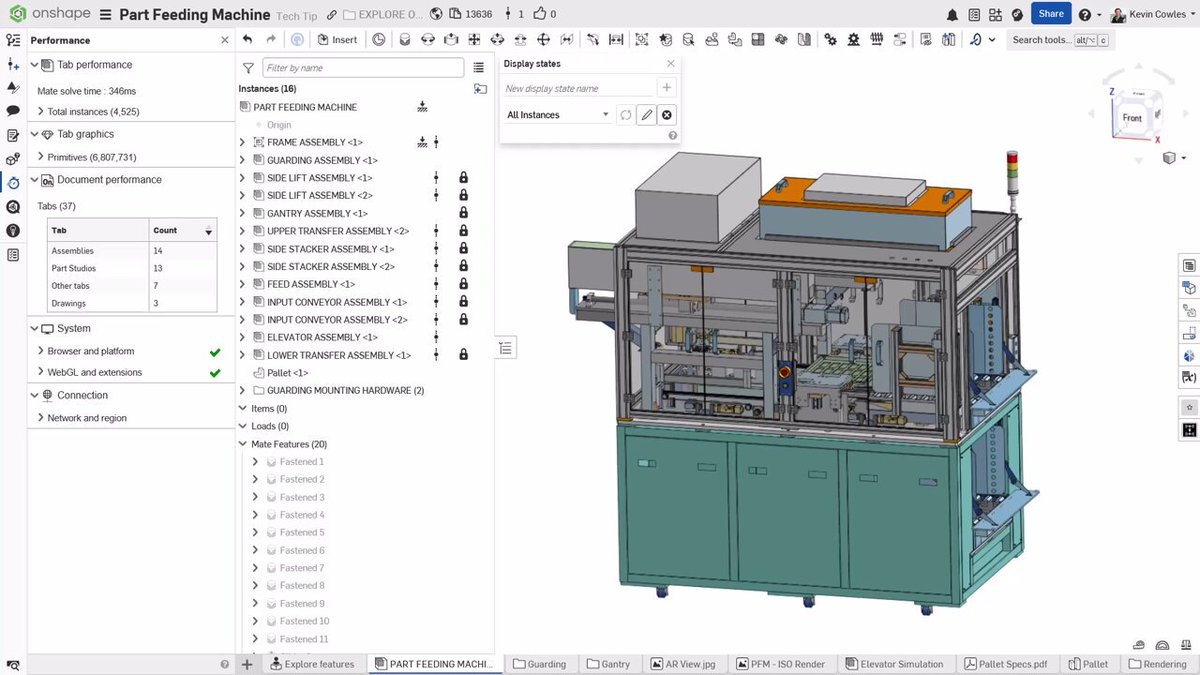
Optimize the performance of large assemblies by referencing rigid or locked subassemblies, making Onshape assemblies faster and easier to navigate. Learn how → onshp.co/CL
1
5
22
1,301
May 18
✨ Onshape’s latest release is here. Highlights include Mate Connectors Referencing a Mate Connector, Explicit Lights in Render Studio Advanced, expanded URDF export, a redesigned CAM Setup dialog, and more workflow improvements. Get all the details: onshape.com/en/resource-cent…
3
7
495
May 15
Seen this? ✅ Now you can move multiple control points at once using a precisely positioned triad. This enables cleaner, more consistent edits with fewer steps and greater control, especially for complex routing geometry.
1
3
9
719
May 14
From ghost check-outs to VPN workarounds, traditional PDM software is often the cause of teeth grinding and neck tension. We rounded up 5 reasons engineers hate PDM, and how Onshape makes CAD work feel a lot less stressful: onshp.co/CH
2
4
323
May 12
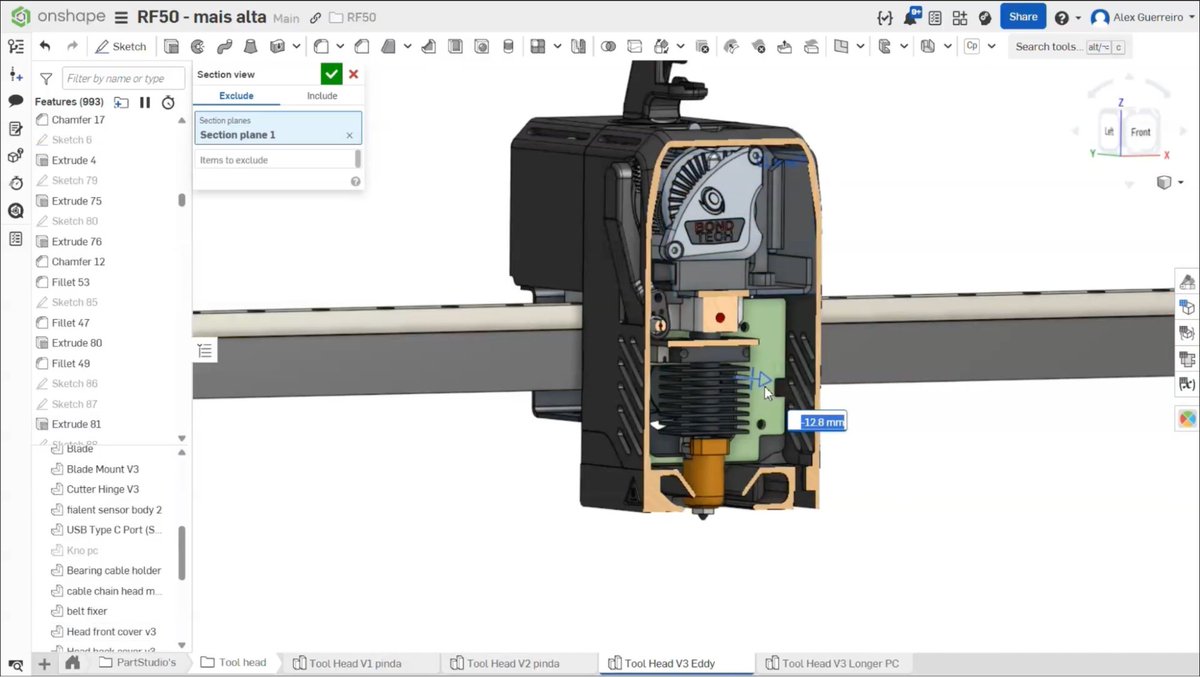
Three quick ways to select covered geometry in Onshape: Y to hide, Shift T for transparency, and ` for Select other. Save this for your next messy assembly → onshp.co/CF
3
17
1,033