
Husband, Father, Educator | PD Specialist @Five_StarTech | M.S.Ed. Instructional Systems Technology @IndianaUniv | Google Certified Educator, Trainer, Coach
Joined December 2010
- Tweets 14,381
- Following 4,465
- Followers 13,202
- Likes 17,342
2,505 Photos and videos








5 Mar 2025
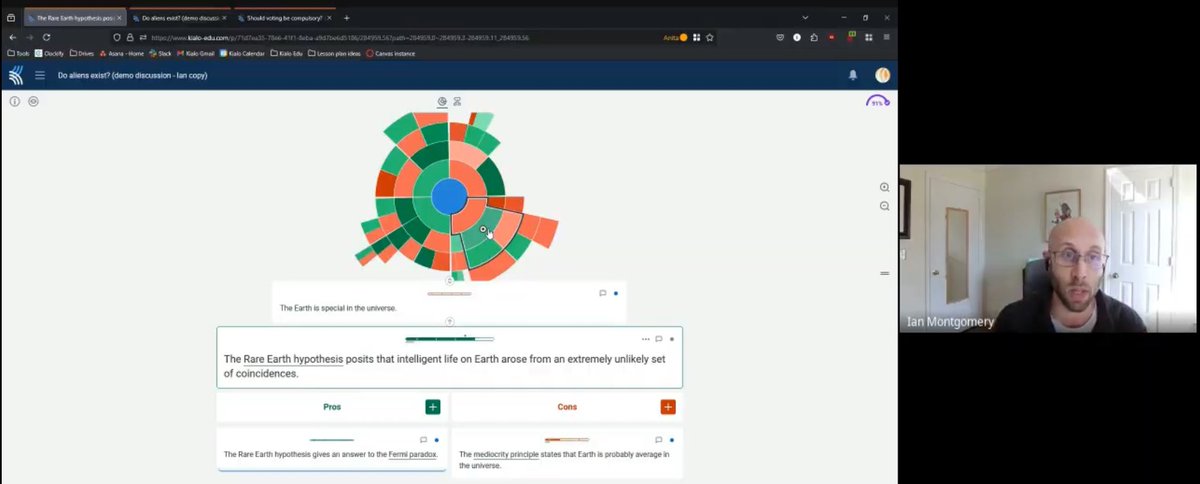
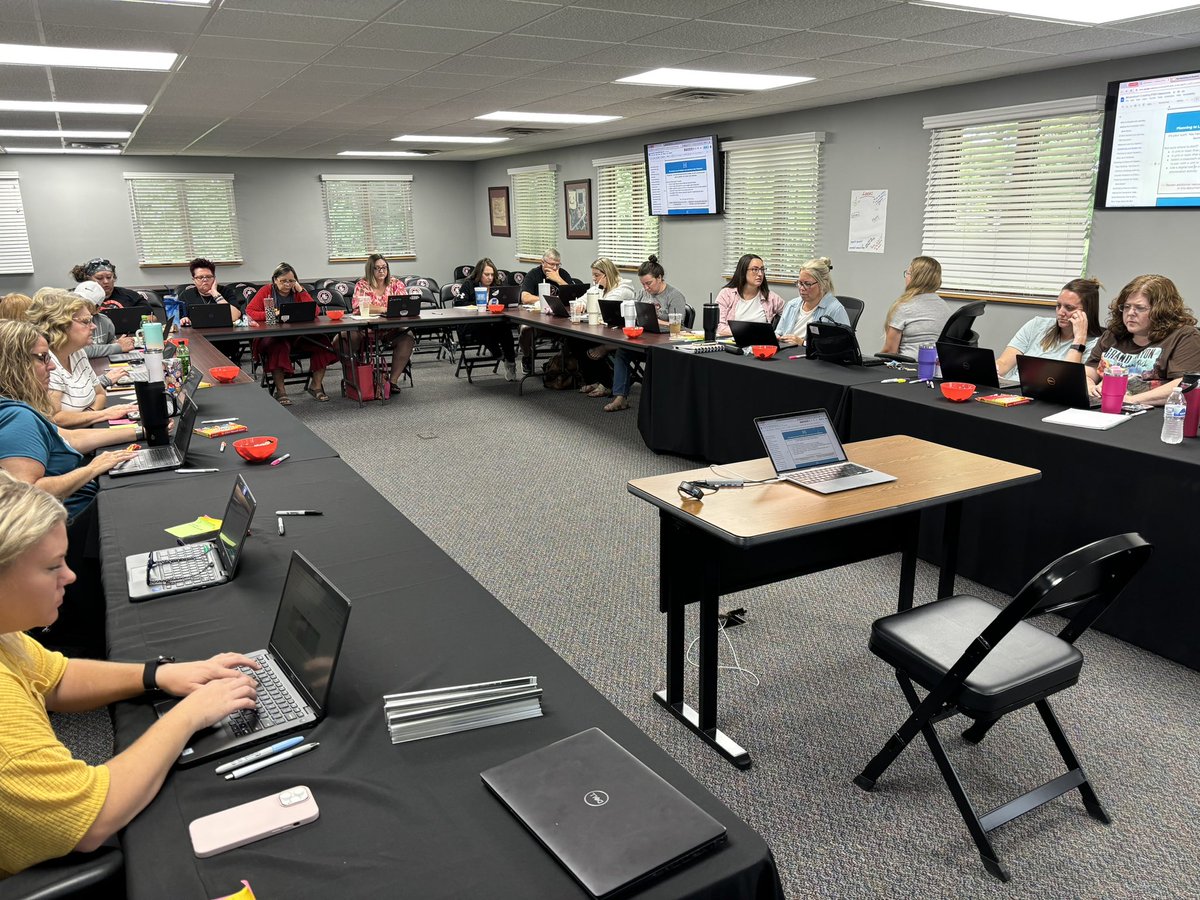
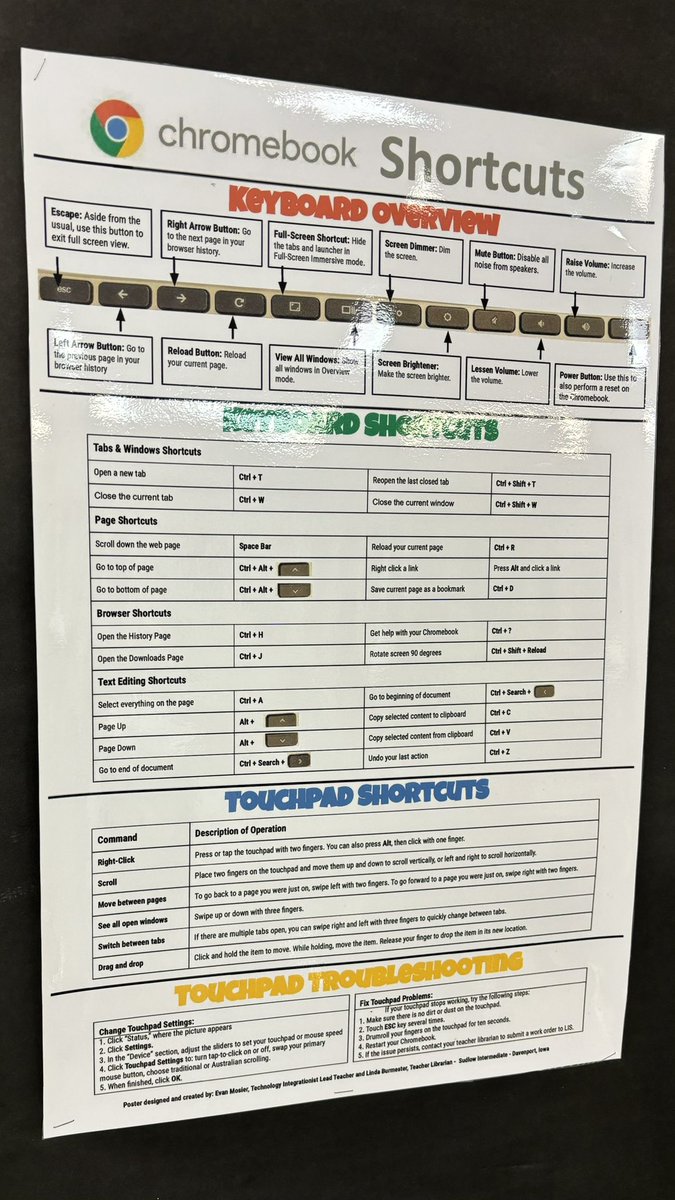
Today the @Five_StarTech PD Team learned more about @KialoEdu... a FREE platform to help students participate in "civil discourse"
Really liked the visual aspect, topic library, and allowing all students the ability to participate in a class discussion.
1
501
3 Mar 2025
Inspried by @ckbasham...
@jmattmiller has amazing templates, but they are only for Slides or PowerPoint😔
Nope🙅♂️
Open template from DTT, download as PDF, upload to @AdobeExpress - get an editable Express file - share as a template or assign using Classrooms🤩
#AdobeEduCreative
2
3
6
1,459
28 Feb 2025
Have you been able to checkout and use Google Gemini in Slides?
281
14 Feb 2025
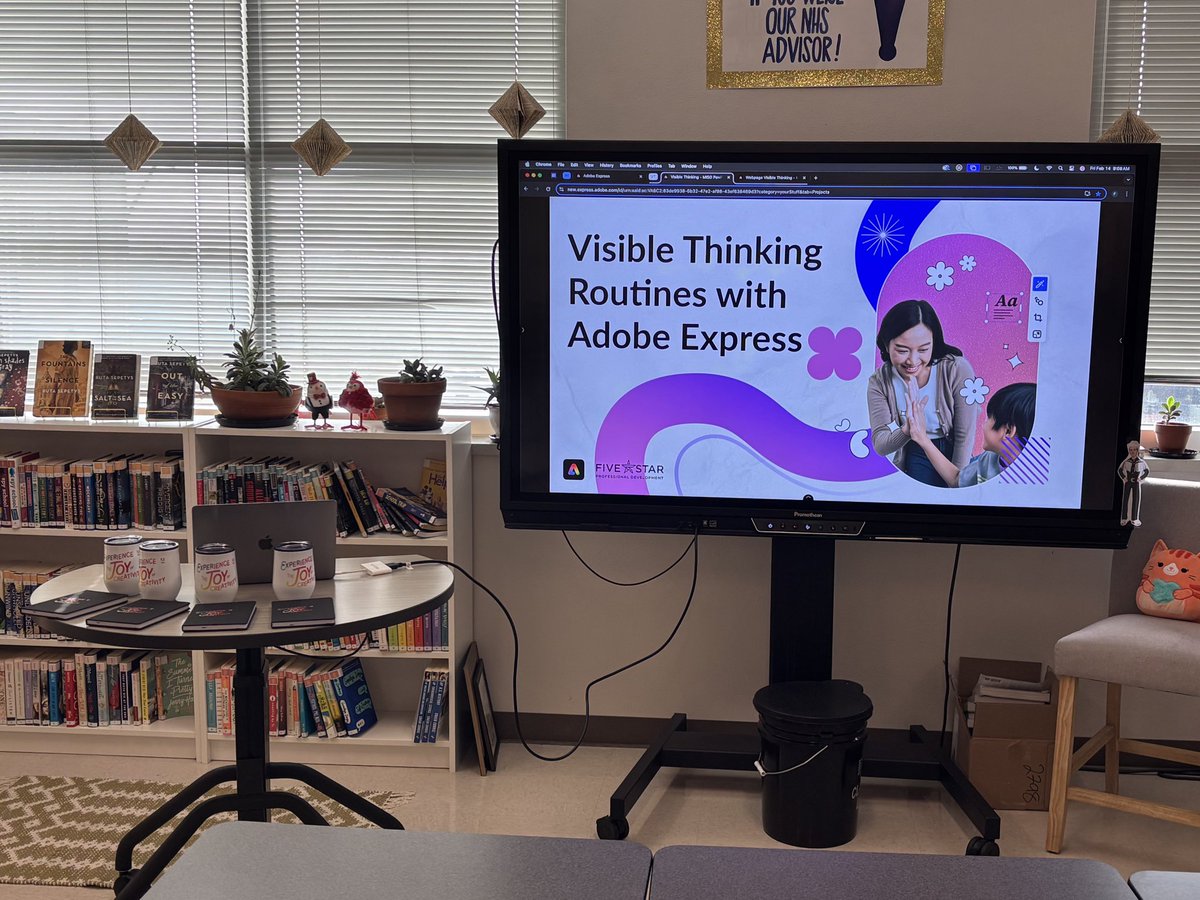
Excited to be at #MISDPawPalooza today sharing @AdobeForEdu @AdobeExpress
#AdobeEduCreative #WeAreFiveStar
231
13 Jan 2025
Good bye snow, hello palm trees. Unfortunately work has me at #FETC this week 😉
Join me and @Five_StarTech colleagues ask we share all the amazing this that is @AdobeExpress in room 220E! @AdobeForEdu #AdobeEduCreative

3
187
3 Oct 2024
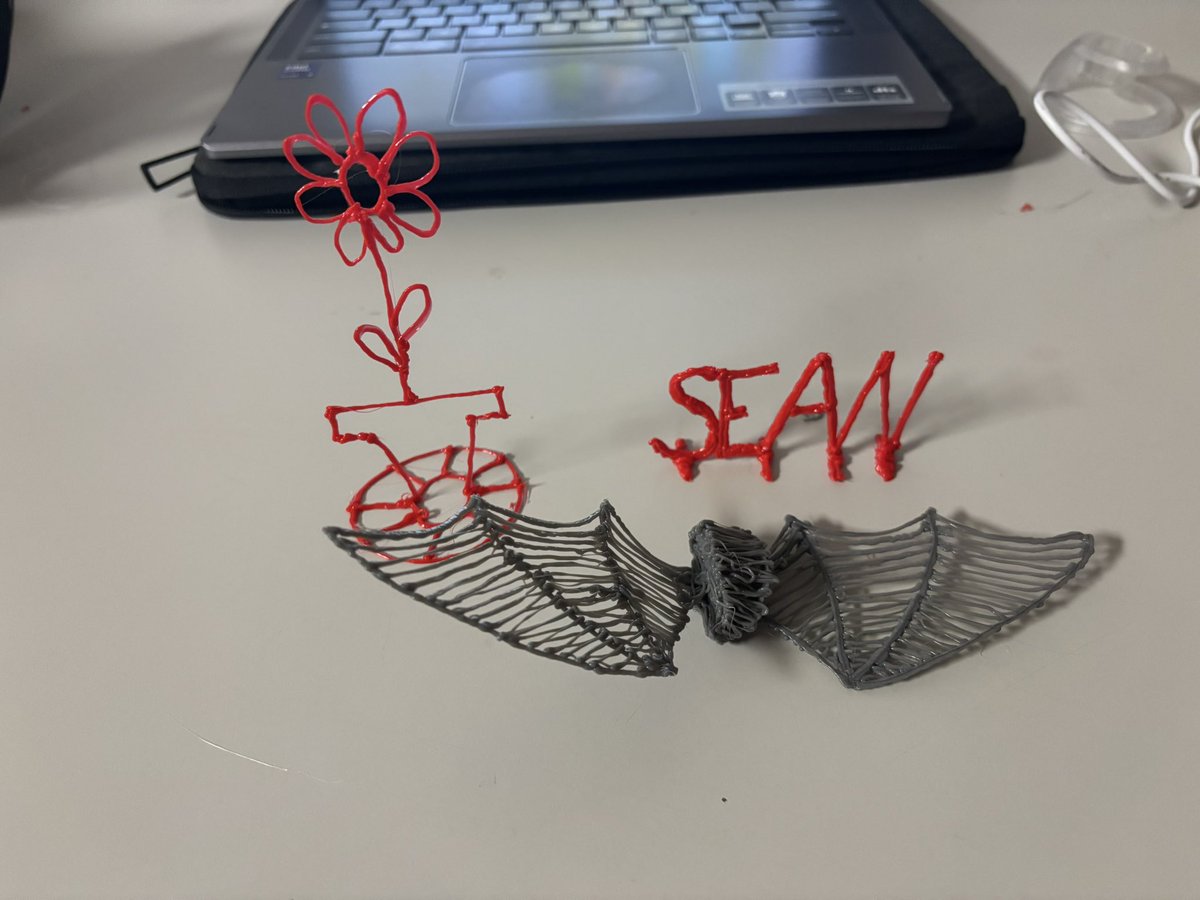
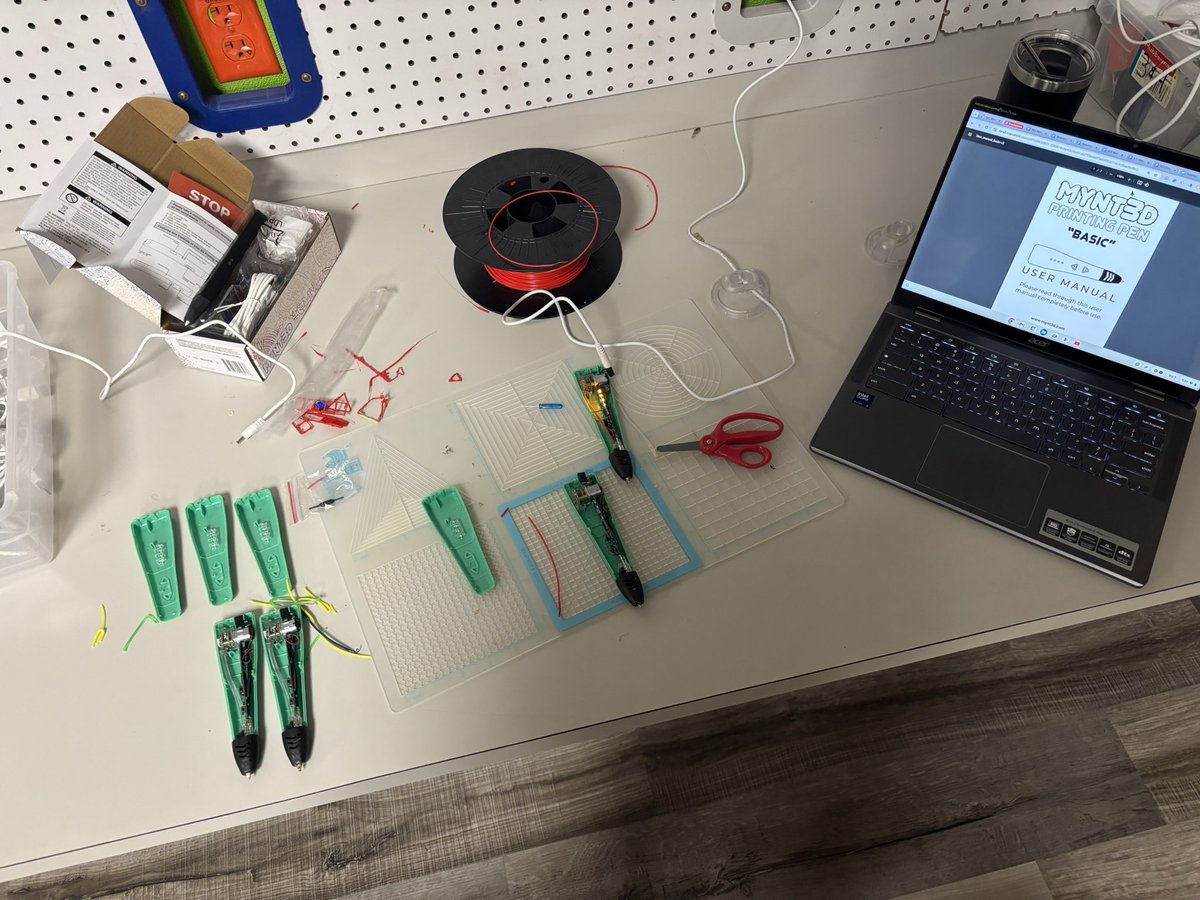
Today in makerspace coaching I learned about 3D pens to help the new teacher. After testing and trying some out we realized 4 didnt work. Perfect time to practice that maker mindset and troubleshoot! 🧠🧐
After taking them apart, 3 of 4 were successfully fixed & operational🪛
1
243
24 Sep 2024
Hey! There is still time to register for this FREE webinar. We will be highlighting all the new updates and features in Google Classroom.
Register Here: streamyard.com/watch/uhvSZc9…
1
1
725
28 Aug 2024
Looking for go-to #makerspace resources, activities, challenges, curriculum. I'm supporting a new K-5 educator that needs ideas for lessons. (The simpler the better for now) Students attend the makerspace class once a week during their special rotation schedule. #STEM #edchat
1
2
229
Sean Fahey retweeted

1 Aug 2024
Don't ✨flip ✨out. Our video tools aren’t going anywhere! Check out #Screencast & #GoogleVids for easy video creation tools that make teaching & learning more engaging & collaborative.
More on Screencast: goo.gle/4d25wLN
More on Vids: goo.gle/3Wd37b3
1
35
98
13,676

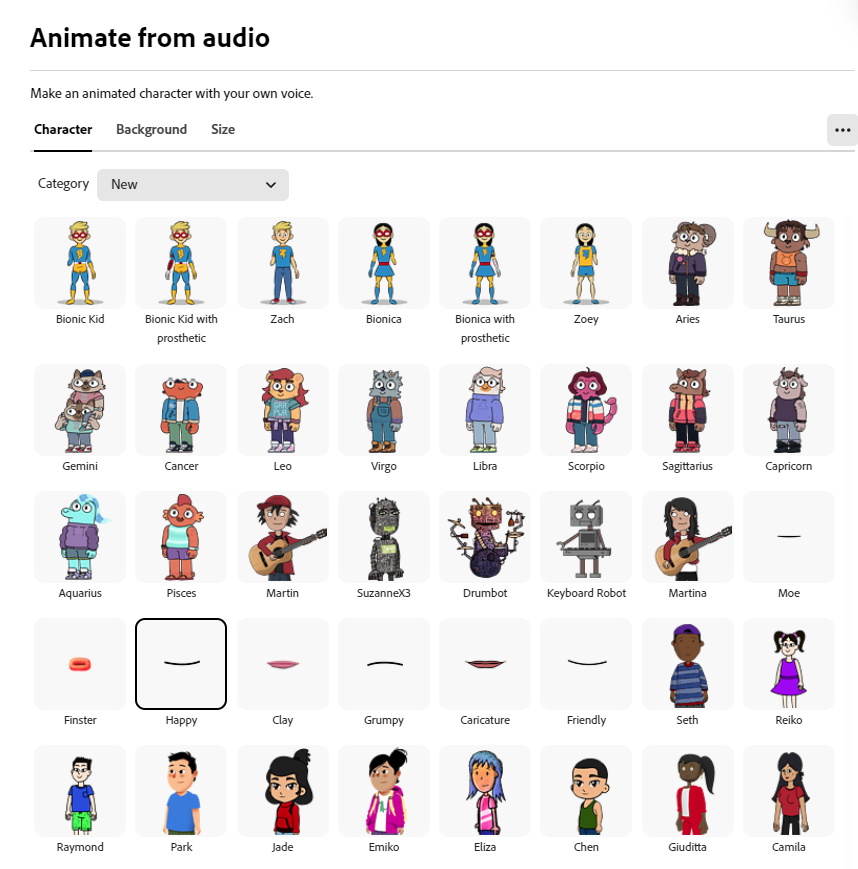
We partnered with our good friends at @Limbitless3D to bring characters that celebrate limb diversity and the incredible capabilities of prosthetics to life. Zach, Zoe, Bionic Kid, and Bionica can all now be animated with @AdobeExpress Animate from Audio.❤️
#AdobeEduCrative
3
6
32
1,266
15 Jul 2024
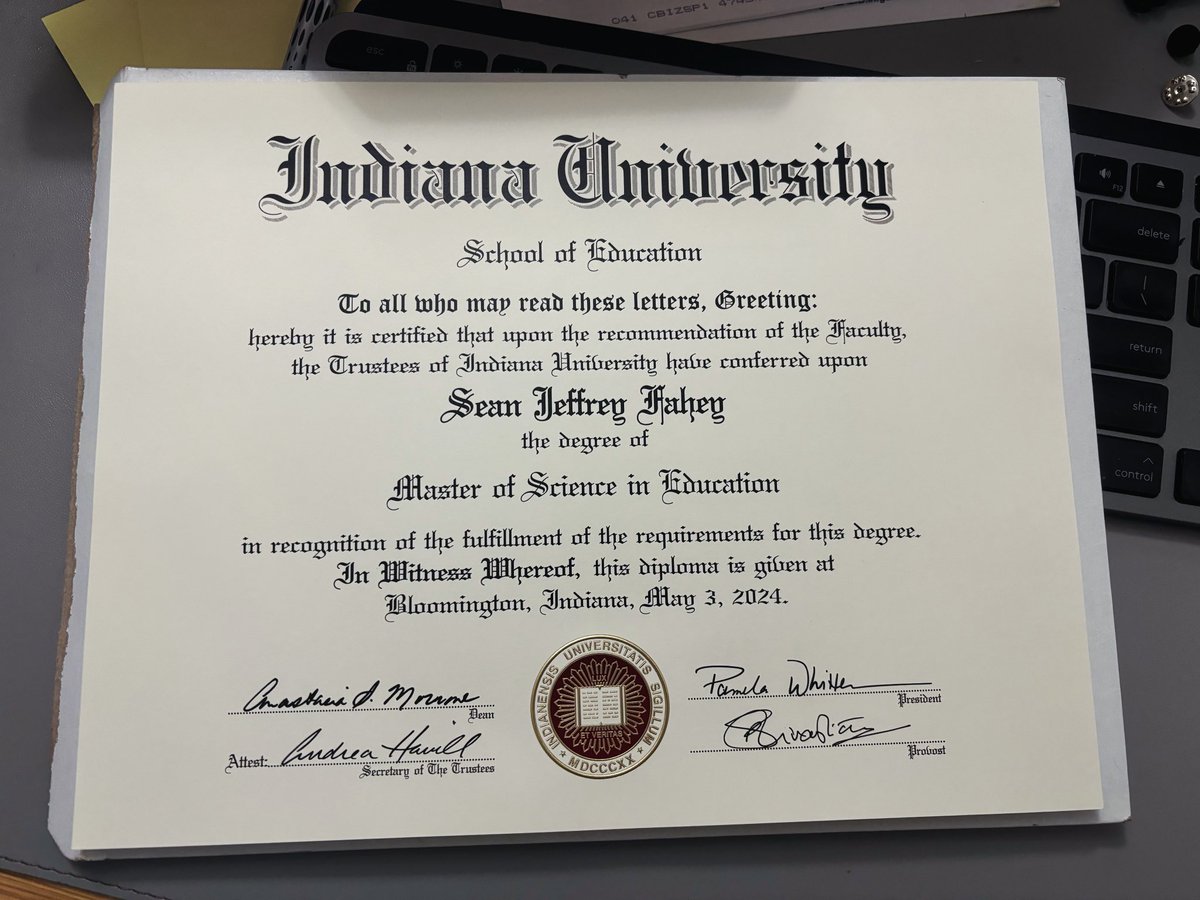
I guess this makes it officially official now that I have the paper! #mastersdegree
5
15
465
5 Jul 2024
Bonus day off and #FlipgridFriday means working in the humidity sweating & fixing my mower while wearing a "slightly" worn Flipgrid #StudentVoice shirt!
2
4
23
1,823
25 Jun 2024
#7, #8, #9 🔥🔥🔥
24 Jun 2024

20 NEW Adobe Express Updates in 20 Minutes x.com/i/broadcasts/1eaKbgapa…
1
246
17 Jun 2024
Just completed the Generative AI for Educators course from Grow with Google skillshop.exceedlms.com/stud…
1
158
6 Jun 2024
Alright. Let's go @Screencastify Submit. 👏
This is an excellent option for those educators losing access to Microsoft Flip. I never realized the submit feature had this potential.
It's not free, but the promo code at the bottom makes it reasonable IMO
ortto.app/-/m/view-online?k=…
1
3
8
1,086
Sean Fahey retweeted

5 Jun 2024
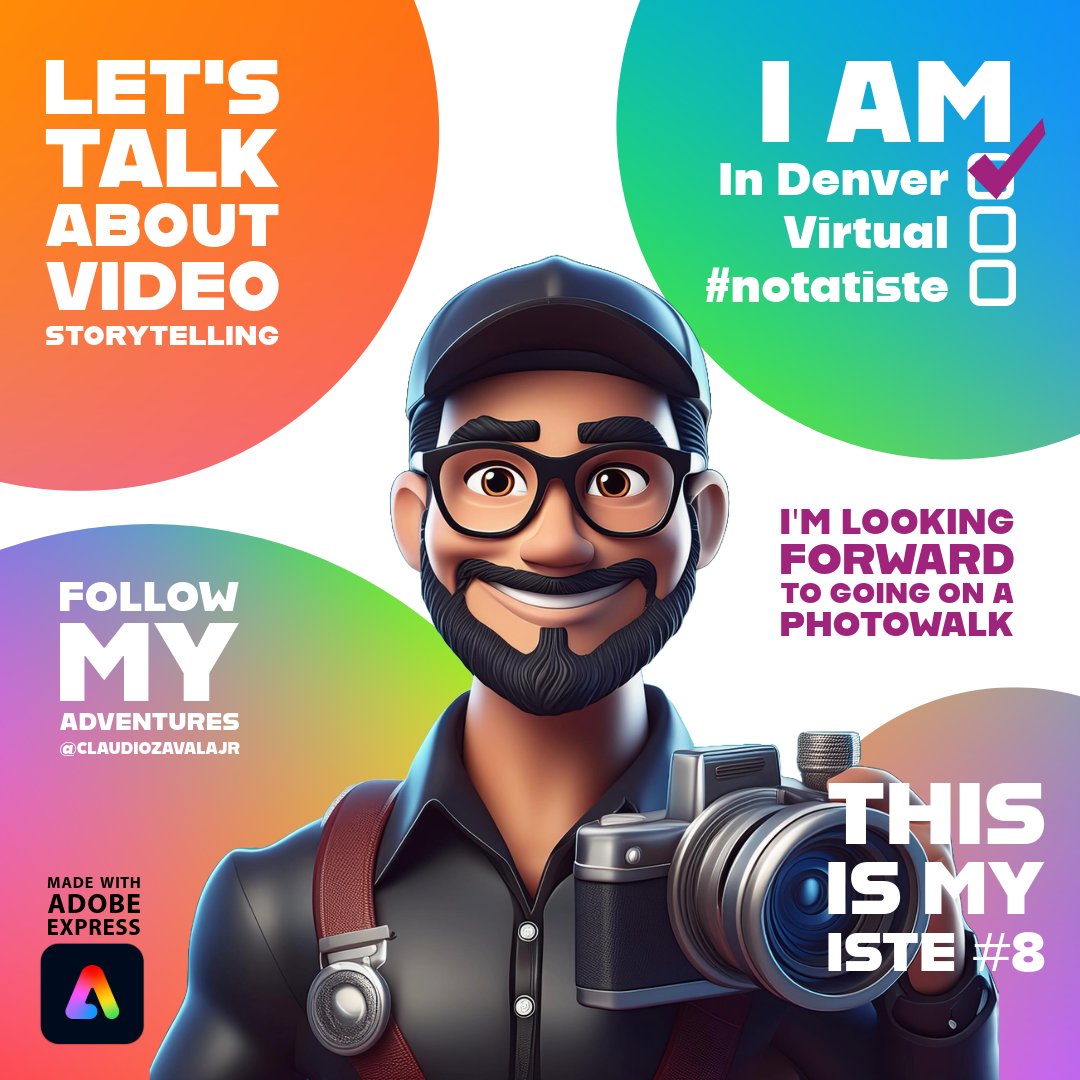
📣 Hey friends!! 📣
Who's going to #ISTE?
Share you excitement using @AdobeExpress
Remix this ➡️ adobe.ly/eduiste24remix
Have fun creating ✌🏾
#AdobeEduCreative #notatiste @AdobeForEdu
8
9
54
12,923
5 Jun 2024
Recordings go to a folder in Drive & there is an option to allow students to see each others. Use the commenting feature to add text or a link to a new video message made with Screencastify. This is a no-frills way to provide the pedagogy & community of learning Flipgrid created!
4 Jun 2024

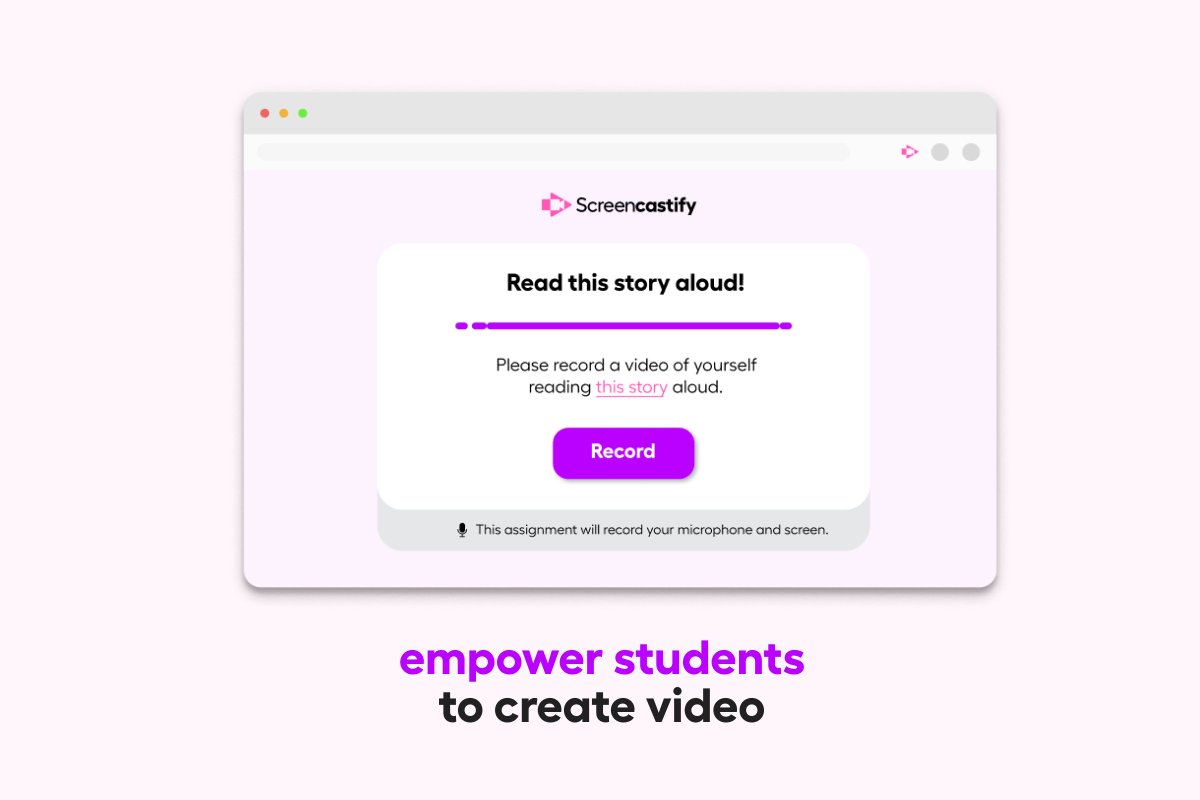
👀 Looking for a way to create student video assignments?
📥 Screencastify Submit is a fast, secure, and easy way for teachers to enable students to record and submit videos!
🎥 Create video assignments that allow students to record with just a click—there’s nothing for them to install or download. Videos are automatically added to Google Drive for easy access.
Learn more and try it free: screencastify.com/products/s…
5
1
8
1,647