Let’s talk about the future of design tools. @DannPetty and @ScottBelsky will have an open conversation about Adobe’s intent to acquire @Figma. Tune in live tomorrow, 9/21 at 12:30 PM PT. Key info: adobe.ly/3BEzZ2n
Attention Designers:
We’re joining again to chat about the @figma@Adobe acquisition — this time with the Adobe team featuring @scottbelsky.
Again, I’m just opening a space for open conversation for everyone. Come chat!
Need a few co-host. DM me.
x.com/i/spaces/1mrxmkpjDqwGy
Hey there, @figma! Excited that you're joining us and bringing all sorts of new possibilities to the table. We look forward to the road ahead.
Key info: adobe.ly/3BEzZ2n
💰 How do you retain users past the trial period of your app and, critically, get them to upgrade to a paid plan? This article explains how to optimize the onboarding experience. 👇 shopify.com/partners/blog/ap…
👩🏿💻 Save the date! This Thursday, 15 Sept @ 4:30pm PT #AdobeXDAmbassador @nitheetechie will share her knowledge on what to expect if you are considering an experience design career in the Education Technology industry. Find out more and register here! 👇🏾 crowdcast.io/e/getthatjob_ed…
📺 Tune in with product designer Alejandro Aguilar on Adobe Live right now as he shows you how to design a portfolio website in Adobe XD. Join the stream here! 👇 adobe.ly/3xdwq0y
ALT A promo graphic for the Adobe Live stream with Alejandro Aguilar featuring a portrait shot of him, the title of the Adobe XD session (Showcase Your Portfolio for Potential Clients), and three smartphone screens.
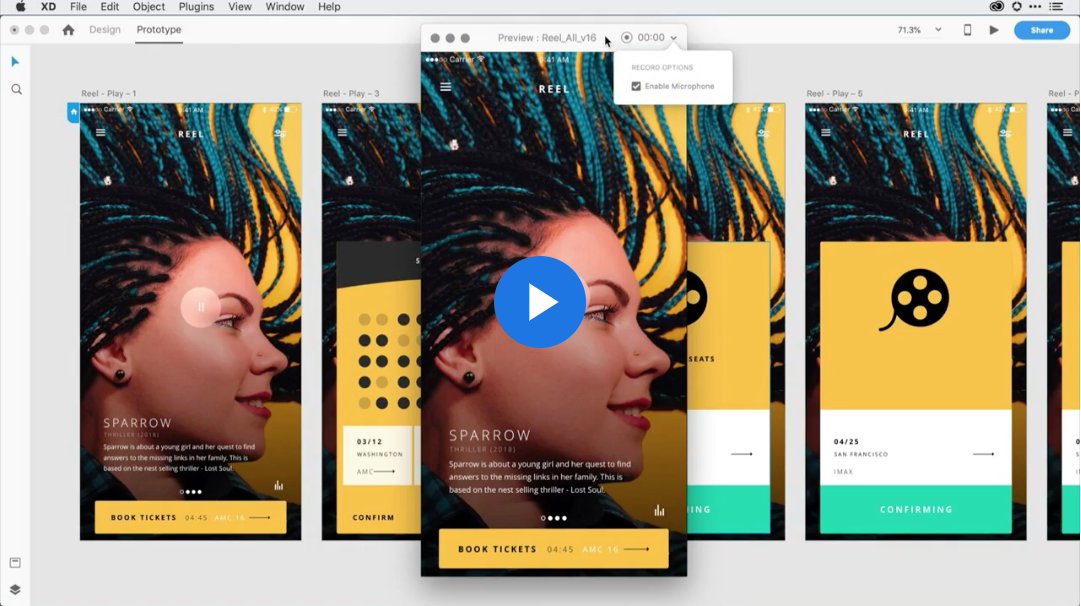
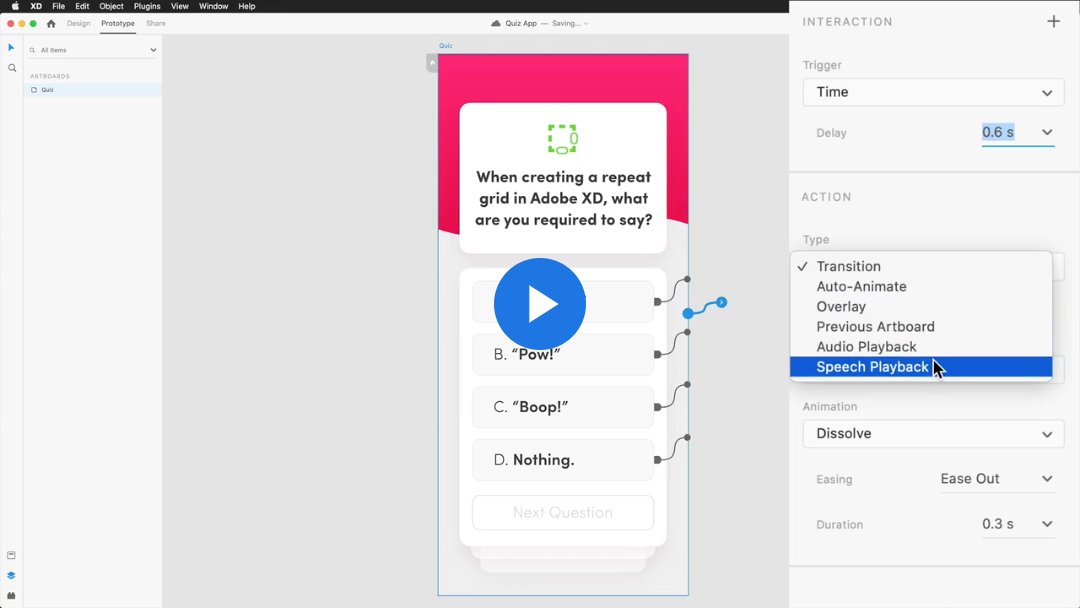
🎤 Record prototypes with narration in Adobe XD to better communicate design decisions and intent: adobe.ly/3To851v
ALT A screenshot of Adobe XD that demonstrates how, in prototype mode, you can click on the desktop preview icon in the upper right hand corner. In the preview a box on the right is ticked that allows you to enable the microphone.
Join Tarrea Tolbert for a two-part livestream (hosted by #AdobeXDAmbassador@elsaaamri) on how to create a travel mobile app using Adobe XD. Part 1 is starting in just a few minutes!
📅 Wed, 7th Sep and Thurs, 8th Sep
🕐 12-2PM PT | 10PM - 12AM EAT
adobe.ly/3cT7pkk
ALT A promo graphic for the Adobe XD livestream with Tarrea Tolbert featuring her headshot, the title of the session (Design Your Own Travel App), the category (Mobile App Design), and a couple of smartphone screens.
📉 This designer’s survival guide to economic uncertainty includes some handy tips on keeping your job and landing your next one. 💪 builtin.com/design-ux/recess…
Create awesome parallax effects for your website! In this video tutorial (which includes a practice file), #AdobeXDAmbassador@AleksandarCucu shows us that it's as easy as pie to implement. 🥧 adobe.ly/3AEbEb0
🔴 🟥 Learn how to use the pathfinder tool in Adobe XD to combine shapes! Our #AdobeXDAmbassador@elsaaamri created a quick tutorial on Instagram to get you started! adobe.ly/3AsEnja
ALT The intro image showing the title for Elsa Amri's Adobe XD Basics tutorial: Merging shapes with pathfinder.
ALT The second step in Elsa Amri's Adobe XD tutorial states that the pathfinder tool allows you to combine shapes to create compound objects. These shapes can be created using the pen tool or shape tools.
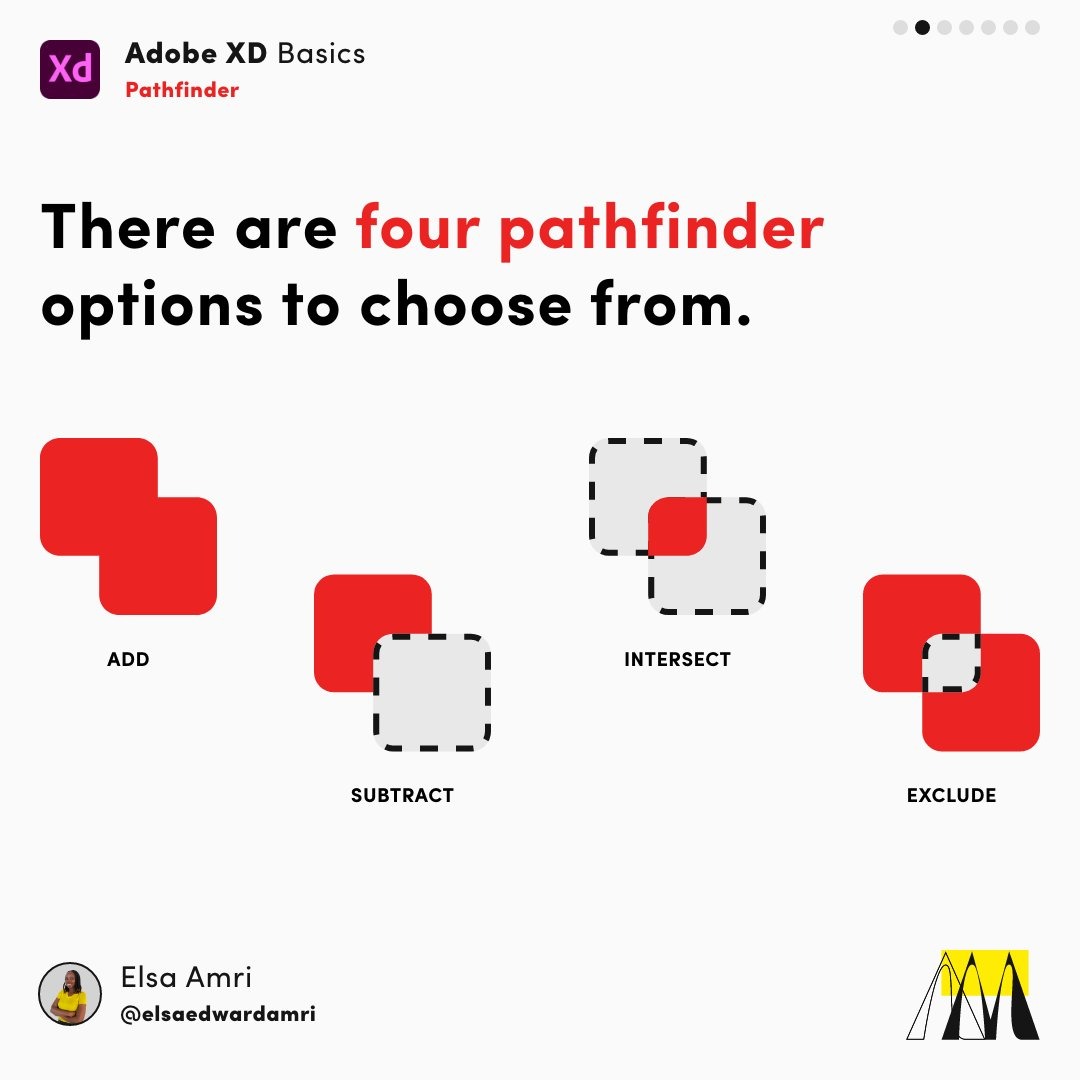
ALT The third picture in Elsa Amri's Adobe XD tutorial on the pathfinder tool explains that there are four pathfinder options to choose from: Add, Subtract, Intersect, and Exclude.
🤯 In the age of information overload, designers have to adapt to new user behaviors. This article covers 5 principles that will help you serve users with short attention spans. builtin.com/design-ux/design…
📽️ Watch back the latest episode of Talkin' Design, in which @mattraeca and @caitlyndburke chat with Alyssa Phillips about the ups and downs of launching a freelance design career! 👇 adobe.ly/3RfP2Vk
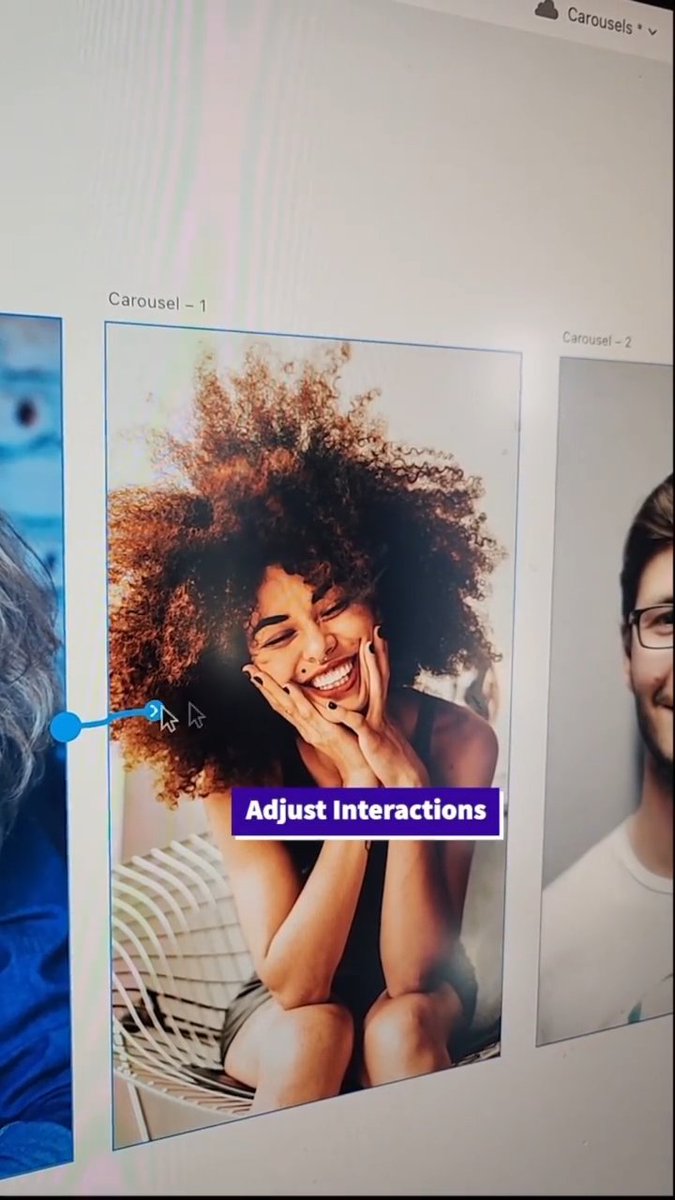
Check out this awesome collection of Adobe XD tips and tricks, compiled by @TadekWadas. Covering @lottiefiles animations, video, components, 3D transforms, and more! Thanks for sharing, Tadek! 🙏 adobe.ly/3AMOikS
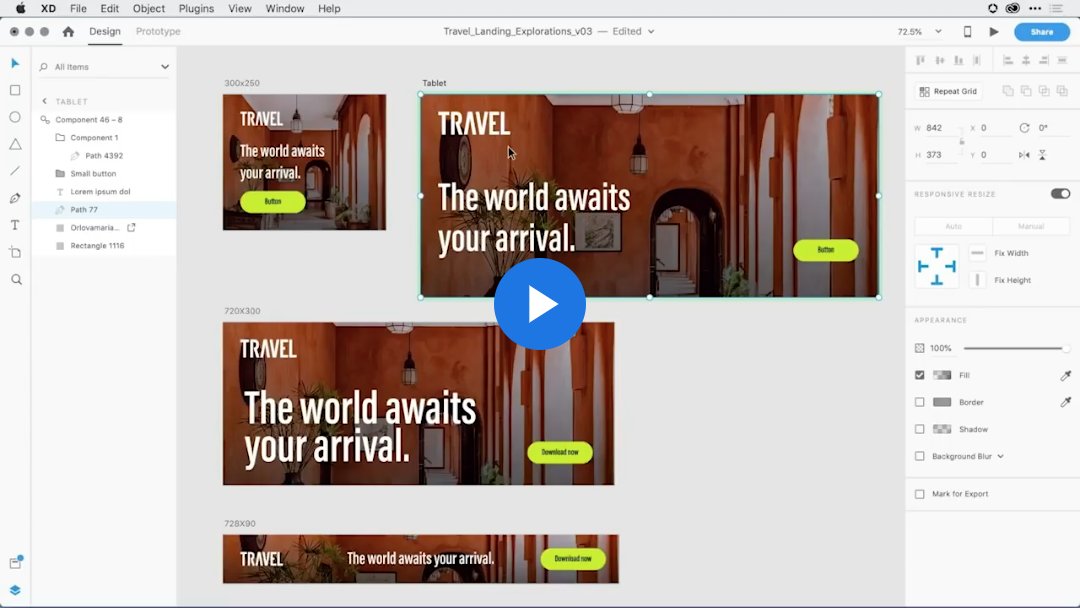
🖥️ 💻📱 Resize components in Adobe XD to fit a variety of screens: adobe.ly/3wARrBR
ALT A screenshot demonstrating how to combine the power of components and the responsive resize feature in Adobe XD to design for varying screen sizes.