
Pro tools for the Apple ecosystem. Built by ex-Apple engineers.
Joined January 2015
- Tweets 4,231
- Following 546
- Followers 6,460
- Likes 4,359
689 Photos and videos


Astropad retweeted

May 24
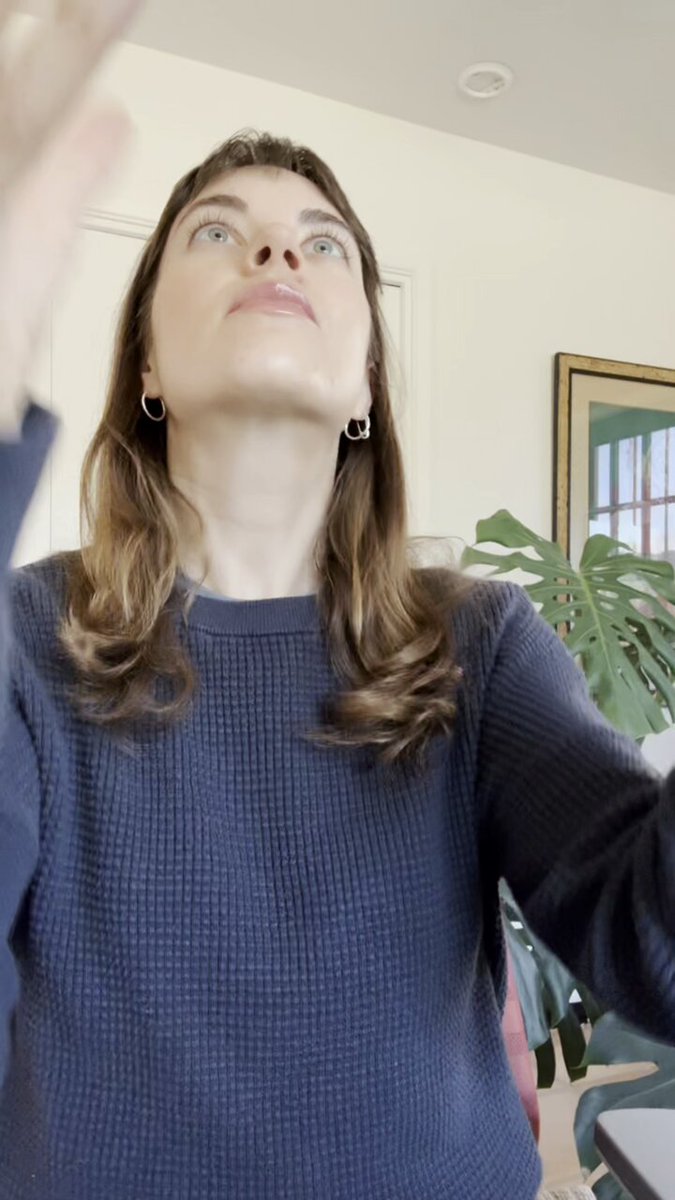
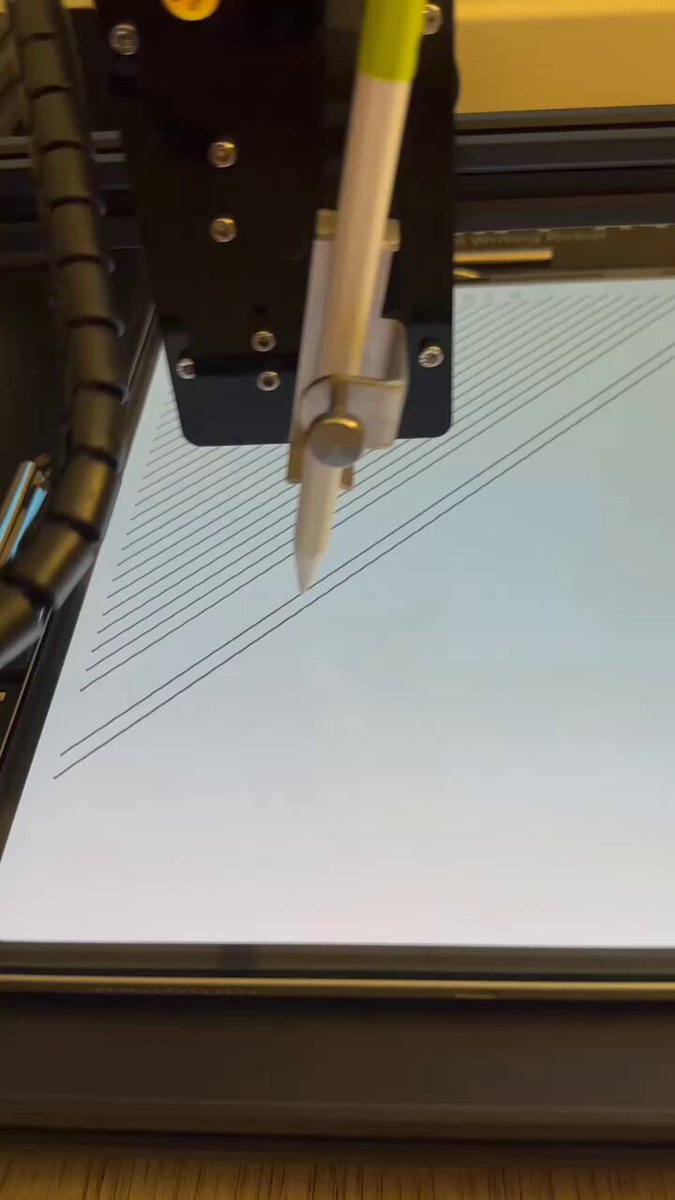
My MacBook Pro is closed, but I'm controlling it from my iPad.
Demo 👇
41
40
891
197,486

Running AI agents on a headless Mac Mini? Check logs, monitor outputs, and restart stuck tasks — all from your iPhone.
2
9
158
1,110,228
Astropad retweeted
May 13
The iPad is my favorite way to remote into a Mac.
• Magic Keyboard just works
• Unified display matches the iPad screen
• Apple Pencil for precise clicks and Pencil-native drawing
Cramped VNC viewer this is not. Here's a short demo:
13
9
225
49,239
Astropad retweeted
May 11
Do you need a HDMI dummy plug for your headless Mac Mini?
No.
Here's why and what to do instead:
2
4
26
8,203
Astropad retweeted
May 7
I've been running my Mac mini headless as an always-on AI agent host for months.
Here's my full setup video (3min) covering:
• FileVault auto-login
• Sleep settings
• Remote access
• Reaching it from anywhere (yes, even from your phone)
13
18
420
287,208
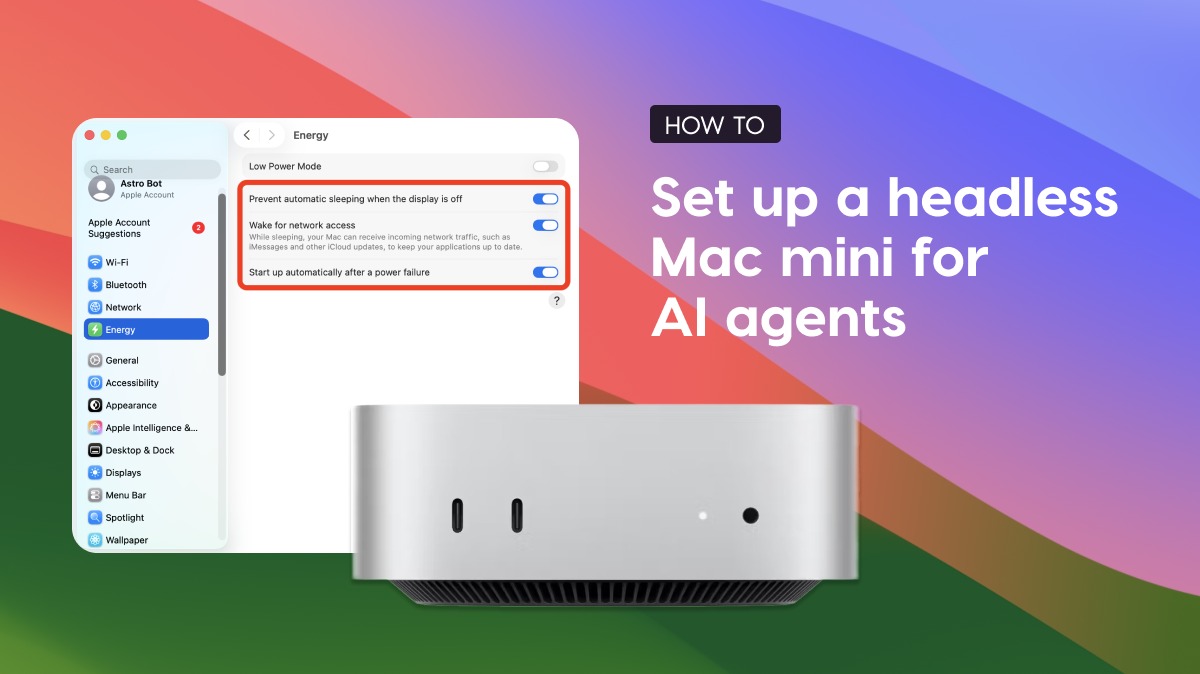
Running a Mac mini for AI agents? Our setup guide covers:
System settings for a truly headless setup (FileVault, sleep, auto-login); Quirks to watch out for (spoiler: dummy plugs are mostly a thing of the past); and how to connect over remote desktop apps, SSH, VPNs, and more.
1
11
114
468,456
Astropad retweeted
Apr 28
Workbench 1.2 just shipped - Remote desktop for your headless Mac from iPhone or iPad.
New stuff:
- Full Screen Unified Display on Mac
- Speech-to-text for non-English languages
- App stays connected in the background
- Improved zooming on iPad/iPhone
- Improved Intel Mac support
- Login stability fixes everywhere
- Option to hide the dock icon
Stick around to the end of the video for a little surprise 😗
16
12
167
22,114
Astropad retweeted
Apr 27
The iPad's external display support is underrated.
I connected my iPad to a Studio Display and ran Workbench. Now my headless Mac mini (back in Minneapolis) is running full-screen on a 27" display in Ohio.
Remote Mac on a Studio Display through an iPad. Pretty wild. 🤯
20
15
399
64,434
Workbench is live on @ProductHunt today! 🚀
Remote desktop for the AI era. Not IT support.
Built by ex-Apple engineers for devs running agents on headless Macs.
producthunt.com/products/wor…
7
1,339
Astropad retweeted
Apr 14
Xcode on my iPad.
Yes, really.
Headless Mac mini running Xcode in the corner. The AI writes code, I check the simulator from my iPad through Workbench whenever I want.
Demo 👇
4
8
45
8,628
Astropad retweeted
Apr 9
Yesterday: iPad demo
Today: iPhone demo
Same headless Mac mini setup, but now you can manage AI agents from your pocket.
Here’s a quick demo of how I remotely connect from anywhere with my iPhone to monitor what’s happening, and take over when needed
61
117
2,502
4,706,316
Astropad retweeted

Apr 8
Workbench is by far the easiest, most stress free way to gain remote access to a Mac from another device. Period.
I've tried a range of different Remote Desktop apps over the past few months, mainly because I love working on my iPad but need access to apps and services I can only access on my Mac. I've tried Screens 5 and Jump Desktop in combination with BetterDisplay to try and match the iPad's resolution. They all kinda worked but each had their own kinks.
Workbench setup on the other hand was seamless... almost native.
Apr 7

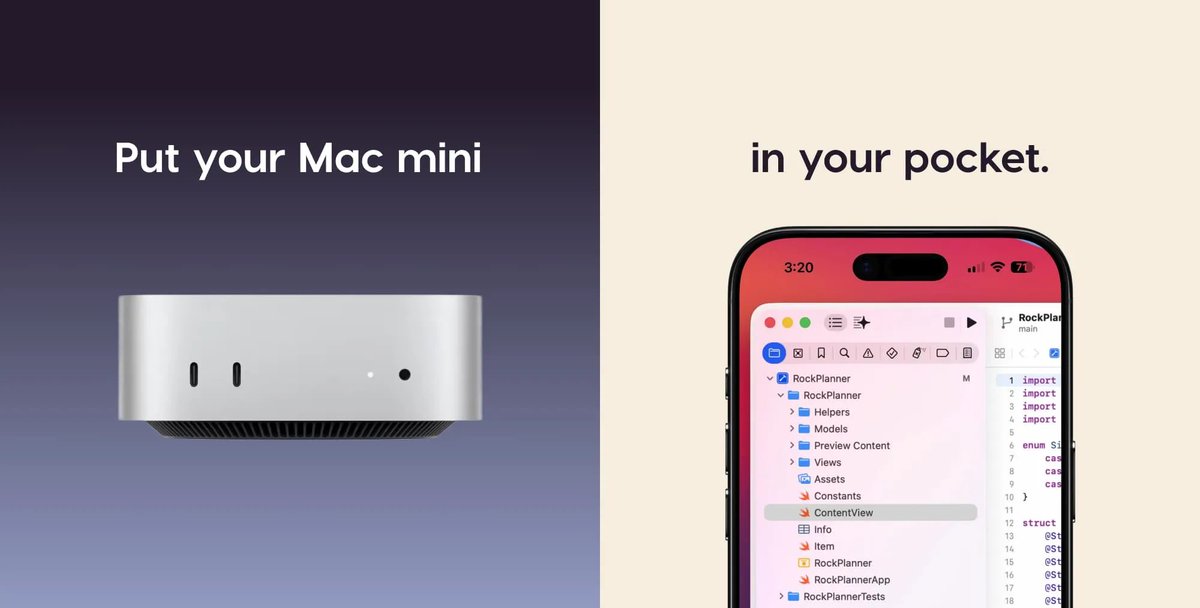
Running AI agents on a headless Mac Mini?
You still need to see what's happening. Check logs, restart stuck tasks, monitor outputs.
So we built Astropad Workbench. High-performance remote desktop for Mac, works on iPad and iPhone.
Built for the AI era.
astropad.com/product/workben…
3
6
116
26,962
Astropad retweeted
Apr 8
Headless Mac mini iPad is a very good combo for managing AI agents.
Here’s a quick demo of how I remotely connect, monitor what’s happening, and take over when needed from my iPad
82
116
2,311
2,753,987
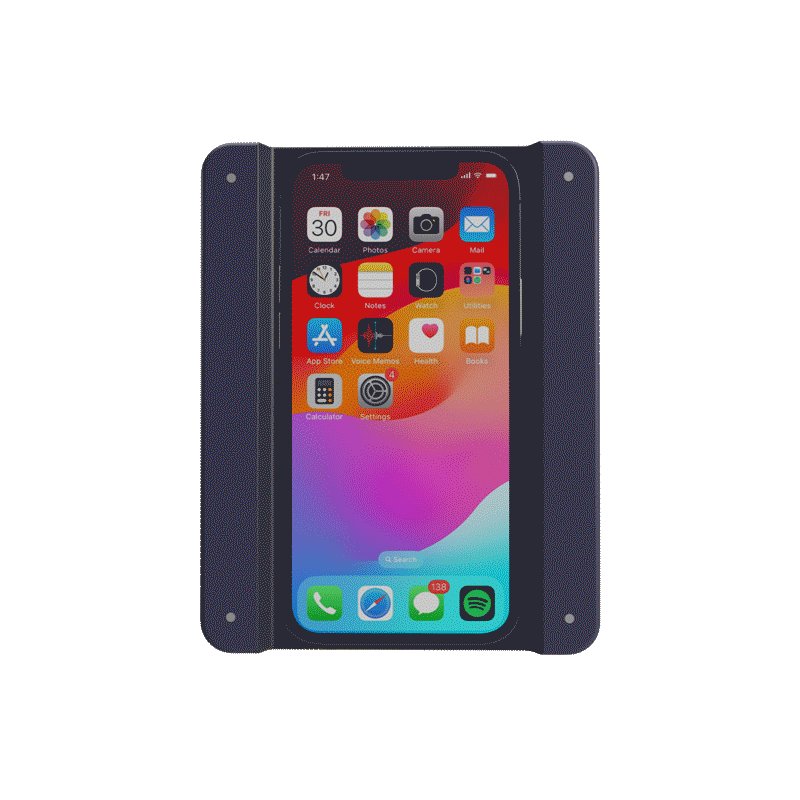
NEW! Access and control your Mac from anywhere.
Workbench is modern remote desktop for Mac, iPad, and iPhone:
- Fast, high-fidelity streaming
- Voice input control
- Built for Apple devices
Try it free for 20 minutes/ day ⬇️
astropad.com/product/workben…
7
5
41
6,504
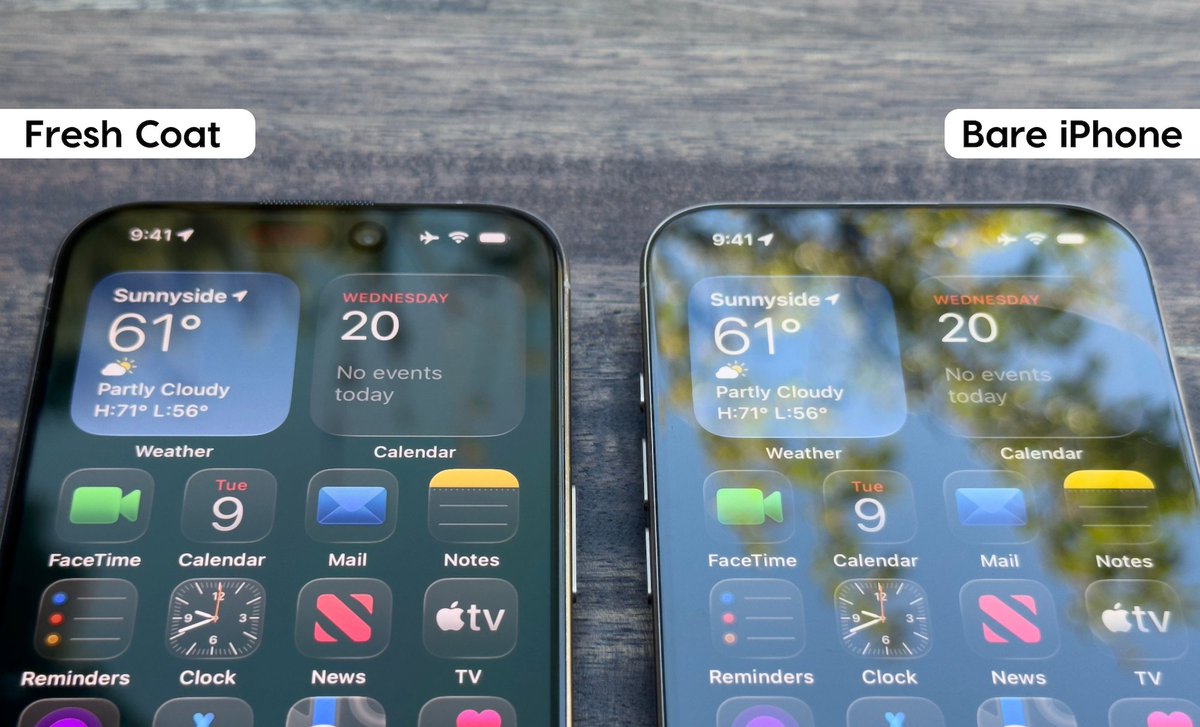
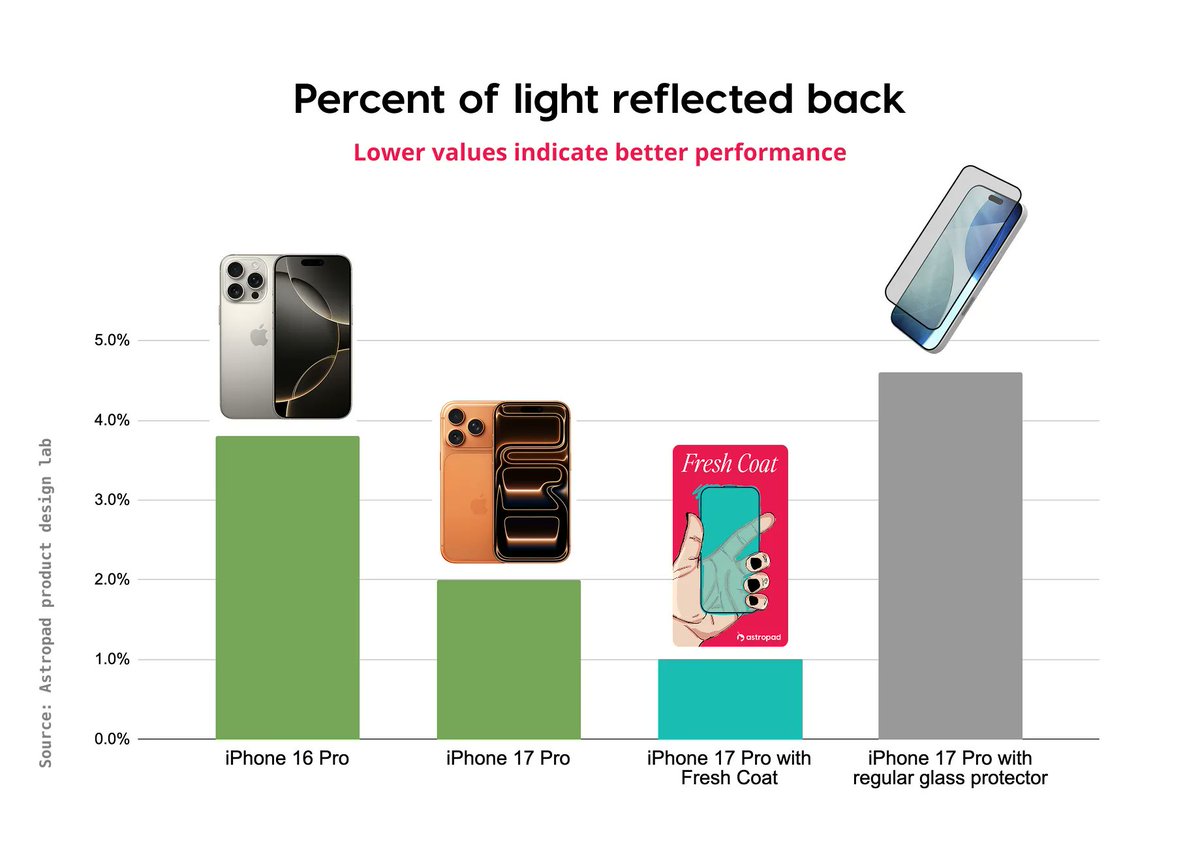
Did you know your current screen protector is making your phone WORSE?
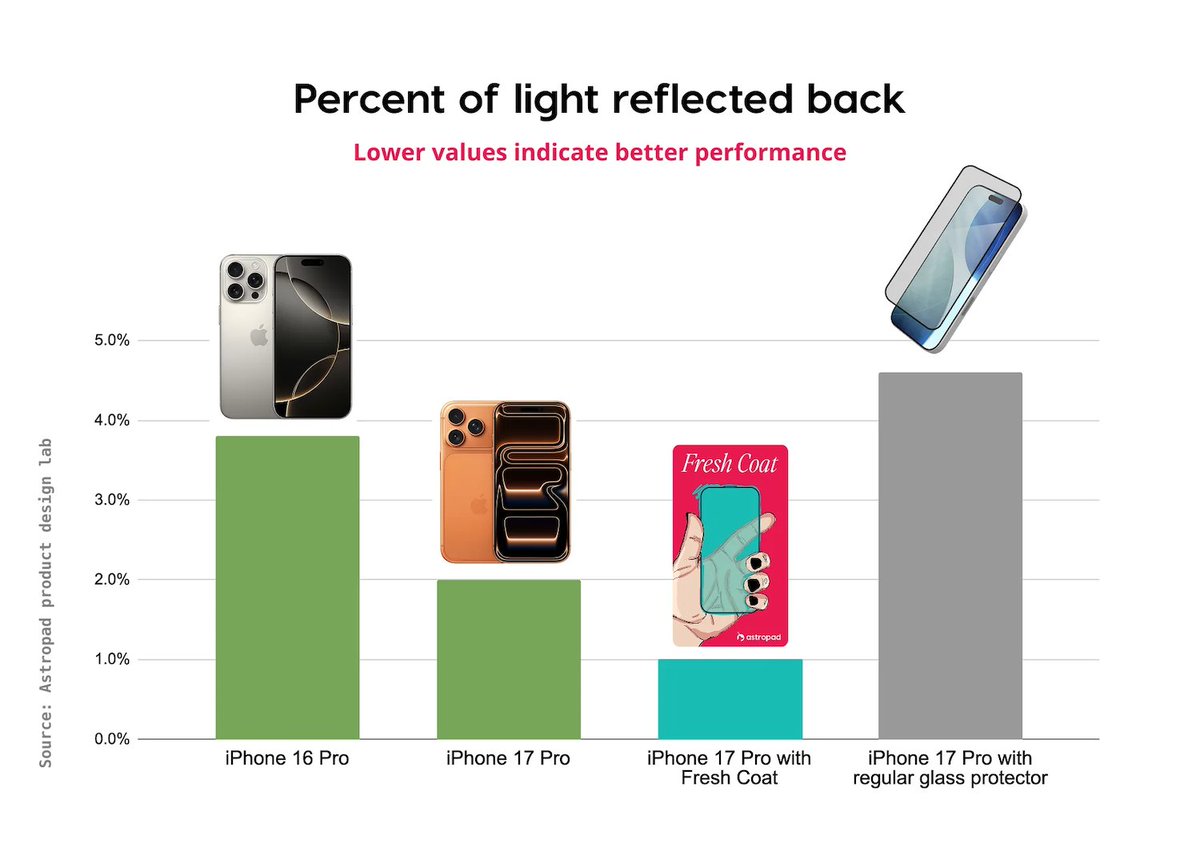
We just wrapped up lab tests on iPhone 17’s new anti-reflective coating and how it behaves with screen protectors 👀
The big takeaway: iPhone 17’s loses its AR effect once you put a screen protector on.
1
3
961
Full research report here 👀 → astropad.com/blog/iphone-17-…
1
2
669
Astropad retweeted

5 Dec 2025
So, apparently your screen protector might be WORSE for your iPhone 17...
Apple’s "Ceramic Shield 2" adds a built-in anti-reflective coating, cutting reflections by about half vs iPhone 16... 🪩
But a standard screen protector BLOCKS the anti-reflective layer’s contact with air, doubling glare and reducing outdoor clarity, according to @Astropad. 🤔
Anti-reflective-coated protectors like Astropad’s "Fresh Coat" avoid this by replacing the native anti-reflective layer and can drop reflectivity to 1% for sharper outdoor visibility. 📱
I may have to give these Astropad screen protectors a try. 👀
1
2
661