Official Twitter for Boost Mobile customer care. We offer support here 6am-10pm MT 7 days/week! Also follow @BoostMobile for all other updates.
- Tweets 93,914
- Following 1,722
- Followers 22,787
- Likes 126




ALT Avoid the $4 charge entirely! \uD83D\uDE45\u200D\u2642\uFE0F\uD83D\uDCB5\n\nManaging your account on your own time is always completely FREE. Swipe left to check out your options, including how to pay for a friend without needing their PIN, and how to avoid accidental store fees!
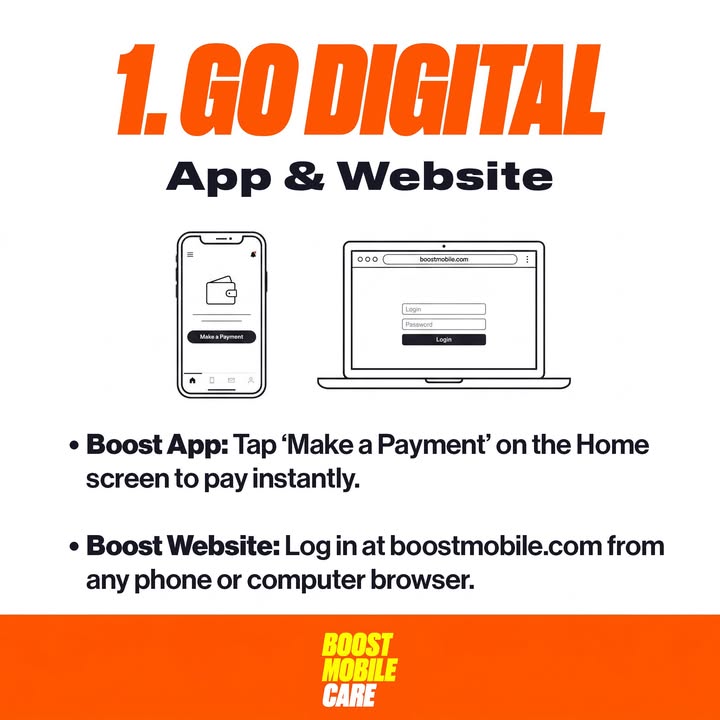
ALT Pay in seconds from anywhere! \uD83D\uDCF1 Tap \"Make a Payment\" right on the Home screen of the Boost Mobile App, or log into your account at boostmobile.com from any browser. Safe, secure, and 100% free.
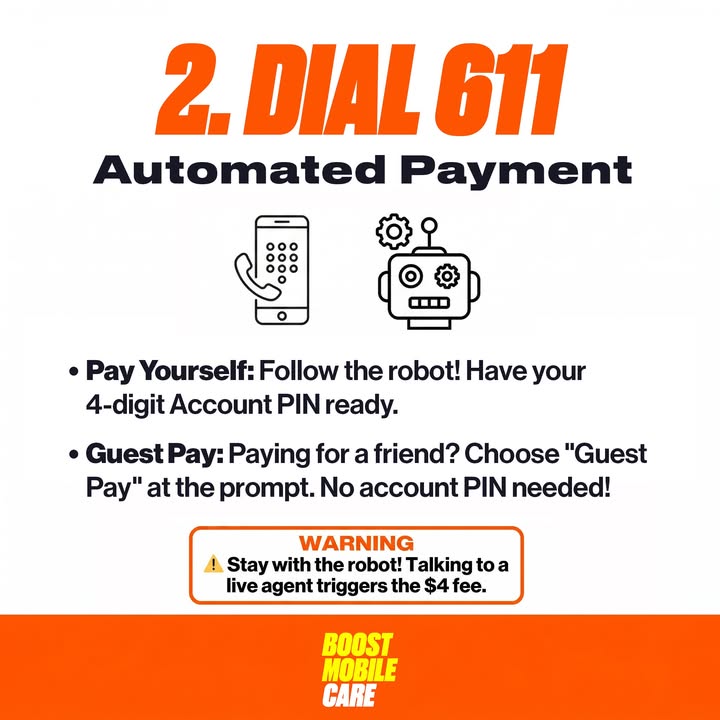
ALT \uD83D\uDCDE METHOD 2: DIAL 611 (100% FREE)\n\nCall our automated phone system directly from your handset. Just remember to stay on the automated line\u2014transferring to a live person will trigger the fee!\n\n\u2022 Paying your own bill? Have your 4-digit Account Security PIN ready to log in.\n\u2022 Paying for a friend? Just choose the \"Guest Pay\" option at the prompt\u2014no account PIN required!
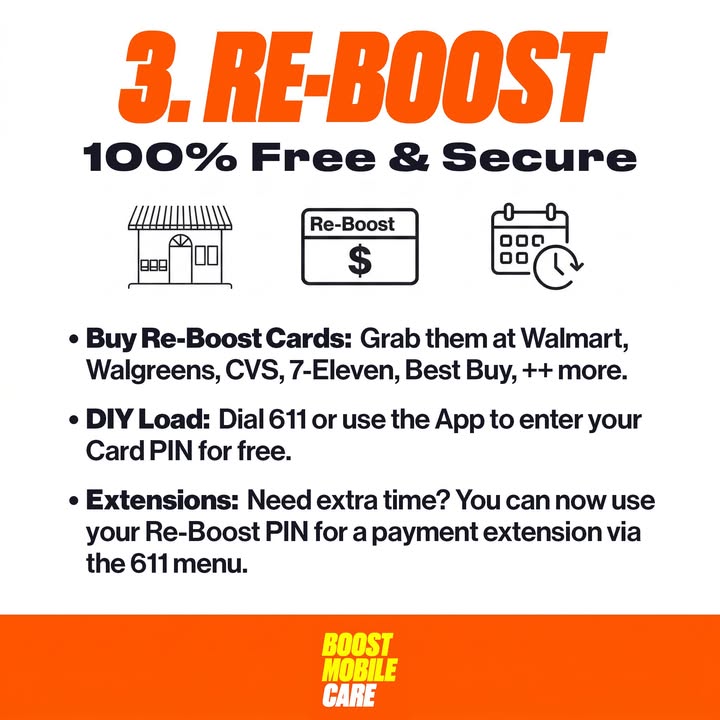
ALT \uD83D\uDCB5 METHOD 3: RE-BOOST CARDS\n\nPick up a Re-Boost card with cash, debit, or credit at Walmart, Walgreens, CVS, 7-Eleven, or any Authorized Boost Retailer.\n\n\u2022 Do It Yourself: Scratch the back to get your Card PIN, then load it for free via the app or by dialing 611. \n\u2022 \uD83D\uDD25 NEW FEATURE: Need a payment extension? You can now use your Re-Boost Card PIN to pay for an extension directly through the automated 611 phone menu!

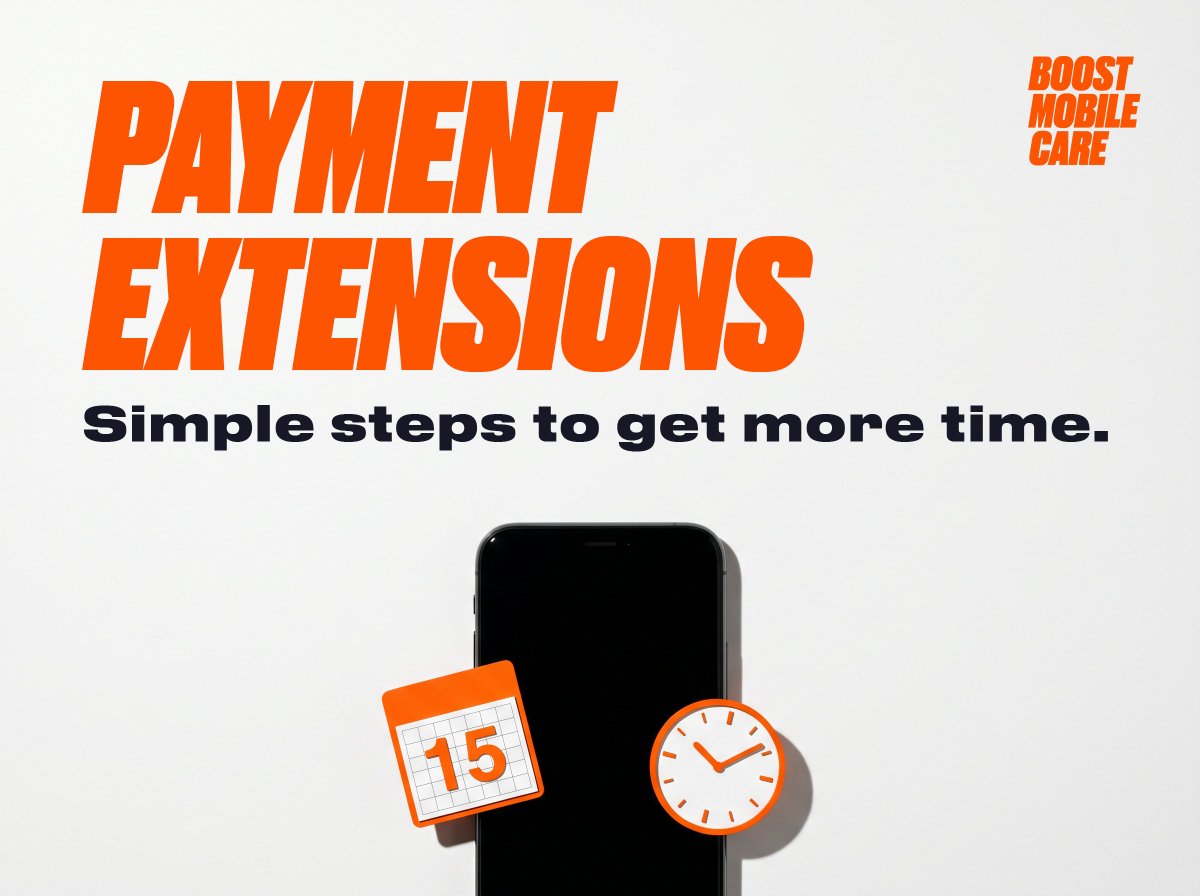
ALT PAYMENT EXTENSIONS. Simple steps to get more time. BOOST MOBILE CARE. A black smartphone has an orange calendar icon showing \"15\" and an orange-rimmed clock icon floating near it, symbolizing extended time options.
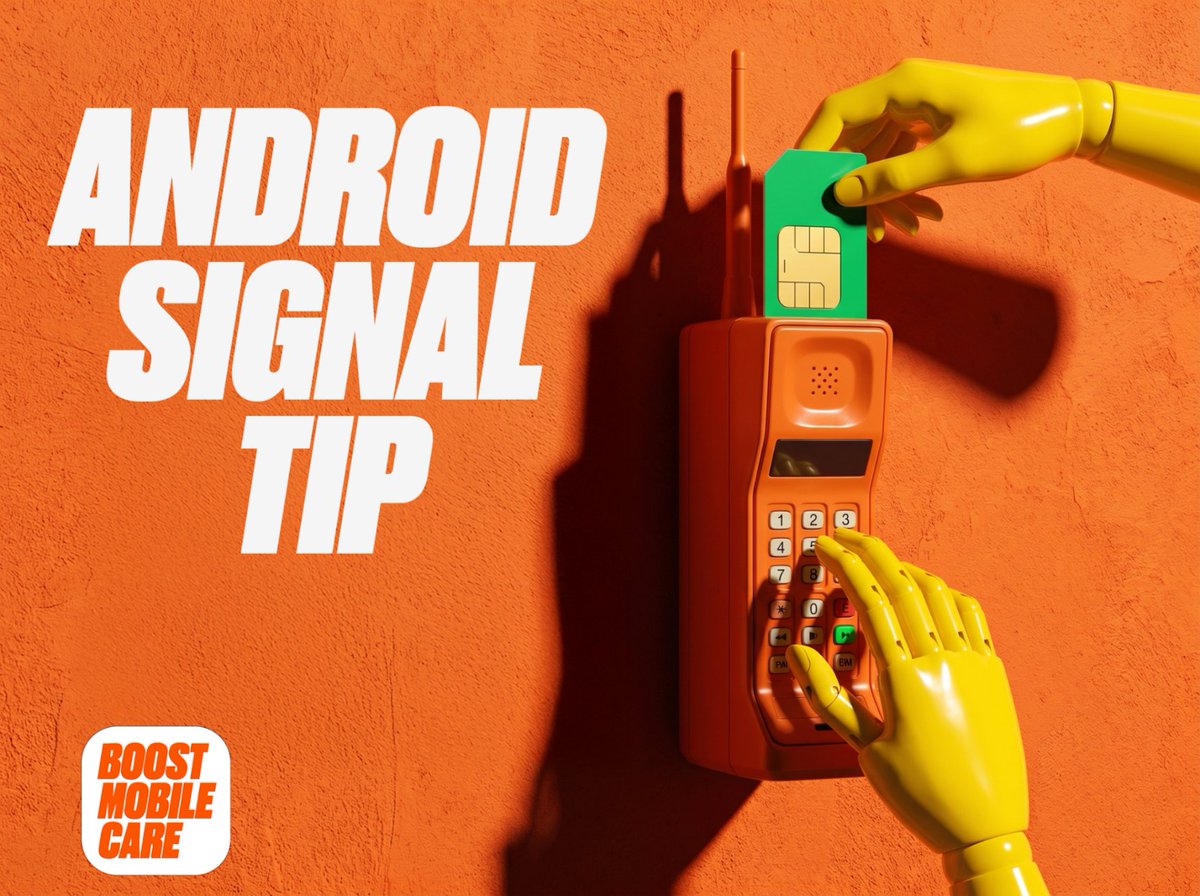
ALT Orange brick phone with an antenna on a textured orange background. A yellow mannequin hand inserts a green SIM card into the top, while another yellow hand presses the '5' button on its keypad. White text reads: ANDROID SIGNAL TIP. Bottom left: BOOST MOBILE CARE.
ALT IPHONE ESIM ACTIVATION Quick Tip in large orange and black text on a white background with blurred orange splotches. BOOST MOBILE CARE logo in the bottom right corner.
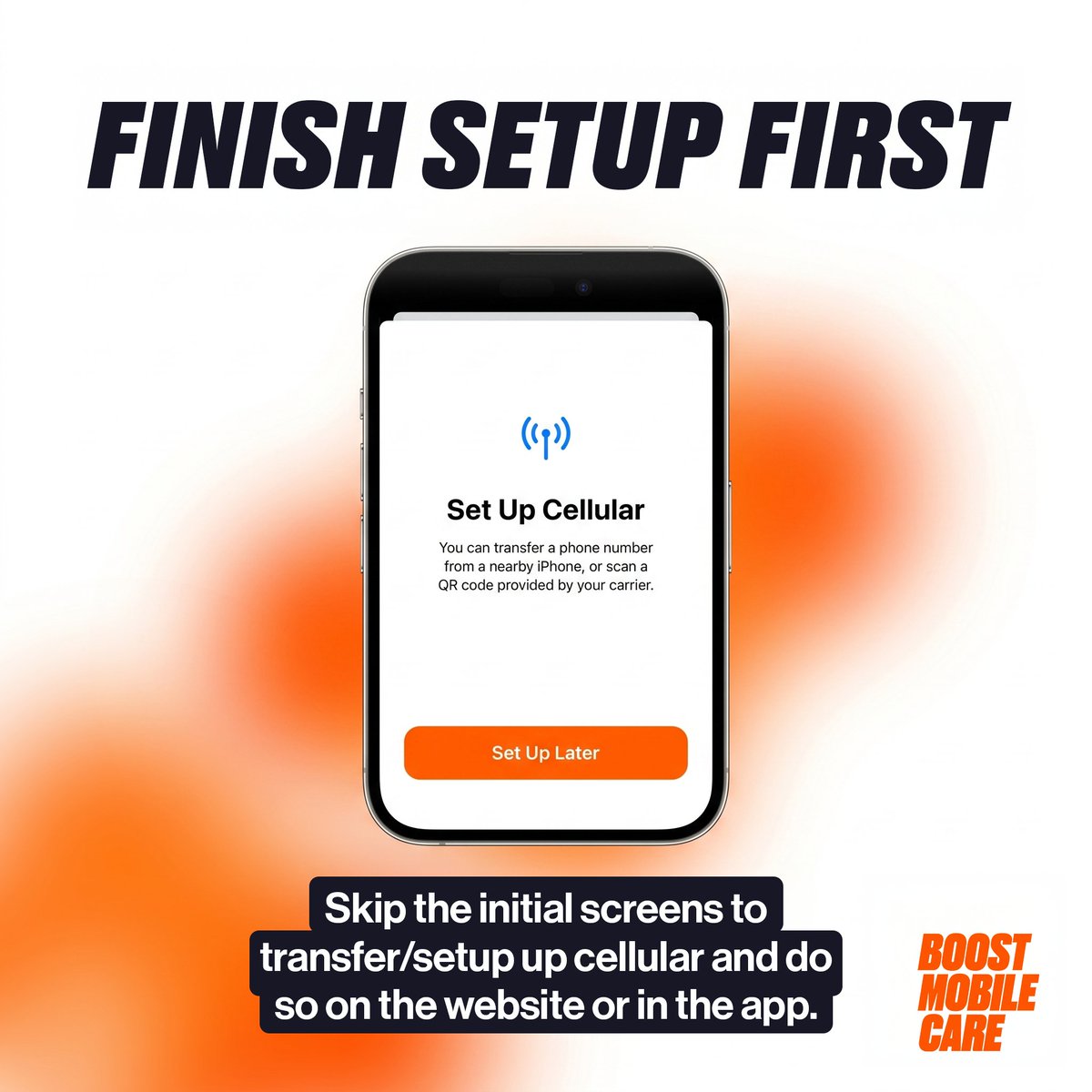
ALT FINISH SETUP FIRST title above a smartphone displaying \"Set Up Cellular\" with instructions & a \"Set Up Later\" button. Below, text says, \"Skip the initial screens to transfer/setup up cellular and do so on the website or in the app.\" Boost Mobile Care logo.
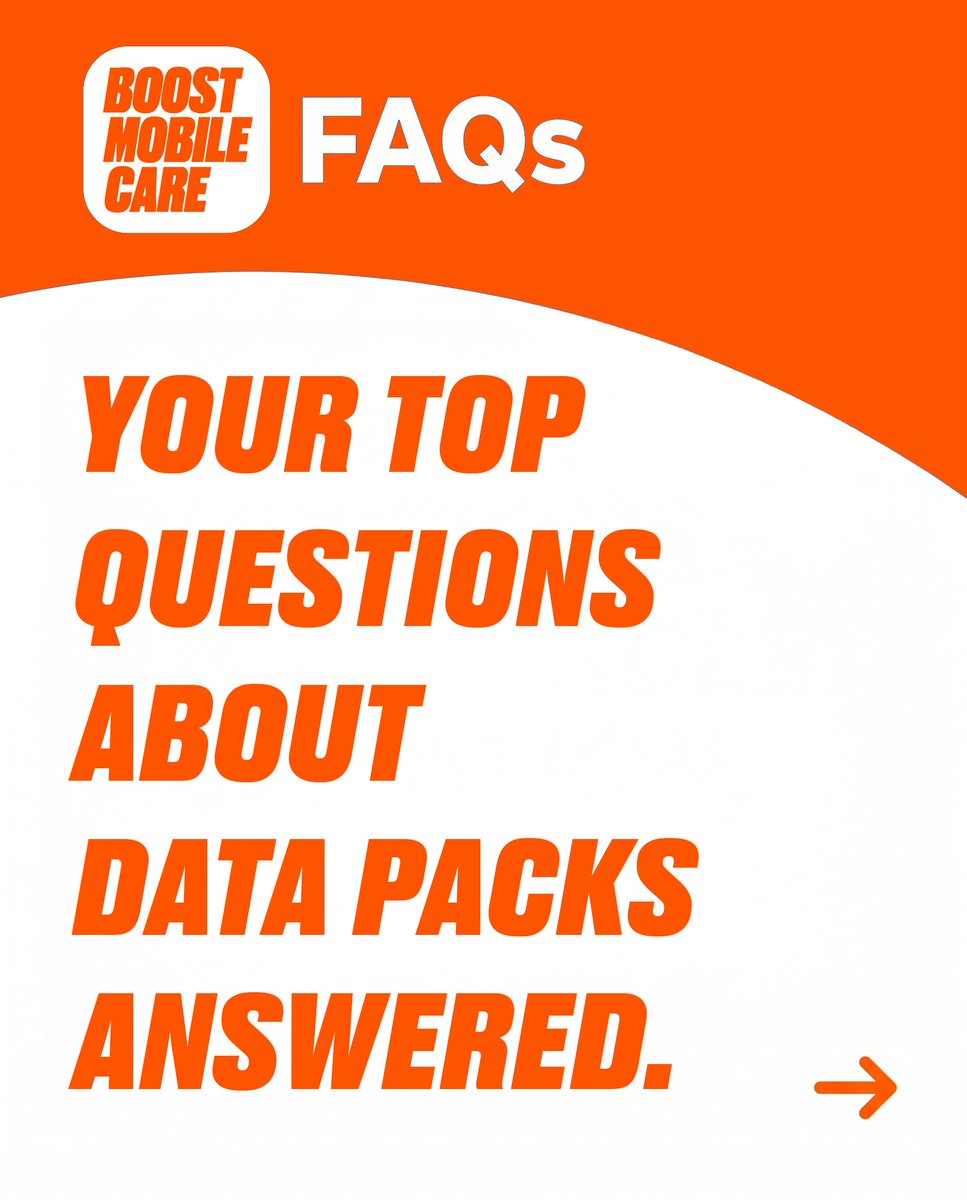
ALT Orange background with white curves. Top left: BOOST MOBILE CARE logo and white 'FAQs'. Main text in orange reads: 'YOUR TOP QUESTIONS ABOUT DATA PACKS ANSWERED.' An orange arrow points right at the bottom.
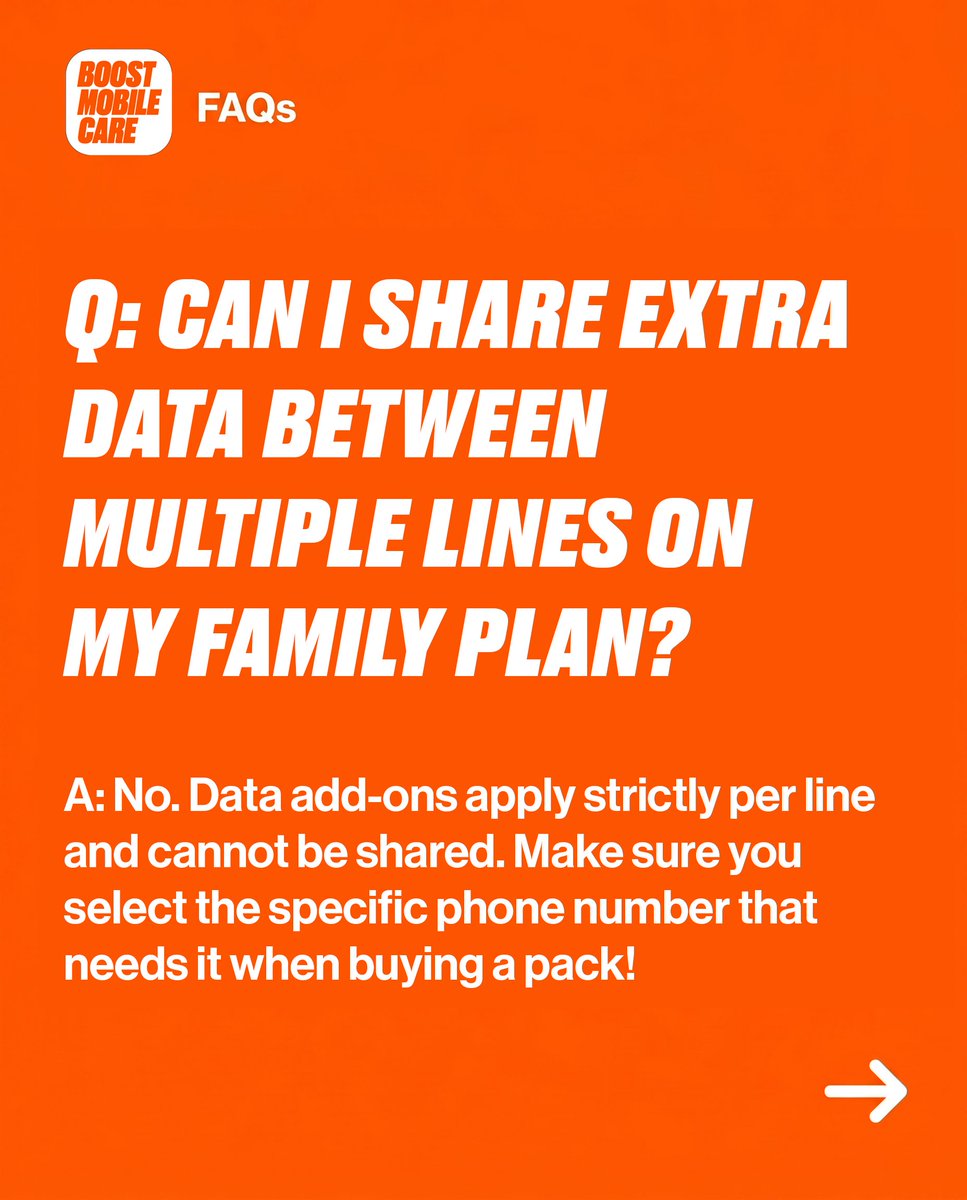
ALT Boost Mobile Care FAQs. Q: Can I share extra data between multiple lines on my family plan? A: No. Data add-ons apply strictly per line & cannot be shared. Select the specific phone number that needs it when buying a pack! Right arrow.
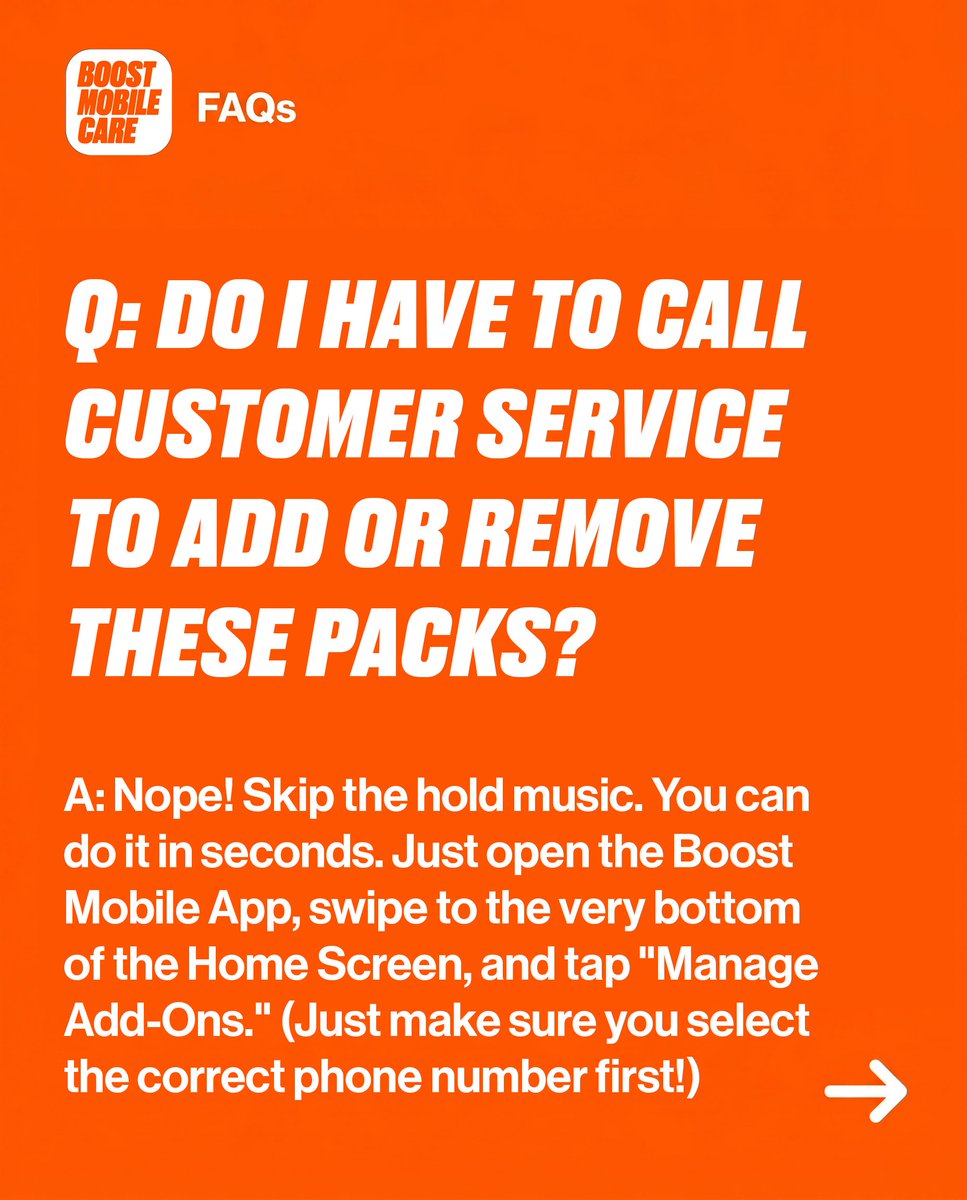
ALT Boost Mobile FAQs: Q: Do I have to call customer service to add or remove these packs? A: No, use the Boost Mobile App. Open the app, swipe to the bottom of the Home Screen, tap \"Manage Add-Ons.\" Select correct phone number first.
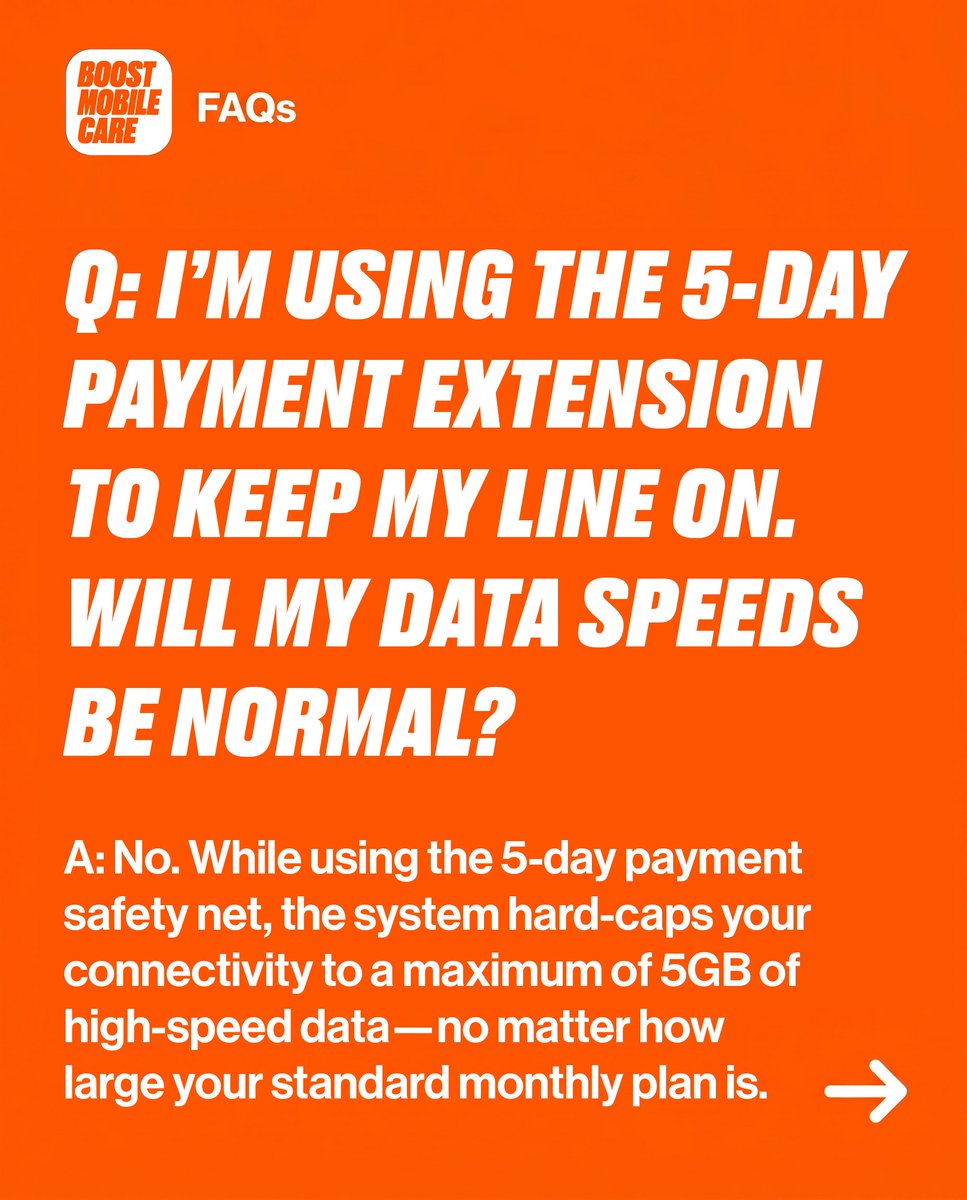
ALT Boost Mobile Care FAQs on an orange background. Q: Using 5-day payment extension. Will data speeds be normal? A: No. Data is hard-capped at 5GB high-speed, regardless of your standard monthly plan. A white right arrow is at the bottom right.
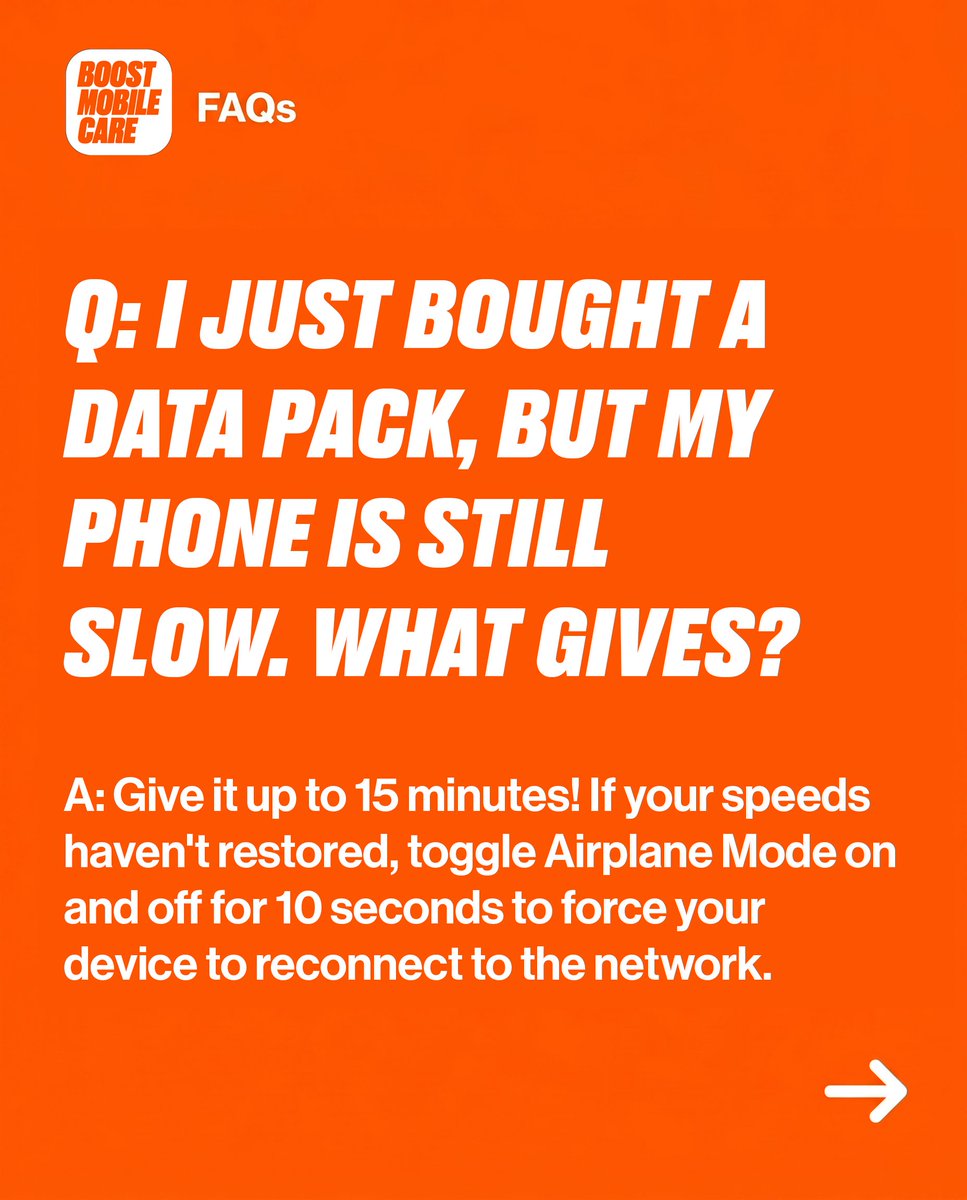
ALT Boost Mobile Care FAQs on an orange background. Q: I JUST BOUGHT A DATA PACK, BUT MY PHONE IS STILL SLOW. WHAT GIVES? A: Give it up to 15 minutes! If speeds haven't restored, toggle Airplane Mode on & off for 10 seconds to reconnect. Right arrow.
ALT Text on an orange background reads \"OFFICIAL SUPPORT LINKS\". \"OFFICIAL\" and \"LINKS\" are yellow, \"SUPPORT\" is white, all in bold, slanted letters.