
898 Photos and videos





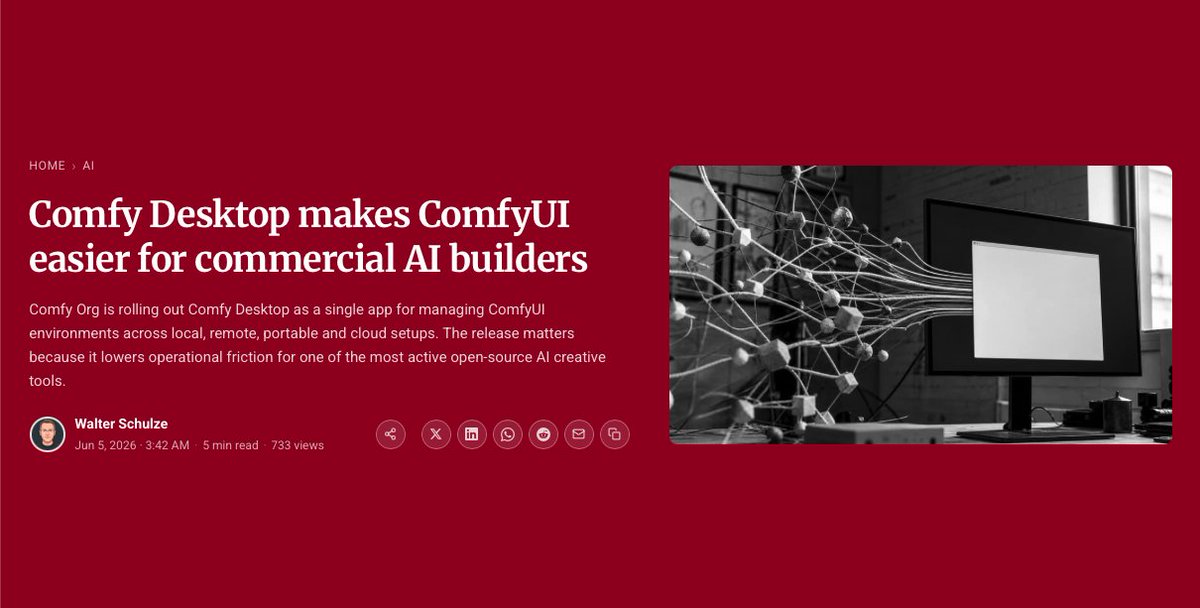






Comfy Desktop is here - one app for every Comfy.
We rebuilt the desktop experience from the ground up.
Your existing workflows, custom nodes, models, and settings carry over untouched. Same name, completely new app.
What's new:
→ Multiple ComfyUI instances — different custom nodes, different versions, all managed in one place
→ Automatic snapshots before every update and custom node change, with one-click rollback if something breaks
→ Day-0 ComfyUI releases — the moment a new version or nightly drops, you can update immediately
If you're on our older desktop app, you'll see an update prompt automatically.
39
119
889
67,666
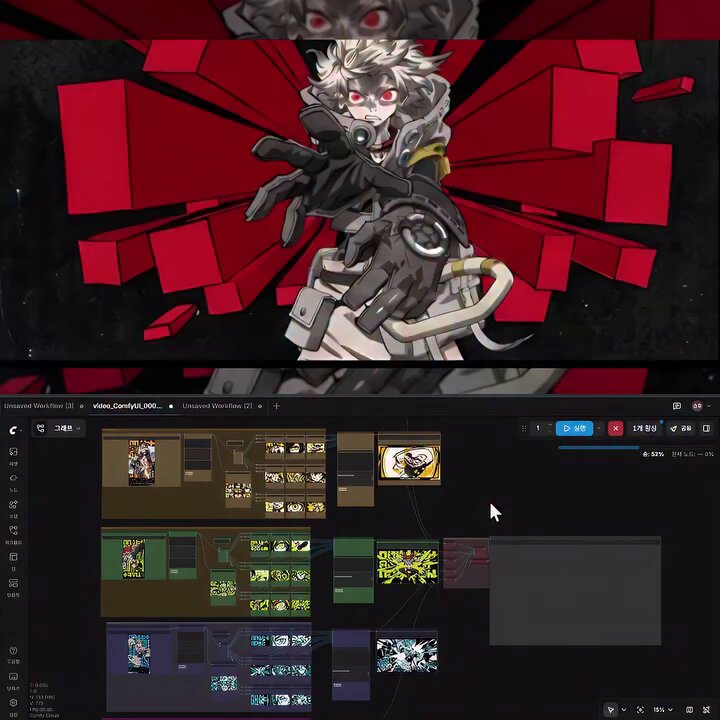
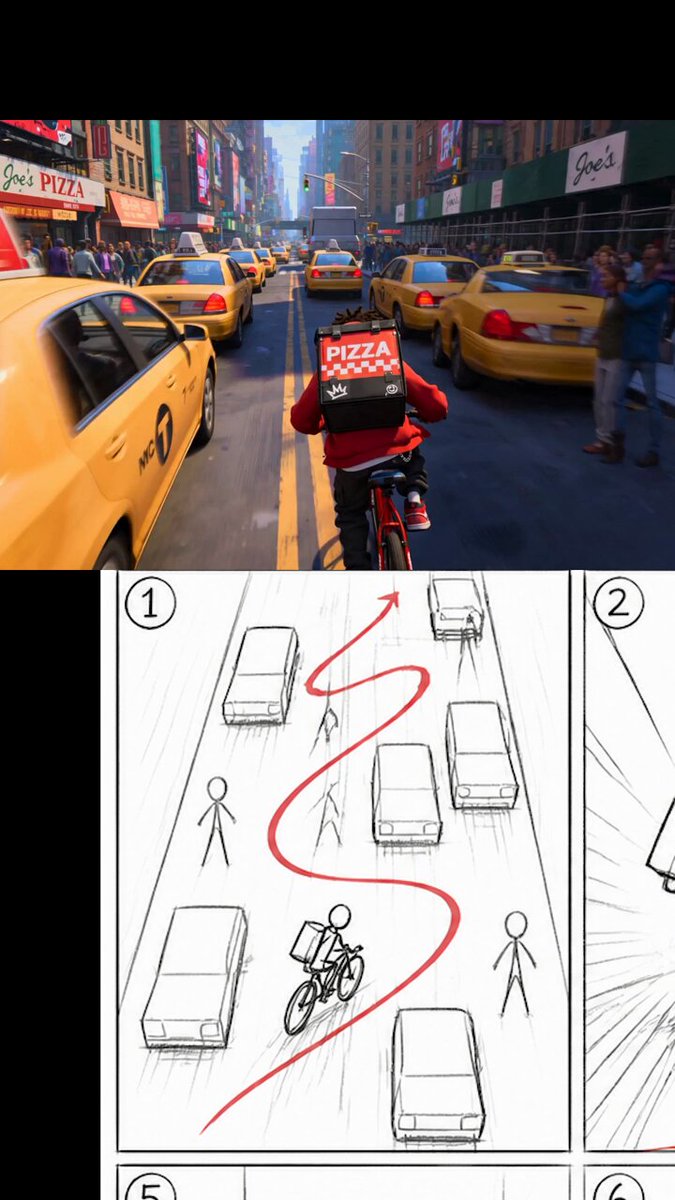
Creator seungho__yeo ( IG ) built an entire anime-inspired 2D motion sequence - storyboard to final render in one hour. Inside Comfy.
seungho__yeo created this entirely in a single workflow pipeline:
→ Poster art
→ Storyboard frames
→ Transitions animation
→ Edit final render
What usually takes multiple apps was built in one tool.
9
84
666
26,747
Seedance Playblast 2 Render Demo:
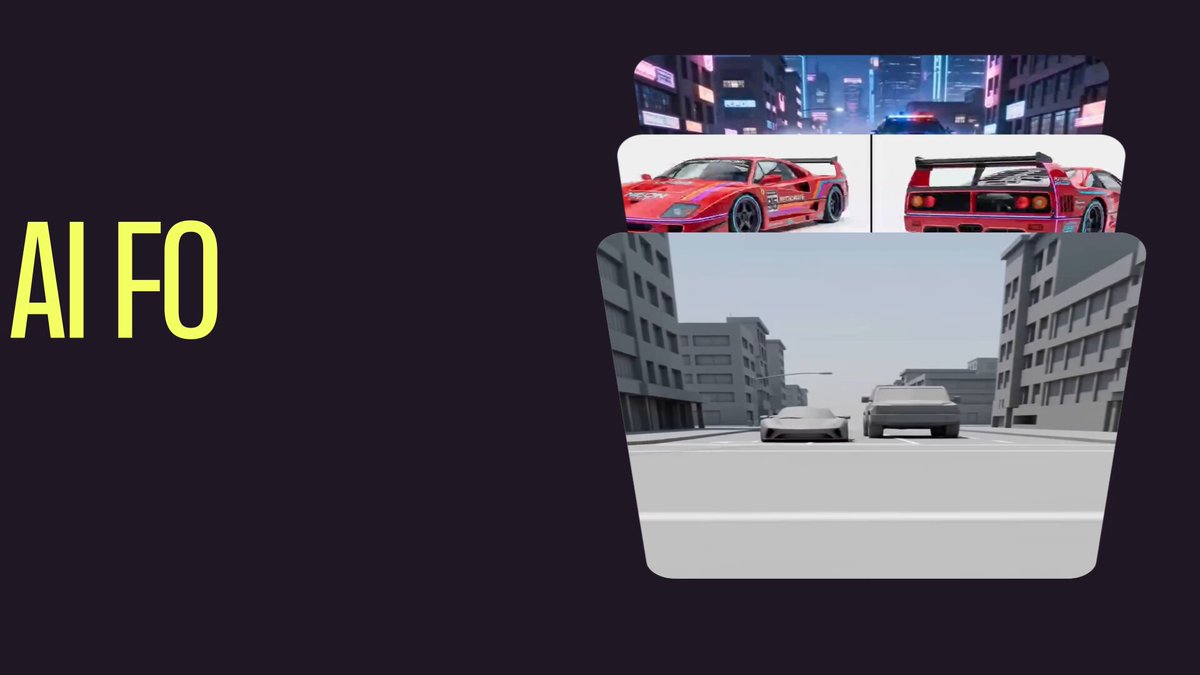
VFX artist @heydoughogan built a workflow in ComfyUI that takes a raw Playblast and turns it into a finished shot using Seedance 2.0 - no traditional rendering pipeline.
→ Playblast = motion ground truth
→ Nanobanana Pro multi-angle grids = asset identity
→ Gemini node = auto-generated structured prompt
→ Seedance 2.0 ties it all together
Raw CG animation → finished shot in minutes instead of hours.
Click the link below for the workflow👇
9
17
203
12,564
Turn one idea into a complete storyboard, then animate it in Seedance 2.0 using a reference image.
This ComfyUI workflow uses LLMs to build storyboard scenes and prepare them for Seedance, making the jump from concept to animation much easier.
Link below 👇
38
152
1,258
69,088
1
15
3,637
Link to article: startupfortune.com/comfy-des…
1
1
7
2,513
Taking 3D Characters From Comfy To Blender x.com/i/broadcasts/1vKpPPVrw…
4
45
4,383
Mattes and Utilities Demo:
VFX artist @heydoughogan breaks down a ComfyUI workflow that generates production-ready utility passes directly from your footage.
No manual rotoscoping. No guesswork.
What's inside:
→ Prompt-based background removal (RMBG) for fast, clean shots
→ SAM3 text-prompt segmentation for moving subjects
→ SAM3 point-based editor for precise matte control
→ Face segmentation for beauty and skin work in comp
→ Stable depth and normals passes for relighting and CG integration
→ App Mode - a simplified UI that hides the node graph entirely
Everything ties back to your source plate's native resolution and frame rate automatically via get/set nodes.
This is the kind of workflow that used to take a team. Now it runs in ComfyUI.
Click the link below for the workflow 👇
8
42
381
26,546
Link to workflow: comfy.org/workflows/be088929…
24
2,169
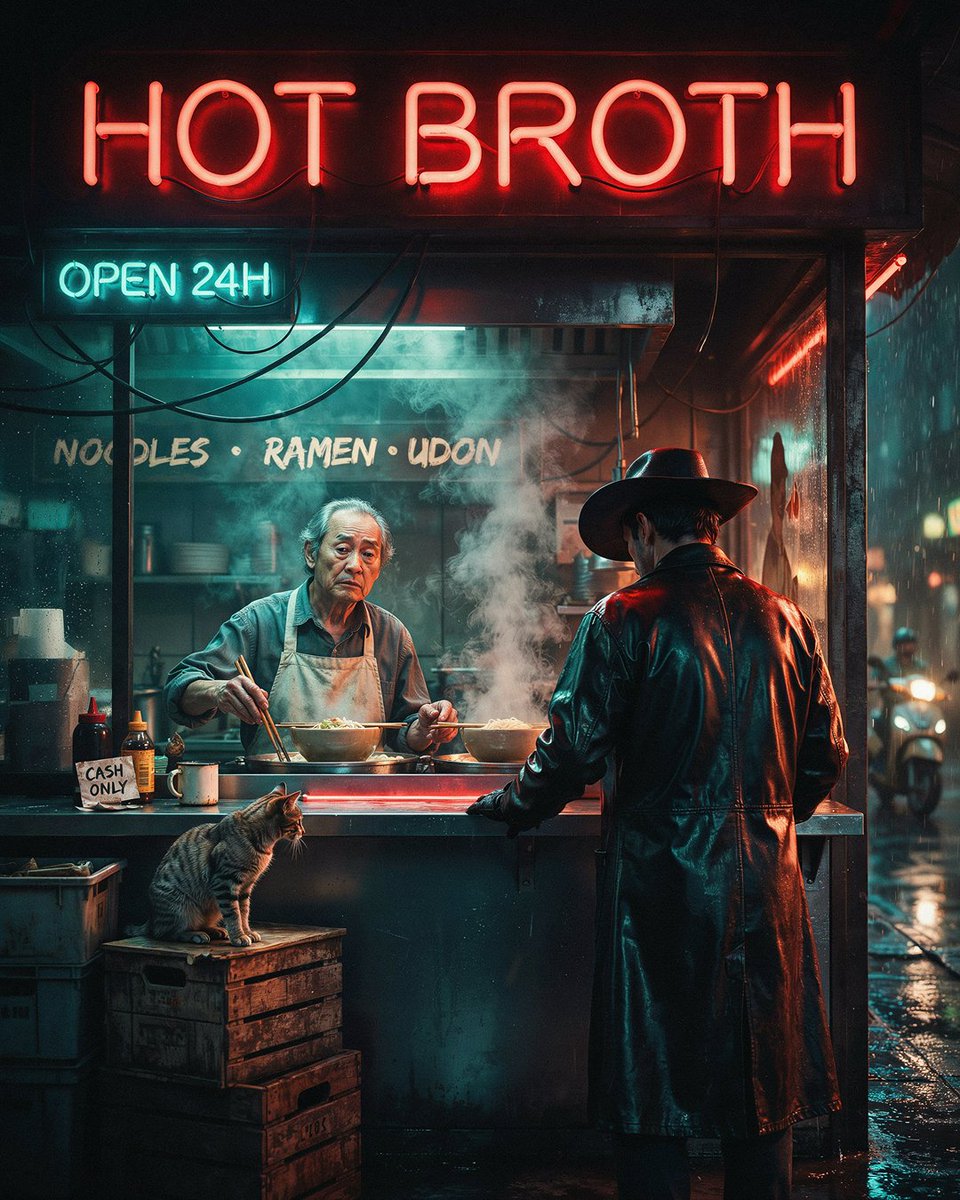
This Neo-Noir Cyberpunk world made with @ideogram_ai is quality!
→ 9.3B parameters
→ Native 2K resolution
→ Open weights - download, fine-tune, run local
Flawless typography in complex scenes.
Native background transparency.
Structured layout control for precise object placement.
Logos. Posters. Print-on-demand.
This is the model for it.
Click the link below for the workflow and to learn more with our blog 👇

4
12
116
7,072

Try it out in Comfy today!

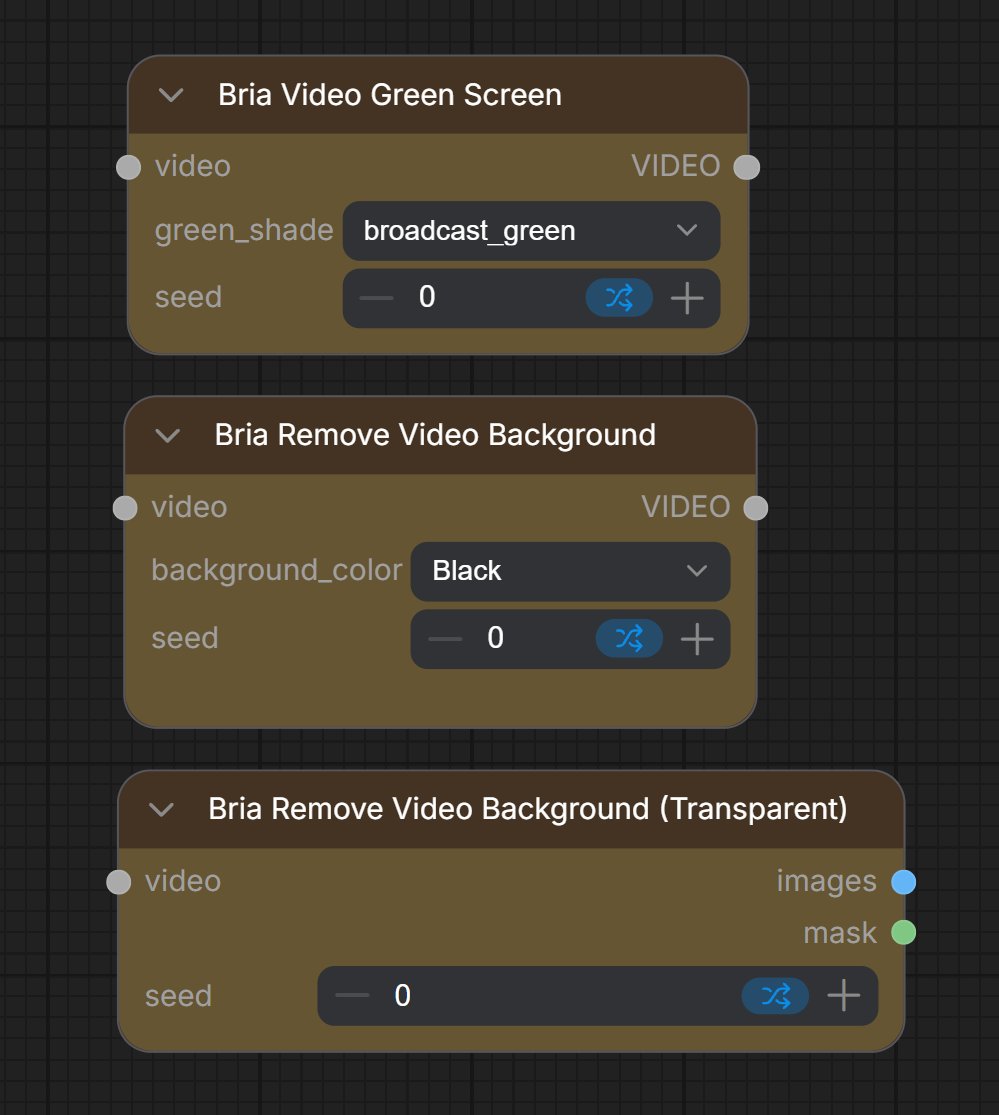
🎥Bria’s V-RMBG 3.0 is live! A state-of-the-art upgrade to the only end-to-end video background removal suite in production today.
Benchmarked against every major competitor. 63% success rate. Up to 9x faster. V3 is autoregressive — each frame conditions on the previous frame's mask. Stable edges, clean output across the full clip.
➡️Try our sandboxes now: eu1.hubs.ly/H0w1vSc0
3
7
145
13,021
Frame Adjustments Demo:
Most people think AI filmmaking means finding the one perfect model.
It doesn't.
@heydoughogan breaks down why the best workflows are mix-and-match.
Different models for different shots, with LLMs writing your prompts and adapting them per-model automatically.
9
24
188
11,781
Workflow: links.comfy.org/43UDrTM
1
7
2,501
Stay tuned for more videos: youtube.com/@comfyorg?si=4Ce…
3
2,522