
7 Jan 2022
Here's a sneak preview of Internet Clicker for Microsoft Teams. The easiest way to keep everything in one place.
Coming soon!
#eventprofs #presentertech #teams #internetclicker #MicrosoftTeams
1
5

10 Nov 2021
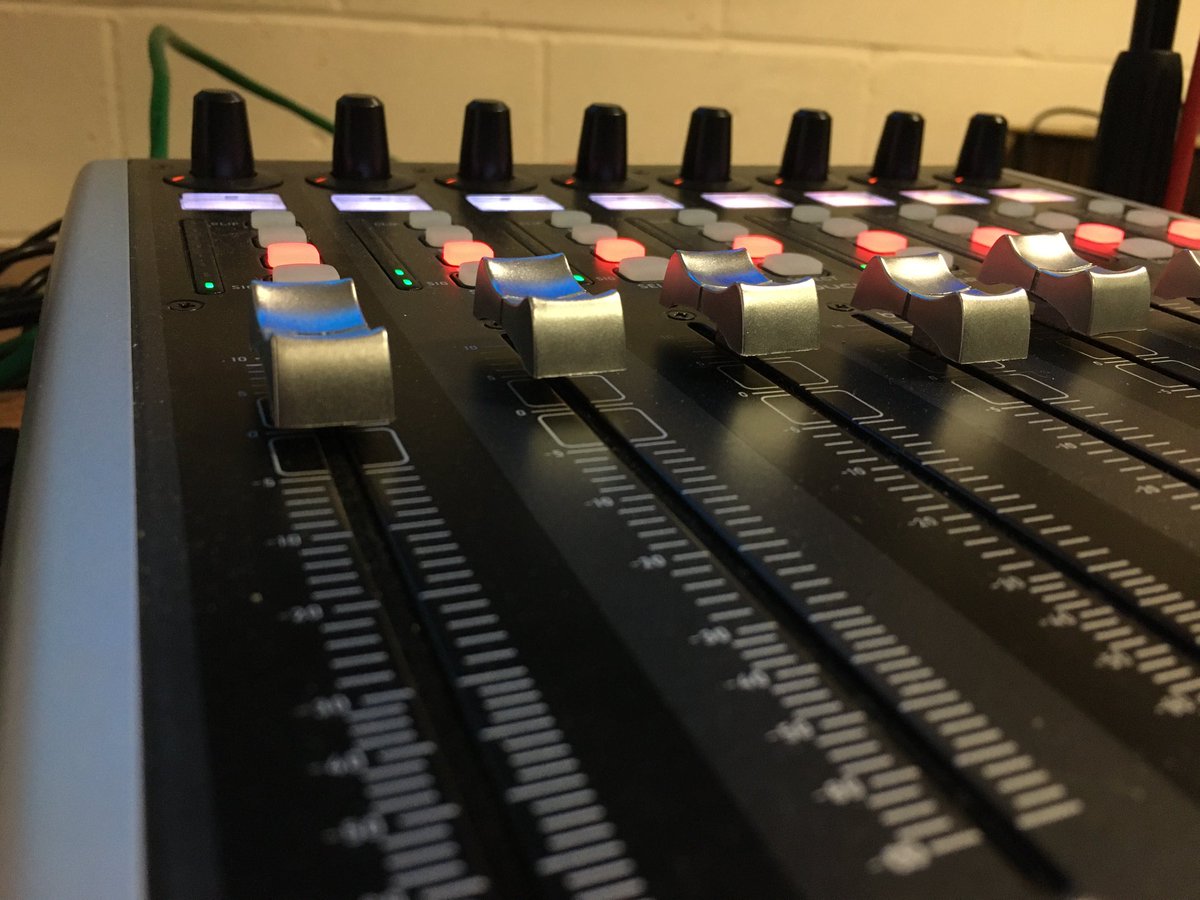
5 hour #virtual #event successfully delivered today. 3 sessions, 9 speakers, contributing via @vMixHD and @QuicklinkLtd. Remote PPT deck control via @InternetClicker, delivered to an event platform using @aviwest #BeOnAir #bonded #encoder with 5 paths
1
1
3 Nov 2021
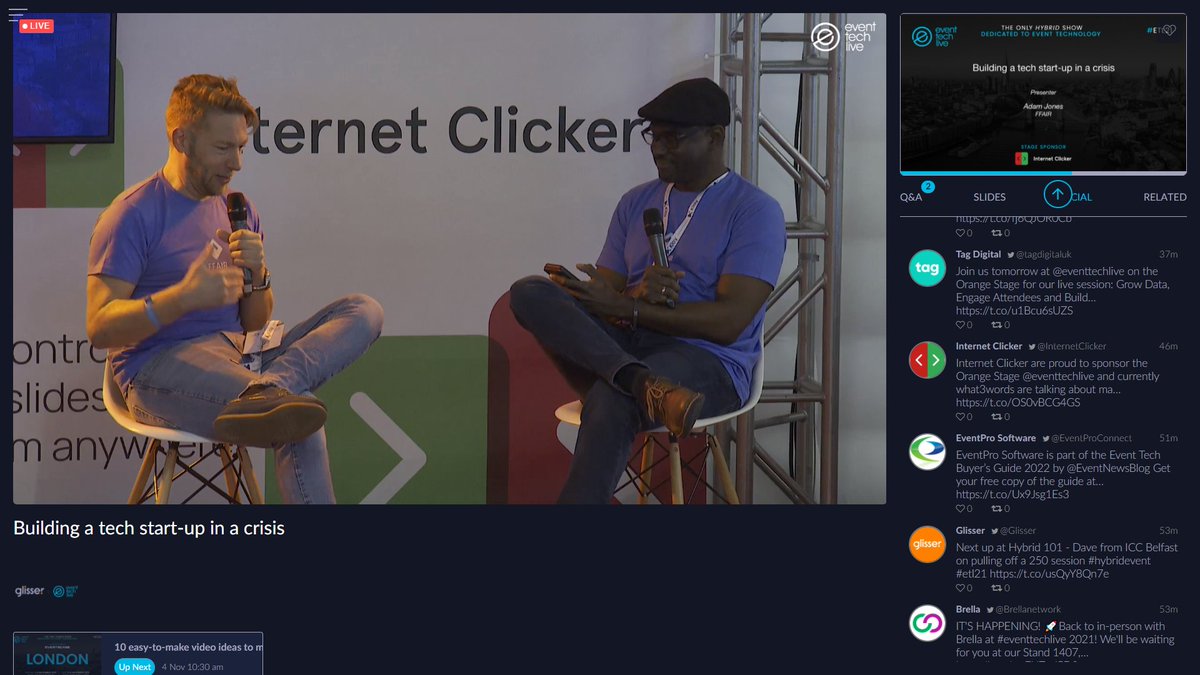
On the Orange Stage is a relevant discussion on building a tech start-up in a crisis! Tech has never been more important and in demand as it is now, ensuring global organisations can still function in uncertain times #remoteclicking #eventprofs #internetclicker #ETL21
1
2

27 Jan 2021
@InternetClicker What are the chances that you guys could add a function where we could group our presenter control? It would be really useful to be able group presenters & studio separately for quick switching of control on/off for multiple presenters with a single click.
1
1
26 Jan 2021
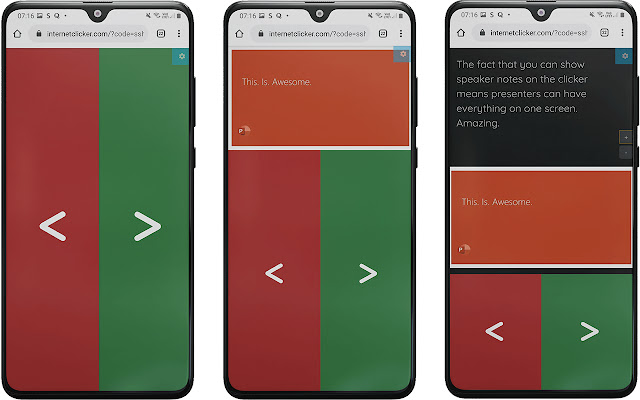
Directly control your Google Slides and send screenshot and speaker notes back to presenter with our Chrome Extension live now! Get it here: bit.ly/36aUvaQ #googleslides #presenters #remoteclicker #internetclicker
1
3

19 Jan 2021
The critical thing is in my mind..
1) have a person in each breakout that can let guests in (can be a participant if briefed).
2) clear briefing process about how to work in the session.
3) additional producers who are connected in their work via suitable messaging to coordinate.
1
1
3
19 Jan 2021
Currently doing some large group work and we have a producer for each team as well a “room” coach to support breakouts. We basically share a cloud file WHEN the group get to breakout rooms. Consider a master list of breakout URLS / Doc urls and add to invite.
1
1
2
19 Jan 2021
Best way for sharing screens in this set up in my experience, is to have everyone work on cloud based docs and have a designated producer share the work of participants. If what they are presenting is a lot of slides then @InternetClicker will help enormously.
1
3
3
19 Jan 2021
Quick feature update alert! You can now send next slide screenshot instead of current with the #PowerPoint plugin. Super useful if you already send the current slide preview to them via your existing video tools. More features soon! #eventprofs #presentations #internetclicker
2
2

Controlling your Remote Presentation from anywhere in the world shouldn't be impossible. Cliqer fixed that.
cliqer.io #events #internetclicker #vMix
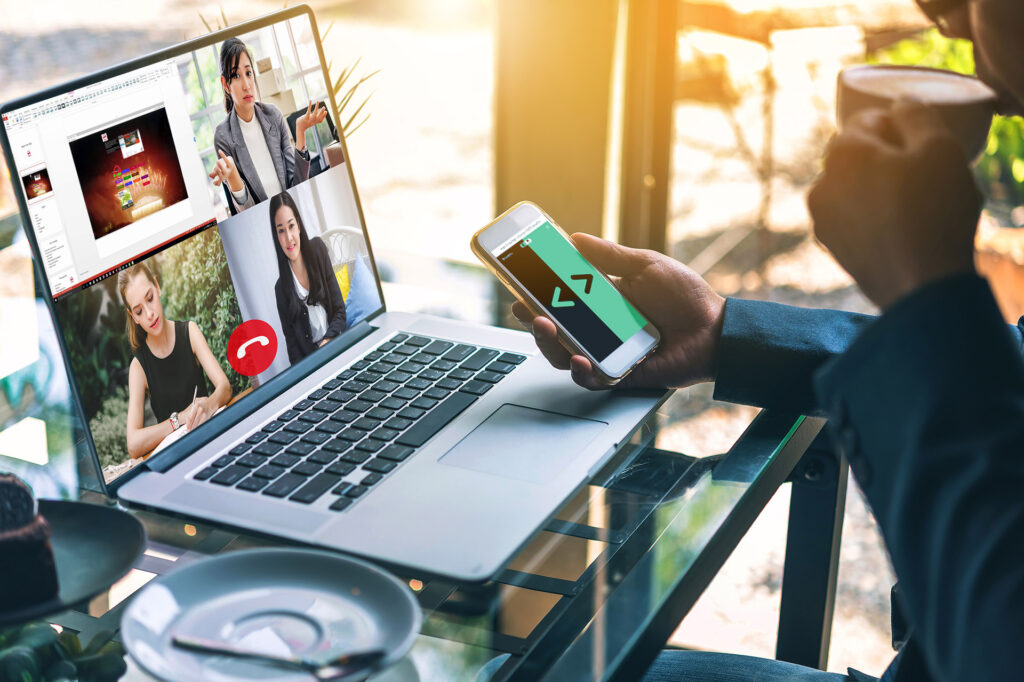
ALT A man drinks coffee in front of his computer having a meeting through skype and using Cliqer application on his iPhone to control a remote presentation.
2
2
cliqer.io stable v1.1.0 has been released!
Try it with the 24-hours trial...
#cliqer #events #internetclicker #presentation
4
30