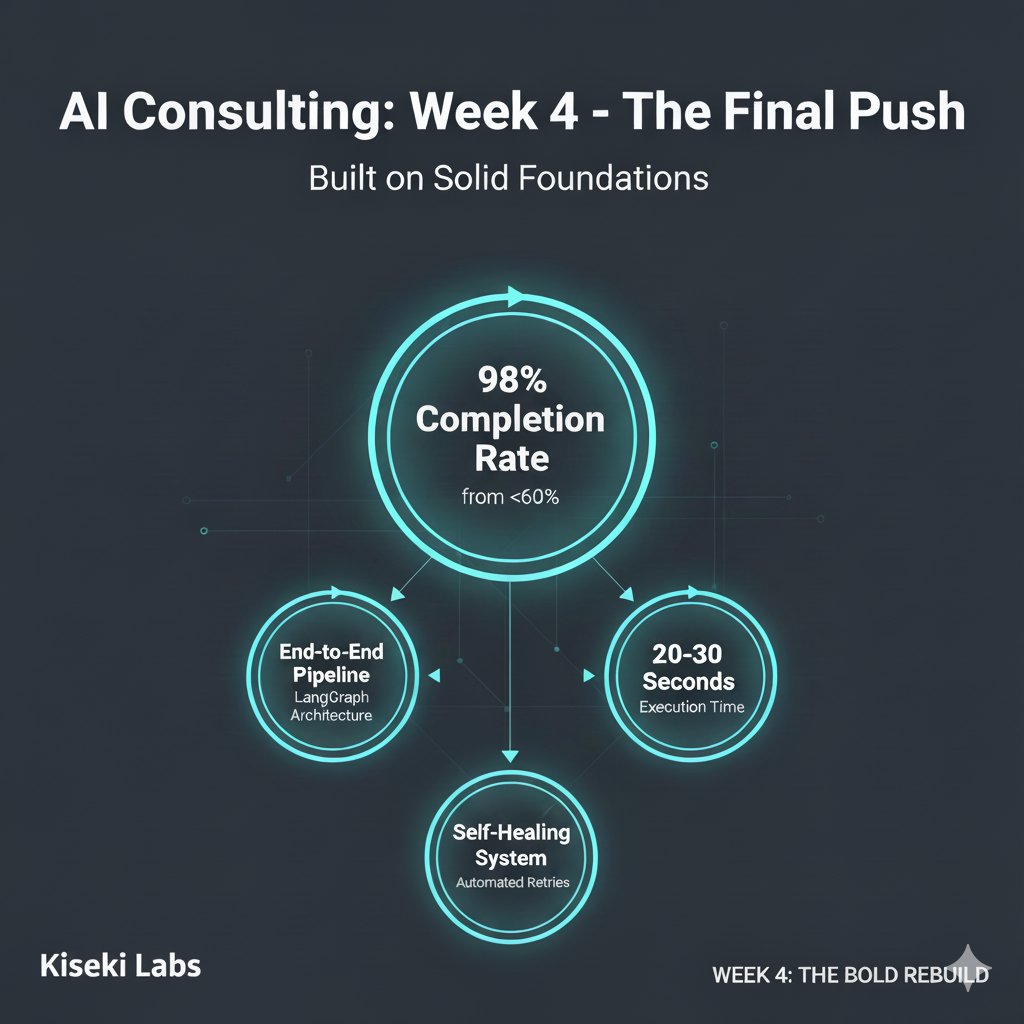
Week 4 (the final week) of my AI consulting engagement just wrapped, and here's what happens when you build on solid foundations: we hit 98% completion rate on a system that was struggling at <60%.
If week 1 was about laying groundwork, week 2 was about building proof, and week 3 was about bold architectural decisions, week 4 was about bringing it all together—and learning that sometimes the bleeding edge isn't production-ready.
Here's what we shipped:
The Complete Pipeline
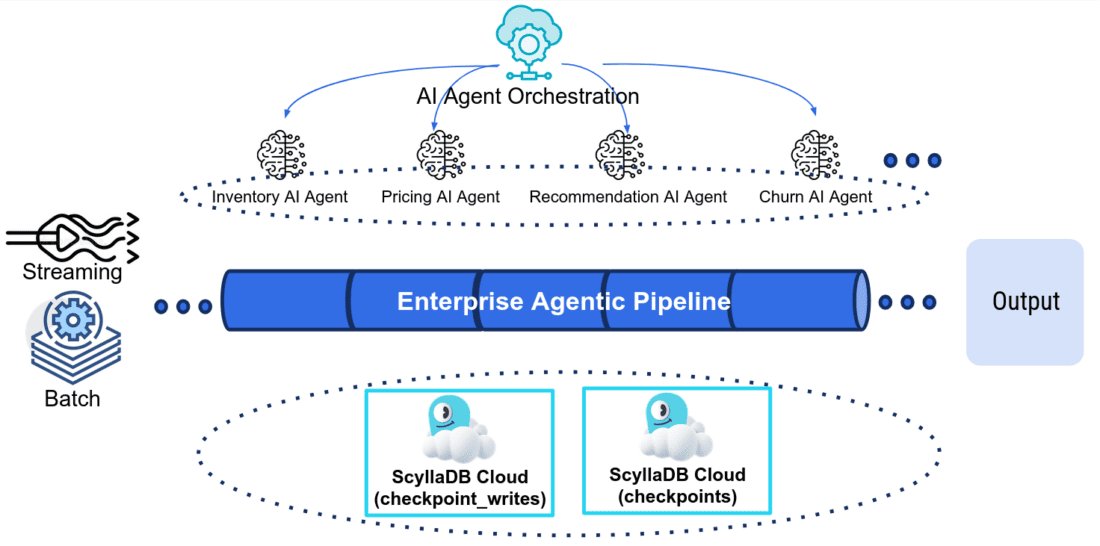
We finished integrating the Planner agent into our LangGraph architecture, completing the full end-to-end system: natural language query → planning → code generation → compilation → execution → verification → natural language response. Four specialised AI agents, each doing one thing exceptionally well:
• Planner Agent (GPT-4.1): Interprets queries and generates execution plans
• Code Generator Agent (Claude Haiku 4.5): Produces Python/pandas code
• Code Result Verifier Agent (Claude Sonnet 4.5): Validates results using LLM-as-a-judge
• Result Summariser Agent (GPT-5 Mini): Transforms results to natural language
Self-healing retry logic with up to 3 attempts per stage. No manual intervention required when things go wrong—the system corrects itself.
The GPT-5 Decision (and Why We Reversed It)
This is where it got interesting. I initially used GPT-5 with "medium" reasoning effort for the Planner agent. It's the newest, most capable model—surely that's the right choice?
Turns out, no.
GPT-5 was taking over 1 minute for simple planning tasks. Reliability was patchy: timeouts, token limit errors despite a 50,000 token maximum (meandering chain of thought!). The thing is that the Planner already has ample metadata and schema context. It doesn't need deep reasoning; it needs good intelligence, but also speed and reliability.
So we switched to GPT-4.1, and never looked back. Responses dropped to 20-30 seconds for the full pipeline, about 60 seconds with retries. The application went from frustratingly slow to genuinely usable.
GPT-5 is brilliant for background deep research tasks where latency doesn't matter. But likely not for user-facing applications where every second counts. Sometimes the "older" model is the right call. Pragmatism over hype, always.
Memory and Conversation Continuity
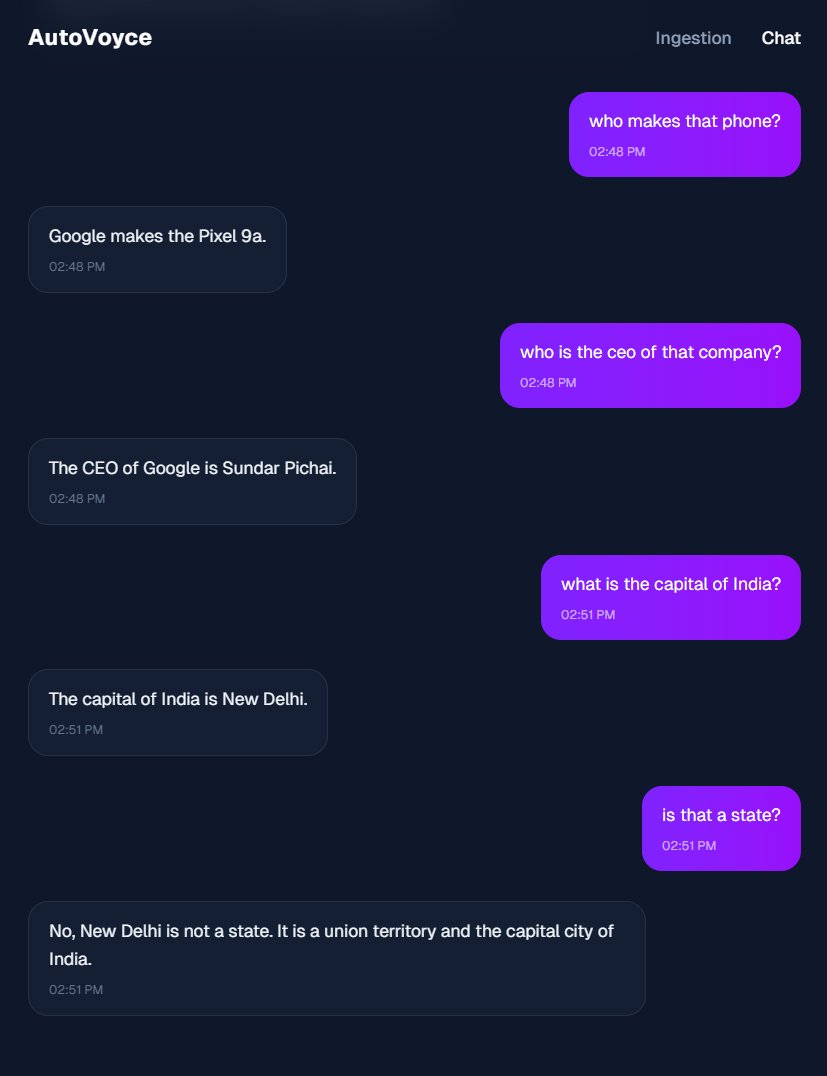
We integrated LangGraph's MemorySaver so the system can maintain context across multi-turn conversations. This matters because real users don't ask perfectly formed single questions; they refine, clarify, and build on previous queries.
UI Improvements
Enhanced the interface to display planning summaries, code generation steps, compilation results, and verification outcomes—all with token usage metrics. Added a "Chain of Thoughts" expander so users can see the system's reasoning. Transparency builds trust.
Handover
I created a comprehensive end-of-engagement report documenting:
• What we built and why
• Every architectural trade-off and decision
• What works, what doesn't (yet), and why
• Future directions and improvements
• 79 passing tests (58 unit, 21 integration) as proof
• Full eval suite with 35 tests per domain (6 domains, e.g. finance, logistics, etc.)
Good consulting means you go beyond building things. You must ensure competent knowledge transfer, making sure the client can maintain, extend, and improve the system after you leave.
Reflections on the Four-Week Journey
Week 1: We built the evaluation suite and improved tooling (UV, Ruff, Pydantic, CI). Seemed like slow progress at the time.
Week 2: Those evals proved code generation was 98% successful vs <60% for the existing approach. Evidence drove the decision to pivot.
Week 3: We built the five-node LangGraph pipeline with retry logic. Could only do this confidently because we had tests proving it worked.
Week 4: We completed the architecture, made pragmatic model choices, and handed over a production-ready system.
What I learned
The flashiest approach isn't always the right one. GPT-5 is incredible technology, but GPT-4.1 was the better choice for this use case. Evidence-driven decisions beat hype every time.
And those "boring" foundations from week 1: the test suite, the linting, the CI pipeline... They were the difference between hoping the system worked and proving it did. You can't make bold architectural calls in week 3 without solid ground beneath you.
The original system had <60% success and burned 20,000-50,000 tokens per query. The new system: 98% completion rate, self-healing, 20-30 second response times, and a codebase the team can confidently maintain.
That's what happens when you measure, build proof, make evidence-based decisions, and choose pragmatism over hype.
Would love to hear from folks who've faced similar decisions. When have you chosen the "older but reliable" option over the shiny new thing? How do you balance innovation with production readiness?
Thanks for reading this post!