
Most probably system corruption.
Run a sfc /scannow it may found corrupted system files
If it does not fix that,reinstall the os
If you need any help,feel free to reach out
76

一通DISM /Online /Cleanup-Image /RestoreHealth加sfc /scannow顺便修复磁盘错误勉强让GTA5跑了起来,大镖客2继续闪退,卸载重装都无效,难怪Windows的游戏护城河都要被主机 Linux把墙皮都扒完了,这内部出了奸细呀🖥️🕵️♂️
1
23


やはりWindowsは手強い
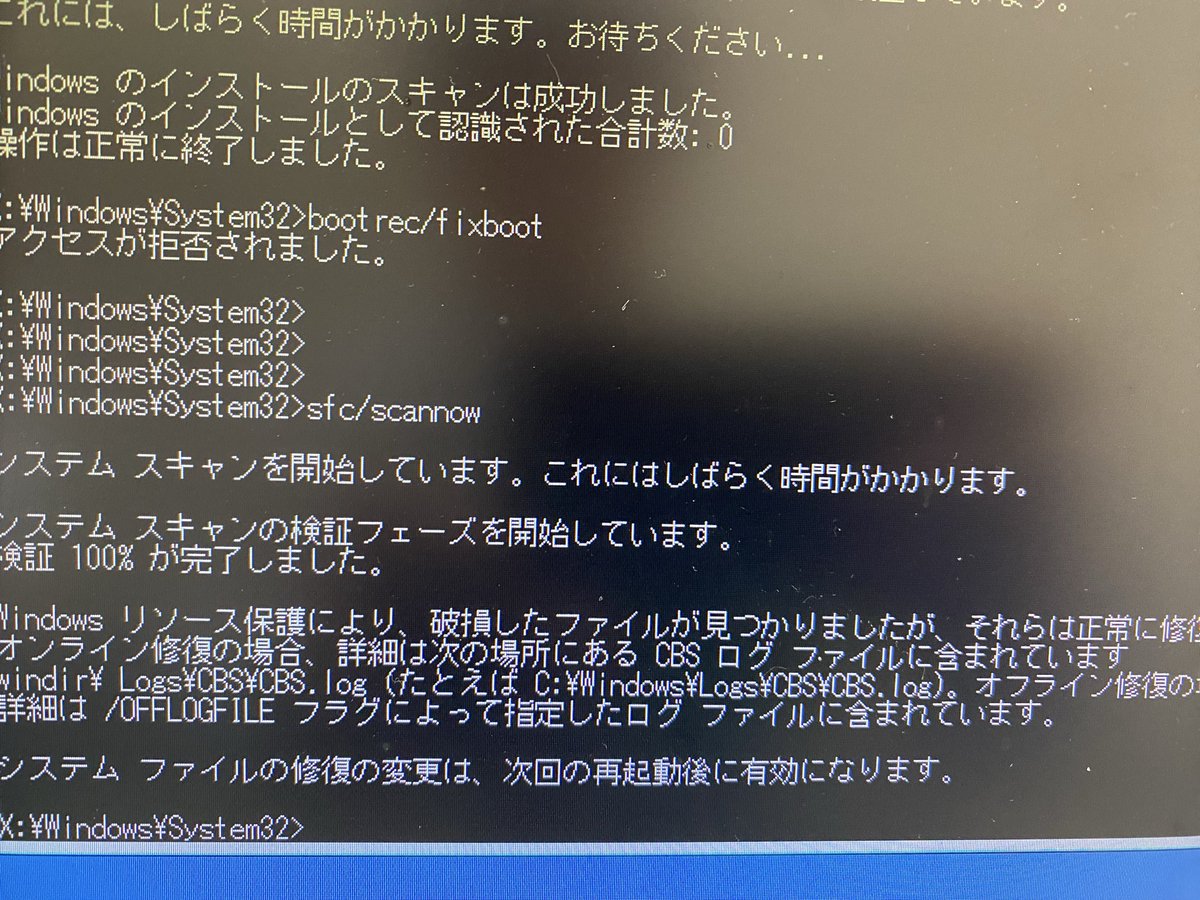
MBRがアップデート失敗でぶっ壊れ
コマンドプロンプトでも
当然直らない
なのにSfc/scannowが
初めてくらいに成功
期待して何度か再起動したら
♪───O(≧∇≦)O────♪
と思ったら真っ暗闇でカーソル
動かせるだけのOSでした
期待させるな💦
2
121

If you are able to get into your desktop, open a command prompt window as administrator and type this command:
sfc/scannow
It's used to detect and fix core corrupted files.
1
5


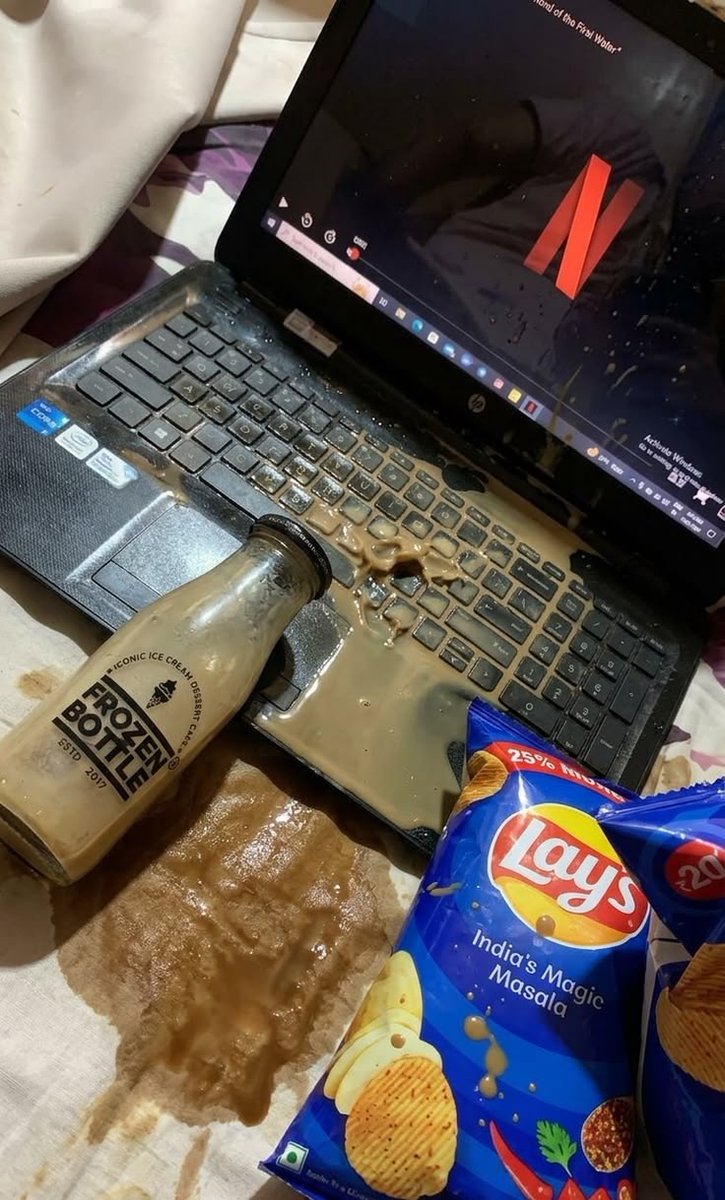


で、OSのアプデorパッチ入れた後、システムチェック入れてるんだけど、
破損かエラーで修復されるの高確率でまた最近なってるけど、
powershellも不具合でてます?wまた。
sfc /scannow
↑システムチェックのコマンド。修復されました~て出たら再起動推奨。細かいなんか不具合出てる方はやってみ
36


Jun 13
🛠️Potential Fix for Sluggish Performance & FPS Drops (Windows 10/11)🛠️
If your PC feels slow, temporary files and Windows corruption may be the cause.
Run these in CMD as Administrator 👇
cleanmgr
del /f /s /q "%temp%\*.*"
rd /s /q "%temp%"
md "%temp%"
sfc /scannow
chkdsk C: /scan
Please ❤️ ♻️ if this helped!
1
3
7
202

Jun 13
とりあえずScannowとメモリの正常性チェックやってみて
それでだめならDDUを使ったグラフィックドライバのクリーンインストールをして
それでもダメならちょっと考えないとですね〜
1
52

Have you ran in an administrative command prompt..
Sfc /scannow
And the trinity of:
DISM /Online /Cleanup-Image /CheckHealth
DISM /Online /Cleanup-Image /ScanHealth
DISM /Online /Cleanup-Image /RestoreHealth
Try these and see what if anything changes
1
48

Jun 12
What has solved a shit load more problems on Windows:
1. Open Command Prompt as Administrator.
2. Run the command: sfc /scannow
3. Watch as it fixes corrupted system files.
1
32


Jun 11
You most likely have a corrupted driver or system file. I would personally do a clean windows installation to decrease the likelihood of any other corrupted drivers/files behind.
If you don’t want to do that, run cmd as admin and do sfc /scannow. This should repair/replace missing or corrupted files.
2
3
546

Jun 10
1. reboot into secure mode with network features and run CMD as admin
2. run sfc /scannow
3. run dism /online /restorehealth
4. maybe I'm misremembering the cmd commands
5. make some tea if this doesn't work 🥹
1
10
1,219

Fix your fucking launcher all your bots up to tier 3 is useless they want me to fix my pc but the problem is your launcher i tried it on 3 different pc all of them same error tye 3rd pc is fresh you want me to /scannow may pc for what its fresh full of shit
86