
Tu peux bypass la waitlist sur Mac, io suffit de taper cette commande dans le terminal puis redémarrer :
sudo defaults write "/Library/Preferences/FeatureFlags/Domain/GenerativeModels.plist" "EnhancedSiriWaitlist" -dict-add Enabled -bool NO
1
2
190


Jun 12
sudo mkdir -p /Library/Preferences/FeatureFlags/Domain
sudo defaults write /Library/Preferences/FeatureFlags/Domain/GenerativeModels.plist EnhancedSiriWaitlist -dict Enabled -bool false
Copy and paste that into Terminal on Mac, then restart your Mac
1
1
38

Jun 12
Workaround👇🏻 :
In Terminal put the following and Enter:
sudo mkdir -p /Library/Preferences/FeatureFlags/Domain
sudo defaults write /Library/Preferences/FeatureFlags/Domain/GenerativeModels.plist EnhancedSiriWaitlist -dict Enabled -bool false
Then Reboot your Mac. Enjoy :)
3
7
853
Jun 12
sudo mkdir -p /Library/Preferences/FeatureFlags/Domain
sudo defaults write /Library/Preferences/FeatureFlags/Domain/GenerativeModels.plist EnhancedSiriWaitlist -dict Enabled -bool false
1
82
Jun 12
If you're on Mac, you can use this
sudo mkdir -p /Library/Preferences/FeatureFlags/Domain
sudo defaults write /Library/Preferences/FeatureFlags/Domain/GenerativeModels.plist EnhancedSiriWaitlist -dict Enabled -bool false
Worked for me
1
34

Jun 11
Yeah, I know, the command you ran on macOS is this one:
sudo defaults write "/Library/Preferences/FeatureFlags/Domain/GenerativeModels.plist" "EnhancedSiriWaitlist" -dict-add Enabled -bool NO
What I meant was that if you type “siri://” in Safari on your phone, it takes you to the Siri app on your iPhone. That’s one way to access it, but you still need to get off the waitlist anyway.
2
316

Jun 11
Par contre pour le Mac, j'en eu ai marre donc : sudo defaults write "/Library/Preferences/FeatureFlags/Domain/GenerativeModels.plist" "EnhancedSiriWaitlist" -dict-add Enabled -bool NO
Sans désactivation du SIP.
Pas nécessaire.
Je dis cela car je l'ai lu.
Mais restart après.
2/x
1
1
69
Jun 11
Par contre pour le Mac, j'en eu ai marre donc : sudo defaults write "/Library/Preferences/FeatureFlags/Domain/GenerativeModels.plist" "EnhancedSiriWaitlist" -dict-add Enabled -bool NO
Sans désactivation du SIP.
Pas nécessaire.
Je dis cela car je l'ai lu.
Mais restart après.
2/x
1
2
102

Jun 11
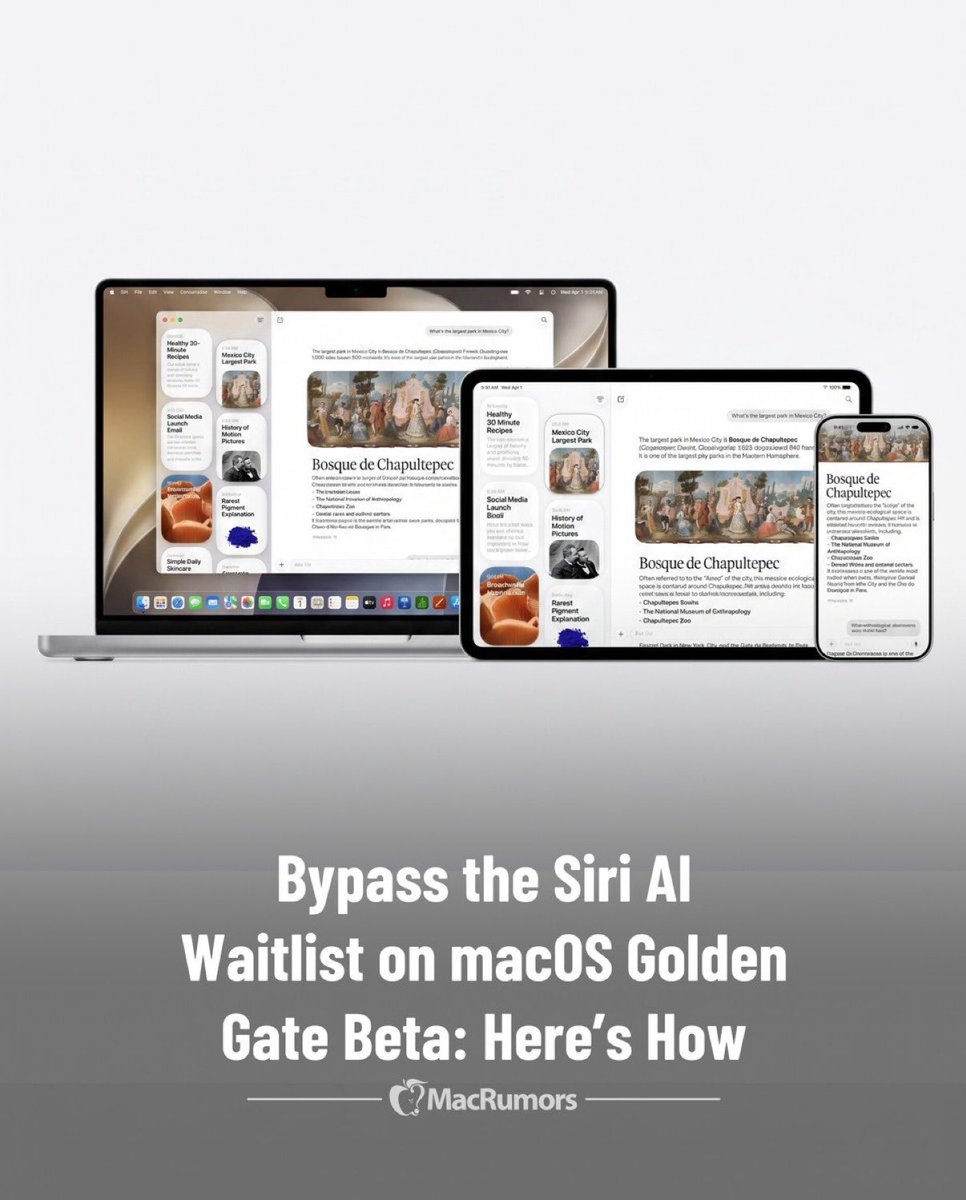
لاتزال تنتظر تفعيل Siri AI على macOS 27 Golden Gate beta؟ 🍏✨
يمكنك تجاوز قائمة الانتظار وتفعيل الميزة فوراً عبر أمر بسيط في الـ Terminal:
sudo defaults write "/Library/Preferences/FeatureFlags/Domain/GenerativeModels.plist" "EnhancedSiriWaitlist" -dict-add Enabled -bool NO
ثم أعد تشغيل الجهاز واستمتع بالمميزات الجديدة! 🚀
ملاحظة: تأكد دائماً من وجود نسخة احتياطية لبياناتك.
1
2
15
3,913

Jun 11
I dont see a FeatureFlags dir in either /Library/Preferences or ~/Library/Preferences
2
195
Mr_Sir_X retweeted

Jun 11
sudo mkdir -p /Library/Preferences/FeatureFlags/Domain
sudo defaults write /Library/Preferences/FeatureFlags/Domain/GenerativeModels.plist EnhancedSiriWaitlist -dict Enabled -bool false
Reboot. Worked for me.
5
1
29
6,072

Jun 11
Pon el siguiente comando en terminal:
sudo defaults write "/Library/Preferences/FeatureFlags/Domain/GenerativeModels.plist" "EnhancedSiriWaitlist" -dict-add Enabled -bool NO
Pones tu contraseña cuando la pida, una vez hecho, reinicias tu Mac y ya debería estar la nueva Siri.
3
35
JAYTHROUGH retweeted

Jun 10
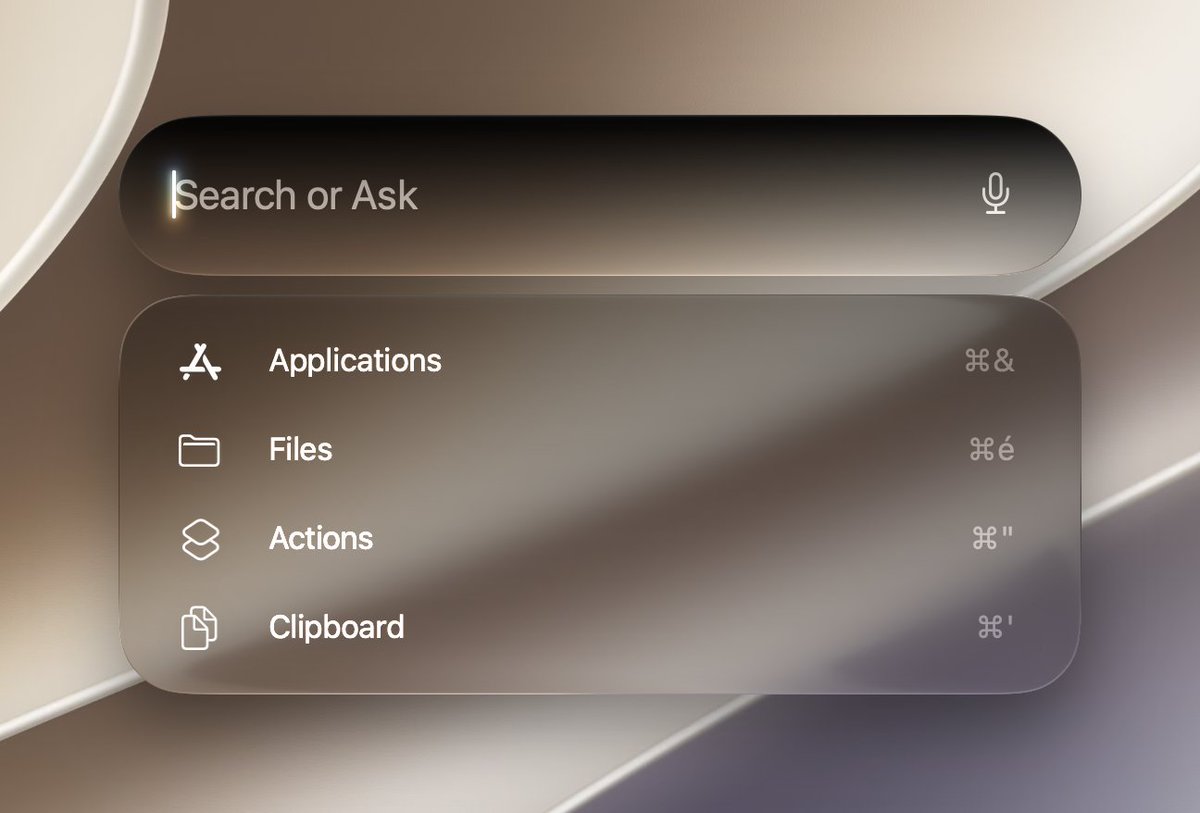
➡️ Easier way, no need to disable SIP:
sudo defaults write "/Library/Preferences/FeatureFlags/Domain/GenerativeModels.plist" "EnhancedSiriWaitlist" -dict-add Enabled -bool NO

30
28
467
89,119

Jun 11
Or: sudo defaults write "/Library/Preferences/FeatureFlags/Domain/GenerativeModels.plist" "EnhancedSiriWaitlist" -dict-add Enabled -bool NO
468

Jun 11
sudo defaults write "/Library/Preferences/FeatureFlags/Domain/GenerativeModels.plist" "EnhancedSiriWaitlist" -dict-add Enabled -bool NO && sudo reboot
1
64
Longhorn retweeted

Jun 10
The same method for disabling Liquid Glass using FeatureFlags SwiftUI.plist still works in macOS 27 Golden Gate Developer Beta 1!
Unfortunately it has more issues than it did in macOS 26 Tahoe as disabling Liquid Glass causes the Apps list and Spotlight to break entirely.
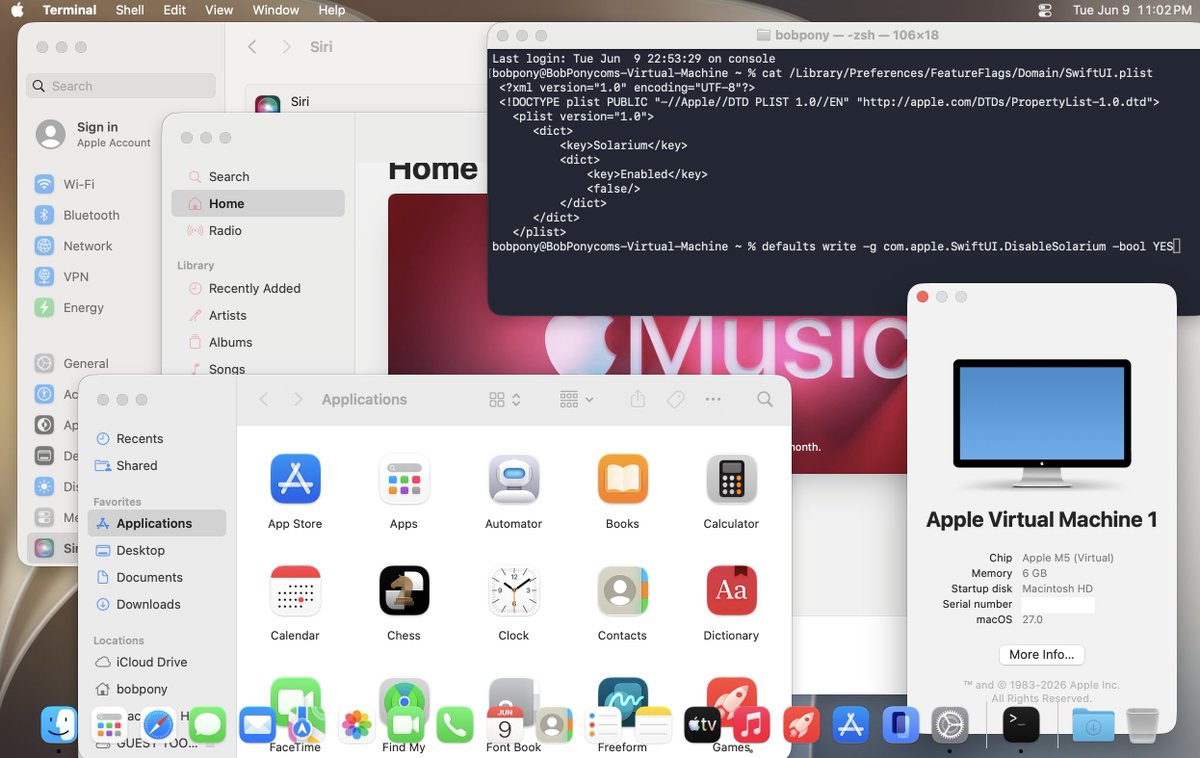
ALT Desktop screenshot of macOS 27 Developer Beta 1 with Liquid Glass disabled.
4 Oct 2025

It's possible to entirely disable Liquid Glass in macOS 26 Tahoe, there's some visual issues such as the Control Center and the text hover in the dock, but it's mostly usable with the Liquid Glass disabled surprisingly!
If you want to try this yourself... 🧵
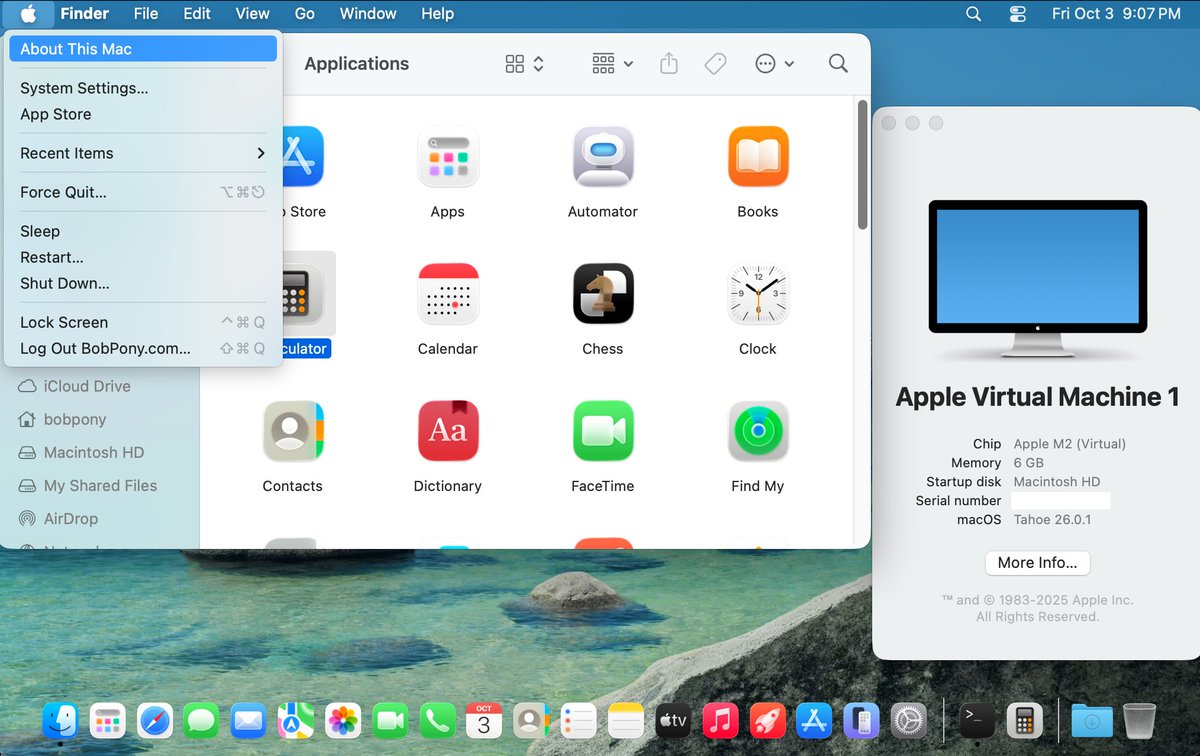
ALT Screenshot of macOS 26 Tahoe with the Liquid Glass disabled, it looks a bit similar to macOS Big Sur to Sequoia except for the icons and visual issues with the dock.
6
6
136
13,353

Jun 11
Turns out there is a way to get the new Siri with SIP enabled.
sudo defaults write /Library/Preferences/FeatureFlags/Domain/GenerativeModels.plist EnhancedSiriWaitlist -dict Enabled -bool false
It worked for me, but I got off the waitlist after a few hours anyway sooo
243