
Reading every word on a page to find what you need is not navigation — it is punishment. H for headings, B for buttons, T for tables, E for edit fields, L for lists. Shift plus key to go back. One keystroke. Zero scrolling. Which Quick Key do you use most?
#JAWS #QuickKeys
18

Apr 14
aah lol I sometimes block and mute people based on the quickkeys on keyboard
happened to @0x10kLiquid aswell, he was muted for months before I noticed
welcome unc
2
4
108

Apr 12
Have it rebuild the old QuickKeys for Mac. Will probably take it five minutes.
web.archive.org/web/20040401…
1
1
70


Feb 16
Excel Quick keys, helps in minimizing the work task time, I have listed basic keys, I have created the youtube content for the same.
For more details, check out the link below
youtu.be/joy2AHahQmQ
#QuickKeys #DataWorks #ExcelTips
15

Jan 20
Xencelabs Pen Display 16 Bundleは、持ち運びに便利な16インチの4Kペンディスプレイで、10bit OLEDスクリーンを搭載。プロのクリエイター向けに、豊かな色彩表現とシャープなディテールを実現します。
携帯性を重視した設計で、接続はケーブル1本でOK。さらに、Quick KeysやMobile Easelなどの必須アクセサリーが付属し、制作に必要なワークフローを一式揃えられるバンドルです。
素晴らしい3D動画を制作してくれた @mwildancs に感謝します!
公式ストア:bit.ly/4nrZx7s
アマゾンストア:bit.ly/3WpfUXm
#Xencelabs #PenDisplay16 #4KOLED #QuickKeys #デジタルアート #CreateWhatYouDream
5
834

Jan 19
The Xencelabs Pen Display 16 Bundle is a portable 16-inch 4K pen display with a10-bit OLED screen, delivering rich color and sharp detail for professional creatives.
Designed with portability in mind, it connects with a single cable and comes with essential accessories including the Quick Keys and Mobile Easel for a complete workflow setup.
Thanks to @mwildancs for creating this awesome 3D video!
#Xencelabs #PenDisplay16 #4KOLED #QuickKeys #DigitalArt #CreateWhatYouDream
1
21
2,521

25 Dec 2025
Comprehensive Xencelabs Quick Keys Review for 2025. Learn how the 44 customizable functions and OLED display improve your creative speed.
bestbuyingideas.com/xencelab…
#Xencelabs #QuickKeys #GraphicDesign #VideoEditor #WorkflowOptimization #TechReview #AmazonFinds
1


9 Jun 2025
I hope QuickKeys can be programmable like I can type some keyword and it’ll give me the Date Today. Text Replacement is a good alternative but it’s not as dynamic like the Date today.
#WWDC25
1
1
101


9 Jun 2025
#WWDC25 you thought it’s smart to call it “QuickKeys” 😂😂😂😂 who named it? Or maybe brain is too corrupted rn.
1
96

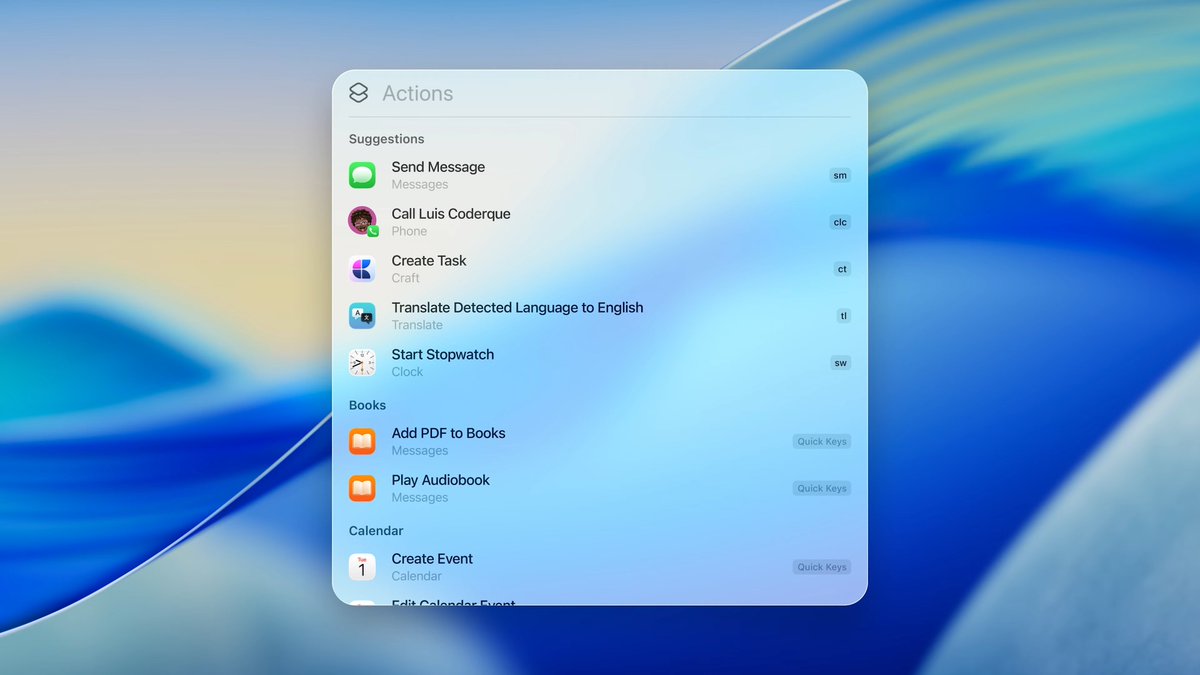
Spotlight in macOS 26 now supports Quick Keys, bringing actionable shortcuts based on what you type. It makes it useful for common tasks.
#WWDC2025 #macOS26 #Spotlight #QuickKeys #TechPPLive
1
1
233


29 May 2025
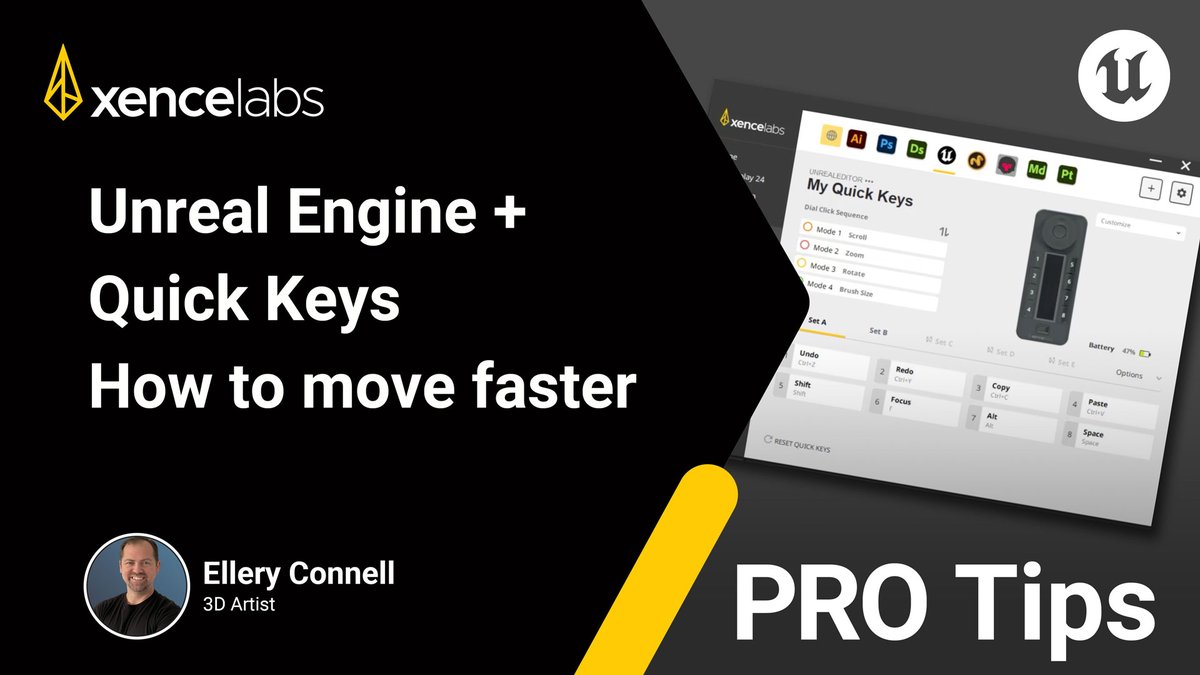
#Xencelabs PRO Tips | Boost Your Speed in #UnrealEngine with #QuickKeys
Celebrating our sponsorship of Unreal Fest Orlando, we're sharing this Xencelabs PRO Tip featuring Ellery Connell on how to navigate faster using Quick Keys.
youtu.be/_5UZzg2GiTw
#CreateWhatYouDream
1
2
208

20 Mar 2025
2
1
3
374

26 Nov 2024
hi Vtubers and streamers!
I’m setting up my StreamDeck and was wondering what are some fun/must have buttons you’ve placed on yours? (I’ve got my basics for my OBS and model quickkeys!)
36
4 Nov 2024
Ready to level up your efficiency? ⬆️
One of the coolest features of the Xencelabs Quick Keys is the ability to share your presets! Cut down on time by using existing presets for your software, like Lightroom, via the Xencelabs driver.
#Xencelabs #CreateWhatYouDream #QuickKeys
3
309