
22 Dec 2025
Exactly, no need to learn each API for each resource. You can now use a query lang which most devs are already familiar with - SQL!
13
22 Dec 2025
Thanks a lot and Im happy to hear you liked it! I hope its useful in your future projects!
1
9
22 Dec 2025
Indeed, well thought out approach for cloud resources and simplifies a lot of stuff!
1
206

21 Dec 2025
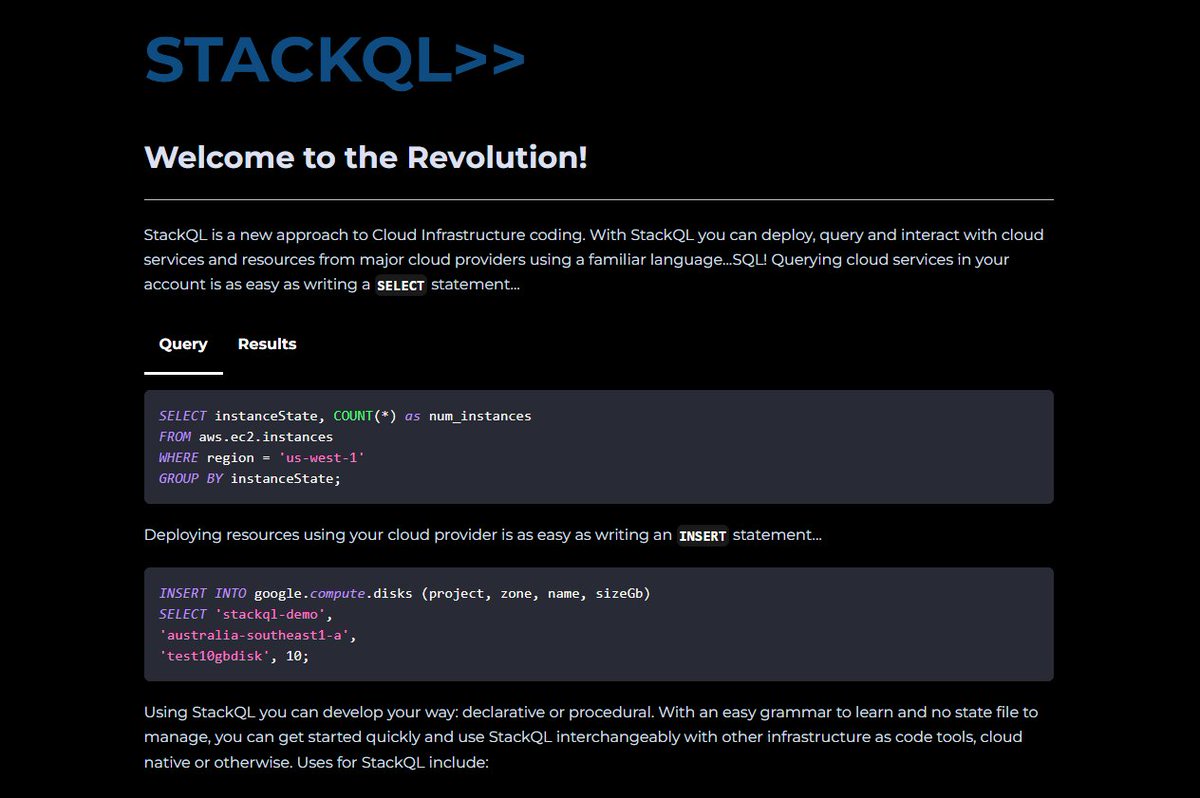
StackQL enables you to query AI providers like OpenAI and Anthropic using unified SQL syntax for everything!
Build powerful MCP servers that transform how AI agents interact with cloud resources!
⭐ Star it on GitHub: github.com/stackql/stackql
2
5
710
21 Dec 2025
7. Verifying the successful installation
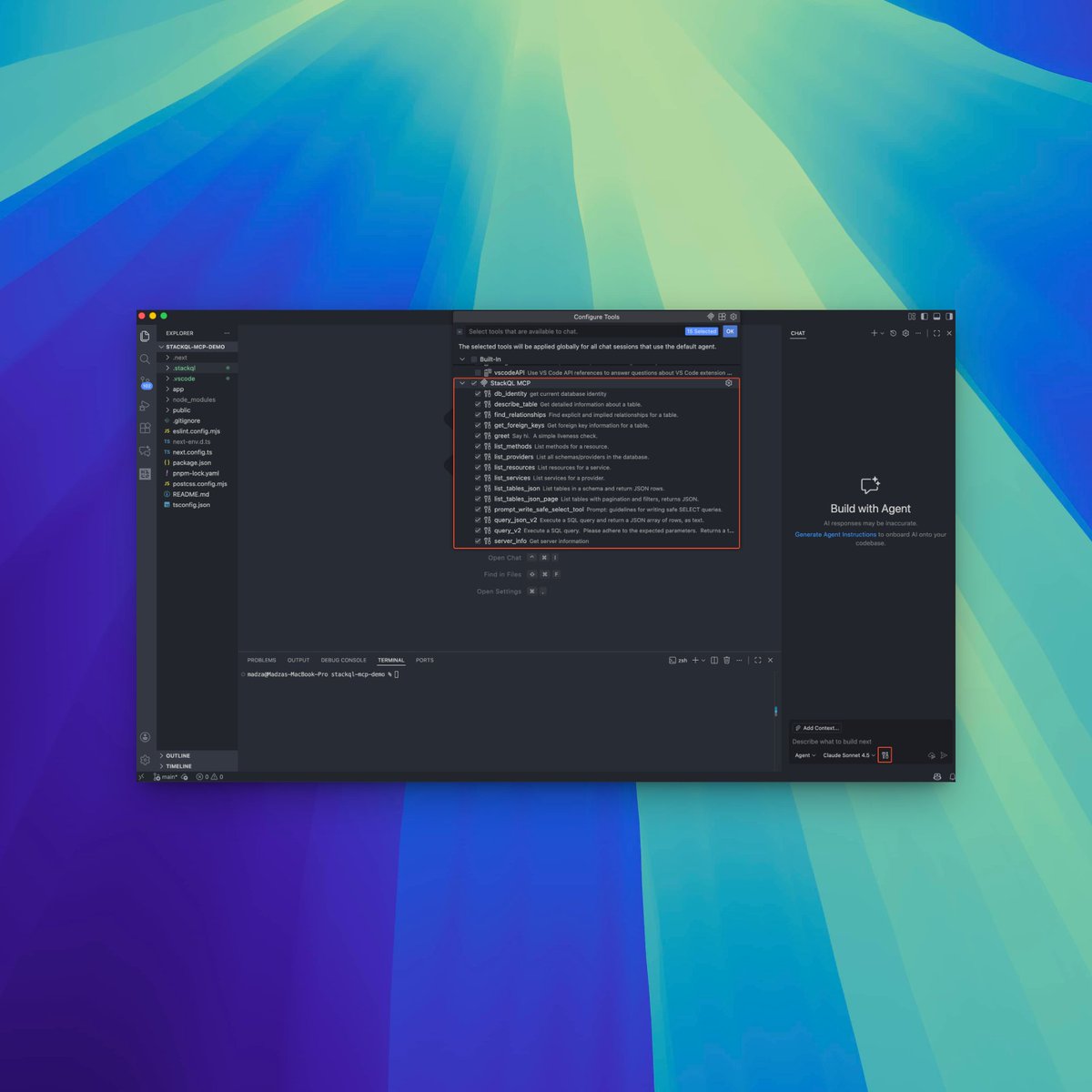
Open the tools list via configuration settings to confirm the StackQL MCP server is installed.
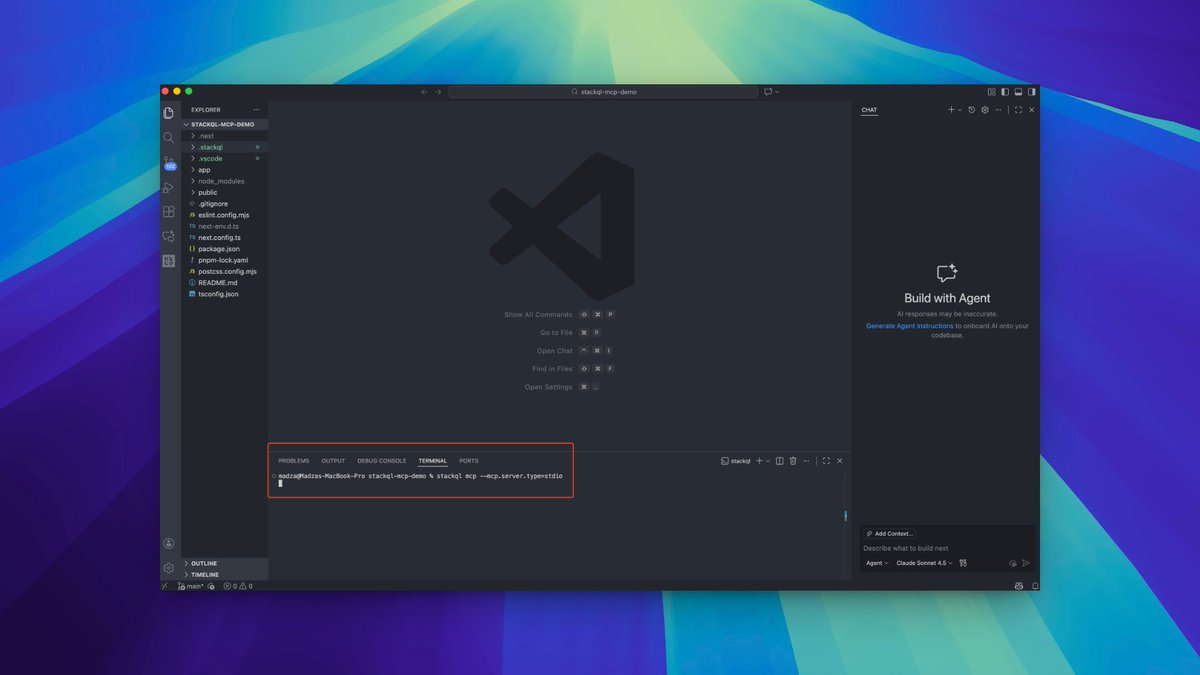
Run `stackql mcp --mcp.server.type=stdio` in the terminal to launch the server.
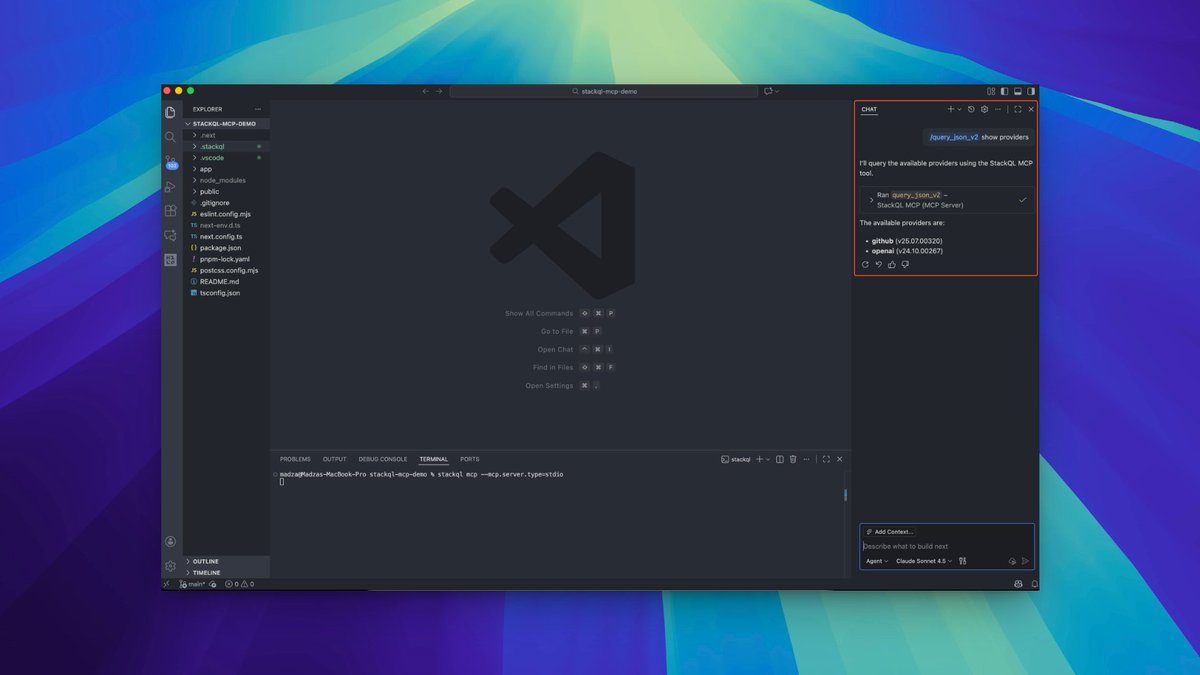
Ask Copilot to show providers and verify OpenAI and GitHub are recognized and ready to query.
1
1
60
21 Dec 2025
6. Integrating the StackQL MCP server
Click the "Configure" icon at the bottom to bring up the built-in agents menu.
Click "Add MCP server", select Command (stdio) type, and provide the command to execute.
Name it "StackQL MCP" or something that helps you identify it.
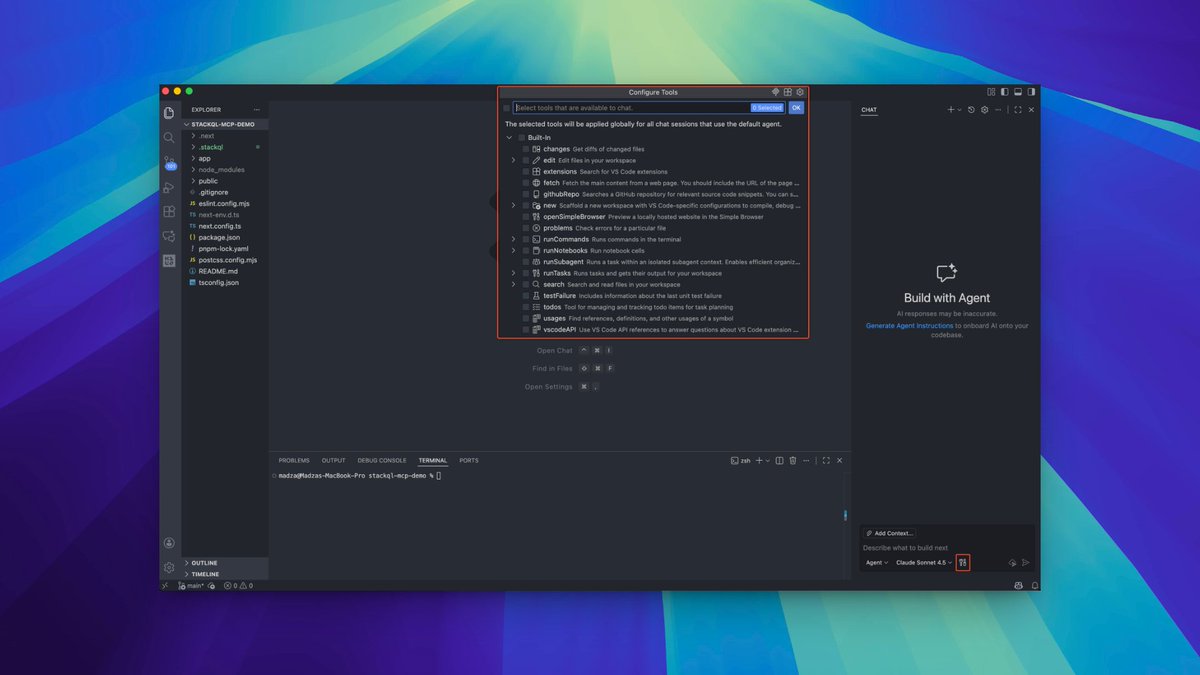
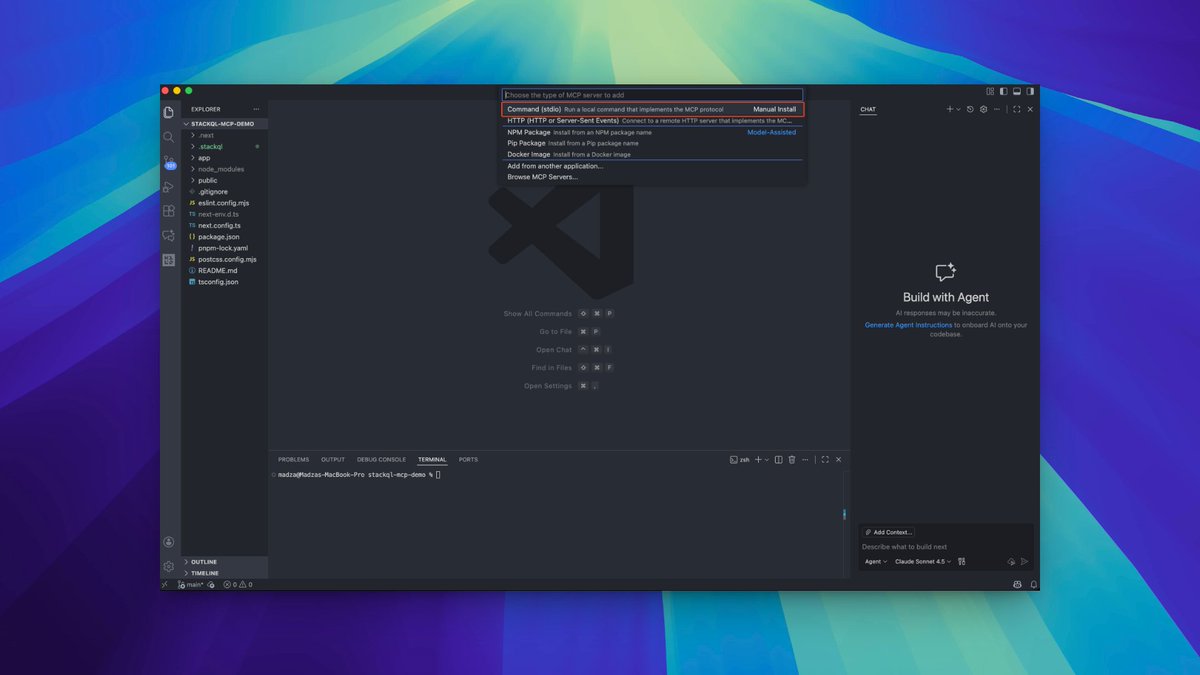
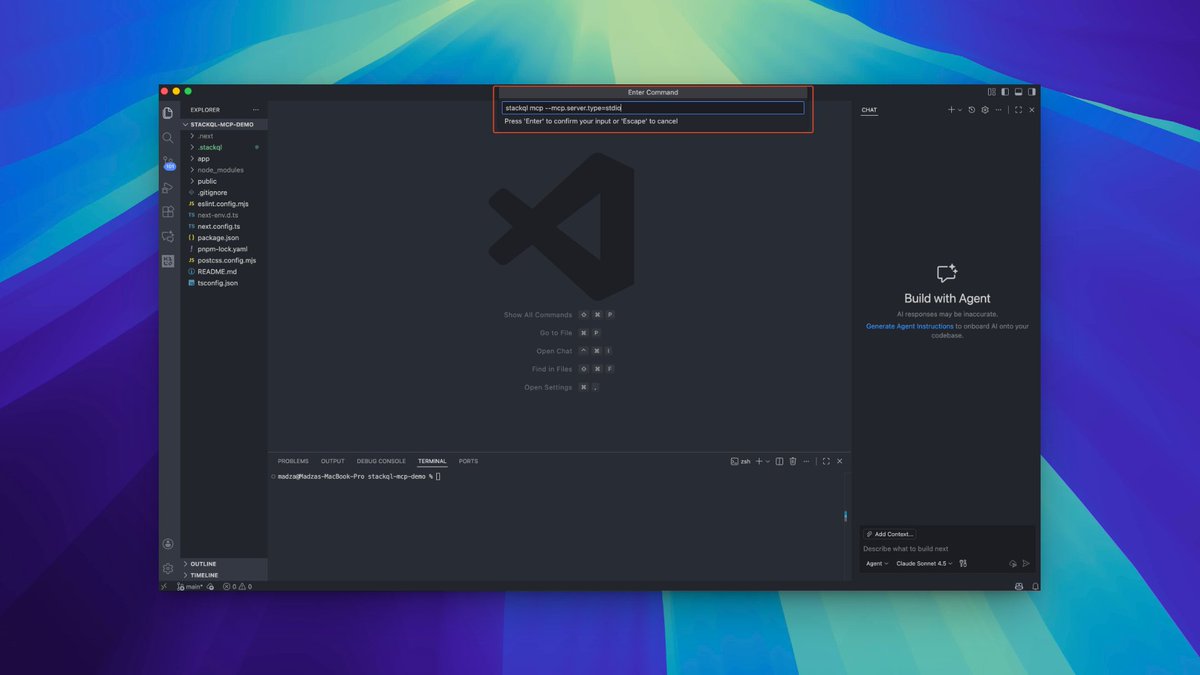
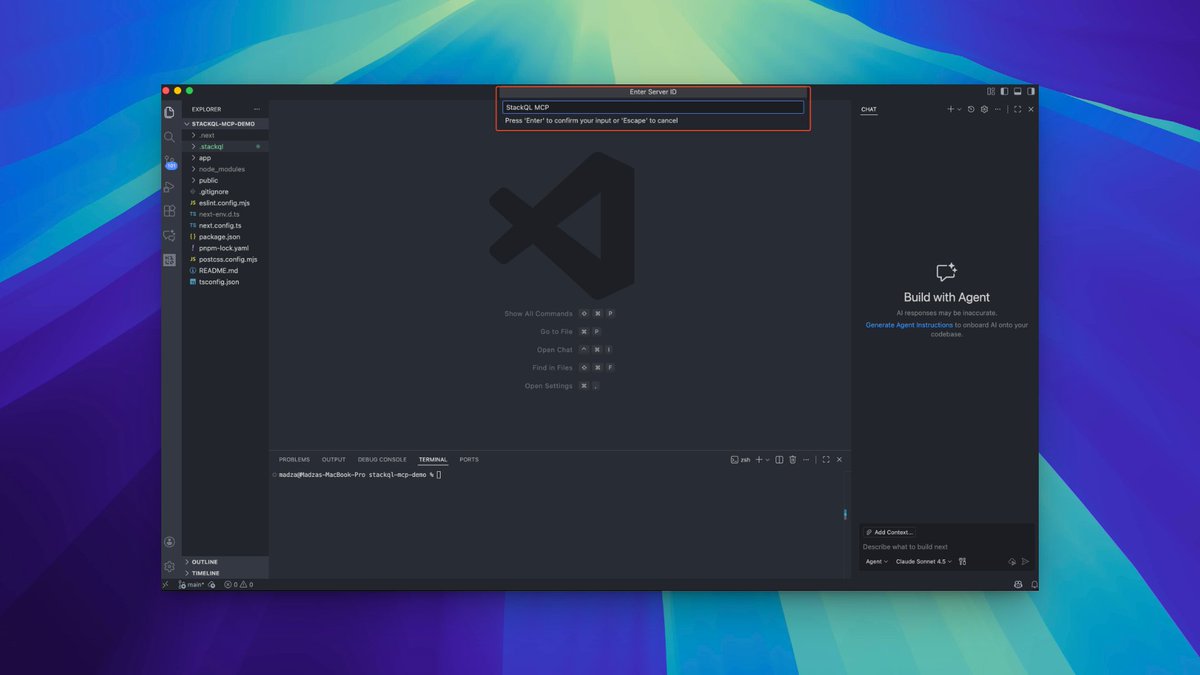
1
1
55
21 Dec 2025
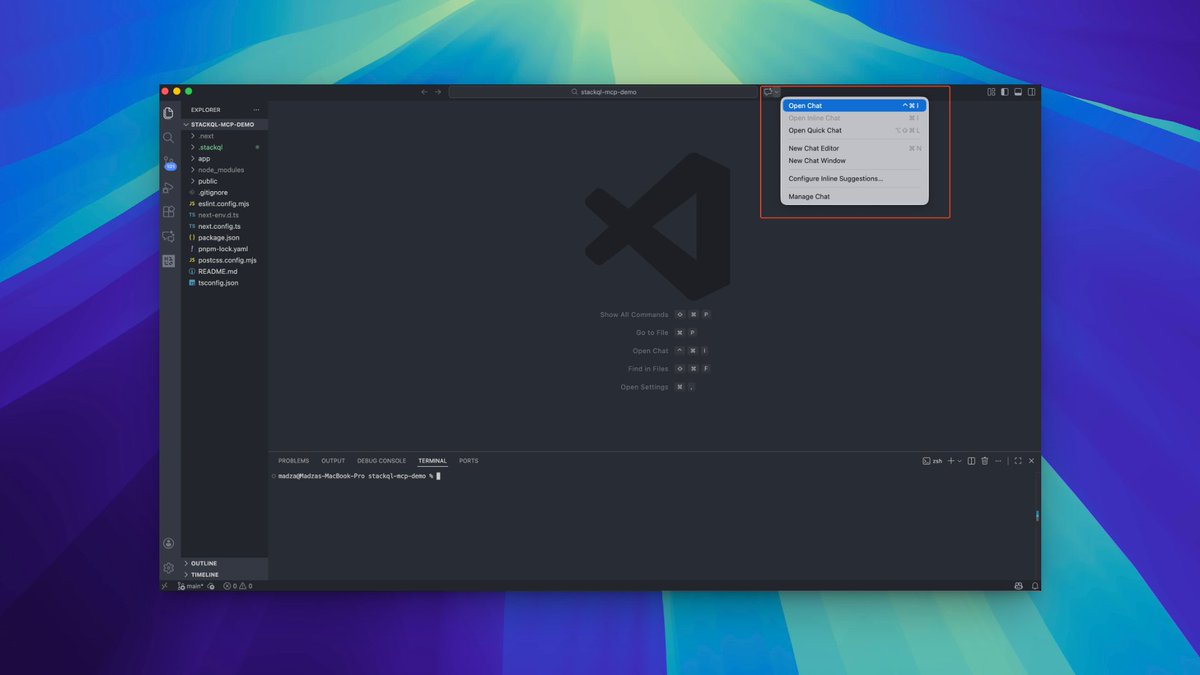
5. Configuring GitHub Copilot
We will integrate the StackQL MCP server inside GitHub Copilot.
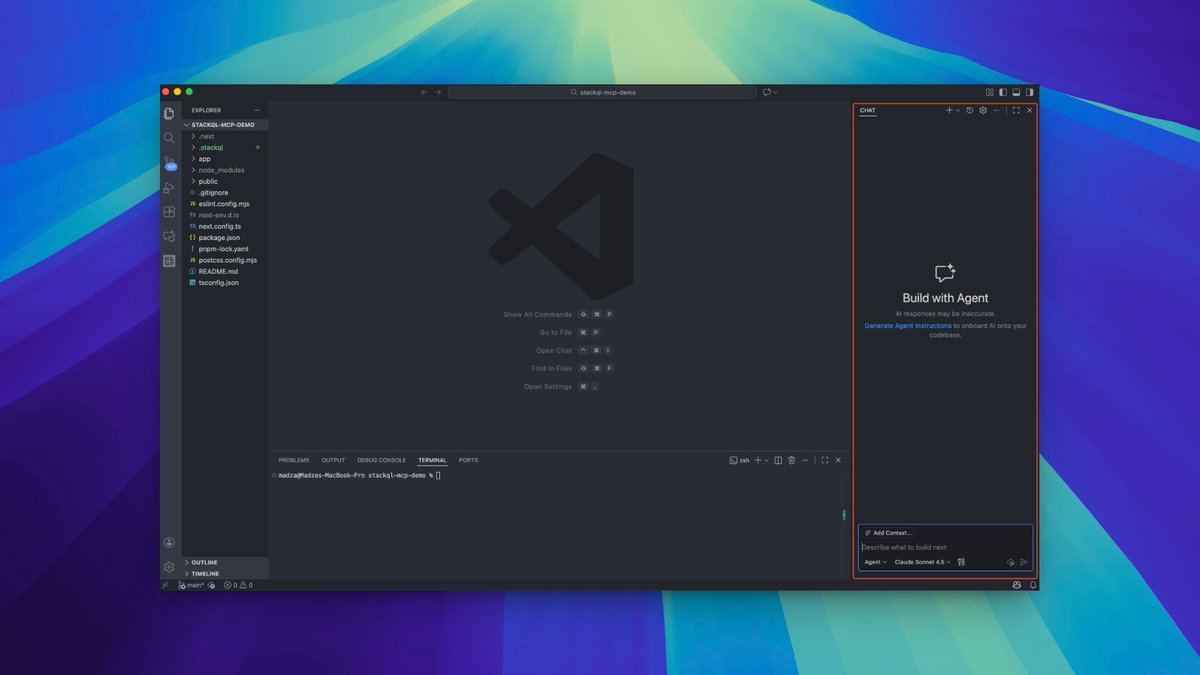
Click on the Copilot icon at the top bar of VS Code and select the "Open Chat" option. The chat will appear on the right side by default.
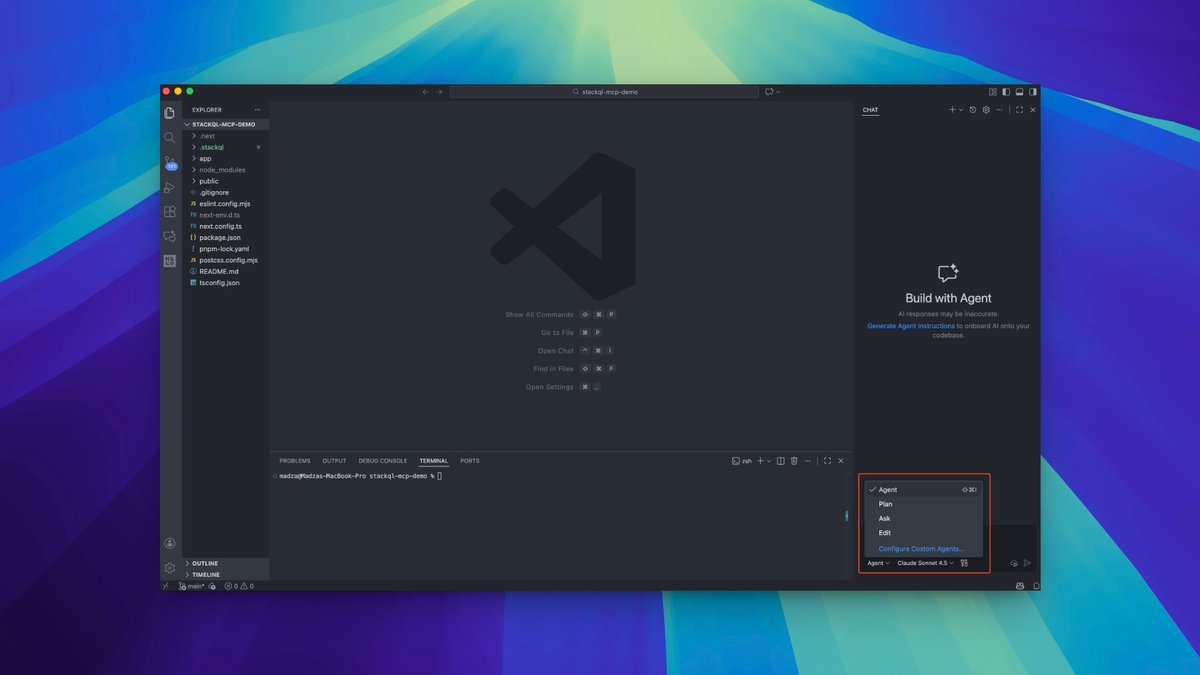
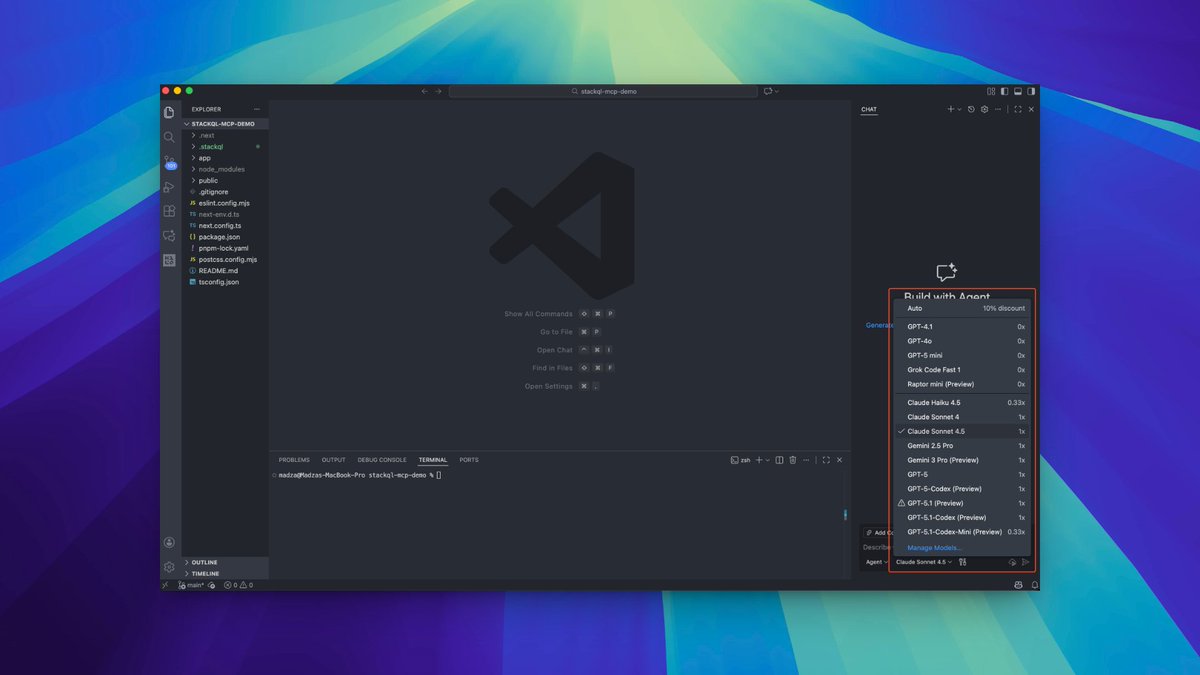
Make sure the Copilot is in Agent mode, then select your preferred LLM model from the dropdown.
1
1
75
21 Dec 2025
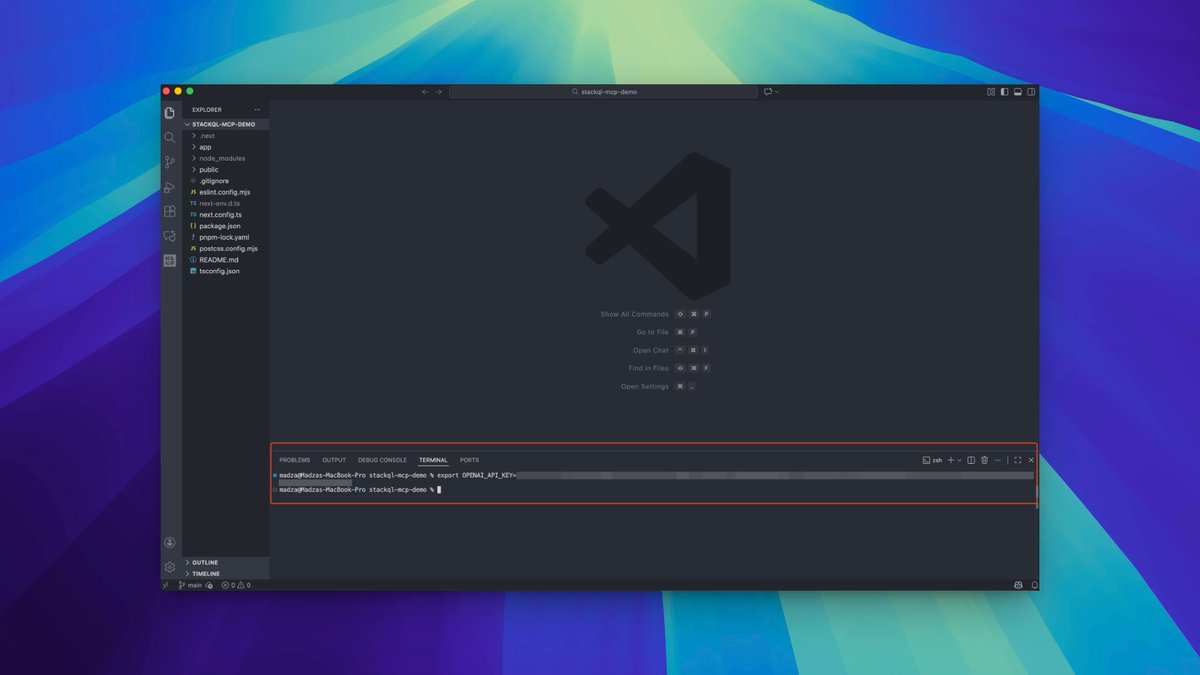
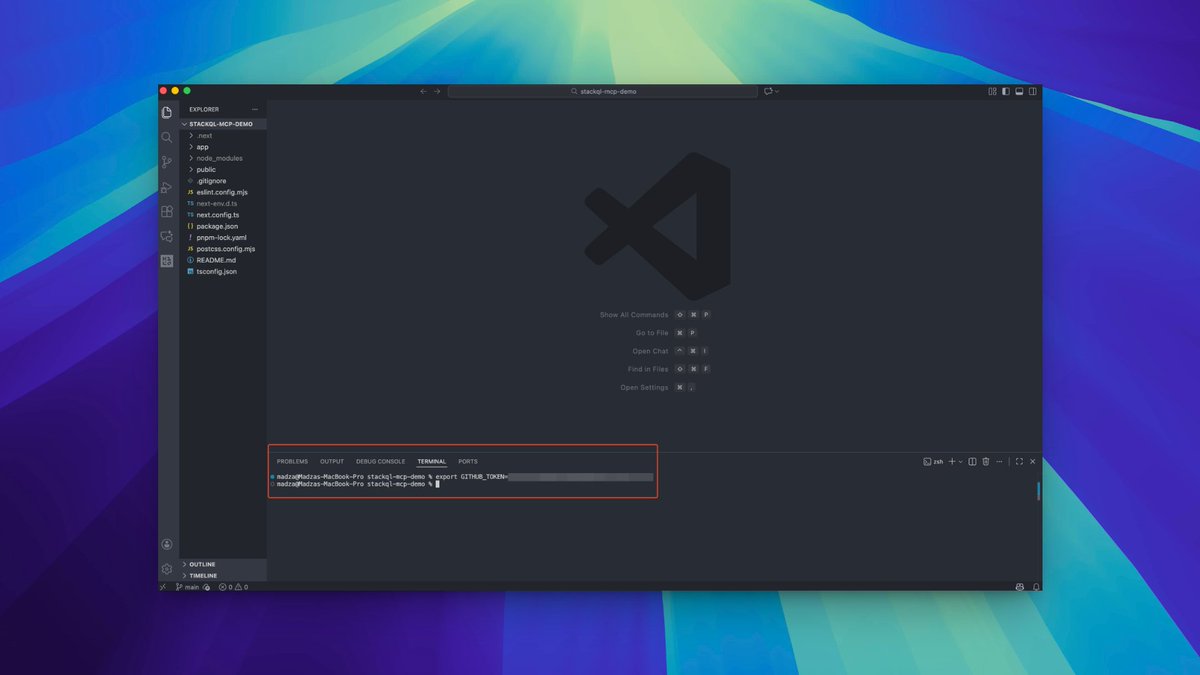
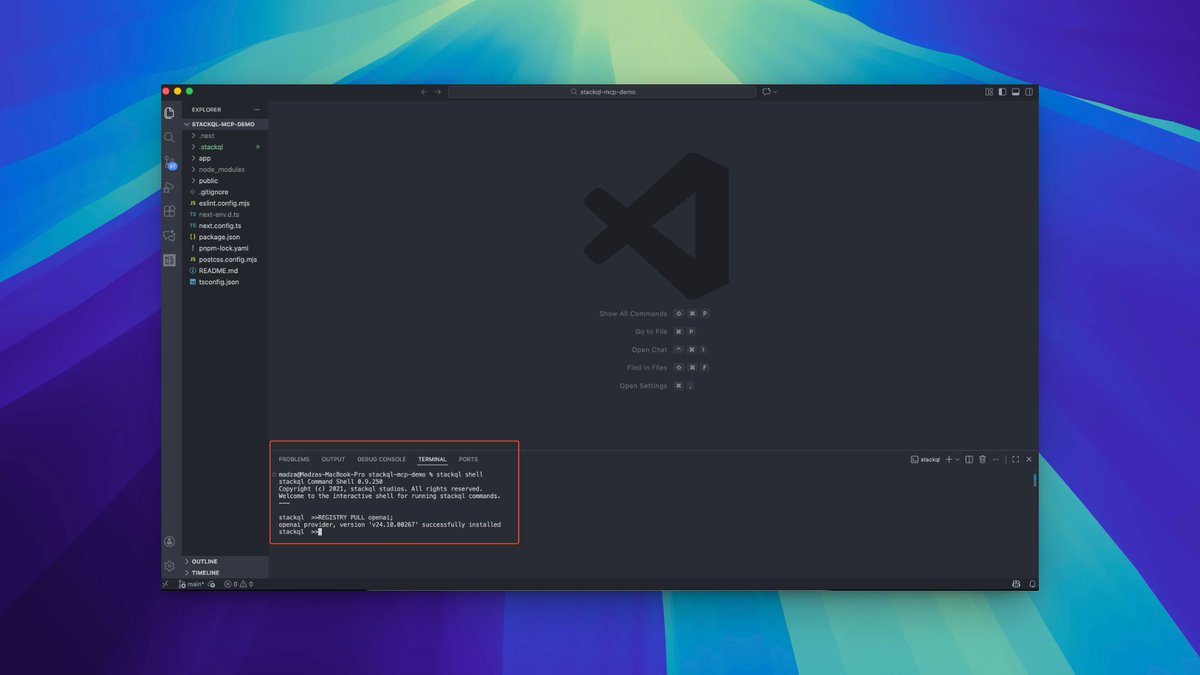
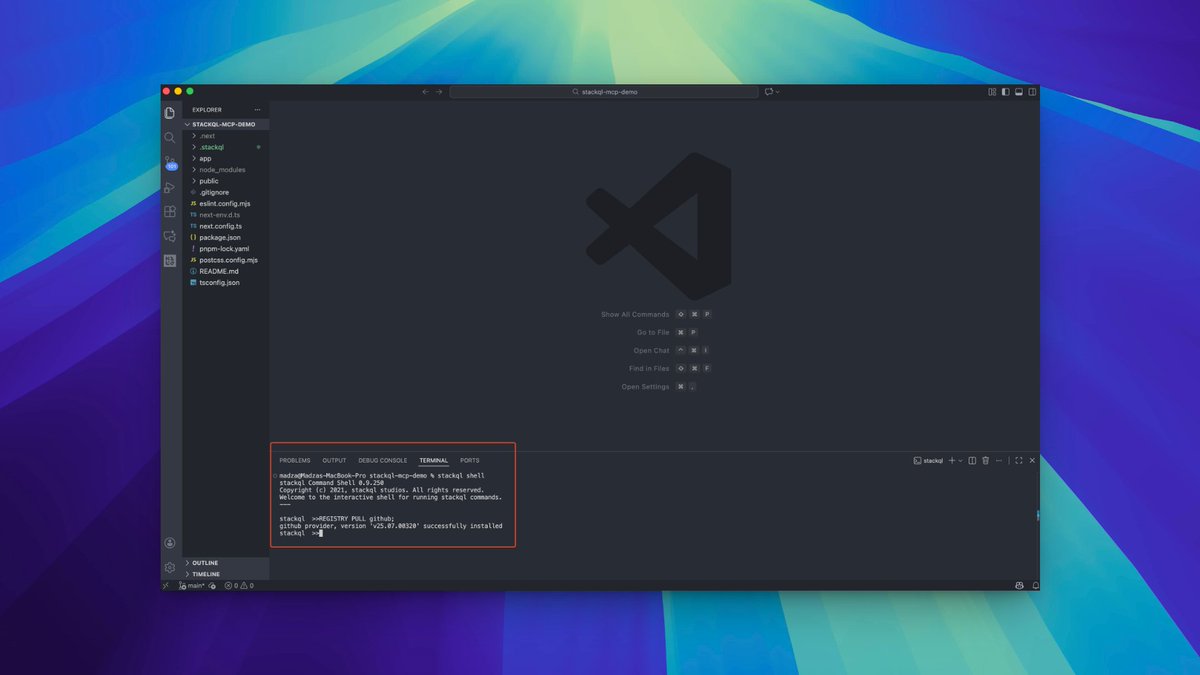
4. Setting Up Keys and Pulling Providers
StackQL supports 25 providers across various areas such as cloud, data analytics, DevOps, and AI & data science.
For this tutorial, we'll configure OpenAI and GitHub.
Set your OPENAI_API_KEY and GITHUB_TOKEN environment variables, then pull both provider registries using REGISTRY PULL commands.
2
4
111
21 Dec 2025
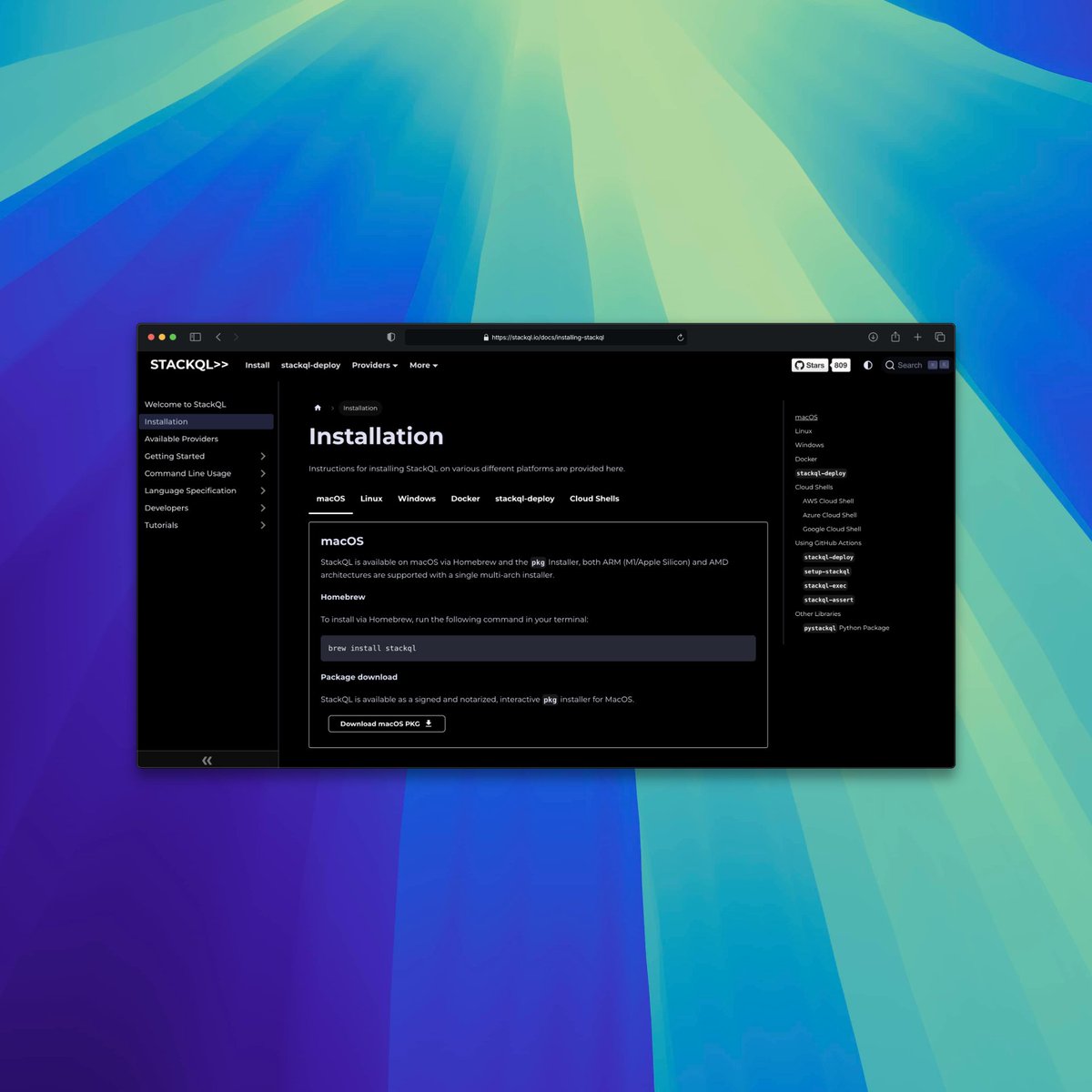
3. Installing StackQL on Your Machine
Go to the Downloads section for installation and configuration details.
StackQL can be installed on macOS, Linux, and Windows. Select the tab that represents your OS and get started.
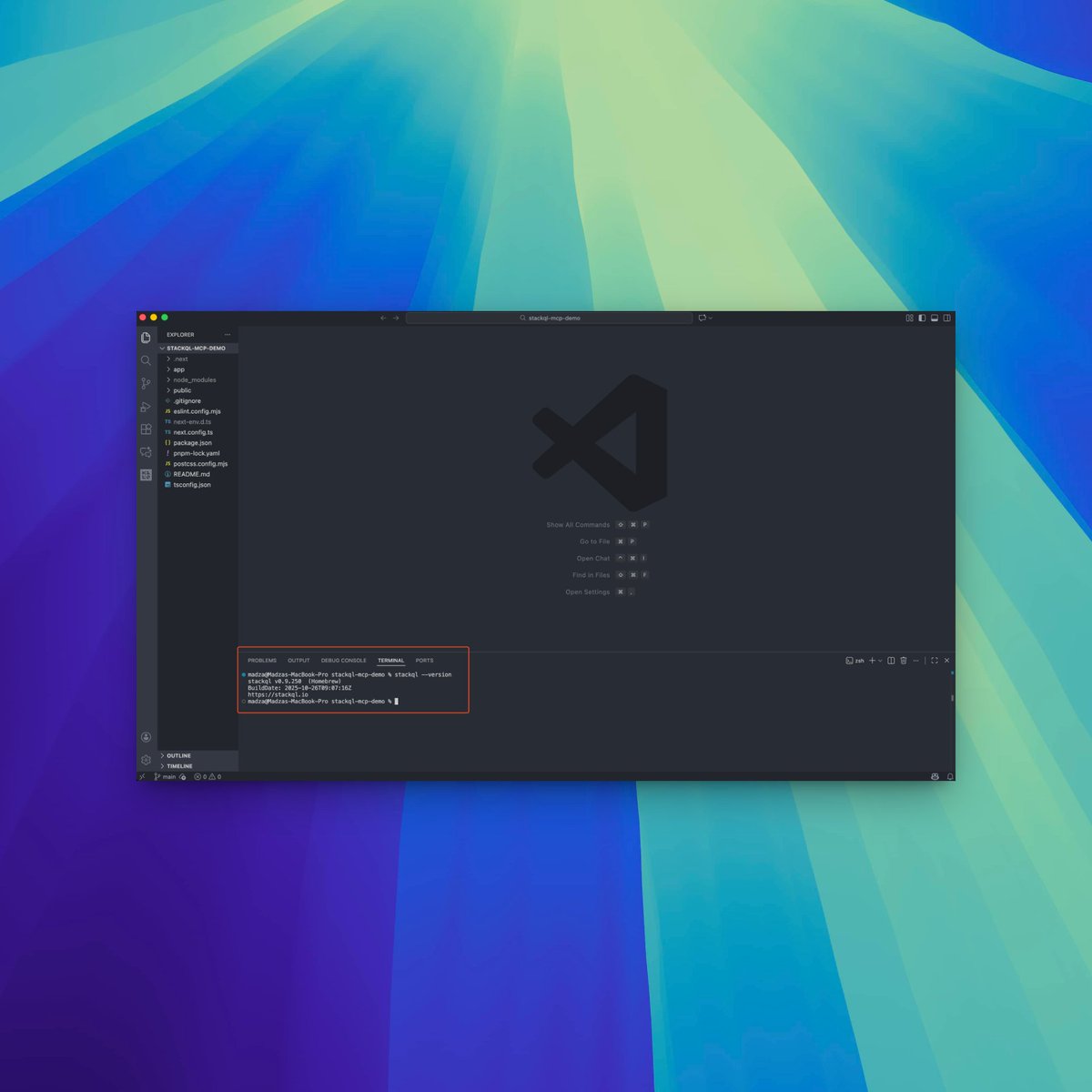
After the installation, run the `stackql --version` command in the terminal to confirm success.
1
1
182
21 Dec 2025
2. How StackQL Works and Key Features
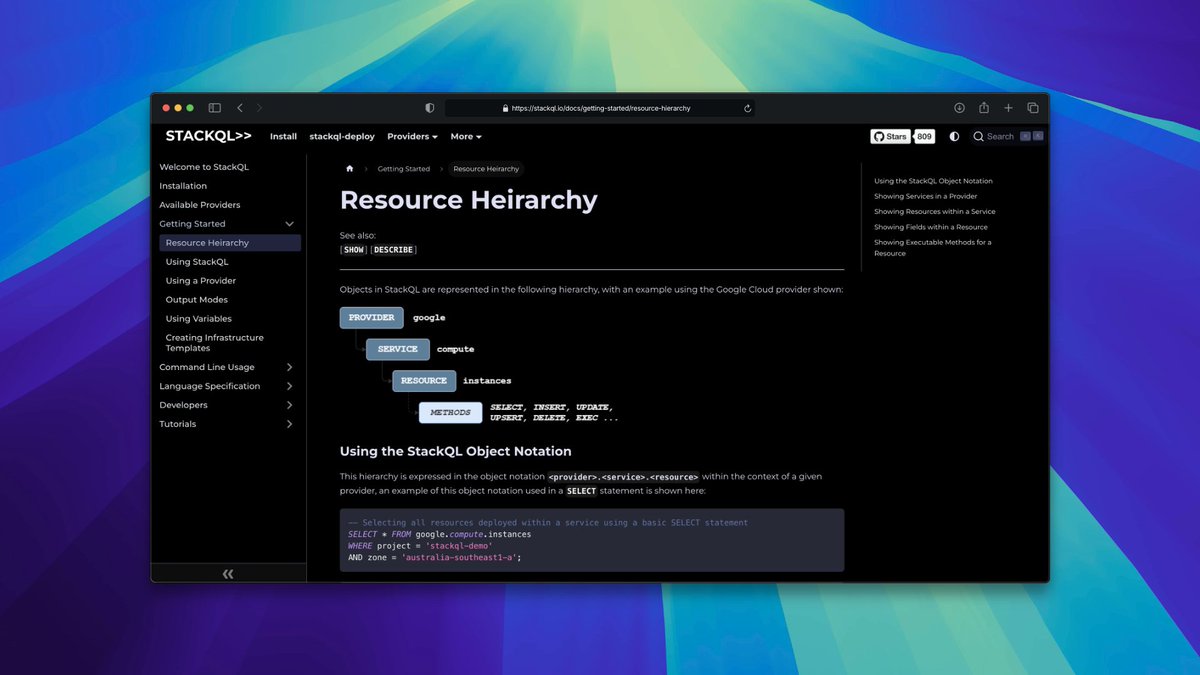
StackQL functions as a declarative query engine that translates SQL-like queries into API calls across multiple cloud providers and services.
StackQL uses the concept of providers, each representing a cloud platform, SaaS service, or API ecosystem.
Each provider exposes a set of resources and actions that map to the underlying APIs.
1
1
167
21 Dec 2025
1. What is StackQL and Why Is It Useful?
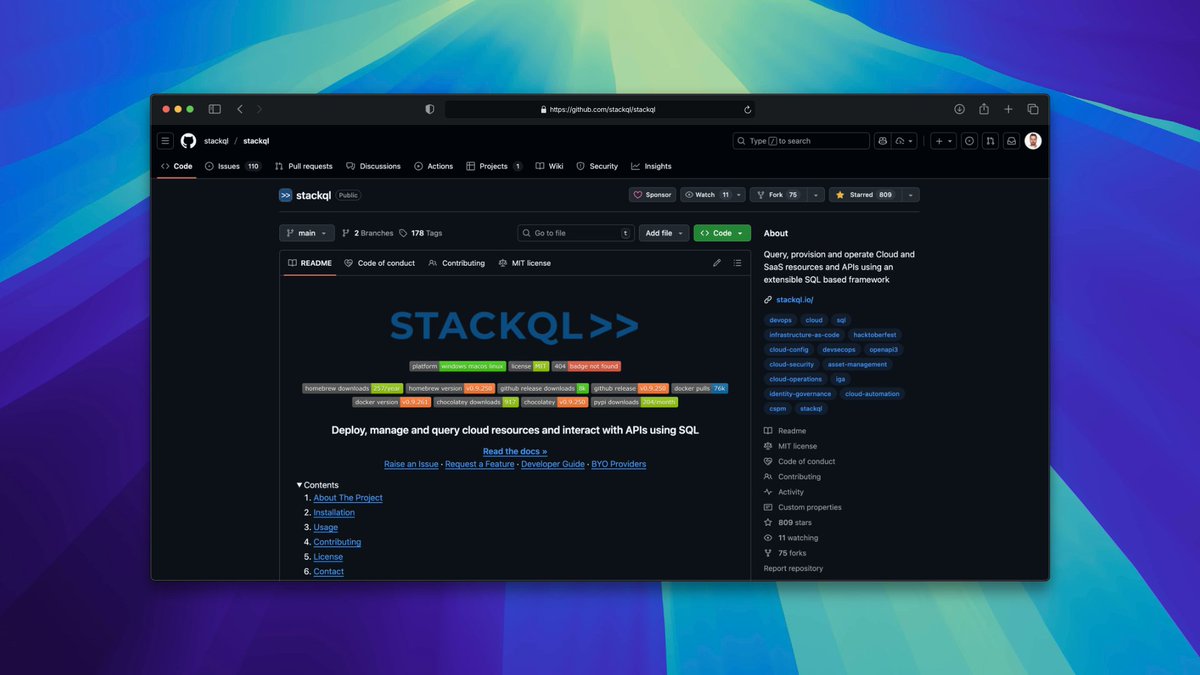
StackQL is an open source query engine that provides a SQL-like interface for interacting with cloud APIs and AI providers, such as OpenAI and Anthropic.
Unifies cloud and AI management with a single SQL syntax, removing the need for provider-specific SDKs and complex authentication.
1
2
123
21 Dec 2025
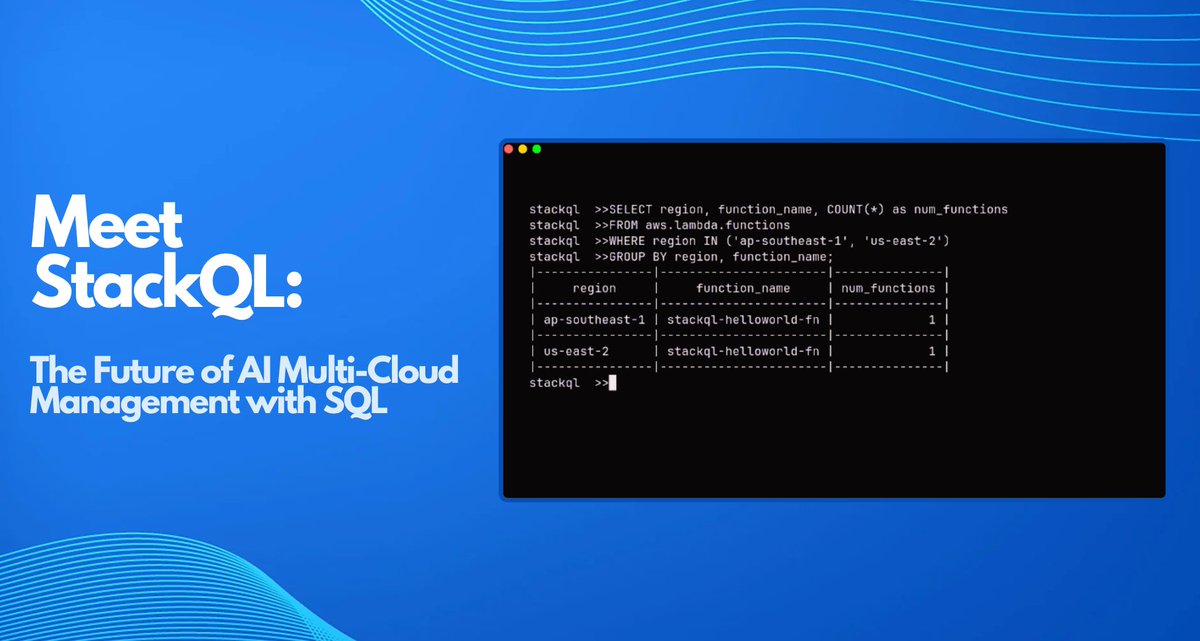
Meet @stackql - The Future of AI Multi-Cloud Management with SQL 🤖⚡️
🤖 Query AI Providers with SQL Syntax
⚡ Build MCP Servers for Powerful AI Workflows
🔗 Supports OpenAI, Anthropic, and 25 Providers
🚀 Unify Multi-Cloud, SaaS, and AI Management
⭐ Star it on GitHub: github.com/stackql/stackql
#sponsored #ad
Follow Step-by-Step Tutorial for Practical Use 🧵👇
4
1
23
9,555
20 Dec 2025
So happy to publish my new full-length article! 🥳💖
Meet StackQL: The Future of AI Multi-Cloud Management with SQL 🤖⚡️
{ by @madzadev } from @ThePracticalDev
Read it here: dev.to/madza/meet-stackql-th…
2
1
10
4,445

20 Nov 2025
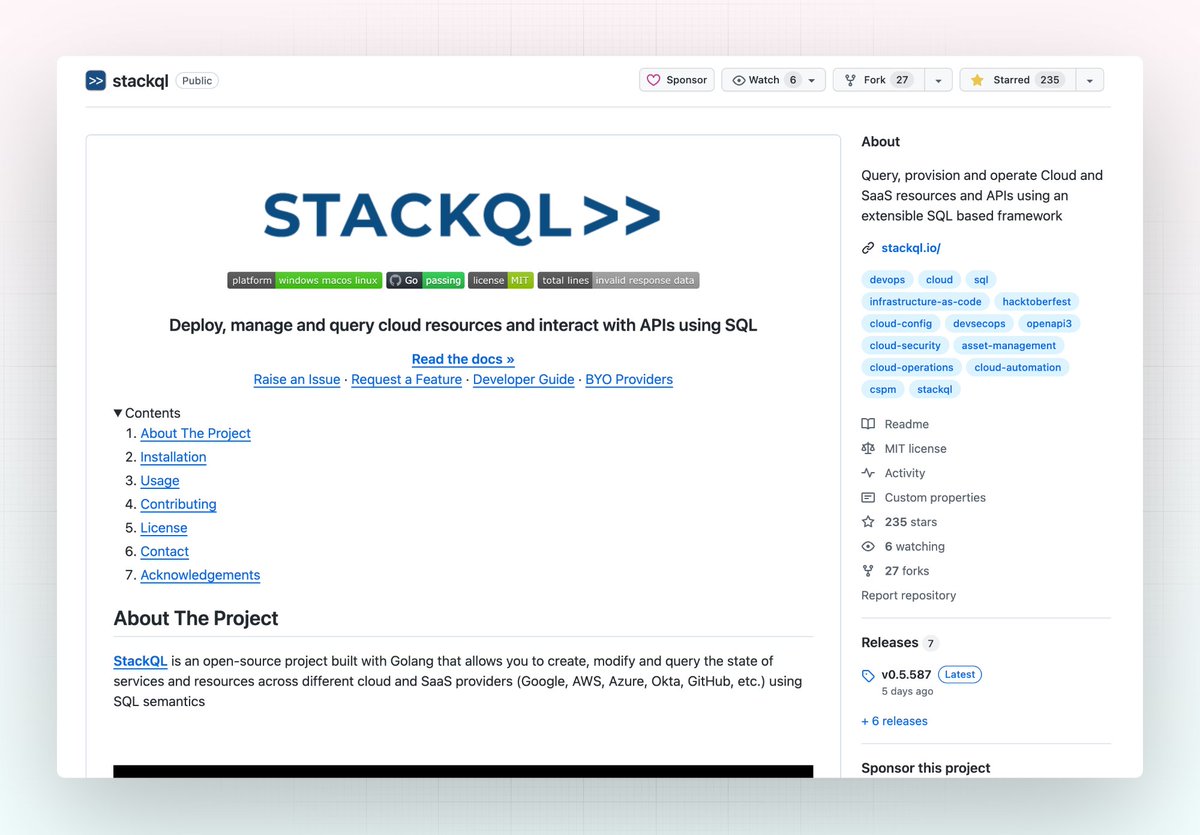
这里有5个GitHub仓库,如果你写代码,将使你的生活变得轻松90%:
1. StackQL
StackQL允许你使用SQL查询多个云和SaaS提供商(Google、AWS、Azure、Okta、GitHub等)。
🔗 github.com/stackql/stackql
1
17
1,912
3 Nov 2025
Indeed it is, since you don't have to master various APIs of different cloud services, just use SQL for everything.
7