
Jun 13
🚨 I just released CS2 Case Bot V1.6 for Streamer.bot!
12 cases | Full sticker system | Gold tiers | Trading | Jackpot | Quests | Lottery | Giveaways | 45 commands
Free & open source. Your chat will go CRAZY.
👇
github.com/mk4gtiguy/CS2-Cas…
#StreamerBot #CS2 #TwitchDev
32

Jun 13
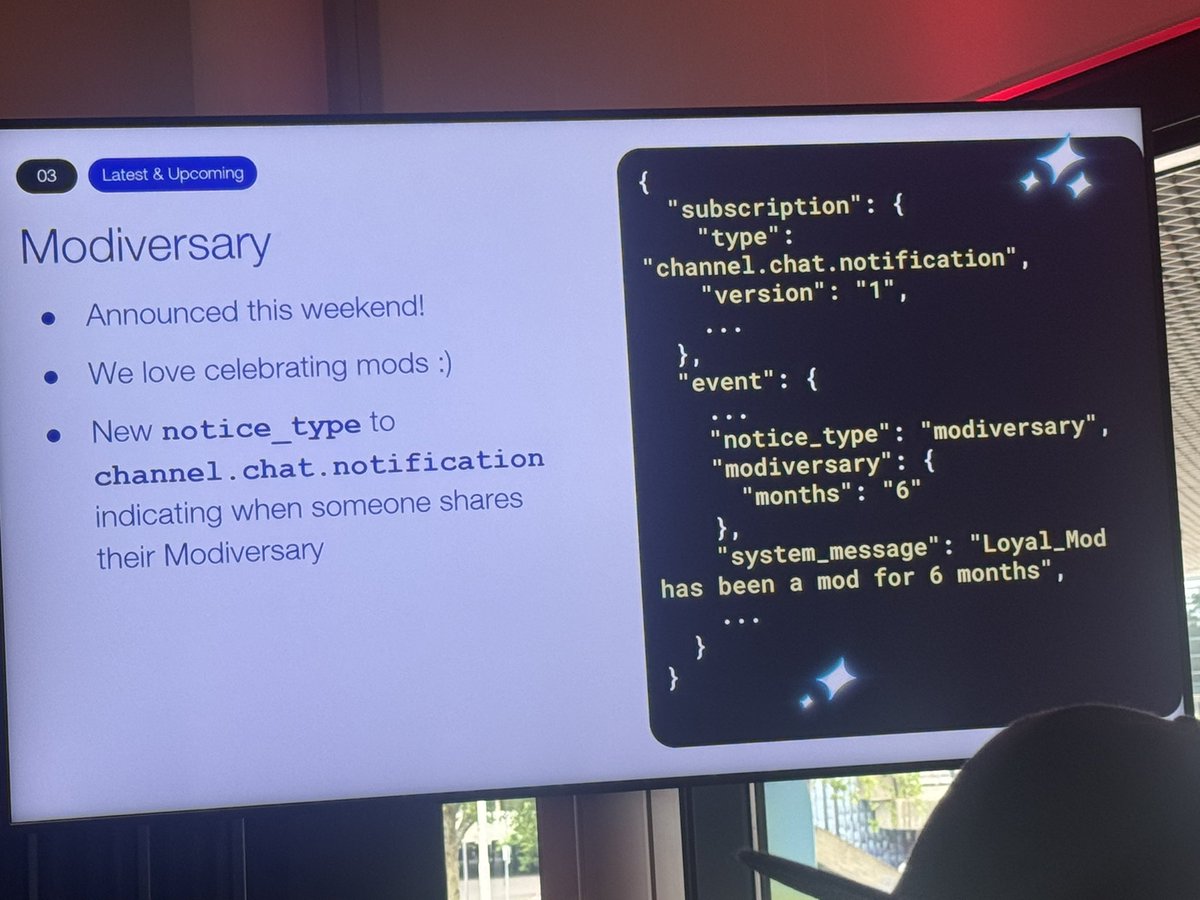
In other news @TwitchDev documented Modiversary for us!
Find it on channel chat notification -> dev.twitch.tv/docs/eventsub/…
4
178
baron retweeted

20 Dec 2025
📢 Never miss a Clip. Developers can now Clip from VODs to help streamers find and highlight every moment that matters, even after the stream has ended.
🎬 We've also added new features and parameters to the Create Clip API endpoint. Check it out! 👇
discuss.dev.twitch.com/t/int…
2
22
154
15,811
baron retweeted
May 31
If you're at TwitchCon Europe, don't miss "Interactive Experiences with TwitchDev Tech" at 15:30 presented by @Xemdo and special guest @JulieOkahara.
They'll discuss our latest developer resources and how creativity strengthens interactive experiences.
twitchcon.com/rotterdam-2026…
1
5
8
1,051

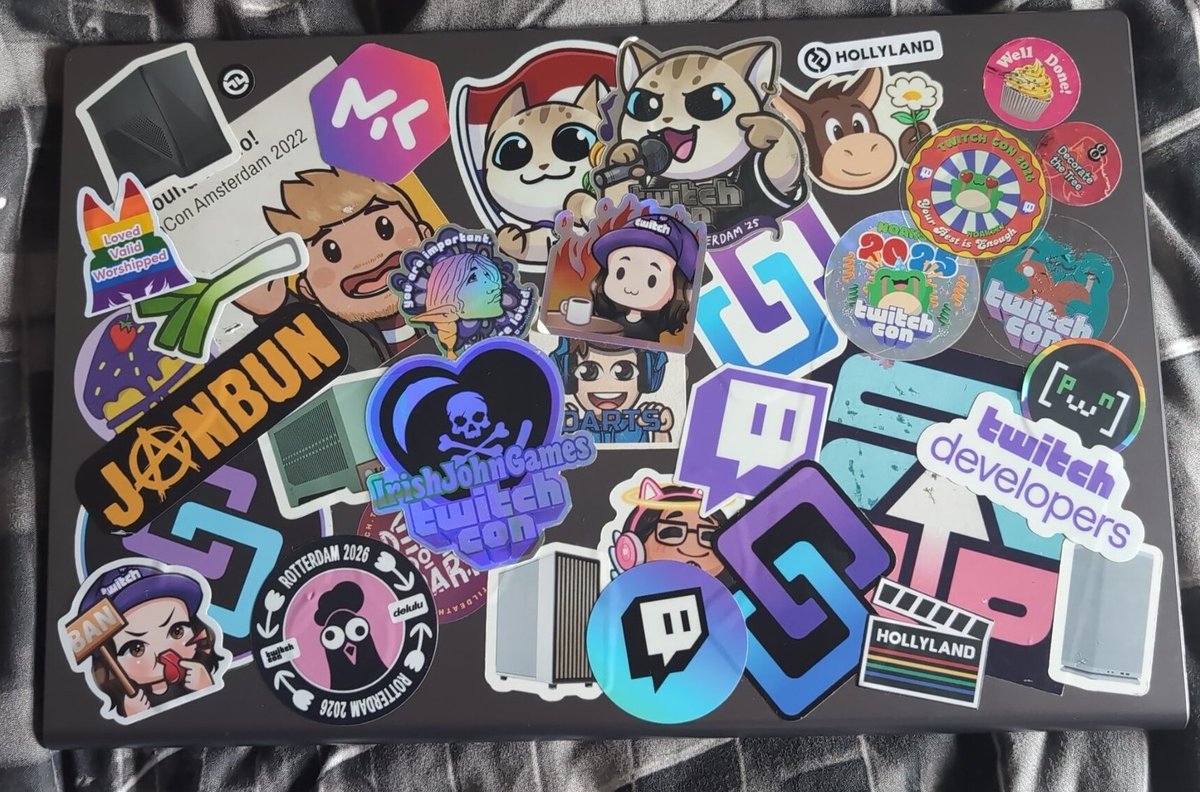
The obligatory after twitch con laptop sticker update photo.
@NoakseyV1
@IrishJohnGames
@TwitchDev
@streamerdotbot
@pwnyy
@Hollyland_Tech
@GamingJanBun
1
11
372

@TwitchDev @Twitch @TwitchUKI
Pleaseeeeeeeeeee stop adding all the Ai absolutely nobody asked for
May 30

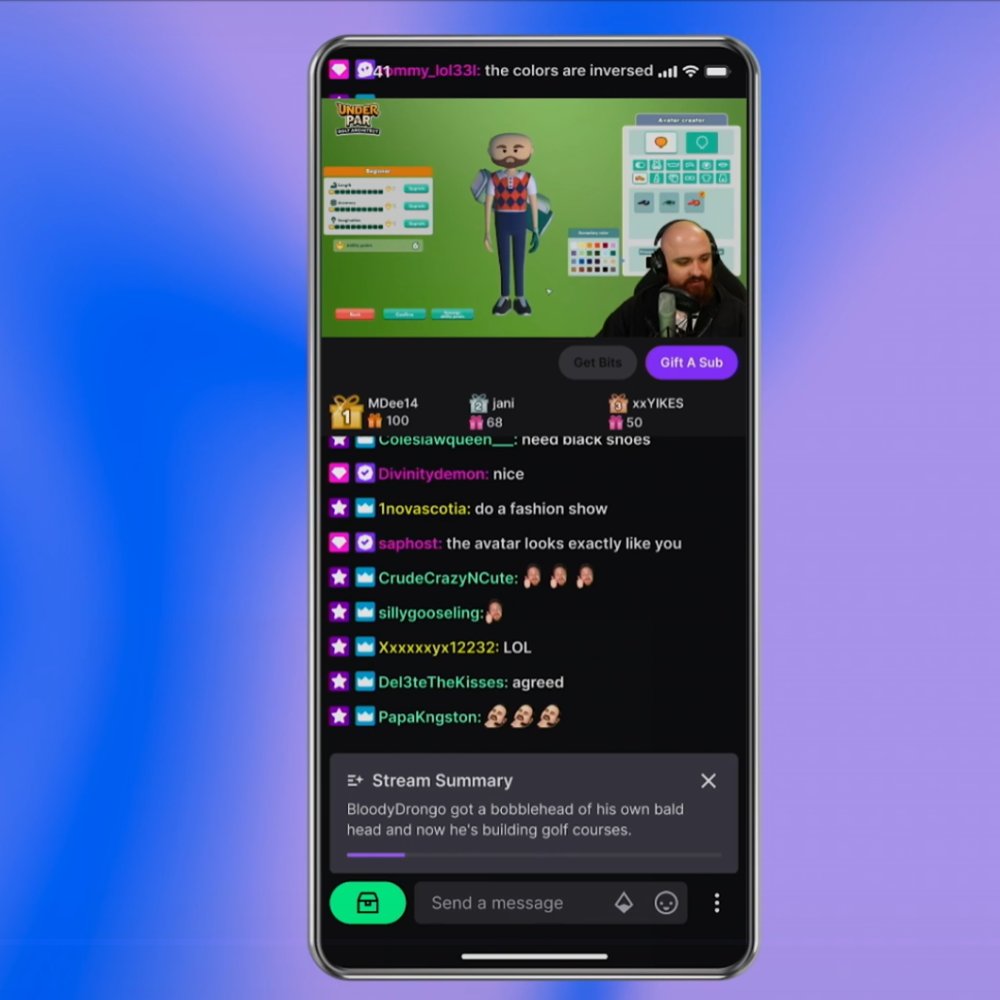
Twitch will soon use AI to add a Midstream Summary for viewers, giving a brief overview of what's happened on stream so far.
1
10
191
May 20
I had a thought around the new @Twitch / @TwitchDev channel event badges, we need API - uservoice here twitch.uservoice.com/forums/… gotta get those overlay alerts and the like going or it's Rest friend twitch.uservoice.com/forums/…
1
4
712

Love this idea. Affiliate appreciation month 💜 we need more fun ideas like this @TwitchDev
May 19

Great idea?
Twitch could focus on smaller creators for one month if they let Partnered streamers recommend one person from their community to the front page promotion. Doing so would give a ton of smaller streamers hope/ambition/motivation to continue to stream on their platform.
5
65

Petition to start a Neurodivergent Twitch Guild! 🩵
I need to be with my people! As welcome as some of these other spaces may say they are, I still don’t feel like I belong. And I know that is a sentiment that is echoed with many.
@TwitchDev @TwitchSupport @Twitch
1
1
4
81

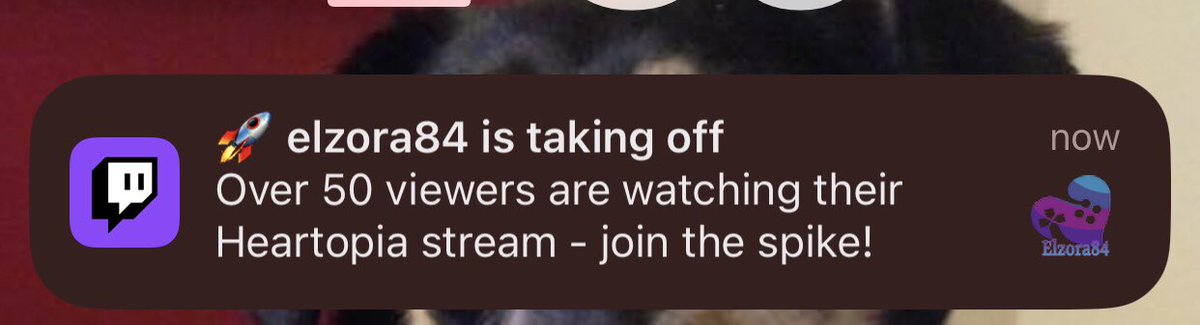
Nothing against this streamer but
is there a way to turn these type of annoying notifications off? Also, the “ _streamer_ has a hypetrain go sub or donate to keep it going”
I don’t follow them, nor do I care to go drop a sub/bits in their channel to continue it. Pls @TwitchDev
2
132

May 11
Twitch's sitemap.xml is packed with --redacted_channel-- placeholders instead of real channel URLs (screenshot attached).
This floods search crawlers with near-identical invalid pages instead of actual channels & content likely hurting indexing/SEO.
@TwitchDev @TwitchSupport could an engineer review the sitemap generator?
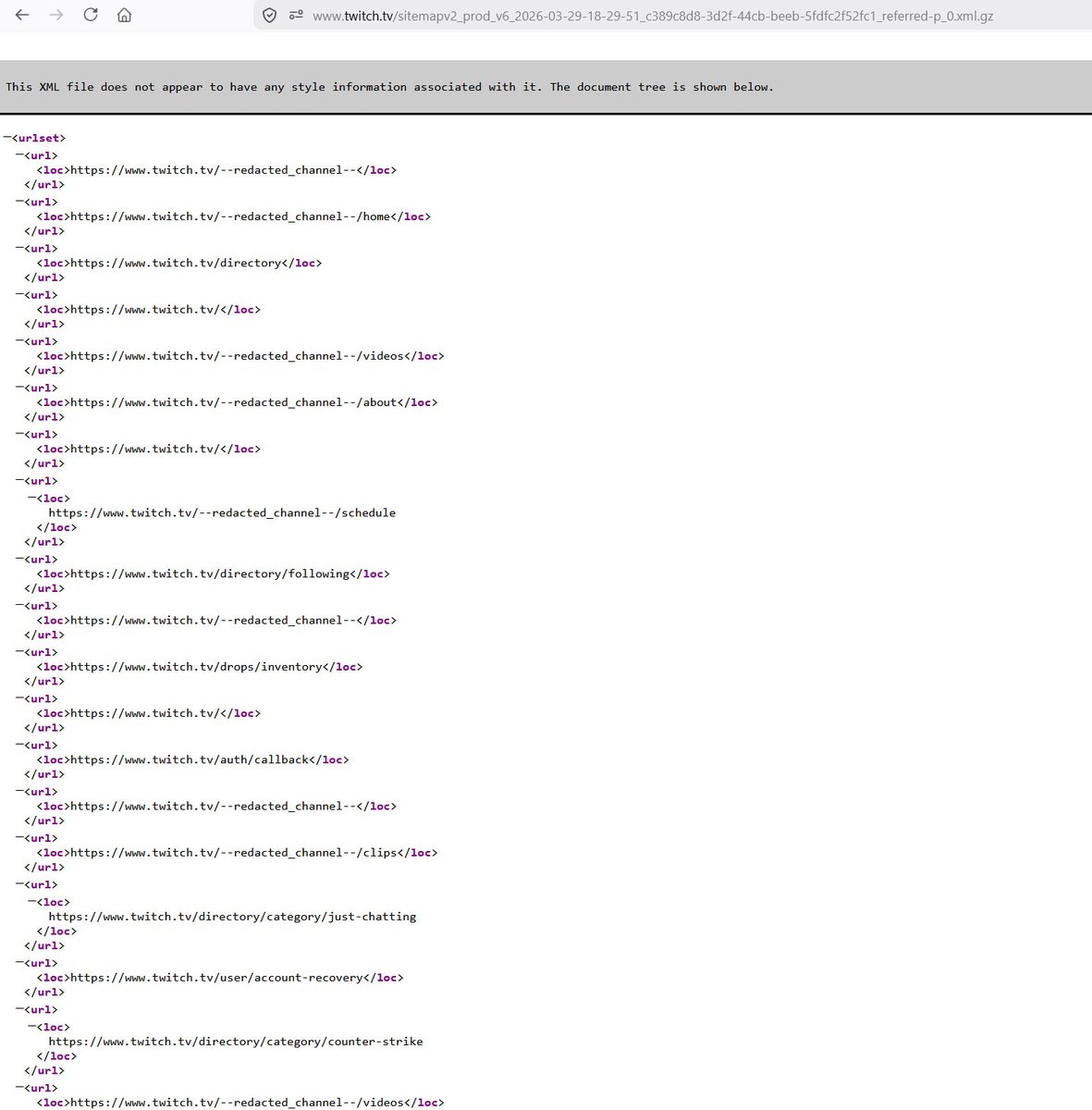
ALT One of Twitch's Sitemaps which is linked from robots.txt file showing duplicate URL entries.
1
2
225

May 6
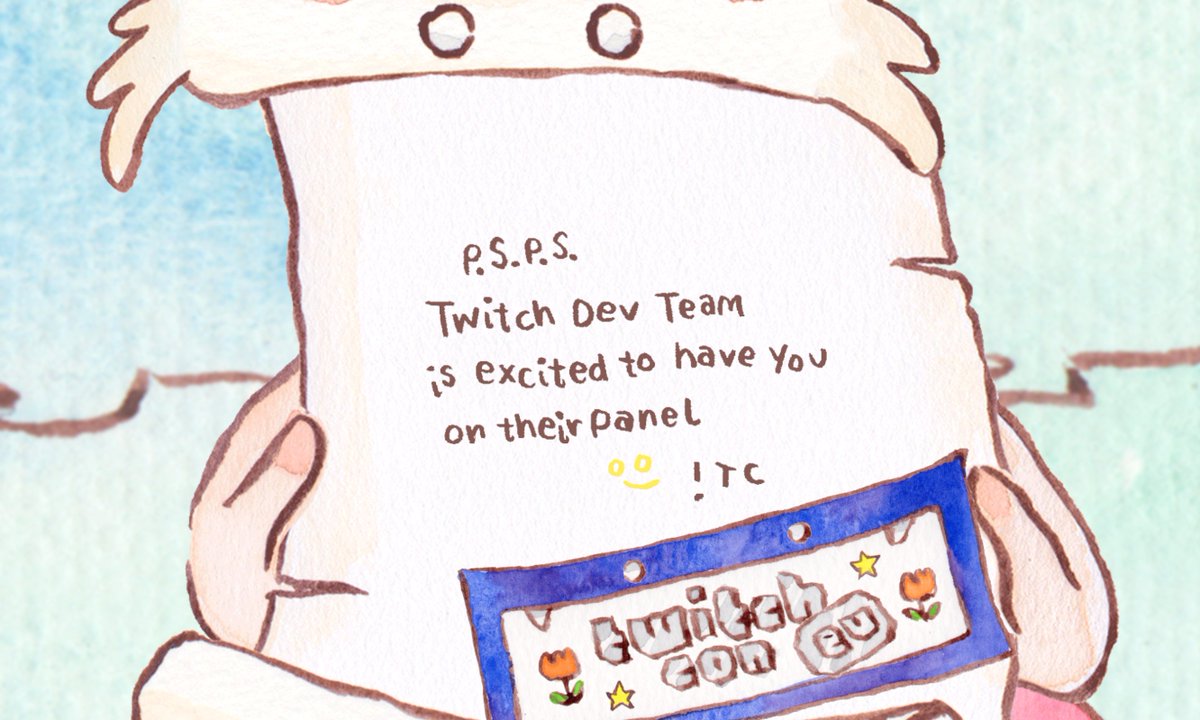
It's official! I will be at @twitchcon EU!
@TwitchDev thank you for inviting meeee~ ahhhh~
twitchcon.com/rotterdam-2026…
1
16
249

Apr 23
Just proposed @TwitchDev to enable WASM runtime like @rive_app in Twitch Extensions, to support richer interactive animations on Twitch client extension.
twitch.uservoice.com/forums/…
1
1
10
872

@TwitchSupport @TwitchDev @Twitch
I’ve been attempting to recover my phone number from an old account I can’t login to due to losing access to the email for about 2yrs now with no success, I have the username, password and my number is literally linked to it for 2FA purposes 😭
3
2
117

Apr 11
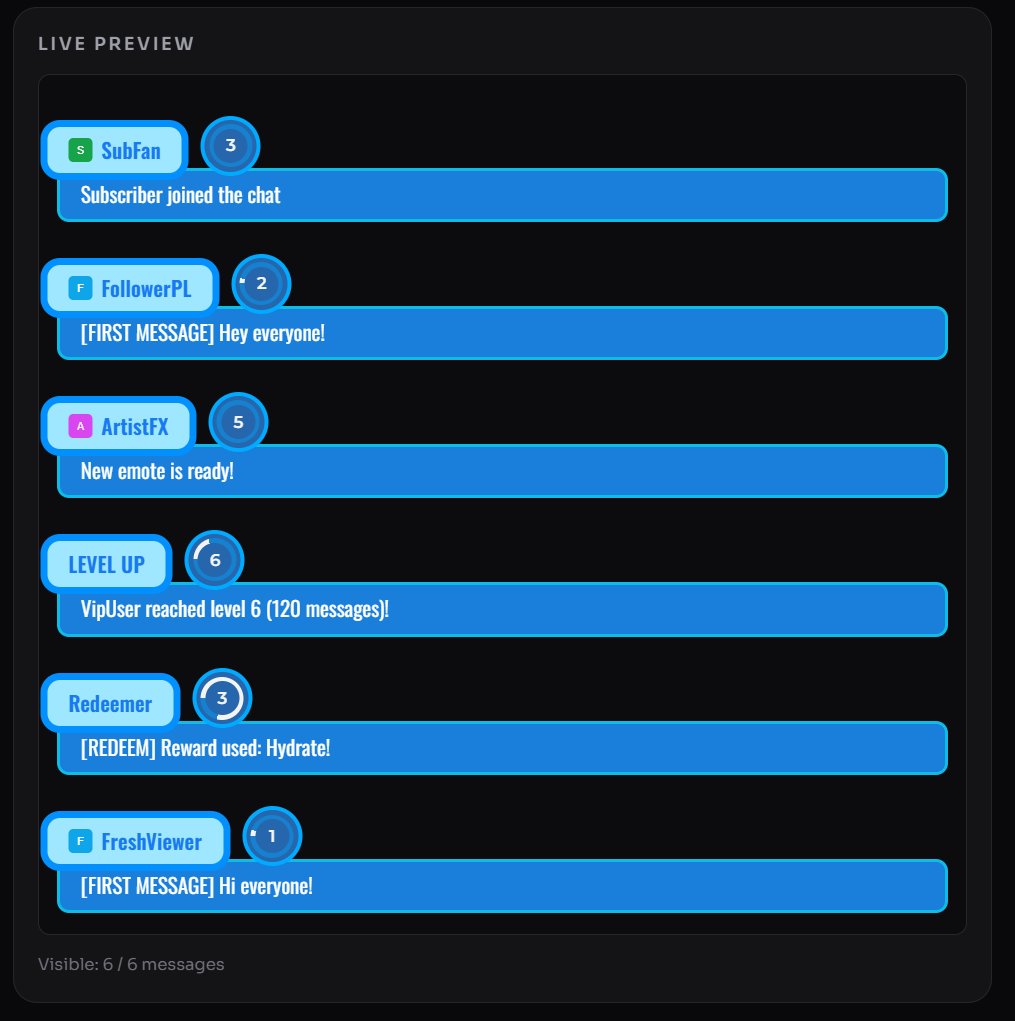
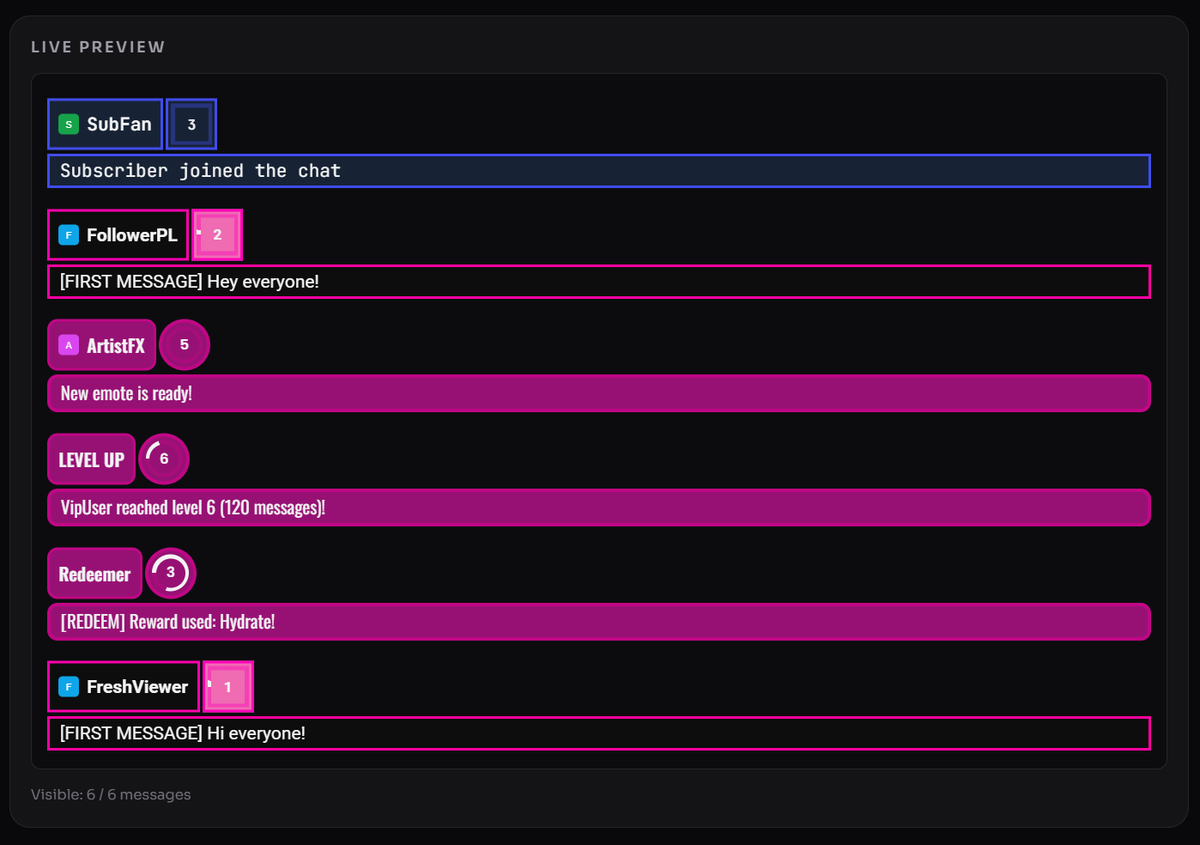
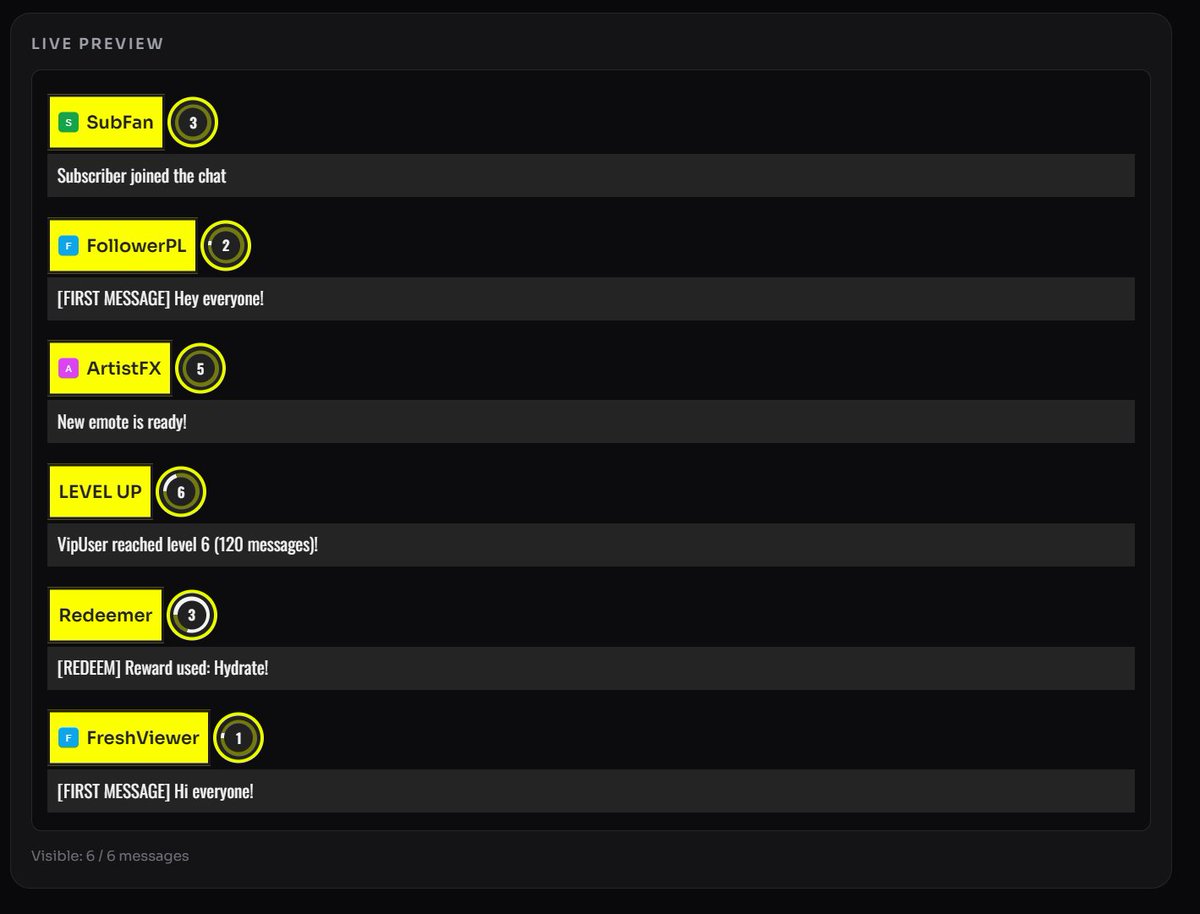
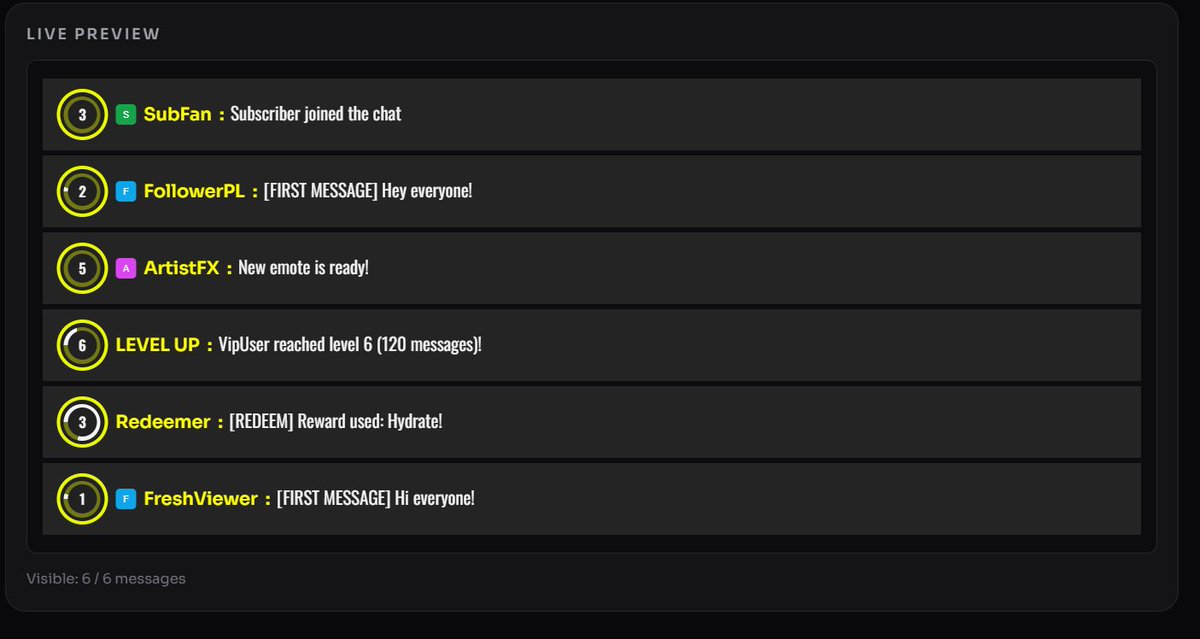
For the past few days I’ve been grinding on some code. I’m building a Twitch chat overlay / streaming tool for a friend that allows full chat customization based on roles like subscriber, follower, VIP, etc.
It also has a built-in chat leveling system that rewards activity in chat :3
In the meantime, my friend shared the idea with a few other Twitch streamers, who also got interested in it.
So in the end, I rewrote the app so that anyone can use it freely.
Right now, the app is in closed access (beta testing), but eventually it will be publicly available online as a free Twitch tool.
It works just like overlays in Streamlabs, StreamElements or OBS, you just log in with any Google account (even a new one) and enter the name of the Twitch channel whose chat you want to display.
At the moment, it includes basic chat UI customization features, and I personally don’t have much of an artistic touch so... :p
Here are a few example configurations I made just by toggling options and sliders, no coding required :)
As you can see, these are pretty basic features like changing layout, colors, borders, and overall chat design.
There’s also an option to add your own custom SVG badges, replacing the default Twitch ones.
I’m also thinking about adding chat animations (message transitions, effects, etc.).
But overall, for people who don’t have a custom chat styled to match their branding yet, I think this tool is a great starting point.
#Twitch #Streaming #TwitchDev #OBS #Streamlabs #StreamElements #IndieDev #WebDev #Overlay #StreamingTools #GameDev #PLVtuber #ENVtuber #Vtuber
1
7
98
Feb 28
I WROTE A BLOG POST
It's about changes to the @TwitchDev API and what it supports now!
barrycarlyon.co.uk/wordpress…
1
8
1,011