


Jun 12
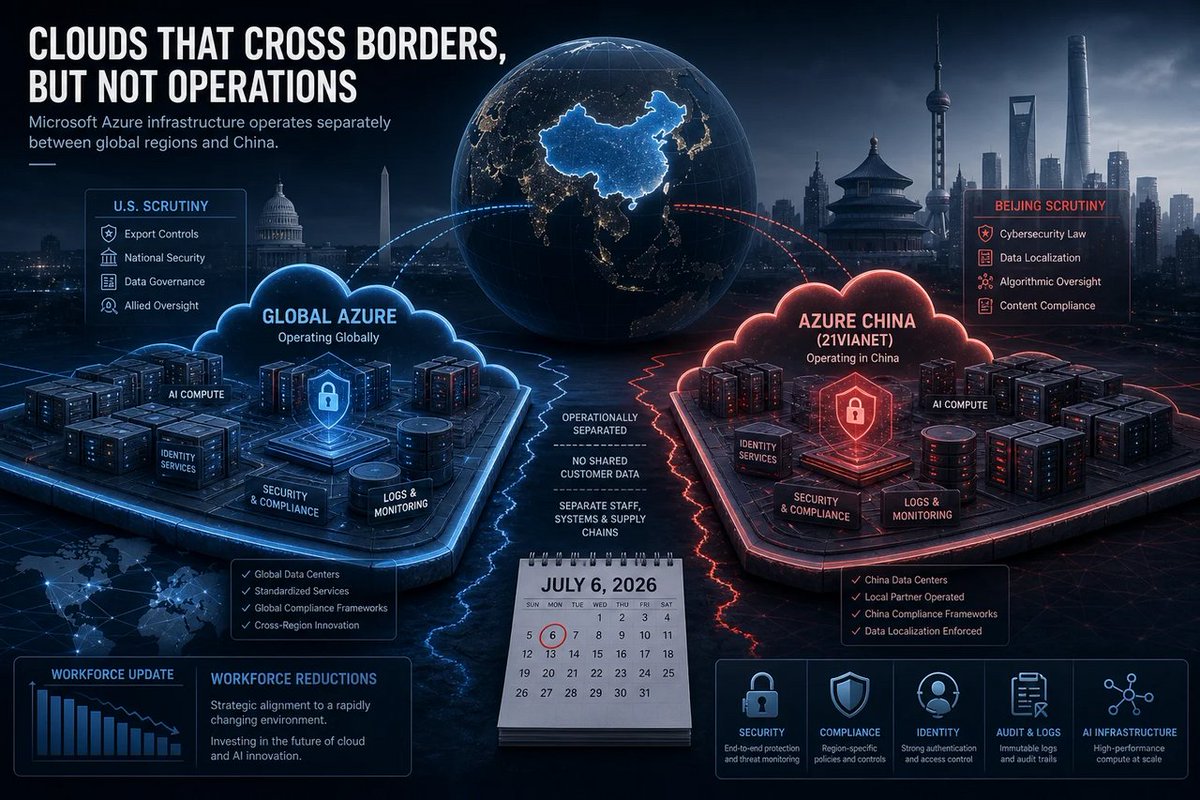
🪟 200-400 Azure cuts in China might be “small” to Microsoft… but it’s a loud reminder: cloud sovereignty means your backups, too, come with geopolitics. Plan accordingly, IT.
windowsforum.com/threads/mic…
#DataSovereignty #CloudLayoffs #WindowsAdmin #AzureChina
7

Jun 10
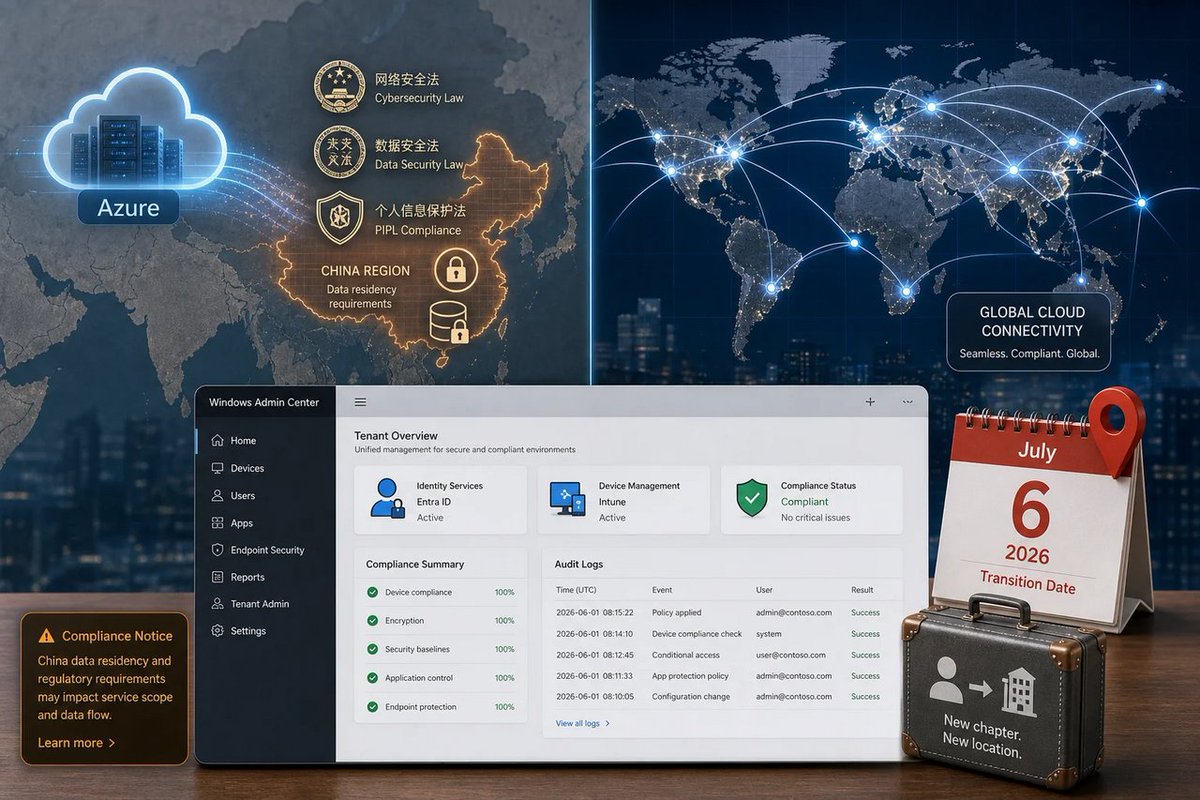
🪟 Azure layoffs in Beijing/Shanghai are the real “borderless cloud” joke: demand’s fine, rules aren’t. Sovereign data means extra hoops = roles get cut. Cloud stays, jobs don’t. #Windows #Microsoft #Azure
windowsforum.com/threads/mic…
#DataSovereignty #WindowsAdmin #AzureLayoffs
16

So if you have never eaten the real brand--you might not be upset. But if you have had any type of real brand cookie ice cream sandwich--these are awful
1
2
15


May 3
"She has very long legs!"
"Thanks. They go from my ass all the way to the floor." - @JenniferTilly
Let It Ride
1
2
57

Apr 24
2
77

CMTrace Open v1.2.0 is out.
- New .cmtlog format: Write structured logs from PowerShell with sections, loops, and WhatIf flags. CMTrace Open renders them with colored dividers, left-edge bands, and dimmed WhatIf entries. Fully backward-compatible with CMTrace.exe.
- Ships with a PowerShell module so you can start writing .cmtlog files from your Intune remediation scripts today. Import-Module, Start-CmtLog, Write-LogSection, done.
- Color-coded markers: Right-click any log line and mark it as Bug, Investigate, or Confirmed. Markers persist to disk - close the
file, reopen it later, they're still there. Ctrl M for quick toggle.
- Multi-select copy: Ctrl Click to pick lines, Shift Click for ranges, Ctrl C to copy. Finally.
- DNS Server log support: Parse both DNS debug logs and DNS audit EVTX files with structured columns for query name, type, response code, direction, and more.
- New parsers: PatchMyPC detection logs, Secure Boot certificate workspace, auto-fit column widths on double-click.
- ARM64 Windows: Native build support with proper MSVC toolchain detection. Build scripts handle everything.
- Security: SHA-pinned GitHub Actions, SLSA provenance attestations, CycloneDX SBOMs, cargo audit in CI. Ready for enterprise distribution via Patch My PC.
#CMTraceOpen #Intune #SCCM #ConfigMgr #PowerShell #WDAC #MEM #EndpointManagement #SysAdmin #IntuneAdmin #OpenSource #Rust #Tauri #WindowsAdmin #DNS #PatchMyPC #DevOps #InfoSec
2
6
34
1,957