
The next-gen interactive demo platform for web3
Joined September 2024
- Tweets 475
- Following 124
- Followers 691
- Likes 506
176 Photos and videos

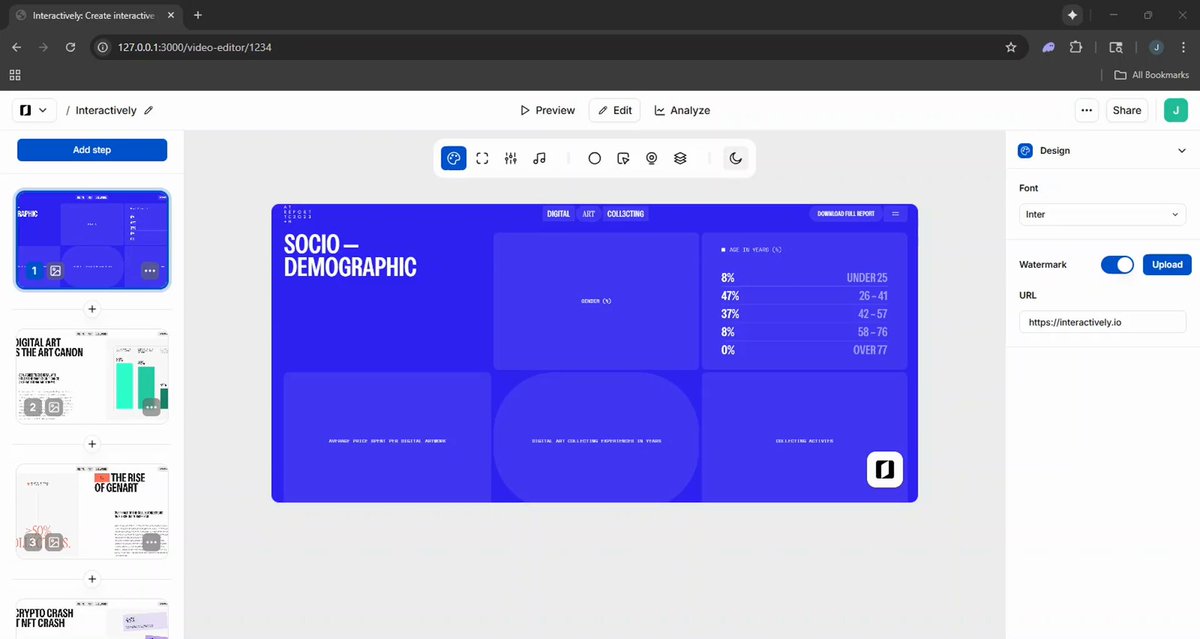
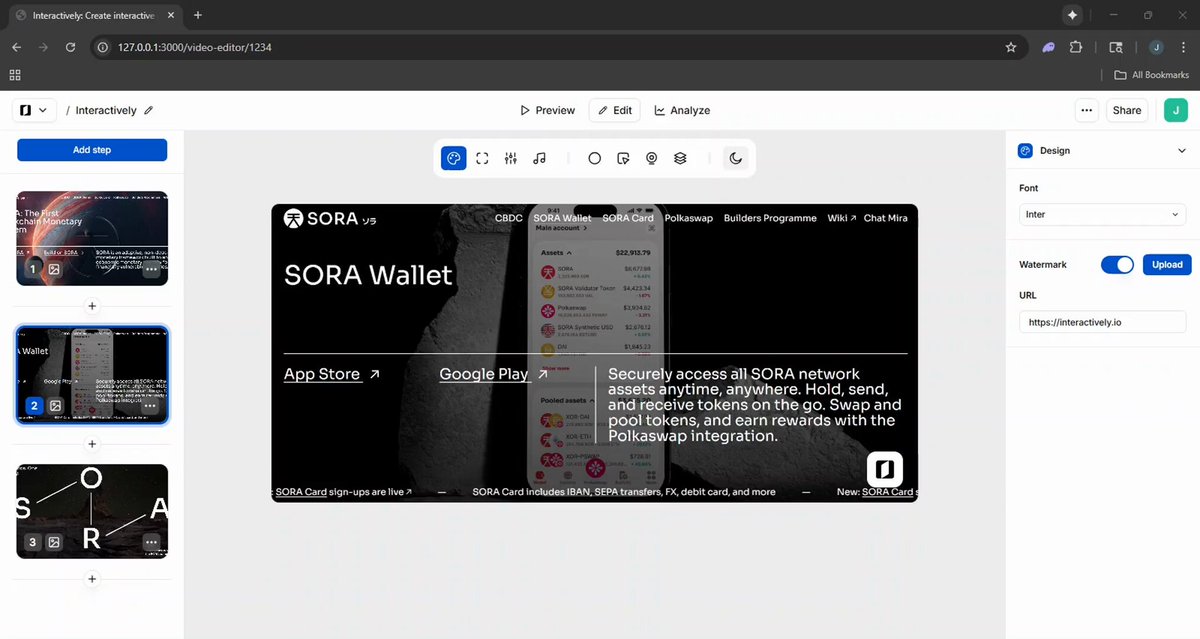
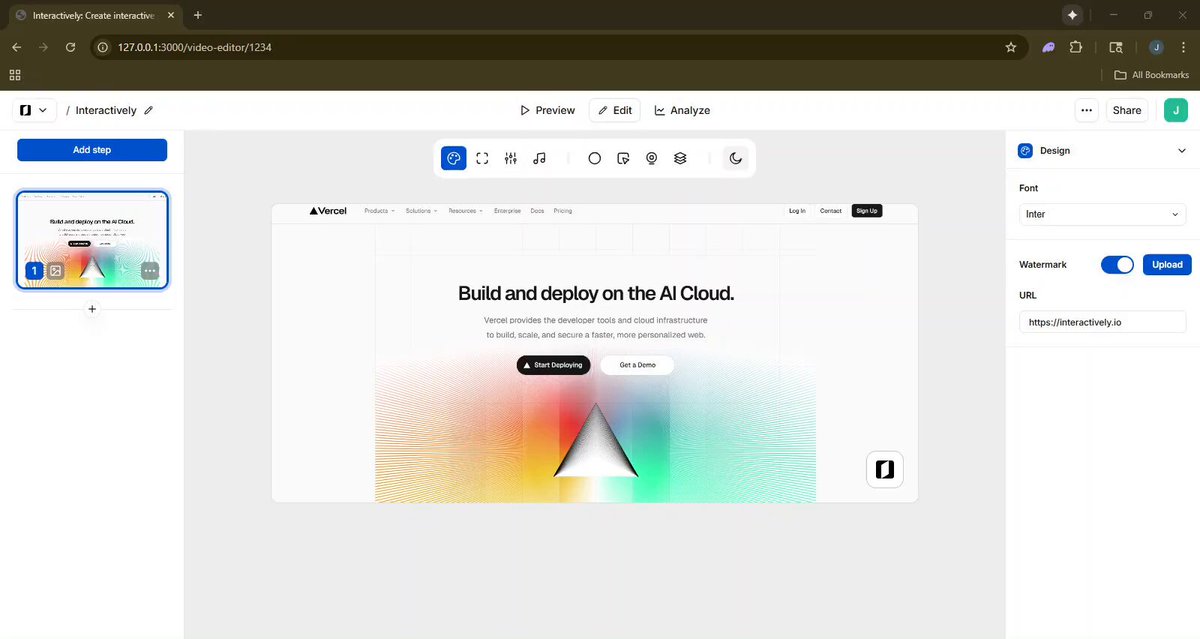

9 Oct 2025
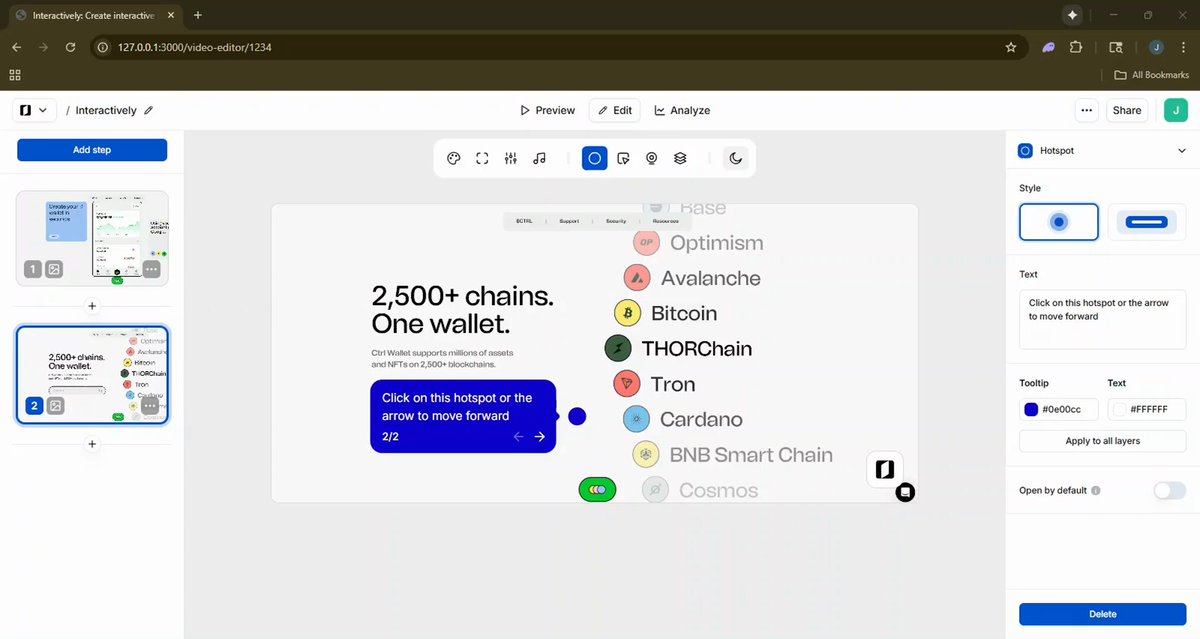
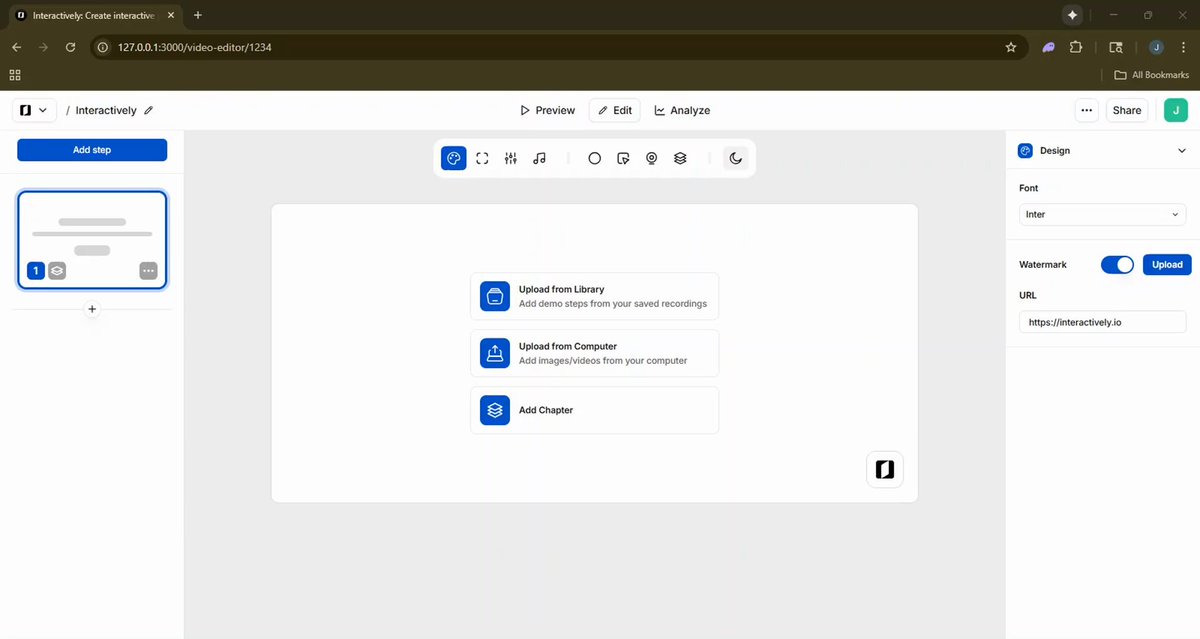
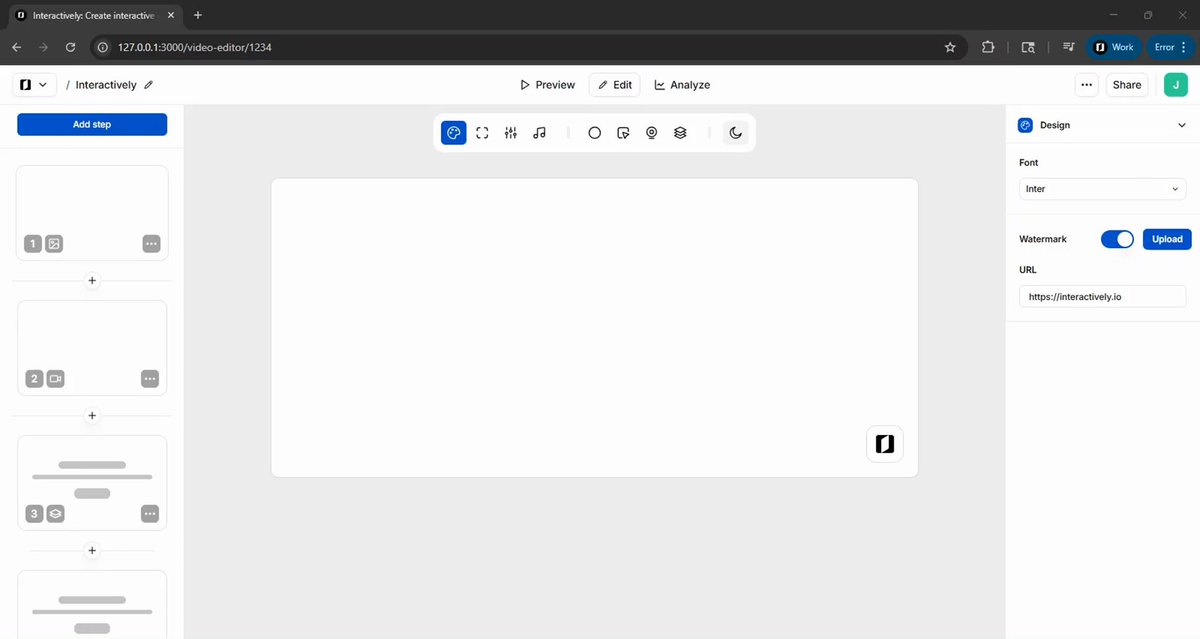
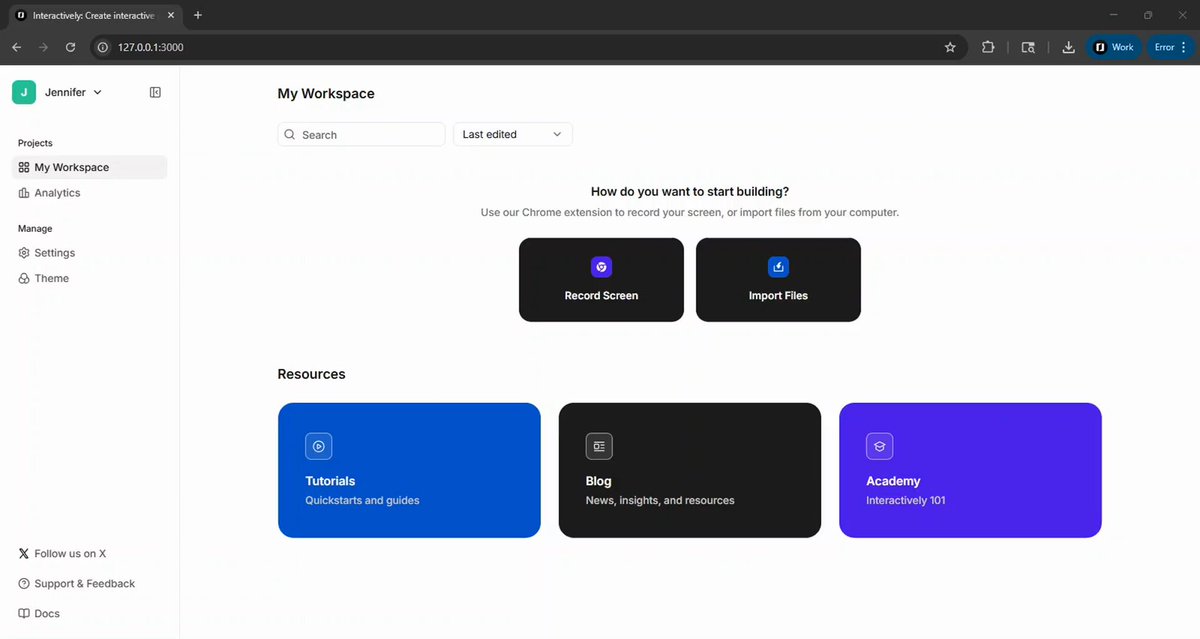
Built for seamless integration.
As a front-facing platform, Interactively is engineered to adapt to any design system or environment — from web apps and dashboards to dapps and developer platforms. Our focus right now is on keeping the experience minimal, performant, and highly versatile.
We’ve already designed a suite of customizable presets, queued for development very soon (or should we call them skins or themes or wrappers? 😎)
This isn’t just your average demo. It’s a dynamic, gamified layer for interactive storytelling and product exploration.
7
1
7
345
Interactively retweeted

8 Oct 2025
🛠️✍️👩💻
26 Sep 2025

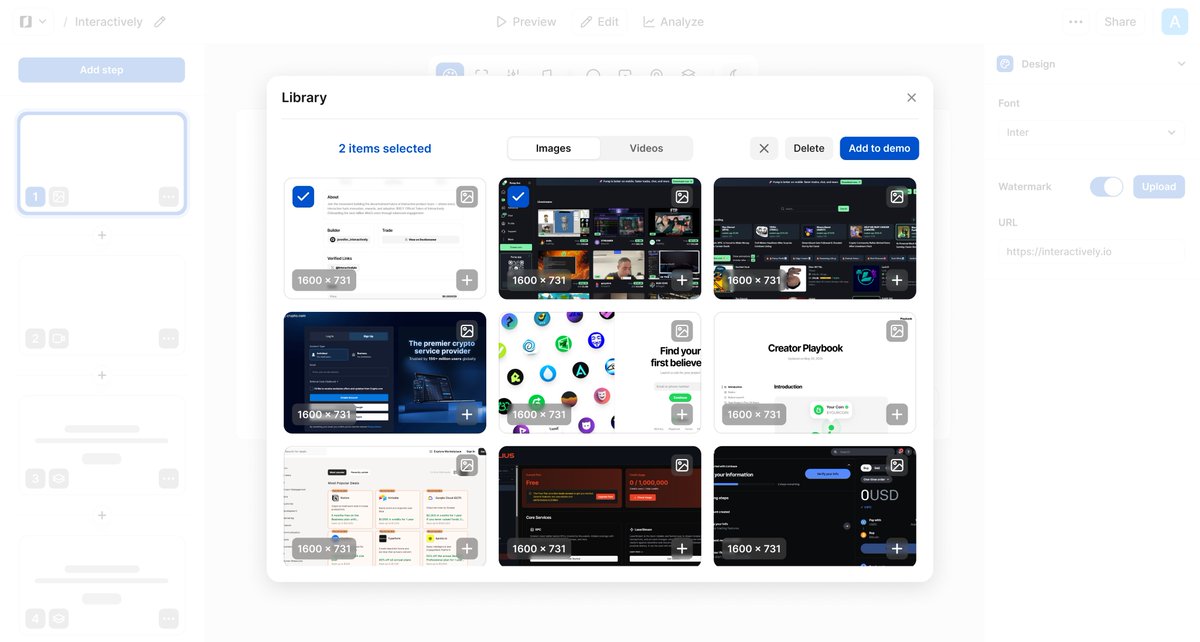
Bring your existing videos and images to life ✨
Upload your files to our demo editor and make the interactive in minutes!
1
2
353
2 Oct 2025
Add Back/Next buttons to your demo by enabling them in the Settings tab for easy navigation between steps.
2
5
258
Interactively retweeted
2 Oct 2025
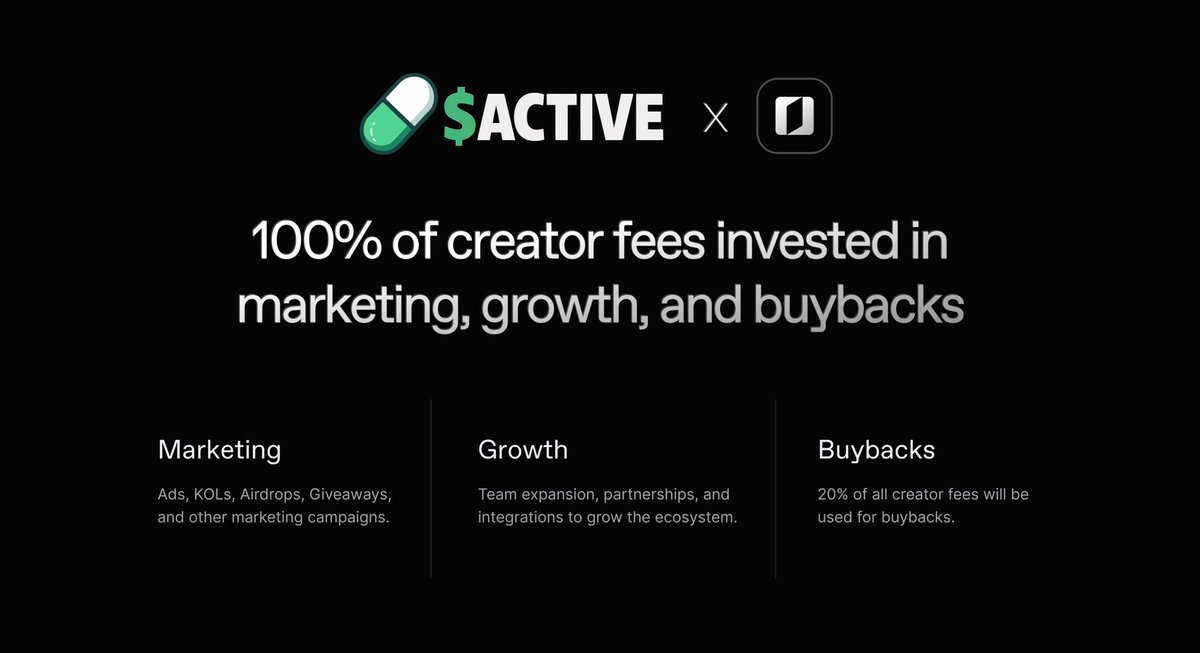
All creator fees from $ACTIVE go towards marketing, growth, and buybacks.
CA: 5wLmv6FE6BMqZ8kUSfT7EEb5hxbTjFUmiPamvikppump
1
4
368
2 Oct 2025
Add a navigation bar to display progress and enable easier navigation between steps.
Customize the navigation bar with your brand colors to ensure consistency across all elements.
2
3
200
1 Oct 2025
Add your logo and website URL to the watermark.
Your watermark adapts to dark and light modes for consistent contrast. Accepted formats: SVG, PNG, JPG.
1
3
138
Interactively retweeted
1 Oct 2025
HUGE $ACTIVE AIRDROP FOR 3 WINNERS
☑️ Repost and follow @jennechanicka and @Interactivelyio to enter
🏆 Winners announced on @pumpdotfun live stream when bonding is complete
$ACTIVE live stream daily | CA: 5wLmv6FE6BMqZ8kUSfT7EEb5hxbTjFUmiPamvikppump

1
3
4
321
1 Oct 2025
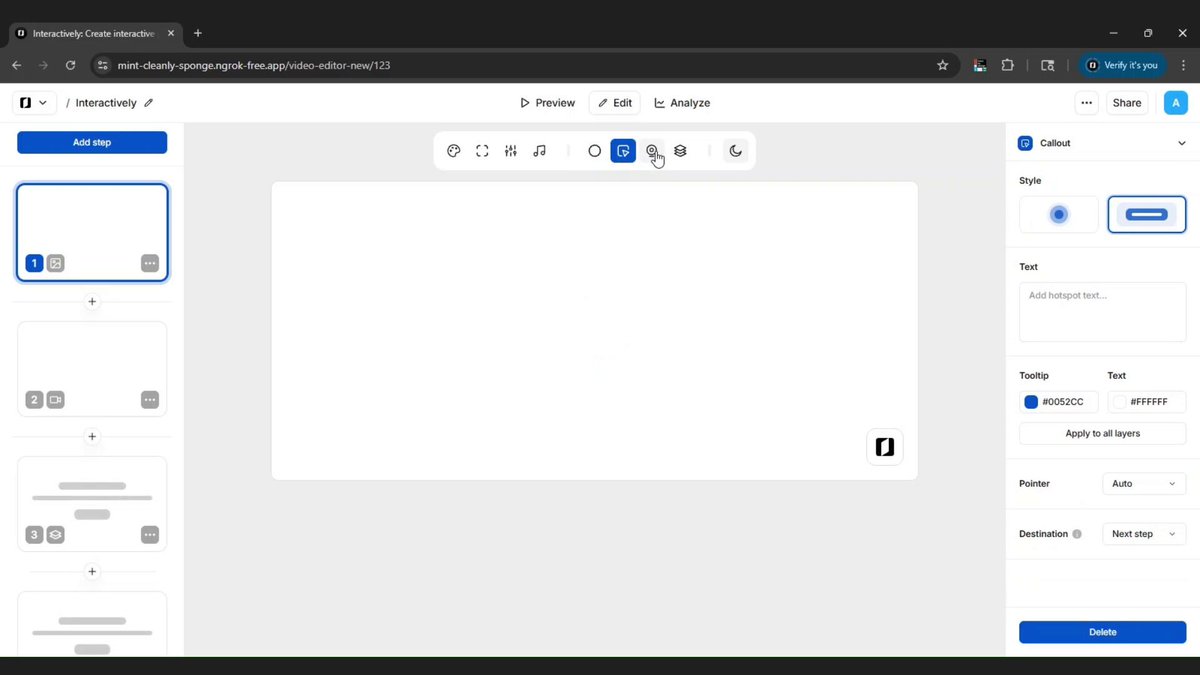
Add callouts to your Interactively demo to guide attention and explain concepts.
Callouts can be used in place of hotspots and can act as passive, no-click tooltips to add context.
3
2
3
164
1 Oct 2025
User onboarding for Interactively is right around the corner
2
5
101
1 Oct 2025
Add text to hotspots to provide context or instructions directly within your Interactively demo to help guide users through each step.
3
302
Interactively retweeted
30 Sep 2025
1
2
3
281
30 Sep 2025
Today we completed the chapter slides, optimized the process of adding files to your demo, and enhanced both hotspot and callout functionality.
Interactively is almost launch ready 🚀
1
4
206
Interactively retweeted
29 Sep 2025
$ACTIVE by Interactively on @pumpfun
Live stream Monday-Friday - Tune in for AMAs, Interactively updates, and guest builders. Starting with a live AMA streaming now!
100% of creator fees are invested in marketing, growth, and buybacks
CA: 5wLmv6FE6BMqZ8kUSfT7EEb5hxbTjFUmiPamvikppump

6
4
9
1,939
Interactively retweeted
29 Sep 2025
🔐 Just locked 40,396,499 ACTIVE tokens with @Streamflow_Fi
It's on-chain. You can check the amount, time-period and recipients.
Check it out👇
app.streamflow.finance/contr…
1
3
3
248
29 Sep 2025
🚀
28 Sep 2025

What’s crazy is that when we launched $IXLY, @Interactivelyio was headed in the web2 direction with plans to integrate into web3 later down the line. But after being fully immersed in the @solana ecosystem and having first-hand exposure to internet capital markets, it was clear that this was the beginning of a large-scale transition to web3 and onchain economies.
Which is why we decided to pivot and begin web3 integration much sooner than planned (which is also why the timeline to launch has been extended). What solidified this decision to go all in on web3 was talking to so many other founders who told me they needed a tool like Interactively to better onboard and educate their users.
It’s a little too early to say we’ve found PMF but I have zero doubt that we will very soon.
3
334
28 Sep 2025
Chapters let you split your Interactively demo into sections so it’s easier to follow and understand.
You can add context with a title and subtitle, choose your font, set a theme with brand colors, and style the buttons. This makes each chapter feel clear, on-brand, and consistent while guiding users step by step.
1
2
394
27 Sep 2025
Interactively’s Theme feature lets you set your brand style once and carry it across every demo you create.
You can define your font, brand colors, light or dark mode preference, watermark, and even customize details like back/next button colors and the navigation bar. Once your theme is set, it’s automatically applied to all your demos, ensuring a consistent, professional look that reflects your brand identity without the need to redesign each experience from scratch.
2
3
366
27 Sep 2025
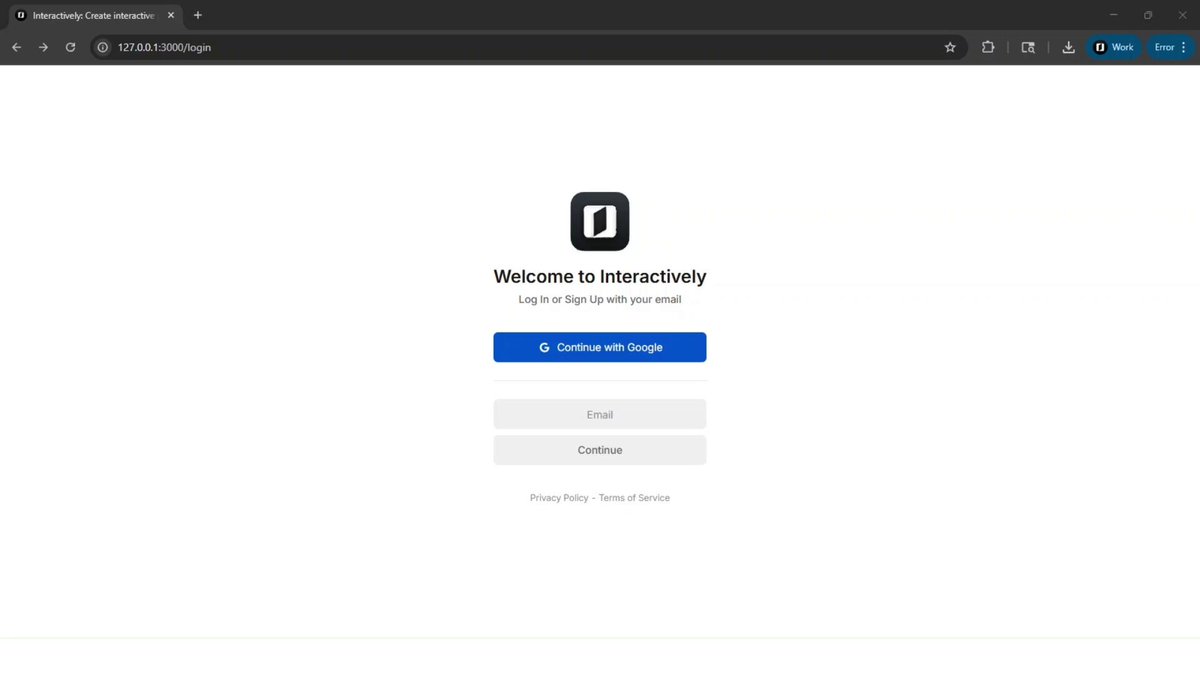
An easy and secure sign in process is key. Interactively features a password-less sign in designed to be more convenient and secure for users.
We're constantly refining and implementing new processes to transform the once time-consuming, complex task of creating interactive demos into a faster, easier, and more streamlined experience.
1
1
3
293
Interactively retweeted
26 Sep 2025
Sorry everyone, something urgent came up last minute and I have to step away from the office for the rest of the evening. The AMA and buyback will be rescheduled to Monday afternoon EDT.
Thanks for your understanding, and I hope you all have a great weekend!
1
1
3
323