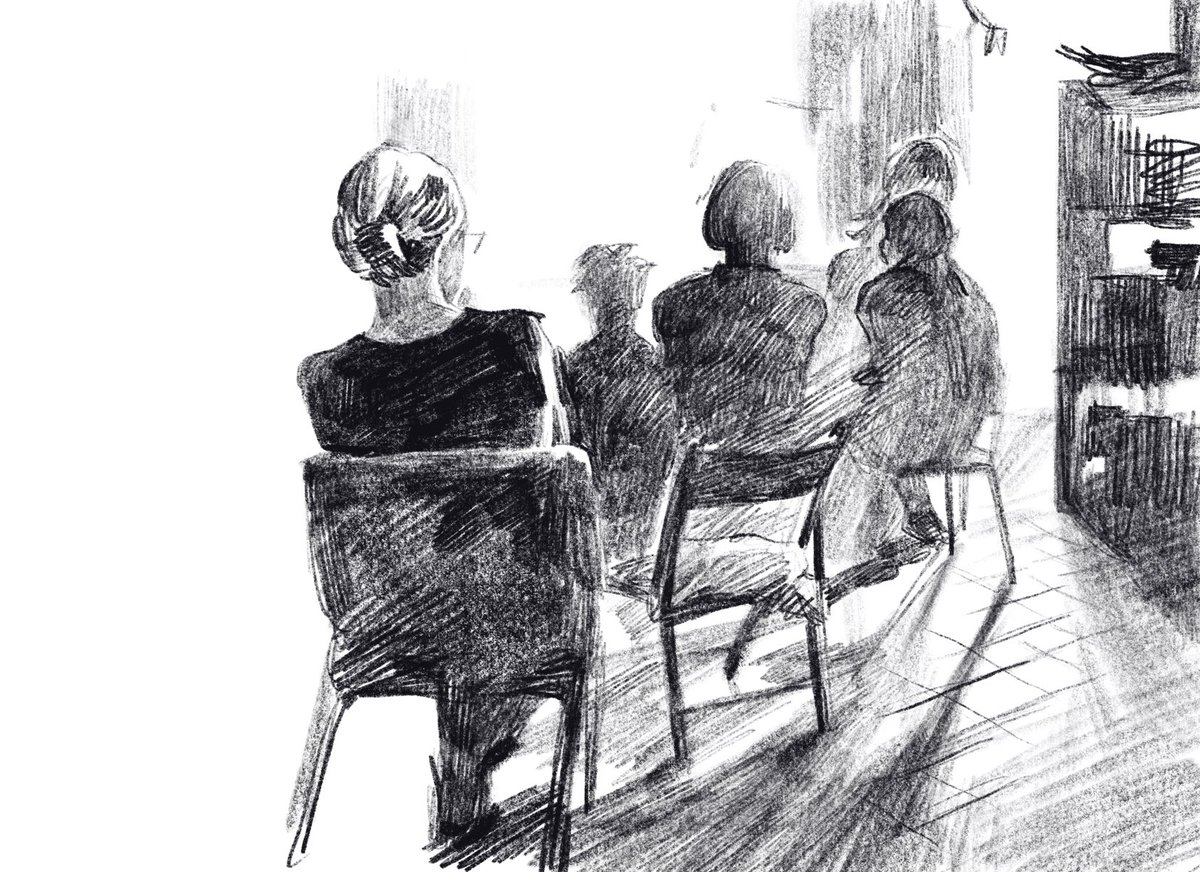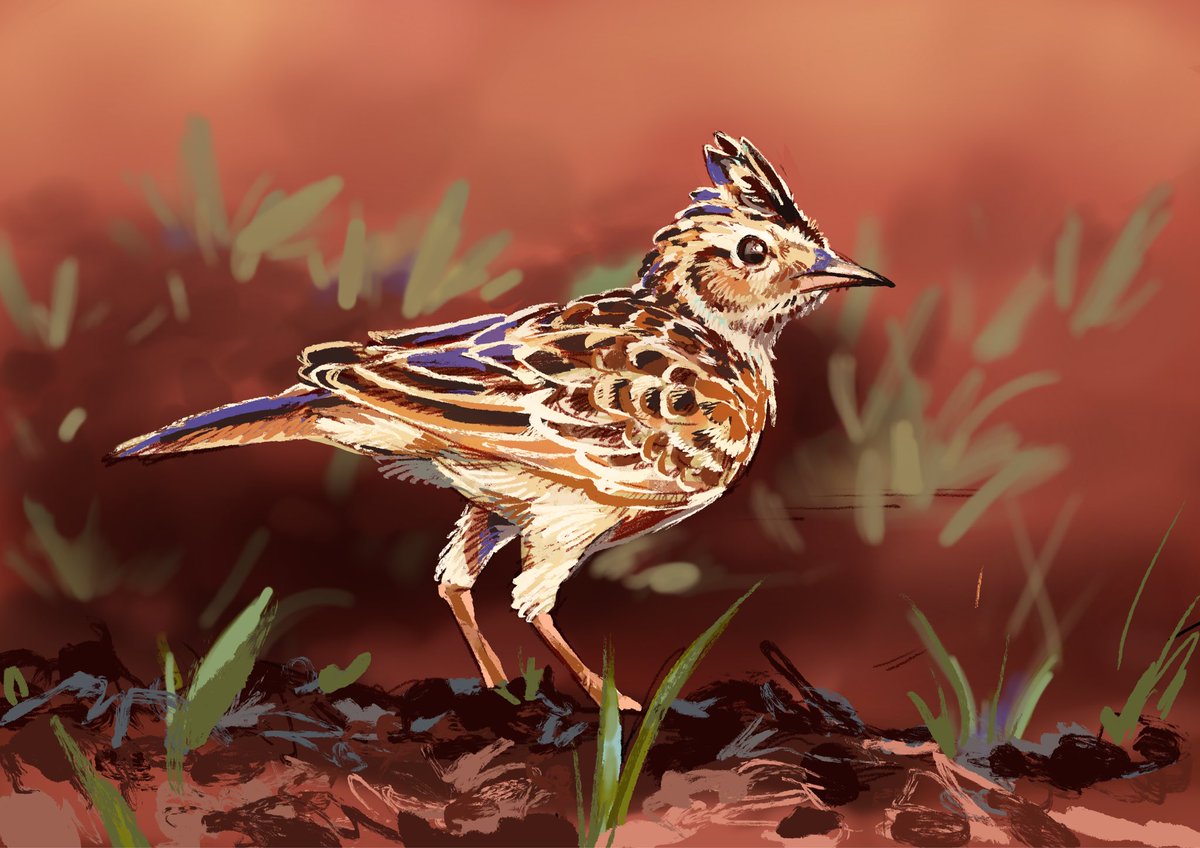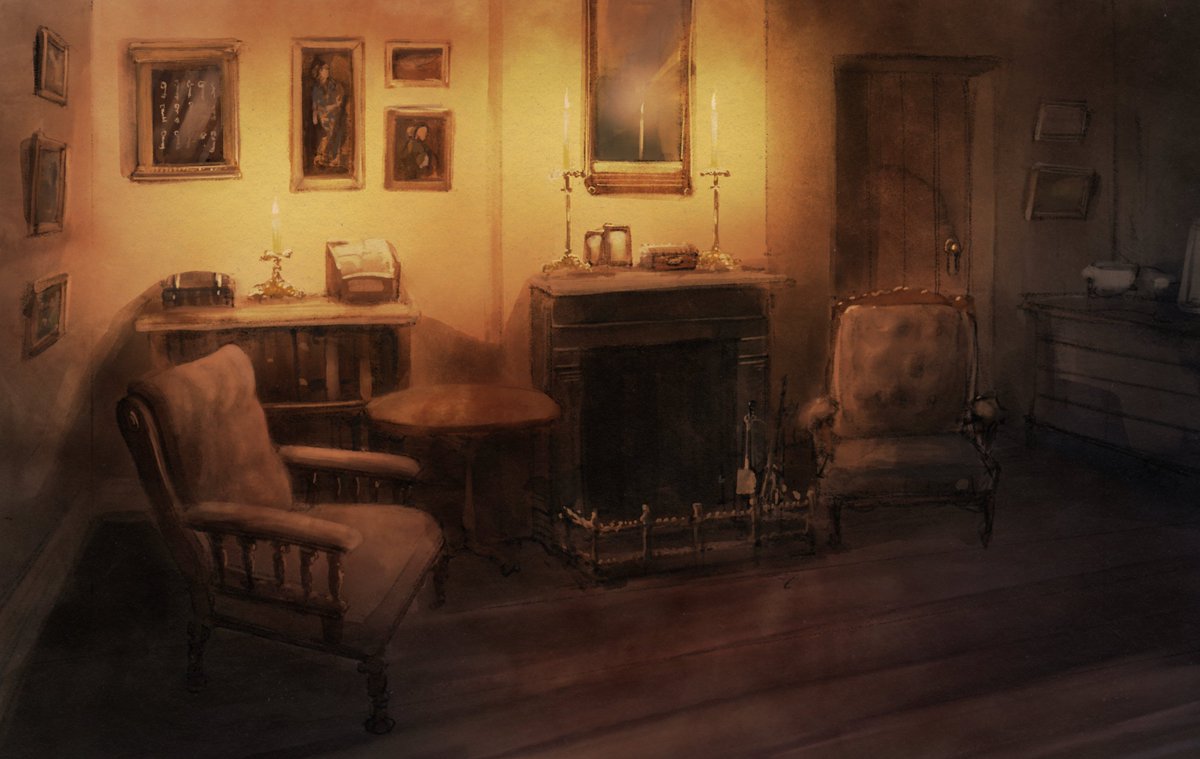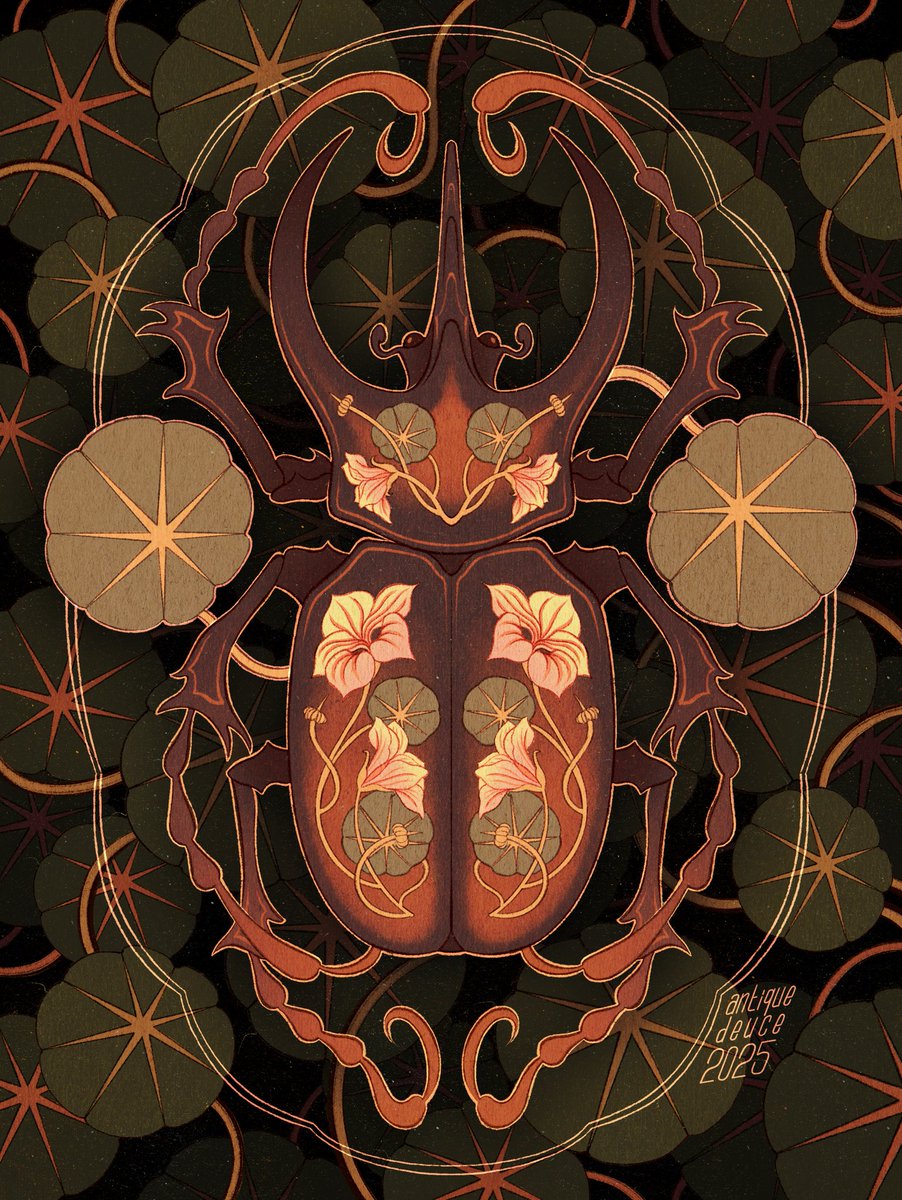
Unleash your creative potential with our powerful illustration and animation apps, Procreate and Procreate Dreams.
- Tweets 60,460
- Following 720
- Followers 313,068
- Likes 172,427














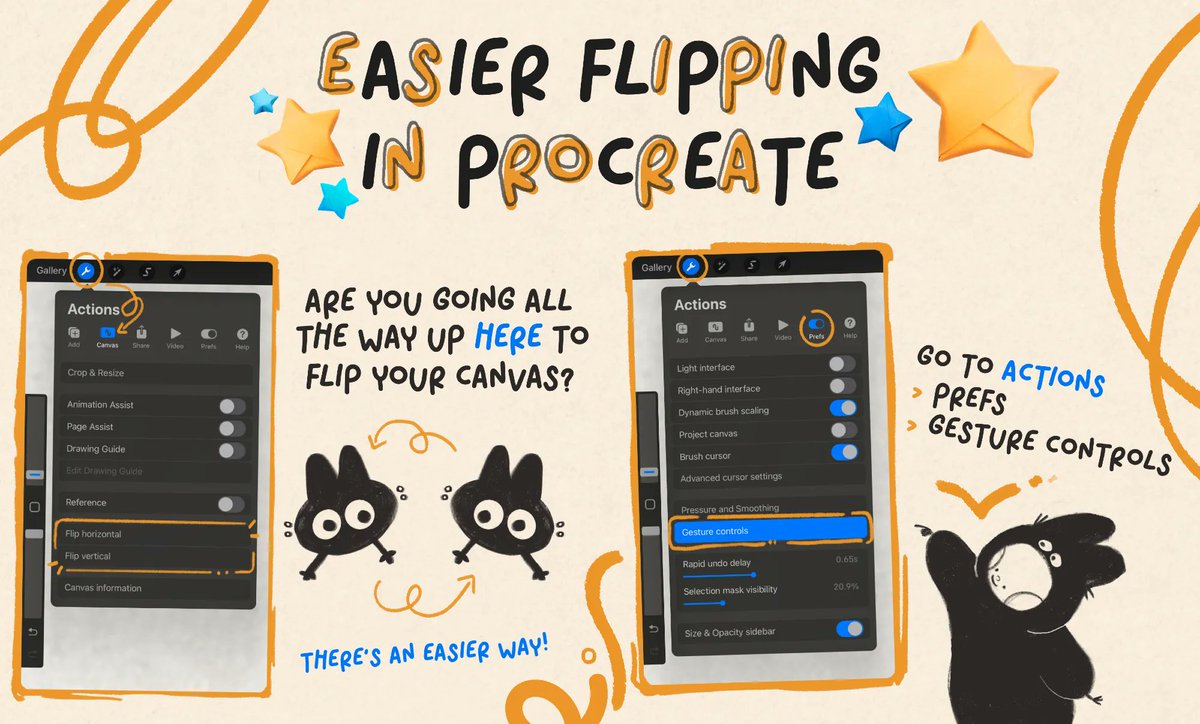
ALT Panel one of a four panel instructional on using the Quick Menu in Procreate. The panel includes screenshots from Procreate and various doodles in a warm yellow and deep grey. Text reads, "Easier Flipping in Procreate. Are you going all the way up here to flip your canvas? There's an easier way! Go to Actions >Prefs >Gesture Controls"
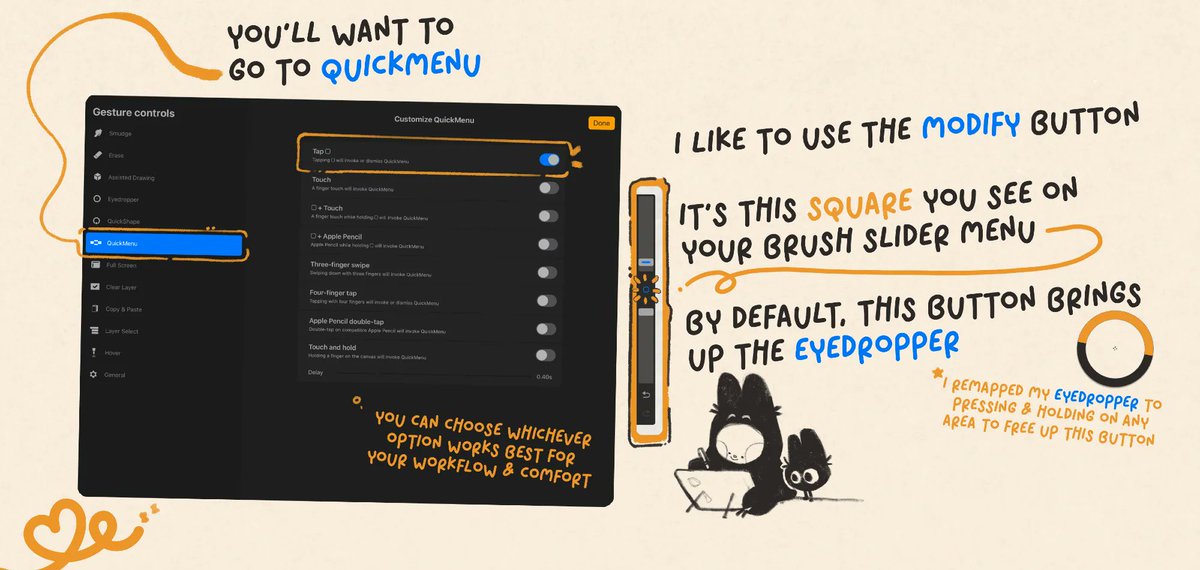
ALT Panel two of a four panel instructional on using the Quick Menu in Procreate. The panel includes screenshots from Procreate and various doodles in a warm yellow and deep grey. Text reads, "You'll want to go to QuickMenu. I like to use the Modify button. It's this square you see on your brush slider menu. Be default, this button brings up the eyedropper. I remapped my eyedropper to pressing & holding on any area to free up this button. You can choose whichever option works best for your workflow & comfort."
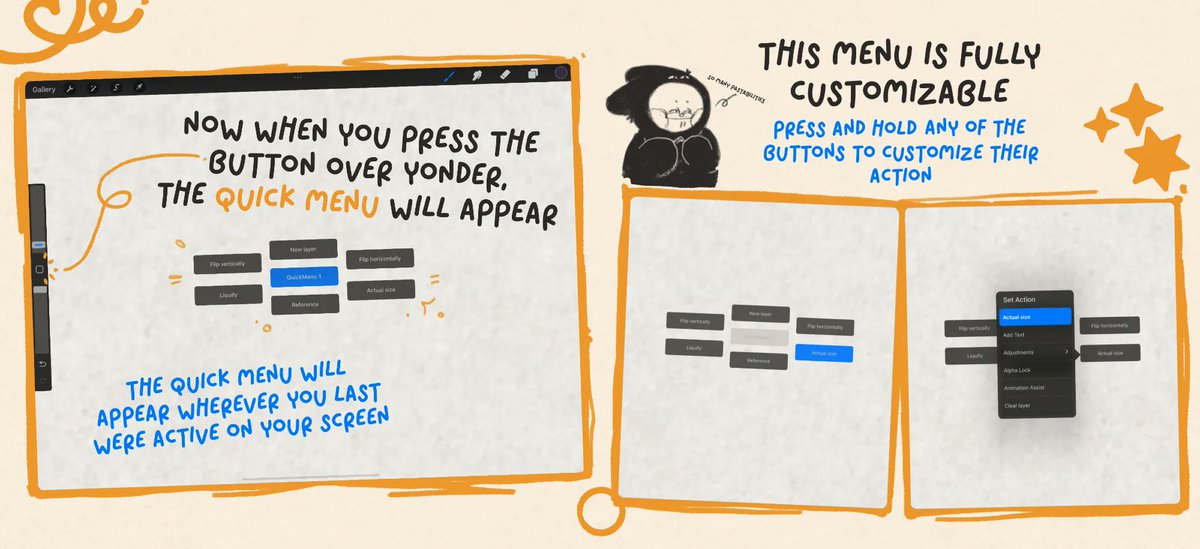
ALT Panel three of a four panel instructional on using the Quick Menu in Procreate. The panel includes screenshots from Procreate and various doodles in a warm yellow and deep grey. Text reads, "Now when you press the button over yonder, the QuickMenu will appear. The QuickMenu will appear wherever you last were active on your screen. This menu is fully customizable. Press and hold any of the buttons to customize their action."
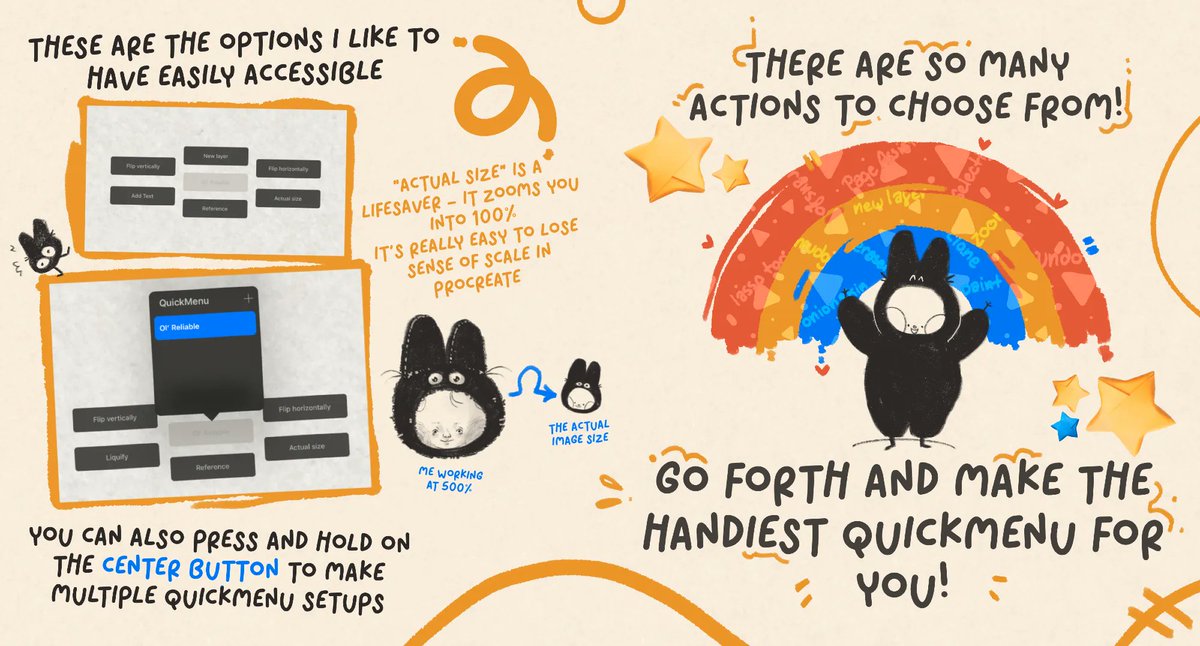
ALT Panel four of a four panel instructional on using the Quick Menu in Procreate. The panel includes screenshots from Procreate and various doodles in a warm yellow and deep grey. Text reads, "These are the options I like to have easily accessible (New Layer, Flip Horizontally, Actual Size, Reference, Add Text, Flip Vertically). "ActualSize" is a lifesaver - It zooms you into 100%. It's really easy to lose sense of scale in Procreate. You can also press and hold on the center button (of the QuickMenu) to make multiple QuickMenu setups. There are so many actions to choose from!