
Make videos programmatically.
Joined August 2021
- Tweets 678
- Following 18
- Followers 53,921
- Likes 1,146
209 Photos and videos
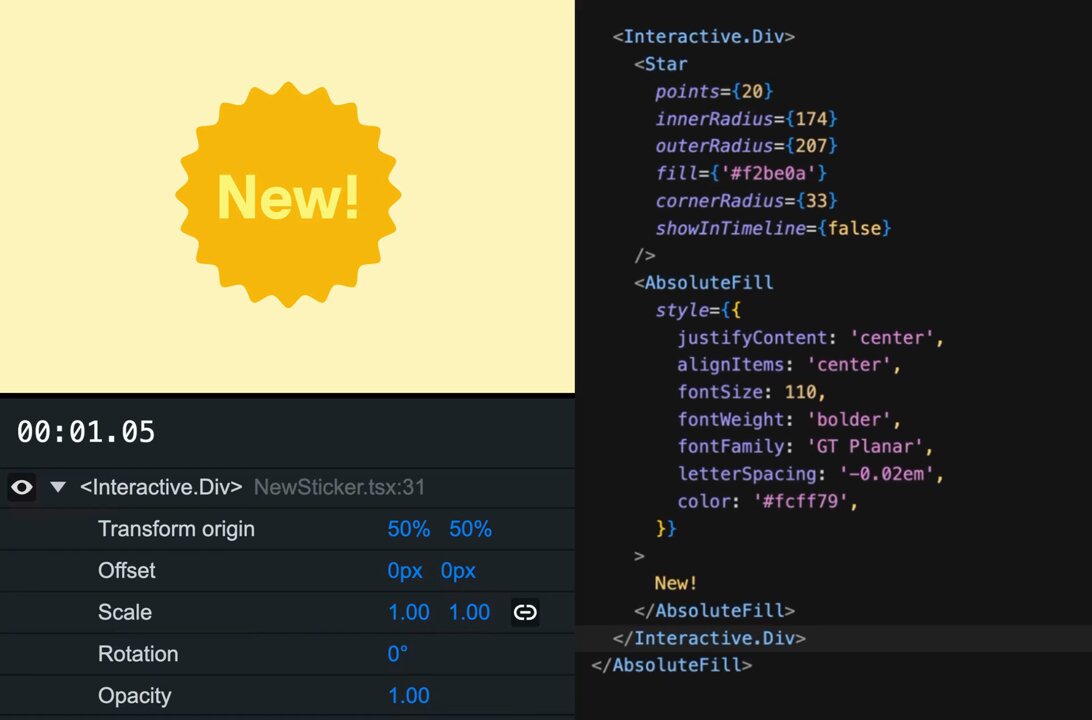
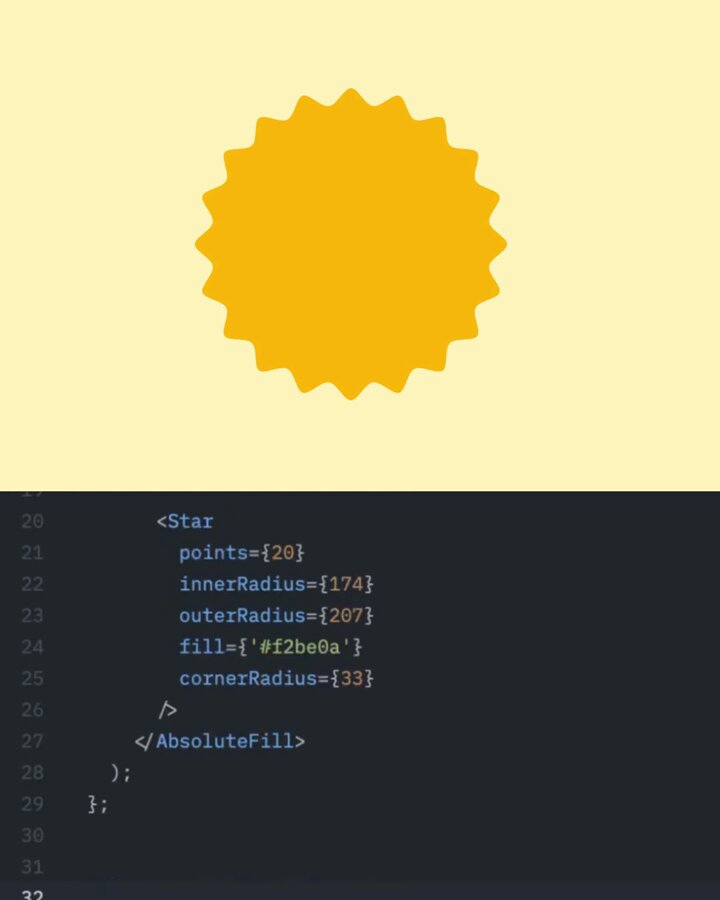

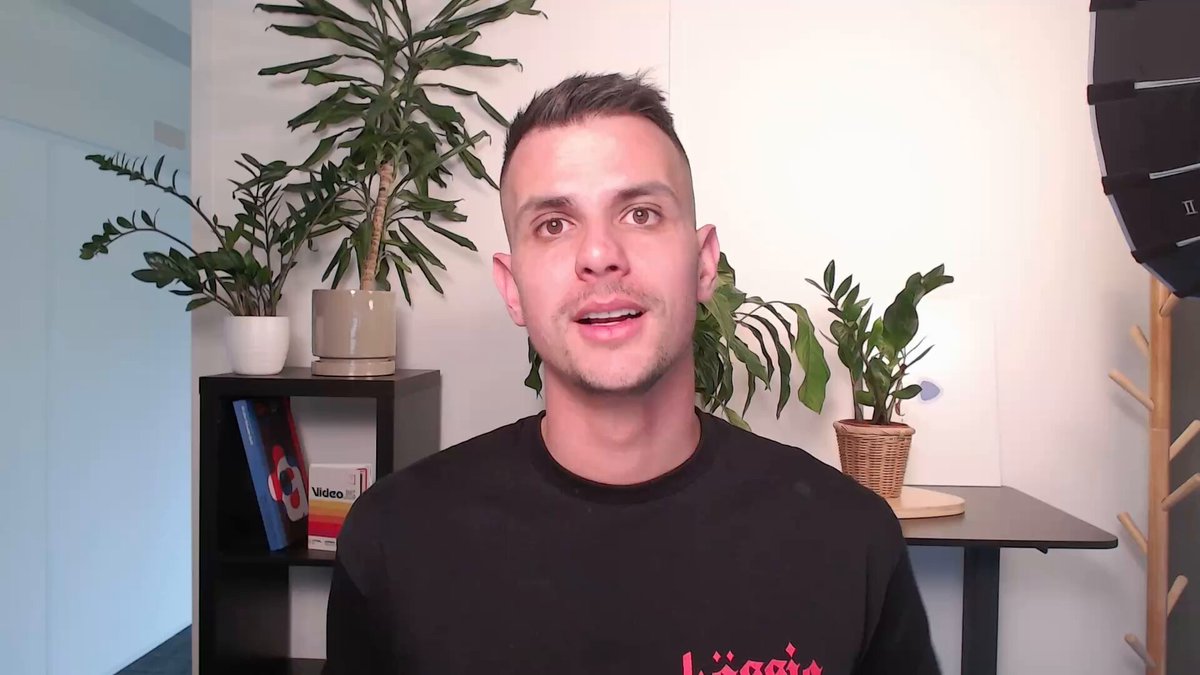

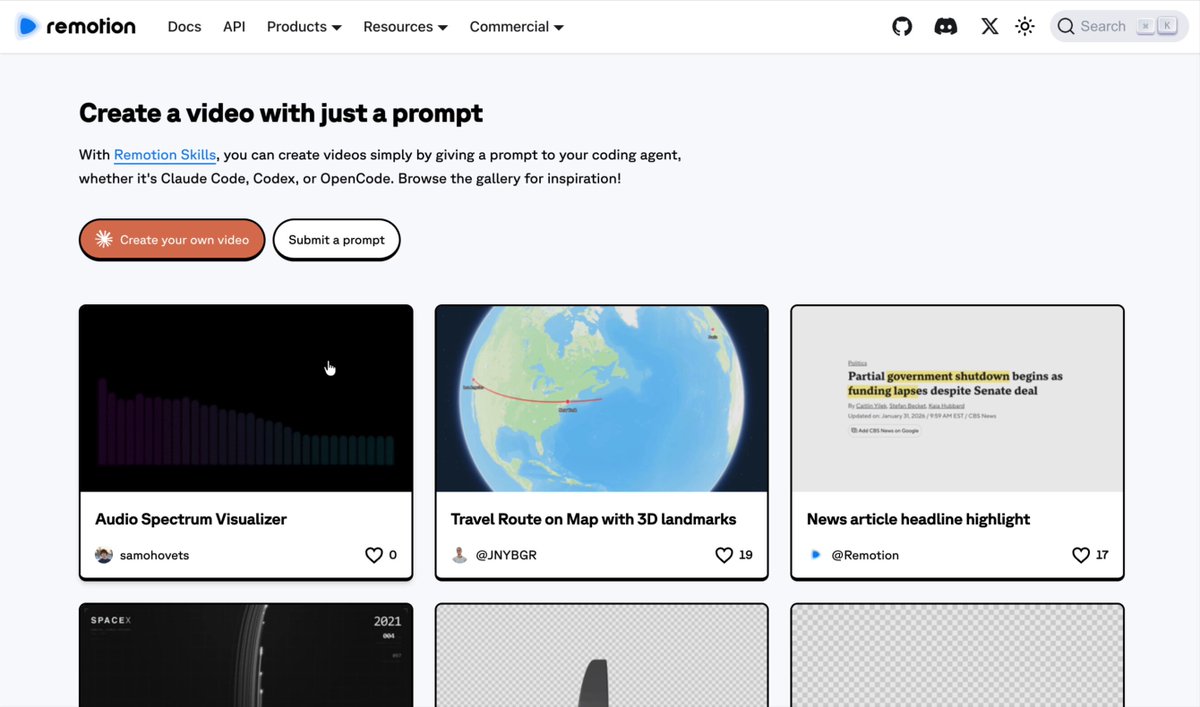



What's Remotion? A way to compose your video with code!
• Use React, a powerful frontend technology, to build sophisticated videos with code.
• Put together building blocks - like <Video>, <Img>, <Audio> as well as your custom components, in any way you want!
• Break down problems into smaller components and re-use them for all your videos.
Bringing all the nice things about frontend programming to video creation - that's what Remotion is all about!
24
45
704
356,482
Remotion retweeted

Jun 14
Thank you for 50.000 stars on Remotion!
It’s not just a milestone, it’s also a bit of a restart.
The new stuff might just change how you like to make your motion graphics ☺️ watch this space!
14
9
127
8,972
Hello World!
$ npx create-video@latest --blank -y glitch
$ cd glitch && npm i
$ claude
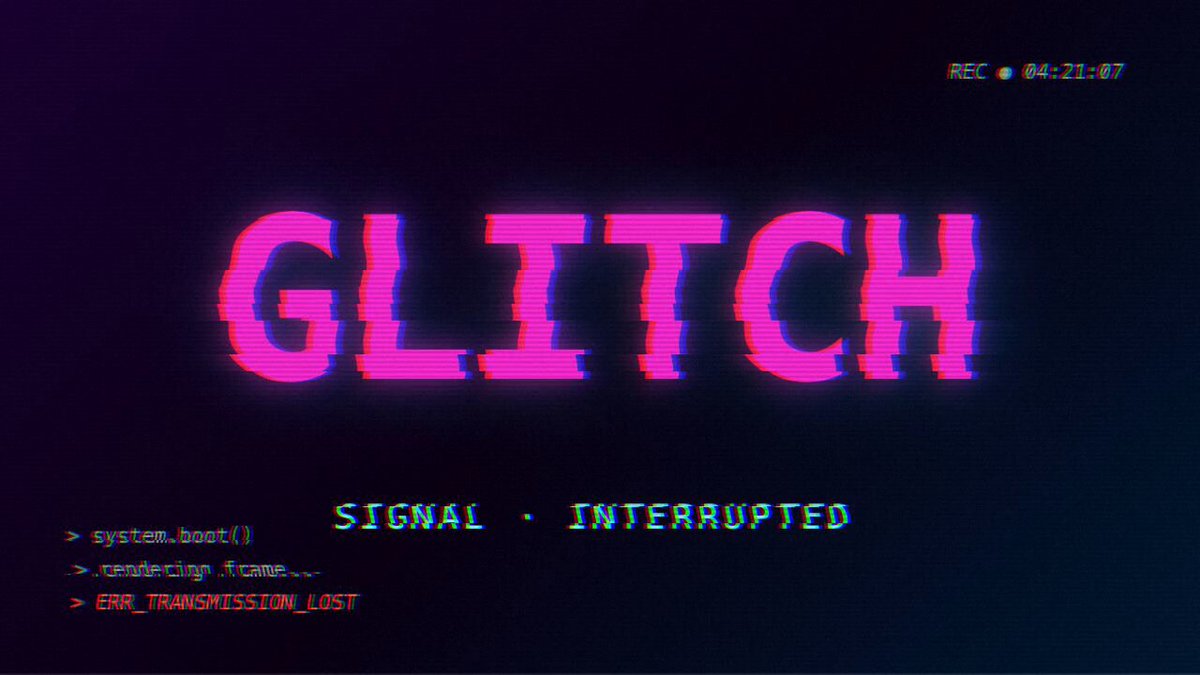
> use remotion html-in-canvas best practices. create a sample composition and apply a glitch effect to it!
To preview the video, you need Chrome Canary and to enable a flag once. Rendering works out of the box.
3
6
160
21,435
Find sample prompts, code for above examples, technical details for humans and agents here!
remotion.dev/html-in-canvas
2
81
16,756
Remotion now supports HLS videos!
Thanks to Vanilagy's incredible Mediabunny:

Mediabunny 1.42.0 is now out, adding THE most requested feature: full read/write support for HLS! 🚀
It's truly a game changer for client-side media processing. Here, I'm creating 5 renditions from a 40-second video in ~10 seconds, fully client-side, without a transcode server:
8
5
160
31,788
Remotion retweeted

Apr 16
We’re adding more plugins to Codex to give it more ways to gather context and take action across your stack.
New plugins include @coderabbitai, @Remotion, @CircleCI, and more.
37
56
1,027
77,541
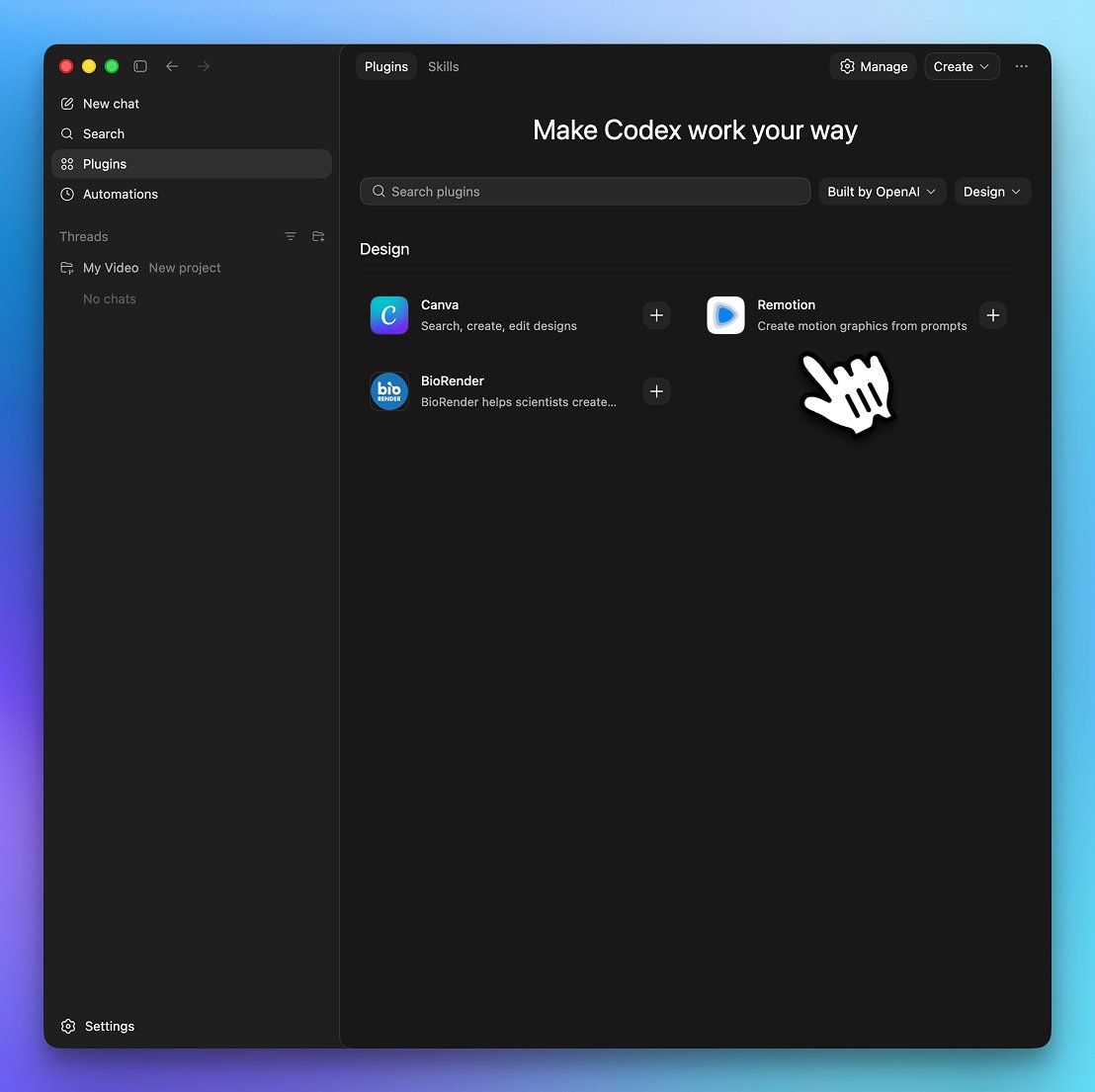
Check out the new Codex Plugins, you can find us there!
Within your Codex app you can now install the Remotion Skill with one click, skipping the CLI installation.
x.com/OpenAI/status/20448277…

Codex for (almost) everything.
It can now use apps on your Mac, connect to more of your tools, create images, learn from previous actions, remember how you like to work, and take on ongoing and repeatable tasks.
16
41
445
70,353
Remotion retweeted

Apr 13
Using @Remotion to generate assets for video using web tech.
15
59
915
83,103
The video above was edited with Remotion!
Prompts: gist.github.com/JonnyBurger/…
Source: github.com/JonnyBurger/whats…
2
3
31
13,541
• Prompts used: github.com/remotion-dev/cont…
• Source: github.com/remotion-dev/cont…
• Remotion on Vercel: remotion.dev/docs/vercel
• Demo: contribution-graph-vercel.ve…
Thanks to @anthonysheww for collaborating with us!
1
3
44
19,075
Build your own Prompt-to-Motion-Graphics SaaS!
Feb 27

Building a Lovable for... Motion Graphics? Totally doable with @Remotion and the current generation of AI models, but still hard to get right. That's why @JNYBGR and I created an open-source starter kit to get you started building your own product around Remotion and AI✨
10
6
102
34,174
Record a run with Strava, then download the .gpx from their webapp.
$ bun create video --blank my-run
$ cd my-run
$ bun i
$ claude
❯ use remotion best practices. turn my run today into an animated instagram story: ~/Downloads/Afternoon_Run.gpx show a map, the route and live metrics for my run. use font sizes that will be legible when user watches as a story
Note that a free Mapbox token is needed. Results may vary and we got lucky with this prompt, but it was our first attempt!
2
63
18,698

We're collecting great Remotion prompts!
Browse, copy and submit good ones:
remotion.dev/prompts
42
120
1,730
172,629