
Living in the crypto cosmos 🌎🚀 Privacy is human, speed is essential, and Dash is the future. @Dashpay Add me on Dashpay and Yappr: 247bas
Joined November 2021
- Tweets 2,089
- Following 209
- Followers 104
- Likes 5,835
83 Photos and videos










Bas retweeted

DigitalGoldTalk looks at DGB, DASH & DGD x.com/i/broadcasts/1lPKqvLgB…
10
60
127
17,459
I’ve been using @silentlink1 for a couple of months and I have had zero complaints. My only-data ESIM works like it should. Paid for with coinjoined @Dashpay funds, so no connection of my identity to the the ESIM. Add calling/texting via Signal and you see why I’m a happy man.
27 Dec 2025

People are far better off using silent.link/ which is a cheaper and superior service from people who support GrapheneOS instead of trying to harm us. See discuss.grapheneos.org/d/294… for more information.
1
115
This is why I love Dash and it’s community. You don’t just get the tools to protect your financial privacy you also get valuable tips on how to increase your privacy in all aspects of your life. Take control over your data, it’s a great feeling.

1
2
8
124

Awesome step-by-step guide on how to store and use Dash (and other crypto) for cypherpunks and big investors, using Tails. For maximum security and peace of mind. Thanks @crypt0fan
16 Dec 2025

1
3
4
184
Gaining back my privacy step by step. The hardest part for me was replacing the way friends can contact me by phone. You know, the stubborn ones who don't want to use Signal.. But now they can call my mobile number and I receive via VOIP on an anon only-data ESIM.💪 @silentlink1
2
149
Great summary of the privacy features of GrapheneOS. Giving back control over your phone again.
19 Nov 2025

Just watched @MetroplexGOS 's first-ever interview with @davidbombal about @GrapheneOS and took some notes.
If you're considering GrapheneOS or just curious about what it actually offers, this interview breaks down the key points.
Metroplex handles GrapheneOS community outreach, so he fields questions from users daily. This interview addresses the most common misconceptions and concerns people have.
BIGGEST MISCONCEPTIONS DEBUNKED:
1) "Banking apps don't work"
~99% work fine. The remaining 1% that enforce Play Integrity API can often work with exploit compatibility mode. There's a community-maintained compatibility list at discuss.grapheneos.org/d/833…
Even apps like eBay that show Play Integrity flags often work - just need to install via Aurora Store instead of Play Store.
2) "You can't get notifications"
False. Three options:
- Sandboxed Play Services (Firebase Cloud Messaging) - works without Google account
- UnifiedPush for supported apps
- Individual app websockets
All function exactly like stock Android. The difference? You control the permissions.
3) "Using a Google Pixel defeats the purpose"
This one comes up constantly. GrapheneOS uses Pixels because they're the ONLY devices offering:
- Full firmware support for alternate operating systems
- Verified boot with locked bootloader
- Hardware attestation through Titan M2 chip
- Best security research backing
It's not about avoiding Google hardware - it's about using the most secure Android hardware available.
WHAT GRAPHENEOS ACTUALLY IS
It's an AOSP (Android Open Source Project) distribution, like how Fedora and Arch are Linux distributions.
Key difference from stock Android: On first boot, GrapheneOS makes ZERO default connections to Google. Everything goes through GrapheneOS proxies that strip identifiable information.
THE SANDBOXED PLAY SERVICES CONCEPT
Stock Android: Play Services run at system level with elevated privileges. They can access whatever they want and you can't fully restrict them.
GrapheneOS: Play Services installed as regular user apps in the sandboxed compatibility layer. Subject to the same permission model as any other app.
You can revoke permissions. You can control data access. You can even run them without a Google account.
PRIVACY FEATURES THAT STOOD OUT:
Storage Scopes: Grant apps access to specific files/folders instead of entire storage. Facebook wants photos? Give it access to one folder, not everything.
Contact Scopes: Share specific contacts with apps like WhatsApp instead of your entire contact list. The app thinks it has full permission, but you've limited the scope.
Per-connection MAC randomization: Every time WiFi turns on/off, your device appears as a new device to access points. They can't track you through a mall.
Auto WiFi/Bluetooth timeouts: Customize how long before they auto-disable. Prevents beacon tracking when you're walking around.
SECURITY FEATURES:
Auto-reboot to Before First Unlock (BFU):
Set between 10 minutes to 72 hours. When triggered, encryption keys are purged from memory. Metroplex sets his to 8 hours (overnight).
Forensic firms have specifically flagged Pixel GrapheneOS as the hardest combination to extract data from.
PIN scrambling: Numbers randomize on unlock screen. Defeats shoulder surfing.
Two-factor fingerprint unlock: Strong passphrase for first unlock, then weaker PIN fingerprint for subsequent unlocks. Combined with Titan M2 throttling makes brute force impractical.
Memory Tagging Extension (MTE): Apple just announced this as revolutionary. GrapheneOS has had it system-wide since release.
Covers kernel, all OS processes, bundled apps, AND user-installed apps. When apps crash due to memory corruption, you get notifications with crash reports to send to developers.
This benefits the entire Android ecosystem when developers fix issues.
THE PIXEL 10 SITUATION
People worried about Google removing Pixel device trees from AOSP.
Status: GrapheneOS has automated device tree generation from factory images. Pixel 10 experimental builds already exist.
Waiting on Google to release QPR1 to AOSP (expected soon), then Pixel 10 goes to stable release.
Also: GrapheneOS is partnering with a top-tier Android OEM for alternative hardware. Target launch Q4 2026 / early 2027.
SECURITY UPDATES ADVANTAGE
Through the OEM partnership, GrapheneOS now gets security patches up to 4 months early.
There's an embargo before open-sourcing them, but users get protection immediately - faster than stock Pixel users.
Metroplex's take: If you trust GrapheneOS enough to install it, trust getting security patches that make you safer.
CAMERA QUALITY
Secure Camera app (bundled) provides equivalent quality using CameraX API.
Want Google Pixel Camera's full AI features? You can install it. GrapheneOS built compatibility layer support even after Google added hard Play Services dependency.
Can even toggle Tensor Processing Unit access for AI enhancements.
USER PROFILES
You can create multiple user profiles, each with separate encryption and PIN.
Use cases:
- Isolate apps requiring Play Services
- Reduce screen time (Metroplex's approach - essentials in main profile, time-wasting apps in secondary)
- Sensitive data isolation (banking apps together in one profile)
- Travel (before crossing borders, keep device in BFU state with minimal profile active)
Each profile can auto-stop background processes when you switch away. "End session" button purges encryption keys for that profile.
NETWORK LOCATION
GrapheneOS recently launched network location provider using Apple's services (via proxy).
Why Apple? Best privacy option available. GrapheneOS proxy strips all identifiable information before sending requests.
Gives you faster location fixes indoors without exposing data to Google or Apple directly.
APP INSTALLATION OPTIONS
1. GrapheneOS App Store (first-party apps: Secure Camera, Auditor, PDF Viewer, plus select third-party)
2. Play Store (via sandboxed Play Services - can use existing Google account, throwaway account, or no account for free apps)
3. Accrescent (new open-source alternative to Play Store, recently out of beta - developers control distribution)
4. Obtainium (pulls APKs directly from GitHub/GitLab release pages, auto-updates)
5. Aurora Store (Play Store front-end with shared accounts - against Google ToS, use as last resort)
Metroplex's tip: Don't use VPN IP when creating throwaway Google accounts - Google often requires phone verification, adding friction.
WHAT GRAPHENEOS ISN'T ABOUT
Not about avoiding Google entirely. Not about paranoia. Not about being a "drug dealer" (looking at you, Spanish government).
It's about USER CONTROL over a device you own.
Want to use Google services? Fine - but sandboxed with permissions you control.
Want zero Google? Also fine - everything has alternatives or proxies.
WHO SHOULD CONSIDER IT?
Anyone who wants:
- Privacy by default
- Proven security hardening
- Full app compatibility (banking, notifications, everything works)
- Automatic OTA updates
- Control over their own device
MY KEY TAKEAWAYS
1. Most "GrapheneOS problems" people mention are outdated or false
2. It's not privacy OR security - it's privacy AND security as complementary
3. The project has matured significantly - it's genuinely usable
4. User control is the core principle, not anti-Google ideology
5. Pixel GrapheneOS is legitimately the most secure mobile setup available
1
68

The Cloudflare outage really highlights why we built Evolution.
Imagine decentralized applications running with no back-end server, no indexer, no node service provider. Just on the Dash network itself.
This is the future we're building.

23
35
165
14,244
Bas retweeted

14 Nov 2025
The EU Council appear ready to approve Chat Control. This must be stopped. To highlight the corruption behind the proposal, Mullvad VPN now present "And Then?"
The backstory: mullvad.net/blog/mullvad-vpn…
56
723
2,970
137,707
iOS and Android developers listen up! This is your moment to get involved and work on an OG crypto in the space since 2014 that is all about actually using crypto as day to day money in a private and userfriendly way, so even your grandma can do it. Apply!
WE'RE HIRING! 🧑💼
Dash Core Group (one of the main developer groups working on Dash) is hiring a dual-native iOS/Android developer to work on the legendary DashPay wallet.
If you're a competent dev who can do both Android and iOS, we'd love to have you!
x.com/i/jobs/198945983118352…
1
6
27
1,357
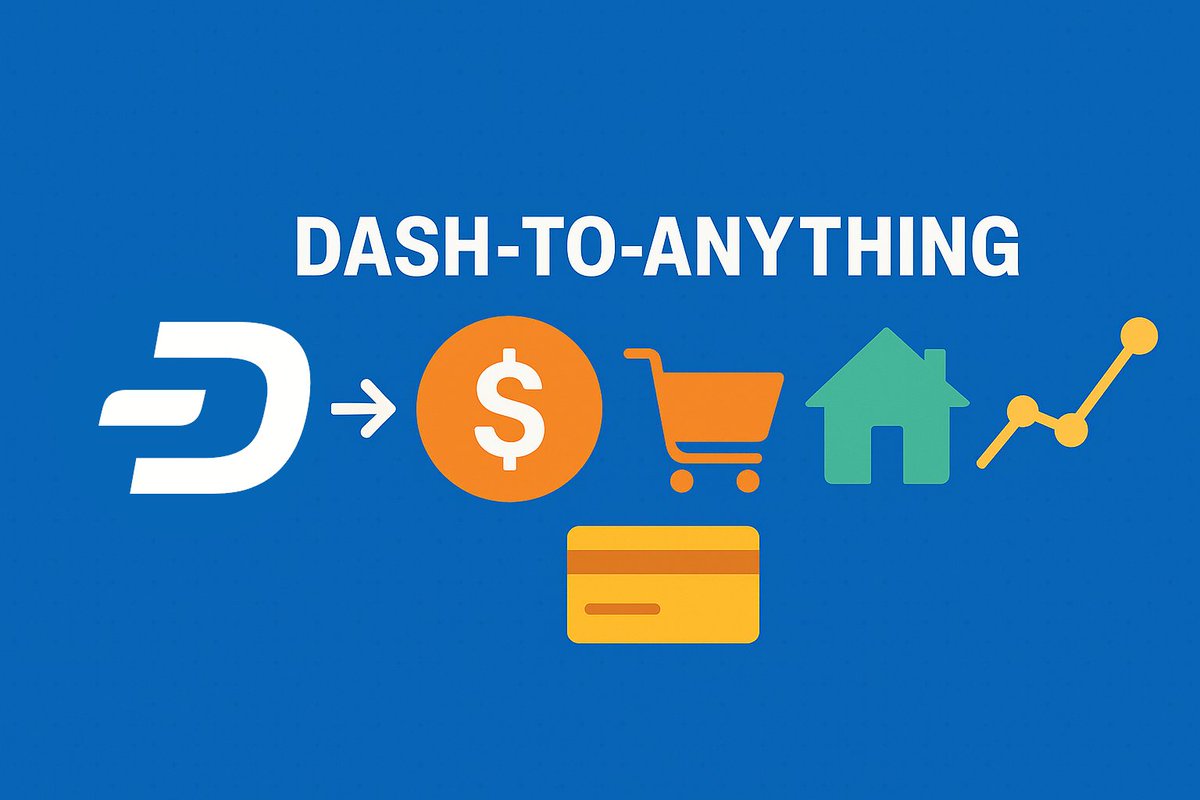
Dash is working hard to let the world use crypto for daily payments in a private way. Instant settlement and privacy built-in. When this launches you just need a wallet with Dash and you can pay everywhere.
🚨ALPHA ALERT🚨
We're working on a killer feature for Dash that no other crypto has: Dash-to-Anything ⚡️💵➡️🌐
Our goal is for Dash to be used as money for the whole world. Before it's accepted everywhere, we're working on tools to spend it even where it's not accepted! 🤯
🧵
2
8
44
1,538
Nice to have met you in person @vikrantnyc at Bitcoin Amsterdam today! I love the work you guys do for privacy in the crypto space and wish you all the best. I'm looking forward to meet again in the future.
42