
NRA HFS & Basic Pistol Instructor | Stop the Bleed Instructor | SABRE Instructor | MA LTC Assistance: (508) 740-7981 (click learn more)
Joined January 2023
- Tweets 8,813
- Following 2,157
- Followers 1,879
- Likes 7,922
1,098 Photos and videos


Pinned Tweet

26 Mar 2025
As Black gun ownership rises, Boston instructors teach safety bostonglobe.com/2025/03/26/b… via @BostonGlobe
23
34
154
63,771
Jun 2
4
41
May 22
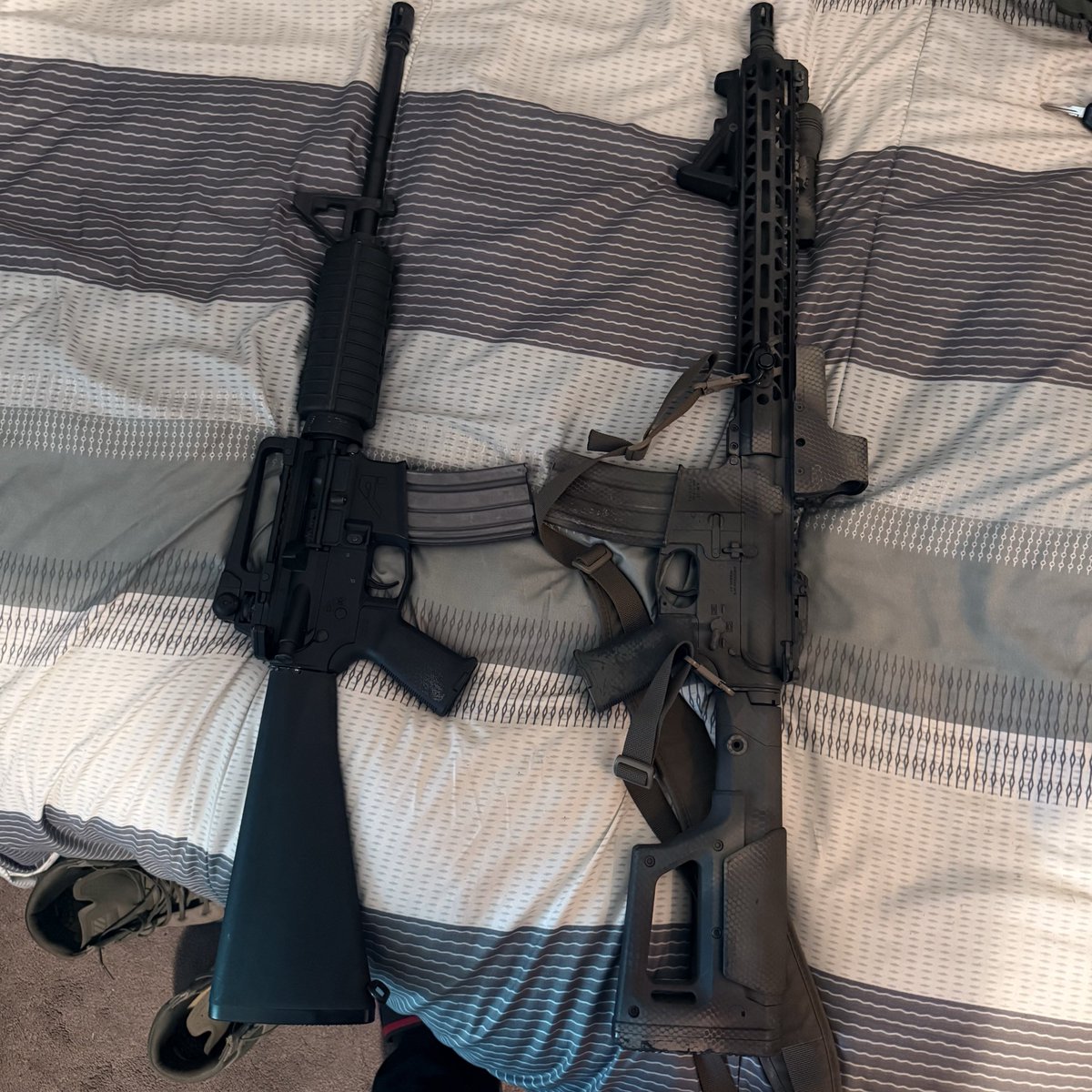
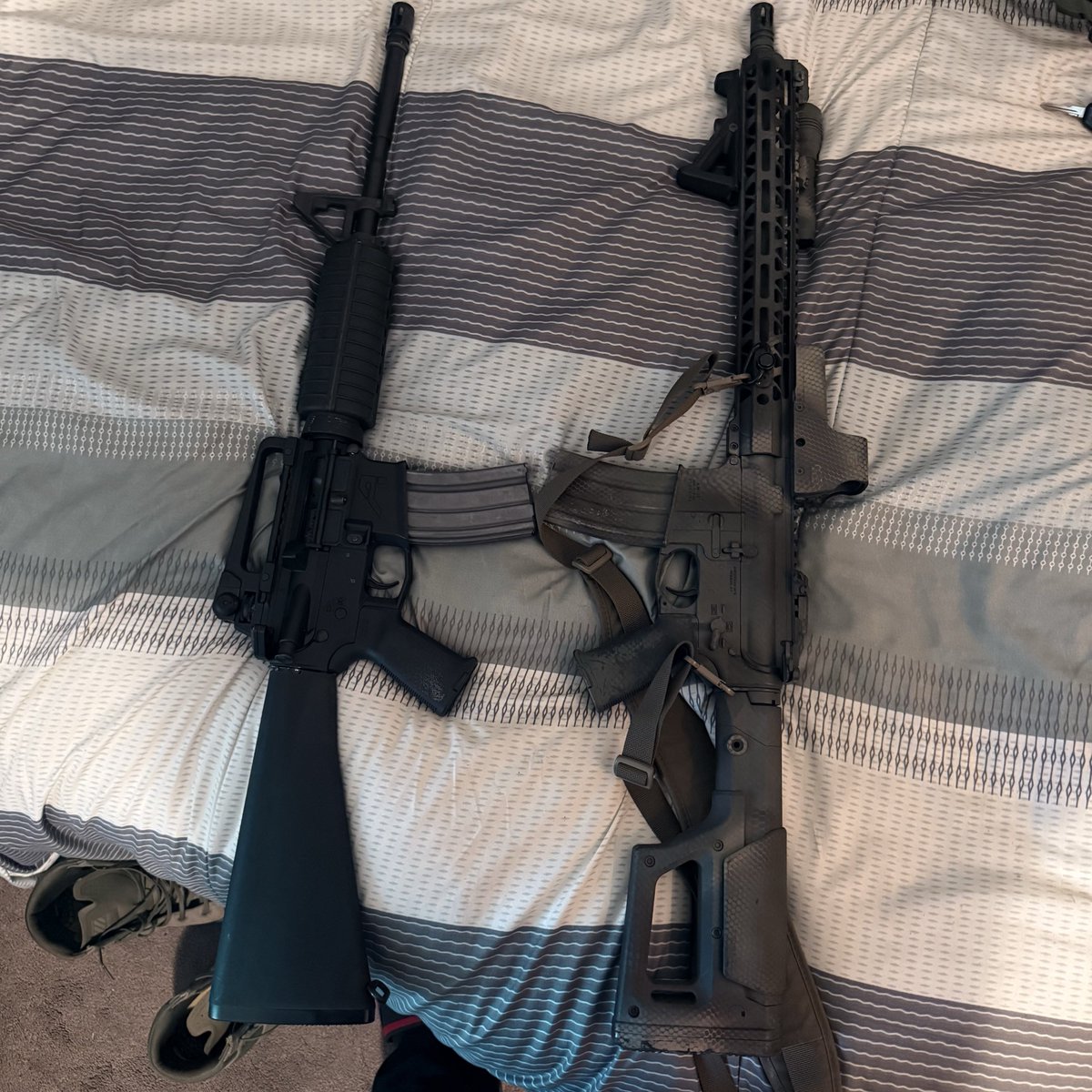
Which do you prefer
100%
Classic
0%
Modern
1 votes • Final results
1
2
29
May 16
2
51
Apr 2
Eighteen months, man.
That’s a whole year and a half the state had to get their act together and drop the new curriculum so people can actually exercise their 2A rights. We’re out here waiting on paperwork and a process that should’ve been locked in months ago. Now, day one of the new mandates hits, and that "official" 25-question test and the live-fire requirements? Still MIA. Nowhere to be found.
In the city, we already know the vibes: "bureaucratic delays" is just code for "denial of access." When they keep moving the goalposts—or better yet, when they haven't even put the posts in the ground—it’s the folks in our neighborhoods trying to do things by the book who end up stuck in limbo.
Self-defense shouldn't be gated behind a "coming soon" sign while the streets don't hit pause. We’re staying ready so we don’t have to get ready, but the state is lagging heavy. Catch up.
#2A #Massachusetts #MassLTC #GunSafety #CivilRights #CommunityDefense #617Defense #StayReady #BostonRights
4
6
18
572
Apr 1
How to Get Your Firearms Safety Certificate
Follow these five steps to download your official certificate from the
Massachusetts State Portal:
1.Visit the Portal
Go to the Personal Gun Portal at gunportal.mass.gov/mircs/uni…. This is the official state site for firearms licensing.
2.Log In or Create an Account
Sign in or set up a Personal Account. Creating this account now is helpful, as you will use it again when you apply for your License to Carry (LTC).
3.Open the Firearms Instructor App
Once you are logged into the dashboard, click on the Firearms Instructor App.
4.Search for Your Certificate
To find your record, you will need to enter:
• The date of your class
• The course name
• Your full legal name
1.Download the Document
Once the search is complete, you will be able to download and save your certificate. It is recommended to keep a digital copy and print a physical version for your LTC application.
#617Defense #MassGunLaws #FirearmsSafety #LTC #MAFirearms #GunSafety #BostonTraining
2
1
1
143