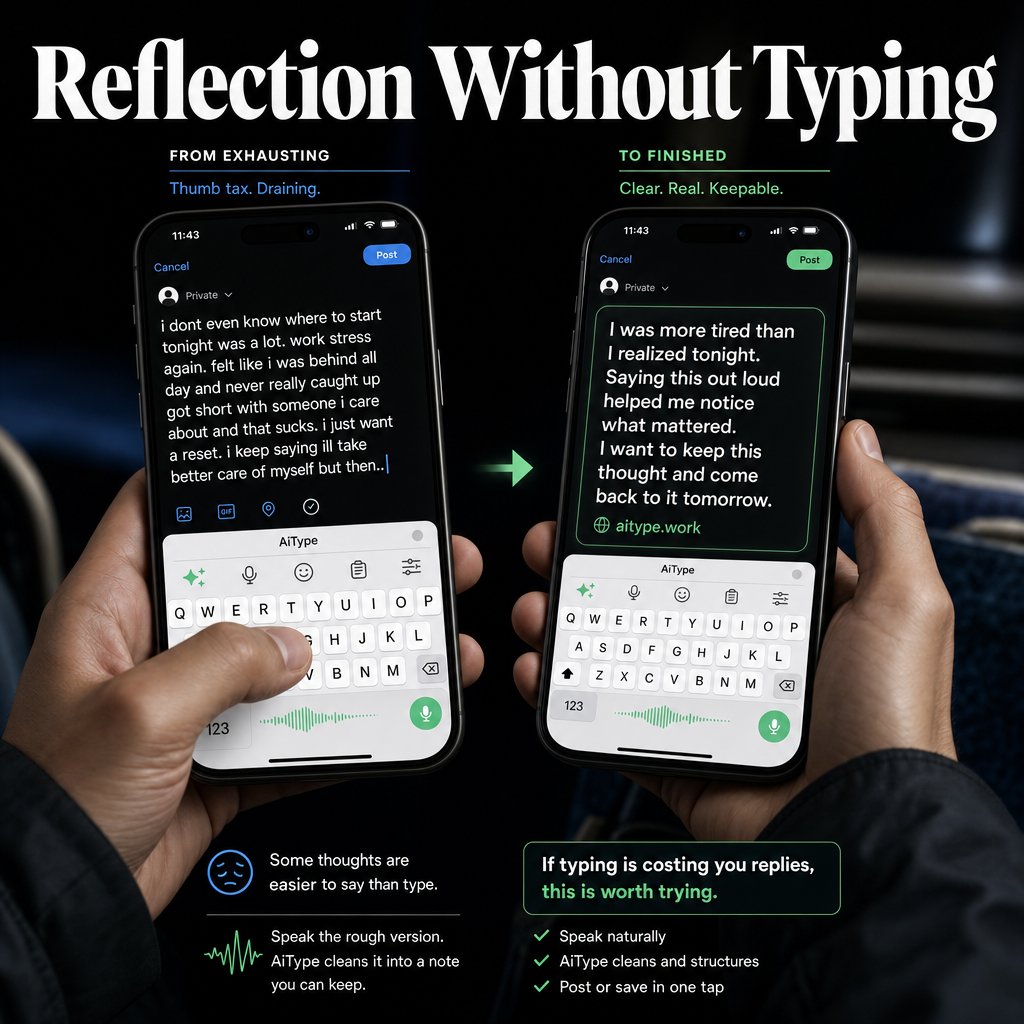
Today I spoke a rough draft into AiType, which tidied up the wording and punctuation while keeping my tone. Then the polished text dropped right into my message without extra steps. No more re-dictating the same thoughts. Try it at
aitype.work
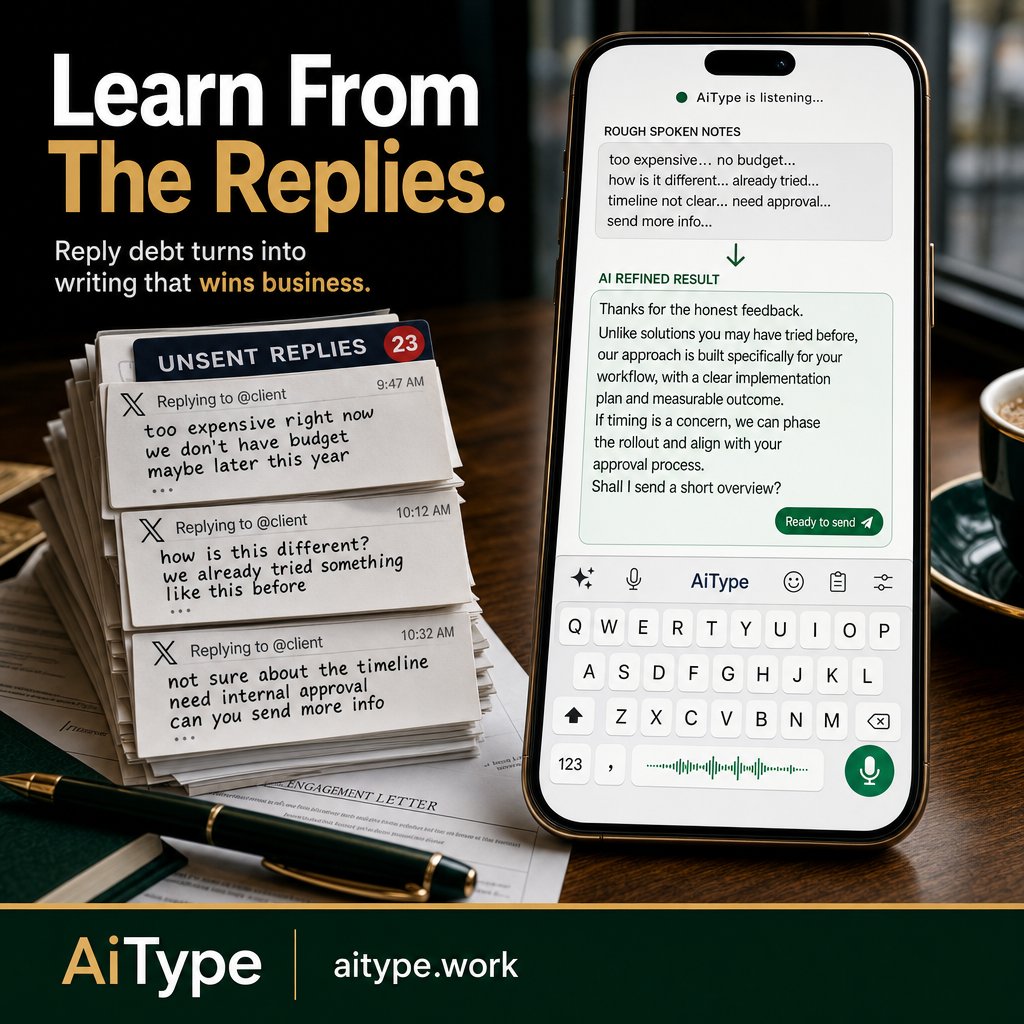
Every unsent reply adds weight to your inbox. That rough client voice note just became clear, professional text. No more reply debt. aitype.work
ALT Close-up of a cafe desk with documents, pen, and phone displaying AiType keyboard. On screen, rough voice notes turn into polished client update text above the keyboard. A stack of unsent X replies is visible, showing reply backlog. The headline reads 'Rough Thought. Clean Text.' in deep green and gold tones.
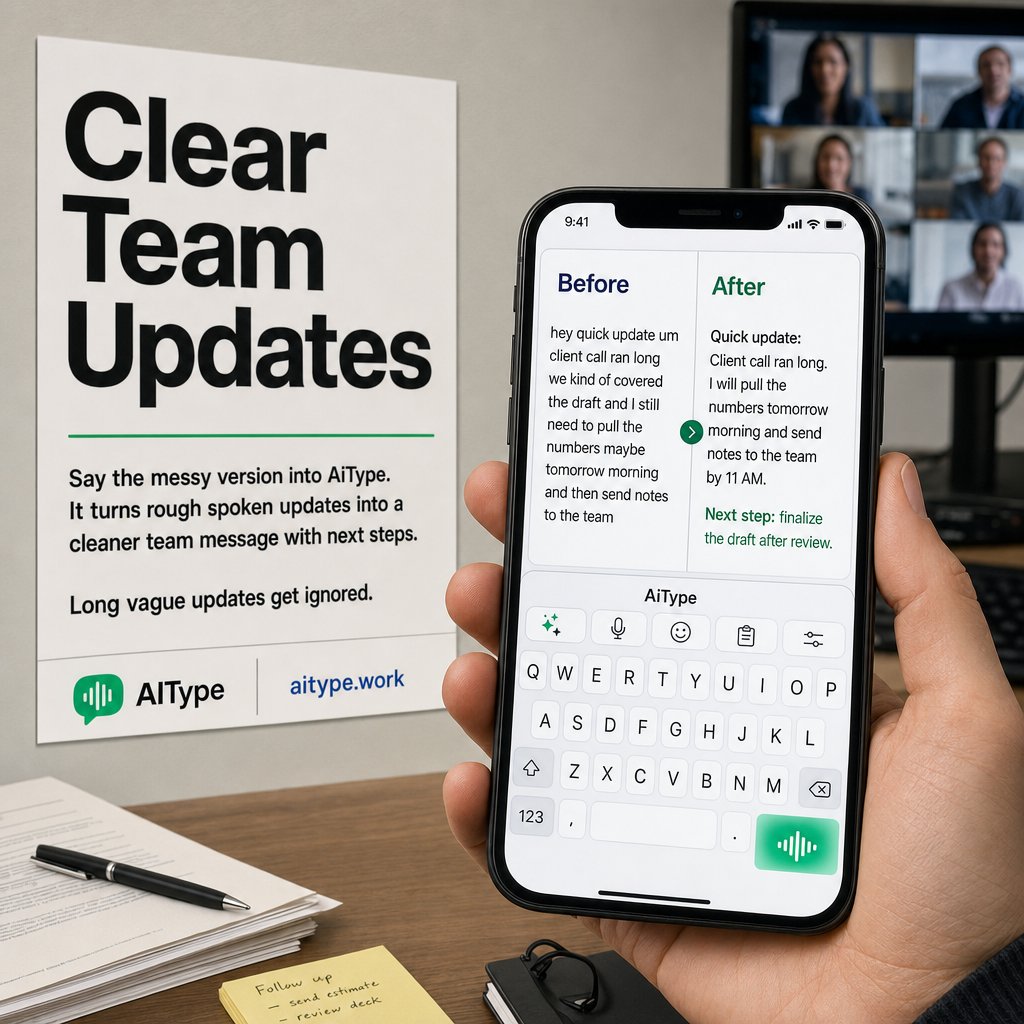
Ever start typing a team update and freeze at the blank box? Today I just spoke my rough update, AiType cleaned up the wording and tone, then dropped the polished text right into our Slack message. Made the whole thing way faster.
aitype.work
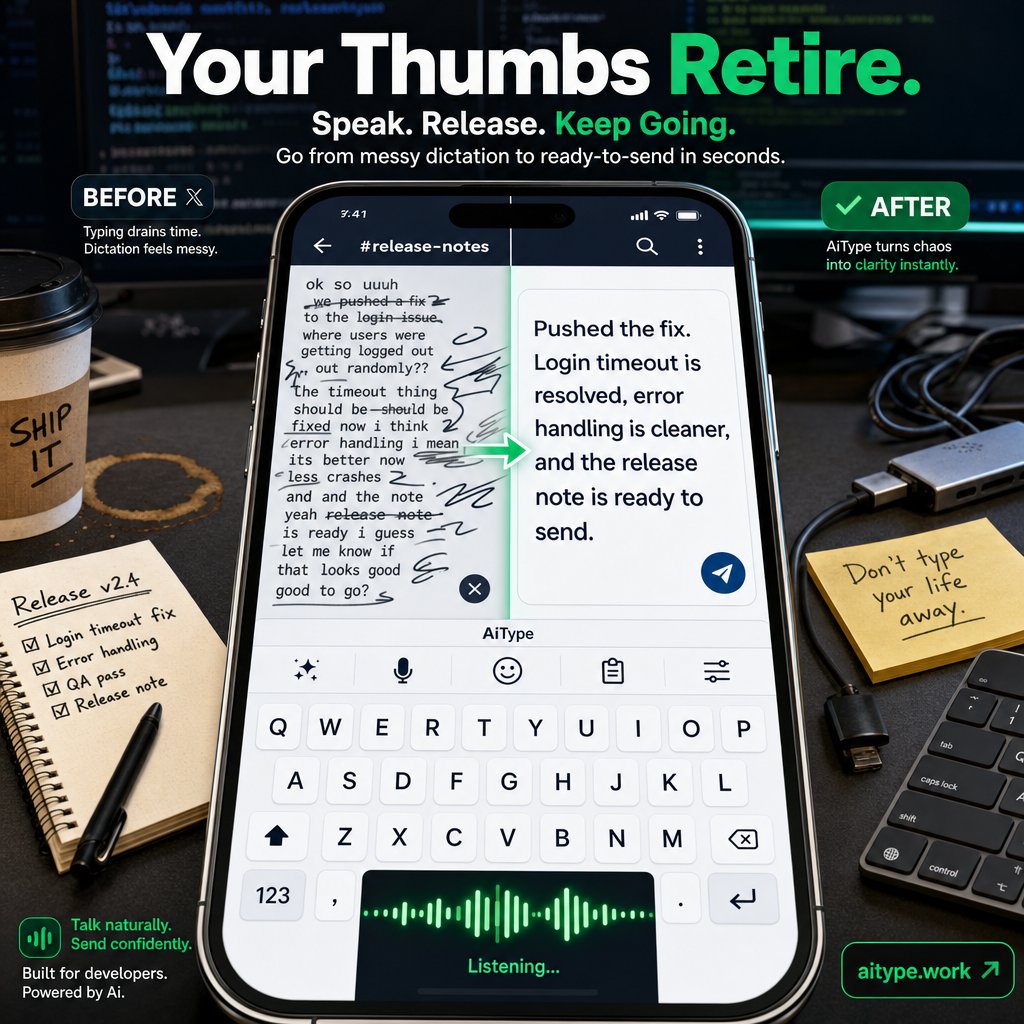
Thumb-typing long replies burns out your fingers. AiType cleans rough voice notes into polished text fast - so you stay in the conversation. Your thumbs retire. aitype.work
ALT Split image of a phone on a cluttered developer desk. Left side displays messy, overlapping spoken words in chaotic text. Right side shows AiType keyboard with clean, polished text ready to send, illustrating fast voice-to-text cleanup and dictation.
I used to spend too long retyping client updates to get every word right. Now I just speak my rough thoughts into AiType on my phone keyboard. It cleans up the wording and tone, then puts the polished text straight into the client
aitype.work
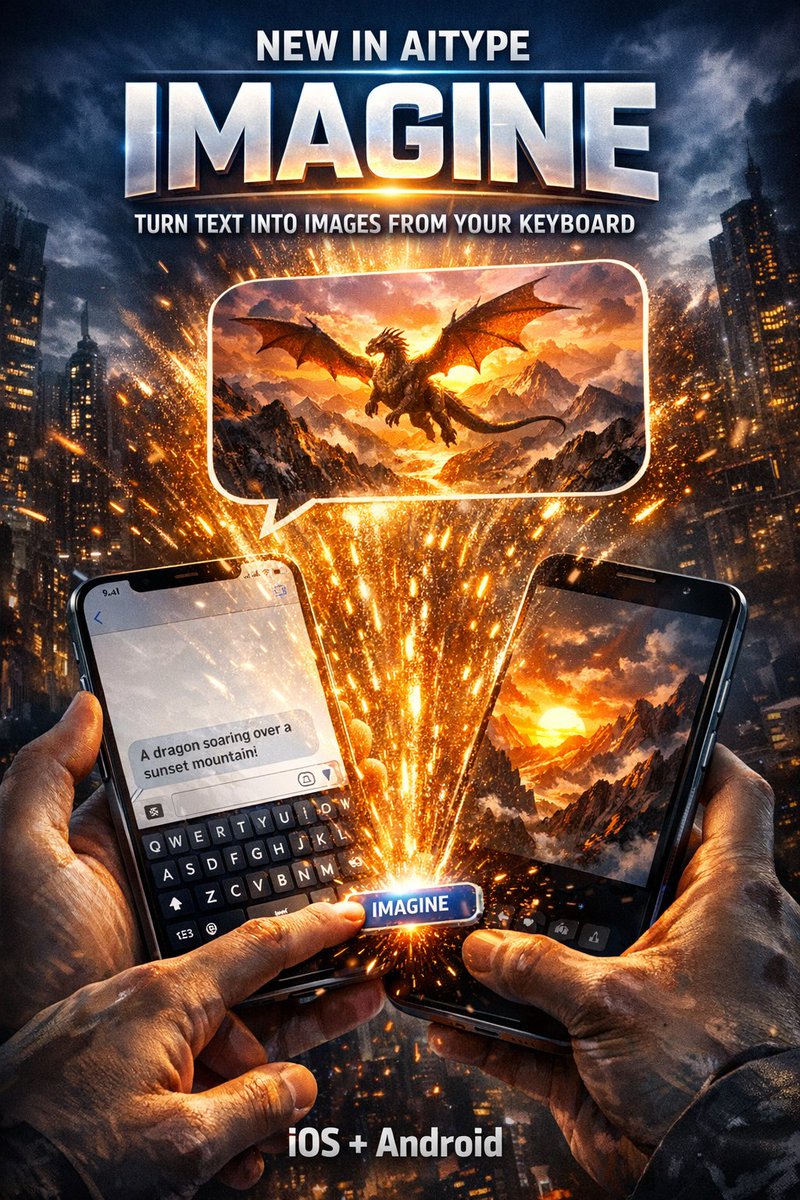
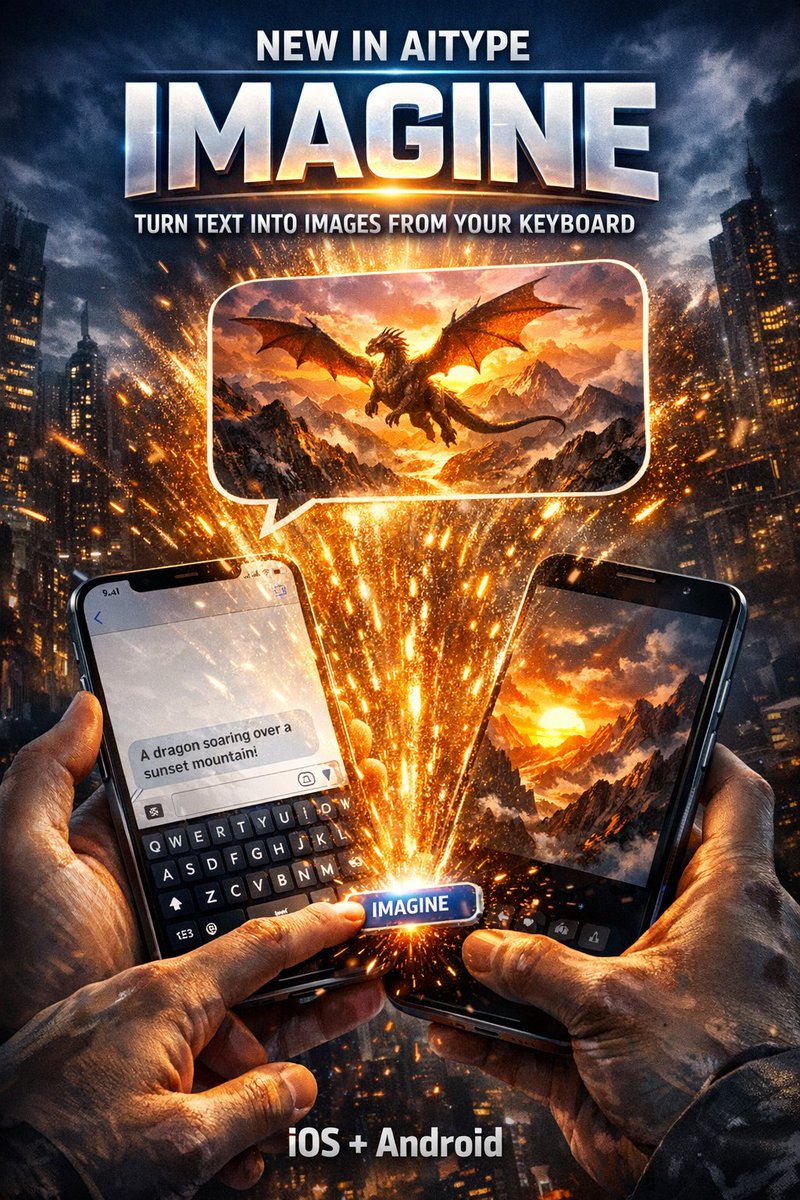
Imagine is live in AiType on iOS and Android.
Type a prompt, tap Imagine, and turn it into a sendable image from your keyboard.
Try it: aitype.work
ALT Movie-style AiType poster showing a phone keyboard with an Imagine button turning typed text into a generated image ready to send in chat. Text reads: New in AiType, Imagine, turn text into images from your keyboard, iOS and Android.
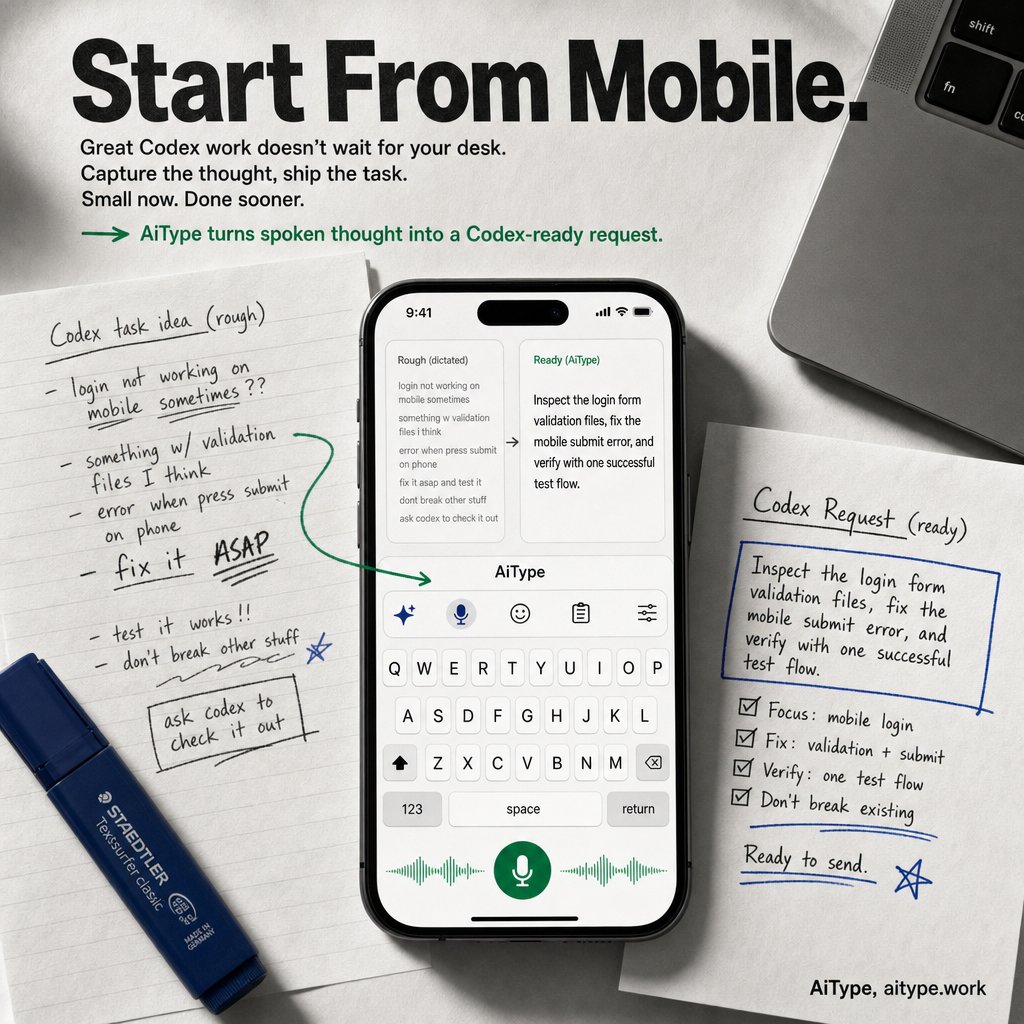
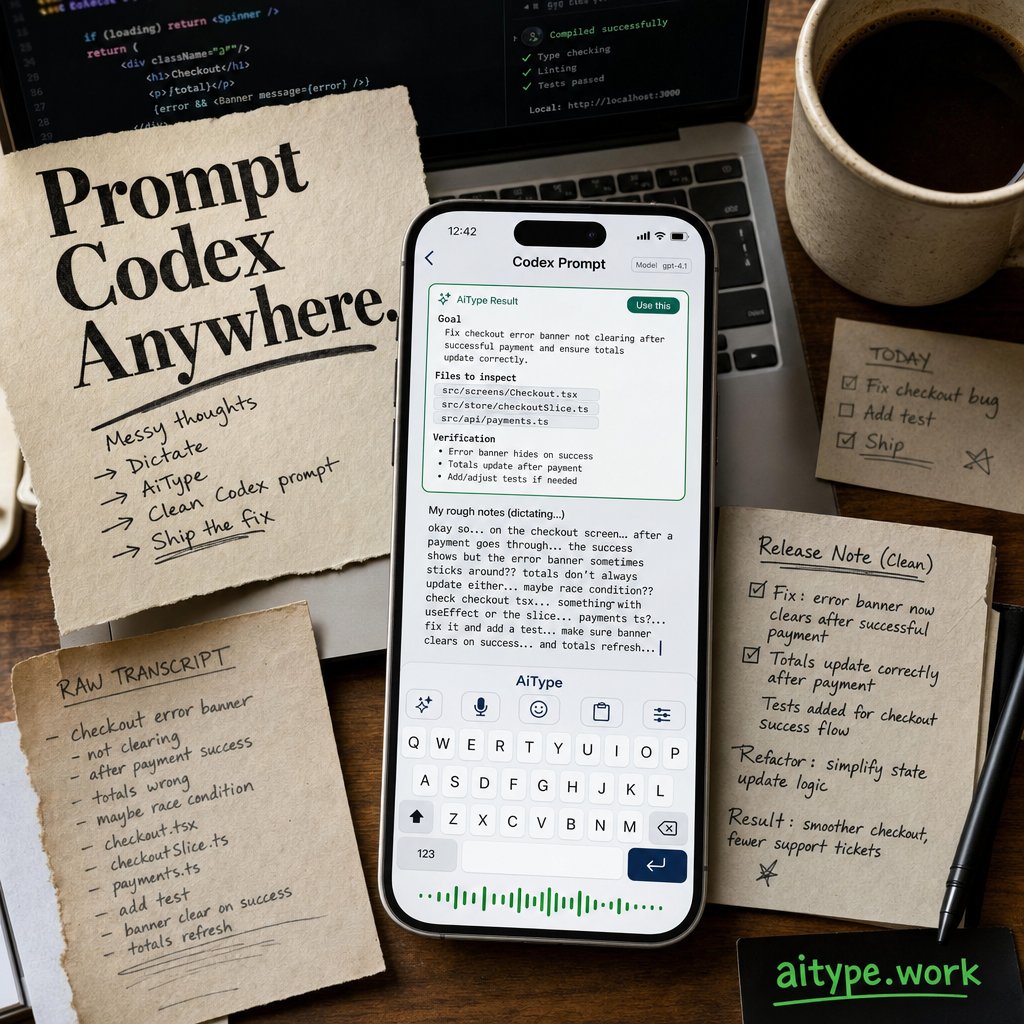
Typing Codex prompts on my phone kills the flow. AiType turns rough voice notes into clear tasks so I can start fixes before getting back to my desk. aitype.work
ALT Top-down view of a study desk with notes, laptop, and phone showing the AiType keyboard. The phone screen displays a voice dictation turning rough speech into a clear Codex task with AiType controls visible, highlighting quick mobile task creation.
I usually start meetings with a quick, messy voice recap right after. AiType listens, cleans up my wording and structure, and then drops a clear action list right into my notes app. No more scrambling later. Try it yourself at
aitype.work
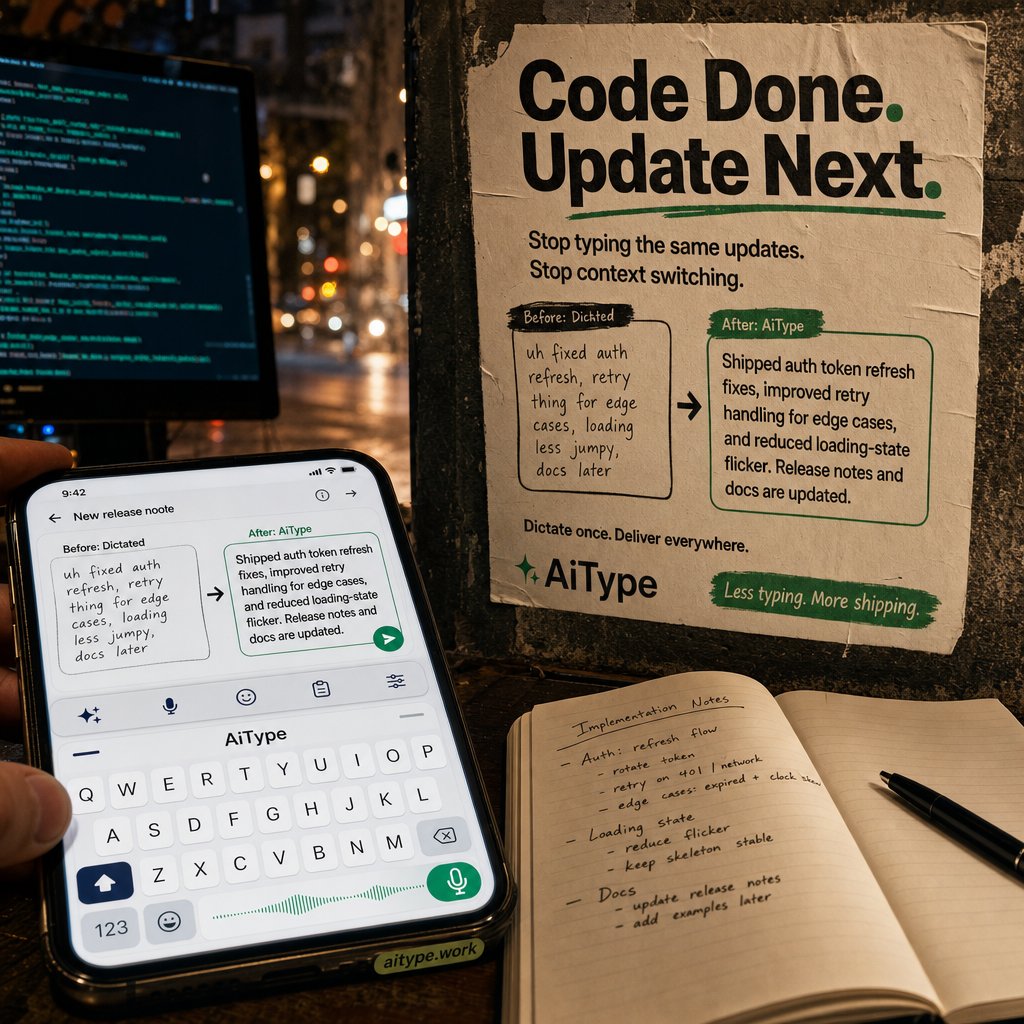
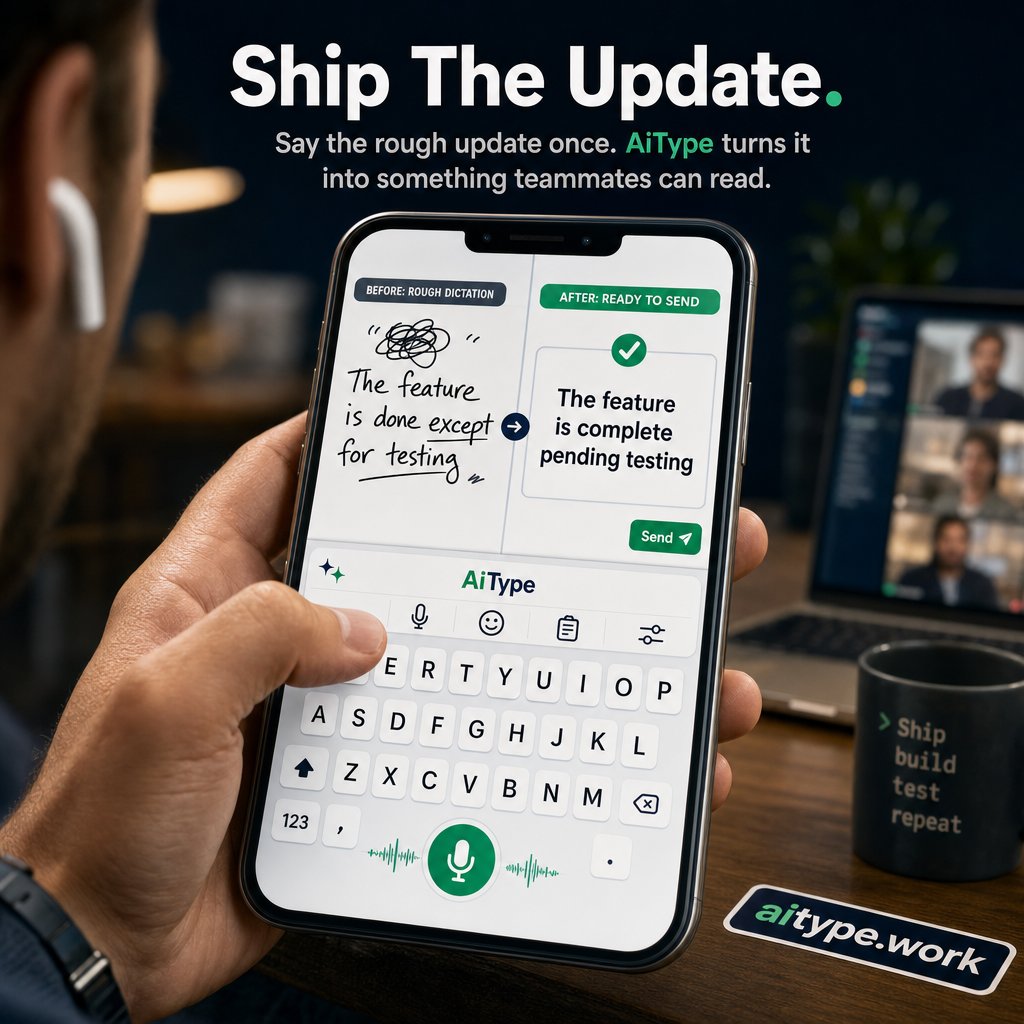
Spending minutes rewriting release notes steals focus from coding. AiType cleans up my spoken updates into clear PR comments before I lose momentum. Stop typing after shipping: aitype.work
ALT Developer desk with glowing code terminal, phone showing AiType keyboard turning rough voice notes into polished release notes, next to a street poster reading 'Ship The Update.' The scene feels urgent and solution-driven.
Meetings end, and I'm usually scrambling to jot down what was said before it all slips away. Today, I spoke a quick recap into AiType. It cleaned up my messy notes and sorted the action items. The polished list popped right into
aitype.work
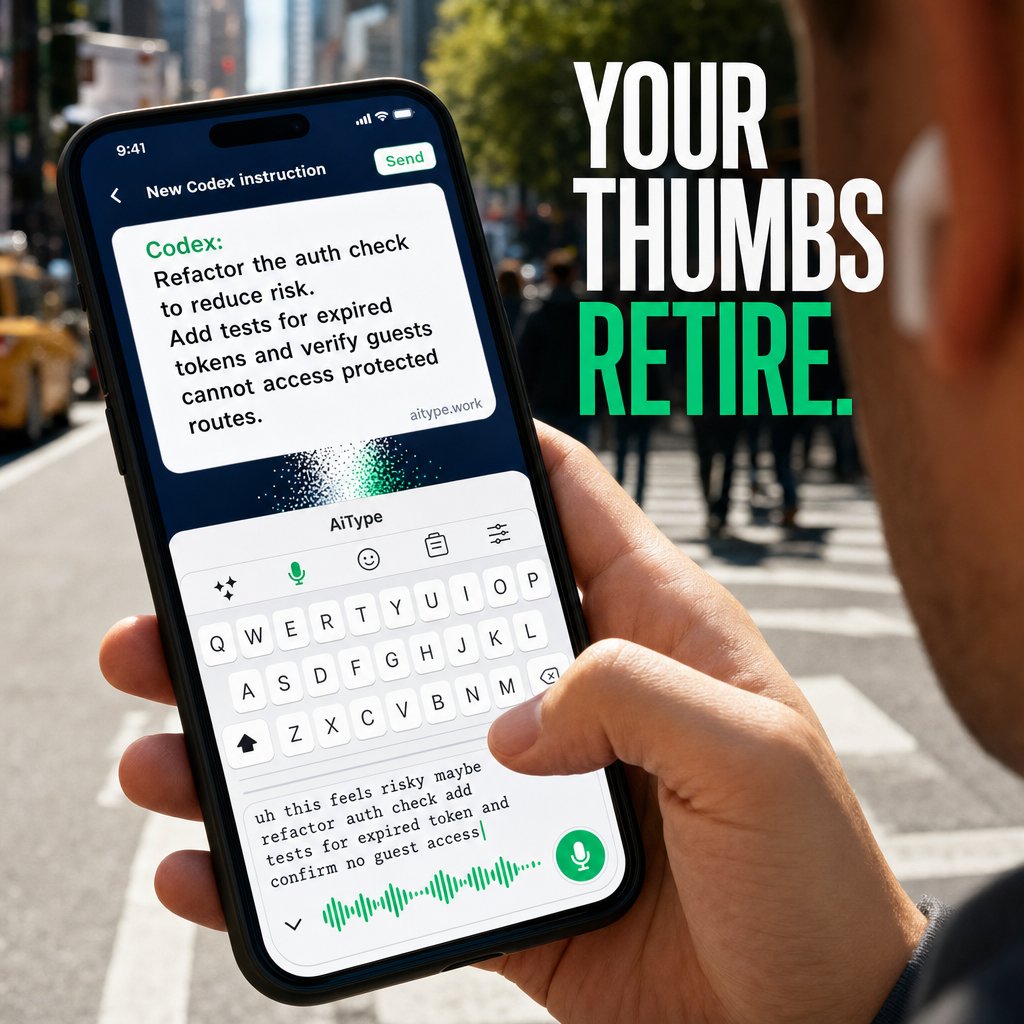
Switching between apps to write code review notes wastes time and breaks focus. AiType turns rough spoken feedback into precise Codex instructions without leaving the keyboard. Your thumbs retire at aitype.work
ALT Phone in hand with AiType keyboard active, showing a rough spoken code review comment below and a polished Codex instruction above. Thumb poised near the active microphone button. Headline reads YOUR THUMBS RETIRE. URL aitype.work visible near the polished message.
Ever get stuck between your idea and typing it out? Just speak your rough draft aloud. AiType cleans up your words, punctuation, and tone, then drops the polished text right where you’re typing. It’s like having a writing partner in
aitype.work
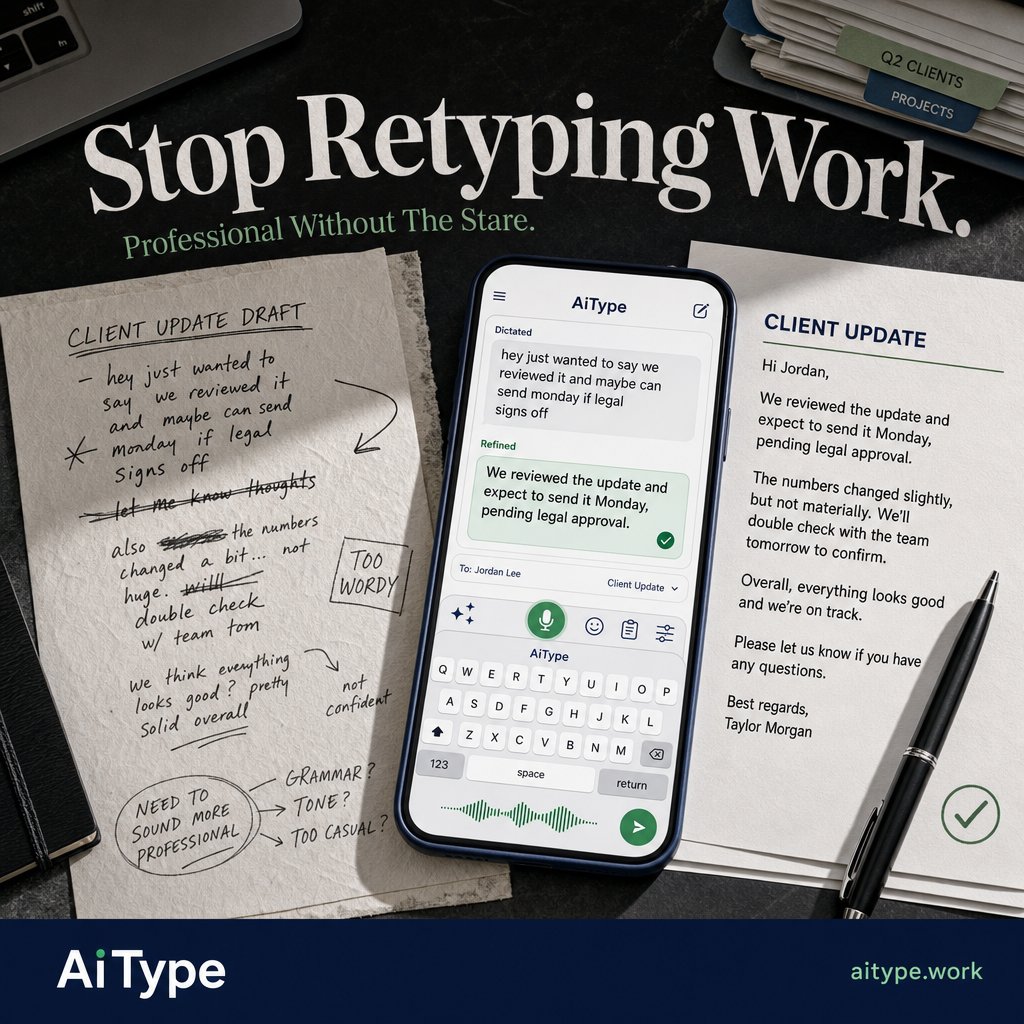
Typing polite client updates on my phone wastes time. I dictated a rough note and AiType cleaned it into a clear, professional message ready to send. Stop retyping work. Try it aitype.work
ALT Top-down view of a professional desk with documents and a phone showing AiType keyboard transforming a rough dictated reply into a polished client update. Handwritten notes contrast with clean typed text. Headline reads Stop Retyping Work. AiType and website shown in footer.
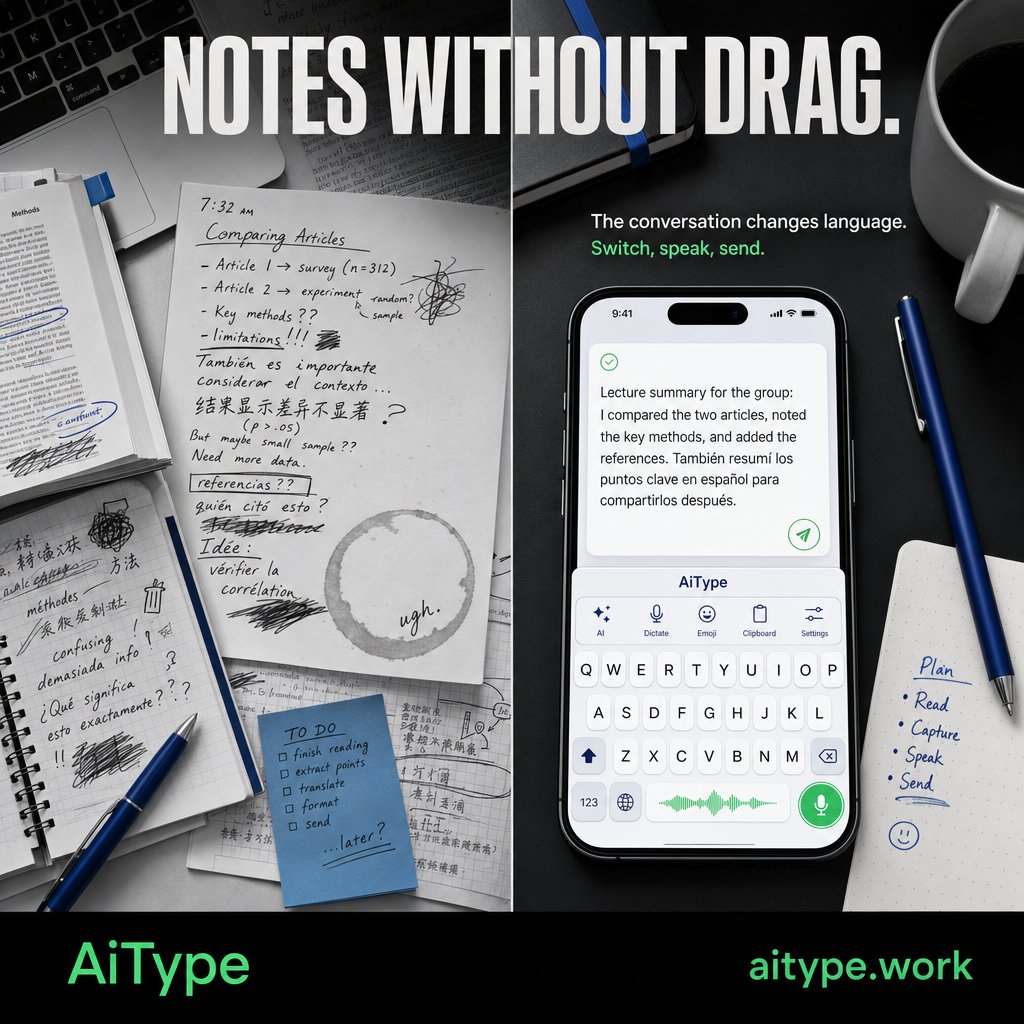
I start with a rough draft, switching languages right on the keyboard without hunting through settings. AiType then tidies up wording and punctuation instantly. The polished update lands exactly where I’m typing, no extra steps. Try
aitype.work
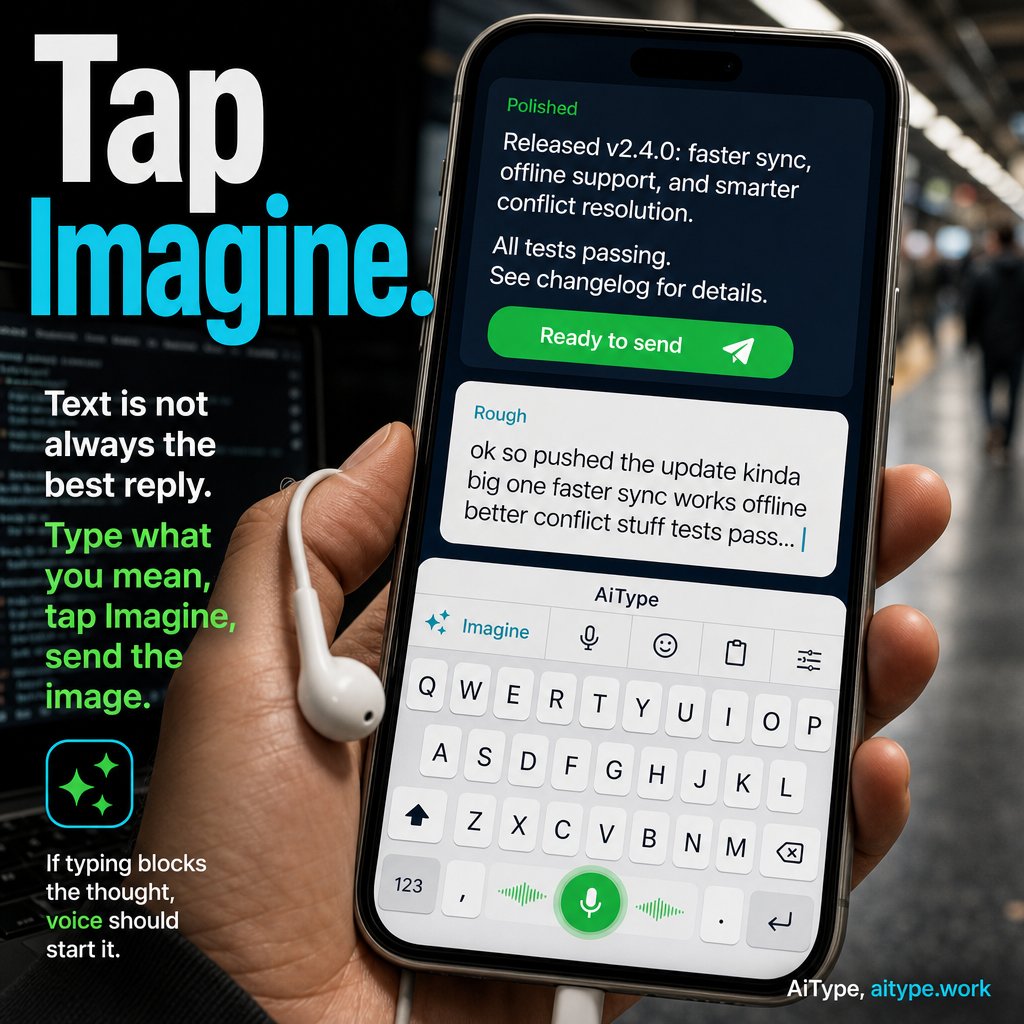
ALT Phone screen showing AiType keyboard turning a rough spoken developer note into a clean release update message with mic control and Imagine button visible, set in a transit cafe scene with earbuds in hand.
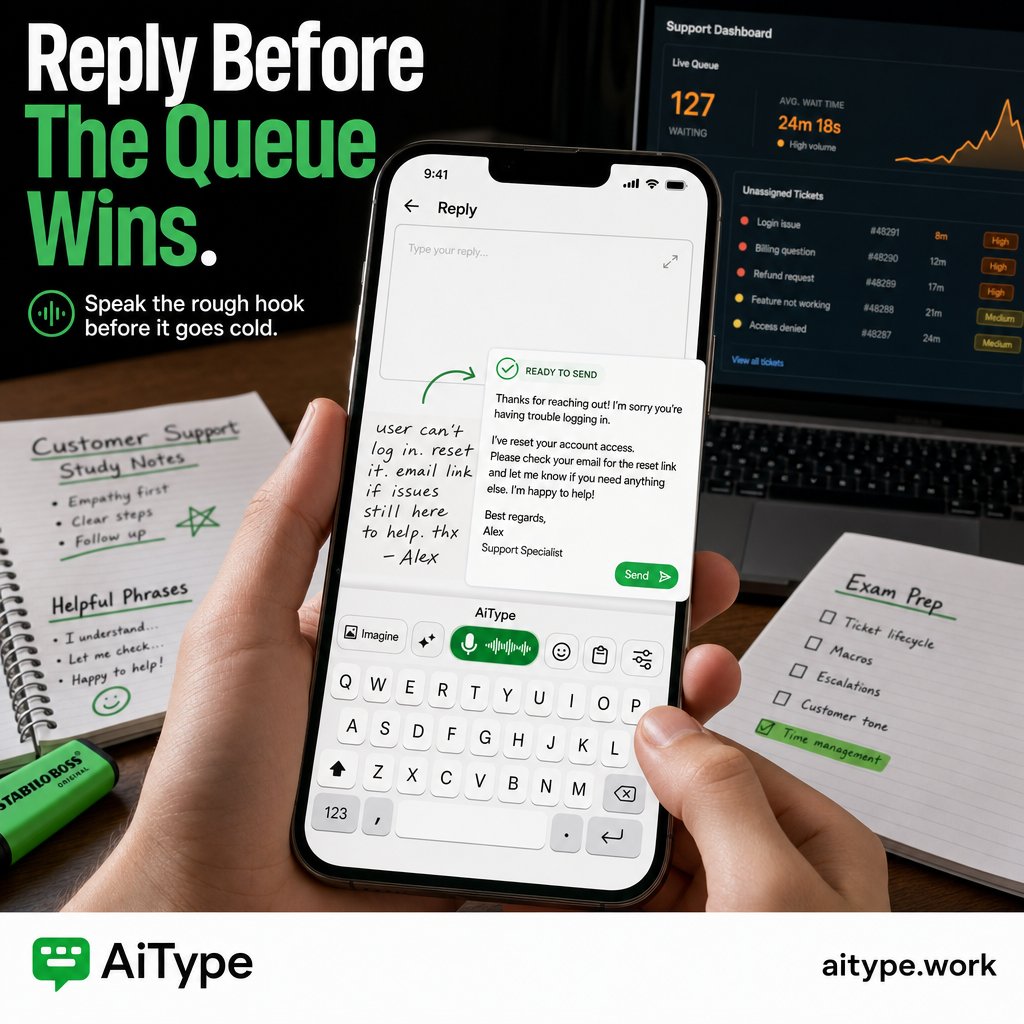
ALT Close-up of a hand holding a phone over a student desk. The AiType keyboard on screen transforms rough handwritten text into a polished support reply message. In the background, a laptop displays a busy support dashboard with visible queue pressure. The image headline reads 'Reply Before The Queue Wins.'
New in AiType: Imagine.
Type what you mean, tap Imagine, and turn it into a sendable image from the keyboard.
Text is not always the best reply. Sometimes the reply should be a picture.
iOS Android now shipping.
ALT Movie-style AiType poster showing a phone keyboard with an Imagine button turning typed text into a generated image ready to send in chat. Text reads: New in AiType, Imagine, turn text into images from your keyboard, iOS and Android.
You know the update but still typing it out? AiType cleans your rough voice notes into
aitype.work/?utm_source=x&ut…
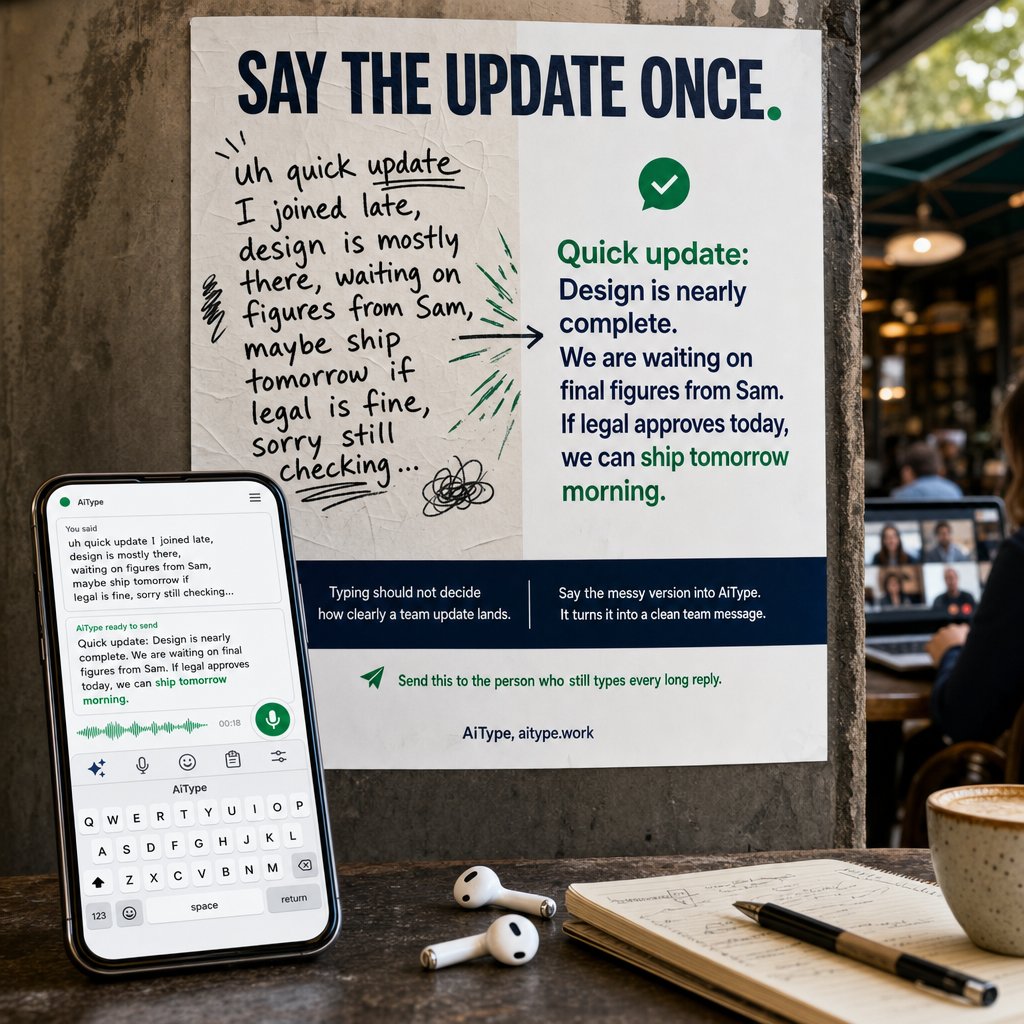
ALT A smartphone on a cafe table shows the AiType keyboard turning a messy handwritten note into a clean, confident team message. The blurred video call in the background contrasts rough spoken words with polished text. The headline says 'Say The Update Once.'