
Teacher, EdTech Coach, Digital Literacy Focused, Chat GPT & AI Obsessed. #chatgpt #ai #edtech #edtechteacher #teacher #edtechcoach
Joined March 2013
- Tweets 131
- Following 378
- Followers 469
- Likes 444
43 Photos and videos




9 Aug 2024
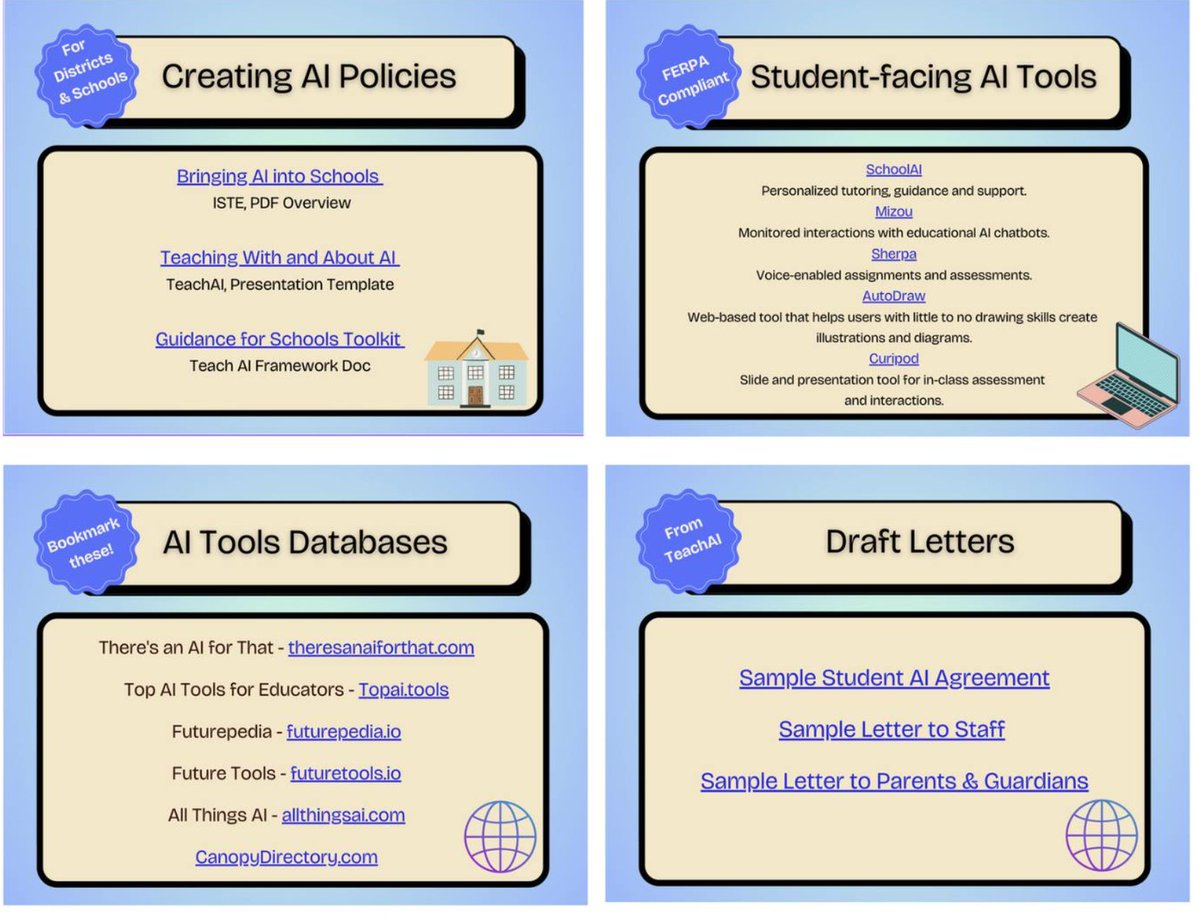
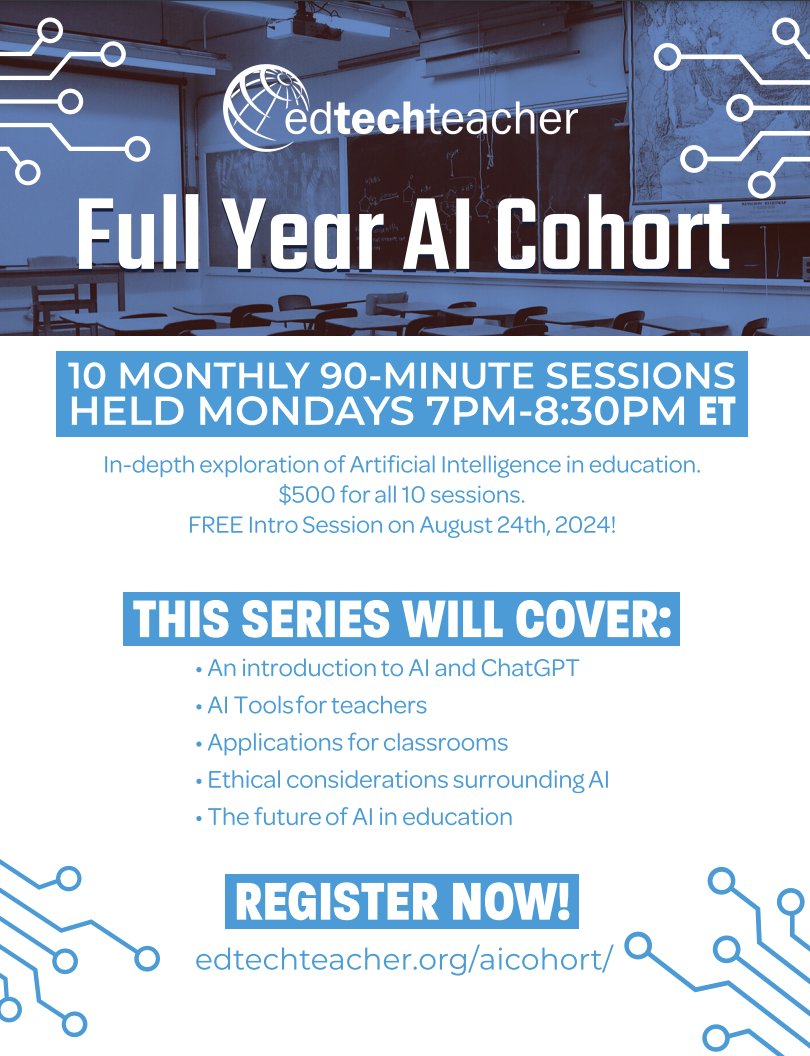
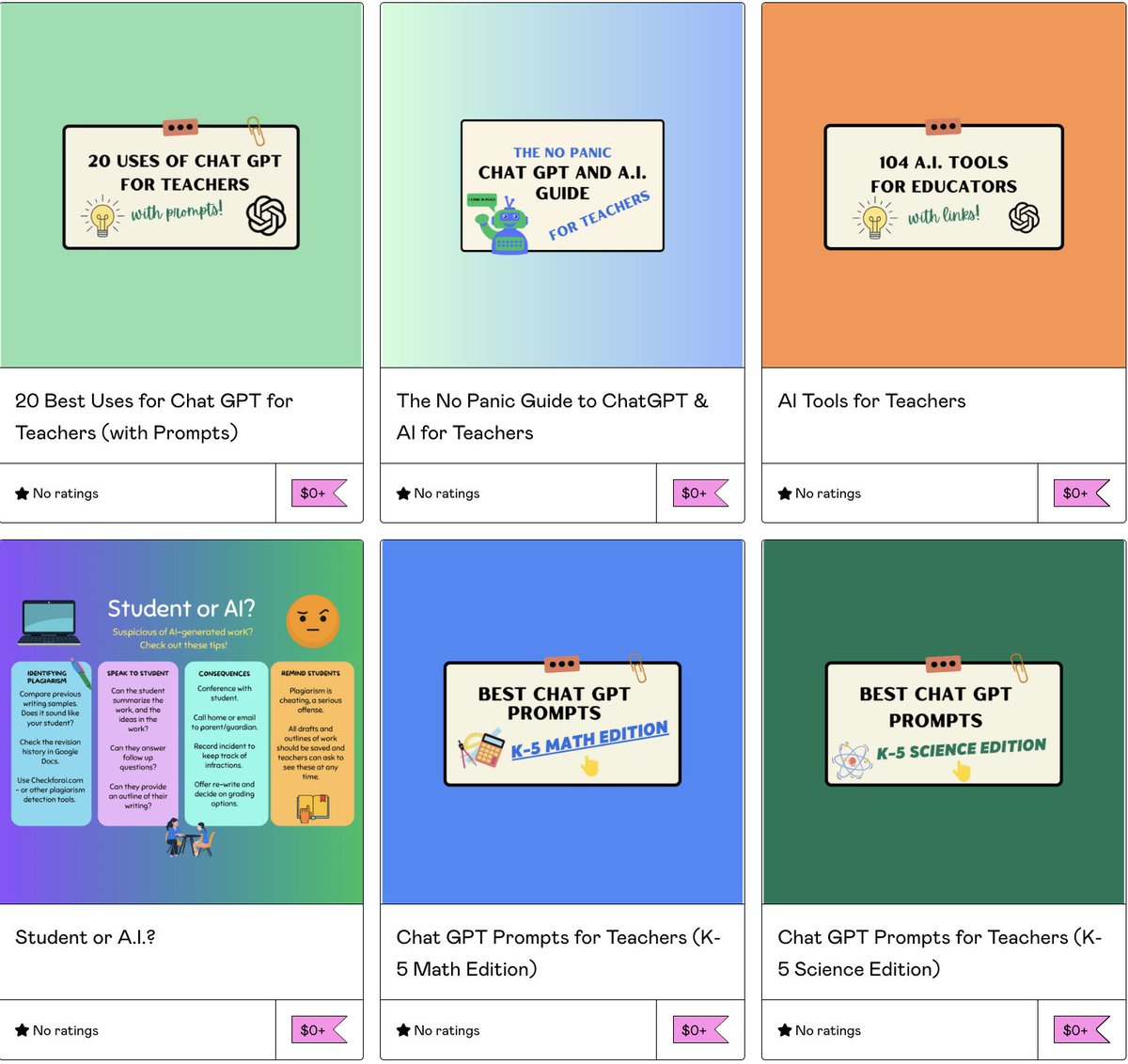
I'm so excited to be running the AI Essentials cohort course with EdTechTeacher again this year! Use code "earlybird" for $50 off. Professional development hours and/or graduate credit available!
1
1
106
15 Jul 2024
Check out the new AI-powered slides generator from Alayna.us. This will save us hours of time! #alayna #aiforeducation #aiforteachers youtu.be/DU57b_MIpTg?feature…
1
140
Alli McCrary retweeted

5 Jun 2024
🌟 We are thrilled to announce that we’ve hit an incredible milestone of 2 MILLION student sessions!
🎉 A huge thank you to our amazing SchoolAI community of educators for making this possible!
1
6
37
1,319
Alli McCrary retweeted

23 Jan 2024
Q: What AI makes ACCURATE language resources for teachers?
A: LingoTeach.AI
Get info here: eepurl.com/itSnC2
#mfltwitterati #mfl #esol #wlteach #langchat @joedale
2
3
380
28 Feb 2024
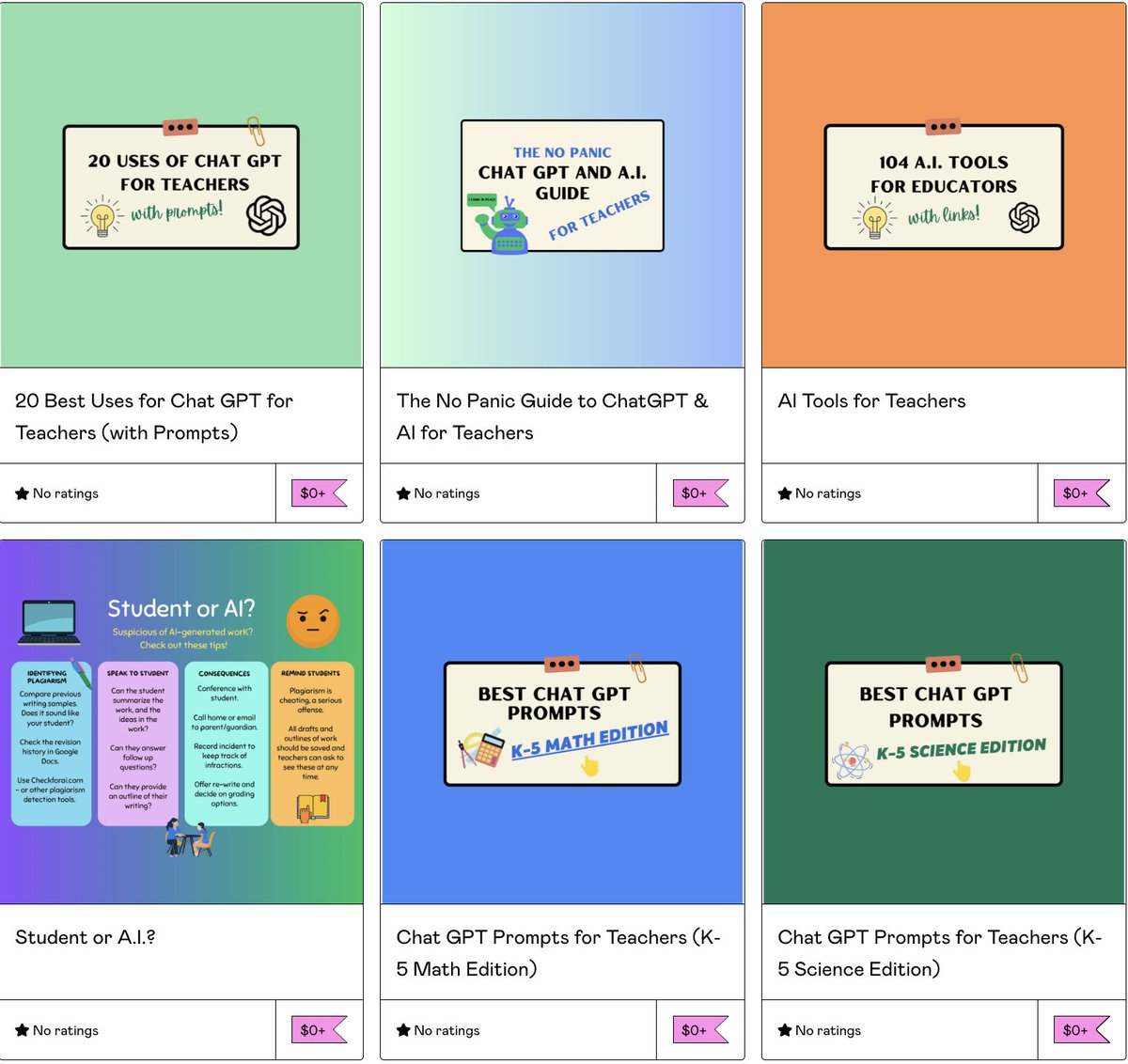
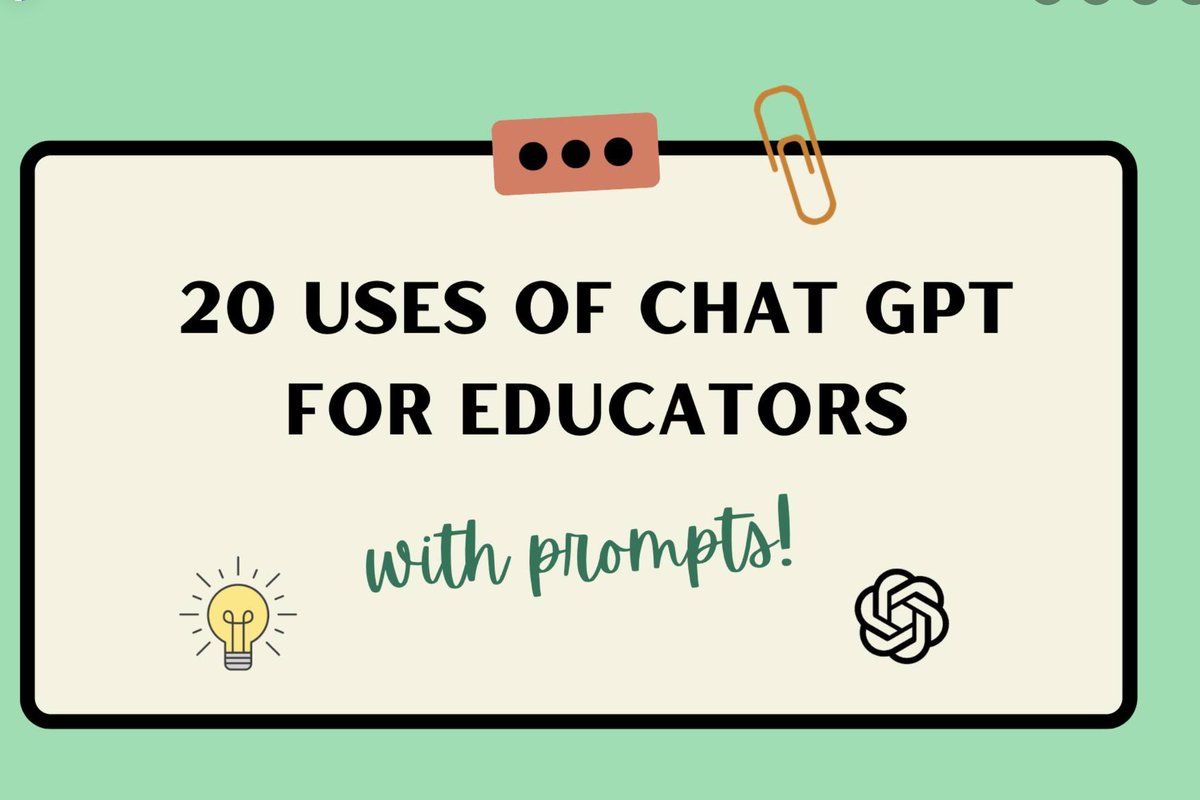
Here are some presentations I made: How ChatGPT can be useful to educators (with sample prompts included) and a Resources PDF that I use and refer to constantly. I hope they are helpful, feel free to use and share! bit.ly/Top20ChatGPT & bit.ly/3SGS8Ur
1
2
6
325
Alli McCrary retweeted

26 Feb 2024
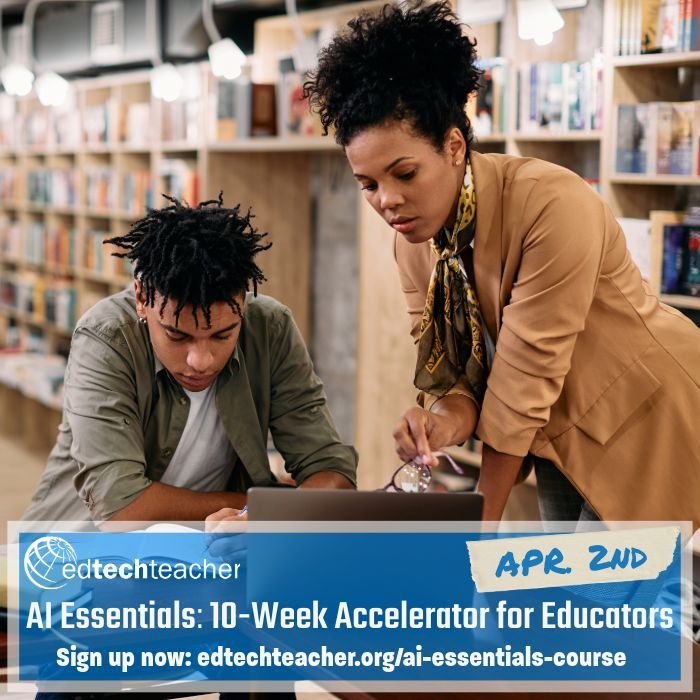
Are you an educator who is interested in learning about AI in Education, but don't know where to start? Well look no further. We have a one-stop shop with our AI Essentials course starting soon in April. #AI #AIinEdu #aiineducation
Info & sign-up: buff.ly/3u3EdzJ
5
6
490
Alli McCrary retweeted
5 Feb 2024
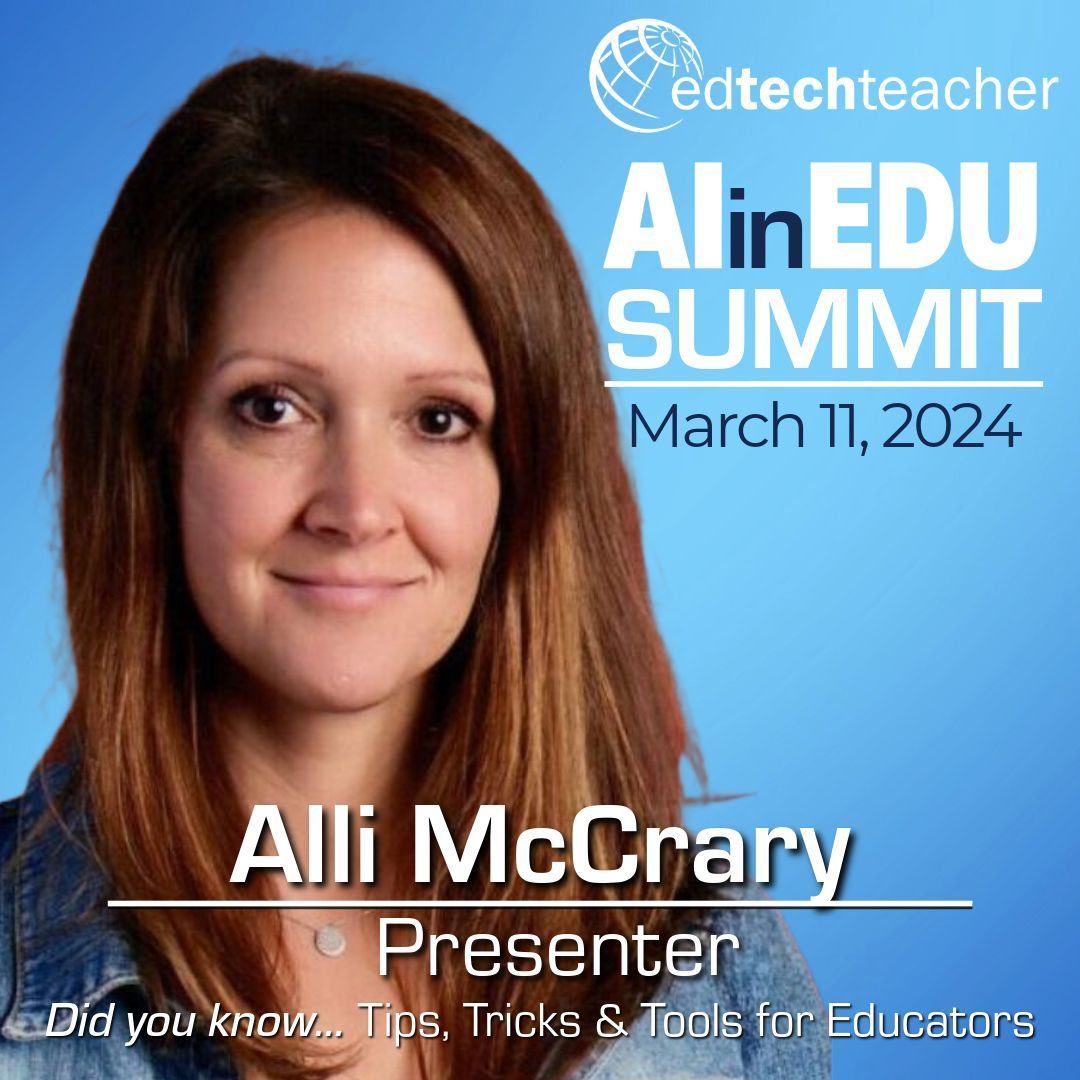
For our AI in Edu Summit, @AlliMcCrary99 will present "Did you know... Tips, Trick & Tools for Educators," a goldmine session of AI tips, tricks & tools that save time, increase productivity & invigorate teaching. #AIinEdu #AI #aiineducation
For details: buff.ly/47RWaji
1
4
475
Alli McCrary retweeted

12 Jan 2024
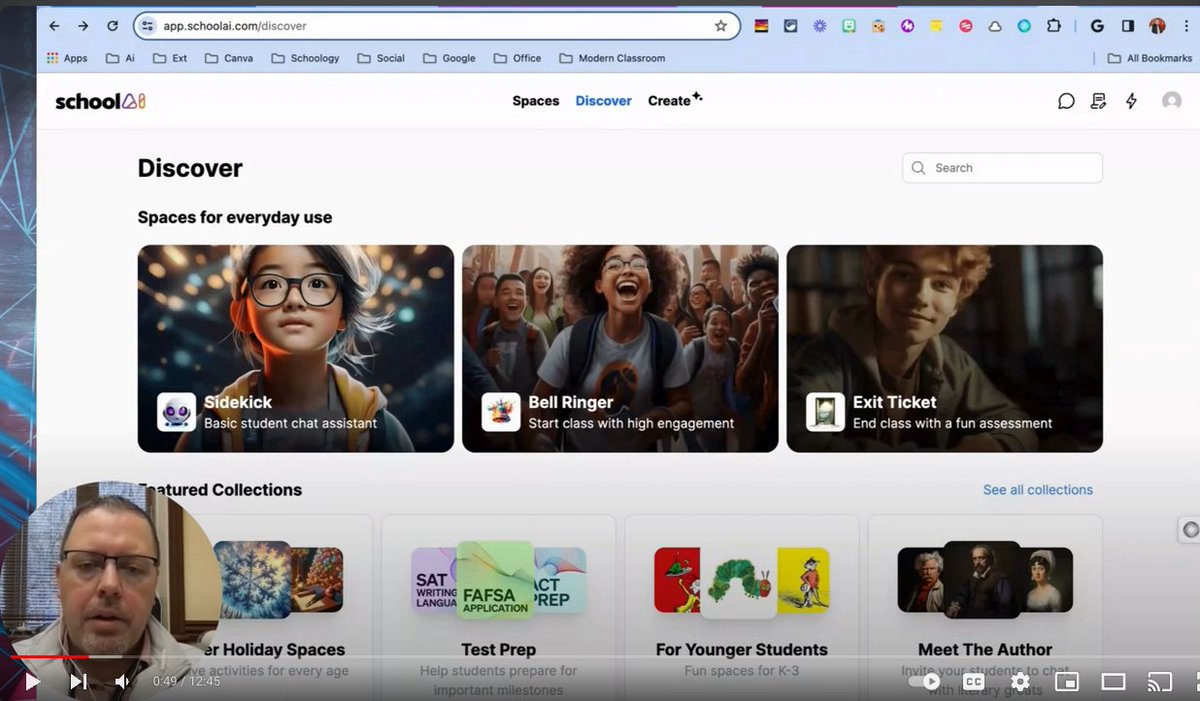
Love when active users take the time to create their own integration tutorials of @GetSchoolAI content...youtube.com/watch?v=DkBqsBrH…
@fetc @AnnaDyagileva1 @AlliMcCrary99 #AIinschool #thetotalpackage #onlyone #proschoice @NASSP
1
1
328
Alli McCrary retweeted
9 Jan 2024
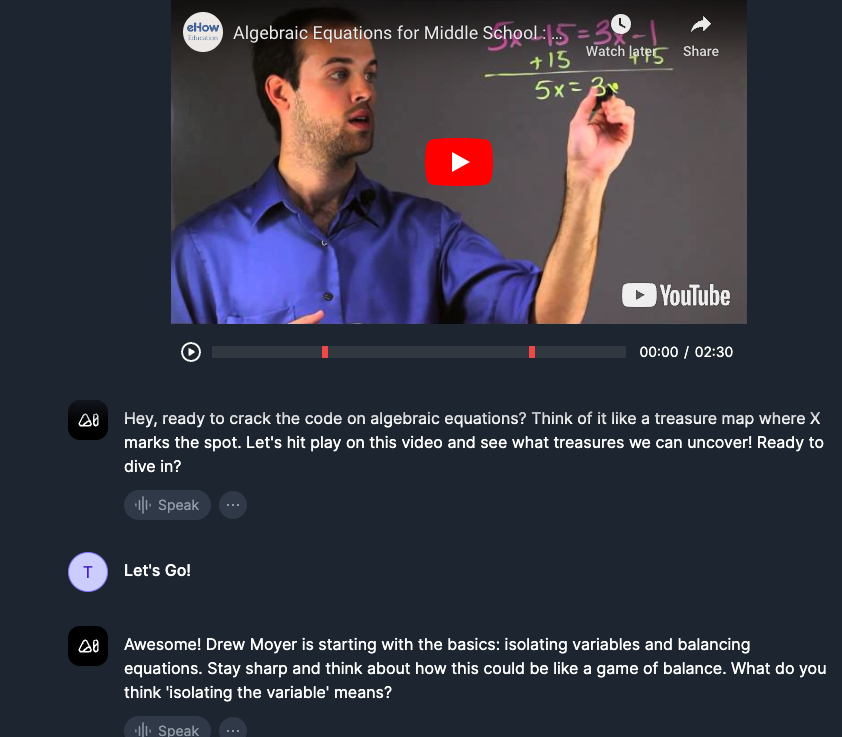
@GetSchoolAI launched a new feature: Video Explorer! Create a custom AI Space based on a YT video & the AI will pause the video at key moments, ask student comprehension questions & give feedback.🤯
app.schoolai.com/spaces/clna… @AlliMcCrary99 @CoachKarle @AnnaDyagileva1 @kat_goyette
1
1
4
119
Alli McCrary retweeted

8 Jan 2024
New obsession - schoolai.com. Now this is not perfect but just to show any #edtechnewbie out there how easy it is to create a #chatbot for Ss to use in class, here is a quick📽️. I used CtrlC CtrlV to speed things along. Honestly..this easy! #AIclassroom
4
2
13
827
6 Jan 2024
Every week I publish top #AI apps for #educators and #teachers, along with free templates for anyone to use. Sign up @ allimccrary.podia.com 😀🤖
1
1
145
6 Jan 2024
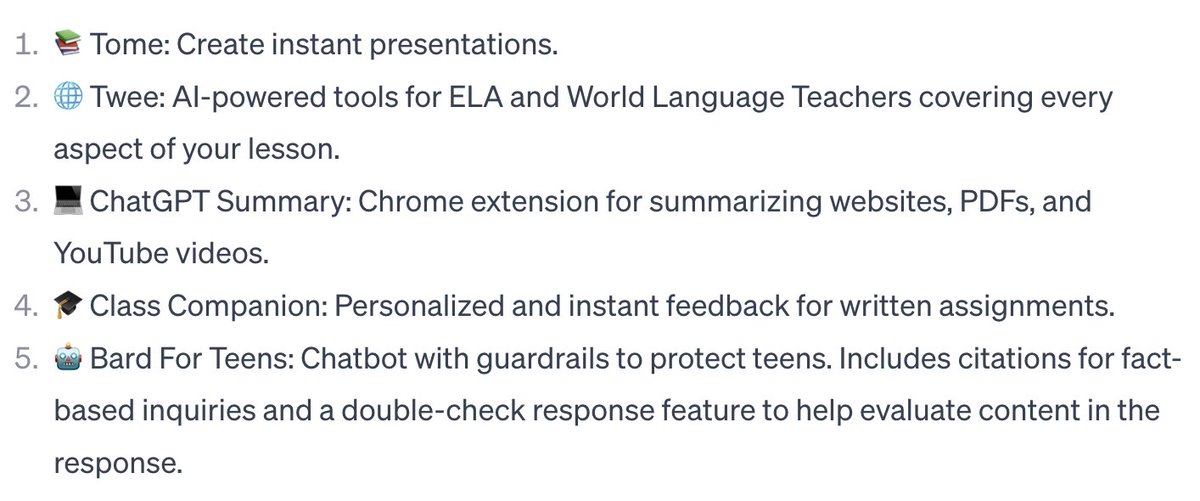
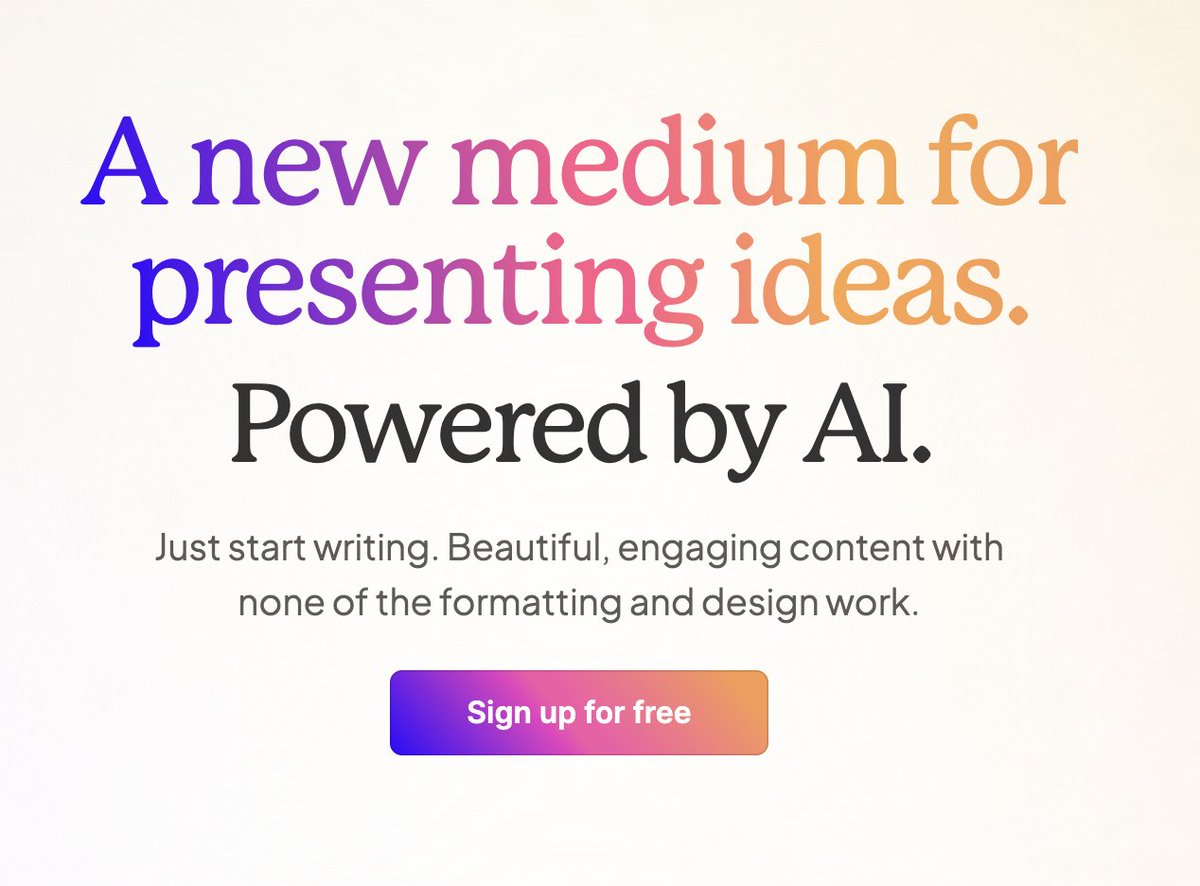
This weeks top 5! #Tome: Instant presentations. #Twee: #AI-powered tools for #ELA and #ESL teachers.#ChatGPT Summary: Summarize websites, PDFs, and YouTube videos.#ClassCompanion: Personalized and instant feedback for written assignments.#Bard For Teens: Chatbot with guardrails!
1
1
3
259
21 Dec 2023
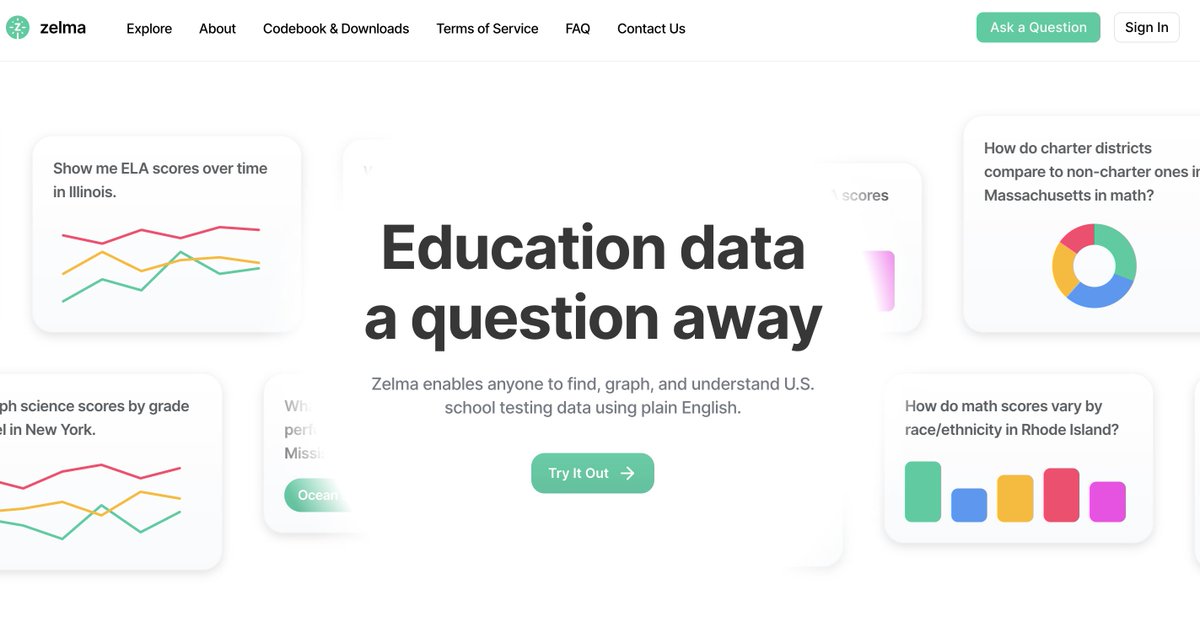
Educators in the US... you can have #AI find & analyze and visualize publicly available #data about your school and/or district. Check out #zelma @zelma_data
1
177
3 Dec 2023
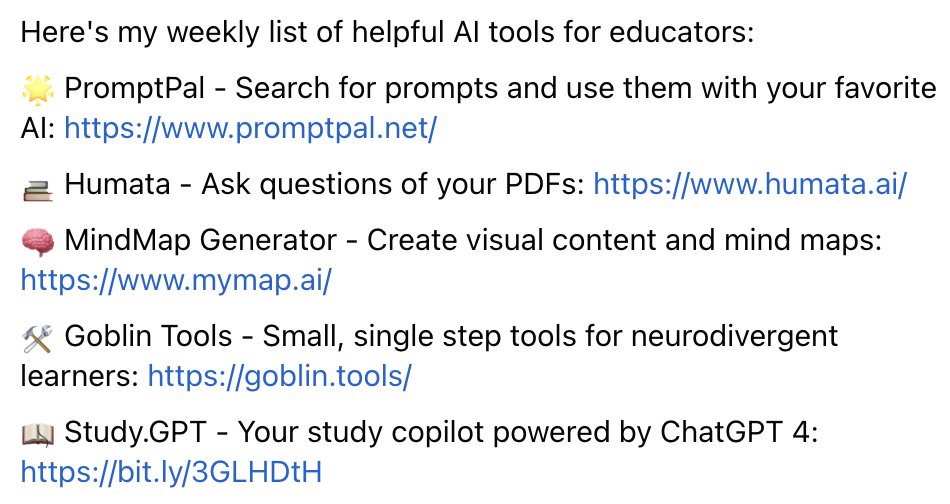
Want a weekly list of AI Resources for Teachers and Educators sent to your inbox? Subscribe at allimccrary.podia.com
#teachers #ai #chatgpt #edtech
#studygpt #goblintools #mindmap #promptpal #humata
1
3
353
Alli McCrary retweeted

7 Oct 2023
You can now generate AI videos directly in Canva.
And it's just as easy to create as images:
Write a prompt and it generates a corresponding AI video.
To access it, just follow these steps:
1. Create a new Canva design
2. Go to "Apps" in the left-hand menu
3. Select "Magic Media" then "Videos"
All you have to do is type in your prompt, and Runway (the technology behind it) takes care of the rest.
Here's a little trick you can use:
Adjust the angle of the video, for example
Prompt → "Aerial drone footage of a mountain range."
Prompt → "A low angle shot of a man walking down a street."
Obviously, the results aren't perfect, but it's very promising!
Feel free to follow me, I'll keep you informed of future developments.
84
294
1,328
595,355
5 Oct 2023
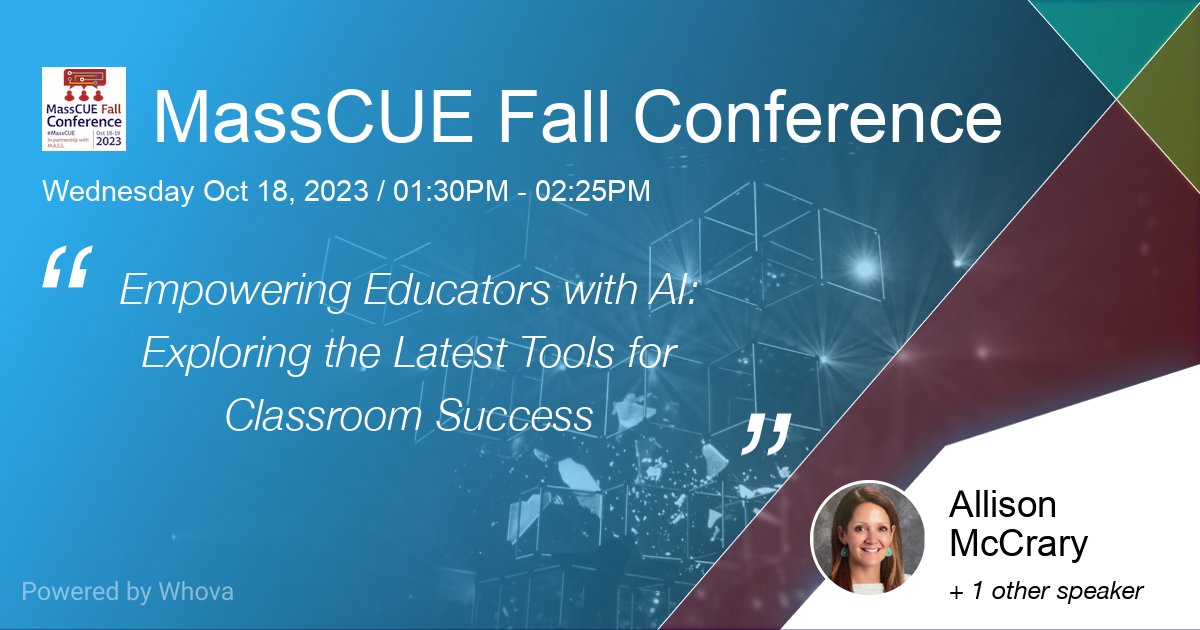
I am excited to be presenting at MassCue this year on my favorite topic of all...AI in Education! Hope to my Mass educator friends there. 🤖 #ai #education #masscue #edtech #edtechteacher
1
1
2
384
30 Sep 2023
I'm attending How Generative AI Can Support Educators this School Year. Join me on October 4. linkedin.com/events/howgener…
#edtech #ai #teaching # generativeAi
263
28 Sep 2023
October sessions are now open!
forms.gle/vwiY5p51d4EVPHC69
"AI for Educators: Unlocking the Power of ChatGPT & Generative AI Tools" - is a one hour overview to help you feel comfortable using AI and start leveraging this technology to its fullest.
📷Sign up to pick your date!
277