Designer-founder, ShadoInk | Personal brands for real estate & B2B founders | Follow to learn design and personal branding
Joined December 2023
- Tweets 3,460
- Following 70
- Followers 163
- Likes 5,896
156 Photos and videos
Pinned Tweet

1 Sep 2024
It was a pool of insights in this conversation between @AlexHormozi and @harleyf on alex hormozi's podcast.
Here are some insights I found essential to know for everyone.
What's your favorite lesson from this podcast? Let me know below! 👇
3
4
37
17,824
Anant goel retweeted
Jun 7
While you argue about which model is "the best," the people out-building you are using all of them.
Claude Code. Codex. Antigravity.
Not because they're indecisive.
Because creativity shouldn't be capped at one tool's ceiling.
1
4
97
Jun 10
Everyone's posting "Fable 5 changes everything."
Read the benchmarks calmly and a different picture shows up:
Everyday knowledge work: marginal gain over Opus 4.8. Hard agentic coding: roughly 2x.
It's not a better everything-model.
It's a specialist. Use it like one.
1
19
Anant goel retweeted
Jun 5
This combination is a straight away a winner:-
References Stitch Antigravity Claude Code Codex
If you know the correct way to juggle between all these tools to get your desired output, you're already in the top 0.1% users of AI.
Stop restricting yourself to a single model.
Instead, try to win by using them all.
1
2
51
Anant goel retweeted
Jun 5
Most people don’t get bad AI thumbnails because the model is weak.
They get bad thumbnails because their input is weak.
People say:
“GPT Images 2.0 / Nano Banana 2 can’t create unique thumbnails.”
But I’ve seen people generate insane visuals with the same models.
The difference?
The prompt
Your prompt should define:
→ emotion
→ composition
→ lighting
→ text placement
→ visual style
→ subject clarity
The reference
This is the real cheat code.
A good reference tells the model what “premium” looks like.
Most people only prompt the AI.
The best creators direct it.
Prompt = what to create.
Reference = what good looks like.
That’s why two people can use the same model and get completely different results.
What do you struggle with most in AI thumbnails?
Realism, layout, text, or uniqueness?
1
1
2
61
May 25
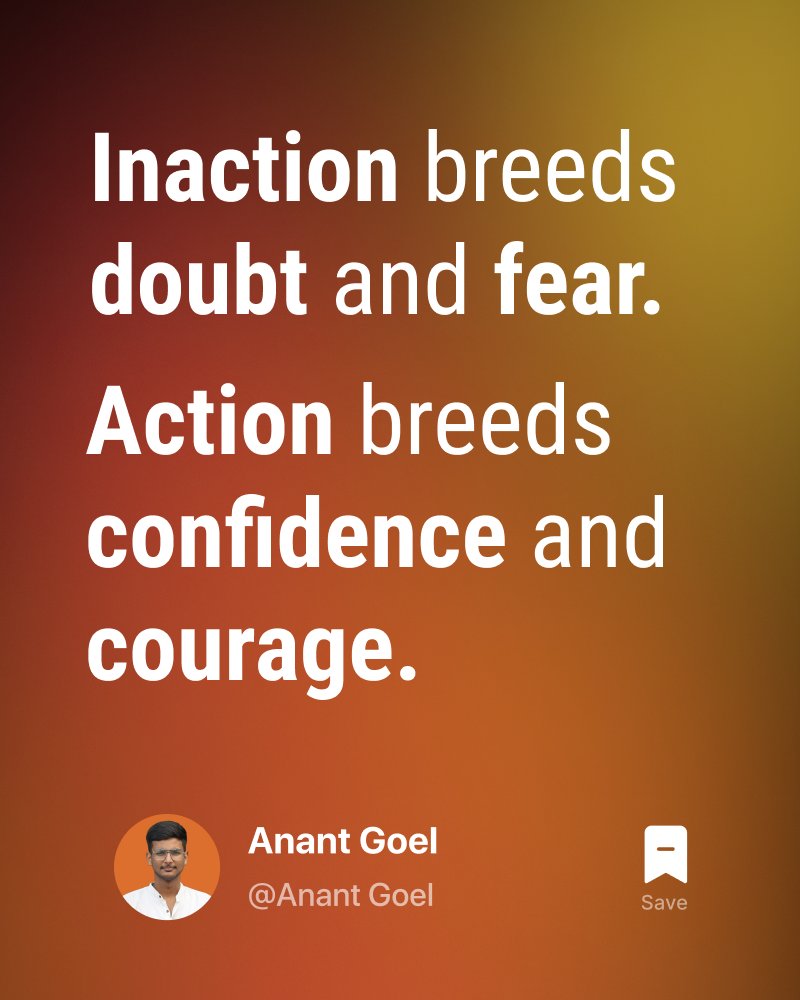
There are ideas that you think will work.
And there are some ideas that will actually work.
Once you get the difference
Your implementation will make you more confident.
17
May 24
Building with AI? Stop letting one model's credit limit stop your build.
Here's the workflow I use to ship without waiting for resets ↓
1
1
21
May 24
When one runs out of credits, don't wait.
Ask it to write a "Handoff Report" before you close it:
– What we built
– What's still broken
– What the next model needs to know
1
12
May 24
Paste the report into the next model.
It picks up exactly where the last one left off.
Net result: zero downtime, even on free tiers.
Limits are a workflow problem, not a credit problem.
10
May 21
A LinkedIn profile audit in 4 questions:
1. Does your headline name your buyer, or your job?
2. Does your About open with a story, or a list of services?
3. Is your featured section empty, or showing real proof?
4. Does your banner sell, or just sit there?
Most founders fail 3 of 4.
2
17
Anant goel retweeted
Apr 27
Step 4
Copy the generated prompt from Claude.
Open ChatGPT Images 2.0
Provide 3 - 5 photos of yourself where you're clearly visible.
Paste the prompt, wait for a few seconds.
And here it is, you successfully generated your first photo of your business Photoshoot.
Repeat for different poses.
Test it out and see what works.
1
1
76
Apr 30
Before you start learning to design, you have to learn how references are used in any creative industry.
Knowing how to use references is a superpower for someone working in the creative industry.
2
17
Apr 27
Most people still think you need a photographer for a business photoshoot.
You don’t.
With ChatGPT Images 2.0, you can generate a full studio shoot that looks exactly like you.
↓↓↓ Here’s how to do it ↓↓↓
1
2
33
Apr 27
Step 3
Paste the Pinterest image.
Claude converts it into a detailed prompt to replicate the exact pose.
1
1
21
Apr 27
Step 4
Copy the generated prompt from Claude.
Open ChatGPT Images 2.0
Provide 3 - 5 photos of yourself where you're clearly visible.
Paste the prompt, wait for a few seconds.
And here it is, you successfully generated your first photo of your business Photoshoot.
Repeat for different poses.
Test it out and see what works.
1
1
76