
Author & creator. Creating with AI & sharing what actually works.
Joined September 2025
- Tweets 125
- Following 19
- Followers 13
- Likes 39
107 Photos and videos

Jun 12
Tested 9 AI video editors and wrote up what actually worked vs what's just marketing.
Descript's text-based editing is still the one that changed my workflow. CapCut's free version punches way above its weight. DaVinci Resolve is powerful but expect to spend real time learning it.
The full rankings are here if you're shopping around:
lumeflow.ai/ai-tools/best-ai…
Now I can finally go fix that video background of mine that looks terrible.
#AIVideo #VideoEditing #ContentCreation #AItools
1
33
Jun 11
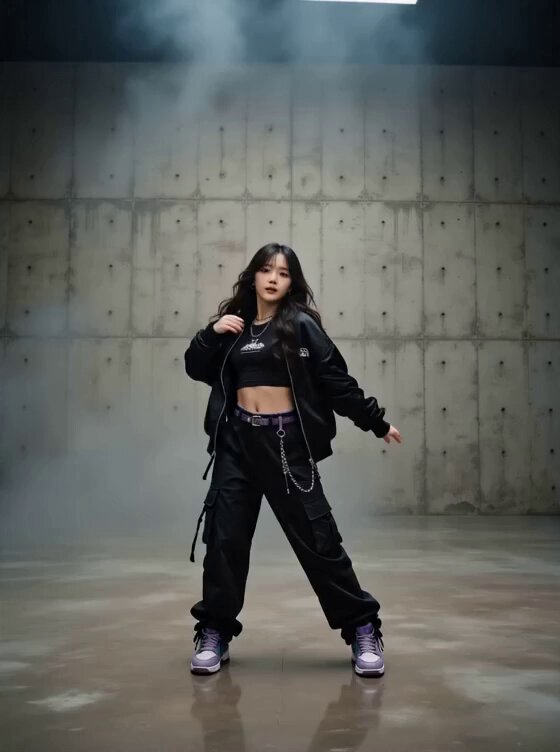
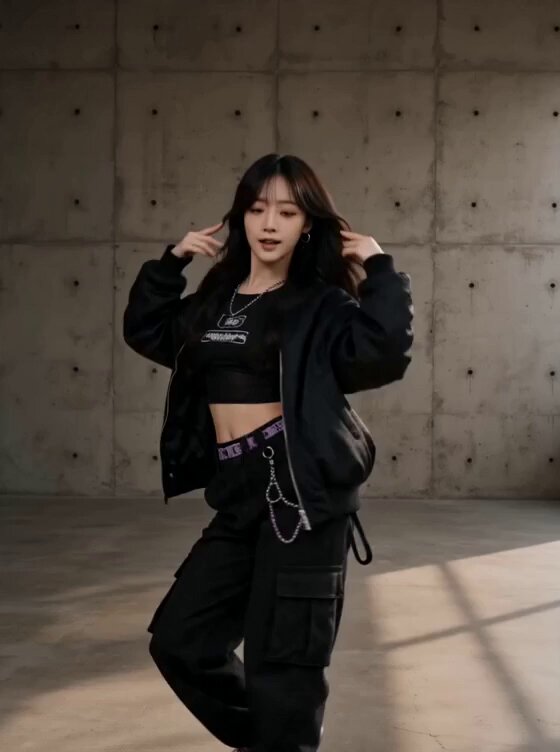
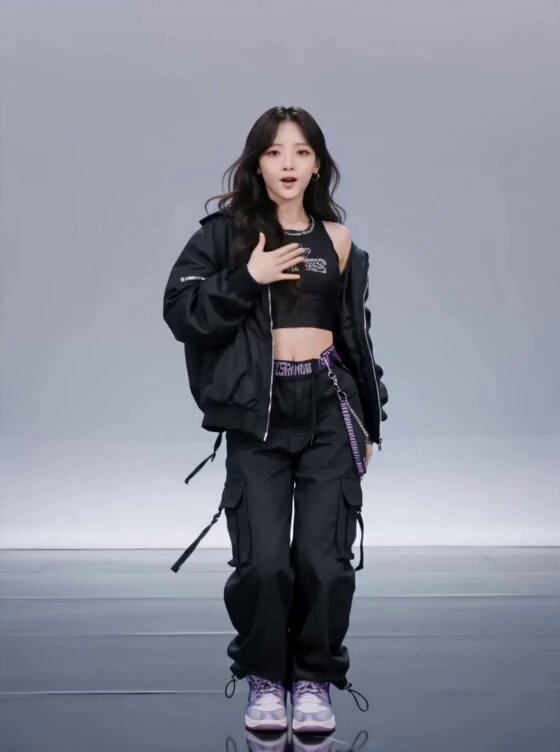
Made another K-pop video. Background transitions look more natural this time, but the dance moves actually got worse. Starting to think I need to use video editing to swap the background instead of regenerating the whole thing.
1
1
42
Jun 10
This is another failed video lol. Tried to do a scene replacement, wanted it to look real. The AI just did its own thing. I can't deal with this anymore.
Original idea was from this page btw: lumeflow.ai/app/inspiration/…
24
Jun 10
Made a K-pop dance video today. Started with a basic single-scene prompt and kept messing with it until it looked like an actual stage with screen backgrounds changing. Still not quite there yet tbh. Back to the prompt drawing board I go.
21
Jun 9
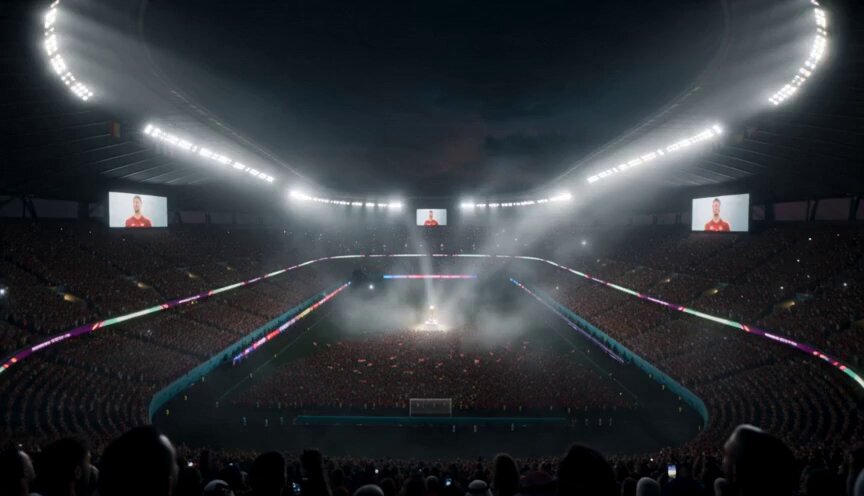
Tried a template prompt for a World Cup video and… yeah, this actually hit different. Wasn't expecting it to feel this inspiring. What do you guys think?
#AIVideo #WorldCup #ContentCreation #VideoGeneration
1
1
112
Jun 8
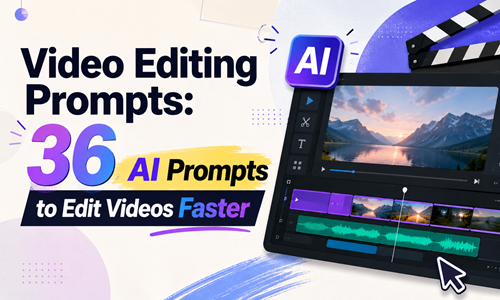
Just published a guide on using AI prompts to edit videos — and I don't mean "make it better" type prompts that give you random results.
I tested these on real client projects (social clips, YouTube long-form, product demos). The difference between a useless prompt and a working one comes down to structure: specific action quantifiable numbers what to preserve.
Example — instead of "remove silences," use: "Delete silent segments longer than 0.5 seconds, add 0.1s crossfade at each cut point, do not cut mid-word."
The first one gives you random results. The second one gives you the same result every time.
The guide has 36 prompts across 6 categories: color grading, audio cleanup, pacing & editing, subtitles, platform resizing, and creative effects. Each one follows that same structure so you can tweak the numbers for your own footage.
Free to read here: lumeflow.ai/ai-prompt/video-…
#AIVideo #VideoEditing #ContentCreation #PromptEngineering #TechTrend
1
77
Jun 5
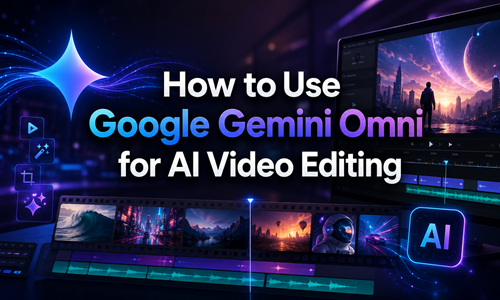
Just published a practical guide on using Google's Gemini Omni for AI video editing — no code, no API management, just natural language commands inside Google Flow. Covers camera control, style transfer, and lip-sync fixes. Worth a read if you're exploring where AI-assisted editing actually stands in 2026.
lumeflow.ai/ai-tips/how-to-u…
#GeminiOmni #AIVideo #GoogleFlow #VideoEditing #ContentCreation
92
Jun 4
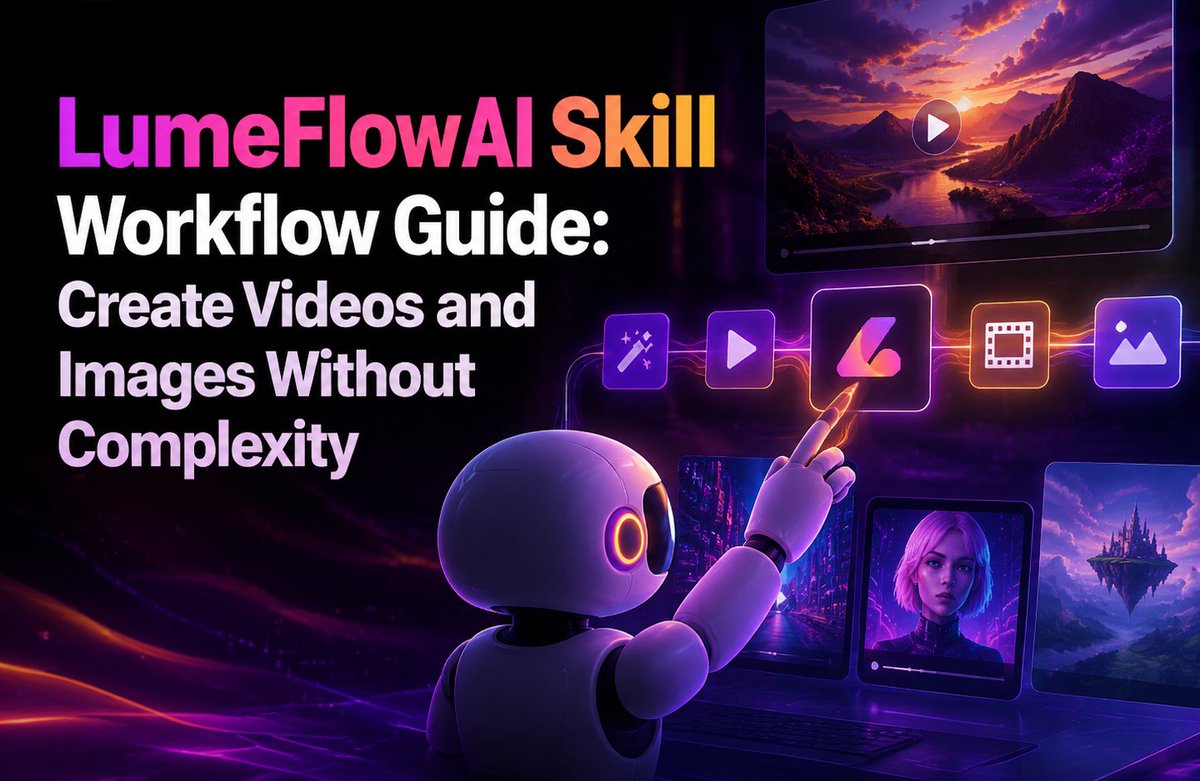
I mentioned I was experimenting with LumeFlow's AI skill for video generation the other day.
The guide is ready. It covers installation, four core workflows (text-to-video, image-to-video, text-to-image, and iterative editing), and the common issues I ran into during setup.
One command. Works across most agent platforms. No parameter tuning.
If you're curious about AI video but don't want another steep learning curve:
lumeflow.ai/ai-tips/lumeflow…
#LumeFlowAI #AIVideo #ContentCreation #VideoGeneration #AgentTools
46
Jun 3
just found out lumeflow has this skill where you can literally make videos by chatting with your agent. copy-paste one command and it works on most platforms. wild. might write a guide if anyone cares
lumeflow.ai/lumeflowai-skill…
#LumeFlowAI #AIVideo #ContentCreation #aiagent #aiskill
59
May 29
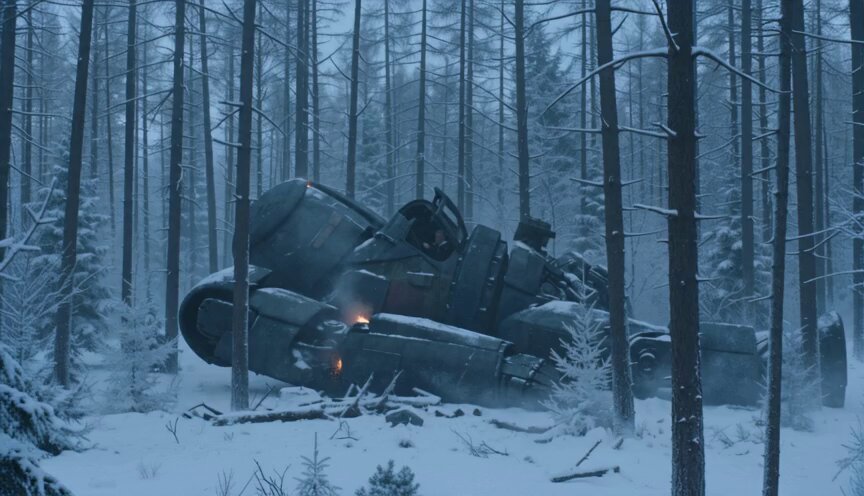
Tested another prompt. The overall result looks surprisingly realistic, but one detail stands out: the character's collar is rendered completely clean and white. For a war-crash scene, that feels out of place. Small detail, but it matters.
#AIVideo #VideoGeneration #ContentCreation #AIFilmmaking
1
2
65
May 28
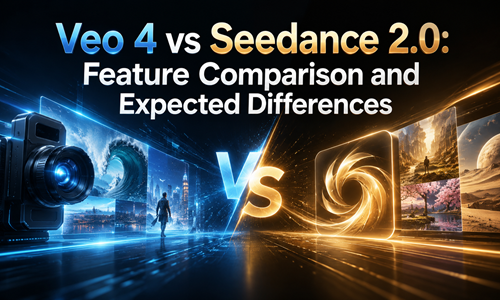
I finally wrote down everything I've been thinking about Veo 4 vs. Seedance 2.0. Spoiler: one of them doesn't actually exist yet.
If you're tired of waiting for "coming soon" and just want to ship videos this quarter, this one's for you.
lumeflow.ai/ai-tools/veo-vs-…
#AIVideo #Veo4 #Seedance #ContentCreation #VideoTools
99
May 27
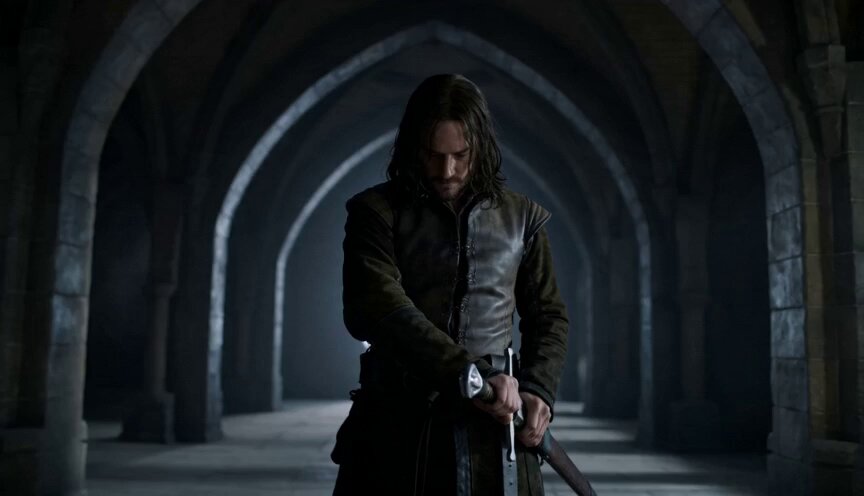
Another test video. Honestly? This effect startled me — but not in a good way. Way less realistic than the last one I made. The uncanny valley is real, folks.
#AIVideo #VideoEffects #ContentCreation #UncannyValley
2
1
5
134
May 26
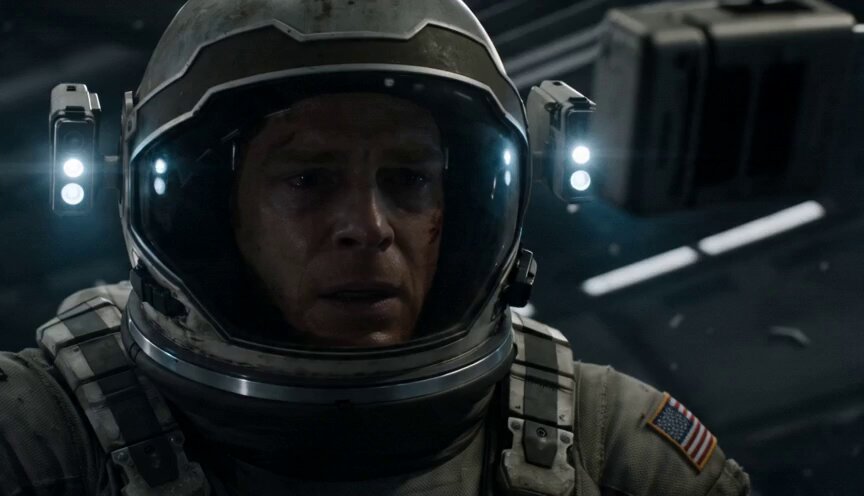
Been testing Seedance 2.0 the last few days and ngl it feels a little more real now. The camera movement and overall vibe are getting kinda crazy.
Prompt:
"An astronaut in a damaged space suit floats in zero gravity inside a dark module, only their helmet light active. They reach for a floating radio, press the button, and a child's voice crackles through. The camera orbits slowly around them, revealing the dead crew members strapped to their seats in the background. Isolation, grief, cosmic horror — claustrophobic, intimate, terrifying."
2
1
3
109
May 25
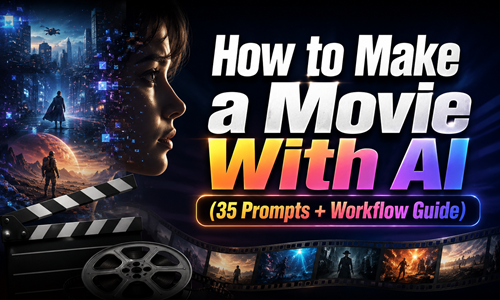
Hell Grind at Cannes made me finally sit down and organize what I've learned from testing AI video prompts this year.
40 clips generated. Most failed. 35 produced something usable across Seedance, Kling, and Veo.
Sorted by scene type here: lumeflow.ai/ai-prompt/ai-mov…
#AIMovie #AIVideo #Filmmaking #PromptEngineering #Cannes2026 #AIgenerated
2
76
May 21
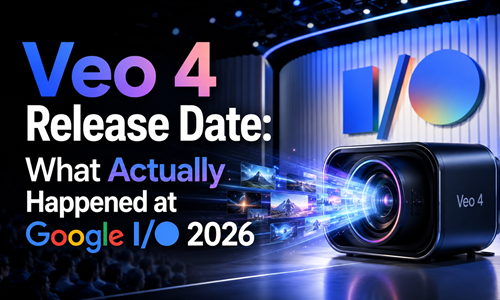
Spent the last week tracking every Veo 4 rumor. Turns out none of them were real.
Google I/O 2026 revealed Gemini Omni, not Veo 4. Veo 3.1 is still the latest official video AI. If you need video generation now, waiting is the wrong move.
Wrote up the full reality check — what's confirmed, what's speculation, and what tools are actually worth your time:
lumeflow.ai/ai-tools/veo-4-r…
#AIVideo #GoogleIO #Veo4 #GeminiOmni
124
May 20
Not sure if anyone's interested, but I'll drop the GPT Image 2 prompts I used for the characters, environments, and storyboard frames — plus the final Seedance 2.0 video prompt in the thread 👀
#AIvideo #GenerativeAI #Seedance #AIFilmmaking #AIAnimation
7
3
200
May 20
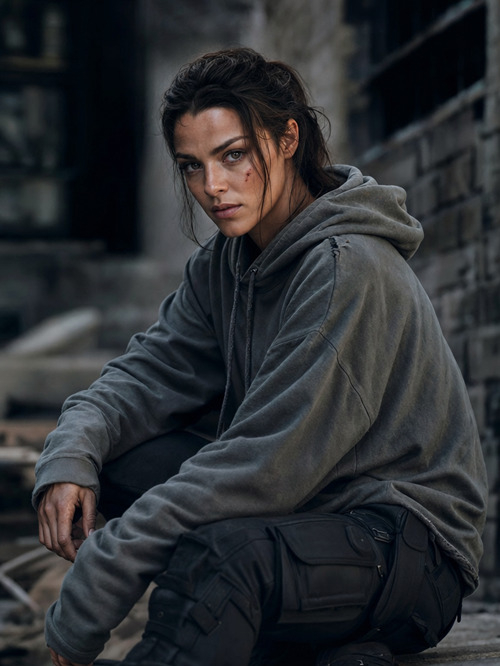
Main Character Reference Image Prompt
"Athletic young woman with tied-back dark brown hair, sharp jawline, natural makeup, subtle facial scar, wearing oversized gray hoodie and black cargo pants, realistic cinematic photography, grounded modern action movie aesthetic, dramatic soft lighting, ultra detailed."
1
85
May 20
If you already have a character locked in, just use your own image instead and go straight to the rest
17