
Joined November 2023
- Tweets 5,949
- Following 96
- Followers 365
- Likes 5,152
1,096 Photos and videos







<written by a human being>
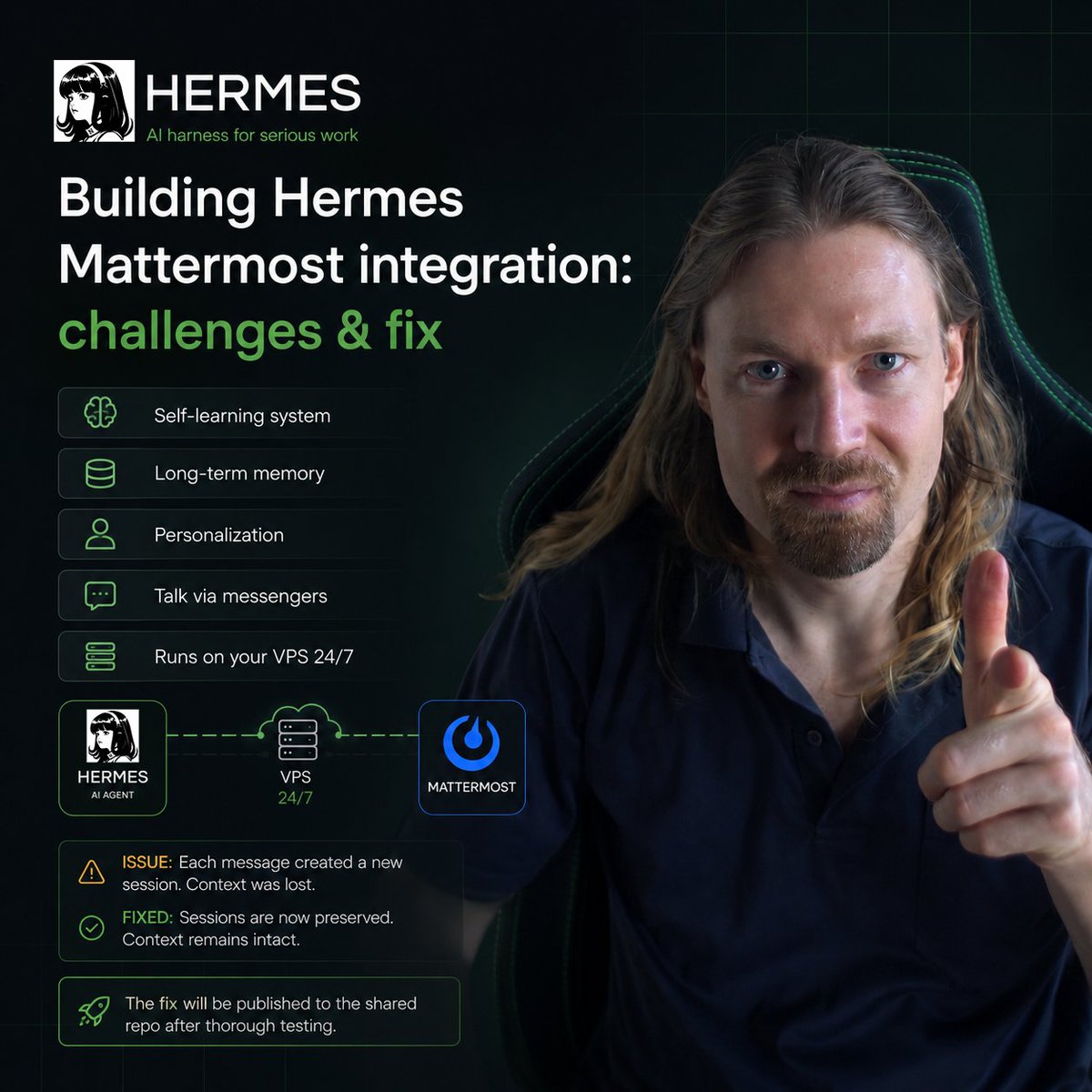
An interesting challenge came up while setting up a corporate Hermes instance that's supposed to run through Mattermost.
Quick reminder - Hermes is an AI harness, a shell around AI agents that knows how to manage them properly. It has a built-in self-learning system and a wide set of skills that let you stop worrying about configuring that feedback-improvement-loop yourself and just calmly hand out tasks, knowing that each next one will be executed better and more efficiently.
On top of that, the shell has a long-term memory storage system that fills up with knowledge about you, the project, the team, the business - whatever your case is. The cherry on top - personalization, the ability to give the agent a personality (reminded me of that scene in Interstellar where the main character turned down the humor level on the AI robot TARS).
And the key thing - the ability to talk to AI agents through familiar messengers without messing around in the terminal or IDE like nerds like me do. The core idea is this: Hermes runs on its own VPS 24/7 and is connected to your Telegram. And you, wherever you are, can write to your agent through Telegram. And it'll do everything available in its environment.
The native Mattermost integration turned out to be insufficient - apparently not many people use this combo yet (guess I just love exotic setups). And the key bug was that every new message to Hermes spawned a new session with it, and it naturally had no idea about the context.
After a couple of iterations we fixed the bug. Once I thoroughly test the fix, I'll publish it to the shared repo so you don't have to fix the same thing yourself. But for now keep in mind that not everything will work out of the box right away, the product is still very young (literally a few months old).
44

Jun 15
<written by a human being>
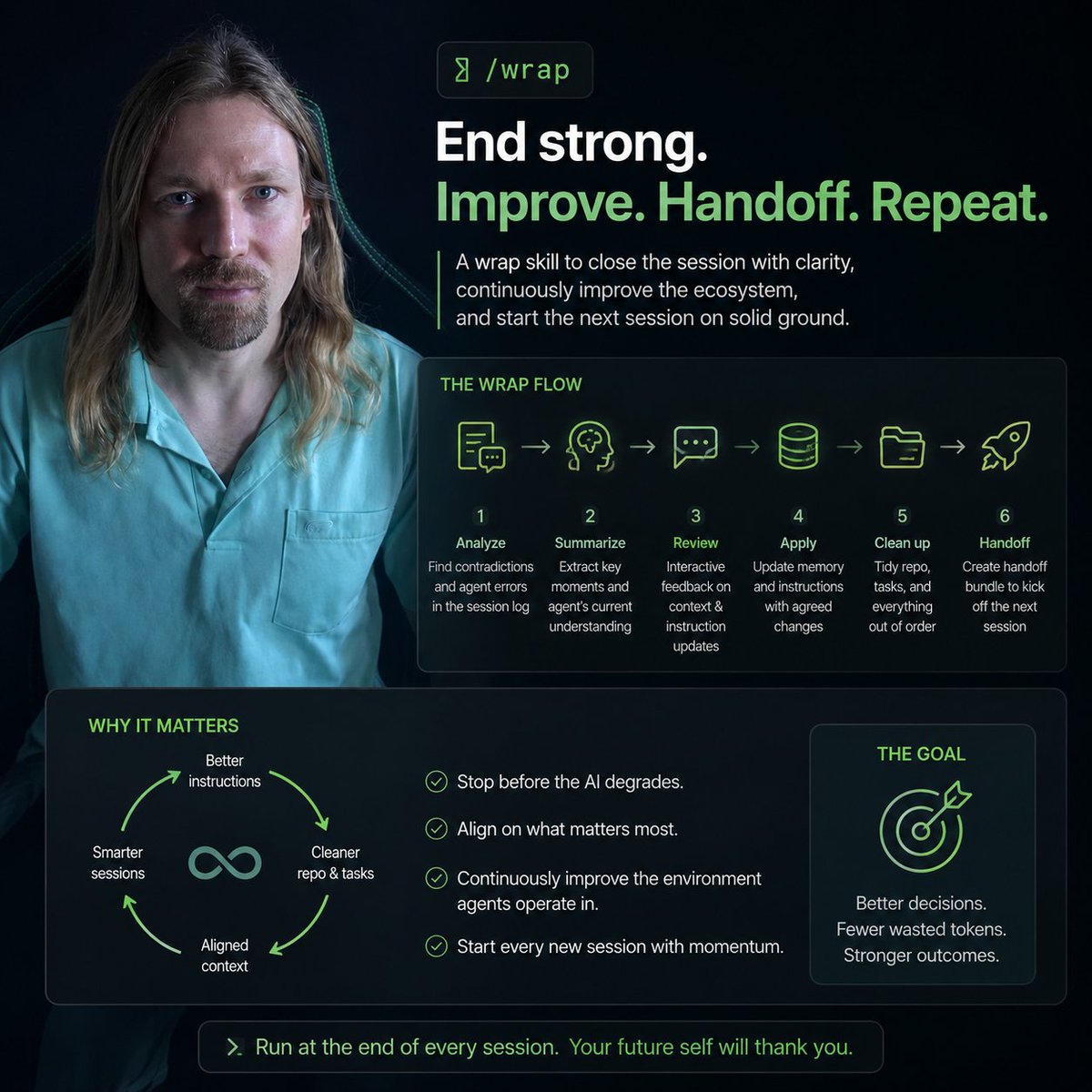
Ending a session before the AI starts noticeably degrading has already become a habit. I've talked before about the handoff-prompt command and skill I use to wrap up each session - passing the baton to a fresh instance with a clean head (context window).
But in complex projects - like building out a codebase - beyond just transferring context, it's critically important to continuously improve the ecosystem the agents operate in. I mean agent instructions, memory, the repository, the task management system, and the overall shared understanding of context.
That last one is especially important, because after some sessions you realize the agent wasn't doing quite what you expected - especially when it was running autonomously. Spent tokens don't come back, so aligning on the key context points at critical moments matters a lot.
The rest, I think, is pretty straightforward - clean up the repo, sort out tasks, save updates, optimize memory and instructions. That's the infamous feedback & improvement loop everyone talks about but nobody actually explains how it works.
So I built a skill that does the following:
1. Sends the current session log to an independent agent to look for contradictions and moments that clearly expose agent errors - in other words, finds what can be improved
2. Collects key moments from the context and composes a brief summary of how the agent understands them
3. In interactive mode, presents the results of the above and lets you give feedback - do we both understand the context the same way, and do I agree with the proposed instruction updates
4. Applies the agreed changes to memory and instructions
5. Cleans up the repository, task statuses, and anything else that's out of order
6. And finally, using the same handoff-prompt skill, produces a handoff bundle to kick off the next session
The wrap skill is wrapped in a /wrap command I run at the end of each session. And since the order of operations inside it is project-specific, I keep this skill local to the particular project - unlike handoff-prompt, which is global.
22
Jun 14
My First IoT Development
<written by a human being>
I never thought I'd end up doing IoT (Internet of Things) development someday. I have an ambient RGB lamp controlled through a mobile app, which isn't always convenient - and honestly I'm not a big fan of mobile apps in general. A PC interface on a big screen with a keyboard and mouse just feels more natural to me.
And yesterday it hit me - I can vibe-code my own desktop app to control this lamp! I fired up Claude Code with this idea, and we had a pretty interesting research session figuring out how the lamp actually communicates with the app and the phone. We even got as far as connecting a smartphone to the PC in debug mode to collect Bluetooth transmitter logs - and eventually realized the lamp runs over WiFi and Bluetooth has nothing to do with it at all.
The next challenge was getting the device's identifier key, which the manufacturer hides pretty carefully. But if you register as an IoT developer on their official site, you get API access that lets you pull the device data you need. Which is exactly what we did.
After that everything was pretty straightforward - test Python scripts for connecting and configuring the lamp, trying different variations, picking the right algorithms, designing the interface, testing and debugging, packaging it into a final app.
The result is a working desktop utility that controls the ambient lamp. No smartphone needed anymore.
Oh, and my washing machine and dryer are also connected over WiFi, by the way...
1
26
Jun 13
How many agents do you need to burn through all Claude Code limits
<written by a human being>
With every new model version, AI gets smarter. In practice - in development, for example - this means longer autonomous sessions that don't require operator intervention. Which means you need to watch what the agent is doing less and less, it interrupts itself mid-task less often to ask something it could've figured out on its own. And the decisions it makes get closer and closer to what you'd have made yourself.
So at some point I just launch an agent and realize it'll be working autonomously on its task for the next 20-30 minutes on its own. So in the meantime I'll spin up the next agent on a parallel task - and so on, up to a limit defined by two factors.
The first factor is the ability to add the right context at the right time and switch between tasks. I've noticed that with 2-3 agents running simultaneously I manage pretty comfortably and even get other stuff done in between while my input isn't needed. But 4-5 is already my ceiling - past that point the work turns into a sweaty time crunch and an unpleasant cognitive overload.
The second factor, obviously, is tokens. Sure, you can launch 15 agents at once, but they'll devour a 5-hour limit in about 10 minutes of continuous work. The result is 15 tasks probably won't get done, and you're waiting 5 hours for the next reset. Clearly counterproductive.
But 4 agents running continuously eat through almost exactly the 5-hour limit. One small footnote though - I don't respond to their prompts immediately when they call for input, since I usually check the result, test the feature, or configure something to unblock the agent. Meanwhile 2-3 other agents that aren't waiting on context from me are grinding away nonstop.
And in this mode - 4 agents running in parallel - I manage to squeeze the maximum out of Max plan for $100. 5 agents, which I experimented with this week, drain the limits faster, roughly 1-1.5 hours before the reset, so for my workflow 4 is the sweet spot, arrived at empirically. What about you?
1
106
Jun 12
<written by a human being>
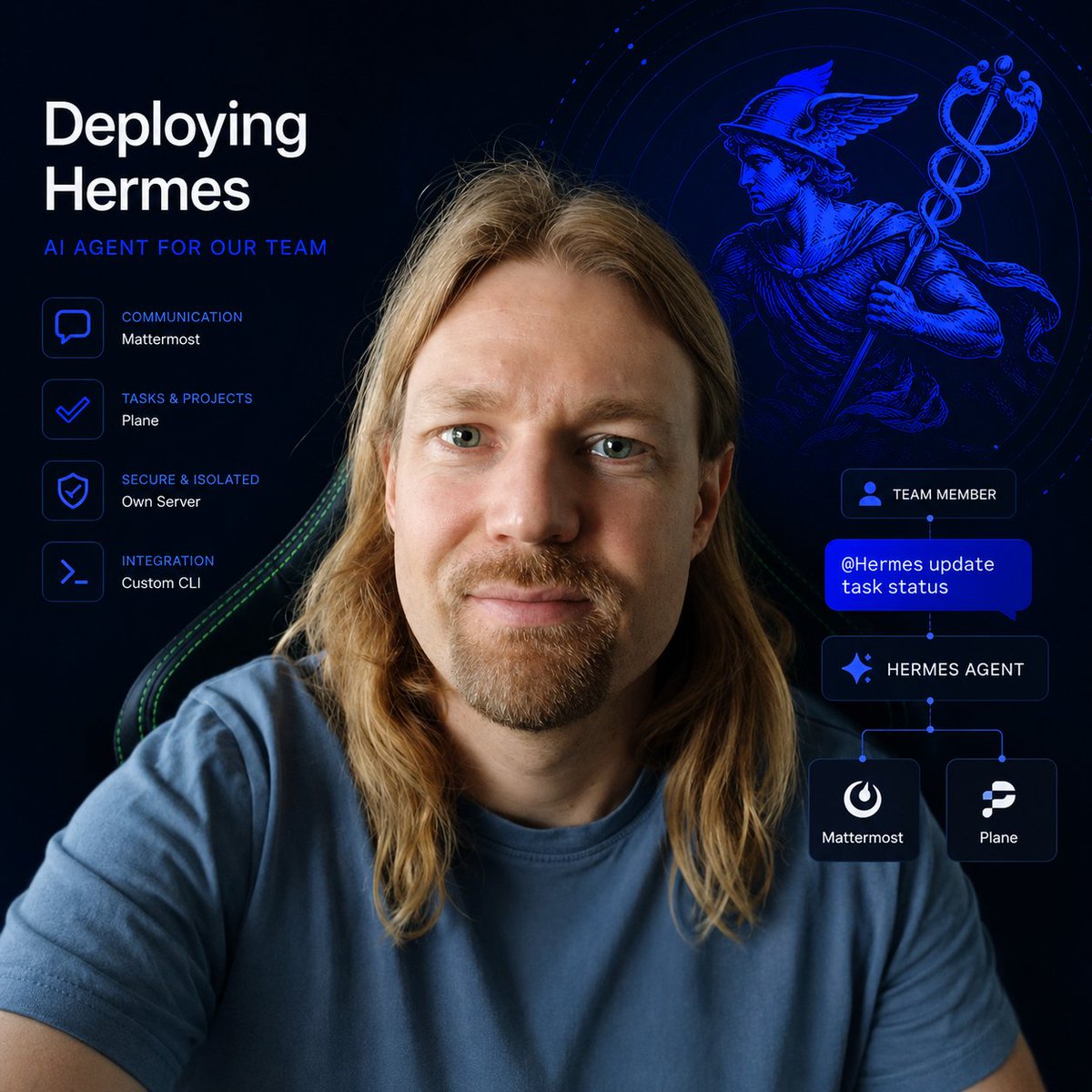
I'm currently in the process of deploying Hermes for our team - it's meant to be a project manager, knowledge holder, and personal assistant for every team member, while living inside our shared communication environment.
If you're not familiar, Hermes is the successor to OpenClaw - an AI agent harness, but more mature and not as leaky from a security standpoint as its predecessor.
It runs on its own isolated server and has limited access to other tools - Mattermost for communication and order intake, and Plane for project and task management.
The core idea is that anyone in the common chats can ping Hermes (we haven't given it a name yet) and ask it to do something. For example: draft a document based on our knowledge base, onboard a new employee, update a task status, send a deadline reminder, and all the other routine things you can imagine.
It's also supposed to work without being nudged - like a cold-blooded manager who goes through the full task list every morning, sends out deadline reminders, asks everyone "so how's that task going?" And once a result comes in, it updates the status and logs the progress.
I'm still in setup mode and will report back separately once I have results. By the way, for the Plane integration I used my own CLI - the one I talked about publishing recently.
A new era of real, deep AI adoption in business is beginning for us.
28
Jun 10
<written by a human being>
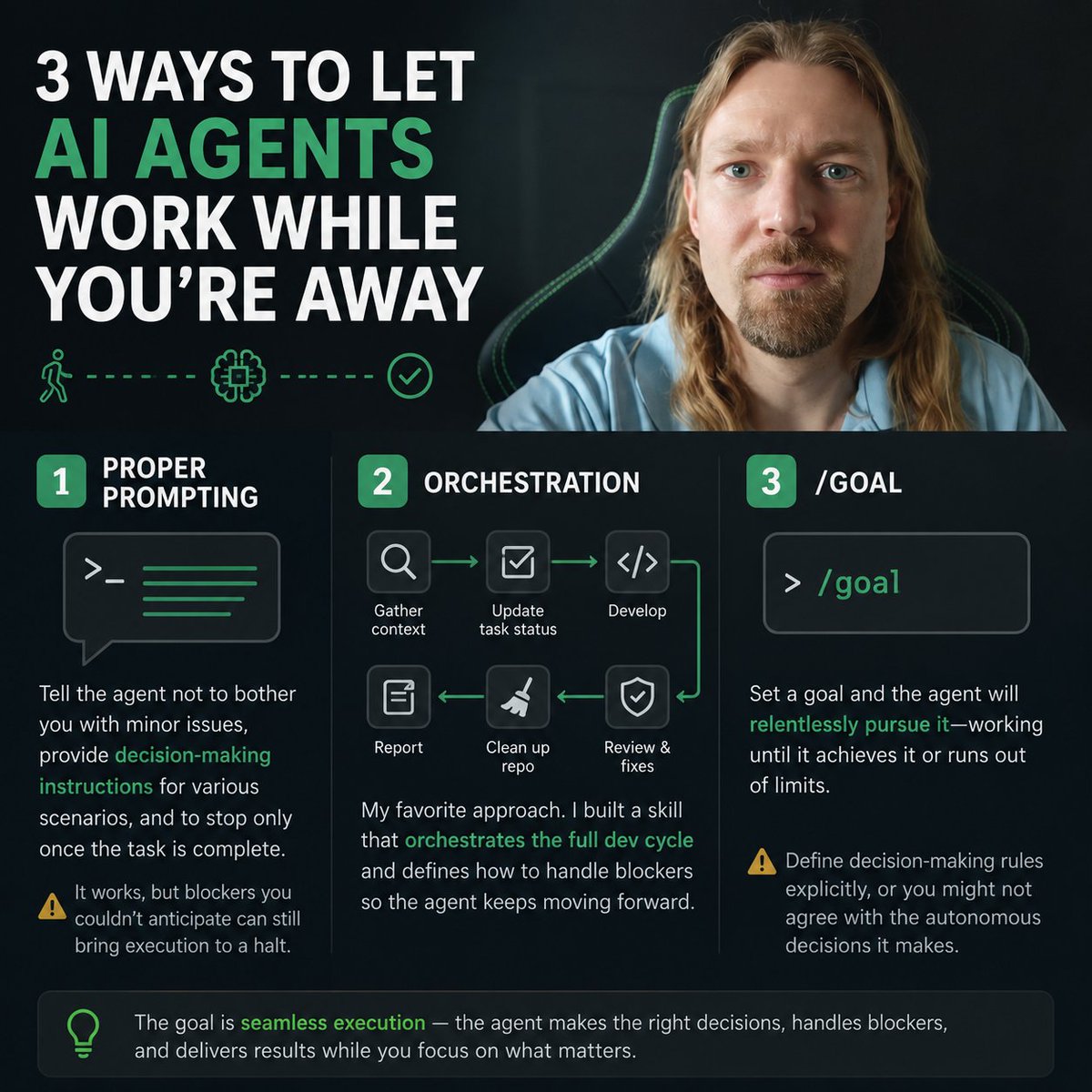
What could be better than the feeling of handing off a task to an AI agent, going for an hour-long walk, and coming back to find that the task is done and is waiting for your decision on the next steps? Only the feeling of coming back to find the agent still working - because it made all the necessary decisions on its own and never had to pause mid-execution.
There are several ways to achieve this kind of seamless operation, where the agent works independently of the operator (you).
1
The first and simplest is proper prompting. You can explicitly tell the agent in the prompt not to bother you with minor issues, provide decision-making instructions for various branching scenarios, and to stop only once the task is complete. It works, but in practice you often run into blockers that couldn't be anticipated in the prompt - so the agent hits a wall and comes crying to you.
2
The second - and my personal favorite - is orchestration. I even built a skill specifically for this, which walks the agent through a full development cycle: context gathering, updating task statuses in the project management system, development, review, fixes, cleaning up the repository, and a work report. The skill also defines how to handle blockers for the agents being orchestrated.
3
/goal - a feature available in both Claude Code and Codex (and likely other coding agents too). It lets you set a goal that the agent will relentlessly pursue - working until it either achieves it or burns through all its limits. A solid tool, but again: explicitly defining decision-making rules is good practice here, otherwise you might find yourself disagreeing with the autonomous decisions the agent made - and no one's giving those tokens back.
51
Jun 9
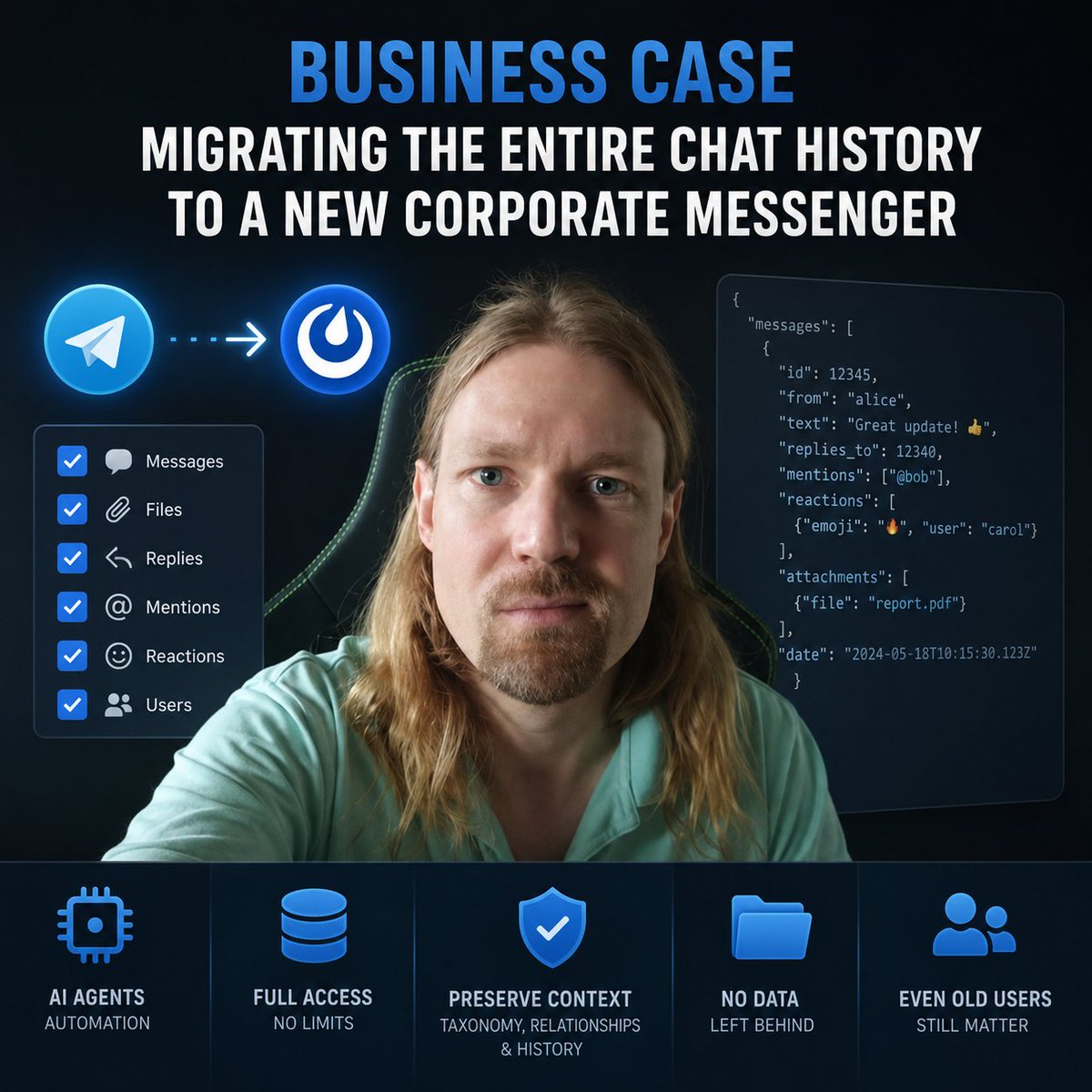
Business case - migrating the entire chat history to a new corporate messenger
<written by a human being>
Moving to a new information system is always painful. Especially when it's a communication channel. Especially when a large history of valuable correspondence has already accumulated there - files and materials that you can't afford to lose from context.
This pain can be eased by a migration - and running one with AI agents has become a genuine pleasure (at least for me). The task: transfer the entire chat history to a new communication channel while preserving all taxonomy and relationships - not just the chat structure and files, but also replies, mentions, and emoji reactions. It's also important to account for the fact that some people have already left the original chat, but their messages still need to be kept.
In my case, the migration was from a Telegram chat to a self-hosted Mattermost instance with full access. Telegram, like any mature product, supports exporting chat history in a machine-readable format - ideal for our use case.
I gave the AI agent full access to the container running Mattermost to avoid any potential blockers, then handed it the export. We then figured out how to handle user accounts - which was straightforward since this was a clean Mattermost installation with only one user (me), so creating new accounts based on the Telegram chat members was no problem.
Claude wrote a couple of migration scripts and returned fairly quickly with a report on the completed work. I checked, and the messages were indeed all there: the entire history, distributed across identically named channels with authorship and all the other details I mentioned above preserved.
A couple of things that needed a bit of extra work: messages with attachments whose timestamps differed by milliseconds ended up hidden from Mattermost's interface due to a time conflict - the fix was to space those messages apart by a full second. Second issue was the default file upload size limit, which needed to be configured on the Mattermost side beforehand. And one last thing - after the migration run, my user's password was reset, so keep that in mind if you already have existing users in the system.
57
Jun 8
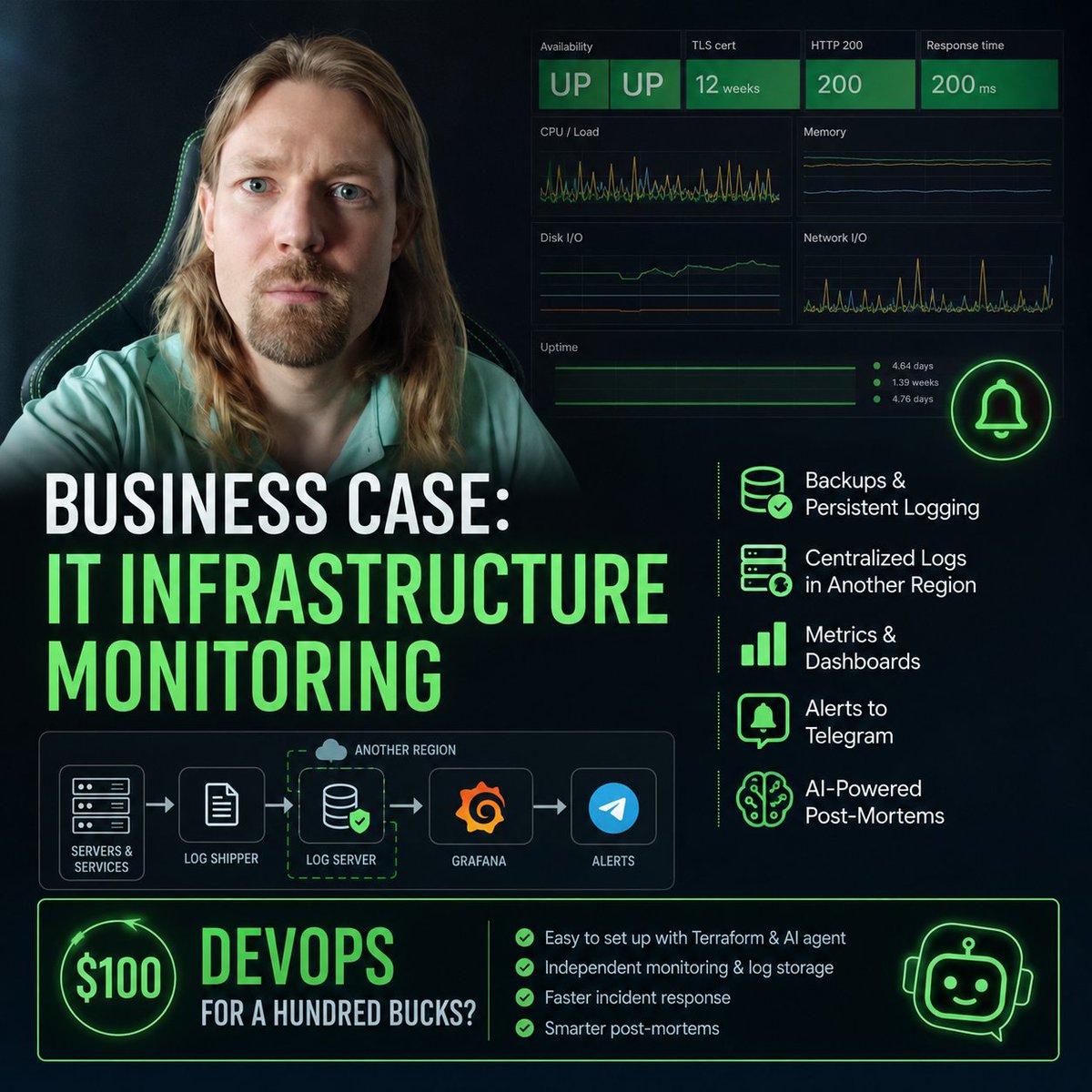
Business case: IT infrastructure monitoring
<written by a human being>
Right after deploying the toolset in a new project - the one I talked about earlier (task management system, communication hub, knowledge base) - the question of keeping a close eye on all of it inevitably comes up.
Obviously, you need to set up regular database backups, logging - persistent logging specifically, the kind that survives even a tool crash or a full server death - and a monitoring system with alerts in case something goes sideways.
With Terraform access and an AI agent, this is again surprisingly easy to pull off. The key is putting together a solid plan and clearly laying out the goals and requirements. For example, a couple hours after I spun up Mattermost and migrated all the data from the old chat, the service went down - and the logs went down with it. Meaning post-factum investigation was simply not an option.
That's exactly what led us to the need for a separate, independent server in a different region, where logs from every server and service deployed on them would be stored. I also asked to set up basic metrics, surface them in a clean Grafana dashboard, and configure alerts to a dedicated Telegram channel whenever something goes wrong.
And of course, after an incident it's incredibly convenient to run post-mortems - an AI agent with log access has everything it needs to clearly diagnose the root cause and build out recommendations to prevent the same situation from happening again.
Who wants DevOps for a hundred bucks?
20
Jun 7
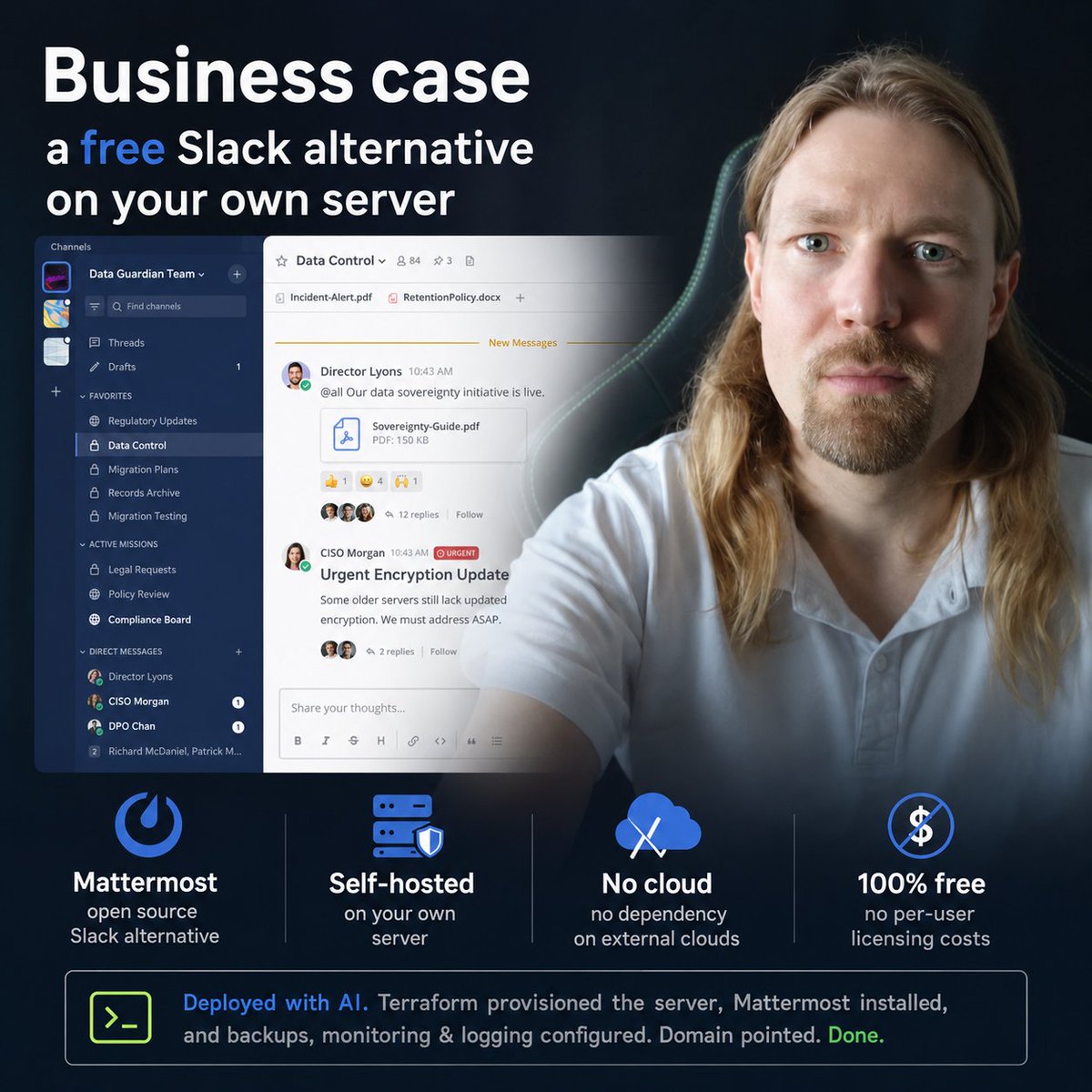
Business case - a free Slack alternative on your own server
<written by a human being>
If you've ever worked at a company with an IT department, you almost certainly know what Slack is. It's become sort of the standard for corporate communication, and for good reason - a pretty solid tool that, when set up right, can become the actual central hub for work and communication inside a company.
But there's one obvious catch - the thing is pretty expensive, so startups and small teams usually fall back on simpler messengers, like Telegram. Simpler specifically in terms of team communication in a work context. For personal comms Telegram is my number one, but for actually organizing collaborative work - it just doesn't cut it.
But what if I told you there's a very close alternative that copies Slack's functionality almost 1 to 1, but costs... nothing. Yeah, it's an open source solution you can deploy on your own server, fully under your control, and it honestly doesn't fall behind the market leader - it's Mattermost.
That's exactly what I deployed for my team on our own infrastructure. Which, by the way, gives you yet another solid advantage on top of that - no dependency on external clouds.
Deploying something like this today is obviously doable with an AI agent. I gave it access to Terraform on our corporate hosting, after which it spun up a suitable VPS, deployed Mattermost on it, configured backups, monitoring and logging - and I just pointed the domain to the server's address.
So now there's a full-blown corporate communication environment, completely under our control, for free. Use it.
68
Jun 6
<written by a human being>
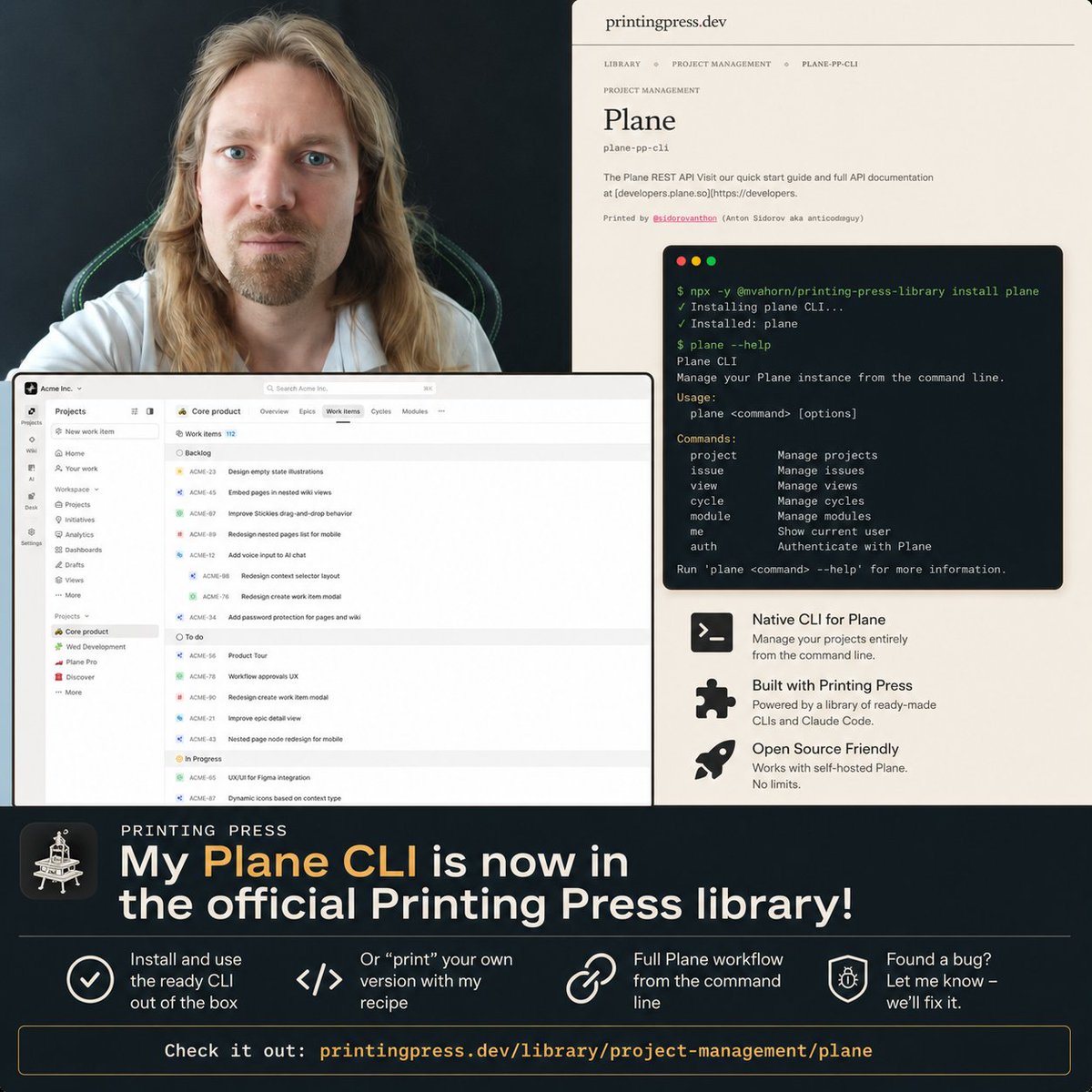
Recently I talked about Printing Press - a library of ready-made CLIs that let your AI agents communicate with various services natively from the command line. Basically a ready-to-go integration that works more efficiently and cheaper than MCP.
So in this library I found neither a ready CLI nor a "recipe" for printing a CLI for Plane - the project management system I implemented in my project. Yeah, it's not as popular as, say, Linear or ClickUp, but it has one key advantage - an OpenSource version with no limits that you can self-host, which I did.
But obviously for day-to-day work with Plane I needed a CLI, so I took it upon myself to "print" one using the Printing Press toolset and, of course, Claude Code. A few weeks of constant heavy CLI use went by, during which I made a lot of improvements, added useful features (like native task dependency linking to clearly reflect the project roadmap).
And finally I caught the moment when the entire Plane workflow was happening through the CLI with no need to go back to MCP or direct API - meaning it fully covered all the functionality.
That's when I decided to share the toolset with you. And so yesterday my Plane CLI was published in the official Printing Press library - printingpress.dev/library/pr…. You can install the ready CLI and use it out of the box or, if you want to tinker yourself, "print" your own version through Printing Press itself using my "recipe" - which will set up the right structure for the Plane integration.
If you happen to find any bugs in the CLI, since I've only tested it on myself so far, write - we'll fix it.
2
1
69
Jun 5
Business case - a DevOps engineer for $100
<written by a human being>
As soon as a business starts growing layers of information systems and digital tools, sooner or later you have to manage the infrastructure all of this stuff runs and works on. I'm talking, of course, about servers - they need to be maintained and, in the first place, set up initially, you need to back up the databases, set up the cybersecurity defense layer, monitor uptime and restore it in case of failures.
In big enterprise businesses this is handled by a team of professional DevOps engineers, whose work costs a colossal amount of money for obvious reasons: a single mistake can cost millions of dollars.
But today this has become accessible and simple for mere mortals too, for small businesses and young projects. With the help of AI agents, of course, which possess not only DevOps engineering skills, but all possible variations of toolkits and infrastructure bases, hostings, clouds and basically anything that has documentation.
When you use cloud services, these questions don't come up at all, because that convenience is exactly what we pay money for, and all the under-the-hood work is done by the company that owns the service, and taking care of the servers is their headache.
But in the era of AI tooling, we more and more often write our own services and systems and use open-source solutions, since it's become much easier to deploy them, customize them and maintain them.
And to spin up the infrastructure too, of course. In my case I did everything from scratch for a new project, so it turned out a bit simpler than untangling an already existing web of dependencies.
Many modern hostings have a special interface for creating and maintaining server infrastructure with code - Terraform. Perfect for AI agents. We describe the task to it, give it access to Terraform, and from there it can take care of everything itself.
Of course, you have to be more careful with access rights and put security as the priority. But this should already be a beaten-to-death leitmotif when working with AI in any business domain, especially in infrastructure layers.
1
1
52
Jun 4
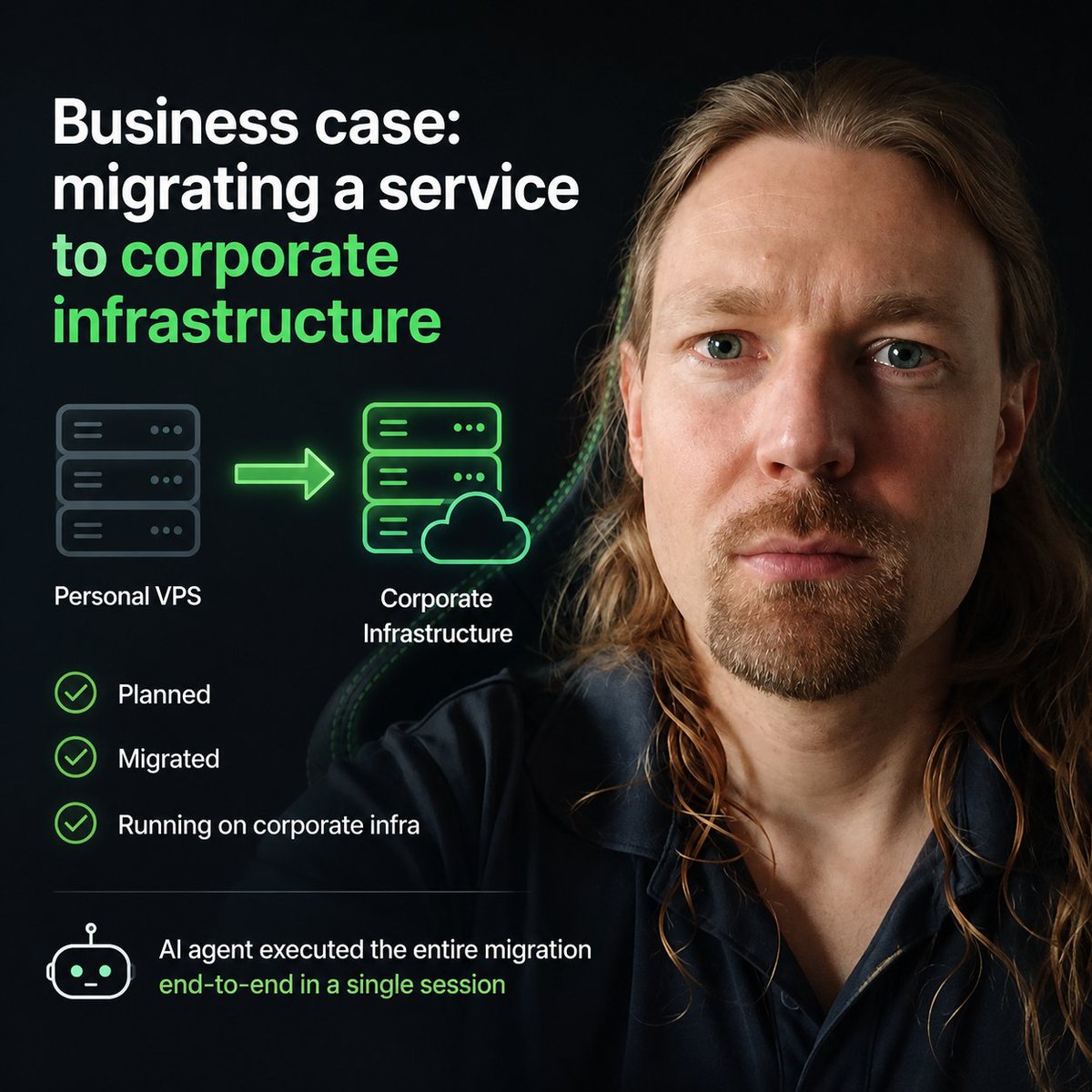
Business case: migrating a service to corporate infrastructure
<written by a human being>
I've talked about Plane before - an open-source project management system. For speed of deployment, I initially set it up on my own VPS, which I already had running and used for my vibe-coding experiments.
But once the corporate infrastructure - a paid hosting environment - was ready, it was time to move Plane from my personal VPS to the corporate one. Without the right knowledge, this would've easily taken me a week: finding the information, drafting a migration plan, making backups, thinking through the migration, spinning up the server, setting up the required environment, deploying the tooling, testing, transferring the data, verifying correctness, switching DNS, stabilizing everything, and finally cleaning up and shutting down the old server.
Looking at that list, I realize a week might actually be optimistic. Obviously - unless you're a seasoned DevOps engineer, which is exactly what a modern AI agent is. Because with it, I did everything listed above in a single session. Not counting one additional session where we scoped out the migration procedure as a task.
What the agent needs:
1. Access to the source VPS - ideally full access so nothing gets stuck, though it can be scoped to just the container where the migrated system lives
2. Access to the target VPS, same deal
3. Access to edit the DNS records for the domain tied to the service - this I prefer to keep under my own control and not hand to agents (yet)
That's it. After that, with a well-structured plan (use your Superpowers), the agent can execute the entire procedure end-to-end in a single session. In my case, I even gave the agent access to configure the VPS itself - meaning it took care of spinning up the right instance in the right configuration, and everything worked on the first try.
Twenty-four hours later, once we confirmed the new VPS was running stable and clean, the agent shut down the system on the source VPS and freed up the space. Plane now lives on corporate infrastructure.
1
55
Jun 3
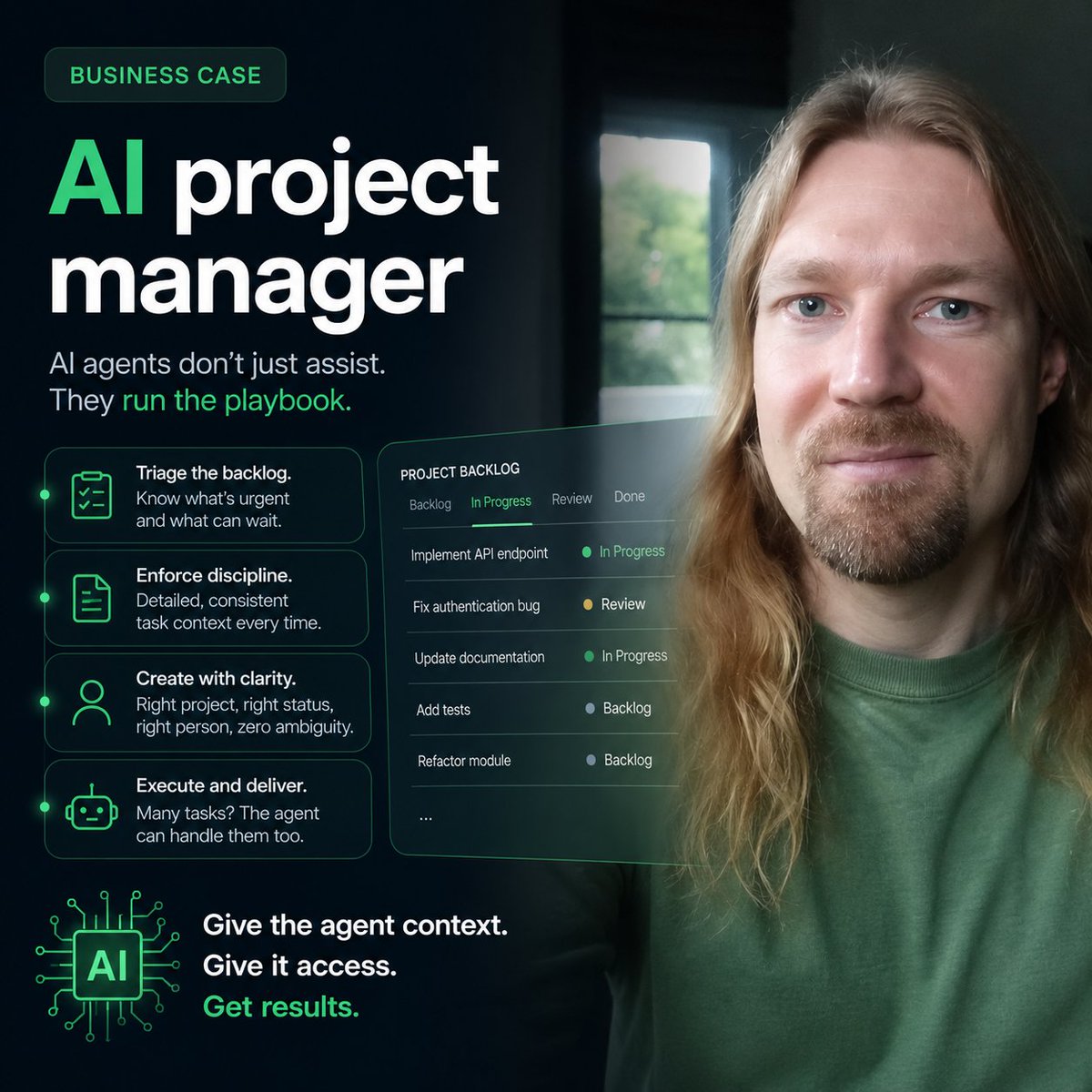
Business case: AI project manager
<written by a human being>
Lately I've been using AI agents as a project manager. In any reasonably complex project, a backlog of tasks piles up pretty fast - and it needs to get cleared.
Assuming there's actual task management discipline in place, a proper task tracking system, and the capacity to execute - AI lets you knock out all those pain points in one shot. All you need to do is give the agent the right context (point a coding agent at the project folder with the instructions) and sic it on the project management system's API (MCP and/or CLI).
And then the AI magic kicks in. In the morning you can open a chat with the agent and ask what's on today's task agenda, what needs to get done. It'll go through everything in the backlog and active statuses and tell you what's on fire and what can wait.
For task management discipline itself, there's no better assistant - the AI agent never gets lazy about writing detailed context for tasks: what needs to be done, what the Definition of Done looks like, and generally keeping to the conventions that human workers find pretty tedious to follow.
To create a task, just ask the agent - give it a quick rundown of the core idea or reason the task exists. And if everything is set up properly (conventions and task management rules baked into the instructions), the task will land in the right project, in the right status, assigned to the right person, with all the details they need so there are zero questions about what's what.
Not even going to get into the fact that a good chunk of these tasks could probably be handled by the AI agent itself - given the right context and access to the right places. Project managers, your time may be up.
1
42