Joined September 2015
- Tweets 3,414
- Following 410
- Followers 8,834
- Likes 8,985
937 Photos and videos

Pinned Tweet

10 Sep 2025
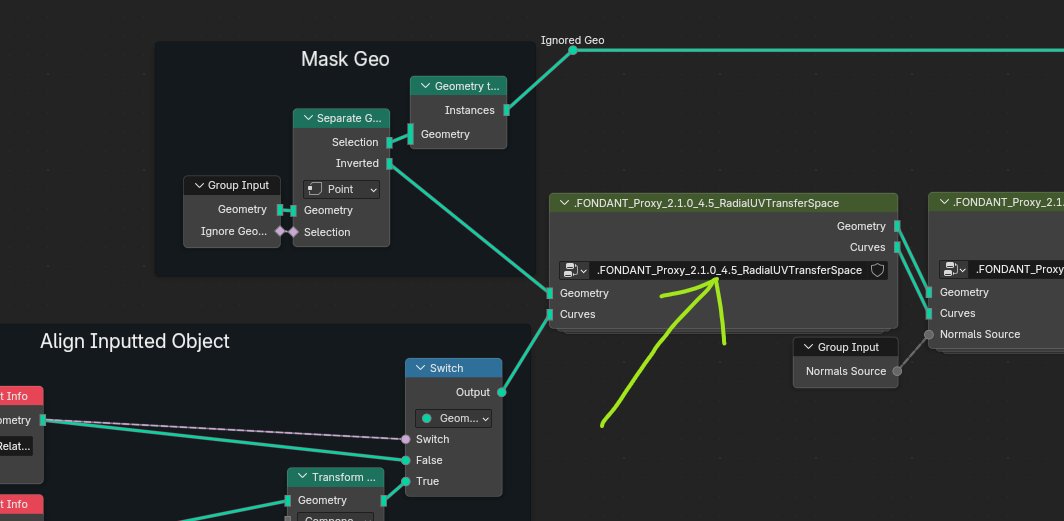
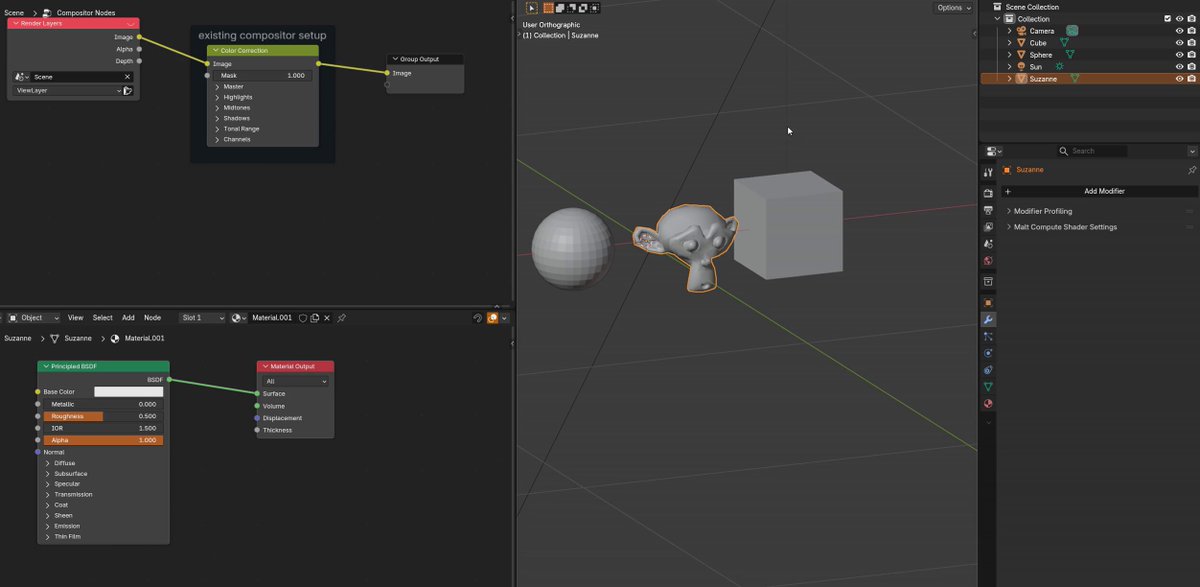
The @getfondant Easy Custom Normals addon v2.1.0 is here! Works in Blender 4.3-4.5. I've reworked the Laplacian Smooth Modifier to run on Face Corners, giving us more control and quad mesh support. Also optimizations and new features. No longer needs to run slow triangulation operations. Stability problems are addressed by Momentum Smoothing, which also allows the strength to be scaled up as high as 3 without blowing everything up. So you can do more smoothing in fewer iterations!
And there's more control of how things interact with the smoothing. Instead of only choosing how strong it is on a given point, now you can scale the amount it contributes to the smoothing of its neighbors. Or reduce its Original Normal strength to allow it to be overwritten or filled in.
These changes and more are all part of the free tier of the addon. Please consider picking up the paid Face Proxy system to support continued development!
7
82
900
45,939
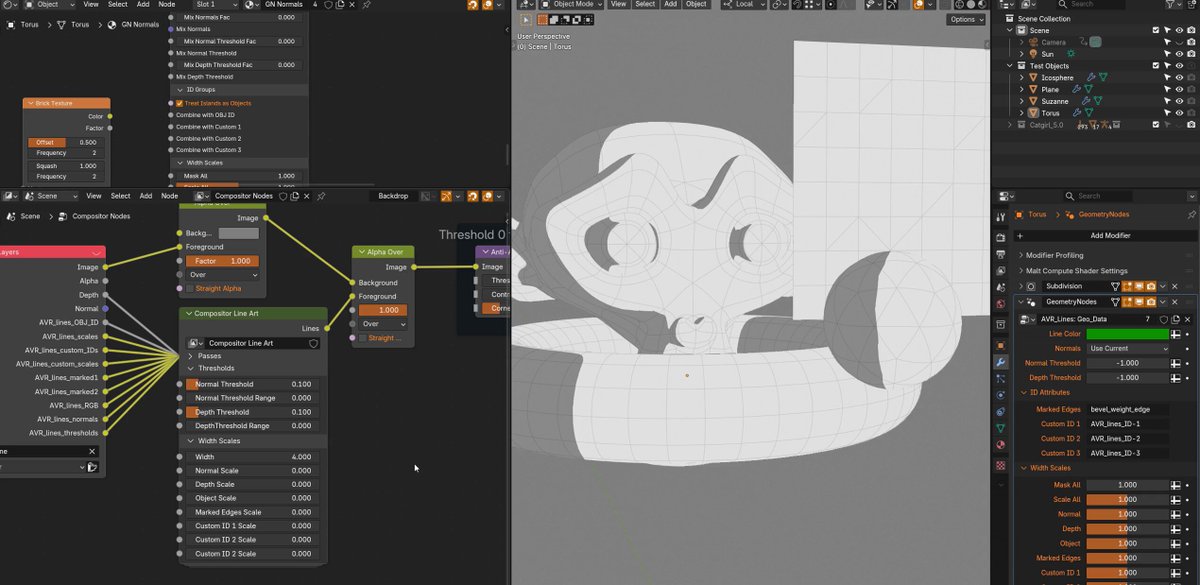
I've been busy cooking on the Blender Compositor Line Art addon. It needed some more field testing, which revealed things that could be done better, and now I've iterated through a bunch of tasks that I was going to delay till 1.1 but decided should be working better in 1.0. Now I'm back to working on guides and documentation to prepare for the release!
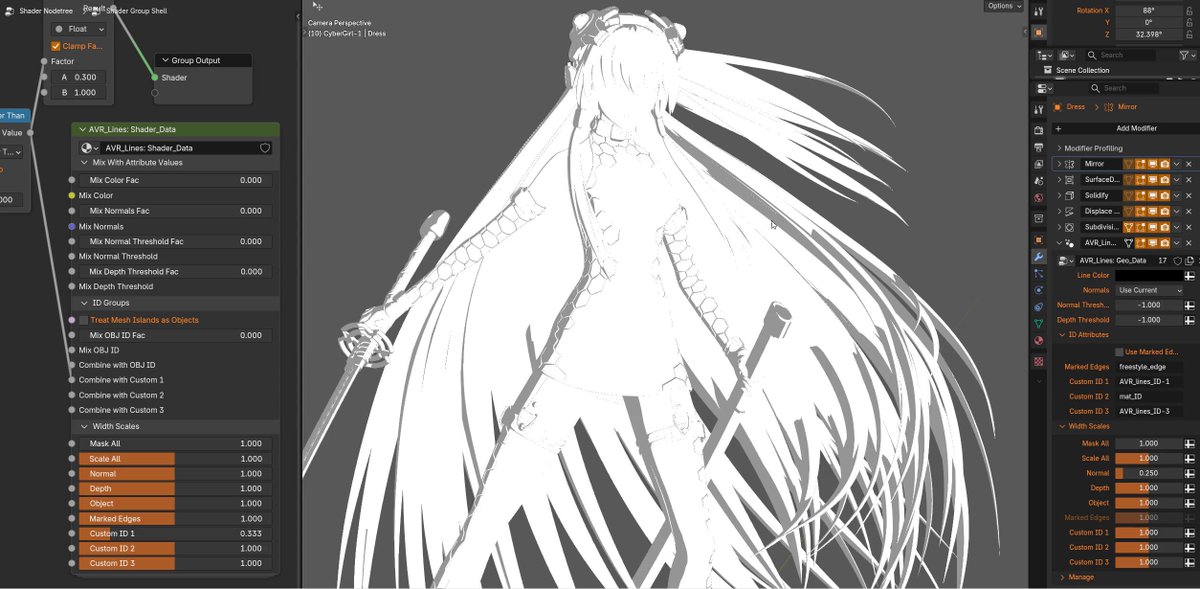
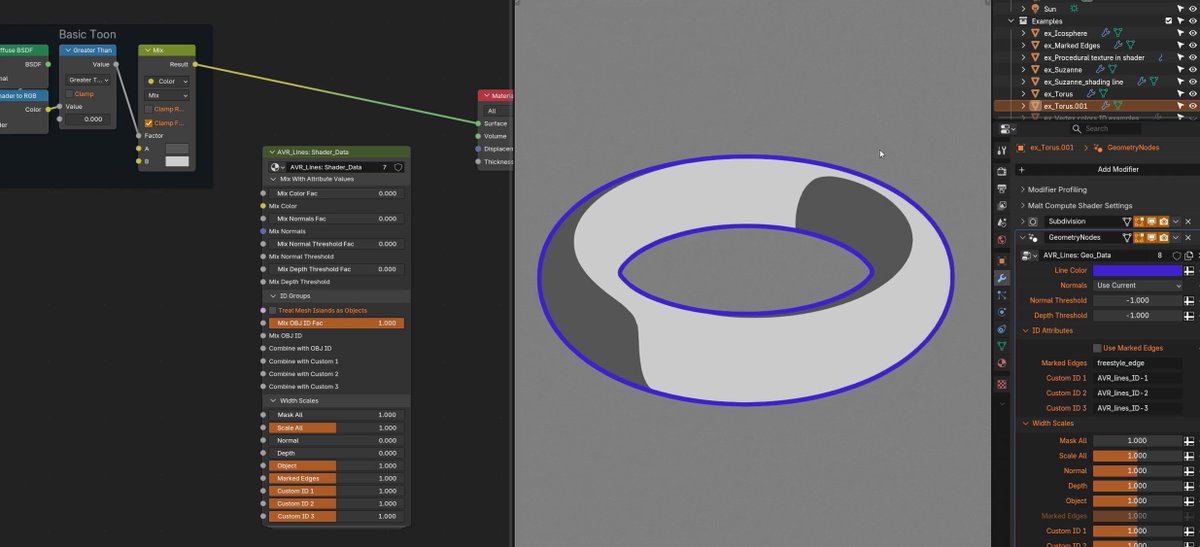
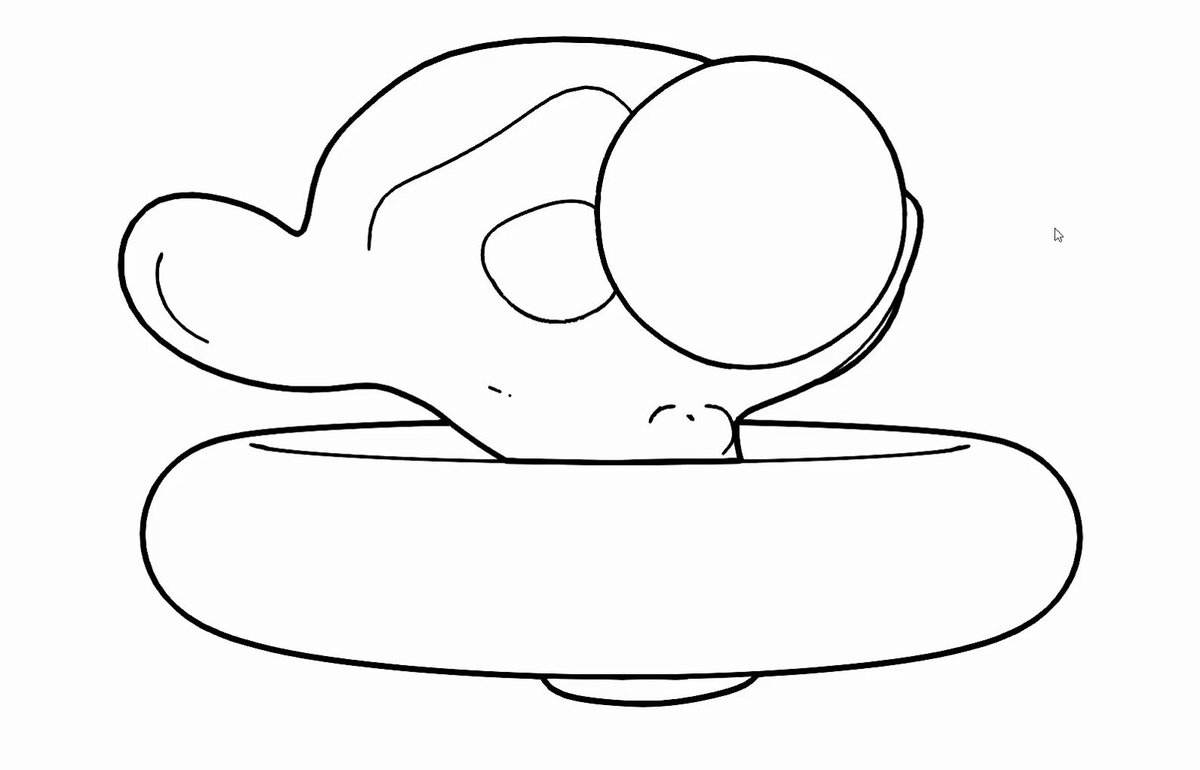
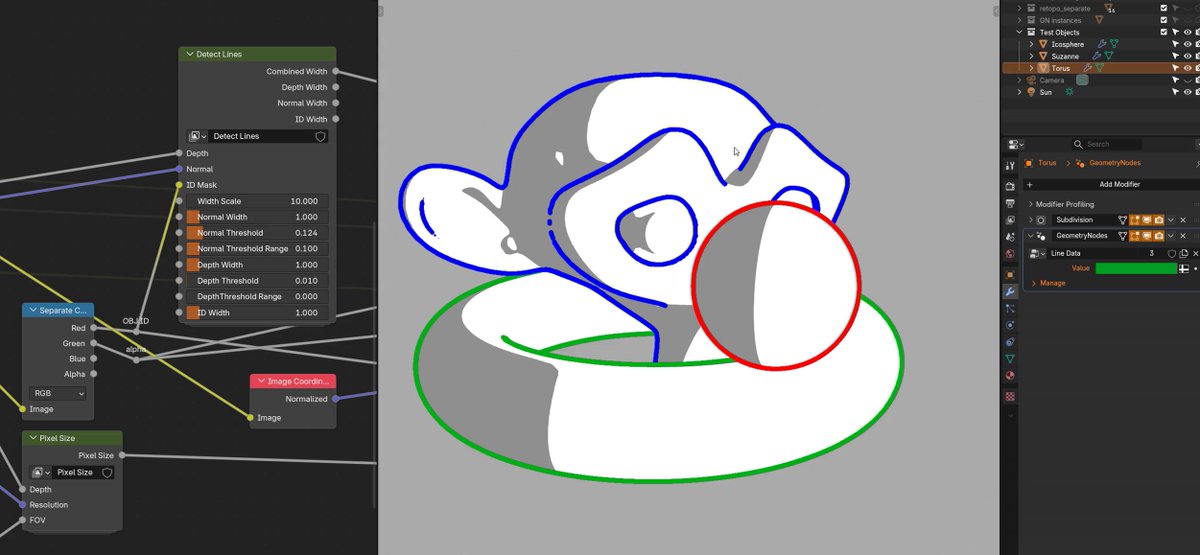
Pic is one of the issues I wanted a decent workflow for: ID group marked edges with automatic masking. This is probably the area that Screen Space Lines are weakest (but geometry line solutions handle easily.) The compositor has no knowledge of the geometry. Lines are created at boundaries of value. So to mark a specific edge, what you actually need is a different flat value on each side of it.
This can get complex depending on what edges you need marked and what topology you have. And especially if you are trying to mark a floating edge that does not form clear closed boundary areas (ie, doesn't run into another marked edge or mesh boundary.)
Manually authoring ID groups is a huge hassle, so I've made a setup that uses the Edges to Face Groups node. This node needs fully enclosed areas to work properly, so the solution is that you mark the edges you want lined with one attribute (Freestyle default) and mark more to extend that edge to another or a boundary (bevel). These would all get lines, except the setup also automatically creates a mask for the second edge mark.
That's what this image shows: you can see the slightly different ID values in grey, freestyle and bevel edge marks, and then that actual lines are orange and the mask is black (and is on bevel and boundary edges. The orange lines cover it, as both sides of the edge need to be masked to prevent a line being drawn there.)
This still takes some manual setup though, so I've also built a python script to handle marking the bevel edges! It automatically connects the end of freestyle loops to the nearest boundary or other freestyle edge selection
So this complex problem that would be absolutely terrible user experience can be reduced to about the same workflow as geometry lines in the end: just mark the edges you want lines on and (maybe) run a script.
1
1
13
583
aVersionOfReality retweeted
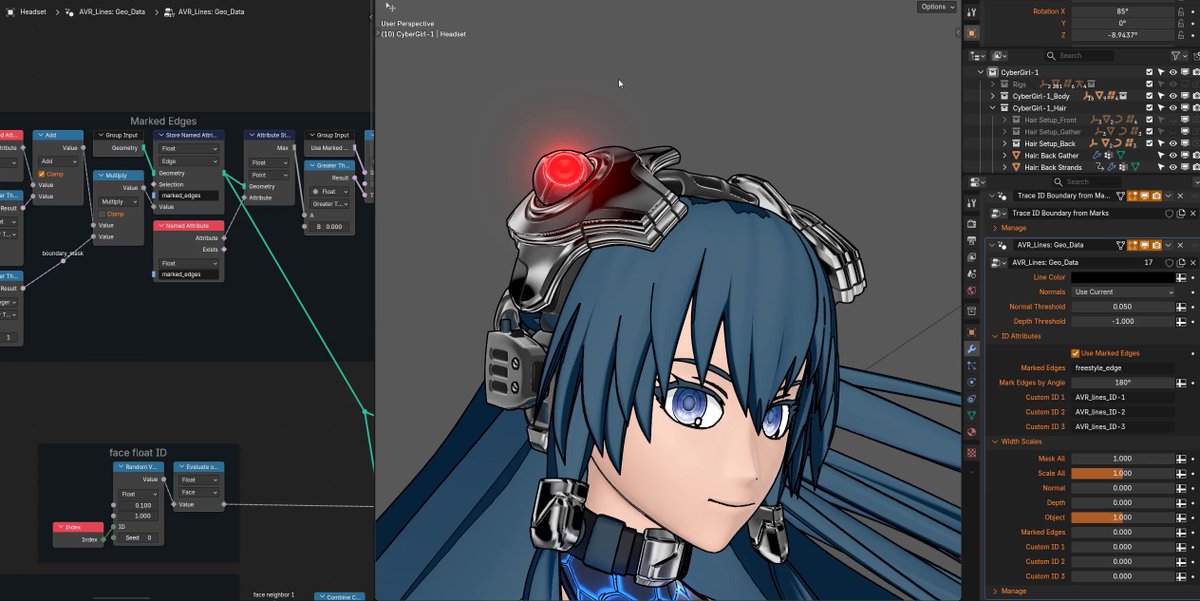
The goal of my Line Art addon is not merely to offer a source of Screen Space Extraction (aka post-process) line art, but to actually offer a fully functionable workflow. SSE lines are commonly used based on Depth and Normals in games for things like highlighting selections, but they aren't commonly used for high detail line art because they are hard to control. They allow very advanced results, but you have to setup the inputs for them.
My toolset is not just about extracting lines, but giving artist friendly tools to author the necessary mesh data. This clip shows an example of why this matters:
- First, we see regular Normal based lines on the hardsurface headset. These work fine from some angles, but the lines break from others. This is because the detection is based on comparing neighboring pixels and the angle of the Normals there. But those comparisons are in screen space, so as things move, areas can get occluded, or the comparison is between pixels that don't fall exactly on hardsurface edge. These work great on organic shapes where lines won't necessarily follow mesh edge loops, but not well on complex hard surfaces.
- Second, we see Marked Edges. These work slightly better, but still have similar problems. This is because they don't work well if both faces around the marked edge aren't visible and a decent size on the screen. There is 2 levels of subsurf on this mesh, so the marked faces can be very small. Marked edges work on flatter surfaces, but not so well here.
- Third is a proper ID mask. Each area contained by marked edges is set to a different color. Now the lines detect super cleanly because there are solid areas of color. It can detect a difference in the regions even if the actual edge is partly occluded, or the camera very zoomed out.
So we have 3 slightly different options for slightly different use cases. And the third requires the ID groups to be created. So a successful toolset needs to make it easy to do whichever is needed in a specific area, or run some combination. So I am including tools for ID group setup too.
And these will still be useful for other SSE workflows, like the new Raycast node in 5.1, which is doing the same process and has all the same artistic challenges, but we can't feed it arbitrary data yet. But hopefully in 5.2. The addon will support it in the future.
But getting all this figured out and working well is also why it still isn't ready for release 😅
5
10
161
7,133
aVersionOfReality retweeted
In the final stages of testing my Blender Compositor Line Art addon before release. Here's a look at how it works on a very high detail character. We have lines based on toon shading and vertex color ID groups. You can see it works very cleanly in some areas, but then runs into issues in others. That is because this mesh is complex but doesn't have smoothed normals yet, which causes the toon shading to create very small shaded areas that become lines. (We'll see it with Smoothed Normals next update.)
This is the double-edged sword of this method, and any other Screen Space Extraction method, including the new Raycast Node: they are extremely precise, which allows very high detail and fine control, but also means you need to guard against bad inputs. But my toolset gives you full control over what data you create lines from, so you can ensure clean ID groups, run lines on different Normals than you shade with, mask at any stage, or anything else you need!
And of course, most line methods (especially Inverted Hull) completely fail on complex or dirty geometry.
7
29
267
16,717
aVersionOfReality retweeted
I got depth priority working on Jump Flood lines, which means full color! I had given up on this working in Blender's Compositor previously, but decided to take another crack at it before releasing the addon. Now it works as well as the previous Brute Force lines but is vastly faster, and can easily go to 60 px thick!
Now back to finishing up the python side of the addon so this can actually get released.

Options panel complete! Now we can adjust our global line settings without even needing to keep a Compositor window open, and it also handles things that need to be changed within the group itself. Its getting very close!
3
9
158
9,545
aVersionOfReality retweeted
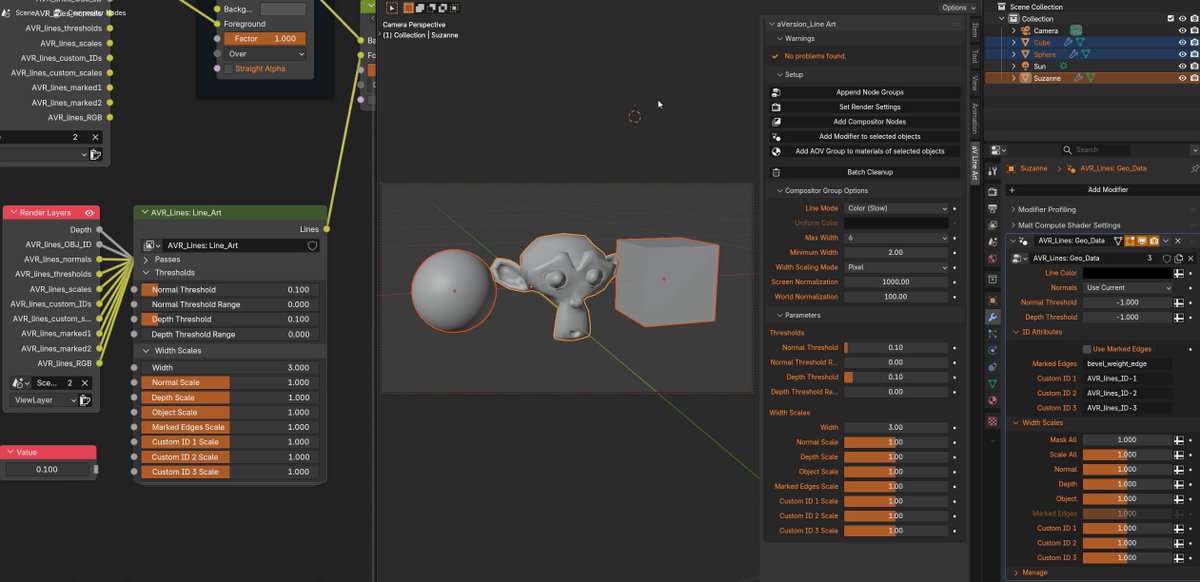
Options panel complete! Now we can adjust our global line settings without even needing to keep a Compositor window open, and it also handles things that need to be changed within the group itself. Its getting very close!
My upcoming Blender Compositor Line Art addon offers a huge amount of control. It uses attributes and AOVs, meaning you can customize lines on the mesh or material level! But it also means complex setup. So I'm including options that make it easy to add and remove.
1
8
70
13,830
aVersionOfReality retweeted
My upcoming Blender Compositor Line Art addon offers a huge amount of control. It uses attributes and AOVs, meaning you can customize lines on the mesh or material level! But it also means complex setup. So I'm including options that make it easy to add and remove.
1
23
145
11,458
aVersionOfReality retweeted
Would you like to be able to draw line art on any sort of data you want in Blender? Because with the Compositor Line Art addon I've been developing, that is possible! And you can adjust line thickness or detection thresholds per object, per material, or even with face corner attributes! (vertex colors.)
The nodes are now feature complete, and I'll be releasing an initial version very soon!
2
20
193
9,444
aVersionOfReality retweeted

Feb 27
Love the addon man, I bought it a few weeks ago and it's really sped up my workflow.
1
2
1,126
aVersionOfReality retweeted
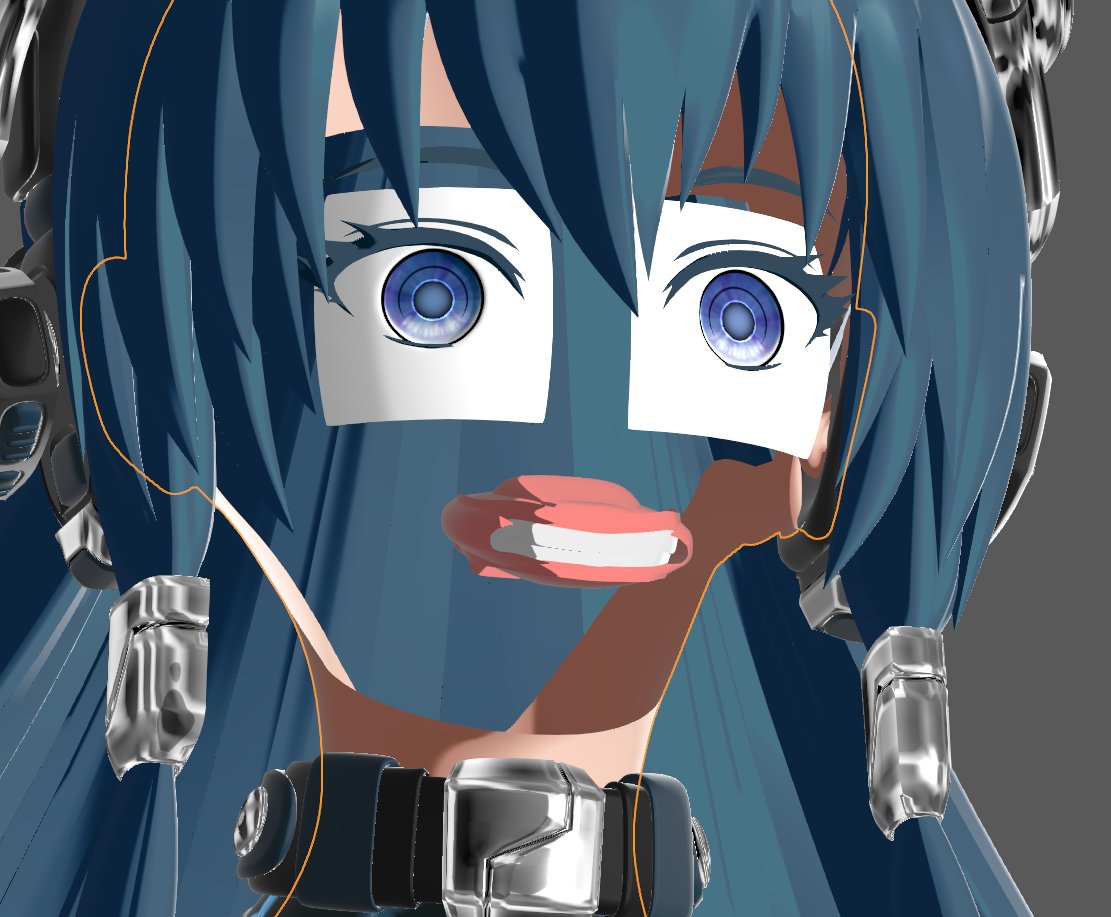
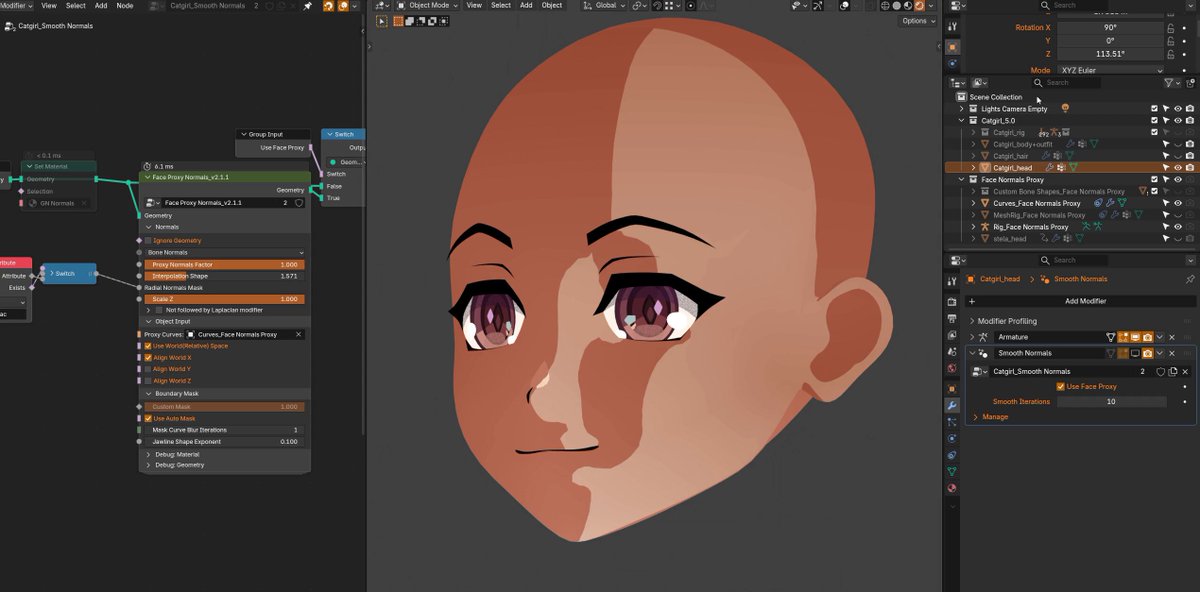
Updating this anime girl avatar by @lil_blk_rabbit for Blender 5.0 and getting to work with my Normals tools again for the first time in awhile. They are still great! But I've thought of a lot of ugprades.Hopefully I'll get to update them more soon.
5
10
165
7,092
Updating this anime girl avatar by @lil_blk_rabbit for Blender 5.0 and getting to work with my Normals tools again for the first time in awhile. They are still great! But I've thought of a lot of ugprades.Hopefully I'll get to update them more soon.
5
10
165
7,092
There's several things going on here:
- Face Normals from the rigged proxy surface
- Radial Normals, blended to with a painted mask for the back of the head and to decrease detail on the ear
- Laplacian Smoothing that helps smooth it all together so I don't need very precise masks
- The surface details like the eyebrows, lashes, and nose highlight transfer normals from the face beneath them to keep a clean transition.
3
868
If you want to try the addon, check it out here:
x.com/AversionReality/status…
10 Sep 2025
The @getfondant Easy Custom Normals addon v2.1.0 is here! Works in Blender 4.3-4.5. I've reworked the Laplacian Smooth Modifier to run on Face Corners, giving us more control and quad mesh support. Also optimizations and new features. No longer needs to run slow triangulation operations. Stability problems are addressed by Momentum Smoothing, which also allows the strength to be scaled up as high as 3 without blowing everything up. So you can do more smoothing in fewer iterations!
And there's more control of how things interact with the smoothing. Instead of only choosing how strong it is on a given point, now you can scale the amount it contributes to the smoothing of its neighbors. Or reduce its Original Normal strength to allow it to be overwritten or filled in.
These changes and more are all part of the free tier of the addon. Please consider picking up the paid Face Proxy system to support continued development!
1
1
13
1,106
aVersionOfReality retweeted
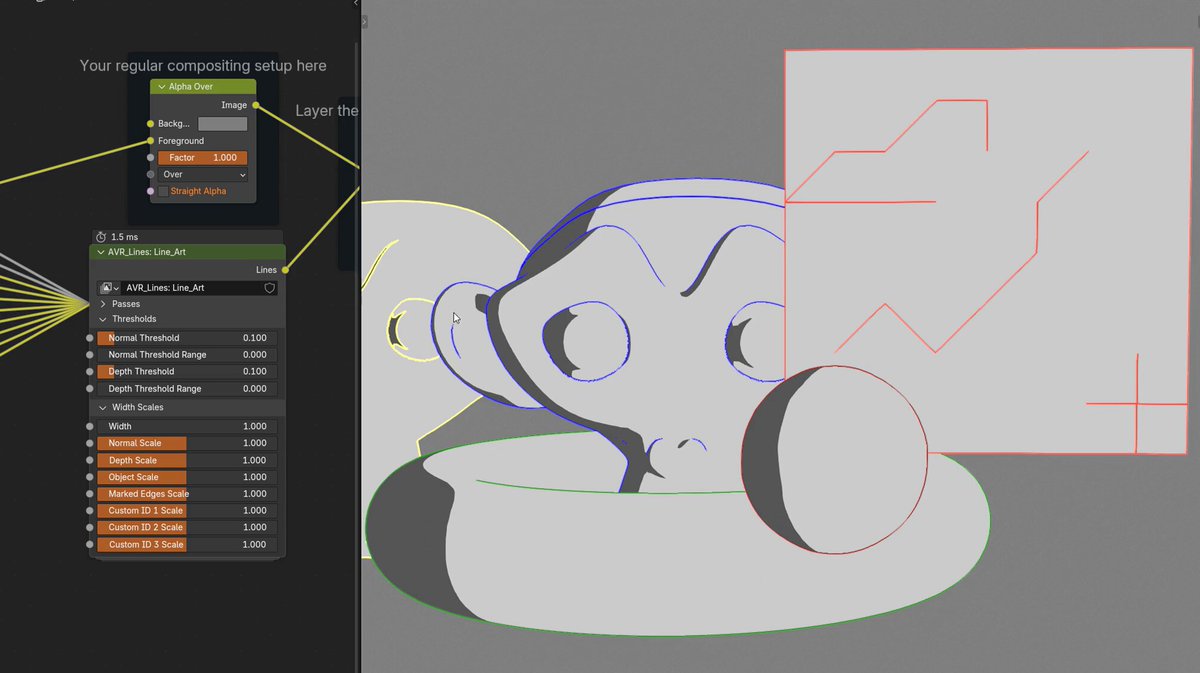
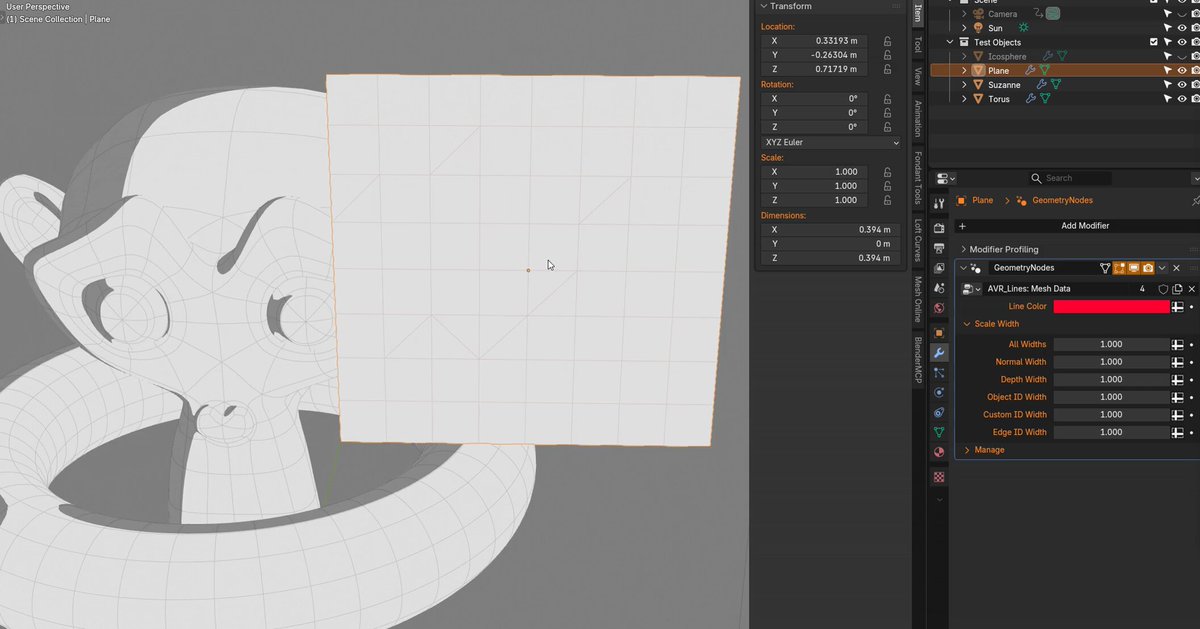
Marked edge compositor line art in Blender!
I'm very close to releasing a test version of the Compositor Line Art addon I've been developing. I've implemented the sorts of lines the Malt render engine has, and am recreating my workflow that lets the lines be controlled via attributes or material settings.
1
5
114
5,675