The first meme-dog token on #BROCK Chain t.me/bitdog_token
Joined March 2024
- Tweets 240
- Following 36
- Followers 525
- Likes 702
55 Photos and videos
Pinned Tweet

26 Apr 2025
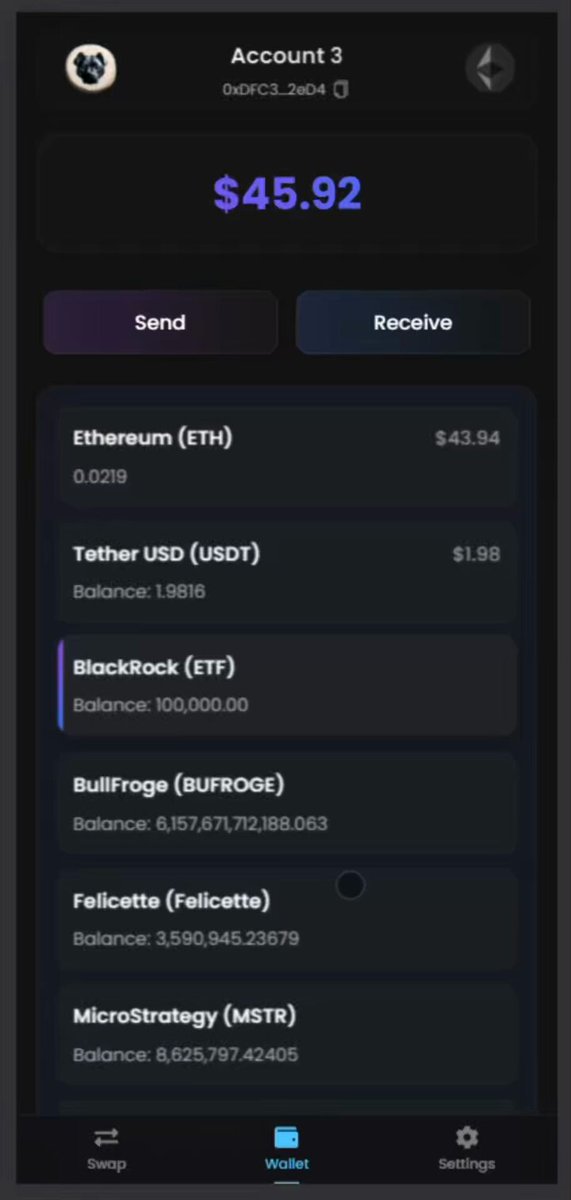
🚀 ANNOUNCING BITDOG WALLET - NOW LIVE! 🚀
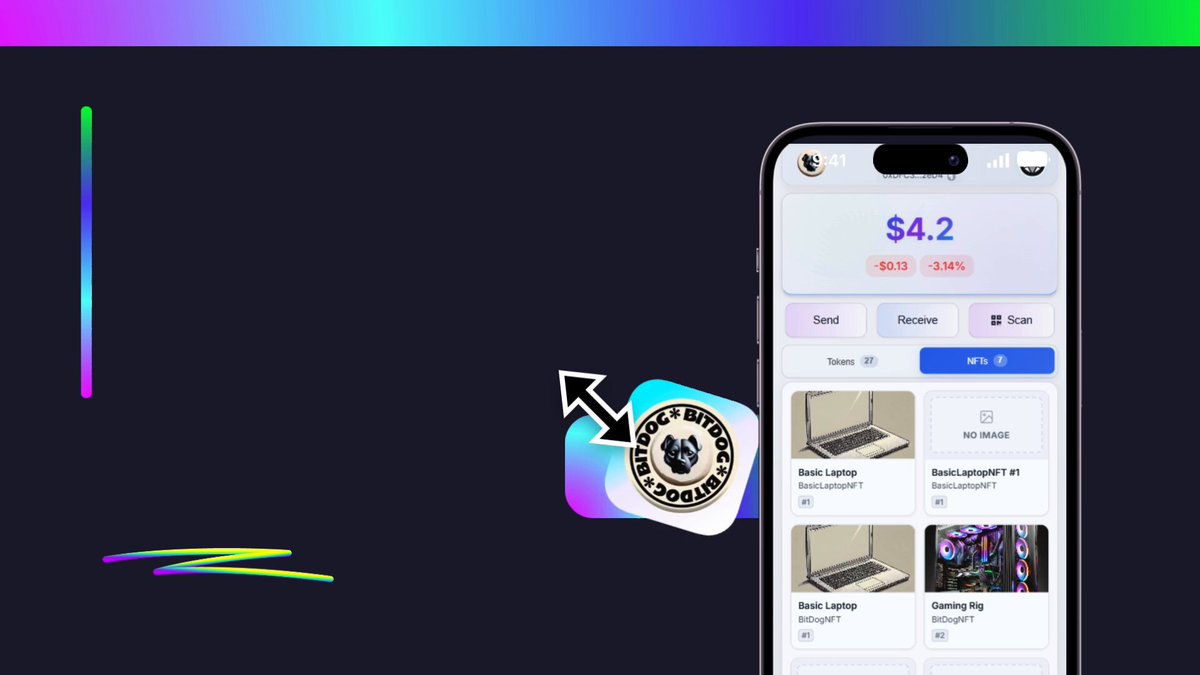
We're thrilled to announce that BitDog Wallet is officially launched and ready for you to explore at bitdogwallet.com!
What is BitDog Wallet?
BitDog Wallet is a secure, user-friendly, non-custodial cryptocurrency wallet designed for both beginners and experienced users. Built with a focus on security, accessibility, and multi-chain support, BitDog Wallet empowers you to manage your digital assets with confidence.
Key Features:
🔐 Fully Non-Custodial - Your keys, your crypto, always. We never have access to your funds or private keys.
⛓️ Multi-Chain Support - Access 13 blockchain networks including Ethereum, BSC, Arbitrum, Avalanche, Base, BitRock, Infinaeon, Taraxa, and more from a single wallet interface, with additional chains coming soon!
🔄 Built-in Token Swapping - Seamlessly exchange tokens across supported chains without leaving the wallet.
🔒 Advanced Security - Secure encryption, optional password protection, and seed phrase verification ensure your assets remain safe.
📱 Progressive Web App - Install as a native-like app on your mobile or desktop devices.
🌐 Internationalized - Available in 15 languages including English, Spanish, French, German, Russian, Chinese, Turkish, Korean, and more.
⚡️ User-Focused Design - Clean interface and intuitive navigation make crypto management accessible to everyone.
How to Install BitDog Wallet as a PWA:
On Android:
1. Visit bitdogwallet.com in Chrome
2. Tap the menu (three dots) in the upper right
3. Select "Add to Home Screen" or "Install App"
4. Follow the prompts to complete installation
On iOS:
1. Visit bitdogwallet.com in Safari
2. Tap the Share button (square with arrow)
3. Scroll down and select "Add to Home Screen"
4. Tap "Add" in the upper right
On Desktop:
1. Visit bitdogwallet.com in Chrome, Edge, or other supported browser
2. Look for the install icon in the address bar (usually on the right side)
3. Click "Install" and follow the prompts
Getting Started:
1. Create a new wallet or import your existing one using a seed phrase
2. Securely save your recovery phrase - this is your only backup!
3. Set up optional password protection for additional security
4. Start exploring the supported chains and managing your assets
Official Links:
- Wallet App: bitdogwallet.com
- Project Website: bit-dog.com
- Telegram: t.me/bitdogbrock
Try BitDog Wallet today and join our growing community!
📢 IMPORTANT: Our website has also been updated! Visit bit-dog.com for more information about our project.
#web3 #cryptowallet #bitrock
12
11
64
4,703
10 Oct 2025
📢 Important Announcement to Our Valued BitDog Community
Dear BitDog Family,
After 1 year and 10 months of dedication, innovation, and unwavering community support, we are announcing a significant milestone in BitDog’s journey.
Our Journey So Far:
Throughout our time on the Bitrock network, we’ve achieved remarkable milestones together:
• Built and delivered multiple utilities that added real value to our ecosystem
• Successfully handled 85% of all transactions on the Bitrock network
• Created an engaging mining game that brought our community together
• Reached over 22 million clicks, 53 million mined tokens, and welcomed 2,000 dedicated players
We are incredibly proud of what we’ve accomplished together, and we thank every single member who believed in our vision.
The Path Forward - Migration to BNB Chain:
Despite our technical achievements, the lack of volume and limited growth opportunities on the Bitrock network has made it clear that we need to evolve. To ensure BitDog’s future success and provide our community with the opportunities you deserve, we have made the strategic decision to migrate our token to the BNB Chain (Binance Smart Chain).
Important Instructions - Please Read Carefully:
🚫 DO NOT buy or sell BitDog tokens at this time
✅ Your tokens are completely safe and secure
⏳ Wait for our official migration announcement with detailed instructions
⛔ BitDog Mining has been permanently discontinued as part of this transition
What Comes Next:
We will provide a comprehensive migration guide with:
• Step-by-step instructions for token swapping
• Timeline and important dates
• New contract address on BNB Chain
• FAQ section addressing all your concerns
This migration represents a new chapter for BitDog - one with greater liquidity, more visibility, and expanded opportunities for growth. We remain committed to building value for our community and delivering on our roadmap.
A Heartfelt Thank You:
To every player who participated in BitDog Mining, to every holder who believed in us, and to every community member who supported us - THANK YOU. Your dedication fuels our commitment to making BitDog a success.
We would also like to extend our sincere gratitude to the Bitrock team for their support and collaboration during our time on their network. We wish them continued success and growth in their future endeavors. The Bitrock chain provided us with a solid foundation to build upon, and we’re grateful for the opportunity.
Stay tuned for further announcements. Together, we’re moving toward a brighter future.
With gratitude,
The BitDog Team
3
165
31 Jul 2025
Big thanks to @BitRockChain for the incredible 10K $BROCK daily buybacks! 🚀 Your support strengthens @BitDog_Brock and the entire ecosystem.
This is just the beginning,we’ll keep building more utilities, innovating, and growing together. 🚀🔥
31 Jul 2025

We will be conducting 10k Brock buybacks daily over the next 10 days for BitDog to support their tap-to-earn mining pool that has been crushing in on-chain activity! 💰📈
@BitDog_Brock is one of our most longstanding on-chain projects with a suite of utilities released since inception, including a native Bitrock wallet and tap-to-earn TG app! 🤝🏻🔥
2
6
30
586
15 Jul 2025
🐶 BitDog Ecosystem is GROWING! 🚀
🔥 Mind-Blowing Stats:
17.3 MILLION transactions through BitDog Mining - that’s 85% of ALL transactions on BitRock Chain! We’re proud to be a major contributor to the network’s growth alongside our amazing partners! 💪
1,200 monthly BitDog Wallet users and growing FAST! People are discovering what we’ve built and they’re not looking back 📱
100 token scans completed through BitDog Sniffer across 12 supported chains - and we’re just getting started! 🔍
🛠️ Our Complete Ecosystem:
🔐 BitDog Wallet - Your gateway to Web3! Multi-chain non-custodial wallet supporting 13 blockchains. Trade, swap, manage NFTs, connect to dApps, and track your portfolio - all with bank-level security.
⛏️ BitDog Mining Tycoon - Earn real $BDOG tokens while having fun! Click to mine, watch ads, complete tasks, and build your mining empire. Over 17 million transactions and counting!
🔍 BitDog Sniffer - Advanced AI-powered token scanner across 12 chains. Get instant insights on any token’s legitimacy, holder distribution, and risk assessment before you invest.
📤 BitDog Multisender - Send tokens to up to 520 addresses in a single transaction! Perfect for airdrops, payments, and mass distributions on BitRock and Taraxa networks.
🌾 Farming Pool - Farm your BDOG tokens and earn passive rewards through our partnership with RockSwap.
🚀 What’s Coming Next:
This is just the beginning! We’re developing even MORE revolutionary tools and utilities that will change how you interact with blockchain. Each release brings us closer to our vision of a complete Web3 ecosystem.
🌟 The Bull Run is Here:
When the market explodes, projects with REAL utility and proven traction will lead the charge. BitDog isn’t just riding the wave - we’re creating it with actual products people use every day!
17 million transactions speak louder than any marketing campaign ever could.
This is just the beginning. BitDog is about to SHINE! ✨
🔗 Experience Our Ecosystem:
• BitDog Wallet: bitdogwallet.com
• Mining Game: t.me/bitdog_mining_bot
• Token Sniffer: t.me/BitDogSniffer_Bot
• Multisender (520 addresses/tx): multisender.bit-dog.com/
• Farming Pool: rock-swap.io/farms
#BitDog #BullRun #Crypto #BDOG #Web3 #Utilities
7
4
24
562
16 Jun 2025
⚠️ Important Notice: Solana Pool Closing Soon! 🚨
Action Required for Solana BDOG Holders
We’re closing the BDOG pool on Solana due to our bridge provider (Rockport) becoming unavailable in 10 days.
🔄 What You Need to Do:
If You Hold BDOG on Solana:
- Bridge your tokens back to BitRock chain immediately
- Use the existing Rockport bridge before it closes
- You have 10 days to complete this process
Need Help?
- Send us a message if you need assistance with bridging
- Our team will guide you through the process
- Don’t wait - act now to avoid being stuck
Why This Happened:
Rockport bridge service is discontinuing operations, making it impossible to maintain the Solana connection. We prioritize your asset security over maintaining unsupported bridges.
⏰ Timeline:
- Now - 10 days: Bridge back to BitRock
- After 10 days: Solana bridge will be permanently unavailable
Don’t lose access to your BDOG tokens! Bridge back to BitRock today or contact us for help.
1
13
309
13 Jun 2025
🖼️ BitDog Wallet Now Supports NFTs! 🎨
We’re excited to announce that BitDog Wallet has added full NFT support across all supported chains!
🚀 New NFT Features:
Complete NFT Management
- 👀 View all your NFT holdings in one place
- 📊 Check detailed NFT metadata and properties
- 🔄 Transfer NFTs seamlessly between wallets
- 🌐 Multi-chain NFT support across our entire network
User-Friendly Experience
- Clean, gallery-style NFT display
- Quick access to collection details
- Easy transfer functionality
- Real-time NFT balance updates
Why This Matters:
BitDog Wallet continues to evolve as your complete Web3 companion. Now you can manage tokens, trade, connect to dApps, AND handle your NFT collection - all in one secure, non-custodial wallet.
Whether you’re an NFT collector, trader, or creator, BitDog Wallet provides the tools you need to manage your digital assets with confidence.
Try it now:
- bitdogwallet.com
- t.me/BitDogWallet_bot?starta…
#BitDogWallet #NFTs #Web3 #Crypto
3
4
30
320
1 Jun 2025
Exactly, do not miss this gem! 🐶🚀
1 Jun 2025

One of the biggest gem on the @BitRockChain
Keeps building just like the Bitrock team
If you don't hold $BDOG on $BROCK yet you missing hard on a big gem!
1
6
31
374
1 Jun 2025
🚀 BitDog Sniffer MASSIVE Evolution!
🔥 GAME-CHANGER Alert!
From simple Bitrock scanner to THE MOST ADVANCED multi-chain AI-powered token analyzer in crypto!
🌐 12 CHAINS SUPPORTED
Ethereum • Polygon • Arbitrum • Base • UniChain • zkSync • Fantom • Optimism • Cronos • PulseChain Bitrock • Taraxa more coming!
🤖 REVOLUTIONARY AI REASONER
🧠 Advanced AI Reasoning Engine - Not just data, but INTELLIGENT analysis
🤔 Deep Thinking Mode - AI analyzes complex patterns & correlations
📊 Advanced Technical Indicators (RSI, MACD, Bollinger Bands, Ichimoku)
🔐 Smart Contract Security Audits with contextual reasoning
💰 AI Trading Strategies with precise entry/exit logic
📈 4-Hour OHLCV Deep Analysis (up to 150 days of market psychology)
⚖️ Balanced Risk Assessment - AI understands context, not just fear-mongering
🎁 LAUNCH SPECIAL: FREE for 2 WEEKS!
Then becomes premium feature - Don't miss out!
⚡️ INSANE New Features
🚀 Lightning-Fast Parallel Scanning across all chains
💧 Deep LP Security Analysis (Burned/Locked/Unknown contracts)
🐋 Advanced Holder Distribution with contract type detection
📊 Real-Time Market Data with comprehensive metrics
🔗 Seamless Trading Integration via BitDog Wallet
📈 Chart Platform Integration (DexScreener, DexTools, etc.)
🧠 AI That Actually THINKS
Unlike basic scanners that just dump data, BitDog AI:
✨ Reasons through complex scenarios
🎯 Provides specific investment strategies
🔍 Explains WHY behind every recommendation
📚 Considers market context & token fundamentals
🎲 Calculates probability-based scenarios
🎯 How It Works
1️⃣ Drop ANY contract address
2️⃣ Get INSTANT multi-chain results
3️⃣ Click "🤖 AI Analysis" for DEEP REASONING
💪 Why BitDog Sniffer Dominates
✅ Most comprehensive token scanner available
✅ AI reasoner vs basic pattern matching
✅ True multi-chain - no switching between bots
✅ Professional-grade analysis typically costs $$$
✅ Built by traders, for traders
🚀 START SCANNING: t.me/BitDogSniffer_Bot
Example: Just paste 0x1234... and watch the AI think! 🧠✨
━━━━━━━━━━━━━━━━━━━━
This is THE tool every serious trader needs! 💎
Developed by @Bern_Bdog | Powered by Advanced AI Reasoning
7
8
44
2,832
BitDog retweeted

19 May 2025
After recently releasing their wallet, @BitDog_Brock have just completed their wallet audit by @ctdsec and passed it with flying colors! 🤝🏻
We appreciate and fully support BitDog's efforts in bringing more utility on Bitrock, and the wallet has been added on our Explorer dApps page! 💪🏻🔥
19 May 2025

🔐 BitDog Wallet Successfully Passes Security Audit! 🛡
We're thrilled to announce that BitDog Wallet has successfully completed a comprehensive security audit by @Ctdsec!
What This Means For You:
✅ Third-party verification of our security standards
✅ Confirmation of safe fund management
✅ Validation of our development practices
✅ Peace of mind for all wallet users
Security has always been our top priority at BitDog Wallet. This successful audit reinforces our commitment to providing a trustworthy platform for managing your digital assets across multiple chains.
The full audit report PDF is available for review - complete transparency is essential in blockchain projects, and we encourage all users to examine the findings.
Thank you to our community for your continued support as we build a secure, feature-rich multi-chain wallet solution!
BitDog Wallet: Security you can verify, privacy you can trust! 🔒
Audit Report:
bit-dog.com/Cybersecurity_Au…
3
27
88
2,982
19 May 2025
🔐 BitDog Wallet Successfully Passes Security Audit! 🛡
We're thrilled to announce that BitDog Wallet has successfully completed a comprehensive security audit by @Ctdsec!
What This Means For You:
✅ Third-party verification of our security standards
✅ Confirmation of safe fund management
✅ Validation of our development practices
✅ Peace of mind for all wallet users
Security has always been our top priority at BitDog Wallet. This successful audit reinforces our commitment to providing a trustworthy platform for managing your digital assets across multiple chains.
The full audit report PDF is available for review - complete transparency is essential in blockchain projects, and we encourage all users to examine the findings.
Thank you to our community for your continued support as we build a secure, feature-rich multi-chain wallet solution!
BitDog Wallet: Security you can verify, privacy you can trust! 🔒
Audit Report:
bit-dog.com/Cybersecurity_Au…
7
15
49
4,370
BitDog retweeted

16 May 2025
Couple of tips:
- Fees are really low for bridging over but make sure you have some $ETH for fees
- Bridging time is approx. 10-15 minutes
- ProtoUSD Bridge supports 10 more networks besides Base for bridging to Taraxa
- You can ''top-up'' your wallet via CEX, no need for direct onramp - process is much easier with onramp
- You can use any other wallet such as @Rabby_io , @BitDog_Brock , @BitgetWallet etc.
- $TARA is also available on many CEX that you can check here: taraxa.land
5
24
356

10 May 2025
🚀 BitDog Wallet Now on Telegram! 📱
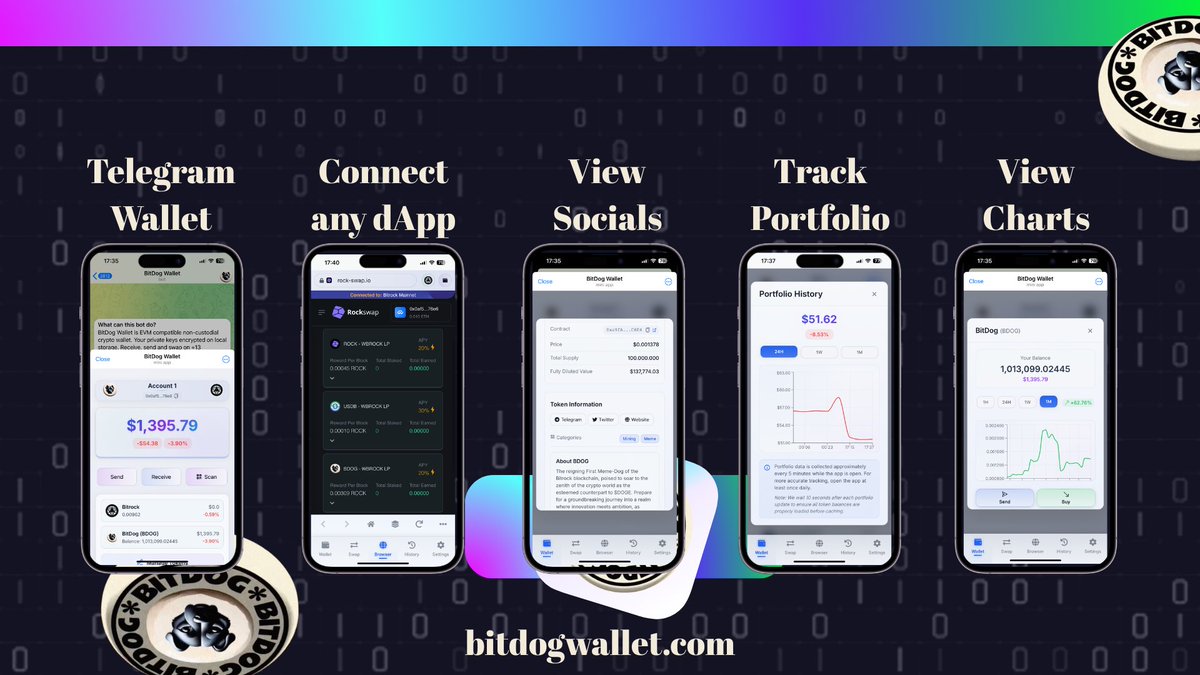
Trade crypto without leaving your chats! BitDog Wallet is now available as a Telegram Mini App with all the power of our full wallet.
Telegram Integration:
- Access your full wallet directly in Telegram
- Trade tokens seamlessly while chatting
- No more app switching - everything in one place!
🔥 NEW: In-App Browser
- Connect to your favorite dApps directly within Telegram
- Interact with DeFi protocols seamlessly
- Easy connection guide (tap 3 dots → "How to Connect")
- Full Web3 functionality without leaving the app
Powerful Token Analytics:
- 📊 Detailed insights (price, marketcap, 24h% change)
- 👥 View socials, description, and holder counts
- 📈 Track with 1h, 1d, 1w, 1m charts
- 💰 Monitor portfolio history with our new tracker
Try it now: t.me/BitDogWallet_Bot
All these features are available on web too: bitdogwallet.com
#BitDogWallet #TelegramApp #Crypto
3
11
37
11,235
3 May 2025
🚀 Excited to announce that BitDog Wallet is now featured on taraxa.land project showcase!
taraxa.land/project/86
As the first wallet to fully integrate with Taraxa Mainnet, BitDog Wallet offers:
• Send & Receive TARA tokens
• Swap functionality
• Automatic token detection with logos, charts, supply & marketcap data
• WalletConnect support for seamless dApp interactions
Experience the most comprehensive Taraxa wallet available: bitdogwallet.com/chain/tarax…
#Taraxa #BitDogWallet #Web3 #Blockchain
11
16
72
1,480
3 May 2025
Thrilled to see the community's excitement about our Taraxa Mainnet integration! 🚀
BitDog Wallet is proud to be pioneering this integration, bringing the full power of Taraxa's ecosystem directly to users' fingertips. This is just the beginning of our mission to build the most comprehensive multi-chain wallet experience.
$TARA holders, we'd love your feedback as you explore the wallet.
#TaraxaMainnet #BitDogWallet #Web3 #Taraxa
This tweet is unavailable
10
10
51
920
2 May 2025
Next step 100M together 🐶
2 May 2025
On-chain transactions are flying in, now hitting 9 million along with @BitDog_Brock's tap-to-Earn miniapp gaining more and more traction! We continue to enjoy 100% up time since launch and will continue to do so as we make our way to the 10 million transaction mark! 💪🏻🔥
2
7
38
505
BitDog retweeted
30 Apr 2025
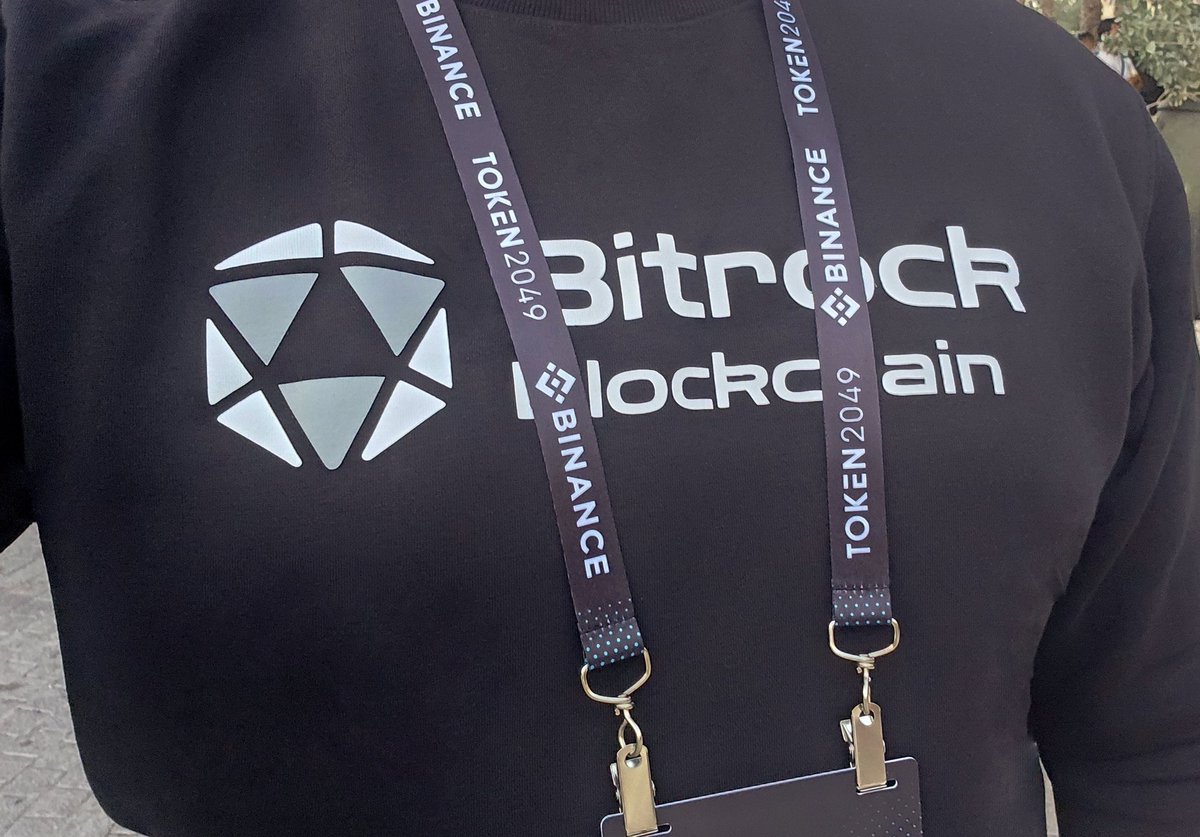
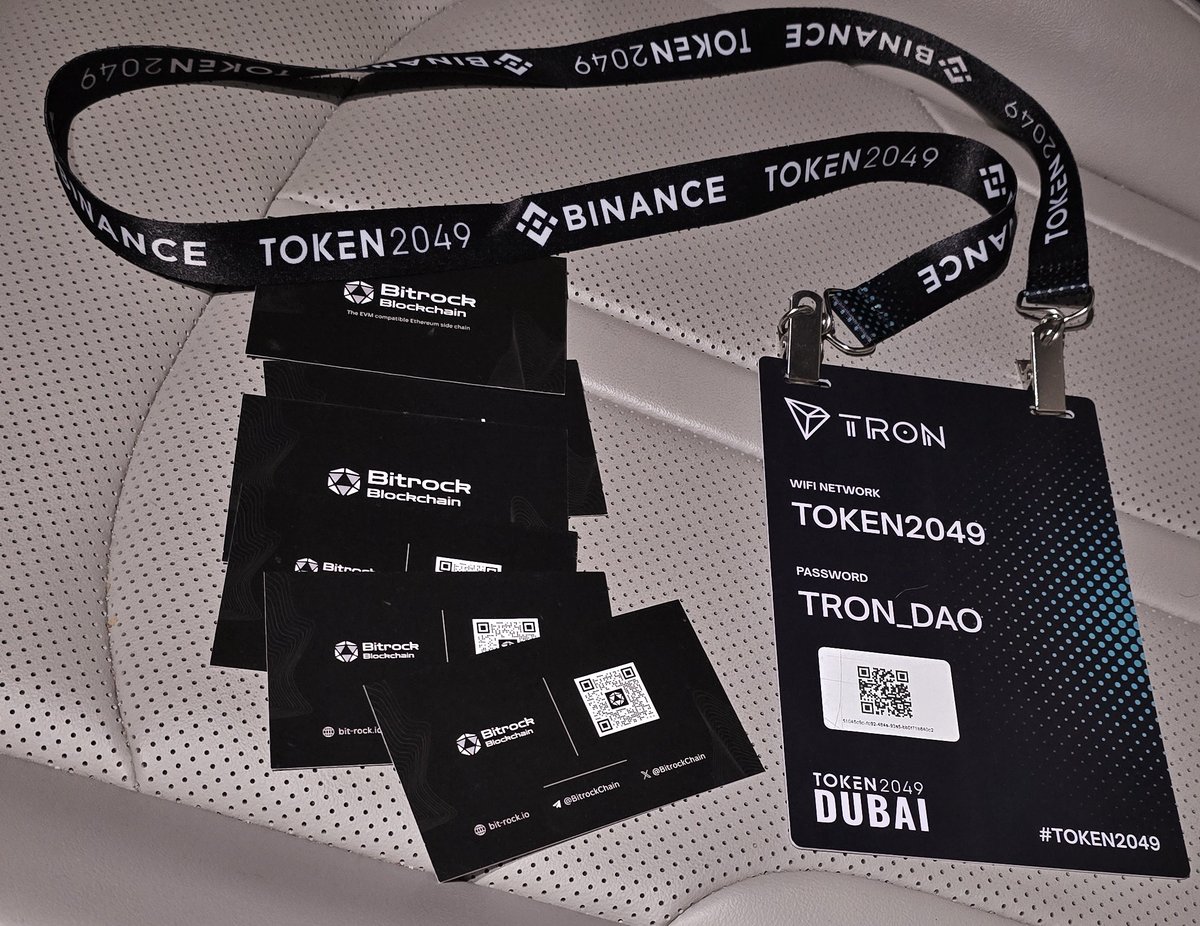
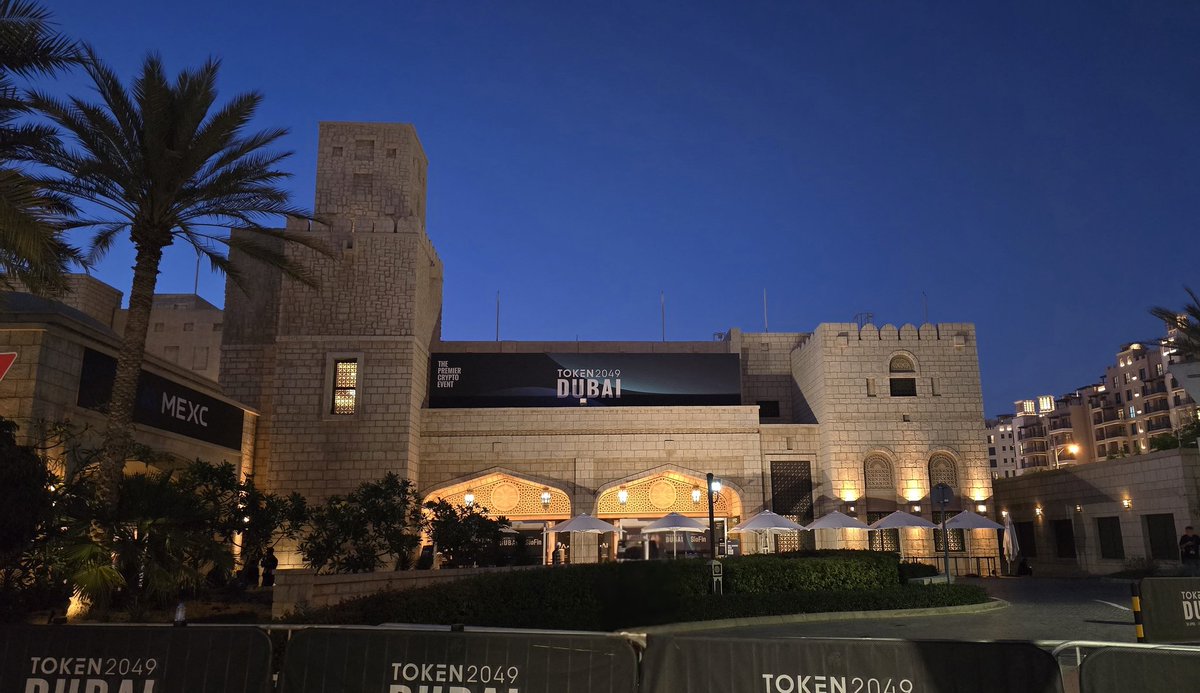
Token2049 Day 1 - Braving the heat! 😎
Meaningful conversations, meeting new people, and feeling at home amongst other crypto space enthusiasts! 🤝
#Token2049 #Token2049Dubai
12
35
131
4,836
BitDog retweeted

29 Apr 2025
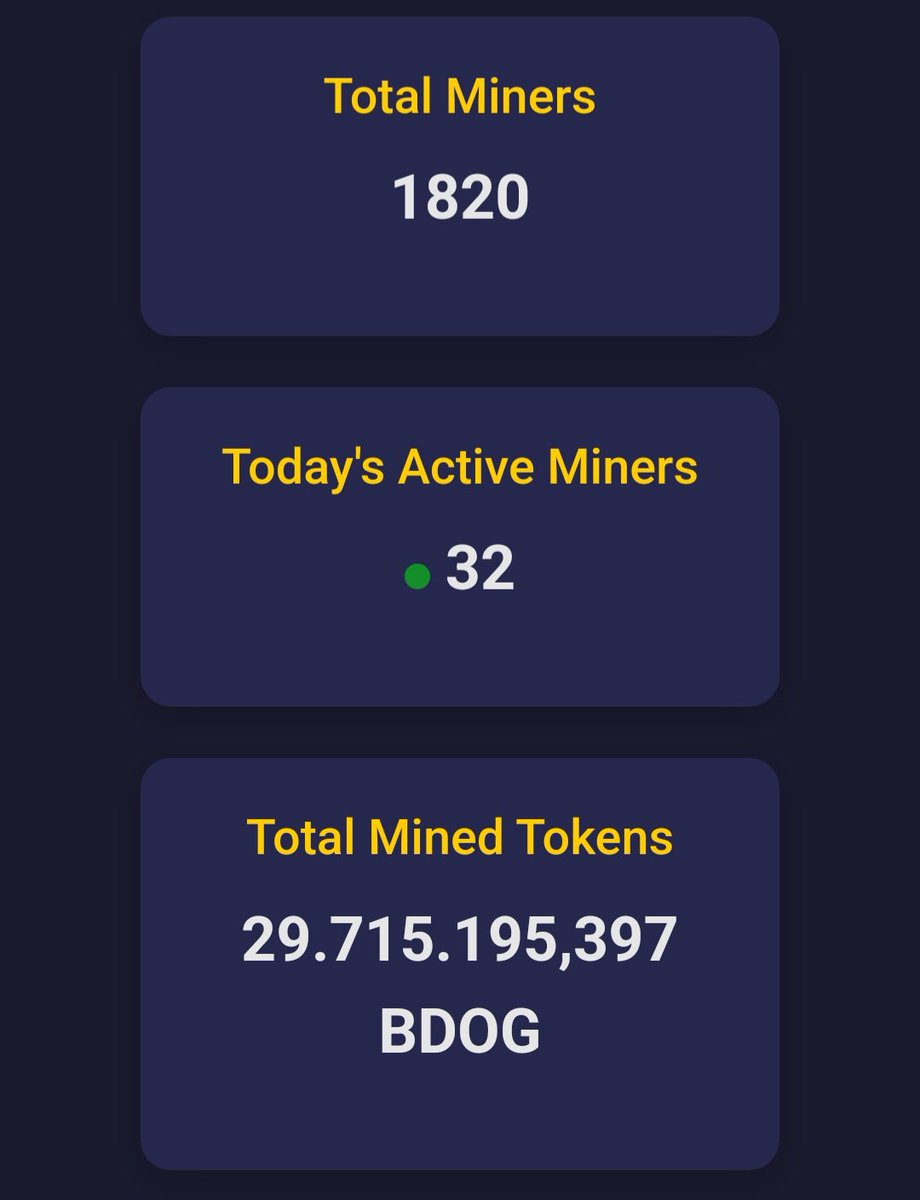
Are you already mining for free on $BDOG's Tap to earn game?
I already earned above $500 and it's free to do!
Checkout this great stream of passive income in crypto by a simple Telegram bot @BitDog_Brock
Massive gem on the $BROCK ecosystem
#TapToEarn #earn #btc #eth #sol
4
11
40
981