
Joined May 2012
- Tweets 1,029
- Following 445
- Followers 299
- Likes 6,114
88 Photos and videos



Pinned Tweet

I stopped waiting for apps to be “perfect”
and started shipping when they were useful.
What that looks like right now 👇
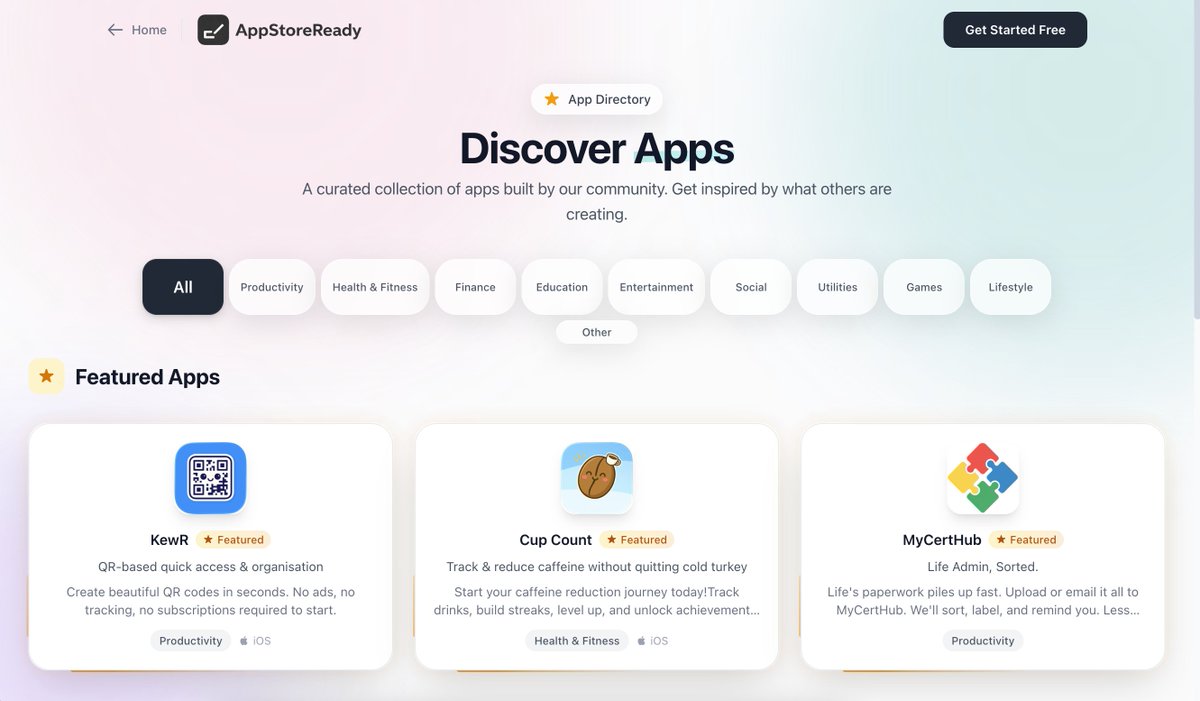
• MyCertHub
Web live → iOS app in review
Life admin, sorted.
👉 mycerthub.io
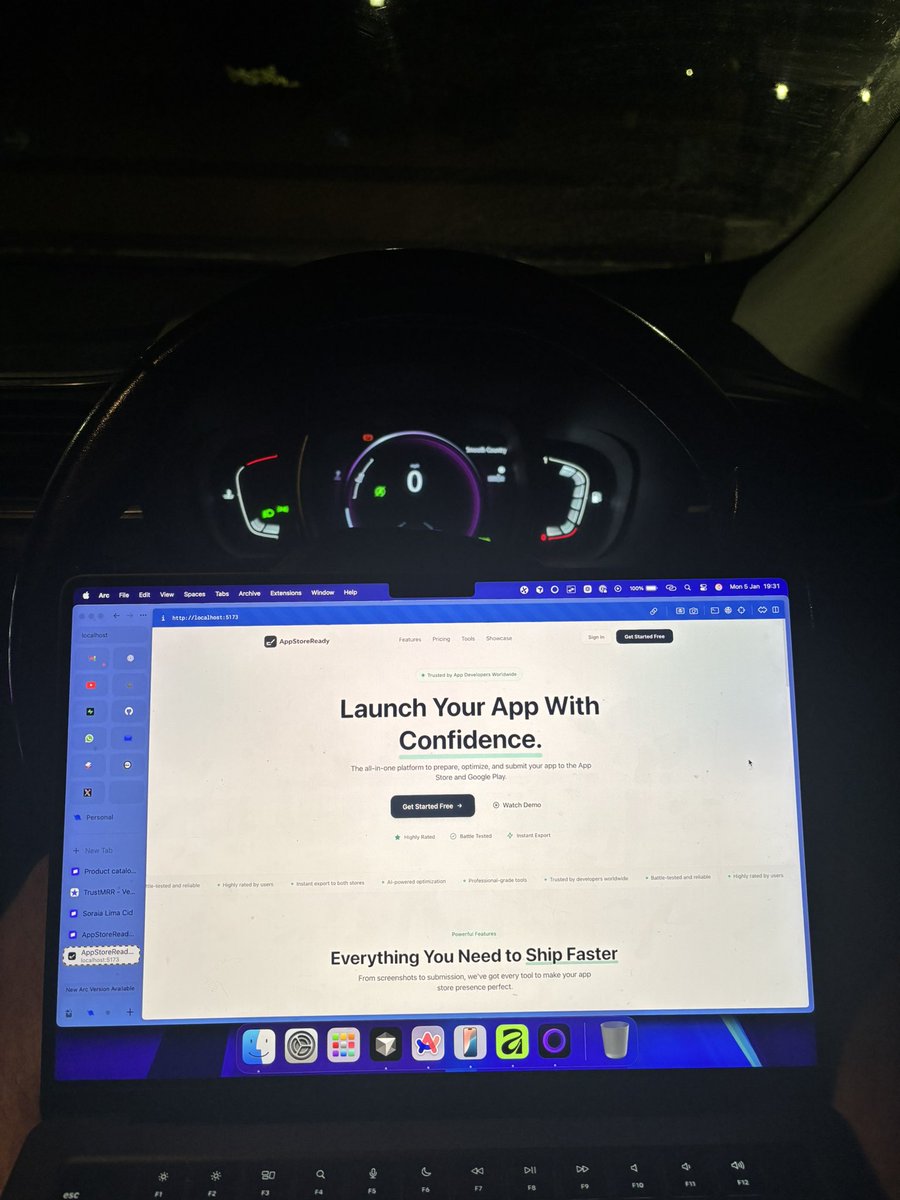
• AppStoreReady
Live and shipping
Turns App Store prep from weeks into minutes
👉 appstoreready.dev
• KewR
Live on the App Store
QR-based quick access & organisation
👉 apps.apple.com/gb/app/kewr/i…
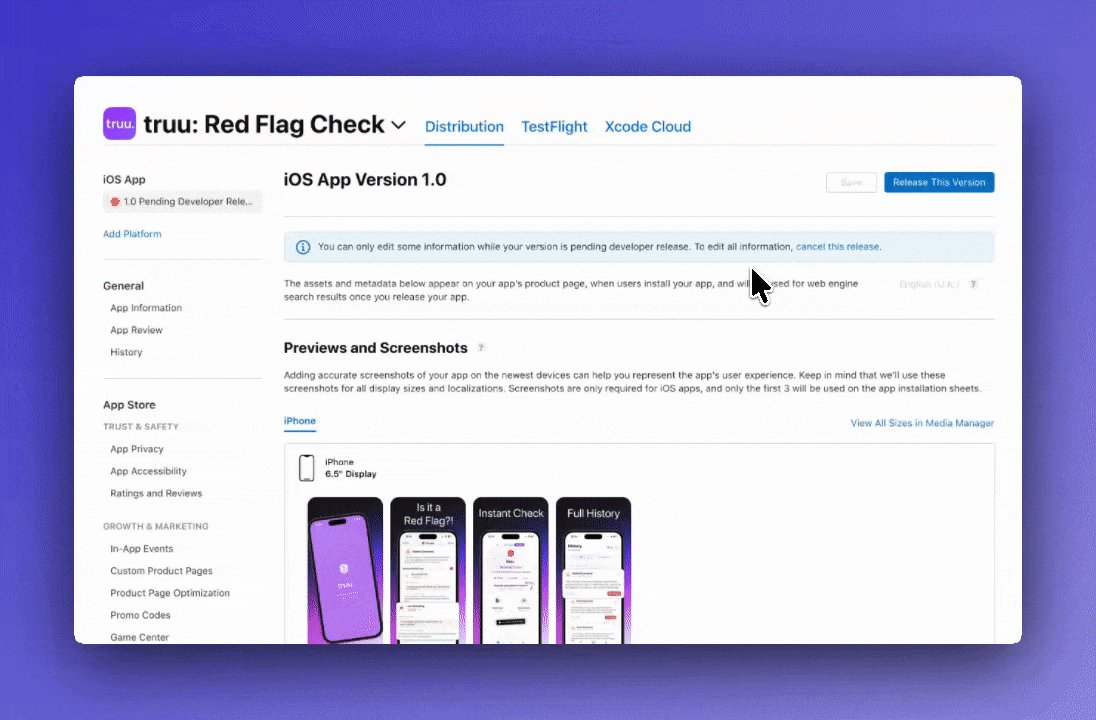
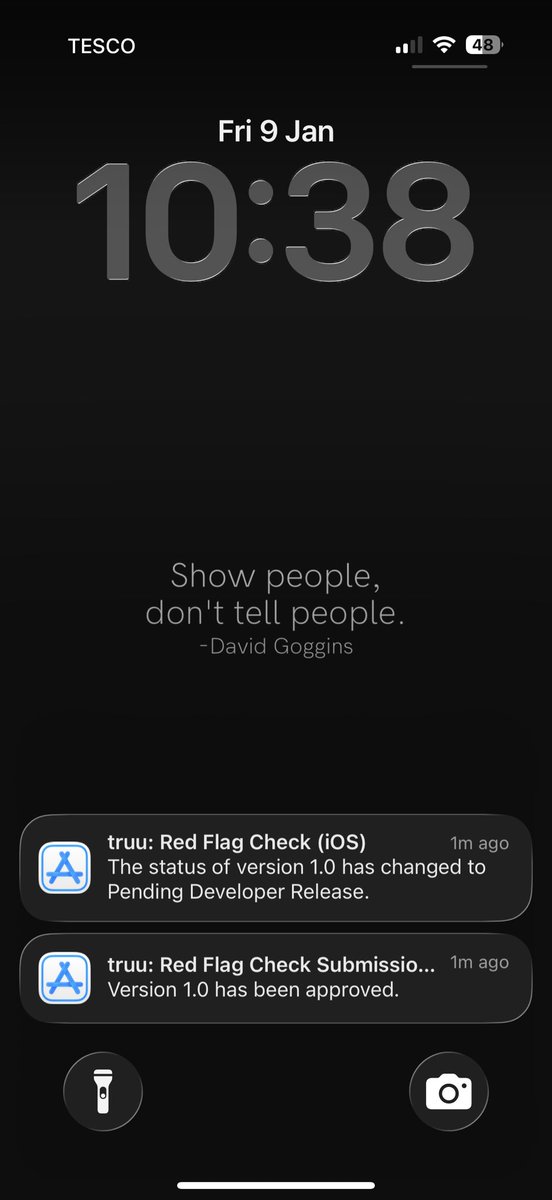
• truu: Red Flag Check
iOS in review
Fast, honest red-flag detection (no fluff)
👉 itstruu.io
• Cup Count
Live on the App Store
Track & reduce caffeine without quitting cold turkey
👉 apps.apple.com/us/app/cup-co…
• Wavely
Live on the App Store
Water, wellness & calm progress - no pressure
👉 apps.apple.com/gb/app/wavely…
• HushPic
Live on the App Store
Hide messages inside images. Private means private.
👉 apps.apple.com/us/app/hushpi…
No big launch.
No permission.
Just shipping, learning, and iterating in public.
If it solves a real problem → it’s ready. 🫡
1
1
17
557
Your career is now fully in your hands.
career.mycerthub.io
1
27
Released the Hockey app and within the last 3 hours, I've had 280 app downloads and 35 subscriptions. Keep going!
2
23
Friday evening I thought of an app that would benefit a niche. Started working on it, shared screenshots on Saturday night. Now I have 110 people on the waitlist, a company wanting to pay to partner with me and a 17k podcast wanting to shout about it!
Crazy how things go!
1
4
64
You can check it out here ->
apps.apple.com/us/app/truu-r…
3
46
GM - today is a good day.
What are you all shipping?
1
4
48
Some common App Store rejection reasons -
• Screenshots don't match actual app interface
• No Terms of Service on paywall
• Not offering Apple Sign in when you use another 3rd party OAuth
• Content on screen too cramped together
2
3
48
Find lots of other common reasons and remove all the admin work by letting us handle it for you.
AppStoreReady
1
33
And my personal favourite, Apple testing on iPad when you have set it to only iPhone in the config. I like to put a note in the login credential section when I submit saying not to use iPad. This will save you so much time.
1
17
Anyone upgraded their Macs to Tahoe 26.2 yet?
Just done mine, quite like it to be fair
1
48
And now about to drop another game changer for Vibe coders/indie devs.

Shipped an update today that changes how I ship releases.
I was tired of copy-pasting App Store content every time, so I automated that part of my workflow.
Now it’s write once → one click → live.
Not a growth play.
Just removing friction and sharing the process.
1
35
GM.
Momentum isn’t loud.
It’s just showing up again.
What are you building today?
2
2
26
Shipped an update today that changes how I ship releases.
I was tired of copy-pasting App Store content every time, so I automated that part of my workflow.
Now it’s write once → one click → live.
Not a growth play.
Just removing friction and sharing the process.
5
6
99
It’s one of those changes that doesn’t look flashy,
but it makes shipping feel a lot lighter.
1
18
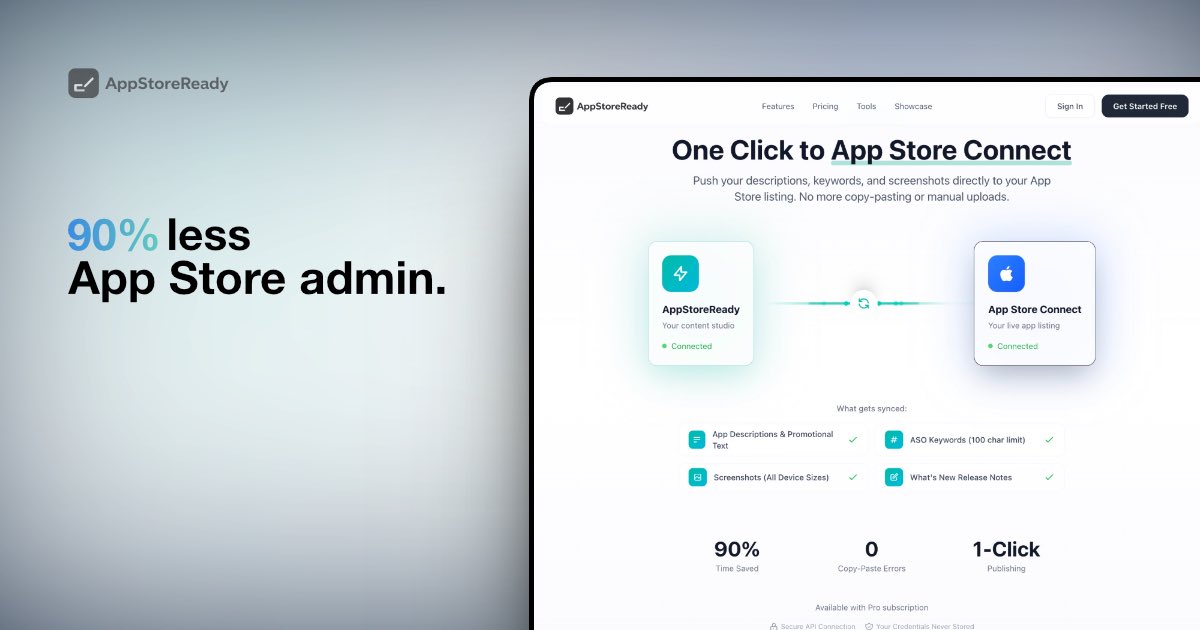
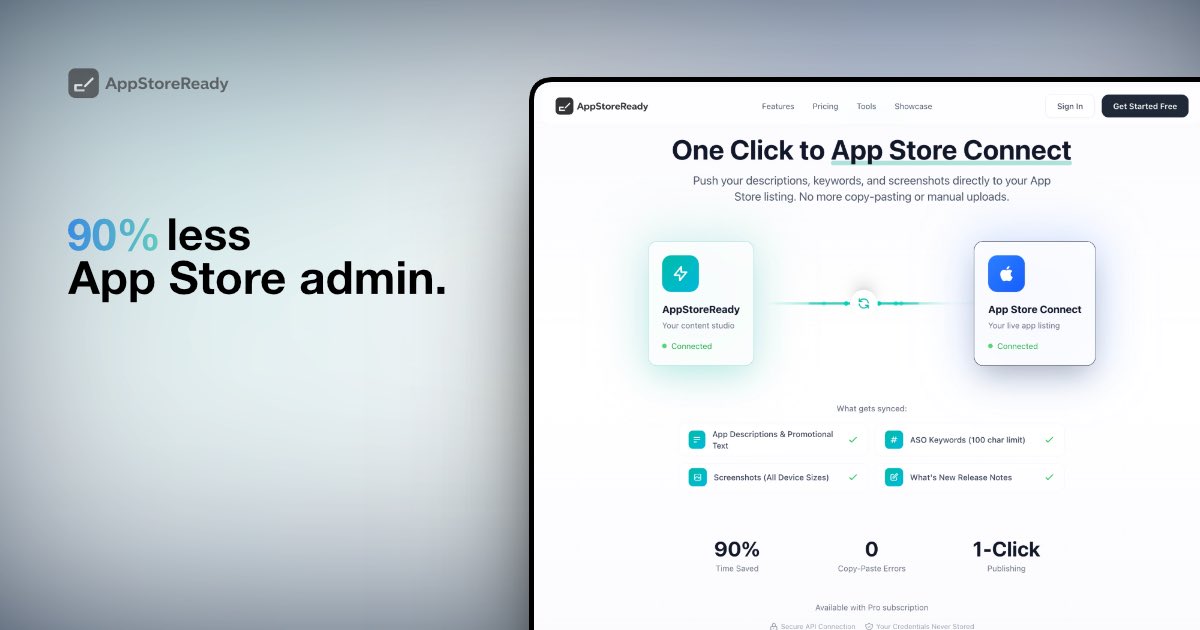
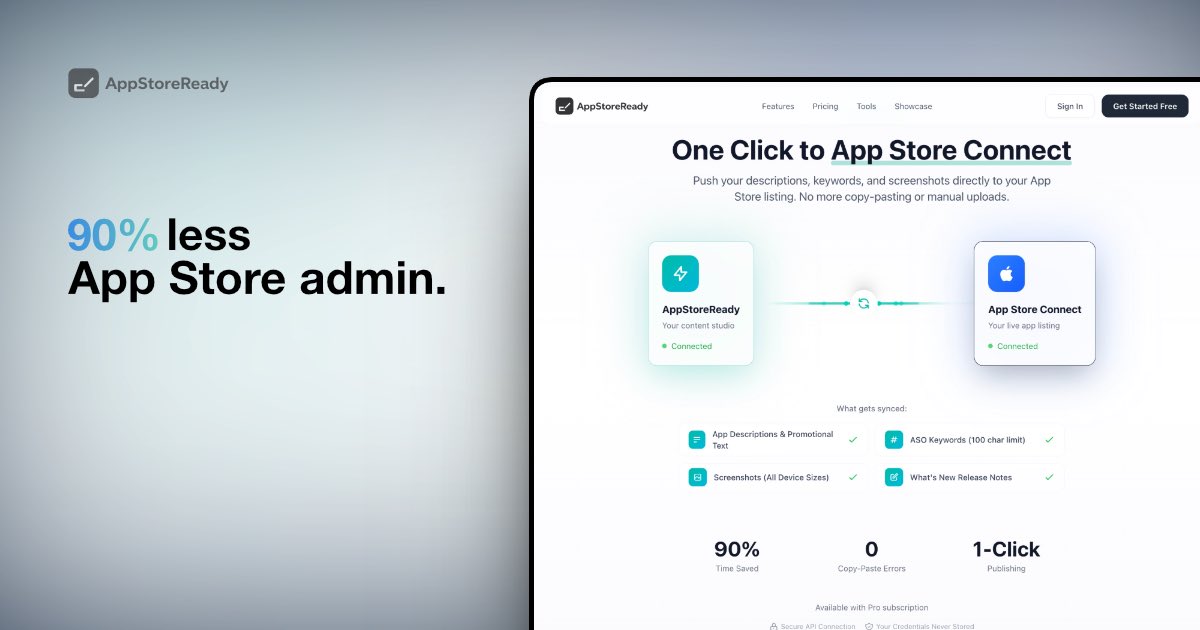
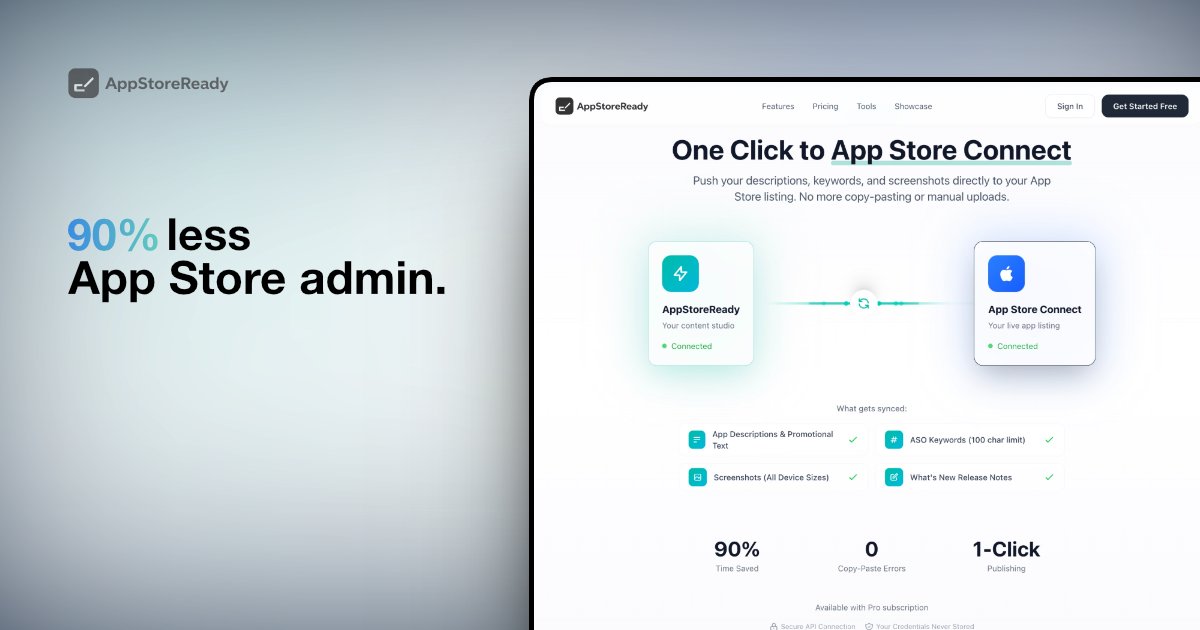
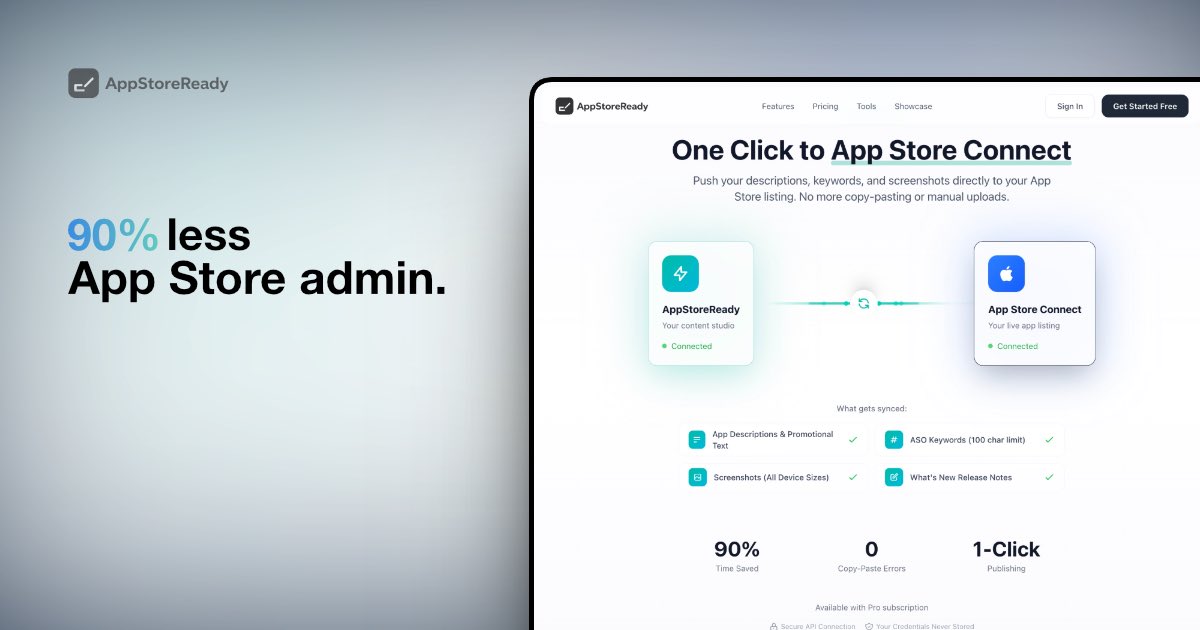
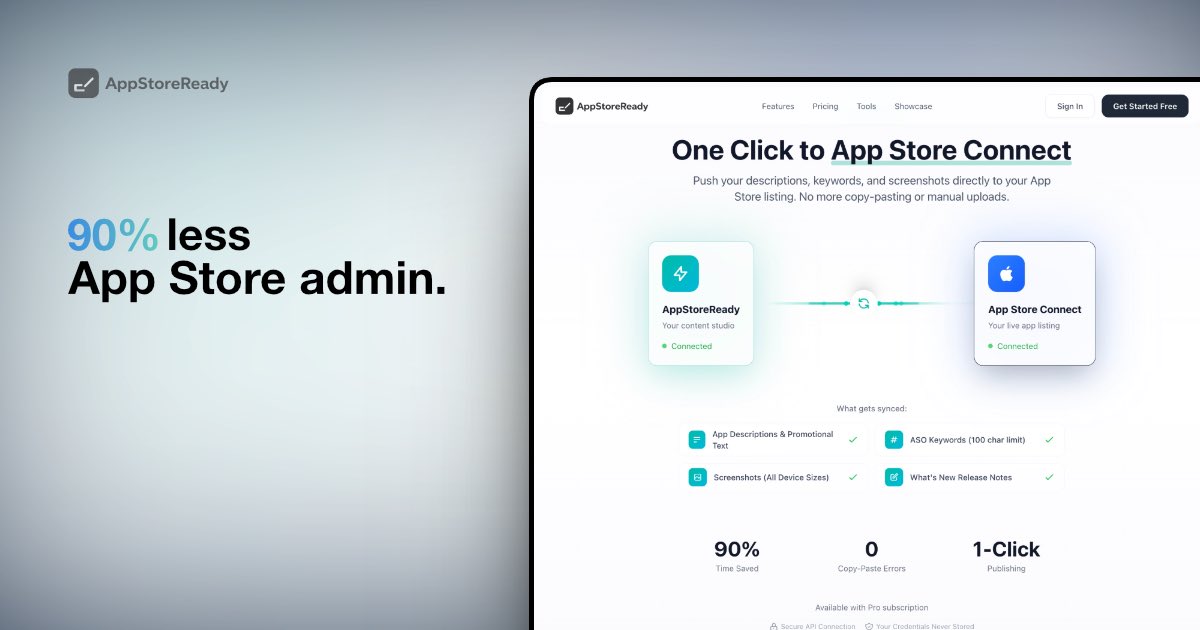
Shipped this today.
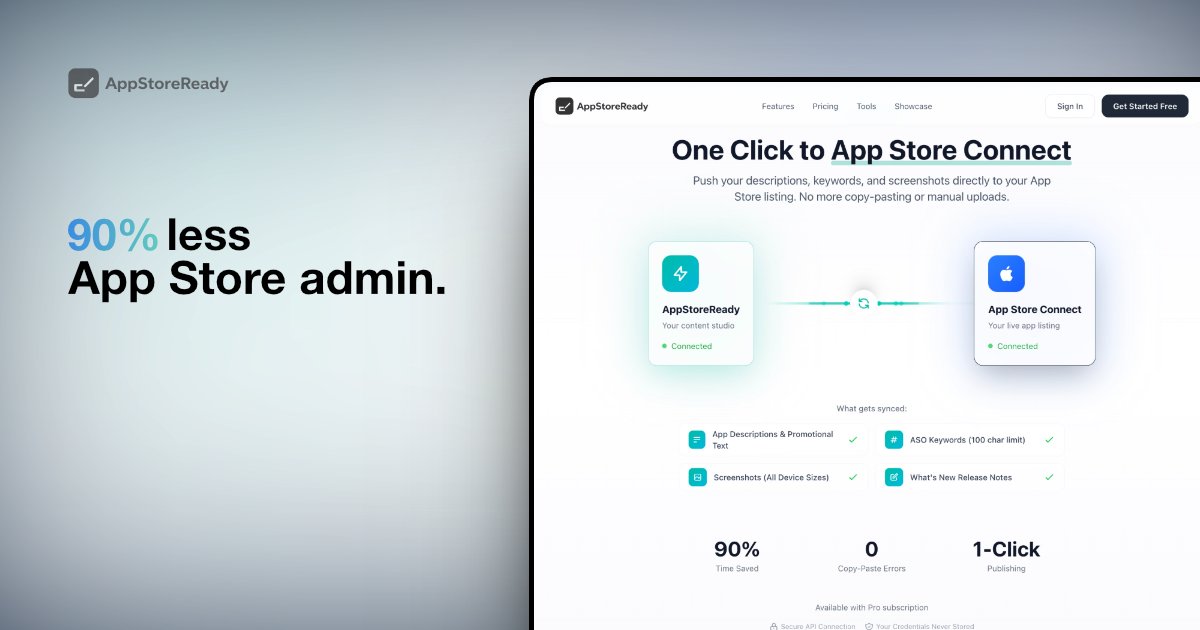
One-click sync to App Store Connect.
Descriptions, screenshots, keywords, release notes - pushed live.
90% less App Store admin.
Back to building.
1
14
This started as me being tired of copy-pasting the same stuff every release.
Now it’s write once → one click → live.
Small feature, big quality-of-life win.
6
Stop fighting the App Store Connect UI.
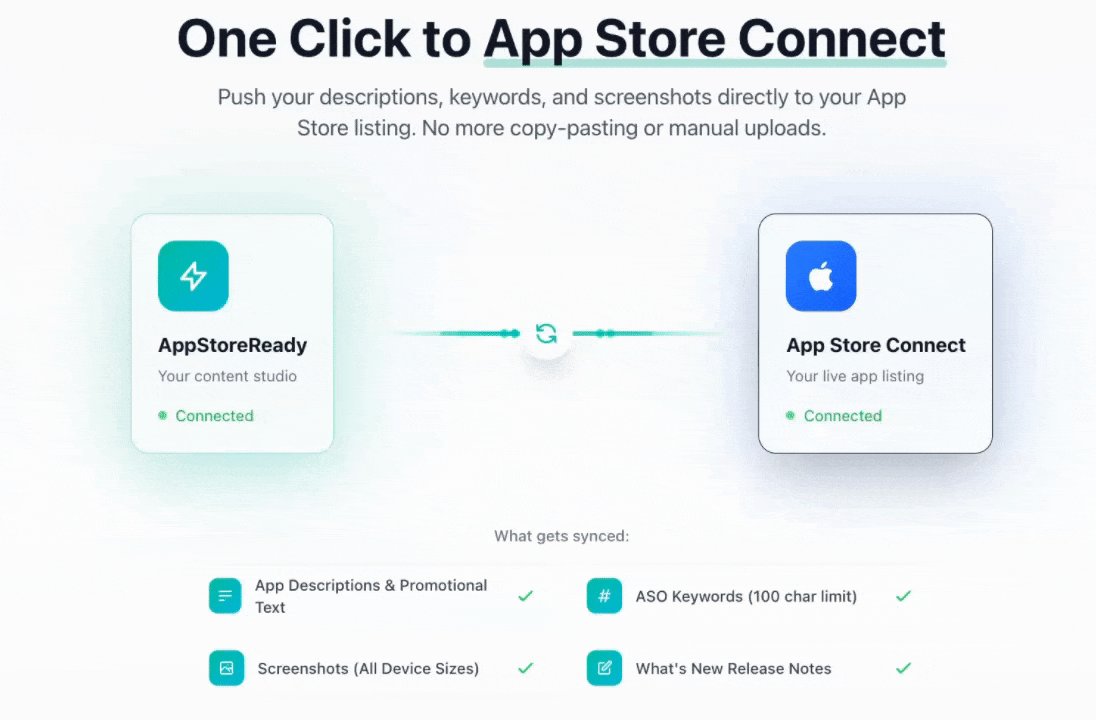
I just shipped the most requested feature for AppStoreReady: Direct Sync. ⚡️
One click now pushes your: ✅ Descriptions & Keywords ✅ Screenshots (All sizes) ✅ Release Notes
No more manual uploads. No more copy-pasting. Just ship.
The bridge between your "Content Studio" and the App Store is officially open.
2
25
Wait… maybe I’m too old for this, but is cooked good or bad?
1
1
29
The App Store Connect UI is where productivity goes to die. 💀
I’ve been heads-down building a "bridge" to fix the worst part of the shipping process.
Going live in 60 minutes.
If you hate copy-pasting metadata and screenshots, keep your eyes peeled 👀
39