
Virtual Assistant in training | Learning digital skills & tools | Documenting my journey from beginner to pro | Open to opportunities soon
Joined June 2020
- Tweets 2,230
- Following 542
- Followers 41
- Likes 4,124
70 Photos and videos







Pinned Tweet

Jun 8
I’m starting my journey as a Virtual Assistant 🚀. Learning from Aqskill.org
And I’ll be documenting everything I learn here.
#Digital skills
#Virtual Assistant
41
2
146
Jun 8
I’m starting my journey as a Virtual Assistant 🚀. Learning from Aqskill.org
And I’ll be documenting everything I learn here.
#Digital skills
#Virtual Assistant
41
2
146
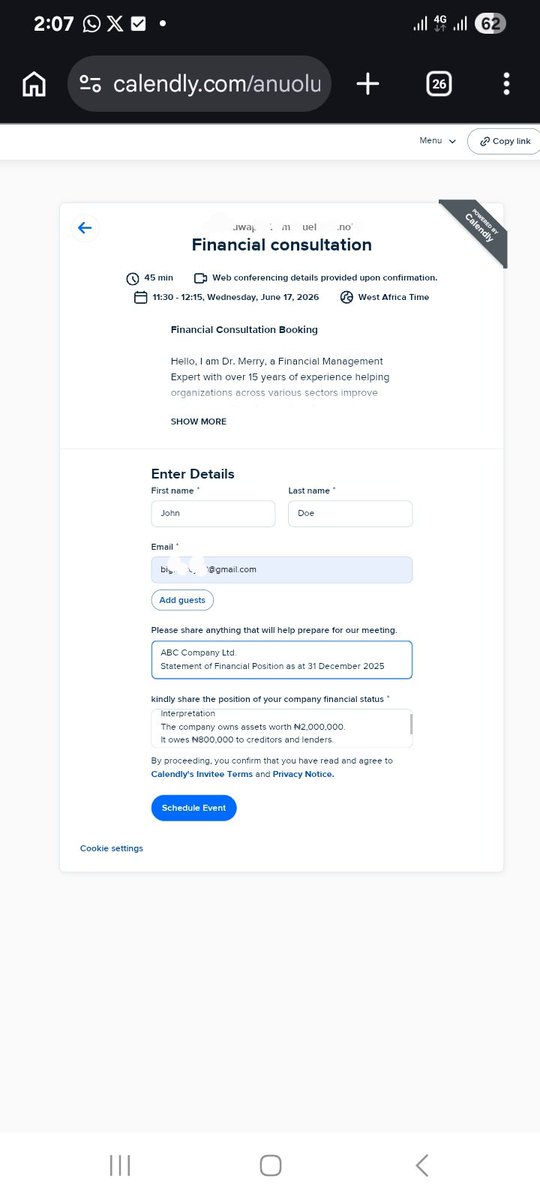
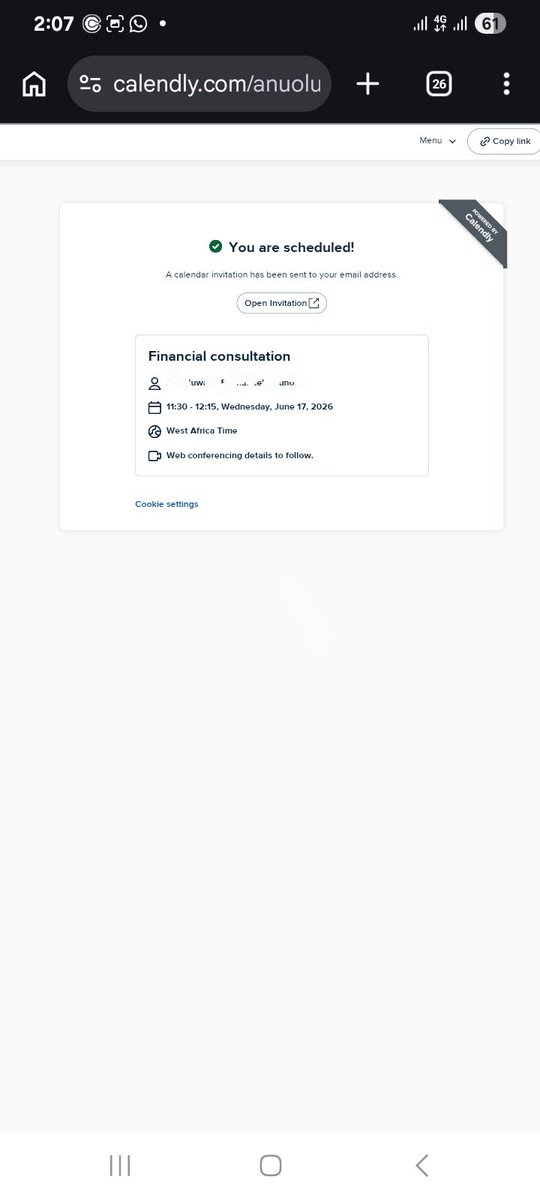
To test my understanding, I booked an appointment using the scheduling link I created, and it worked perfectly.
Practice makes perfect. I'm gradually improving every day. 👌
See you in the next lesson
#Digitalskill
#MyVAjourney
#VirtualAssistant
4
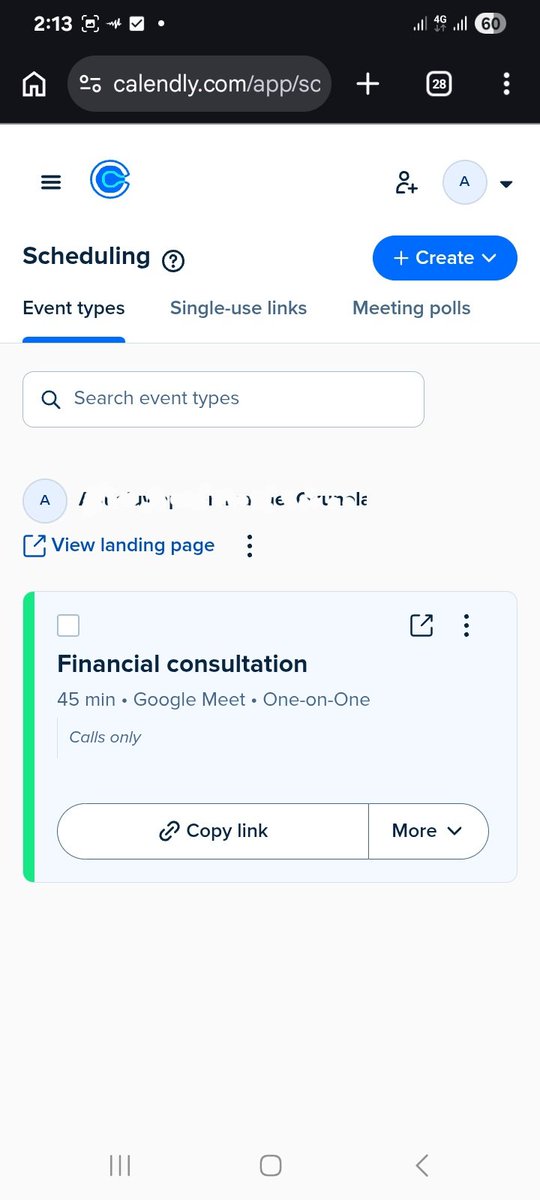
Used Calendly to schedule and coordinate client appointments for a financial consultant.
To allow people to book an appointment, you simply need to share the booking link with them.
4
I didn't rest over the weekend.
I also learned how to use Calendly to schedule appointments for clients. The website was giving me some issues, but once I switched to the mobile app, I was able to successfully implement everything I learned.
6
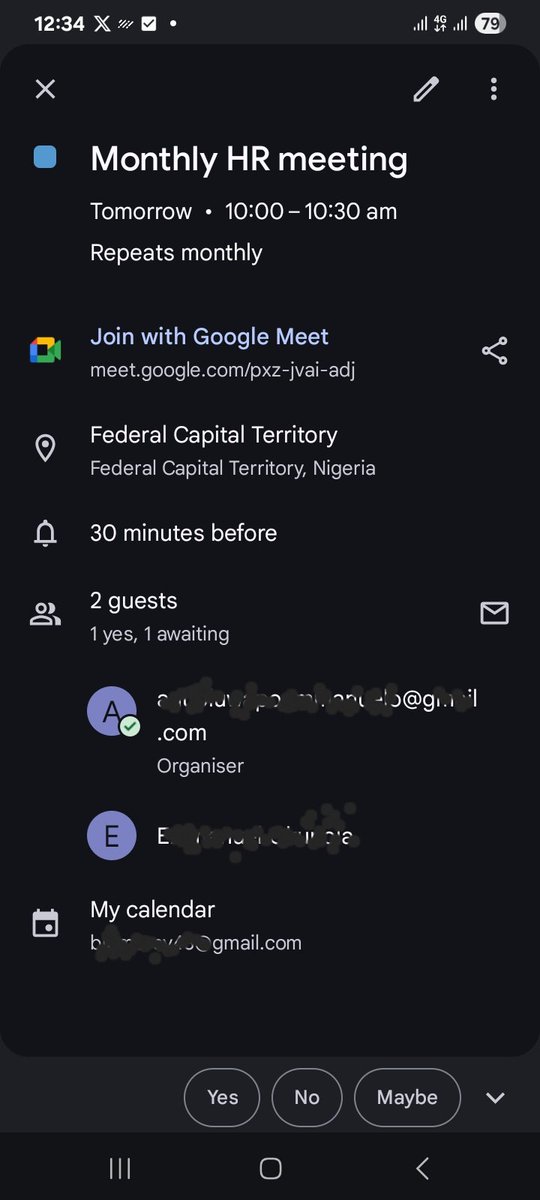
Here is a picture of a scheduled meeting.
You can create meetings for recurring tasks, events, appointments, and more. Be sure to include important details such as the date, time, location (online or physical), and any other relevant information.
6
lack of response. The VA should also keep the client informed about the progress, including who has confirmed attendance, who has declined, and who is yet to respond.
7
requests on the client's behalf.
Additionally, a Virtual Assistant is responsible for following up on meeting invitations to confirm attendance. If some invitees have not responded, the VA can send follow-up messages to check their availability or understand the reason for the
10
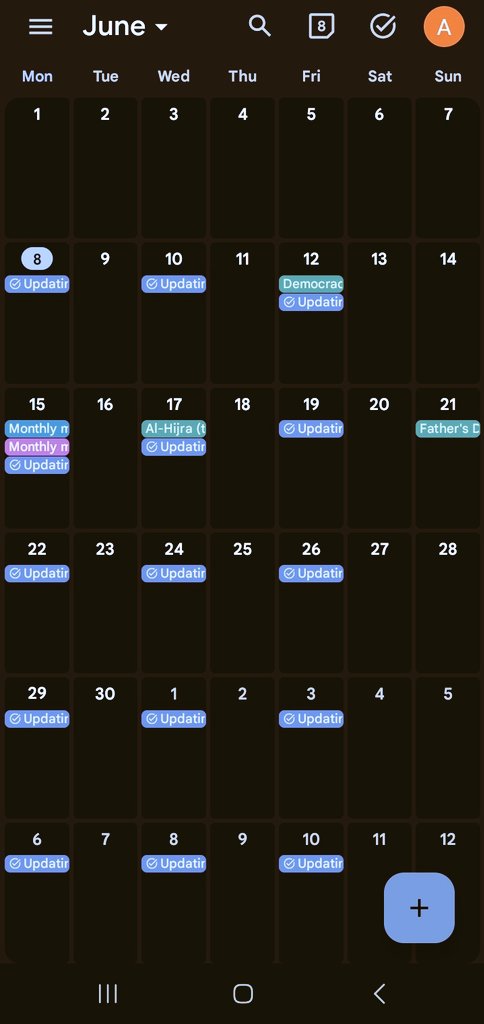
Another thing I learned is how to use Google Calendar to schedule events and tasks.
I also learned that clients can grant a Virtual Assistant access to their calendar, allowing the VA to manage schedules, book meetings, create events, send invitations, and respond to meeting s
10
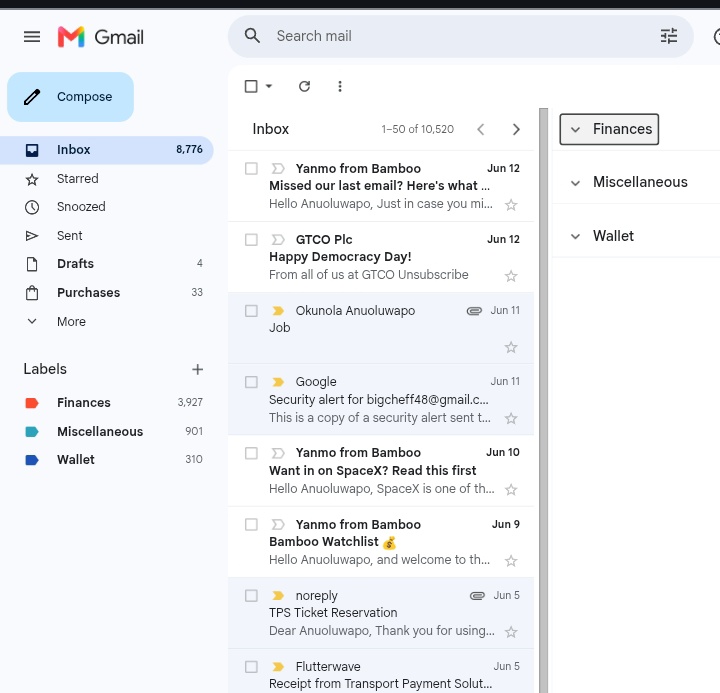
Messages from banks and related goes to finance folder
Messages that's related to wallet goes to wallet
Message that needs follow up goes to follow up folder. That's how to filter and organize and inbox.
12
3. Filtering and Organizing the Inbox
This involves organizing your client's inbox using folders, labels, and filters to make emails easier to locate, track, and follow up on when necessary.
Below is a picture of an organized email.I can even make it a zero inbox if I want to.
10
2. Creating Templates
Email templates help save time and improve efficiency. Instead of typing the same message repeatedly, you can create templates for frequently sent emails and use them whenever needed.
11
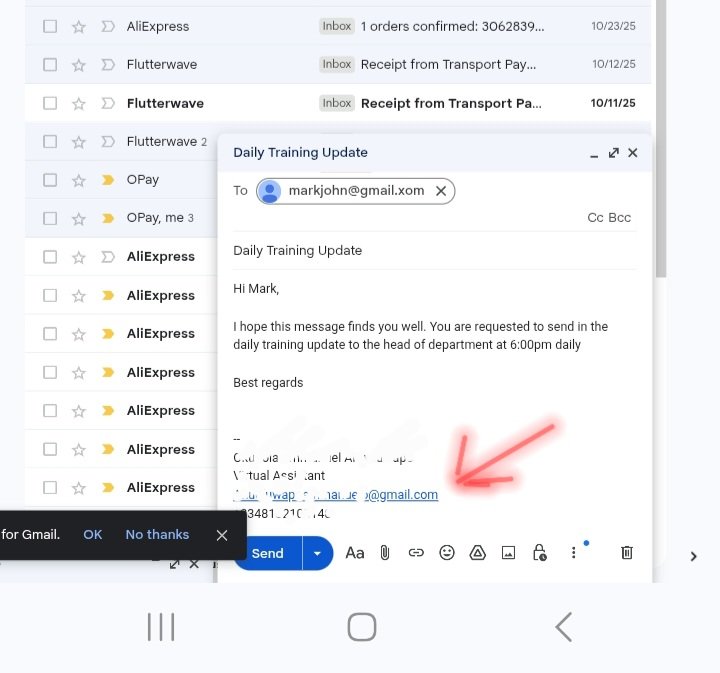
A professional signature usually contains important details such as the client's full name, position in the organization, phone number, website, and other relevant contact information.
12
1.Creating Signatures
In the picture below, where the arrow points to is a signature.while the content is a template
As a Virtual Assistant, you should know how to create professional email signatures for both yourself and your clients since you'll often be managing their emails.
16
Alright my people
Its day 3 of documenting my VA journey
During the weekend, I learned and practiced Email Management, specifically Inbox Management, which includes:
1. Creating Signatures
2. Creating Templates
3. Filtering and Organizing the Inbox
👇
18
Bigcheff retweeted

Jun 11
Gramnetwork Form a community of team members and increase GH/s Power, 💪)
#Gramnetwork #GRM #community #Mining
1,374
6,280
25,190
126,556
Jun 12
One thing I really like about my learning process at Aqskill is that theory and practical application go hand in hand. As you're learning, you're also practicing.
#Digitalskill
#VirtualAssistant
#MyVAjourney
23
Jun 12
That's all for today.
Getting closer to the practical stage, one step at a time.
See you in the next lesson, guys!
22
Jun 12
4. Basic Bookkeeping
Basic bookkeeping involves keeping records of income, expenses, profits, and invoices using tools such as Excel, Google Sheets, QuickBooks, and Wave.
27
Jun 12
• Urgent but Not Important Tasks – Delegate them when possible.
I'm gradually getting closer to the practical aspect of my training.
24
Jun 12
There are other project management tools like Asana etc.
As a VA, you should also know how to prioritize tasks effectively:
• Urgent and Important Tasks – Do them immediately.
• Important but Not Urgent Tasks – Schedule them for later.
26
Jun 12
3. Task Organization
Task organization involves creating and managing tasks or projects efficiently.
For example, if you're working on a project using a tool like Trello, it helps you organize tasks, track progress, and follow up until completion.
27