
Providing software for CAD & BIM users to get repetitive tasks done quickly & easily. Removing some frustration, helping to meet deadlines & get home on time.
Joined May 2009
- Tweets 8,938
- Following 4,533
- Followers 2,430
- Likes 6,655
1,283 Photos and videos












Pinned Tweet

13 Nov 2023
Escape the Revit Rabbit Hole: 13 Tools To Turbocharge Your Productivity
axiomint.com/escape-the-revi…
#Revit #Axiom #productivity #plugin
#FamilyStudio #OfficeImporter #ProductivityToolkitforRevit #CAD #BIM
2
4
385
How much time do Revit users spend recreating information that already exists in Word, Excel, or PDFs?
This short demo shows a different approach.
🎥 zurl.co/1Qa3C
#Revit #BIM #AEC
1
32
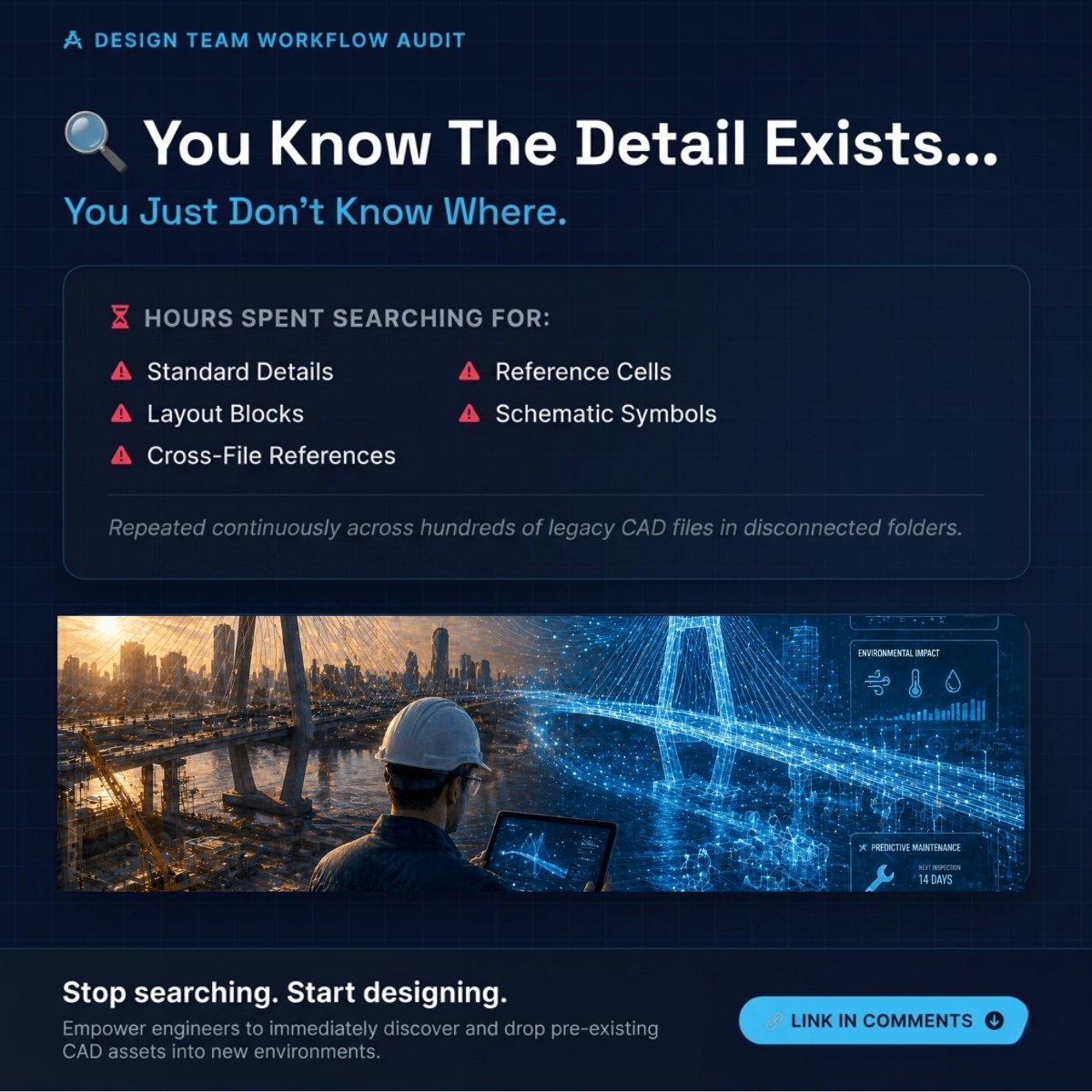
You know the detail exists.
You just don't know where.
CAD teams can waste hours searching for details, blocks, cells, and symbols across old drawings. Interesting read for AutoCAD and MicroStation users.
#AutoCAD #MicroStation #CAD
11
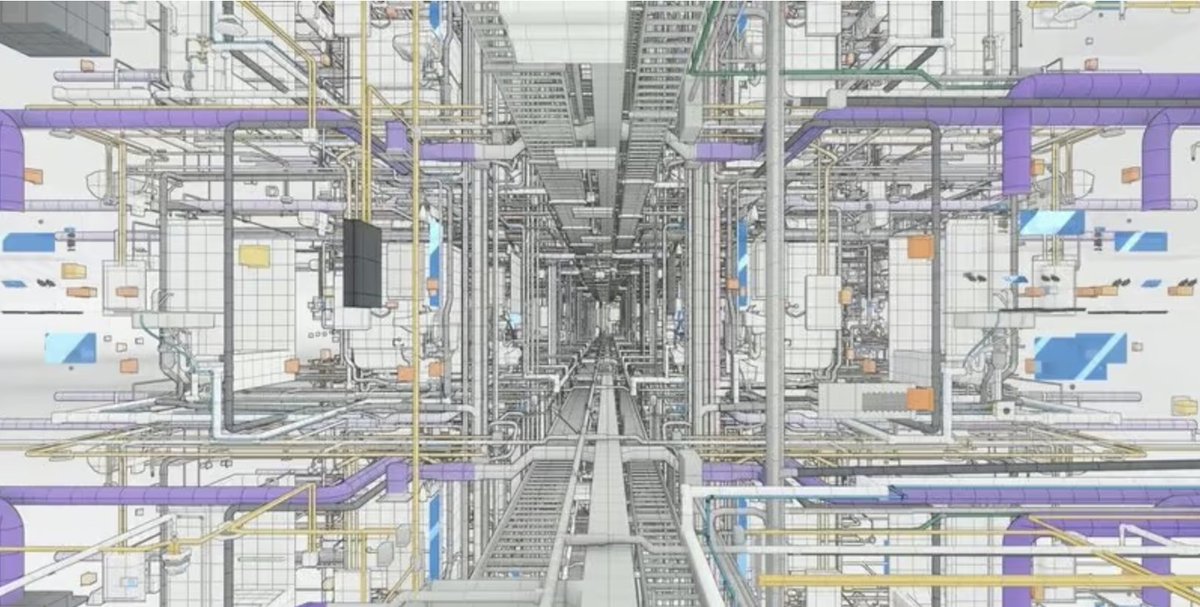
The biggest challenge on large infrastructure projects isn't always the design.
It's coordinating everything around it.
More stakeholders. More data. More dependencies.
zurl.co/dvsLs
#BIM #Infrastructure #CivilEngineering
1
1
16
"It only takes a few seconds."
That lie is bleeding your billable hours. Stop letting CAD/BIM teams waste weeks manually updating sheets and fixing text errors.
Automate the grind: 👇
zurl.co/H5r3w
#CAD #BIM #AEC
20
Revit is powerful.
But bigger BIM projects also mean:
• More coordination
• More dependencies
• More cleanup behind the scenes
At some point the challenge stops being design—
and becomes workflow management.
zurl.co/WVYN4
#Revit #BIM #AEC #CAD
49
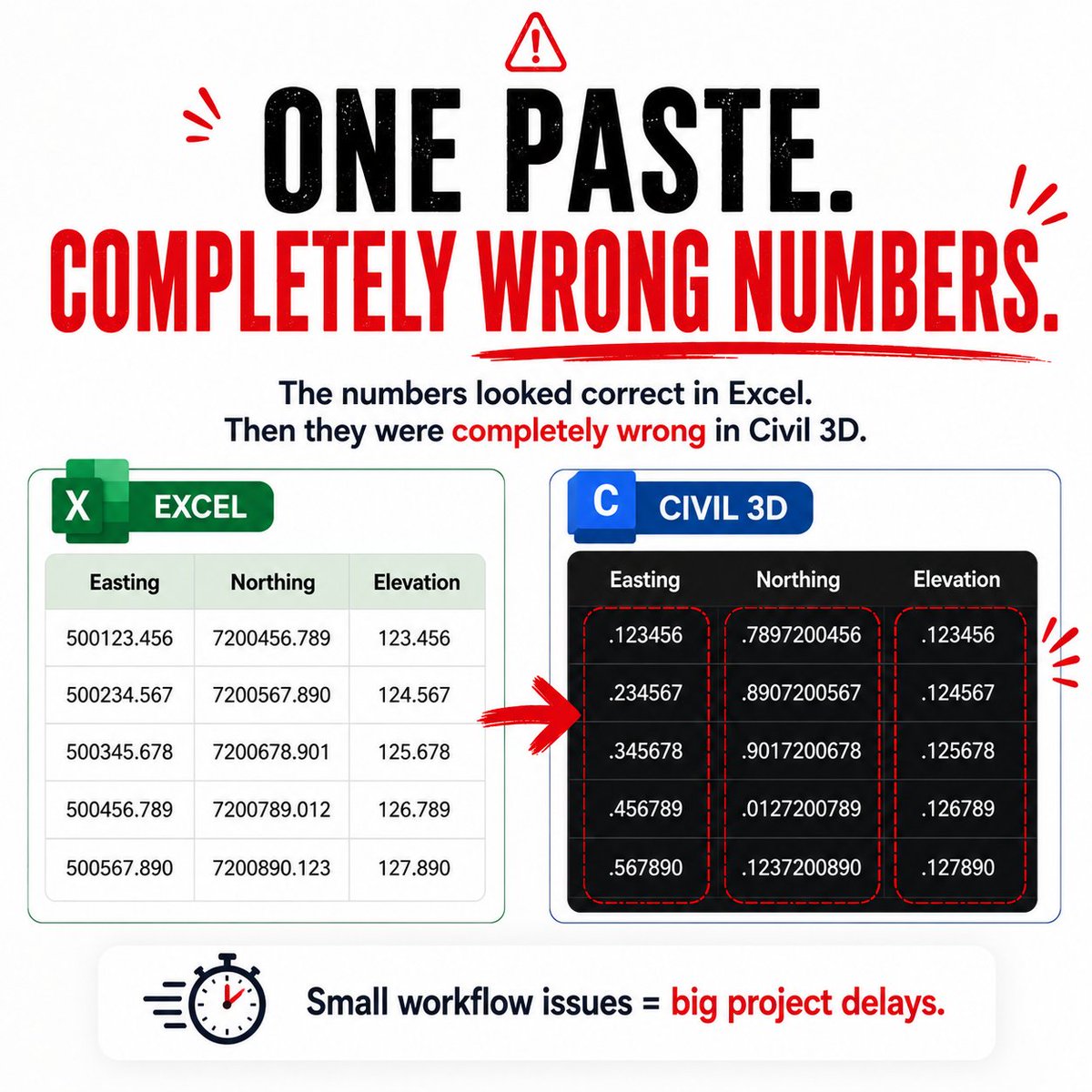
The numbers looked correct in Excel.
Then they were completely wrong in Civil 3D.
Decimal places shifted after pasting spreadsheet data.
Small issue.
Big interruption.
Simplify Excel imports into AutoCAD and Civil 3D: :
zurl.co/eFVhK
#Civil3D #AutoCAD #CAD
31
“The file worked perfectly yesterday.”
Every MicroStation team knows that feeling.
Thought this was worth sharing:
🔗 zurl.co/enxu2
#MicroStation #AEC
16
A lot of CAD teams still spend hours manually checking drawings for standards violations.
We’re covering ways teams are reducing repetitive QA/QC cleanup across large MicroStation workflows.
zurl.co/GWHFt
#MicroStation #AEC #CADManagement
10
One corrupted DGN file can stall an entire project.
That’s the hidden cost most teams underestimate.
🔗 zurl.co/qosEx
#MicroStation #IndustrialEngineering
12
It only takes a few minutes.”
Until you do it
20 times a week.
👉 Spreadsheet formatting breaks
👉 Tables need fixing
👉 Time gets wasted
That’s not drafting work.
That’s a workflow problem.
Here’s a better way 👇
zurl.co/LuBms
#AutoCAD #Civil3D #CAD
50
The biggest time loss in MicroStation isn’t design.
It’s repetition.
Fixing imports.
Cleaning references.
Same edits—again and again.
That’s where hours go.
🔗 zurl.co/VWzbs
#MicroStation #CAD
6
Manual CAD work isn’t hard.
It’s repeated.
That’s where the time goes.
Fix the repetition → you fix the slowdown.
If your workflow still relies on this, it’s worth rethinking.
zurl.co/B3HMV
#CAD #BIM #Automation
18
Revit 2026 is more stable.
👉 But your workflow might not be.
Most issues come from add-ons, drivers, and data—not the software.
That’s where time gets lost.
zurl.co/vEINO
#Revit #BIM #AEC #Automation
18
Importing Excel, Word, or PDFs into Revit shouldn’t break your workflow.
But it does.
👉 And fixing it manually? That’s where hours disappear.
There’s a faster way to get clean imports.
Register here:
zurl.co/MIwk8
#Revit #CAD #AEC #Automation #Productivity
13
Importing Excel into CAD shouldn’t break your formatting.
But it does.
👉 And fixing it manually? That’s where hours disappear.
There’s a better way to keep imports clean from the start.
zurl.co/sn7lR
#CAD #AEC #Automation #Productivity
22
Your projects aren’t slow.
Your workflow is.
👉 Importing fixing Excel data = hours lost every week.
Tools like Office Importer eliminate that manual work.
zurl.co/nGczB
#CAD #AEC #Automation #Productivity
15
Finding the right information shouldn’t slow you down.
But it does.
👉 Too much data. Not enough clarity.
That’s where time gets lost.
If you want help spotting inefficiencies, read more here:
zurl.co/Iwpp1
#CAD #BIM #Engineering
1
1
23
Repetitive CAD work isn’t small.
It’s where time disappears.
This is where things break.
zurl.co/paAAy
#MicroStation #CAD #BIM
16
AEC isn’t getting simpler.
It’s getting more complex.
AI. BIM. Digital twins.
Not broken.
Just… overloaded.
👉 That’s where teams lose time.
🔗 zurl.co/Sy2Up
#AEC #BIM #Automation
24