Technology Enhanced Learning @CanterburyCCUni. Supporting staff to use technology in learning, teaching and assessment. Use i-zone/IT Service Desk for support.
Blackboard Ultra – Setting up your new Modules & Courses
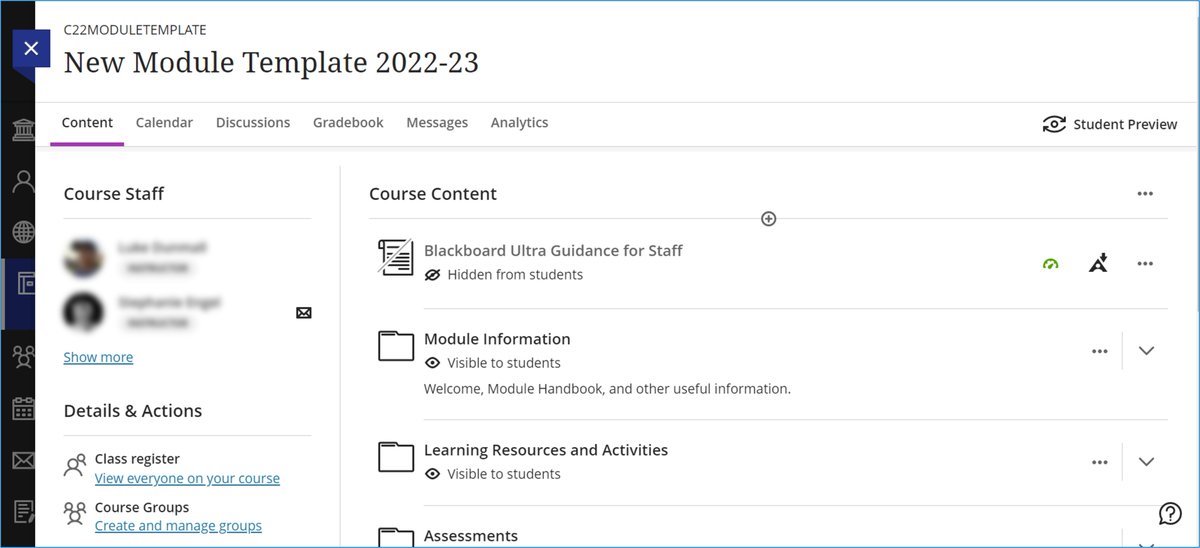
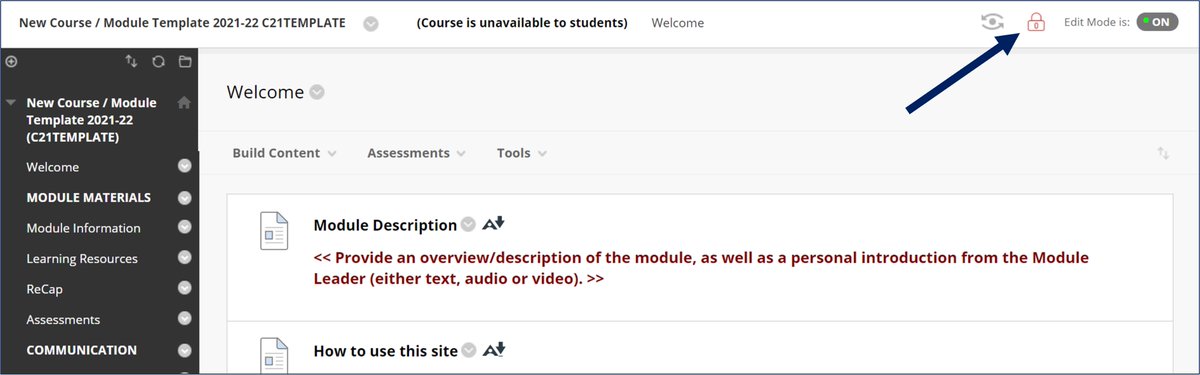
Blackboard sites for Sept 2022 onwards will use the new, modern 'Ultra' look and feel. To assist staff in building these, training and support is available in several forms as detailed here - cccu.canterbury.ac.uk/notice…
ALT The new module template built using the Blackboard 'Ultra' look and feel. The module has a modern and spacy white background with dark text and icons. The centre to right space is the module content, listed vertically and can be made up of folders, items, media, etc. The left space shows a short list of enrolled staff and then a 'Details & Actions' area that includes tools such as the roster/register of enrolled users. At the top, the module name is shown and below that a list of tabs for other elements for the site, including the 'Gradebook' for marking assessments.
Daily Notifications - Tips and Notes
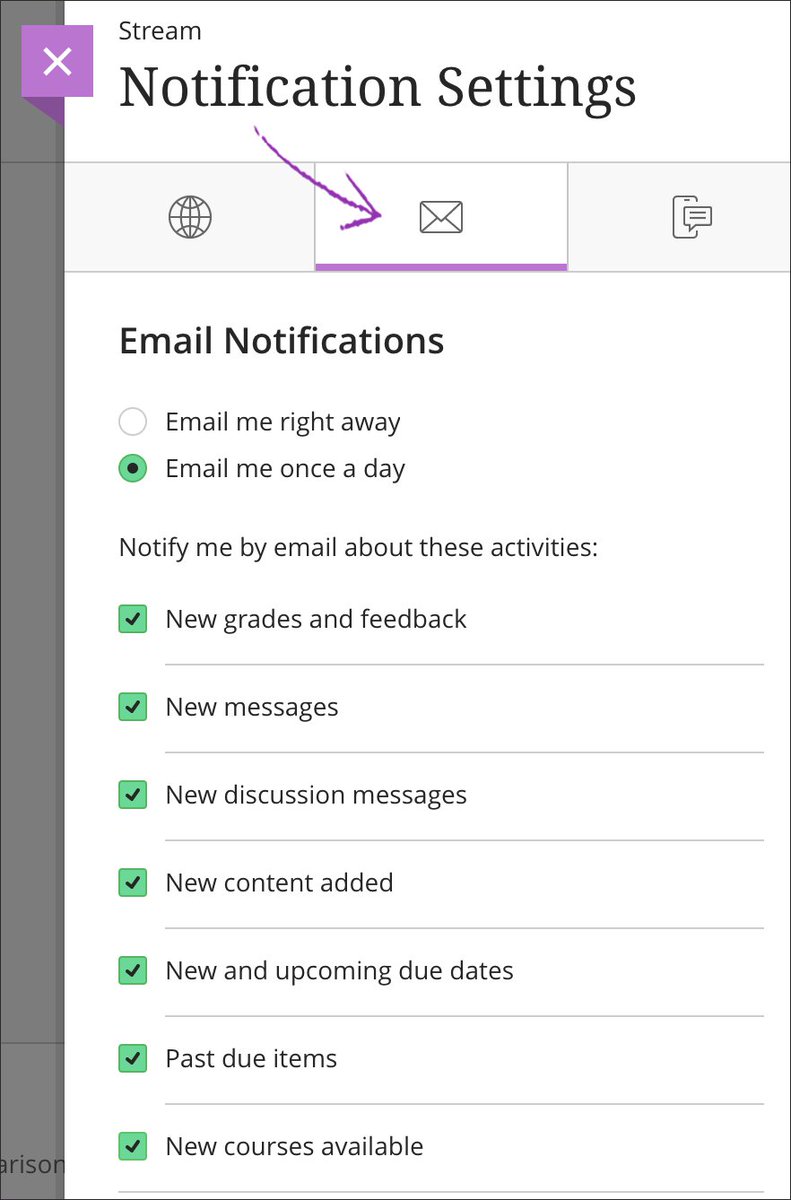
We have been working with our vendor to deepen our understanding of the email Daily Notifications and have added information to the top of the Bb Institution Page addressing some common queries.
Info - learn.canterbury.ac.uk
ALT The Notifications Settings panel in Blackboard. Highlighted is the Email notifications tab (icon appears as an envelope) and contains options for when to receive notifications and what to include (such as New Messages, New Content Added)
Global Accessibility Awareness Day - Thursday 19 May 2022
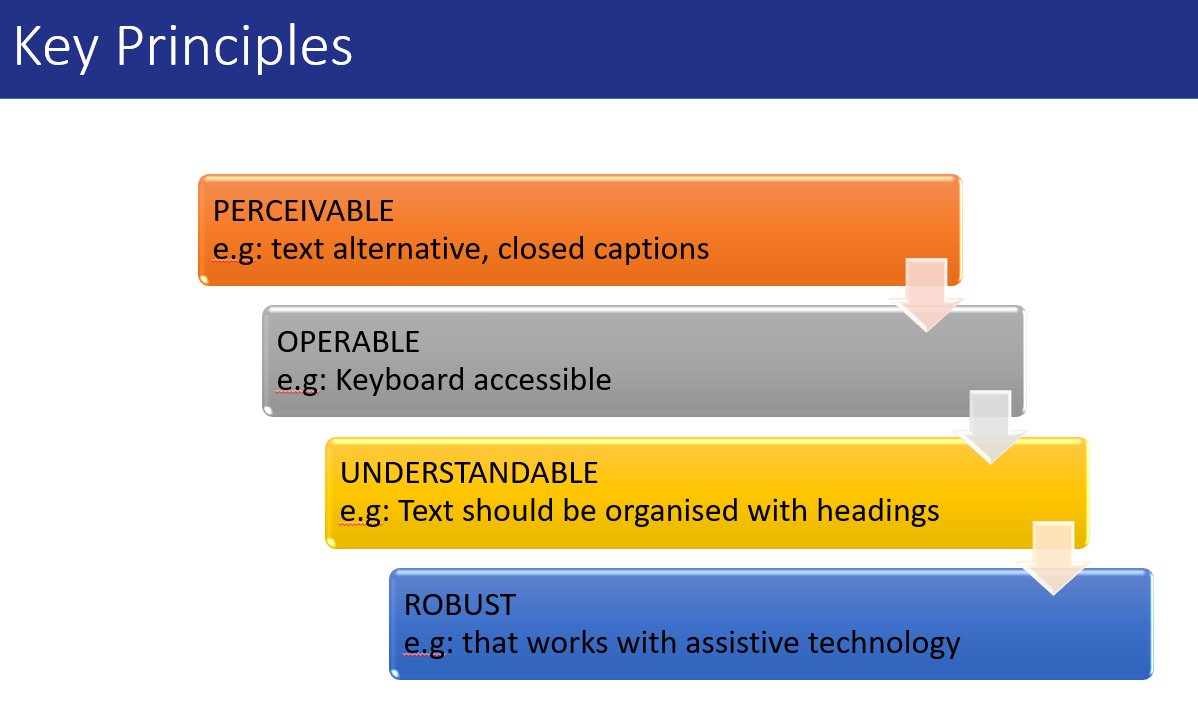
Happy #GAAD2022! CCCU have a range of resources available to staff to engage with that will help to make digital resources as accessible as possible for all your students.
Staff Info - cccu.canterbury.ac.uk/notice…
ALT Global Accessibility Awareness Day logo, with the letters GAAD inside a circle that meets at the image of a computer keyboard.
Recent fixes to known issues & changes since Blackboard upgrade:
- access to Turnitin papers via Grade Centre / Marks
- disclaimer at step 1 of Turnitin submission process
- potentially misleading 'pill' colours on the Marks page now monochrome
Collaborate - File Downloads for Attendees
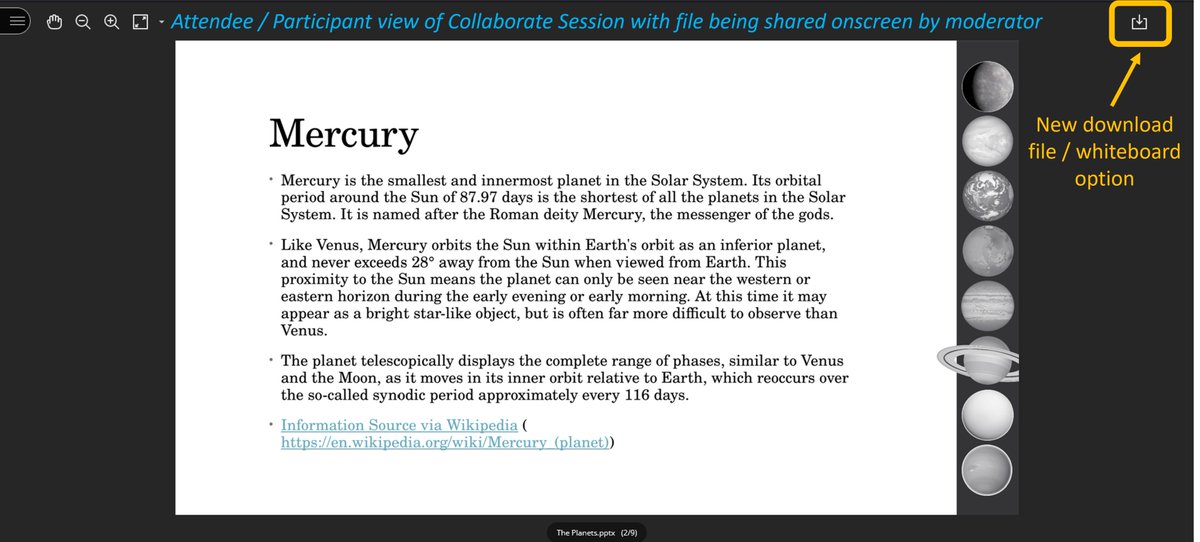
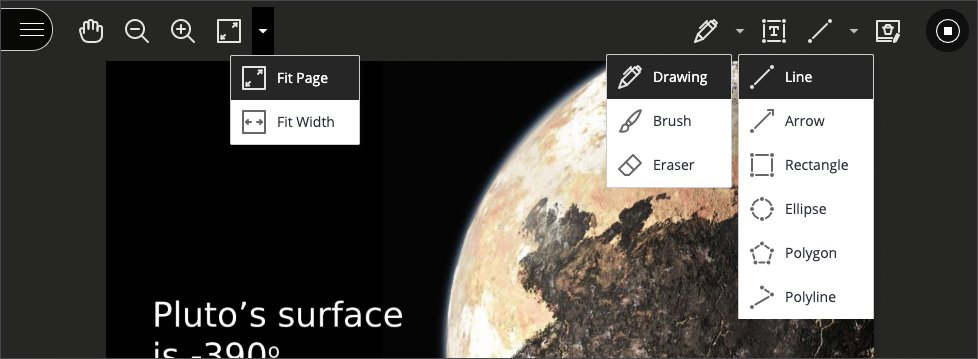
Attendees can now download files & whiteboards (inc. annotations) using a download icon in the top right of the session. This is to provide better accessibility assistance for attendees.
Staff Info: blogs.canterbury.ac.uk/telkb…
Turnitin Service Issue 10-May-2022
We are aware of the below issue which is causing slowness uploading to Turnitin. Those affected with Exam deadlines earlier this morning have been advised according to a message posted to the Blackboard Institution Page learn.canterbury.ac.uk
We are continuing to investigate an issue with Turnitin, TurnitinUK and iThenticate experiencing an unexpected service incident.
During this time, you may find that users are experiencing slower than usual file uploads and delayed Similarity Report generation times. (1/2)
We encourage those with deadlines this afternoon to start uploading their paper as far in advance of the deadline as possible.
The Blackboard Institution Page will be updated as soon as more information is available.
RESOLVED: a fix has been successfully applied by the vendor and the Turnitin service should now be available to upload/process papers as standard. Similarity Reports may take a little longer to generate whilst a backlog is processed.
Reminder: Blackboard Unavailable from 5pm Today
The CCCU Blackboard service (including Turnitin) will be unavailable from 5pm, 14-Apr, until 5pm 18-Apr for a scheduled upgrade.
Full information:
Staff - cccu.canterbury.ac.uk/notice…
Student - blogs.canterbury.ac.uk/stude…
We are still working on a few elements of the upgrade, which we're looking to resolve asap:
- changing 'Courses' on the menu to 'Courses and Modules'
- enabling 'Assist', a student resources area
- PebblePad automatic login
- CCCU disclaimer text when submitting to Turnitin
Kaltura Service Closure
From 14 February 2022 onwards all FINAL student media submissions should be made via the ReCap service, not Kaltura. Read our full post for a list of key dates and guidance on implementing ReCap for media submissions.
Staff info: cccu.canterbury.ac.uk/notice…
What's New?
New to the Learning Platform Suite this month:
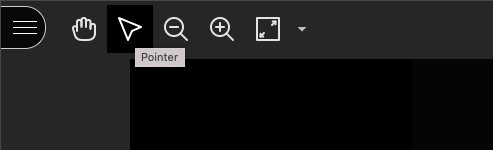
- the return of the 'pointer' in Collaborate
- a new in-browser recorder option for ReCap
- accessibility indicator when creating content in the Blackboard text editor
- and more!
Staff Info: blogs.canterbury.ac.uk/telkb…
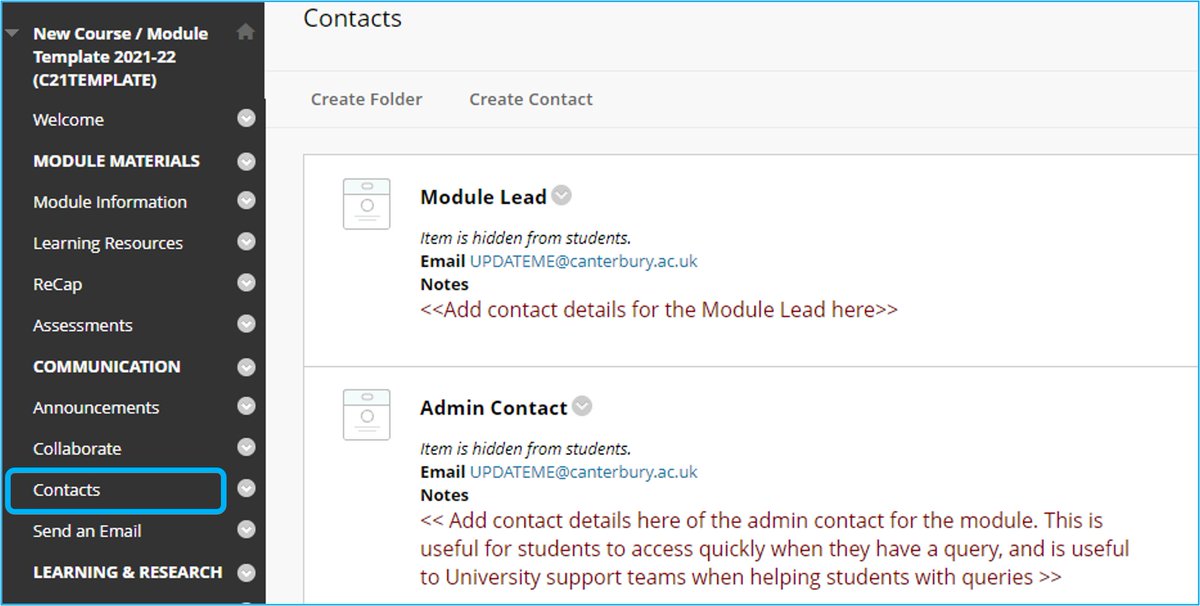
Update Your Bb Module Contacts
When designing the module template, students told us how important it is that contact info be easy to find, up-to-date, and only a click away. These are also helpful for support services like the i-zone, IT, and TEL should we need to get in touch!