
Joined February 2020
- Tweets 171
- Following 57
- Followers 13
- Likes 259
77 Photos and videos
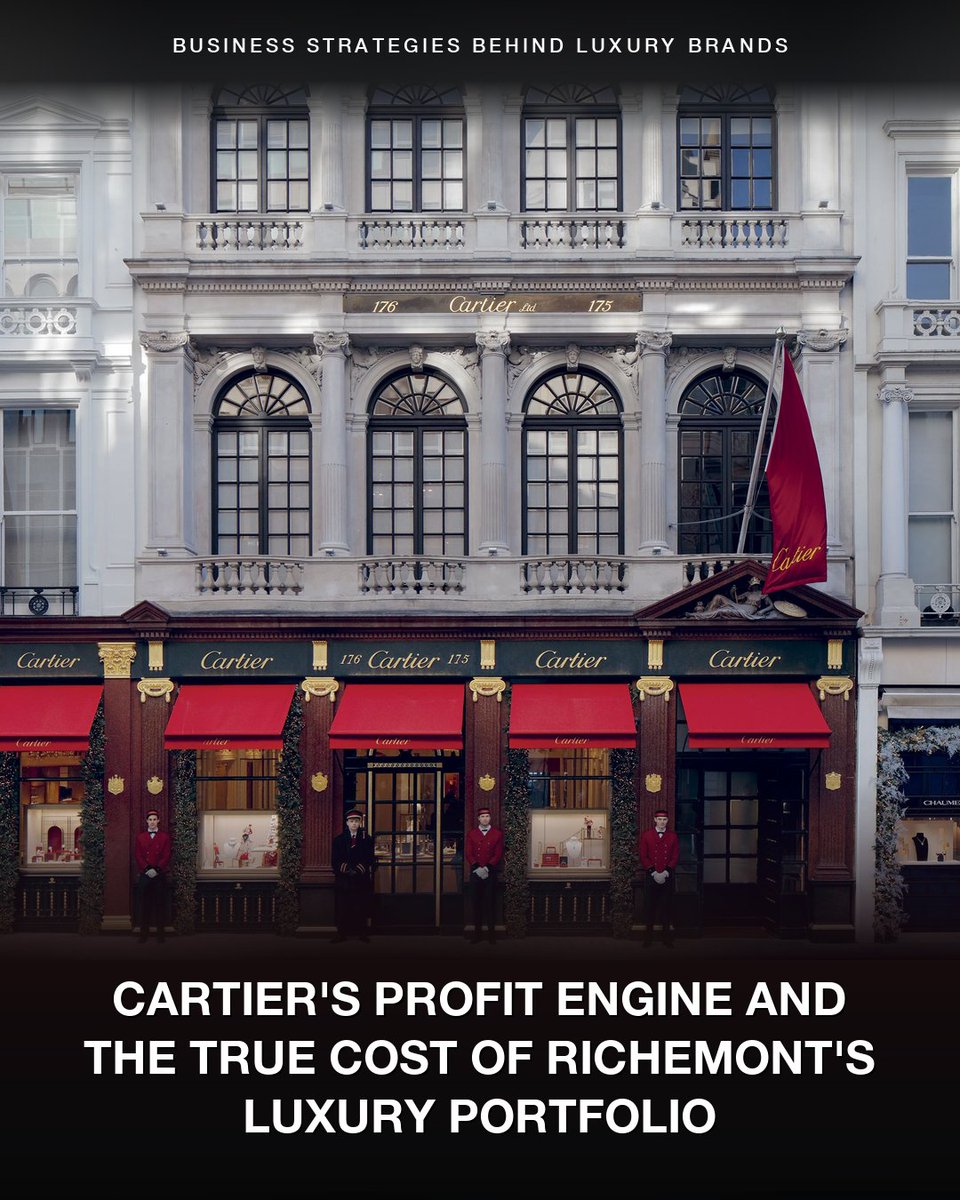


The luxury group that owns Cartier just had its biggest year ever. Jewellery alone made more profit than the entire group.
Richemont is a Swiss group, controlled by the Rupert family since 1988.
In 38 years, they've bought roughly 20 luxury brands across watches, fashion, and online luxury retail.
Their biggest brand, Cartier, is 179 years old. King Edward VII called it "the jeweller of kings and the king of jewellers."
Around the same time, three Cartier brothers turned it into the first global luxury brand between 1899 and 1909, opening flagships in Paris, London, and New York.
Their iconic products became cultural symbols.
The Tank watch (1917) was named after the Renault tank used in WWI.
The Love bracelet (1969) locks onto the wrist with a screwdriver — a symbol of commitment.
The original silhouettes are still bestsellers.
Customers walk in asking for them by name.
That's why Cartier could raise prices twice last year — and demand grew through both.
Richemont's watch and fashion brands haven't built that kind of recognition.
The watches segment peaked in 2018 and has been flat since. It runs at a 3.4% operating margin today.
Fashion loses money every year.
The online business cost an estimated €4 billion in cumulative losses. In April 2025, Richemont paid the buyer an additional €555 million to take on the business.
Through all of that, most of Richemont's profit came from Cartier and Van Cleef & Arpels.
Last year, the jewellery segment delivered:
→ €16.5 billion in sales
→ 30% operating margin
→ €5 billion in profit
The group as a whole made €4.5 billion in profit.
Strip out Cartier and Van Cleef, and Richemont loses money.
That's the lesson:
The brands that endure for a century aren't selling jewellery — they're selling cultural identity.
🔔 I'm Leysan, ex-CFO who breaks down iconic luxury brands every single week. Thanks for reading!
#BusinessModel #LuxuryBrand #BusinessStrategy
58
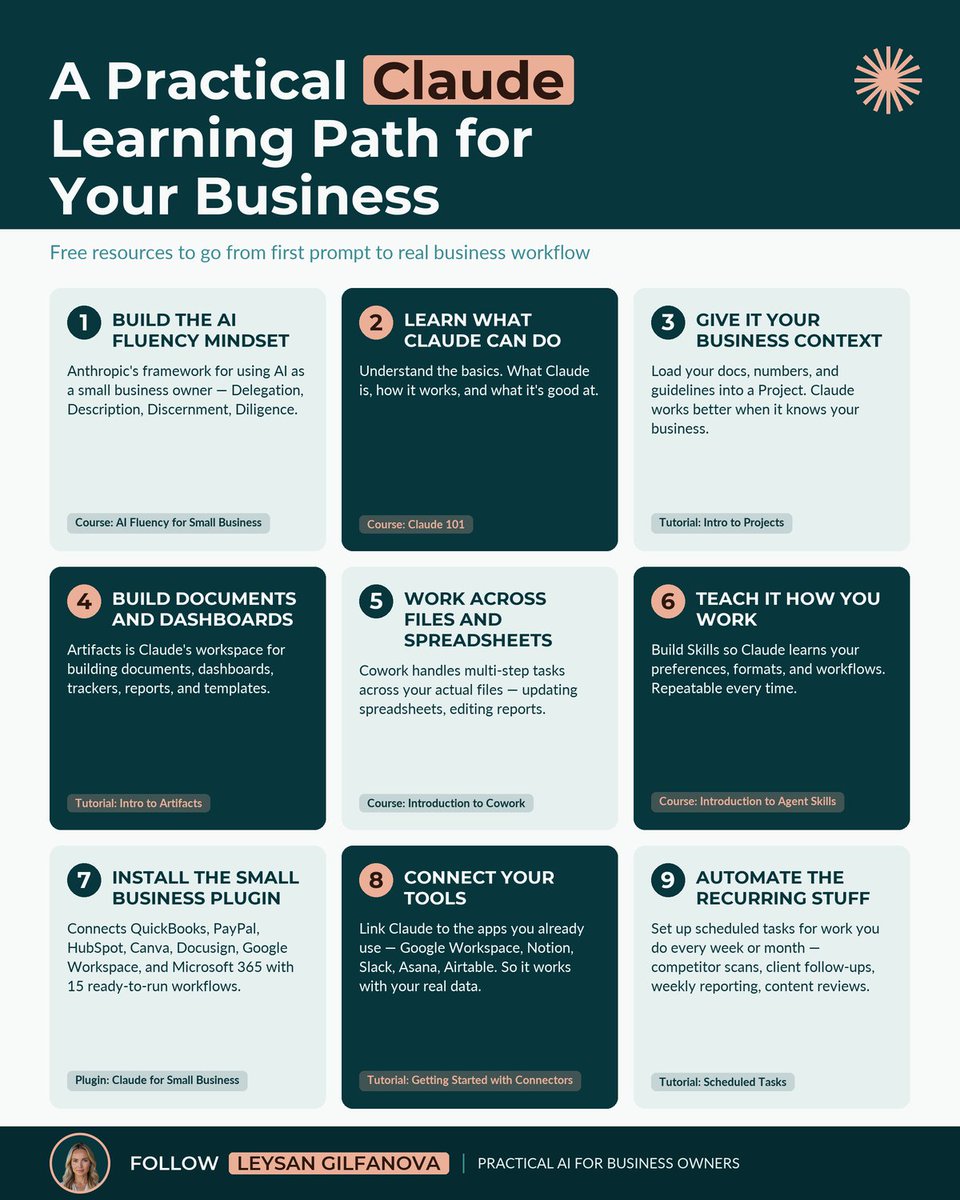
Most business owners have tried Claude at some point but still think it's just another chatbot.
The truth is, a lot has changed in the last 6-12 months. Claude can now be an actual team member working in your business. It plugs into the tools you already pay for and runs the work that piles up every week.
But with so much going on, it's hard to figure out where to start learning.
So here's the order I'd actually follow.
Start with how to think about AI → learn the product → make it work with your data → automate the recurring stuff.
1/ Build the AI fluency mindset
The 4D framework — Delegation, Description, Discernment, Diligence — applied to small business. Uses Claude as the tool throughout.
🔗 tinyurl.com/2aoessmd
2/ Learn what Claude can do
The basics. What Claude is, how it works, what it's good at.
🔗 tinyurl.com/2yjrngdg
3/ Give it your business context
Load your docs and guidelines into a Project. Claude works better when it knows your business.
🔗 tinyurl.com/28w4t5ef
4/ Build documents and dashboards
Artifacts is Claude's workspace for the deliverables — reports, trackers, templates, dashboards.
🔗 tinyurl.com/2ytuubfn
5/ Work across files and spreadsheets
Cowork handles multi-step tasks on your actual files — editing a report, updating a cash flow model.
🔗 tinyurl.com/2d6dprxv
6/ Teach it how you work
Skills are reusable instructions Claude follows the same way every time.
🔗 tinyurl.com/2ak4ogpg
7/ Install the Small Business plugin
One toggle in Cowork connects QuickBooks, PayPal, HubSpot, Canva, Docusign, Google Workspace, and Microsoft 365 with 15 ready-to-run workflows.
🔗 tinyurl.com/2cngb4f2
8/ Connect your tools
Link Claude to the apps you already use — Google Workspace, Notion, Slack, Asana, Airtable. So it works with your live data.
🔗 tinyurl.com/244m6me3
9/ Automate the recurring stuff
Scheduled tasks run the work you do every week or month — competitor scans, client follow-ups, reporting.
🔗 tinyurl.com/2d9fmkee
Pick the step you're stuck on and start there. Skipping ahead is fine — the order is a guide.
Which step are you on?
🔖 Save this so the whole path is here when you need it.
1
2
153
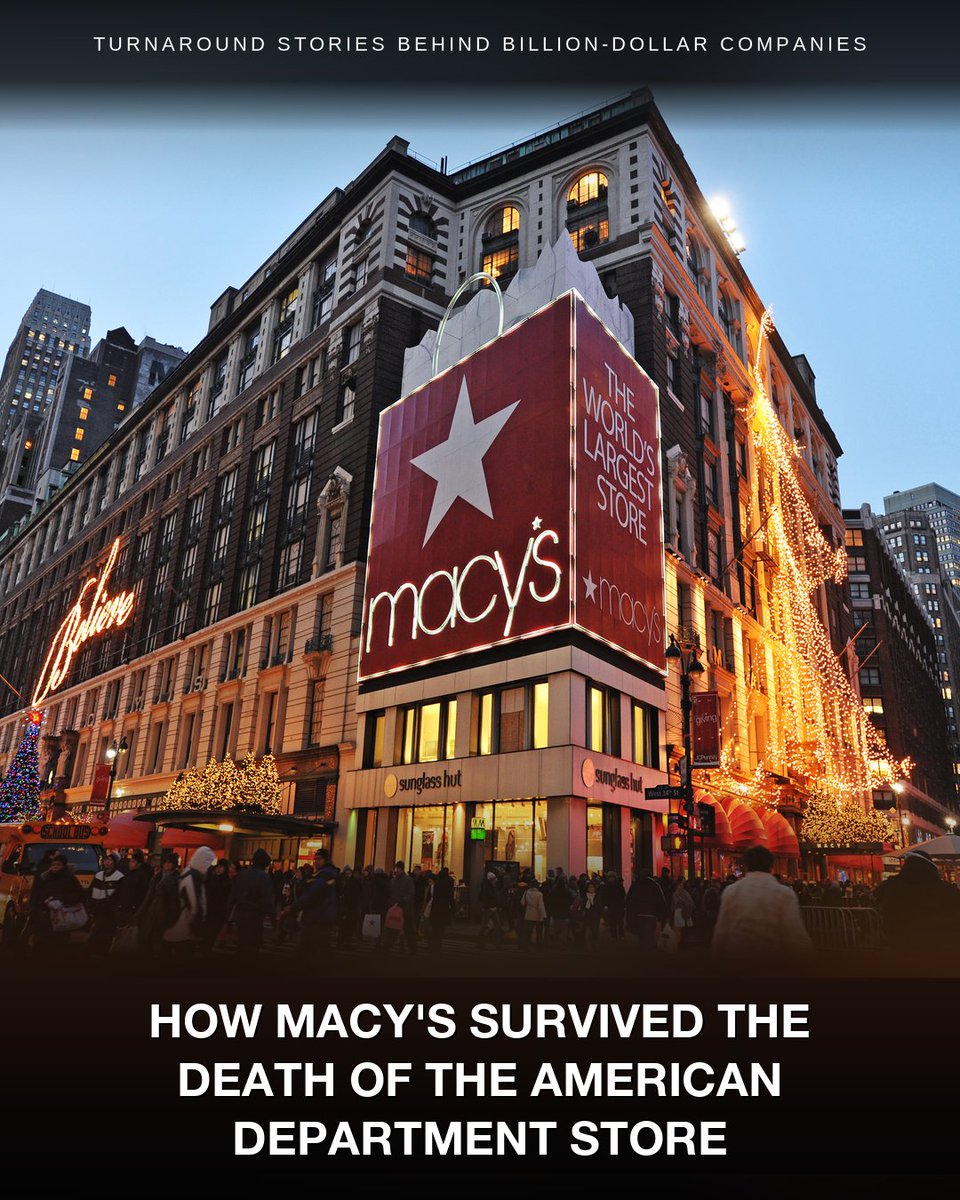
Nordstrom went private.
Saks filed for bankruptcy.
Macy's just had its strongest first quarter in four years.
For a decade, analysts predicted the death of the American department store. Macy's, the biggest, was the obvious next casualty.
In late 2023, activist investors tried to take the company private — convinced the real estate under the stores was worth more than the business itself.
Tony Spring became CEO in February 2024, in the middle of that fight.
He'd spent his entire career at Bloomingdale's, Macy's smaller, premium brand, and run it as CEO for a decade.
His answer wasn't to sell the company for parts. It was to prove the business was worth keeping.
First, he announced a plan to close about 150 stores, roughly a third of the chain. Over 100 are already gone. The money moved into the 350 that were working.
Those weak stores had been draining cash and attention from the ones that actually earned.
Then he gave each brand a different job:
→ Macy's: the cash generator, focused on its best stores
→ Bloomingdale's: the growth engine
→ Bluemercury: the specialty beauty bet
And it showed.
The Macy's brand grew 1.6%.
Bloomingdale's was up 10.2%, its seventh straight quarter of gains.
Bluemercury added 6.4%.
Combined, the three brands posted 3% growth. Macy's raised its forecast for the year.
Earlier this spring, Berkshire Hathaway took its first U.S. department store stake since 1966. Most of Wall Street still rated the stock a sell.
That's the lesson:
The biggest win in a turnaround might not be from fixing what's broken. It might be from letting it go and funding what already works.
🔔 I'm Leysan, ex-CFO who breaks down billion-dollar turnarounds every single week. Thank you for reading!
#BusinessModel #Turnaround #BusinessStrategy
1
51
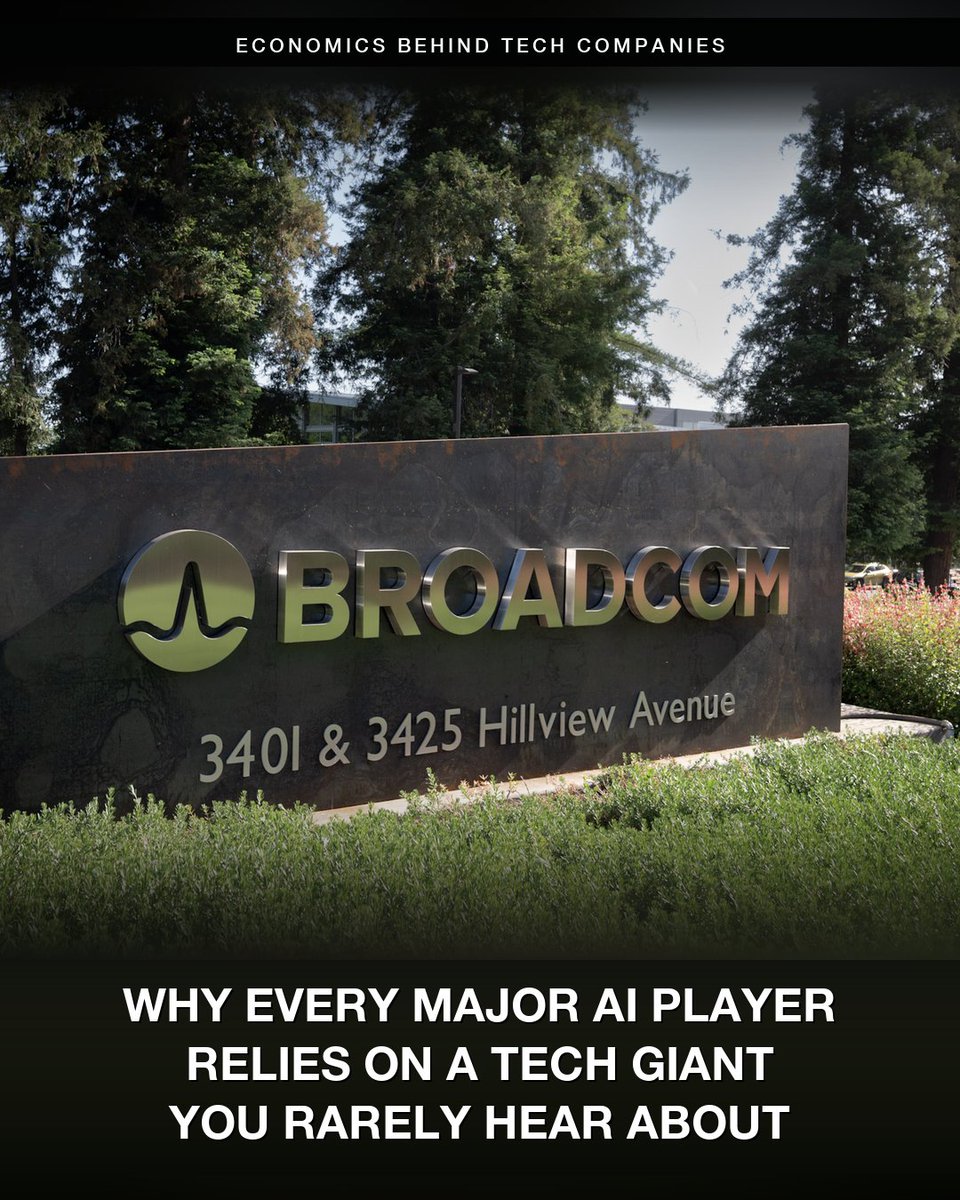
Broadcom is the seventh most valuable company in the world. Most people couldn't tell you what it sells. But every major AI company depends on it.
The AI chips that Google, Meta, OpenAI, and Anthropic build on are designed by Broadcom.
So is the networking inside most large AI data centers. Nvidia's too.
Every player in the AI race buys from Broadcom.
This wasn't built overnight.
Broadcom has been designing chips for over two decades.
Google's AI chip was a Broadcom design before anyone outside chips cared about AI. Their networking chips have been the data center standard for just as long.
And there's a reason customers trust them with this work.
Broadcom doesn't compete with its customers. It just designs the chips they ask for.
That's why Google can hand over its AI chip design without worrying Broadcom uses it to build a competing product.
But scaling that work isn't cheap.
Designing a leading-edge AI chip costs hundreds of millions. Reserving manufacturing capacity at TSMC costs billions.
Broadcom had the cash because they'd spent years buying critical infrastructure software companies.
The kind banks run their mainframes on, or data centers are built on top of. Once a customer builds their operations around it, switching takes years.
That cash funded the AI scale-up.
The bet is paying off.
Q2 just came in.
→ $22 billion in revenue, ↑48%
→ $10.8 billion from AI alone, ↑143%
→ $10 billion in free cash flow, 46% of revenue
Numbers like that usually send a stock up. Broadcom's fell 12% the next day, erasing about $300 billion in market cap.
Wall Street had been expecting Broadcom to raise its AI forecast for the full year. When it didn't, investors sold.
That's the lesson:
When a market suddenly explodes, the winners are usually whoever was already there. You can't sprint into a position built over decades.
🔔 I'm Leysan, ex-CFO who breaks down the economics behind tech companies every single week. Thank you for reading!
#BusinessModel #AI #BusinessStrategy
97
PayPal's revenue has grown every year for the last decade, but the stock is down 86% from its peak.
Last year, PayPal moved a record $1.79 trillion in payments. Operating income hit $6 billion.
The market only values the entire company at $40 billion. Compared to its peak in 2021, it was worth $360 billion.
How does a business grow every year and lose this much value?
In early 2021, CEO Dan Schulman told investors PayPal would have 750 million users by 2025. But PayPal ended 2025 at only 439 million — barely changed from 2021.
The flat user count is half the story. The other half is where the revenue growth actually came from.
PayPal makes money two ways.
One is the PayPal and Venmo button. When a customer clicks it at checkout, PayPal earns a high fee on the transaction.
The other is running credit card payments behind the scenes for big merchants who use their own checkout. When a customer clicks Apple Pay or Shop Pay there, PayPal often still processes the payment underneath. The fee on that work is much smaller.
Customers used to click the PayPal button at checkout. Increasingly, they click Apple Pay or Shop Pay first.
In Q1 2026:
→ PayPal button: 2%
→ Behind-the-scenes processing: 11%
PayPal kept about two cents less of every dollar it earned over the past year. On the company's scale, that's hundreds of millions in lost profit.
This is what Alex Chriss was hired to fix. He took over as CEO in September 2023, cut costs, monetized Venmo, walked away from unprofitable processing deals.
In February 2026, the board replaced him with their own chairman — Enrique Lores, a 30-year HP veteran who used to run printers and PCs.
Whether the new CEO can fix it is the open question.
That's the lesson:
The biggest margins come from being the brand customers reach for. When they reach for someone else, the same work pays much less.
🔔 I'm Leysan, CFO who breaks down the economics behind tech companies every single week. Follow for more.
#BusinessModel #Pricing #BusinessStrategy
2
127
Anthropic dropped Opus 4.8 couple days ago.
And it will happily point out when you're wrong.
Here's why this is a big deal for business owners 👇
1️⃣ It stopped agreeing with everything
↳ Older versions tended to hand back a confident answer even when it was off. This one pushes back when something doesn't hold up.
↳ Anthropic says it's their best-aligned and most honest model yet.
↳ Most AI tools tell business owners what they want to hear. This one won't.
2️⃣ It admits when it doesn't know
↳ Older versions would guess and still sound sure. This one says when it isn't sure instead of filling the gap.
↳ Of six models Anthropic compared, it gave the fewest wrong answers, by holding back when it didn't have the answer.
↳ A business owner knows when to trust it and when to double-check.
3️⃣ It owns its mistakes
↳ Older versions could bury a flaw in their own work. This one flags the weak spots instead of glossing over them.
↳ On Anthropic's test for hiding flawed work, it's the first model to score a clean zero, and ten times less overconfident than the last version.
↳ The weak spots surface before the work goes out.
4️⃣ It runs a whole task start to finish
↳ Older versions handed back a draft and left the rest. This one carries a multi-step job to the end.
↳ It's the only model that finished every task end to end on Anthropic's agent test, and the strongest at operating a computer Anthropic has released.
↳ Hand it off and it comes back completed.
If you've kept AI at arm's length for real decisions because you couldn't trust the output, this is the version to test.
I've been playing with it for the last few days and I can already see the difference. I haven't put it through the harder workflows yet. That's coming over the next few weeks, and I'll share what I find.
If you've tested it, tell me what you've seen.
36
Zara made €6 billion in profit last year — more than any other fast-fashion company in the world.
In a business known for thin margins and cheap clothes, that shouldn't be possible.
Most brands run the same playbook: forecast demand months ahead, manufacture in Asia, discount what didn't sell. Few make real money.
Zara doesn't.
It makes most of its clothes close to home, in Spain, Portugal, Morocco and Turkey, where labor costs much more than in Asia.
That costs far more per shirt. So why does paying more per shirt produce a bigger profit?
Because making clothes close to home means Zara doesn't have to guess. Its stores see what's selling every day. Its factories make more of it the same week.
That's how the same design goes from a sketch to a store shelf in two weeks. The rest of the industry needs six to nine months.
It's also how Zara avoids the markdown rack. Its inventory turns about 12 times a year. Most of retail manages four.
So the cash comes back fast.
The payoff for Inditex, the Spanish group that owns Zara:
→ €11 billion in cash, no debt
→ A 20% operating margin
→ Sales up 9% to start the year, while retail shrinks
You'd think every brand would copy this. None have.
H&M has been trying for years — adding factories in Turkey and Latin America. But rebuilding its supply chain the way Zara has would take decades and billions.
Shein didn't try. It chose a different business — online only, made in China, thousands of new styles a day.
Fifty years later, no one has matched what Zara built.
That's the lesson:
Most businesses run on predictions. The hardest ones to compete with don't have to predict — they're built to respond to what's actually happening.
🔔 I'm Leysan, CFO who breaks down billion dollar business models every week. Thank you for reading!
#BusinessModel #Distribution #BusinessStrategy
32
A decade ago, AMD was nearly bankrupt, trading around $2 a share.
Now it's worth roughly $760 billion.
Last year, it brought in $34.6 billion in revenue.
For most of that climb, AMD was chasing one company: Nvidia.
Nvidia makes the chips that train most of the world's AI, and for years, AMD's couldn't keep up.
That part is finally over.
AMD's newest AI chip can finally compete with Nvidia's best, and OpenAI signed on for a massive multi-year order.
Last quarter, its data center revenue grew 57% to $5.8 billion.
Then it hit the next hurdle.
It can't make enough chips.
The real fight in AI chips isn't about design anymore. It's about who can actually build them.
Nvidia's data center business did $75 billion in the same stretch. But both rely on the same small group of plants in Taiwan to assemble their chips.
That assembly is the bottleneck. It's called packaging — bonding the processor and the memory into a single unit.
Most of the world's advanced packaging is done by one Taiwanese company, TSMC. Its capacity is sold out through 2026, and Nvidia has most of it.
So AMD is spending more than $10 billion in Taiwan to build its own packaging supply with TSMC's smaller rivals there, so it can finally ship at the scale its customers want.
That's the lesson:
Once your product is good enough, what limits you usually isn't making it better. It's being able to make enough of it.
🔔 I'm Leysan, CFO who breaks down the economics behind tech companies every single week. Follow for more.
#BusinessModel #SupplyChain #BusinessStrategy
33
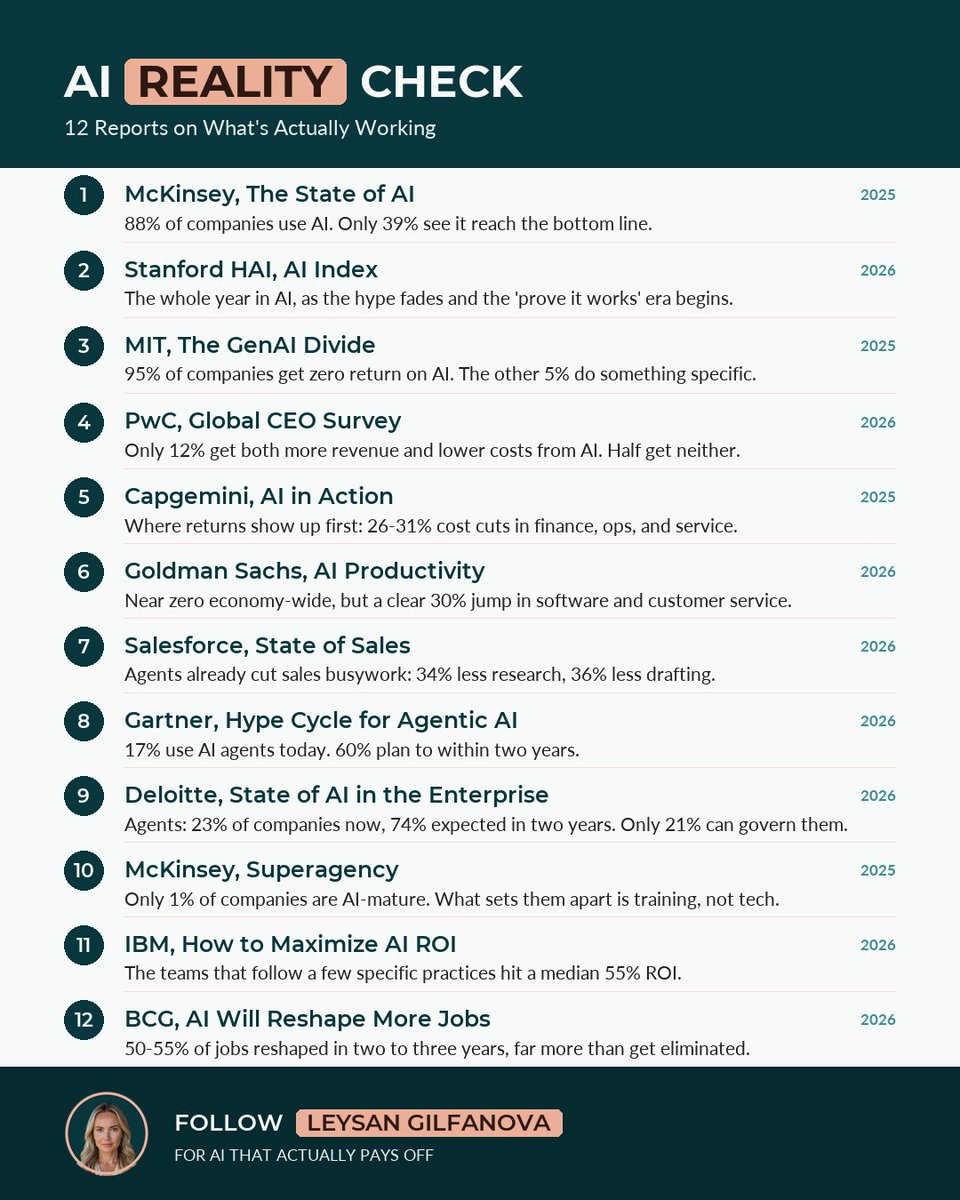
Nearly every business is using AI now. Almost none are making real money from it.
That's not a hot take. It's what the research keeps finding, report after report: historic spending, and almost no measurable return.
So the real question has quietly changed. It's not "should we use AI?" anymore. It's "why does everything look like progress while nothing actually changes?"
I went through the major AI reports from the past year and pulled the 12 that answer it. The order matters more than the list:
Where we are → why nothing's changing → where it's actually paying off → what's coming next → how to win → where it's heading
WHERE WE ARE
1. McKinsey — The State of AI 2025. 88% of companies use AI. Only 39% see it reach the bottom line.
🔗 tinyurl.com/28aknkep
2. Stanford HAI — AI Index 2026. The full year in AI. The hype phase is ending; the "prove it works" phase is starting.
🔗 tinyurl.com/2c9h79ef
WHY NOTHING'S CHANGING
3. MIT — The GenAI Divide. 95% of companies get zero return on AI. The 5% who don't are doing something specific.
🔗 tinyurl.com/2yla9zzq
4. PwC — Global CEO Survey. Only 12% are getting both more revenue and lower costs from AI. More than half get neither.
🔗 tinyurl.com/yvclfskz
WHERE IT'S ACTUALLY PAYING OFF
5. Capgemini — AI in Action. Where returns show up first: 26–31% cost cuts in finance, operations, and customer service.
🔗 tinyurl.com/26d5ytwh
6. Goldman Sachs — AI Productivity. Almost nothing economy-wide, but a clear 30% jump in two jobs: software and customer service.
🔗 tinyurl.com/29owcn78
7. Salesforce — State of Sales 2026. Agents are already cutting sales busywork: 34% less research, 36% less drafting.
🔗 tinyurl.com/2a6p9spc
WHAT'S COMING NEXT
8. Gartner — Hype Cycle for Agentic AI. 17% use AI agents today. 60% plan to within two years.
🔗 tinyurl.com/2238zwpr
9. Deloitte — State of AI in the Enterprise 2026. AI agents go from 23% of companies to a likely 74% in two years, but only 21% can govern them.
🔗 tinyurl.com/28tcyjak
HOW TO WIN
10. McKinsey — Superagency. Only 1% of companies are AI-mature. What separates them is training, not better tech.
🔗 tinyurl.com/22zjqoak
11. IBM — How to Maximize AI ROI. Teams that follow a few specific practices hit a median 55% ROI. The closest thing to a playbook.
🔗 tinyurl.com/24eey4b3
WHERE IT'S HEADING
12. BCG — AI Will Reshape More Jobs Than It Replaces. 50–55% of jobs reshaped in two to three years, far more than get eliminated.
🔗 tinyurl.com/28yw58zb
Most people want to skip to the end and just "do AI." The ones actually getting returns work through it in order.
What step is your business stuck on?
♻️ Repost to help someone get returns on AI, not just spend on it.
🔔 Follow Leysan Gilfanova for AI that actually pays off.
26
Duolingo has more users, more paying subscribers, and more revenue than ever — and the stock is down 80% from its high.
Last quarter was a record:
→ Revenue up 27%
→ Paying subscribers up 21%
→ 73% gross margins, with half of revenue becoming free cash flow
→ $1.1 billion in cash, no debt
So why has the stock fallen this far?
Because the number that matters most is slowing down: user growth.
For three straight years, daily users grew more than 40% a year. This year, the company expects about 20%.
Founder Luis von Ahn says the features that made Duolingo so much money were the same ones pushing new users away.
More ads. More upgrade prompts. An "energy" system that only lets you do a few lessons before you have to wait or pay.
So he's reversing it.
Duolingo is giving back more than $50 million this year and letting margins fall, on purpose, to make the free app better and grow the base again.
The goal: double daily users to 100 million by 2028.
Free AI can already do a lot of what Duolingo does, so teaching alone won't keep it ahead. Von Ahn is betting the daily habit will, and he wants to build it before AI catches up.
Investors aren't convinced yet.
Duolingo has beaten earnings three reports in a row, and the stock dropped every time.
They want to see user growth pick back up.
So far, it hasn't.
That's the lesson:
What makes you money today isn't always what keeps you growing tomorrow. The hard part is seeing it before the numbers force you to.
🔔 I'm Leysan, CFO who breaks down the economics behind tech companies every single week. Follow for more.
#BusinessModel #Monetization #BusinessStrategy
56
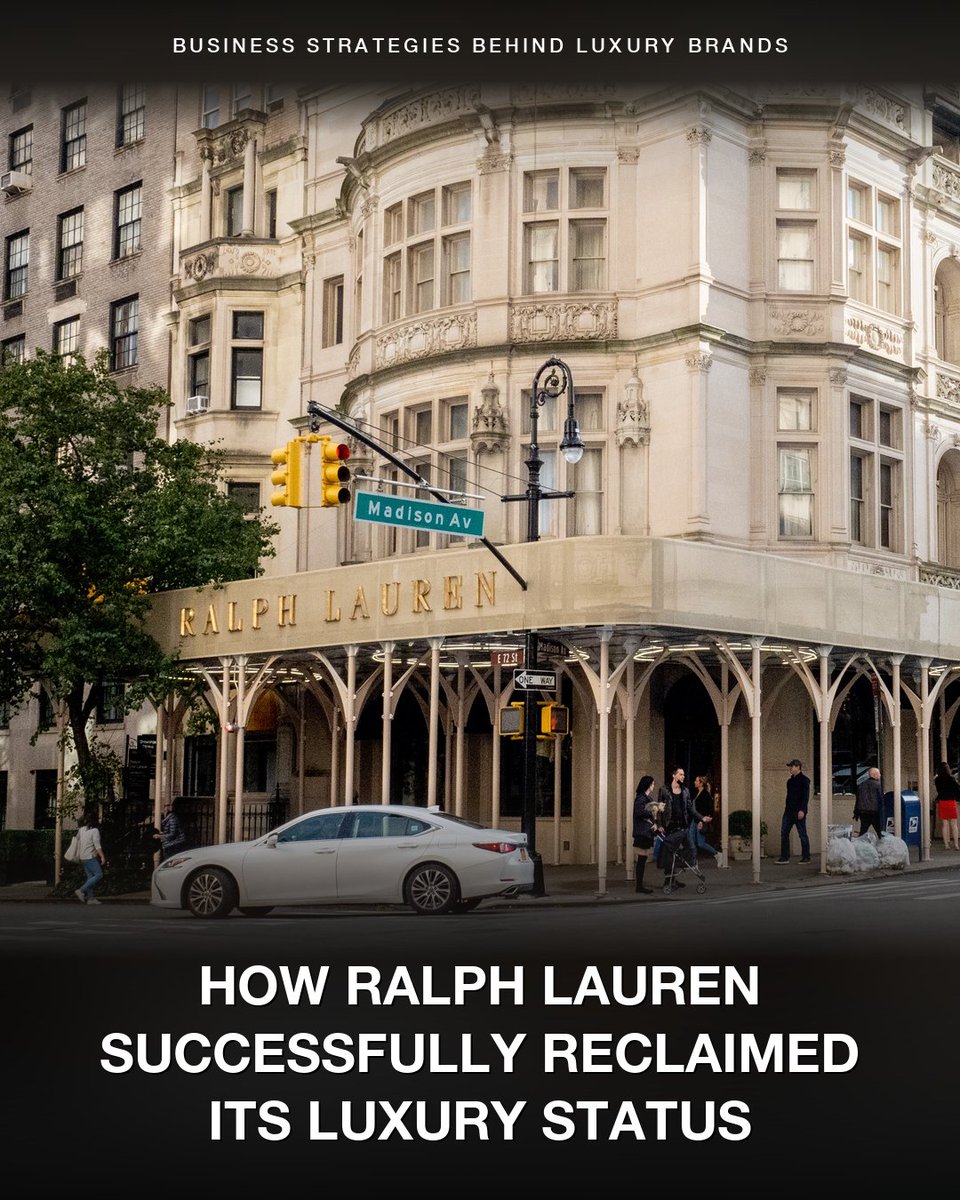
Ralph Lauren just crossed $8 billion in sales for the first time — at the best profit margin in its 59-year history.
For years, the Polo logo was everywhere. Outlet racks, off-price shelves, the clearance rack of every department store. Being on every markdown table taught shoppers one thing: never pay full price.
Revenue stalled in the low $6 billions and sat there.
So the company changed course. It started selling less, and charging more.
It pulled out of two-thirds of its U.S. department store locations. It cut its discount business in half. And it raised the average price per item, year after year.
Then it shifted sales into its own stores and website, now 68% of revenue.
So how does selling less make more money?
When you stop flooding the clearance racks, shoppers stop waiting for the sale and start paying full price.
A higher price per item drops almost straight to profit. It skips the extra inventory, shipping, and markdowns that come with selling more units.
And when you own the store, you decide when things go on sale. A department store decides that for you.
The payoff:
→ First $8 billion year
→ A record 16% operating margin
→ Stock near a record high
And selling less didn't make the brand smaller. Ralph Lauren is now the second most-desirable luxury brand for people under 35.
Michael Kors, in the same lane, leaned into the discounts Ralph Lauren walked away from. Its sales have fallen for years.
That's the lesson:
Discounting and over-distribution are the easy way to hit this quarter's number, and the quiet way to destroy your pricing power. Holding your price can mean flat sales for a while. It's also what makes a brand worth more over time.
🔔 I'm Leysan, CFO who breaks down iconic luxury brands every single week. Follow for more.
#BusinessModel #Pricing #BusinessStrategy
1
48
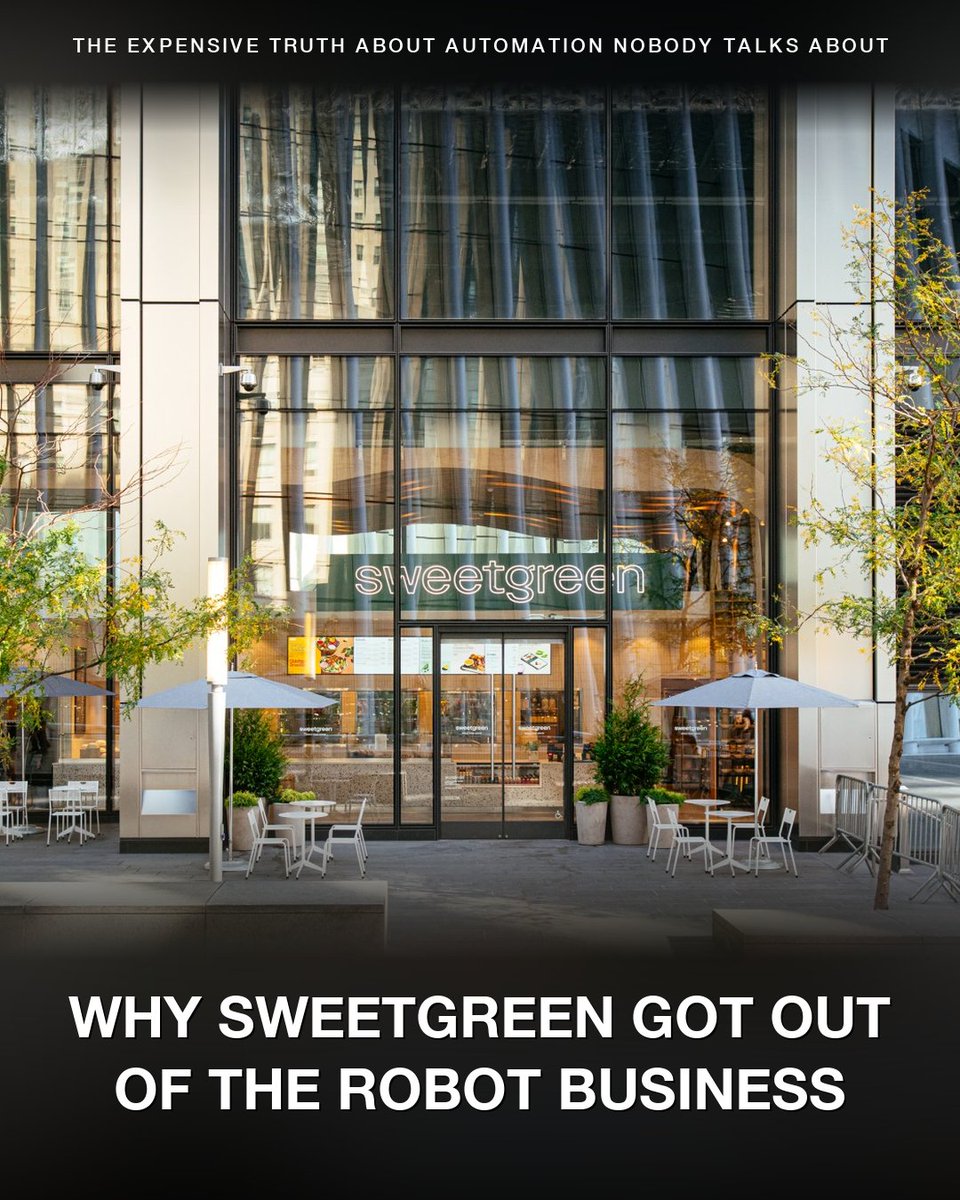
Sweetgreen just reported a $125.8 million profit — but not from selling salads.
Strip out one thing, and the business actually lost $34 million.
So where did the profit come from?
They sold the robot company.
Sweetgreen has had the same problem since day one: salads are expensive to make.
All the chopping, washing, and prep takes a lot of people, and fresh produce spoils fast.
So they spend more on labor than a burger or burrito place does.
In 2021, right before going public, they bought a robotics startup called Spyce and built an automated kitchen, a machine that assembles the bowls.
The idea: the machine does part of the work, so each store needs fewer people.
Years later, the machine was in 33 stores.
Where it ran, those stores cut their labor costs by about 7%.
So why only 33, when Sweetgreen has almost 300 stores?
Each machine costs around $500,000 to $800,000 to install.
You can't just drop it in. The whole store gets rebuilt around it.
And it takes years for the savings to pay that back.
So they mostly added the machine to new stores, not the ones they already had.
Then a second problem hit. Customers were leaving, and sales were falling — down almost 13% at its existing stores.
And the machine only pays off when a store is busy.
Fewer customers means fewer salads, and fewer salads means the machine saves even less.
So they sold the whole robot business to Marc Lore's Wonder Group for about two and a half times what they paid.
They still use the machine. Now they just buy one from Wonder when they need it, instead of running a robot business of their own.
That's the lesson:
Automation can be a powerful way to reduce cost, but only when the math works. If the machine costs more than the labor it saves, it's not the right project to take on.
🔔 I'm Leysan, CFO who breaks down how billion dollar companies actually make money every single week. Follow for more.
#BusinessModel #Automation #BusinessStrategy
2
96
In 2024, the U.S. government blocked Cerebras's IPO.
In 2026, Cerebras went public at a $95 billion market cap. The largest U.S. tech IPO since 2019.
When Cerebras filed in September 2024, one customer was 87% of revenue — G42, an Abu Dhabi AI conglomerate.
The U.S. national security committee opened a review of G42's stake in Cerebras. The concern was that advanced U.S. AI chip technology could reach China through UAE intermediaries.
The review dragged on for over a year. By October 2025, the filing went stale and Cerebras had to withdraw.
Meanwhile, the customer concentration didn't budge. It just shifted around.
The UAE's national AI university became the new whale at 62% of revenue. G42 dropped to 24%. Combined Abu Dhabi customers in 2025: still 86%.
In December 2025, OpenAI signed a $20 billion contract with Cerebras.
OpenAI hasn't paid them anything yet. The capacity rolls out in tranches between now and 2028.
But OpenAI being a U.S. customer everyone knows changed how investors read the rest of the business. The Abu Dhabi customers stopped looking like a permanent risk. With OpenAI ramping up, Abu Dhabi's share would gradually fall.
That was enough.
April 2026: Cerebras refiled.
Investor demand was so strong, the banks raised the price range twice during the roadshow.
Cerebras priced at $185 a share — above the original $115-125 range.
Day one, the stock closed at $311. Up 68%.
But that price isn't anchored to Cerebras's business today.
At first-day close, Cerebras was trading at nearly 186x its sales.
Nvidia, the company that dominates AI chips, trades at 25x.
Cerebras's revenue is less than 0.25% of Nvidia's.
Investors are paying a higher premium for Cerebras than for Nvidia. Not for what the business is. For what they think it'll be once OpenAI's compute starts flowing.
That's the lesson:
People don't always buy the numbers. They buy the story.
🔔 I'm Leysan, CFO who breaks down the economics behind tech companies every single week. Follow for more.
📊 Free PDF: my company-analysis framework, with real examples and case studies: lnkd.in/eG5T9RUr
#BusinessModel #Cerebras #IPO #AI
1
2
77
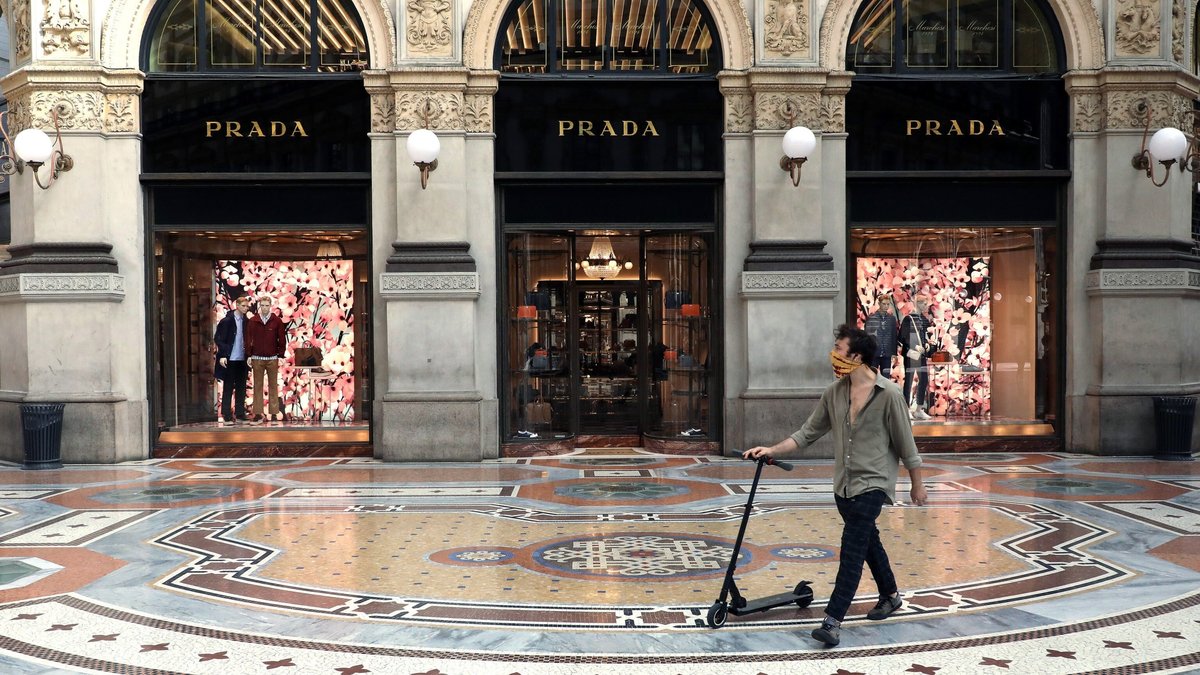
Prada has grown for 21 straight quarters — while the rest of luxury is shrinking.
LVMH and Burberry both reported drops in 2025. Kering's Gucci just posted its 11th straight quarter of decline.
Prada grew 9% in 2025 and 14% in Q1 2026.
Here's what's surprising: most of it came from Miu Miu.
Miuccia Prada has run Prada's design since 1978. In 1993, she launched Miu Miu as a smaller, younger label.
She gave it its own identity. Its own customer. Its own creative direction.
For three decades it stayed in the background. It didn't set records. It just kept going.
Then in 2024, Miu Miu retail sales grew 93%. Suddenly it was one of the hottest brands in luxury.
Just as Prada's main brand was slowing down.
That growth gave Prada the room to make its biggest move in over a decade.
In December 2025, Prada paid $1.375 billion for Versace. That was 35% less than what the previous owner had paid for it in 2018.
The growth that made the move possible came from Miu Miu, not Prada.
That's the lesson:
Don't dismiss the smaller parts of your business. The thing that looks like a side project for years might be the thing that carries you when your main business slows down.
🔔 I'm Leysan, CFO who breaks down iconic luxury brands every single week. Follow for more.
#BusinessModel #Growth #BusinessStrategy
52
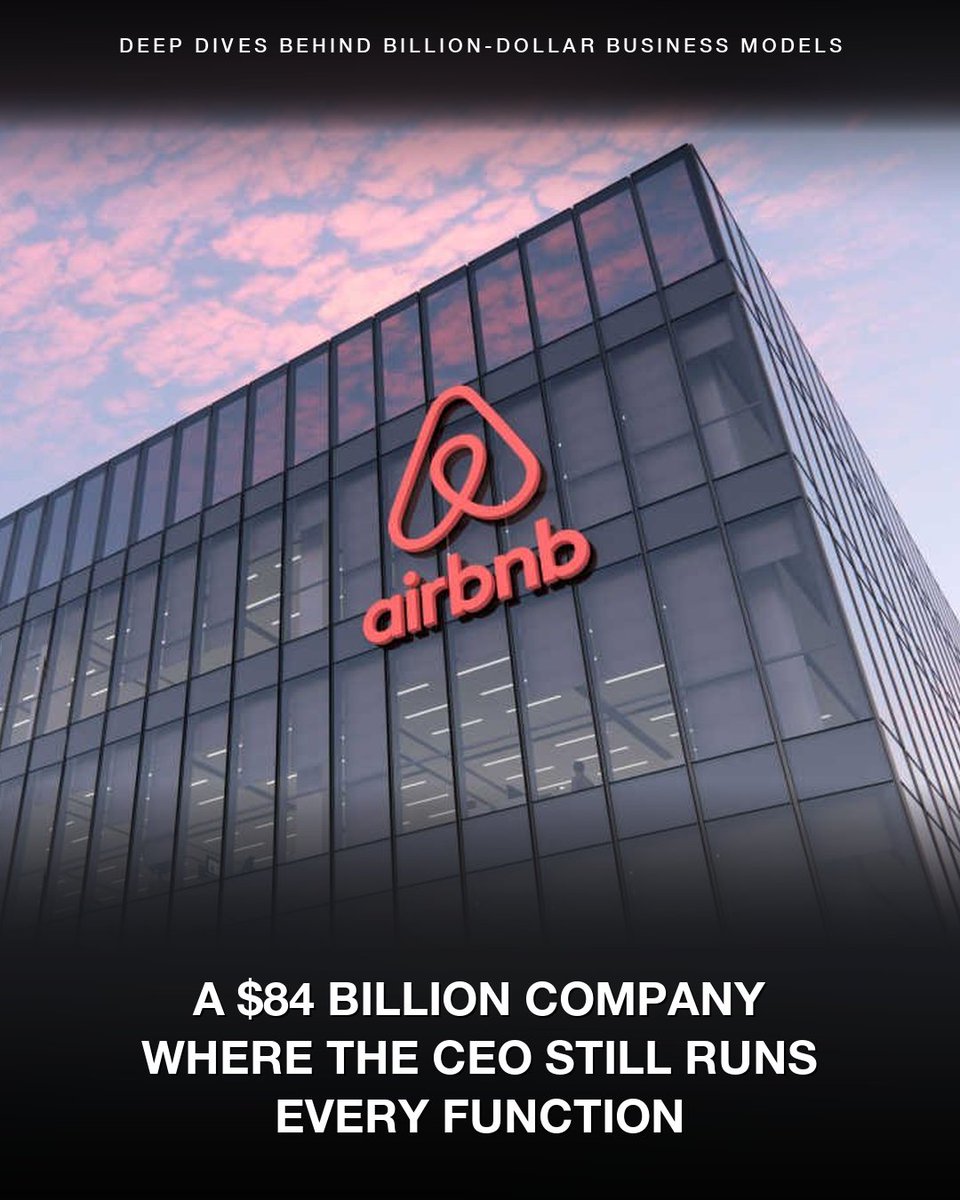
Airbnb almost ran out of money in April 2020. In 2025, it generated $4.6 billion in free cash flow.
When COVID hit, bookings collapsed 80% in eight weeks. The IPO was off. The company was burning cash.
Brian Chesky borrowed $2 billion at 11% interest — the kind of money you only take when survival is on the line.
Then he laid off 1,900 people. A quarter of the company.
Before the crisis, he'd built Airbnb the way every growth-stage CEO is taught to — experienced executives, layered management, CEO stepped back from the day-to-day.
The crisis showed him it didn't work.
Most CEOs would have doubled down. Hired turnaround consultants. Delegated harder.
Chesky did the opposite.
He cleared out the layer of executives between him and the work. Engineering, design, product, marketing — every function now reports straight to him.
It became known as "founder mode."
But here's the thing: founder mode works because Airbnb doesn't own a single property. Hosts own the homes. Hosts handle the guests. Airbnb runs the marketplace.
A small team can run a huge business — but only if leadership refuses to add the layers back.
Six years later:
→ Revenue: up ~150%
→ Headcount: up ~50%
→ Free cash flow margin: 38%
Marriott is in the same industry. It does about twice the revenue with 18 times more employees. Free cash flow margin: around 10%.
The difference is the strategy and the business model.
That's the lesson:
The org chart you build today is the cost structure you live with tomorrow.
If your revenue doubled tomorrow, would you double the headcount?
🔔 I'm Leysan, CFO who breaks down billion dollar business models every week. Follow for more.
📊 If you like this post, you can download the free PDF to learn more about the framework I use to analyze companies, with real examples and case studies: tinyurl.com/5fvdxvua
📩 The Margin Report — read the long-form Sunday deep-dives: marginreport.substack.com
🤖 AI CFO Check-In Prompt — get a CFO-level conversation with your favorite AI chat tool, free prompt: tinyurl.com/mpt8haet
#BusinessModel #CashFlow #BusinessStrategy
1
1
78
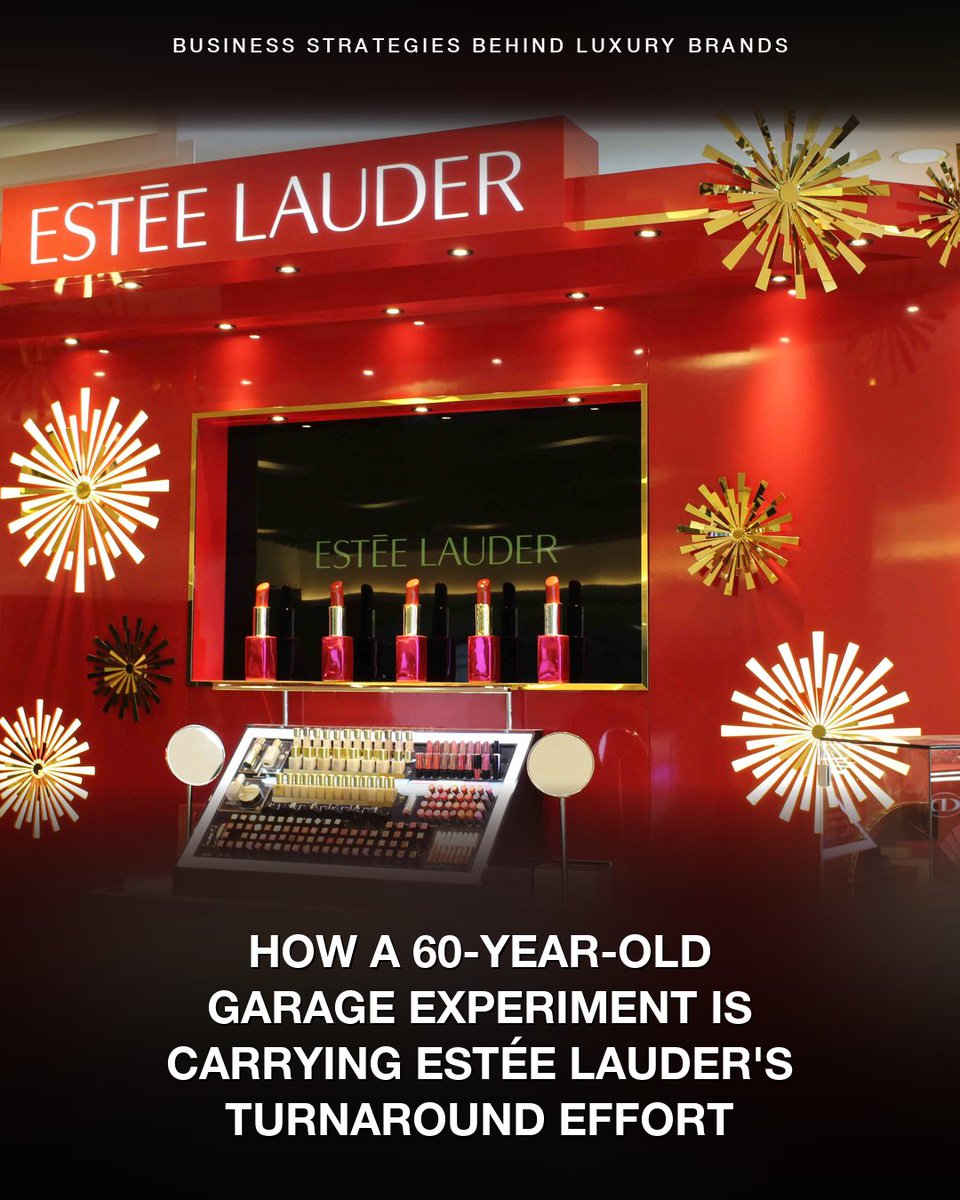
Estée Lauder revenue dropped nearly 20% in three years.
Cut up to 10,000 jobs. Spending up to $1.7B restructuring.
On May 1, they posted their first good quarter in four years.
For 70 years, the playbook was counter staff in department stores, China expansion, Hainan duty-free, sampling, brand education. That's how they got to $17B.
Then the playbook stopped working. China softened. Hainan reset. Department stores lost the customer.
So they brought in a new CEO. Walked away from the department stores that built them. Pushed into Sephora, Ulta, and TikTok Shop instead. Cut over $1B in annual costs.
All of that was real work. But the growth came from somewhere else.
The brands actually leading the recovery are the cult ones — La Mer, Tom Ford, Le Labo. La Mer was the biggest growth driver this quarter.
The brand started with one cream, invented by an aerospace physicist who burned his face in a 1950s lab accident.
He spent 12 years in his garage. 6,000 experiments fermenting kelp. Made a cream that healed his skin. Sold it as Crème de la Mer in 1965.
Estée Lauder bought the brand in 1995.
La Mer expanded over the years to many product lines, but Lauder kept it premium for 30 years. No mass-market line, no drugstore version.
Dermatologists keep saying cheaper creams work just as well. Customers stay anyway.
The recovery came from one brand Estée Lauder didn't have to fix.
That's the lesson:
Sometimes the part of your business that's already working is what's actually carrying the rest.
What's the version of La Mer in your business?
♻️ If this was useful, share it.
🔔 I'm Leysan, CFO who breaks down iconic luxury brands every single week. Follow for more.
📊 If you like this post, you can download the free PDF to learn more about the framework I use to analyze companies with real examples and case studies: lnkd.in/eG5T9RUr
#BusinessModel #Turnaround #BusinessStrategy
46
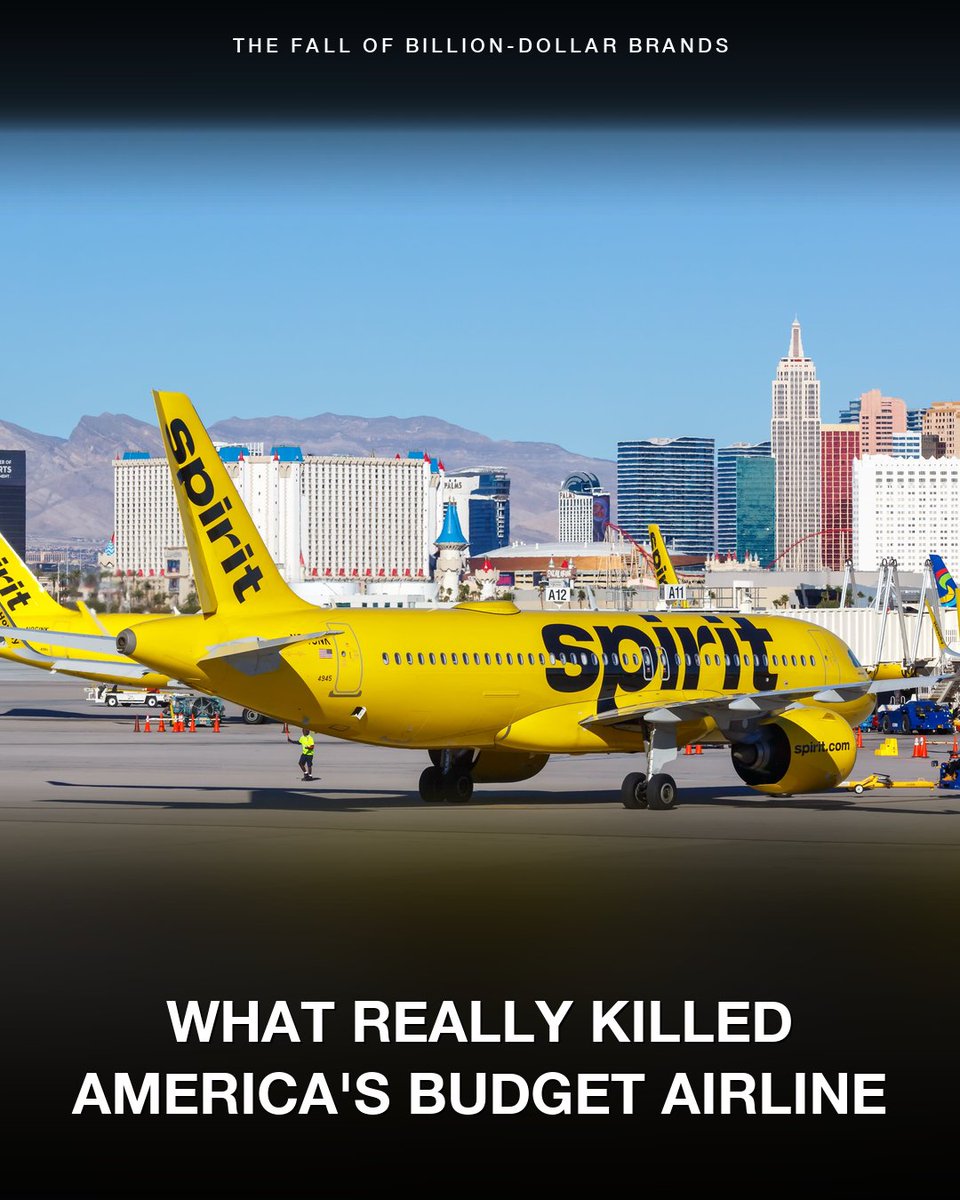
Spirit Airlines shut down on May 2, 2026 — 34 years, 17,000 jobs, and a $500M rescue offer from the White House couldn't save it.
Final flight: NK1833 from Detroit, landed at Dallas-Fort Worth at 1:08 a.m.
By morning, every jet was grounded. 600,000 passengers stranded.
Most of the coverage points to fuel. Spirit's bankruptcy plan assumed jet fuel at $2.24 a gallon for 2026, but by late April it was $4.51 — and fuel costs alone grew about $100 million in two months, more than Spirit had in cash.
The Trump administration brokered a $500M federal loan to plug the gap.
But Spirit was buried in debt.
It had lost more than $2.5 billion since the pandemic. To get out of its first bankruptcy in November 2024, Spirit had given its senior lenders the final say on any future rescue.
The government loan needed their approval.
They said no.
Here's why. Spirit's planes are worth billions, and right now every other airline is desperate to buy them.
Those lenders were first in line to get paid back if Spirit shut down. The government's $500M would have moved them to second.
Sell the planes off, and they get paid in full. Take the deal, and they might not.
They took the sale.
Now look at Sun Country, another low-cost airline.
Same fuel costs. Same market. Same executive — Dave Davis was Sun Country's President and CFO for over five years before he took the Spirit CEO role in April 2025.
Sun Country is still flying.
The difference: Sun Country never piled on Spirit's debt. It also had revenue Spirit didn't — cargo contracts with Amazon and charter flights.
That's the lesson:
When companies take on debt, they're also handing the lender rights over their business. In good times, nobody notices. In a crisis, the lender makes the company's life or death decision.
#Bankruptcy #BusinessModel #BusinessStrategy
2
84
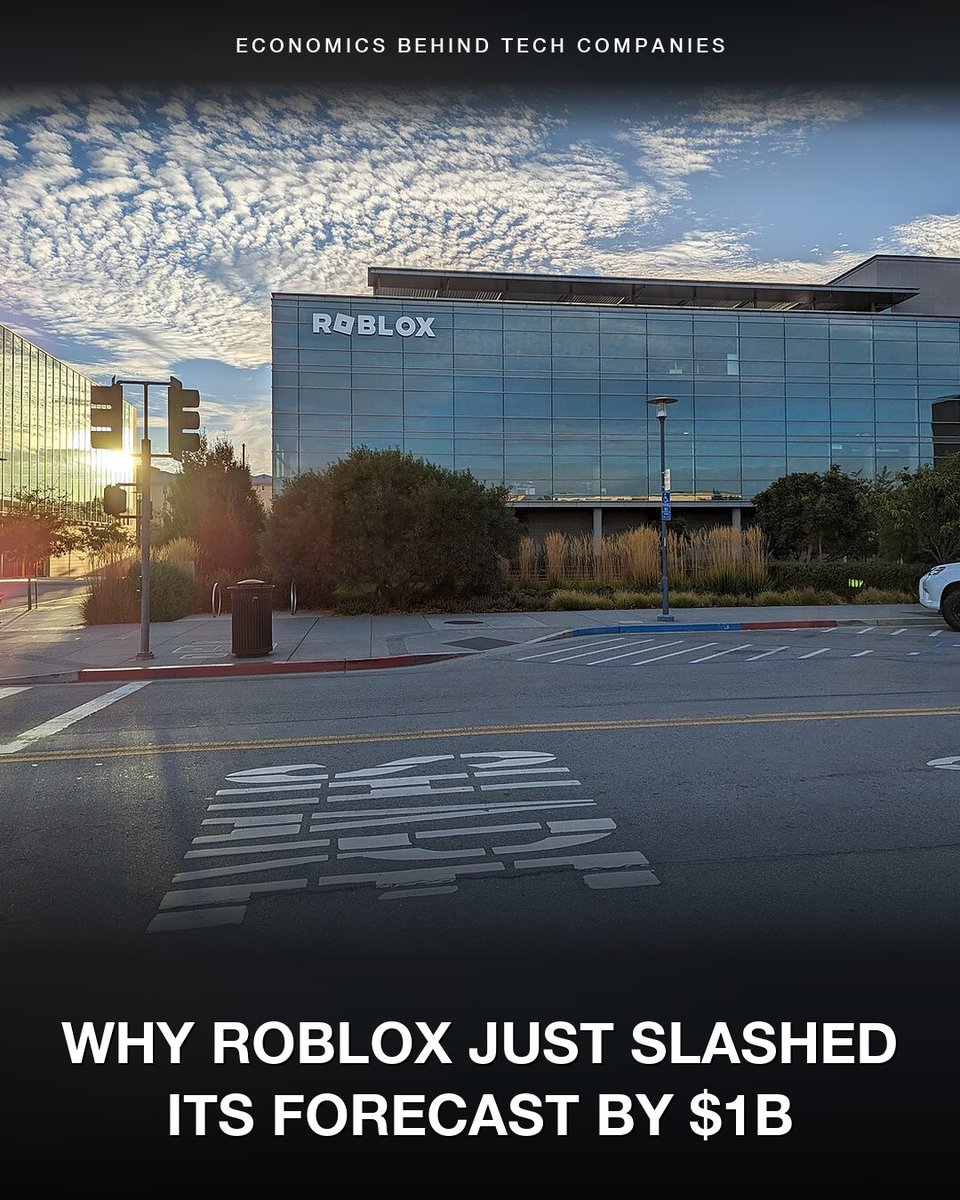
132 million people use Roblox every day. The company doesn't make any of the games they're playing.
Outside creators (often teenagers) do. Players spend real money on Robux, the in-game currency. Roblox takes a cut. The rest goes to whoever built the game.
In 2013, Roblox let creators turn their Robux into U.S. dollars.
Before that, building a game on Roblox earned you play money. After that, it could pay your rent.
For years, DevEx grew slowly. Then COVID pulled tens of millions of kids onto the platform, the tools matured, and the supply side compounded. By 2025:
→ $1.5B paid to outside creators ( 63% YoY)
→ Top 1,000 averaged $1.3M each
→ A small team built a game in 4 months that hit 25M concurrent players
None of that came from Roblox.
But on April 30, Roblox cut its own 2026 forecast by $1 billion. The stock dropped 18% in a single session.
The customer base is overwhelmingly children. That's created legal exposure now coming due. Texas, Louisiana, and Florida AGs sued last fall.
80 lawsuits are active. Roblox has paid $35M to settle three states with another $57M accrued.
In response, Roblox is rolling out a major safety overhaul. They expect to make $1 billion less this year because of it.
If parents lose trust, they pull their kids. If kids leave, creators stop earning. If creators stop earning, games stop getting made. And without games, there is no Roblox.
That's the lesson:
Pay the people your business depends on. Protect the people who use it. If either side leaves, there's no business.
🔔 I'm Leysan, CFO who breaks down the economics behind tech companies every single week. Follow for more.
📊 If you like this post, you can download the free PDF to learn more about the framework I use to analyze companies with real examples and case studies: lnkd.in/eG5T9RUr
#BusinessModel #Marketplace #BusinessStrategy
86
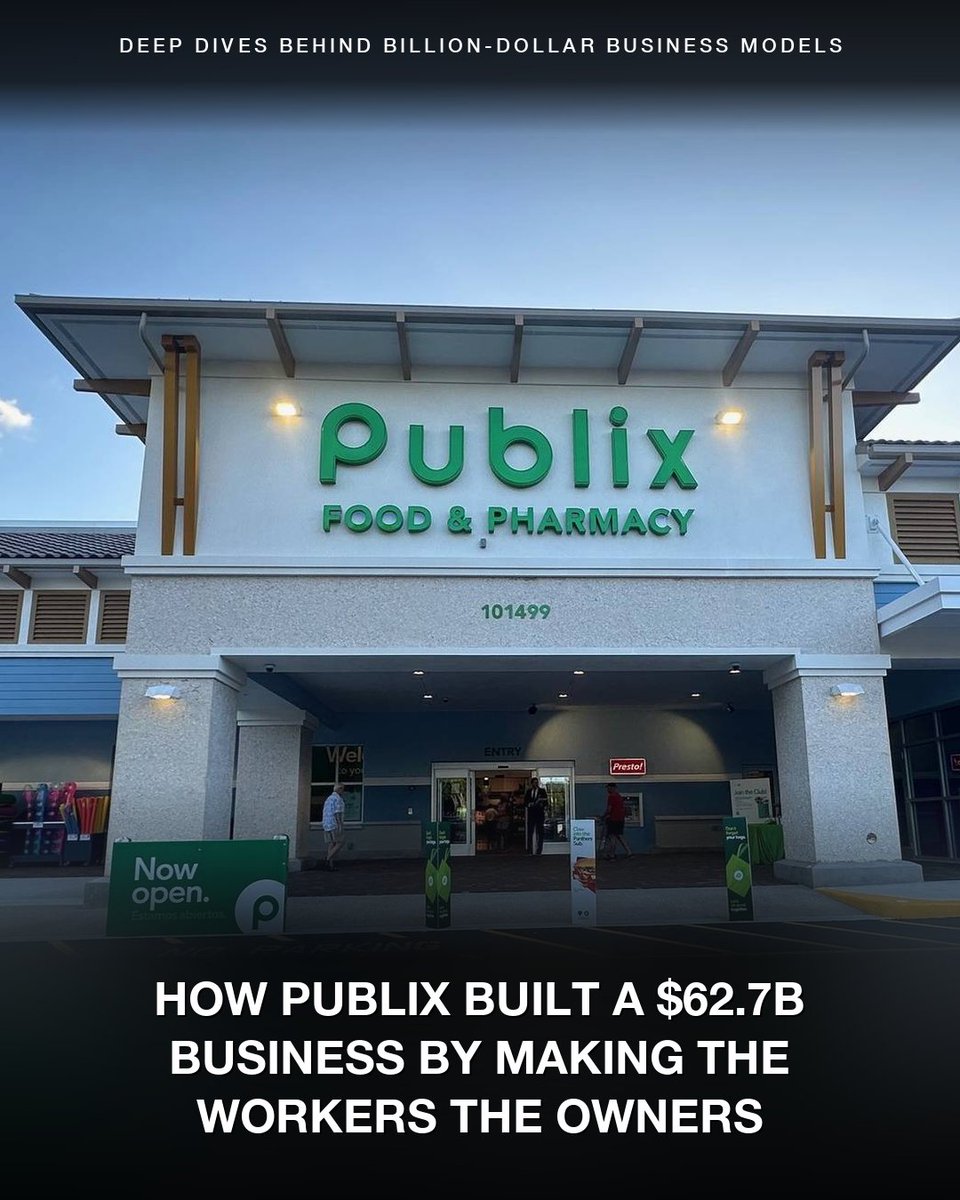
Publix is one of the 3 largest private companies in America — and roughly 80% of it is owned by people stocking its shelves.
The cashier ringing you up. The clerk in the bakery. The associate restocking the produce aisle.
It started in 1930.
George Jenkins was 22 years old, managing a Piggly Wiggly store in Winter Haven, Florida. When the chain got sold, he traveled to meet the new owner. The owner wouldn't see him.
He quit the next day.
Within weeks, in the middle of the Great Depression, he opened his own grocery store right next to the Piggly Wiggly he'd just left.
He had 30 founding shares. He sold most to former coworkers — the butcher and assistant manager from the Piggly Wiggly, plus a few friends.
For 44 years, profit-sharing was informal. In 1974, he formalized it. Every associate who works 1,000 hours a year and stays a full year starts accumulating Publix stock at no cost.
Today, current and former associates own roughly 80% of the company. The Jenkins family holds the rest.
That structure changes who shows up and who stays.
Kevin Murphy, the current CEO, has been at Publix for 42 years. Todd Jones, the Executive Chairman, for 46. They both started as front service clerks.
The people running a $62.7 billion company came up bagging groceries and stocking shelves.
The same retention shows up at the store level. Associates know the regulars, run the bakery, remember where everything is.
Customers feel the difference. They pay roughly 20% more than Walmart for it.
Here's what surprised me: Publix shares more than $3.5 billion a year with associates — and still earns roughly 3x the net margin of every public grocery peer.
Last year:
→ $62.7B in sales
→ $4.7B in profit
→ $3.5B distributed back to associates
→ 7.5% net margin (the industry runs on 2-3%)
That's the lesson:
One of the most underrated ways to grow a business might be letting the people doing the work own a piece of what they're building. Workers with a stake produce a kind of customer experience employees without can't replicate.
🔔 I'm Leysan, CFO who breaks down billion dollar business models every week. Follow for more.
📊 If you like this post, you can download the free PDF to learn more about the framework I use to analyze companies, with real examples and case studies: tinyurl.com/5fvdxvua
📩 The Margin Report — read the long-form Sunday deep-dives: marginreport.substack.com
🤖 AI CFO Check-In Prompt — get a CFO-level conversation with your favorite AI chat tool, free prompt: tinyurl.com/mpt8haet
#BusinessModel #Ownership #BusinessStrategy
36