Joined April 2020
- Tweets 971
- Following 4
- Followers 12,041
- Likes 2,760
186 Photos and videos

May 25
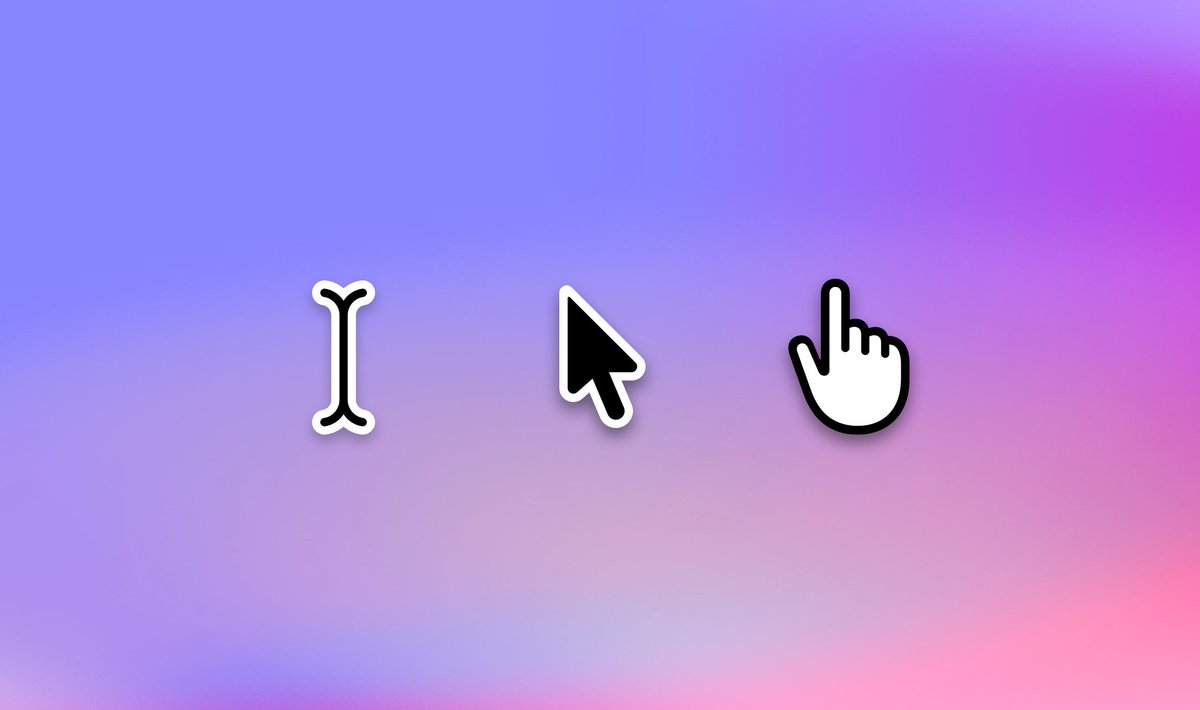
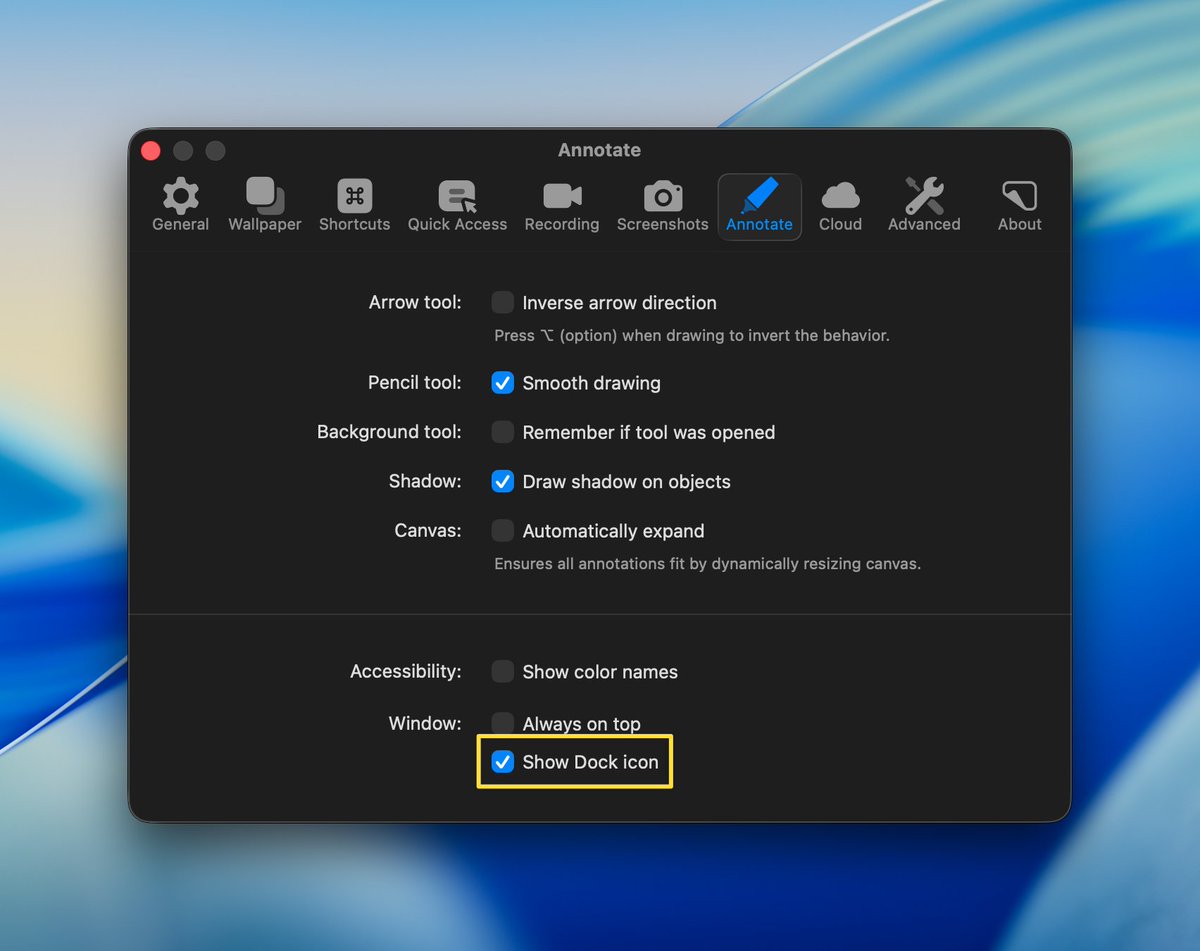
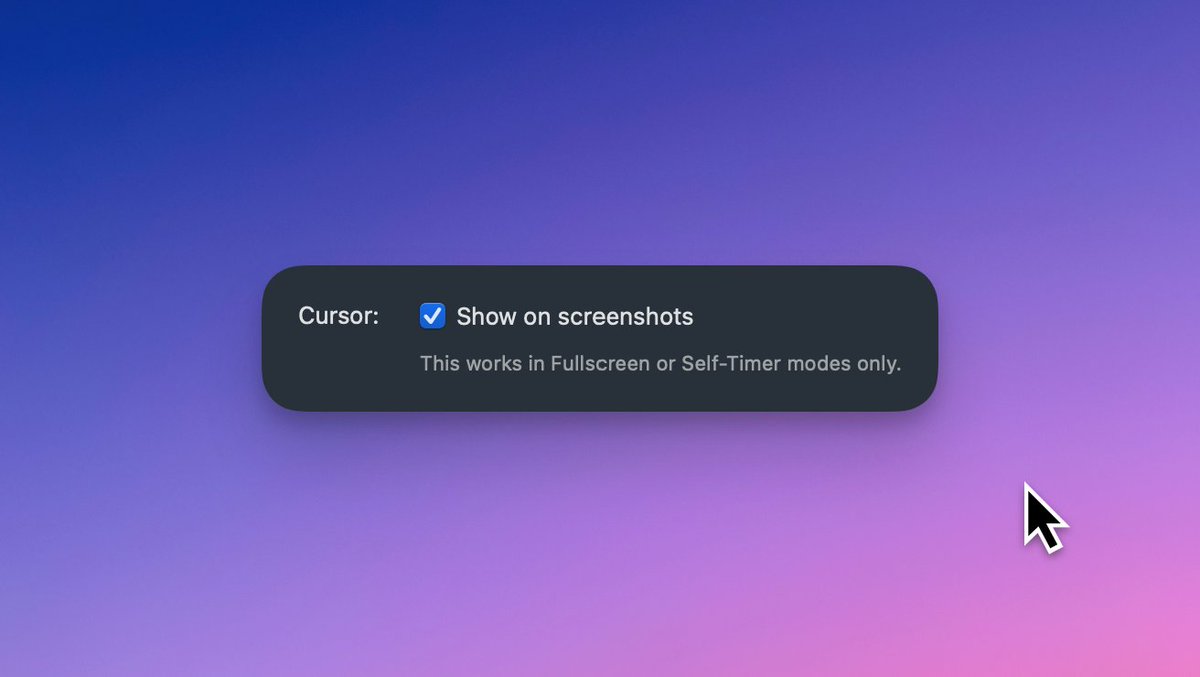
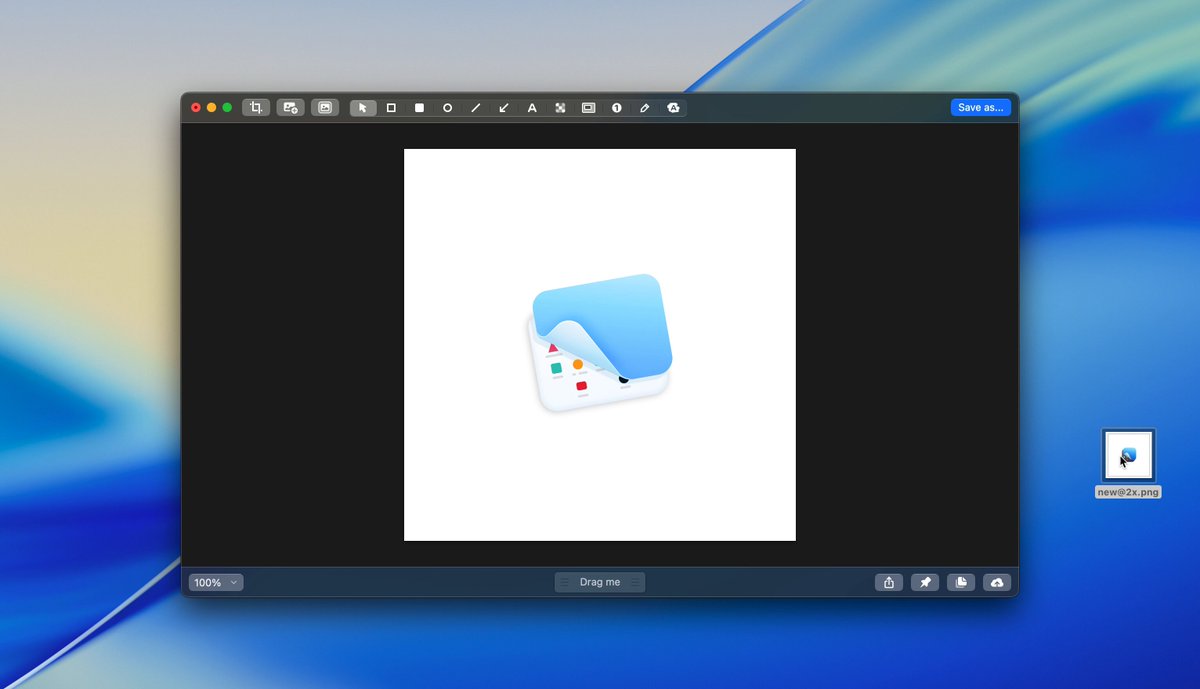
🧑💻 Interaction designers, here's a #CleanShotTip for you:
Capture cursor and UI states in screenshots - so every interaction is clear.
How to enable it:
Settings… -> Screenshots -> Cursor: Show on screenshots
Bonus: Use the self-timer mode to capture complex interactions.
2
2
19
2,614
Apr 21
CleanShot's Scrolling Capture is a lifesaver, but most platforms shrink it into a tiny, unreadable image. 🧐
With CleanShot Cloud, you can share it the way it’s meant to be seen: full-size, smooth, and scrollable.
Here's a quick demo:
cleanshot.com/share/wWZKx4rD
3
2
28
3,734
Mar 26
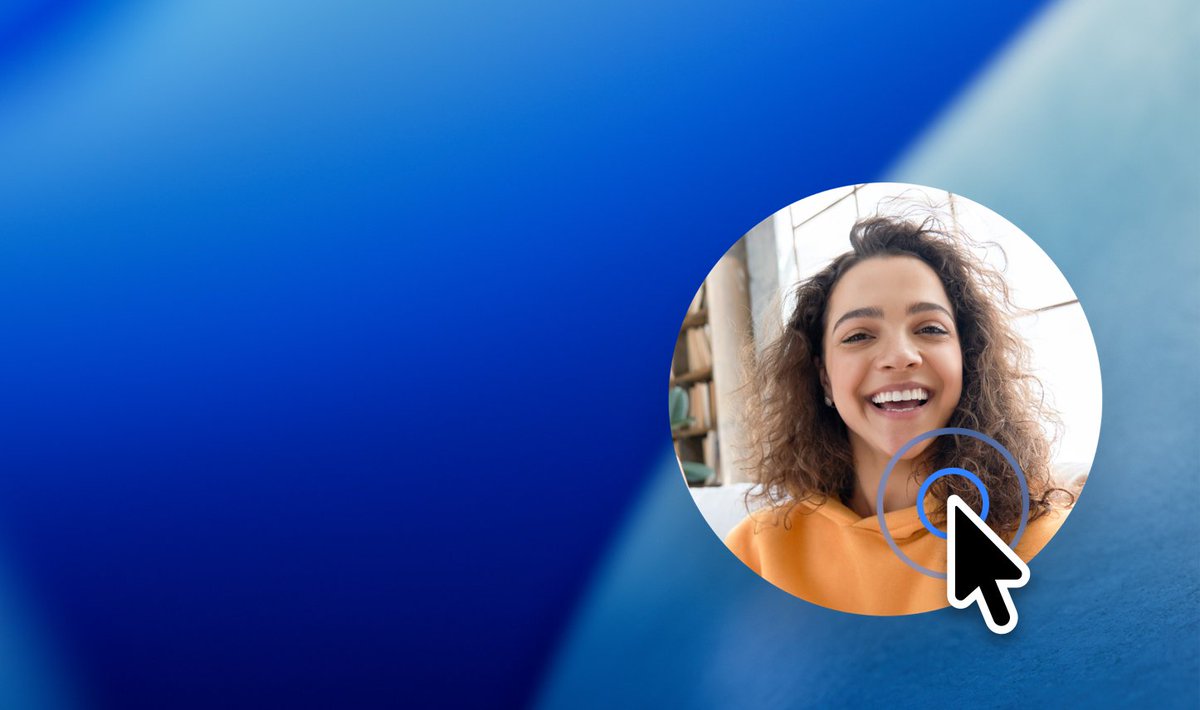
Recording a tutorial, demo or sales video? Don’t hide in the corner. 👀
Click your webcam preview anytime to go fullscreen - highlight your reactions, explanations, or key moments!
To make it even easier: assign a shortcut for it in the Settings! #CleanShotTip
1
1
26
3,040
Mar 9
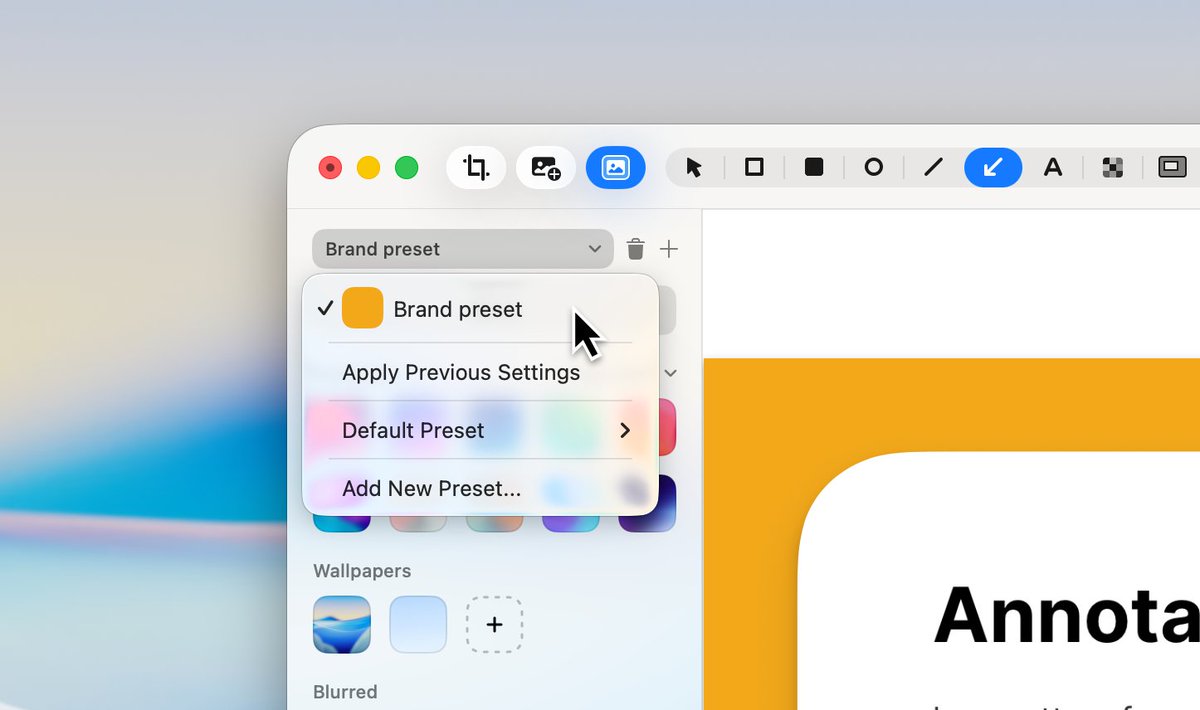
CleanShot Your Brand = 💙
One screenshot preset and every capture stays on-brand. 💎
1. Create a preset with your brand colors.
2. Set it as default preset.
3. Send perfectly branded screenshots to your clients. 🤝
#CleanShotTip
3
5
174
15,182
Feb 20
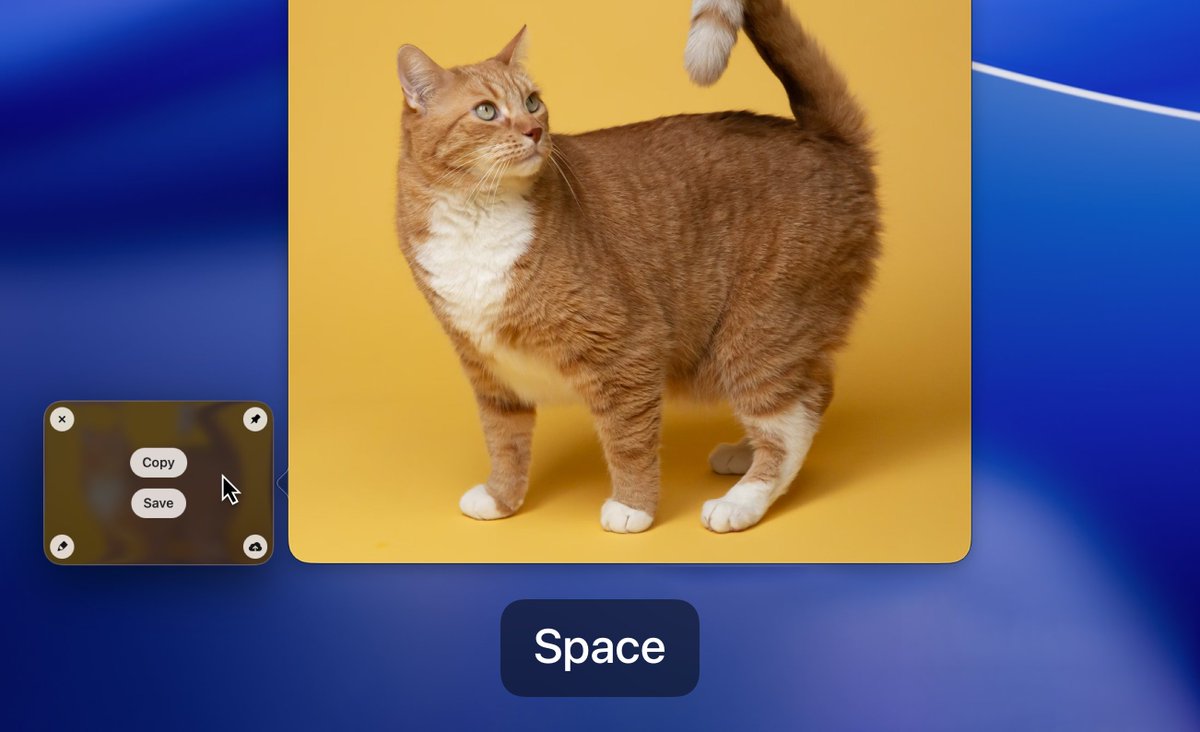
Mac users - you already press Space to preview files.
But did you know the same works in CleanShot? 🤔
Here’s a #CleanShotTip you might’ve missed: hover over a captured media file and press Space to instantly see a preview 👀
2
3
39
3,534
Jan 29
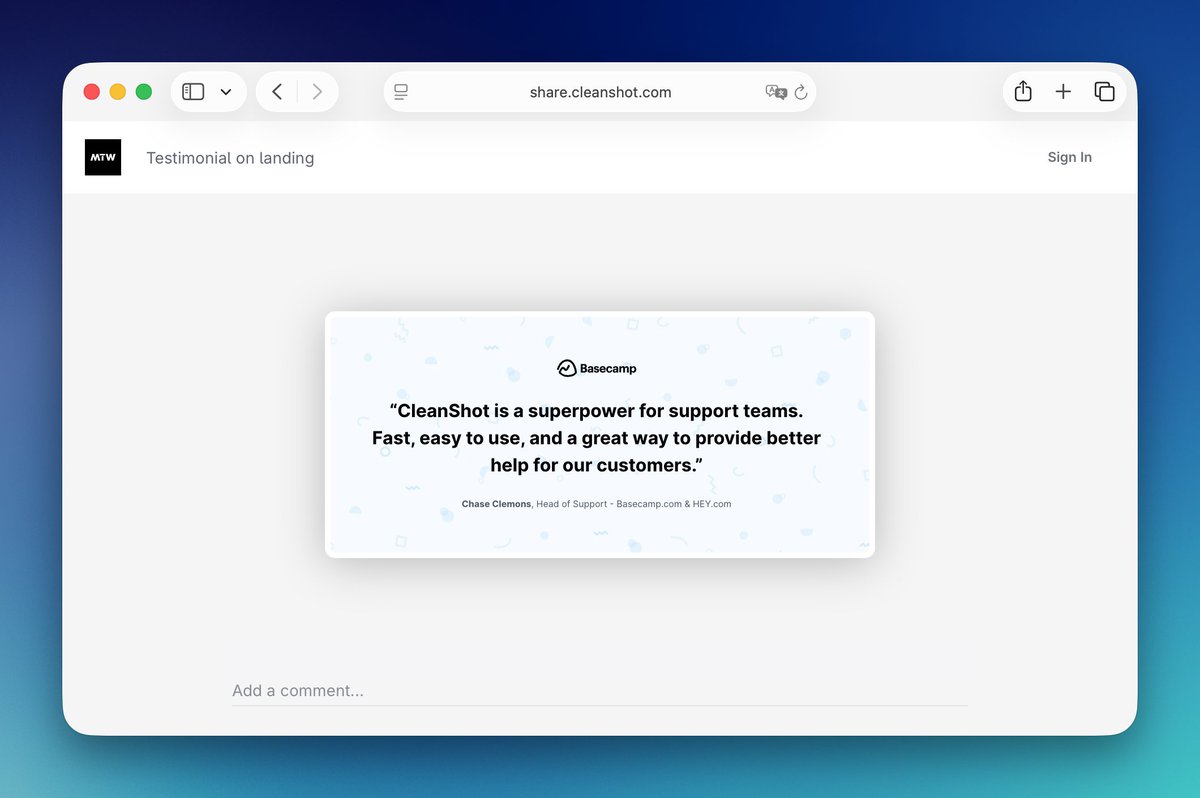
There’s a reason we have Clean in the name ✨
With CleanShot Cloud, you can customize everything and keep your shared media beautifully simple.
No clutter. No distractions. Just focus. 🧘
1
2
13
3,102
Jan 29
To customize your media page, go to CleanShot Cloud -> Advanced -> Branding/Appearance
2
2,055
4 Dec 2025
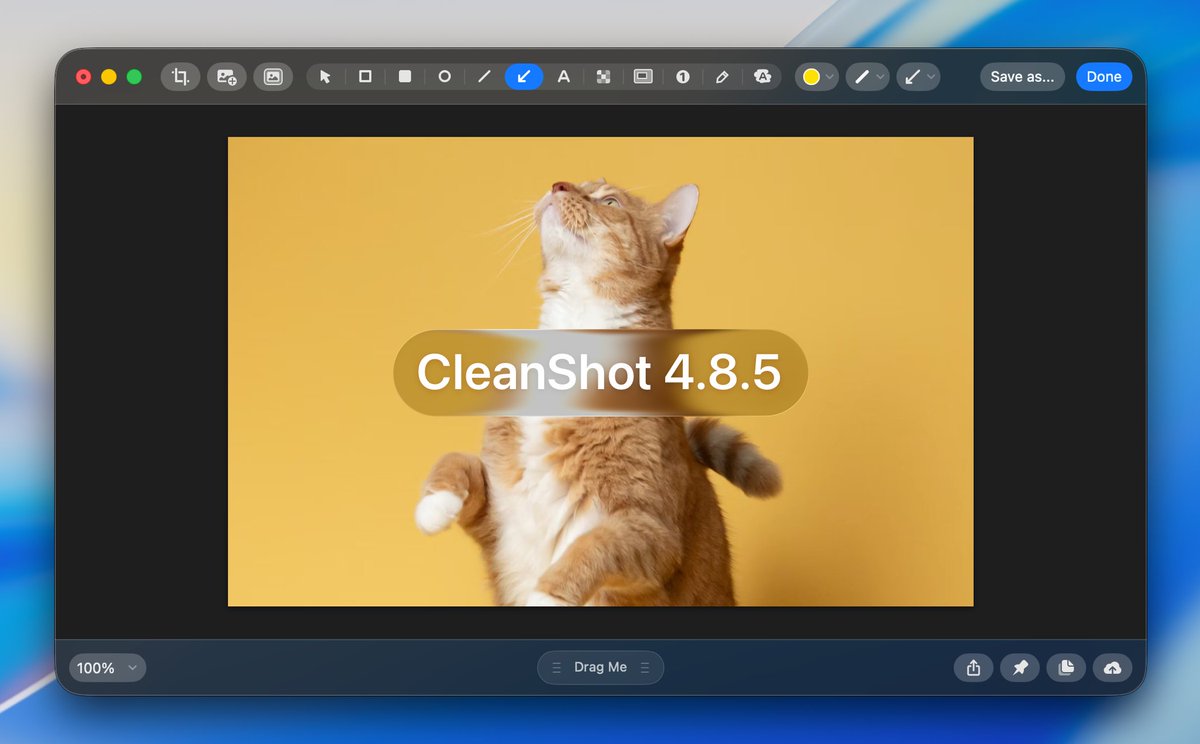
We've just released CleanShot 4.8.5, with sleek new interface designed for macOS Tahoe ✨
Update your app today to get the new look!
23
7
287
23,308
27 Nov 2025
And the winner is... @montaser2011 🏆
We’ve also chosen three runner-ups: @anteamens, @itsnoahd and @Kergf13 🥈 (they will receive one year of updates)
Congrats and huge thanks to everyone who took part in the contest! 🎉
19 Nov 2025

📣 Heavy CleanShot users, it's your chance to win!
We want to hear your best CleanShot use cases and your own #CleanShotTip.
Tell us how CleanShot is helping you in your work!
🎁 The most creative one will receive lifetime CleanShot updates (or 5 years of Pro subscription)!
3
19
10,009
21 Nov 2025
⏰ There's still some time left to enter the contest!
19 Nov 2025
📣 Heavy CleanShot users, it's your chance to win!
We want to hear your best CleanShot use cases and your own #CleanShotTip.
Tell us how CleanShot is helping you in your work!
🎁 The most creative one will receive lifetime CleanShot updates (or 5 years of Pro subscription)!
1
1
23
6,734
19 Nov 2025
📣 Heavy CleanShot users, it's your chance to win!
We want to hear your best CleanShot use cases and your own #CleanShotTip.
Tell us how CleanShot is helping you in your work!
🎁 The most creative one will receive lifetime CleanShot updates (or 5 years of Pro subscription)!
30
7
75
28,259
19 Nov 2025
Make sure to share your tips by the end of 25 November for a chance to win!
9
2,583
30 Oct 2025
Frontend developers - today’s #CleanShotTip is for you!
Have you ever coded something that almost matched the design? 👀
With CleanShot, you can compare design with live website in seconds! 🔎
Just pin your screenshot, adjust opacity, and compare until it’s perfect! 👌
8
7
132
15,423
16 Oct 2025
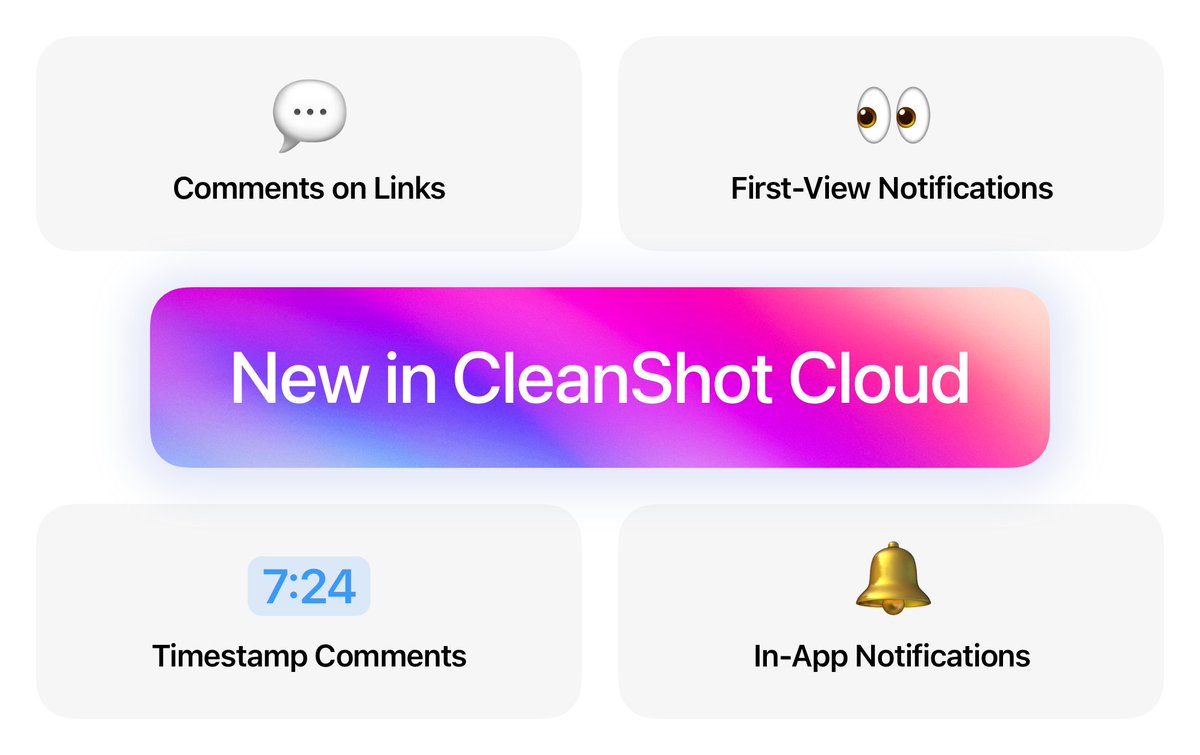
🔥 Introducing comments on CleanShot Cloud!
💬 It's now easier than ever to leave feedback on your screenshots and recordings!
Bonus:
- ⌚ Timestamped comments
- 👀 Notifications when someone views your link
- 🔔 In-App notifications (requires CleanShot 4.8.4)
4
4
63
7,829
21 Aug 2025
Trying to screenshot where to click, but the cursor is just... not there? 🤔
It’s not a bug - it’s a setting! ⚙️
You can enable it in Settings -> Screenshots. It's that simple!
#CleanShotTip
1
1
58
5,958
1 Aug 2025
💡 Here's a #CleanShotTip for heavy Cloud users:
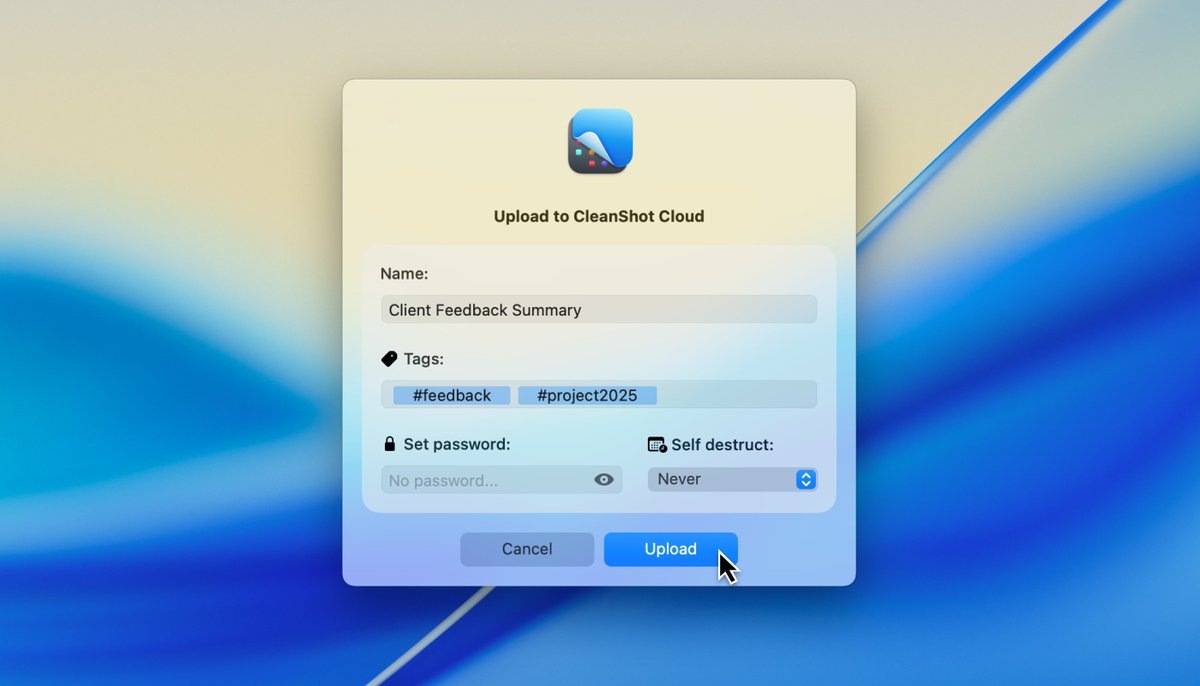
👉 You are probably not renaming every file - but for the ones that matter, hold Option (Alt) and click the upload button to fully customize it!
Bonus tip: Enable it permanently in Settings ⚙️ -> Cloud tab ☁️.
3
3
60
7,502
15 Jul 2025
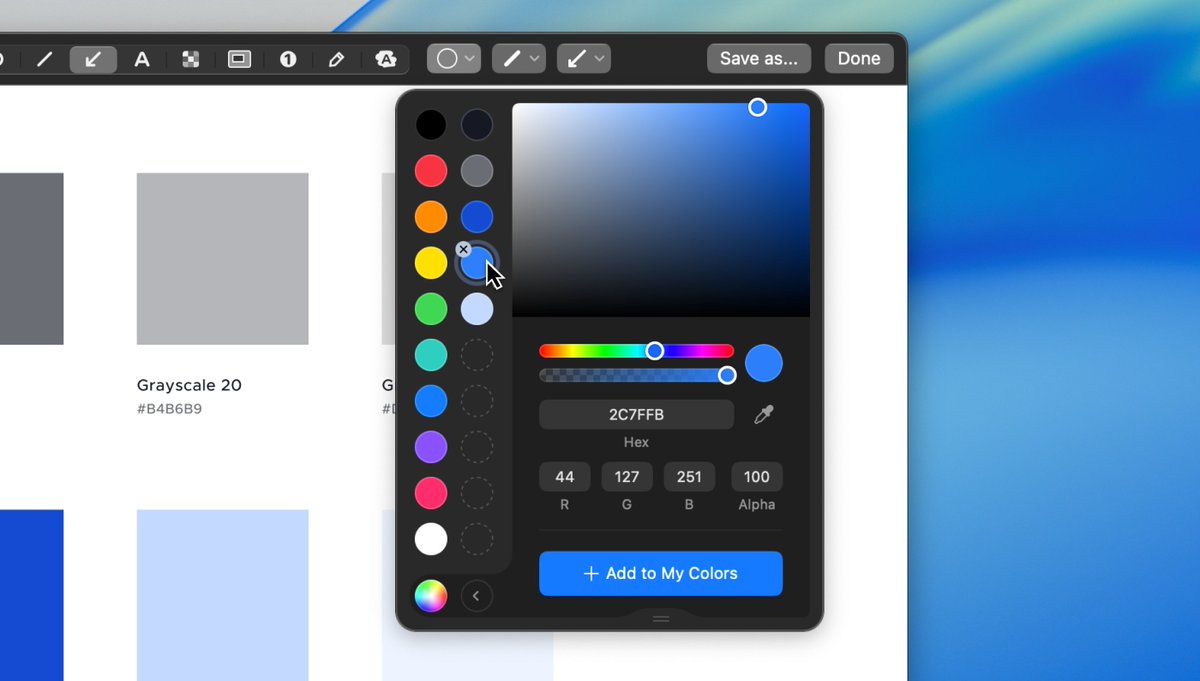
Brand colors matter – even in screenshots! 📸
That’s why our Color Picker lets you save your own palette! 🎨
With CleanShot, even your quick screenshots stay on-brand and consistent. 🤝
#CleanShotTip
9
8
158
13,908
12 Jun 2025
👋 Designers, you're gonna love this #CleanShotTip!
The new CleanShot 4.8 brings smarter image placement - perfect for clean, precise before/after comparisons 🌓
A powerful way to get meaningful feedback 💬 on your creative process, especially in UX/UI design!
27
10
300
24,693
27 May 2025
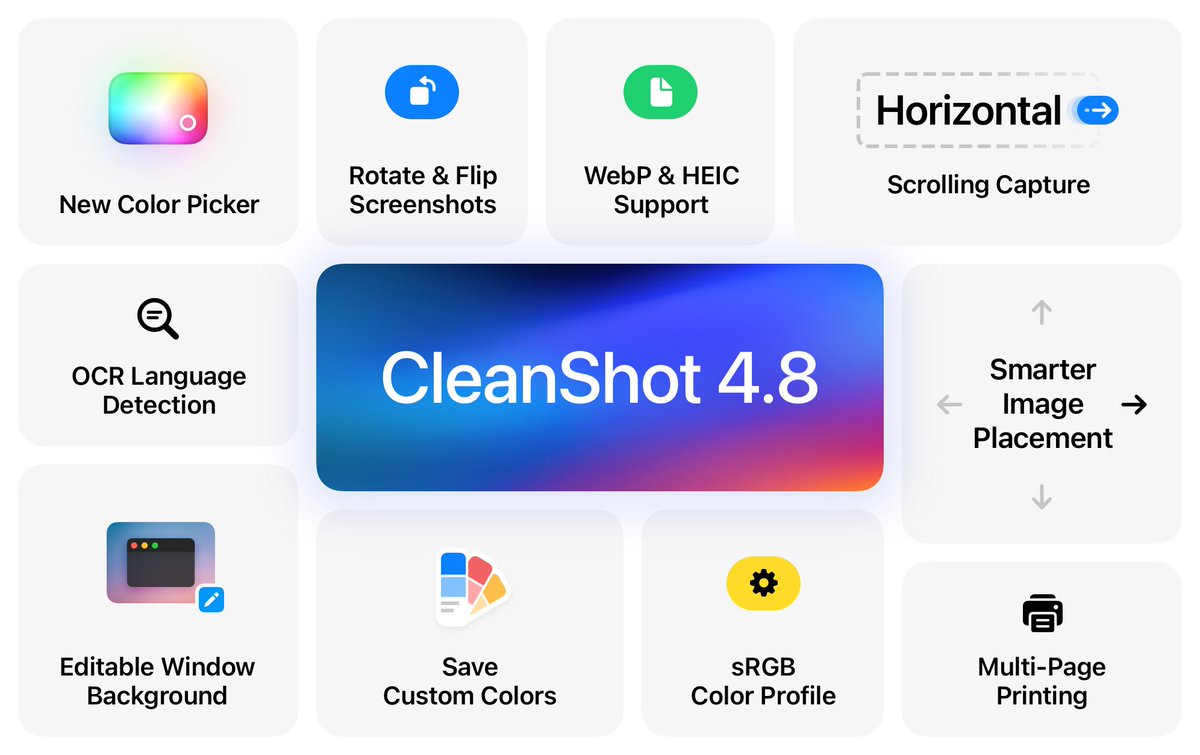
🔥 CleanShot 4.8 is finally here:
🎨 New color picker - Easily select and save custom colors in Annotate
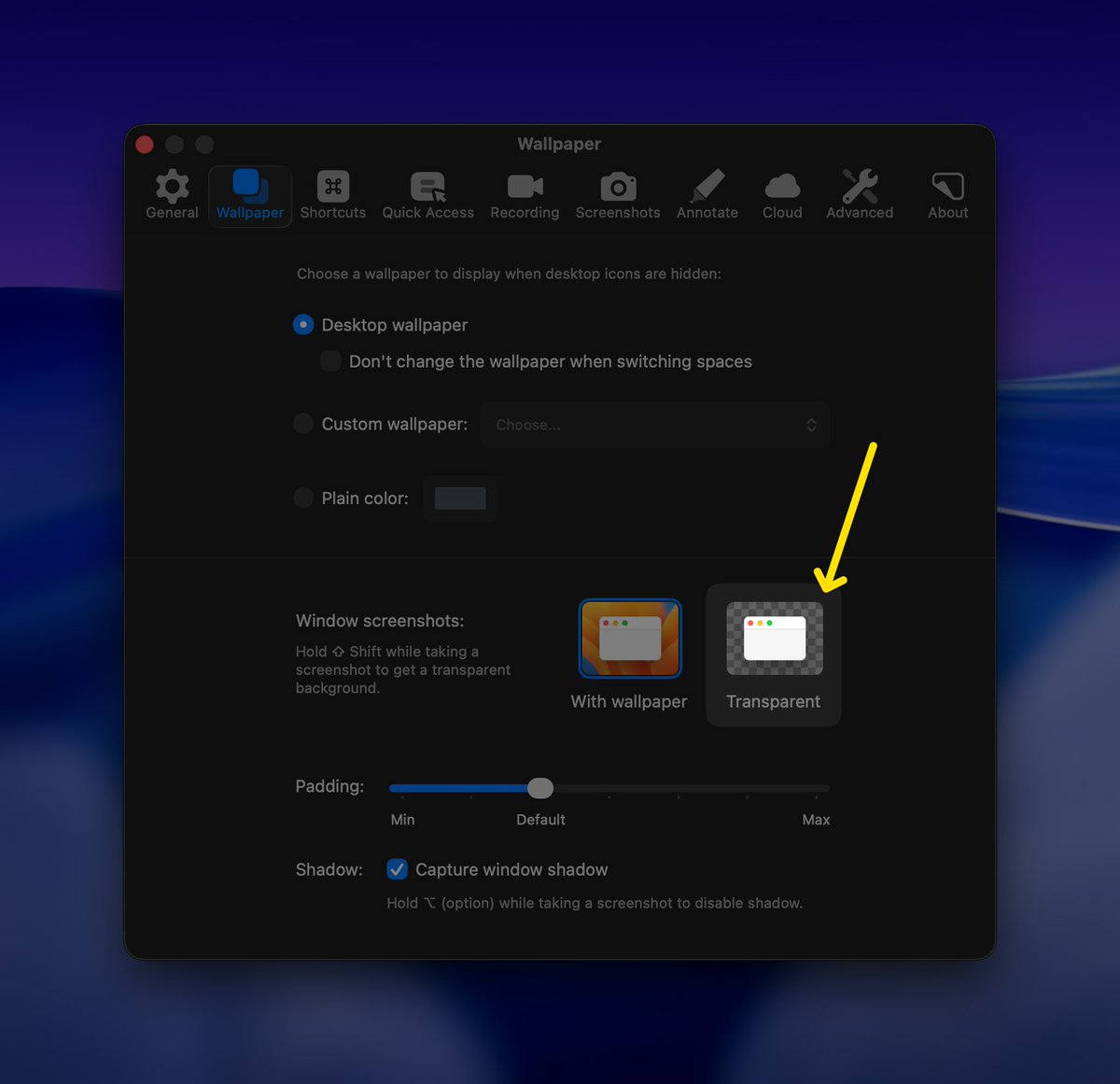
🖼️ Editable Window Screenshots - Change or remove the background after taking a screenshot
↔️ Horizontal Scrolling Capture
🔄 Rotate and flip images directly in Annotate
33
35
639
39,058
27 May 2025
▶️ As always, we've prepared a detailed video showing all the new features:
youtu.be/o5ypDElAMto
1
20
7,636