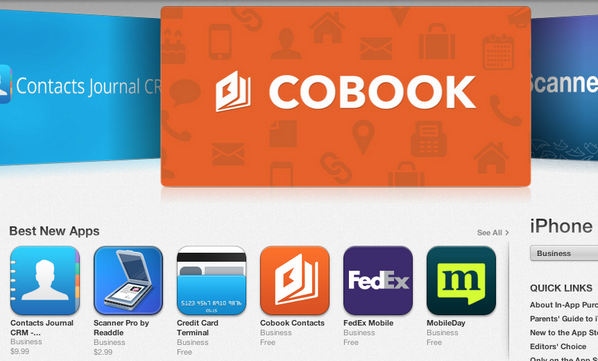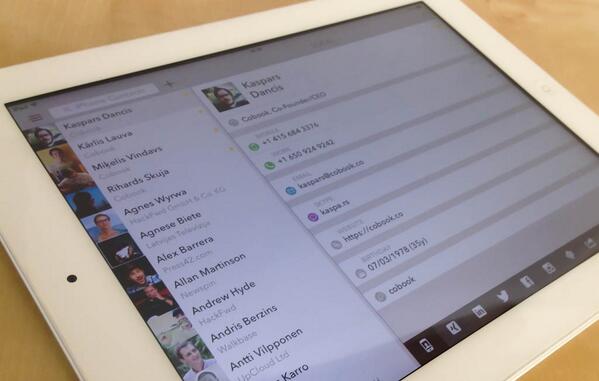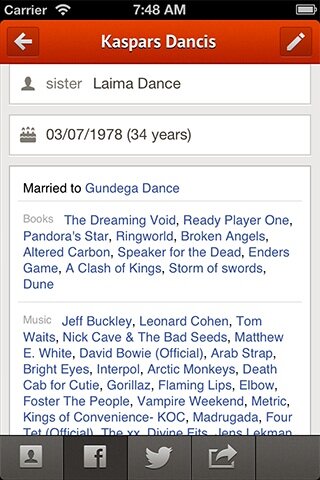
The unified address book for iPhone, iPad and Mac.

Joined July 2011
19 Photos and videos
Pinned Tweet
23 Sep 2015
Our official Twitter handle is now @FullContact. Thanks for following!
1
3
21 Apr 2014
@David_w_J Quit cobook and launch while holding cmd key. That should fix it
15 Apr 2014
@TCFMark @tomwphillips Cobook just shows your twitter contacts, none of them was actually imported to your contacts ;)
3 Apr 2014
Replying to @holubus
Hi @holubus, Are you connected to the person in Xing?
1
3
2
2 Apr 2014
@David_w_J OK, drop us a line to help@cobook.co with reference to this conversion
2 Apr 2014
@pvantees Yes, it drops existing one and builds a new one
2 Apr 2014
@ITAdder You can use tags (like #family, #work, etc) to group contacts
2 Apr 2014
@LesFaber If you have iCloud sync enabled on tour Mac “On My Mac” becomes “iCloud"
2 Apr 2014
@David_w_J It is actually possible to connect multiple iCloud accounts. Are they the same or different accounts?
2 Apr 2014
@pvantees could you try to quit Cobook and launch it while holding down Command key?
1 Apr 2014
@pvantees which version do you have? does restarting the app help?
26 Mar 2014
@LesFaber do you have any contacts in 'On My Mac' address book? It does not show up if it is empty.
16 Jan 2014
@clevercode those upgrades will remain as is. there will be additional functionality available on subscription-bases in future
1
16 Jan 2014
@dvdweyer we’ll be maintaining existing functionality plus adding many new features very soon
1
15 Jan 2014
Cobook FullContact buff.ly/1cpnS2X

2
13
6
7 Jan 2014
@mjsteelega you have to open the contact in main view(double-click or enter)
7 Jan 2014
@mjsteelega have you connected Twitter in Cobook’s settings -> Services?
7 Jan 2014
@mjsteelega here is an article about social profiles cobook.co/help/profiles/

7 Jan 2014
@mjsteelega profiles are now in separate contact tabs - select the tab you want to search (right side of contact), after that it’s the same
1
29 Dec 2013
@creativUXdesign yes, a little inconsistency there