
Timeboxing app featuring 80/20 rule with minimalism design. Built by @AburiStudio
Joined August 2025
- Tweets 27
- Following 7
- Followers 11
- Likes 49
11 Photos and videos


3 Nov 2025
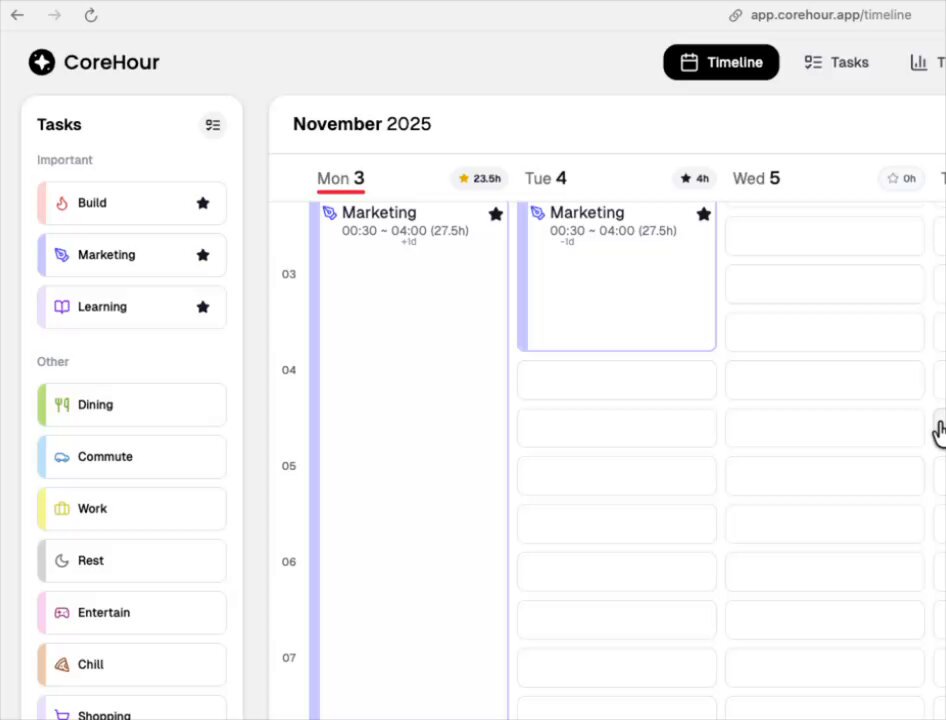
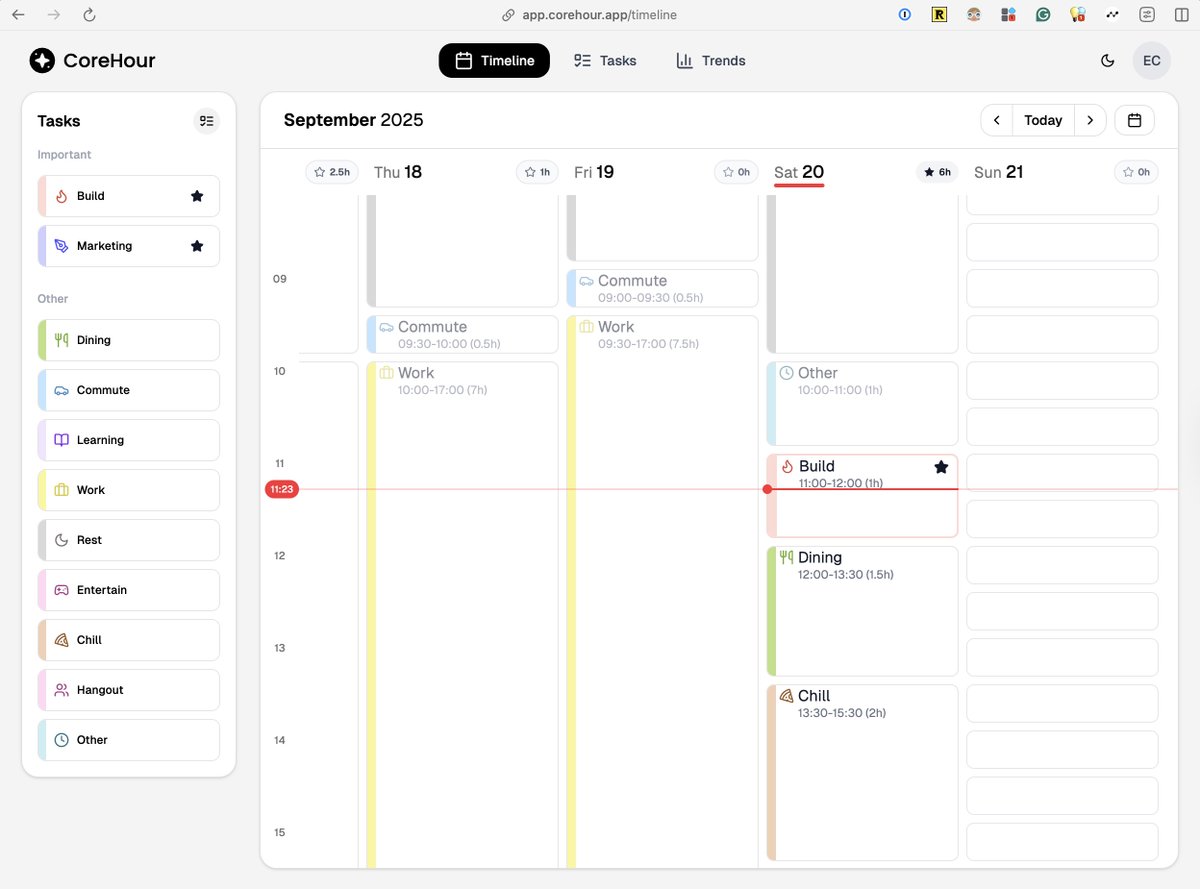
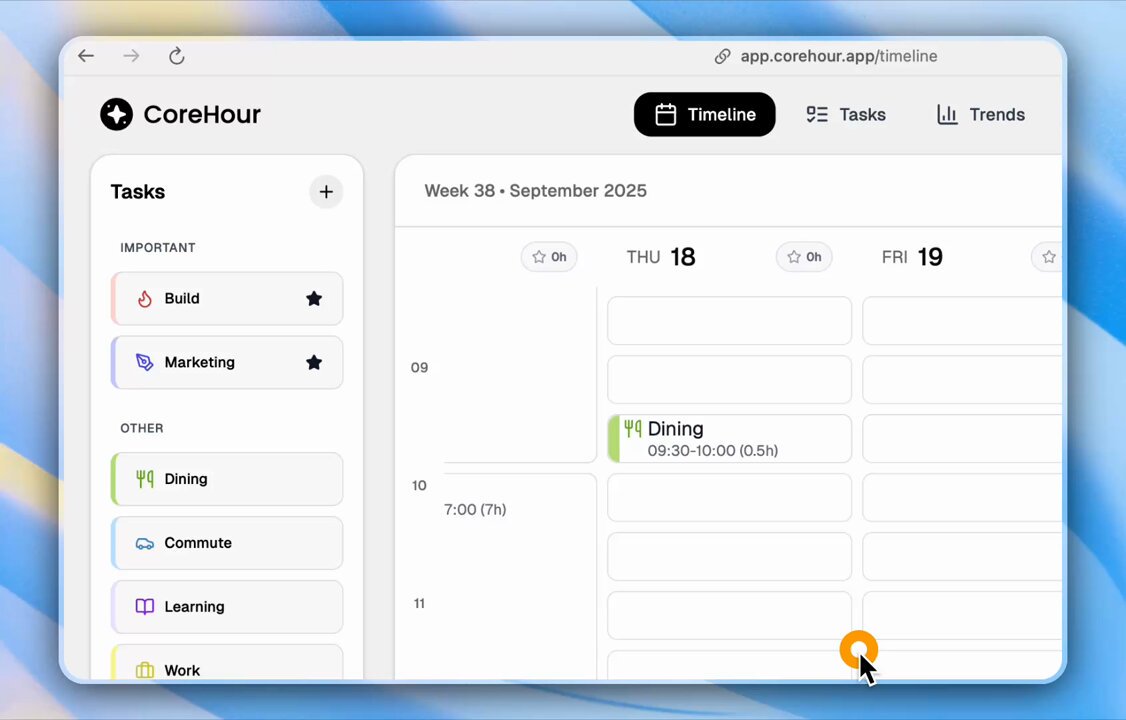
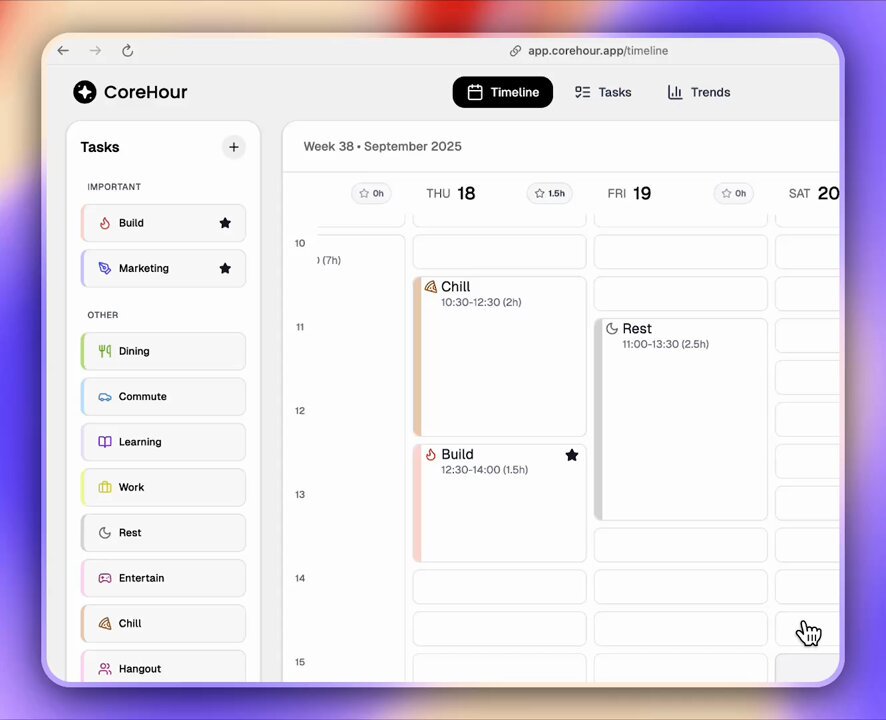
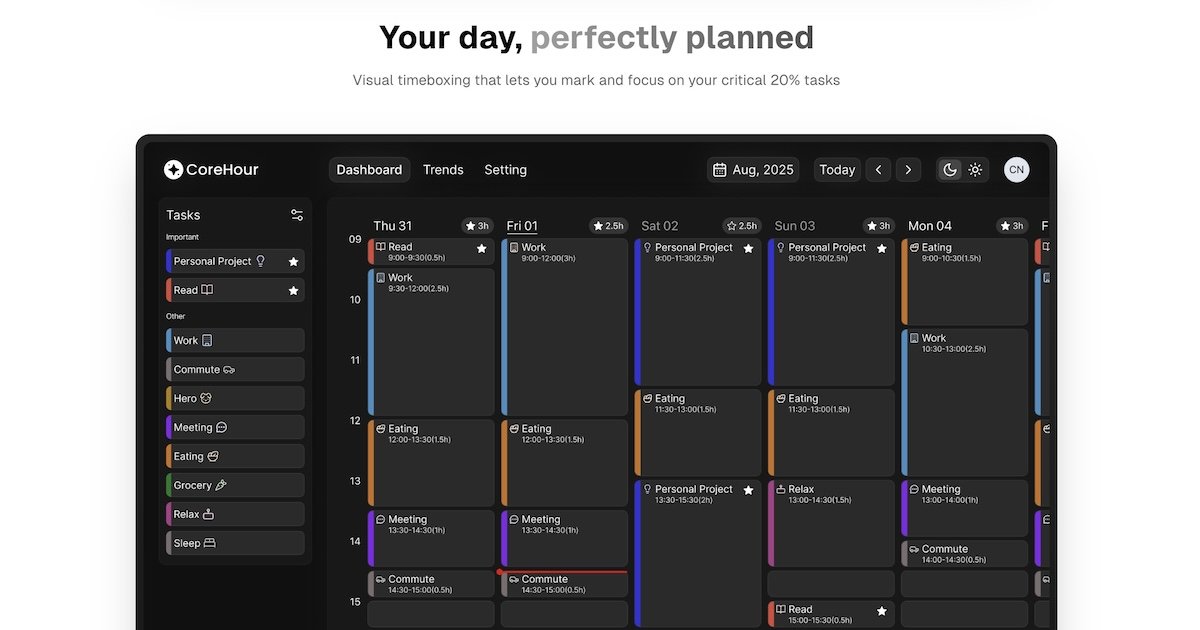
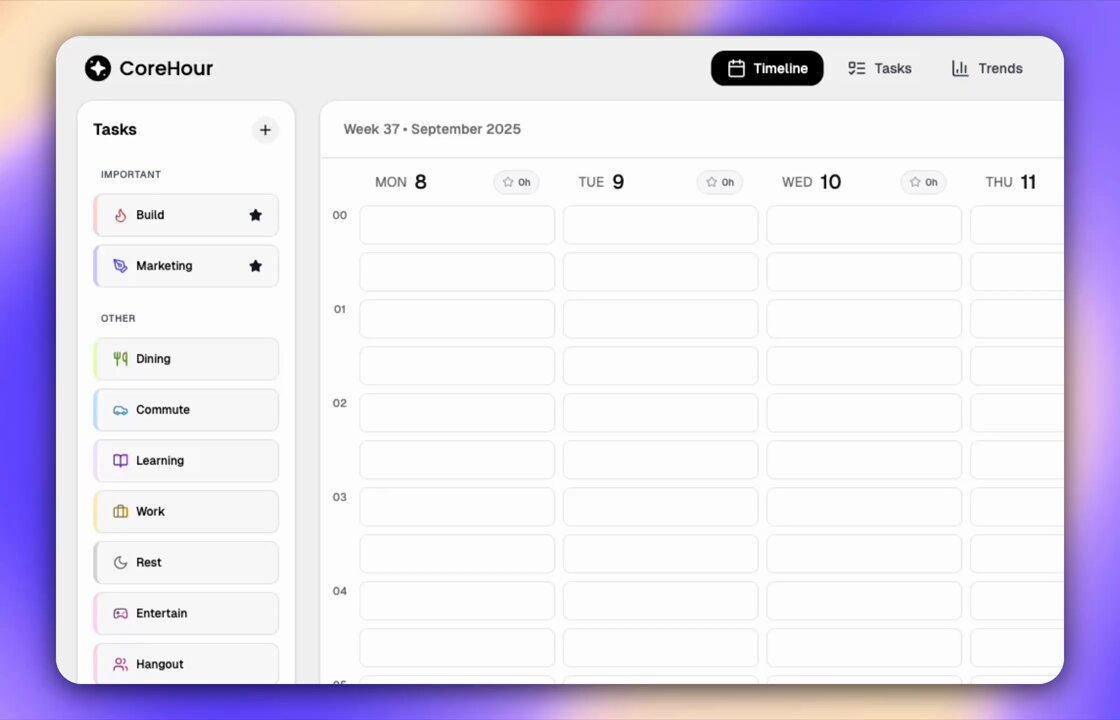
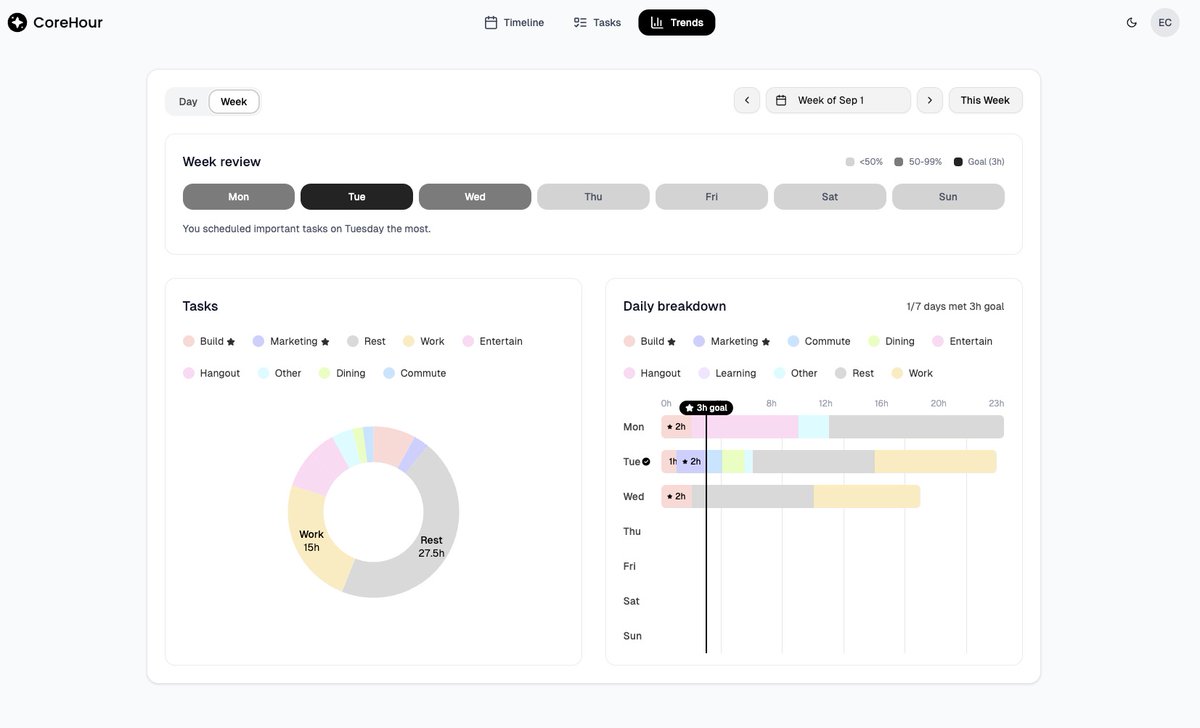
[CoreHour v1.4.3] Daylight Saving Time Support UI Improvements
1. ⏰ UI: Empty time slots now show the exact time on hover
2. ⌛ UI: Multi-day timebox labels stay visible while resizing
3. ⏱️ Fix: Corrected target-shift issues for timeboxes on DST transition days
1
1
6
122
8 Oct 2025
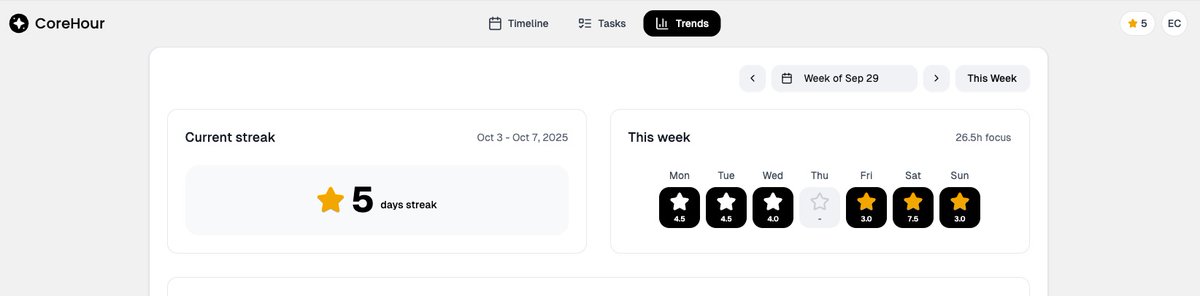
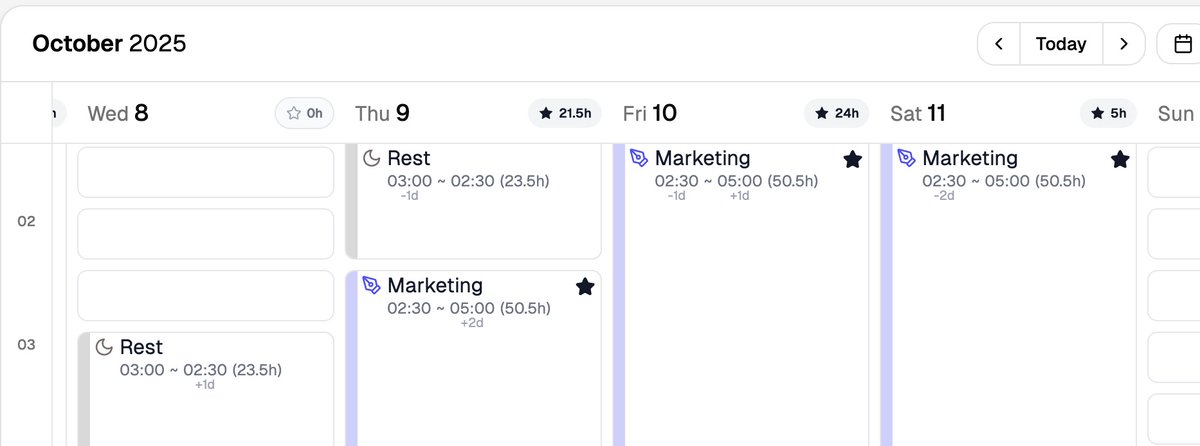
[CoreHour v1.4.0] Details Matter ✨
1.🔥Improved: Streaks now stay active even if you haven’t planned today — consistency matters
2.⭐UI: Current streak stars now shine in yellow for clearer visual feedback
3.⏱️UI: Multi-day timeboxes now display cleaner time labels
1
2
4
170
8 Oct 2025
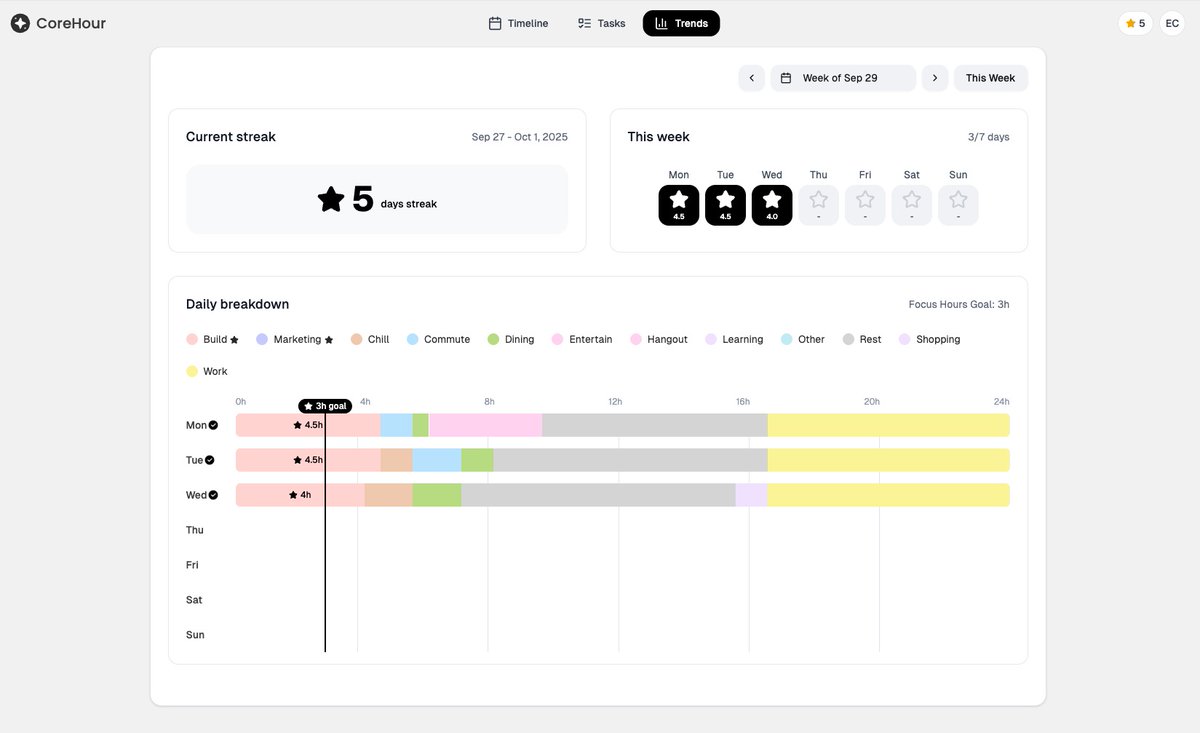
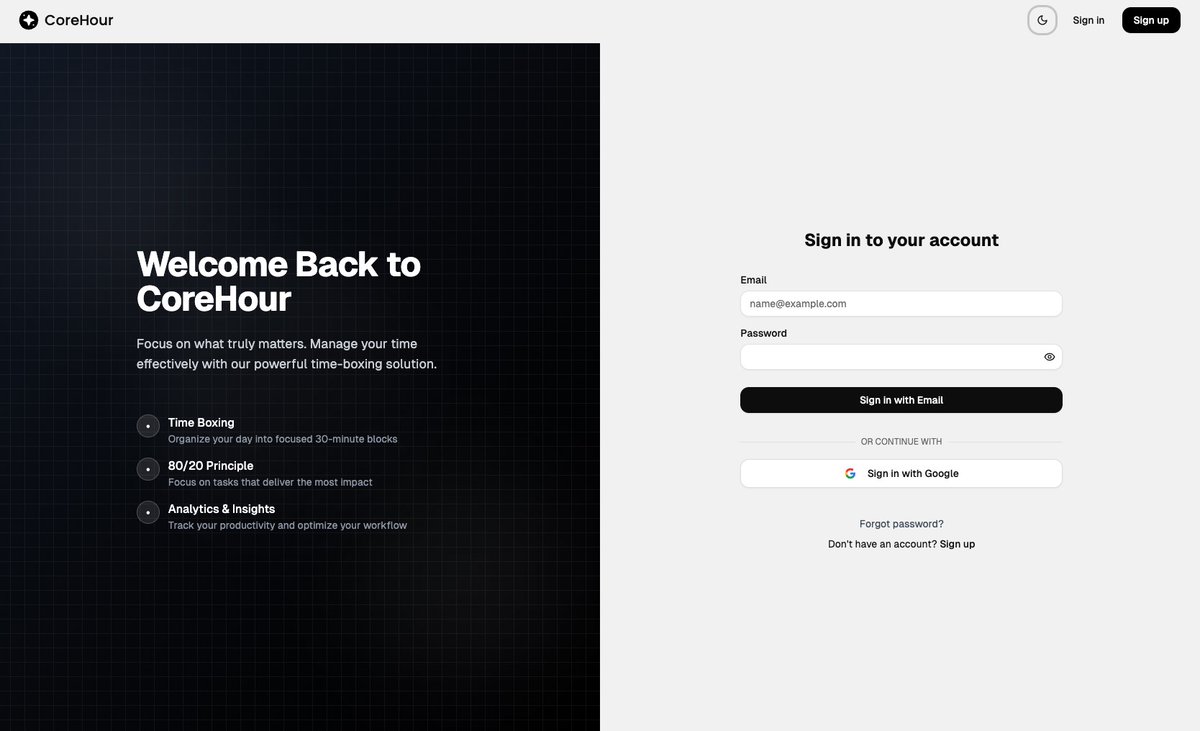
[CoreHour v1.3.0] Google Sign-In, Streaks & More 🚀
1. ✨New: Google Sign-In — link your Google account for smoother login
2. 🔥New: Streaks view — stay motivated and keep your momentum alive
3. 📊Improved: Trends view — simplified to highlight your most important metrics
1
1
2
108
8 Oct 2025
4. 📊 Improved: Onboarding flow — choose your personal style and get smarter task presets
5. ⏰UI: Clearer timebox content, even for long sessions 6. ⏳UI: Better placement for the current time indicator for easier tracking
2
33
21 Sep 2025
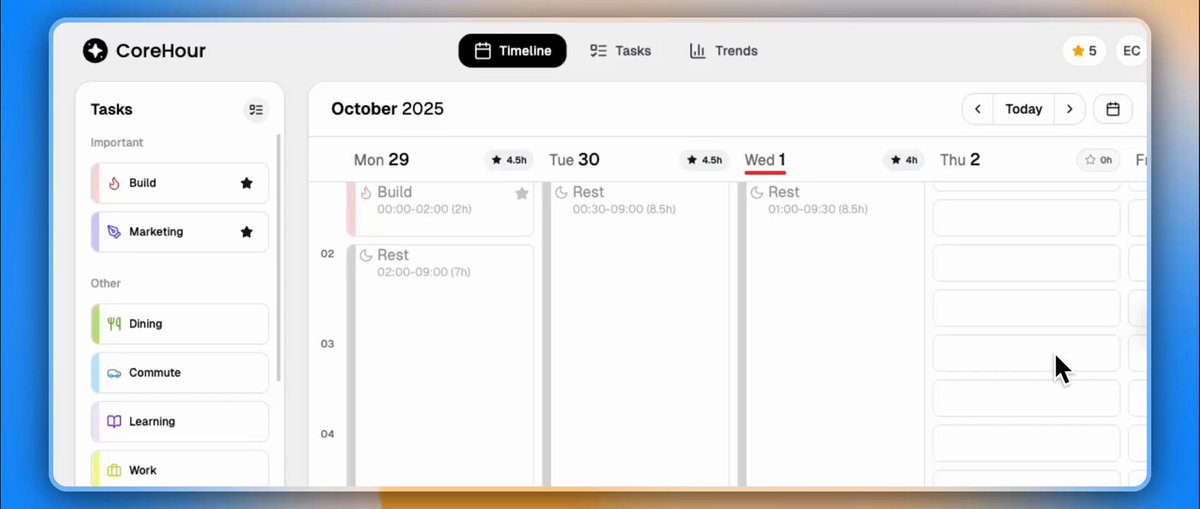
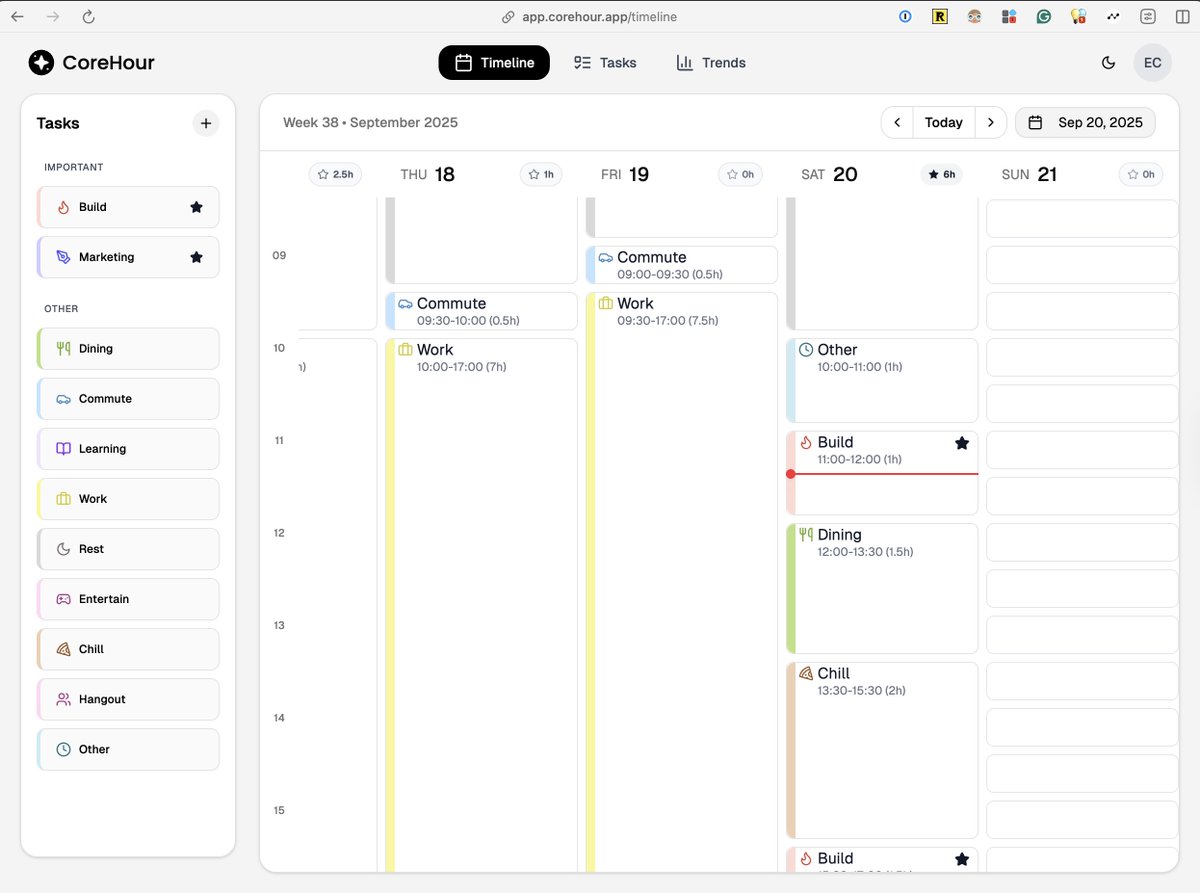
[CoreHour Update v1.2.0] Timeline Glow-Up ✨
1. UI: ✨ Refreshed timeline design (can you tell the difference 👀?)
2. UI: 🔽 Daily trends now flow top-to-bottom for easier scanning
3. New: ⏳ Past timeboxes fade, current one shines bright
(more updates🧵)
2
1
3
106
21 Sep 2025
4. New: 📅 Auto-focus on today when opening the timeline
5. Improved: 🫧 Toasts are now dismissible (no more clingy popups)
6. Fixed: 🛠️ Auth session expiry handled smoothly
7. Fixed: 🖱️ Resize handles are always clickable now
1
2
23
21 Sep 2025
How do you think about this update?
It is better? (or worth 🫣)
2
20
18 Sep 2025
[CoreHour Update v1.1.0] Smoother Timebox Management
1. New: Resizing or moving timeboxes will now automatically overwrite existing ones, preventing overlaps. 🧵
1
2
18
18 Sep 2025
2. New: Timeboxes from the same category placed next to each other will auto-merge into one.
1
2
18
18 Sep 2025
3. UI: Improved task colors for better accessibility.
4. UI: Replaced the "small screen not supported" page with a compact banner, so you can still access most features.
2
15
14 Sep 2025
CoreHour is now live in Public Beta! 🚀
A minimalist timeboxing app designed to help you focus on what truly matters.
✨ Break your day into clear focus blocks
⏱️ Track progress & take back control
🎯 Achieve your goals without the overwhelm
1
5
163
14 Sep 2025
To thank our early adopters, we’re offering exclusive beta discounts:
- Monthly: $4.99 → $2.99
- Annual: $29.99 → $19.99
Lock in the beta price forever by subscribing now! 🎉
Plus, enjoy a 7-day free trial — no credit card required. Your first week is on us.
1
4
34
7 Sep 2025
Check out CoreHour's first demo video! 🔥
Share your thoughts!
7 Sep 2025

Just finished the CoreHour demo video! ⌛️
My first serious demo, would love to hear your thoughts!
1
5
58
6 Sep 2025
[CoreHour Update v0.1.0] Easier Timeboxes & Multi-Day Support
1. New: Create timeboxes faster — just click a time slot, then click a task in the sidebar to assign it. (Drag-and-drop still works too!)
(more in 🧵)
1
5
105
6 Sep 2025
3. UI: Important tasks now get a⭐on the tasks page so they stand out.,
4. UX: Task reordering is now smoother and snappier.
1
4
28
6 Sep 2025
We'll release CoreHour to more users on the waitlist today.
Want to stay focused together?
Join the waitlist now! corehour.app/
4
23
5 Sep 2025
[CoreHour v0.0.3 update]
✅ Fixed login forgot password
✅ Smoother timebox resizing
✅ Colorful toasts 🌈
✅ Hand cursor on buttons 👋
⚡ Faster performance all around
4
51
CoreHour retweeted

4 Sep 2025
🤯 Two-thirds of 2025 is already behind us.
How many of your New Year’s resolutions are still on track?
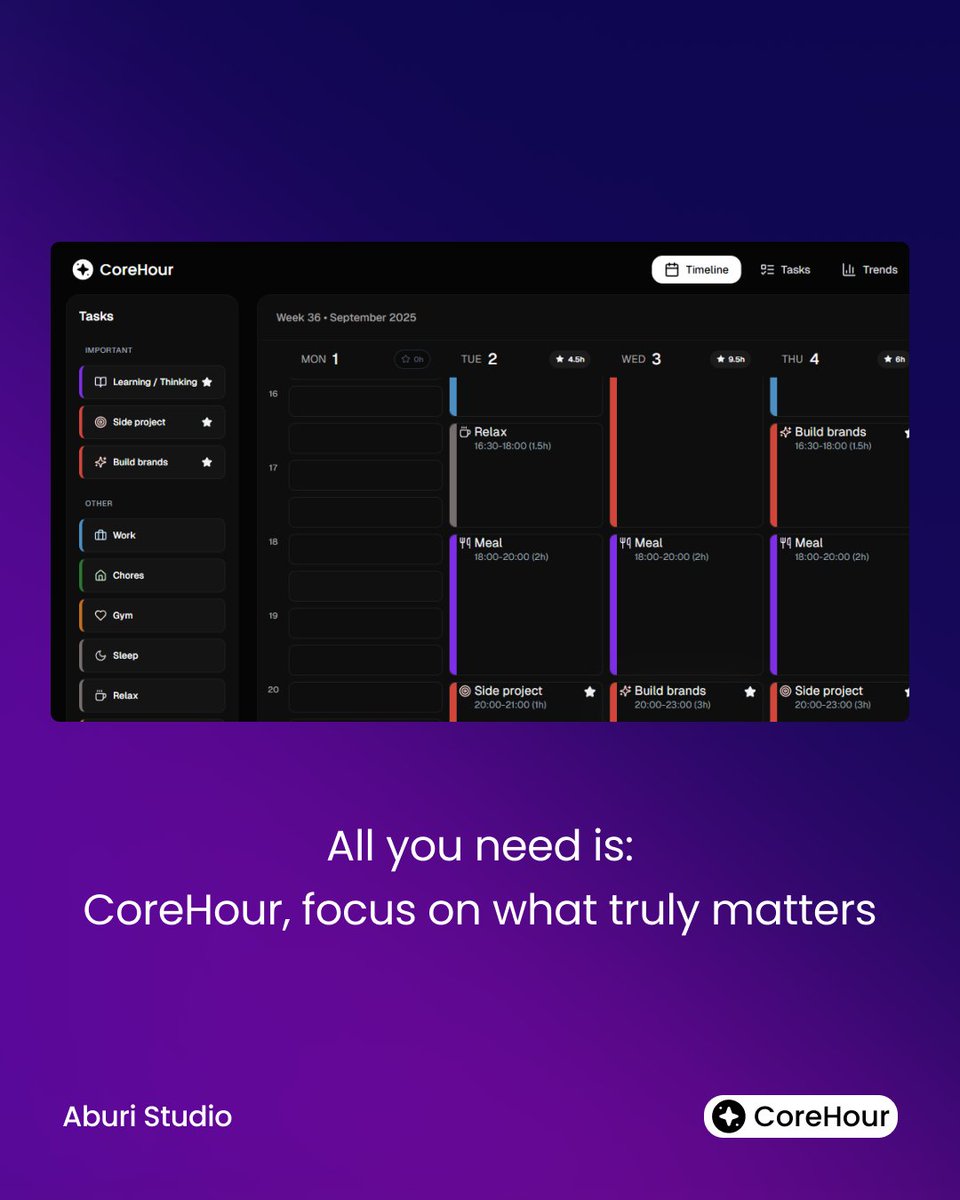
That’s why we built CoreHour
✅ Focus on important tasks
✅ Plan your day for deep focus
✅ Move closer to your big goals
Check it here👉 corehour.app/
3
5
67