
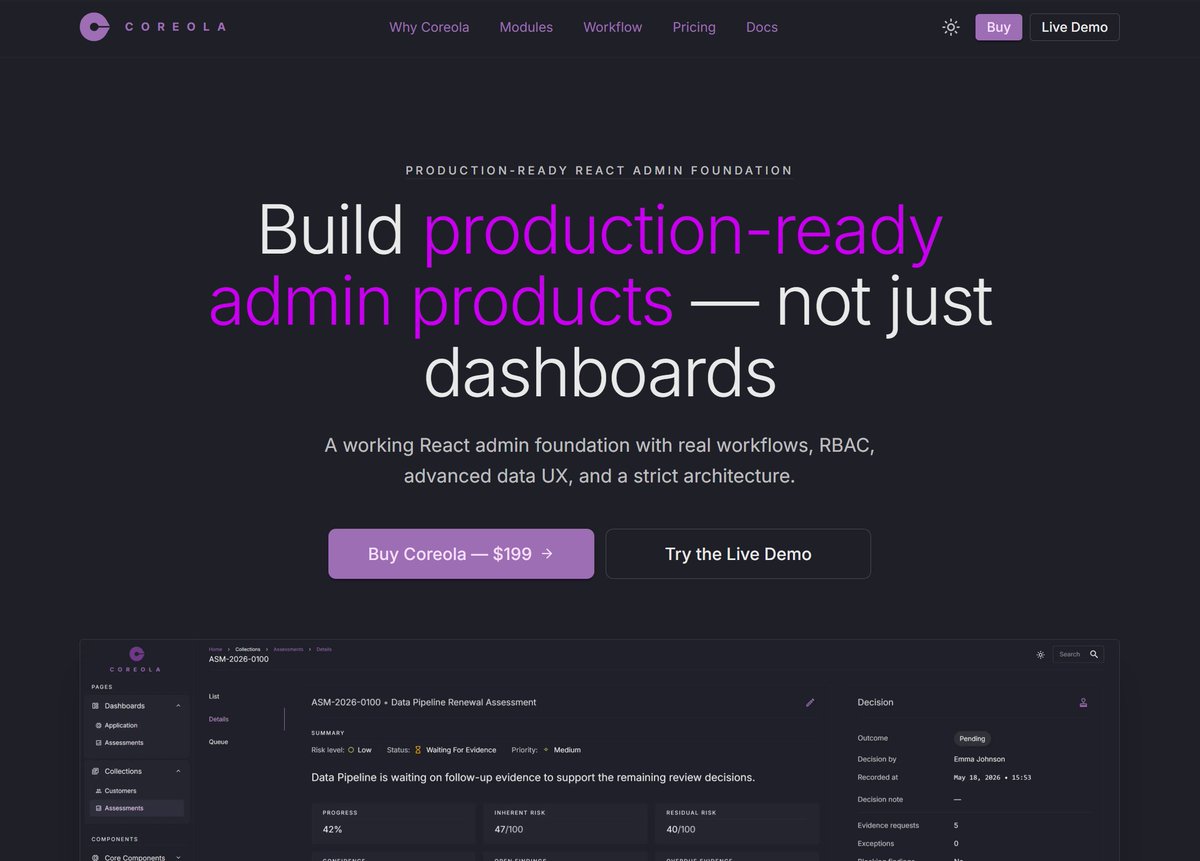
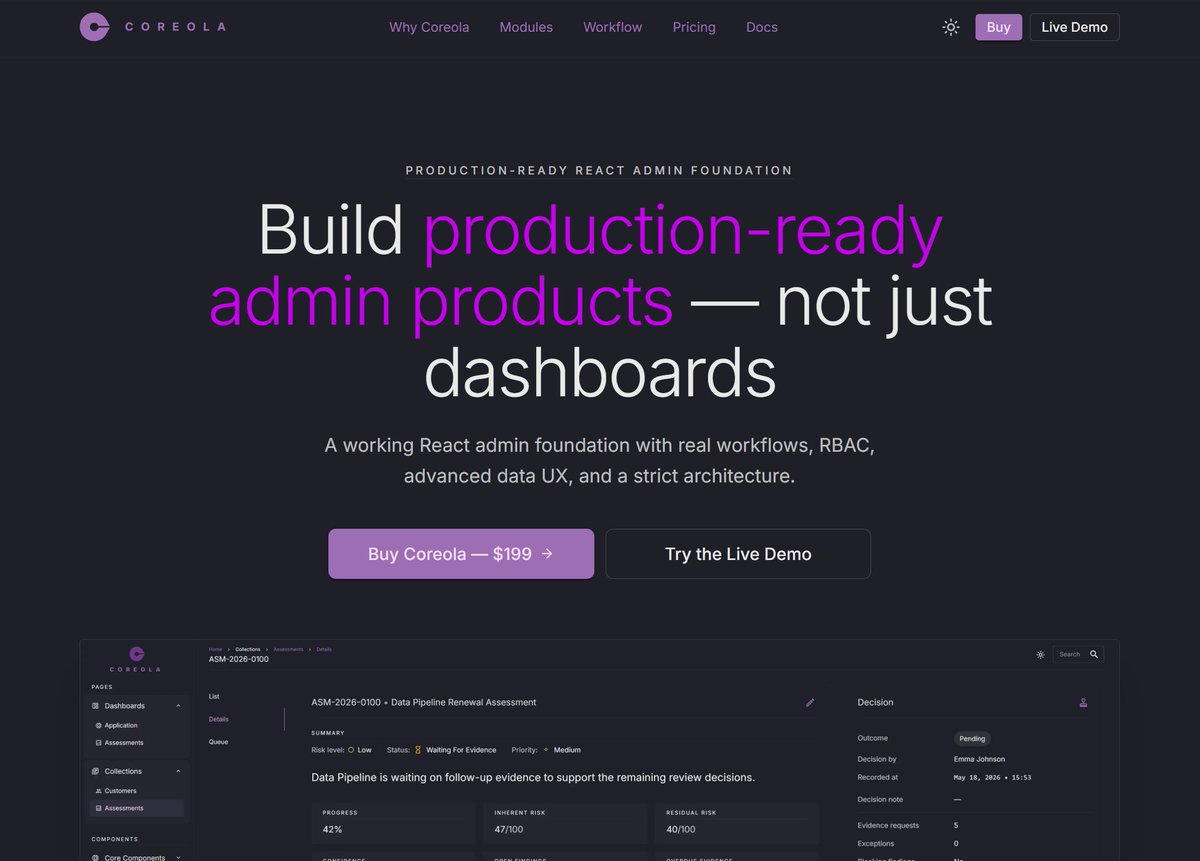
Production-ready React admin foundation with real workflows, RBAC, advanced data UX, and a strict architecture.
Joined May 2026
- Tweets 124
- Following 54
- Followers 7
- Likes 5
26 Photos and videos

Jun 12
Happy Friday!
Today, about a small UX benefit.
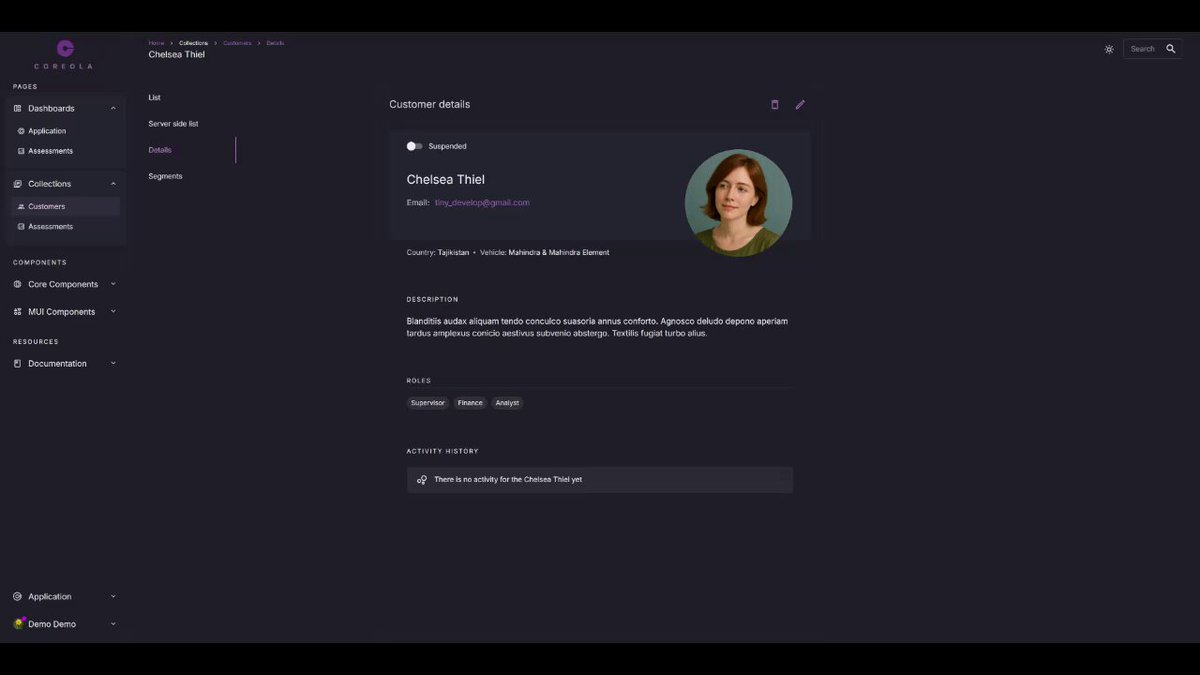
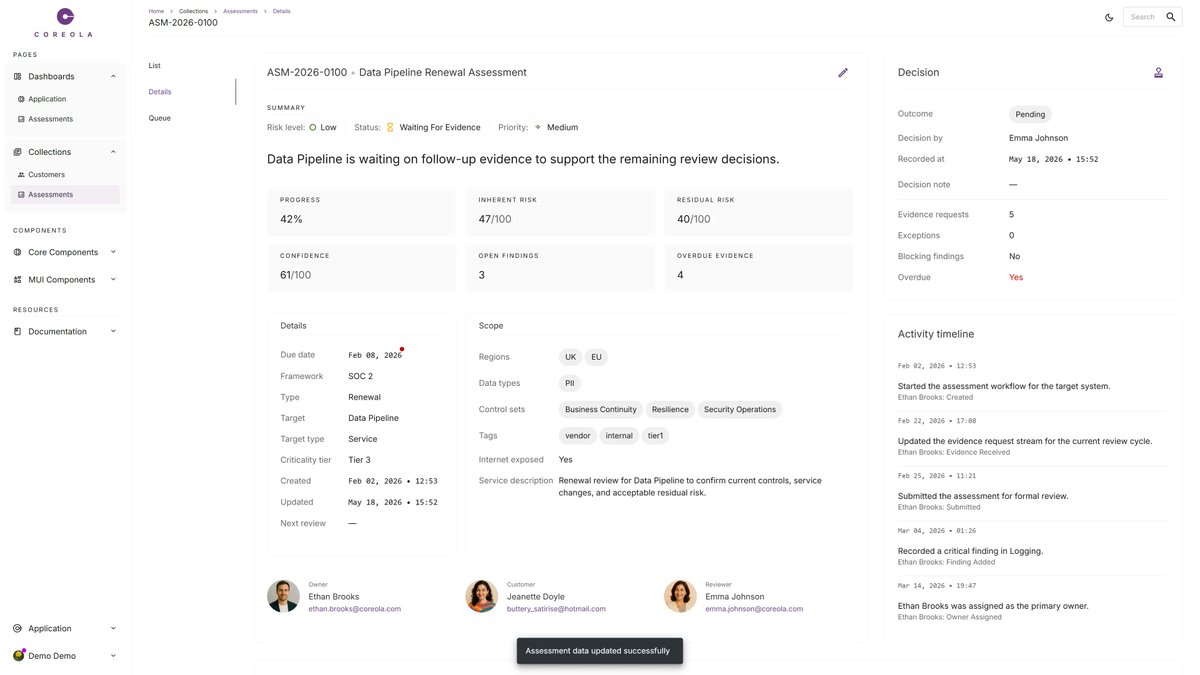
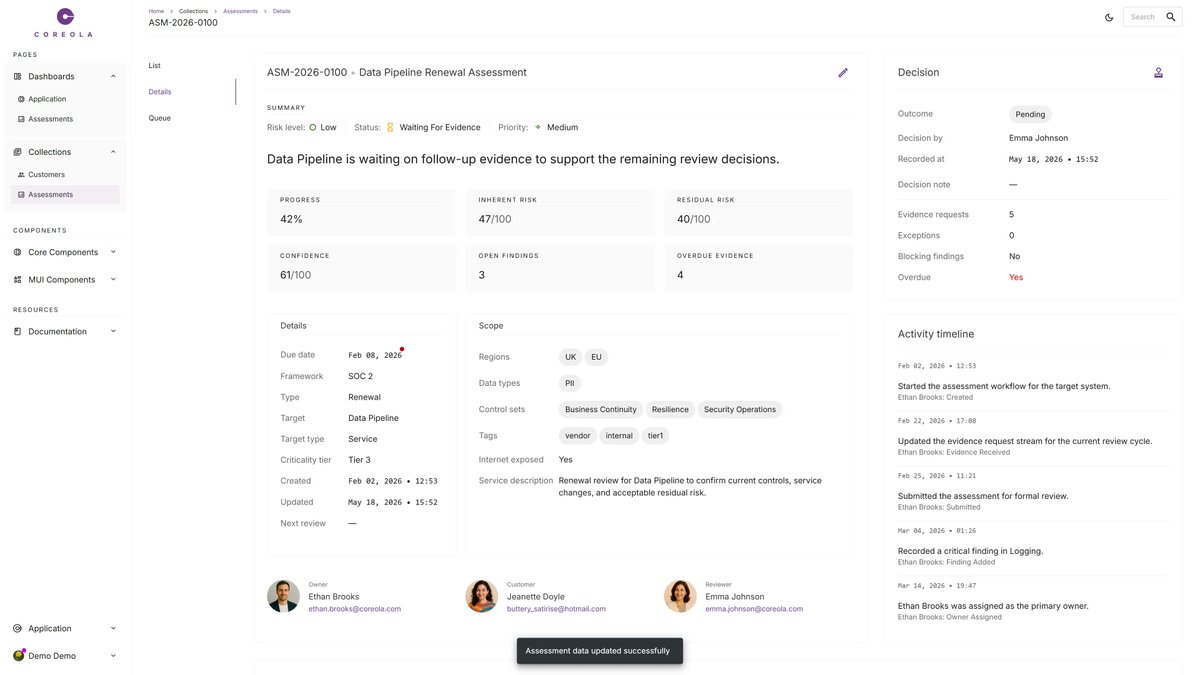
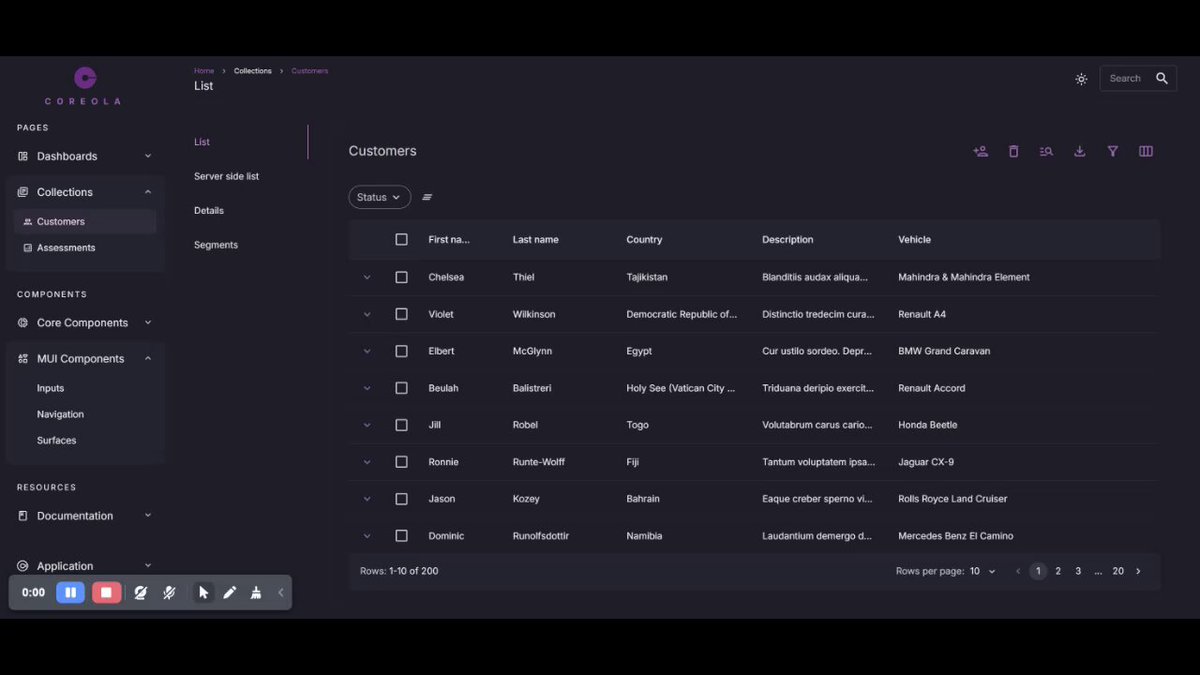
Every page has a left nav sidebar and may have a right panel. The content card sits in the column between them. Cards that have set the max-width property are technically centered in their parent.
Visibly, it's off-center in the browser window — pulled toward whichever side has more space. Eyes notice. They don't stop noticing.
useParentDiffX(cardRef, 'narrow') measures the asymmetry and returns a diffSx you spread onto the card. One line. Balanced layout against the actual window.
The kind of detail that's invisible when it's right.
coreola.com
2
284
Jun 11
I noticed that the number of vacancies for frontend specialists on UpWork has significantly decreased. Everyone is looking for a full stack developers.
Is it worth saying that frontend specialization is dying?
1
2
45
Jun 11
Two UX rules in Coreola:
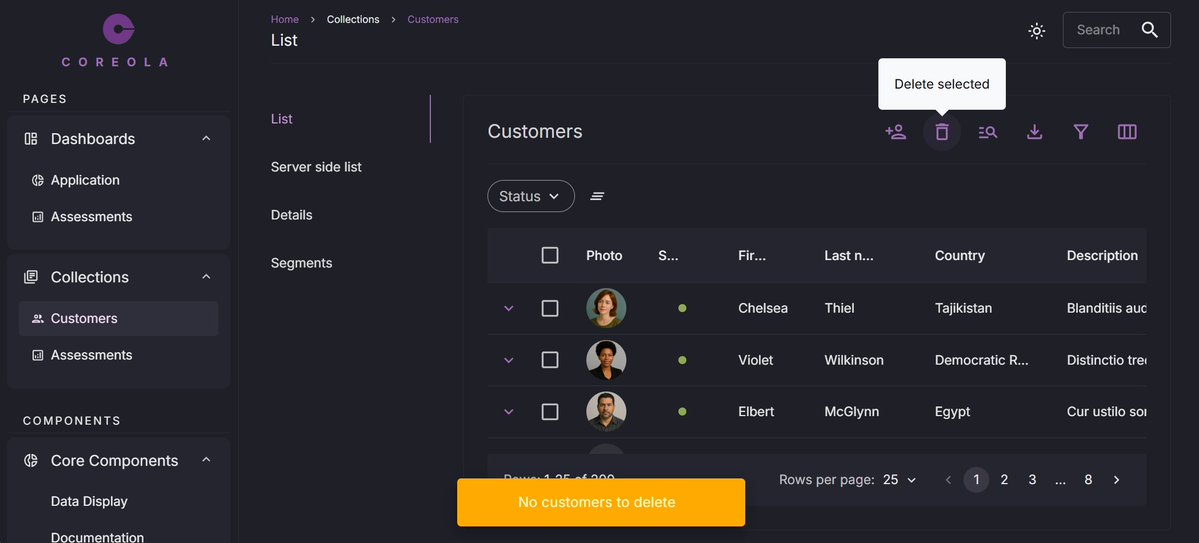
Buttons the user isn't allowed to use are hidden, not disabled.
Buttons that are allowed but currently can't be used — wrong status, missing data, locked by another action — stay clickable. On click, a snackbar explains why.
A disabled button asks "why can't I click this?" — a question the user can't answer. A hidden button doesn't ask anything. A clickable-but-blocked button answers the question the moment it matters.
Permissions shape the UI. State explains itself.
coreola.com
18
Jun 10
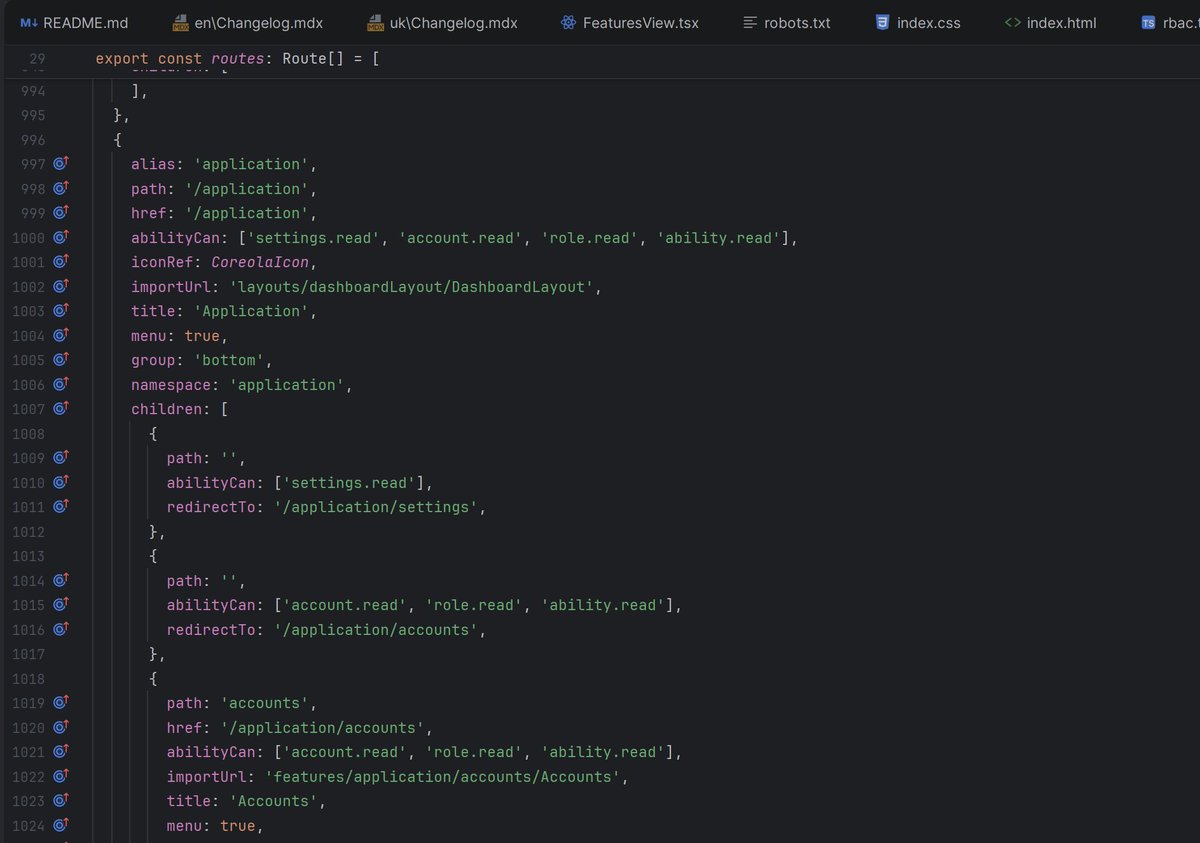
In Coreola, one file routes.ts drives:
— the route tree
— the sidebar navigation
— the breadcrumb trail
— CASL ability filtering (hidden if no permission)
— feature flag gating
Add a route once. Navigation, access control, and flags update with it. No drift between five config files as the
product grows.
coreola.com
1
16
Jun 9
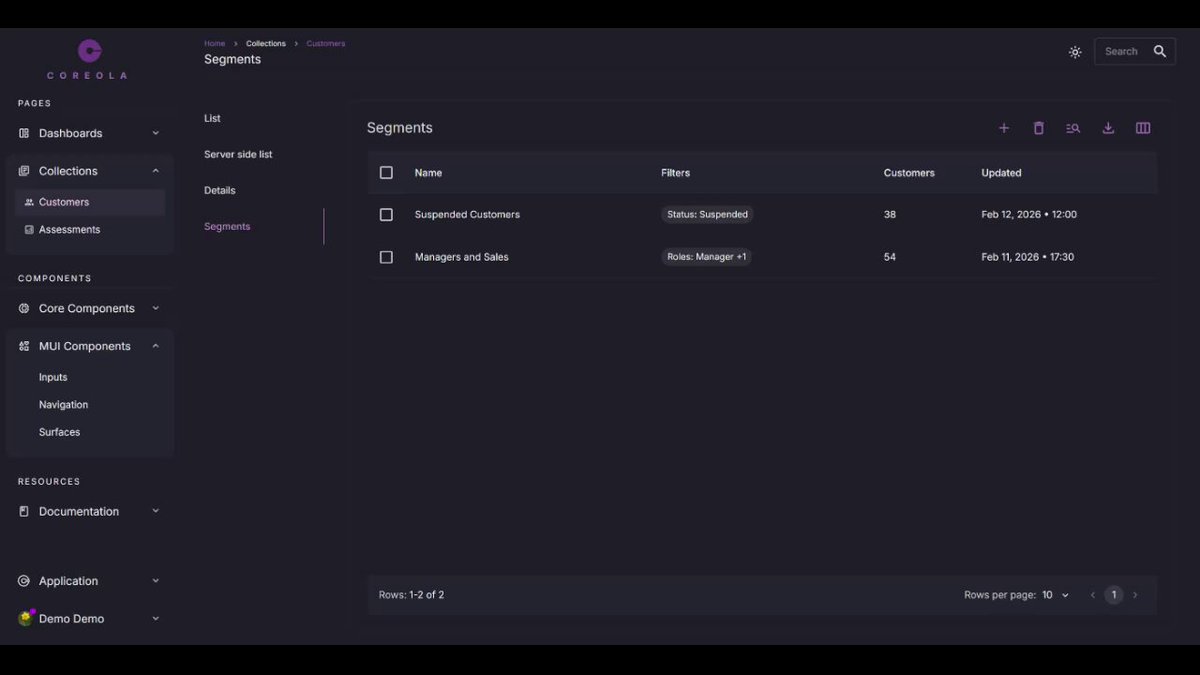
Most admin templates ship a "dead" filter bar. Coreola ships saved filters.
In the Customers module, any filter combination can be saved as a named Segment. Reusable, shareable via URL, editable.
demo.coreola.com
1
18
Jun 8
One Coreola feature that quietly saves weeks:
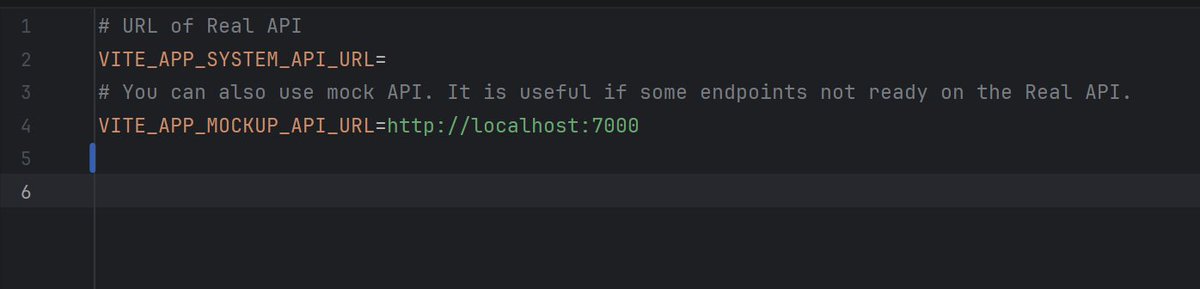
Every feature can run against the mock backend OR the real API — independently.
Backend isn't ready for the Findings endpoint? Run Findings on the mock, everything else on prod. No flags scattered through your code, no "demo mode" branch.
Frontend stops waiting on backend.
coreola.com
18
Jun 4
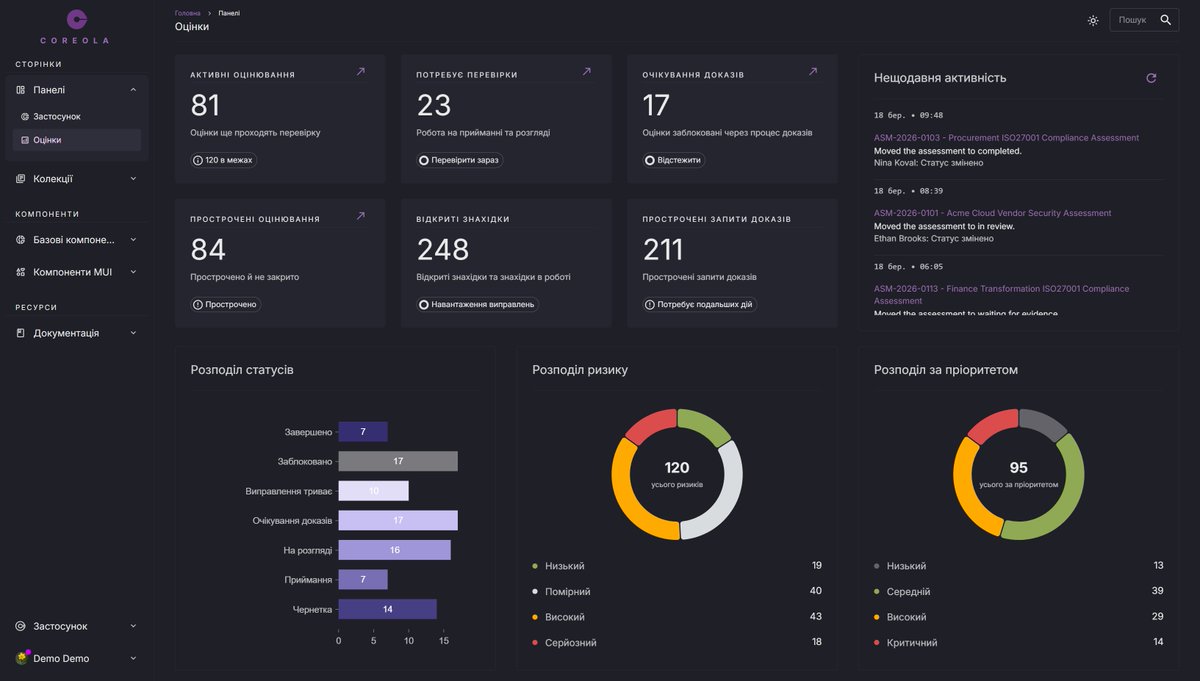
Coreola is i18n-ready out of the box:
— every string in the foundation already extracted
— locale switching at the route level
— date, number, currency formatting via Intl
— translation files structured per module, not one giant JSON
The retrofit nobody wants to do at month 8.
coreola.com
24
Jun 2
The difference between a template and a foundation:
A template is 40 screens you wire up. A foundation is the wiring, and screens you can throw away.
A template ships components. A foundation ships not only components, but decisions — about state, permissions, errors, routing, data — that survive 100 features.
Templates are great for landing pages. Admin products need foundations.
coreola.com
21
Jun 1
The five problems hiding inside every admin table (and what to do about them)
dev.to/coreola/the-five-prob…
21
Jun 1
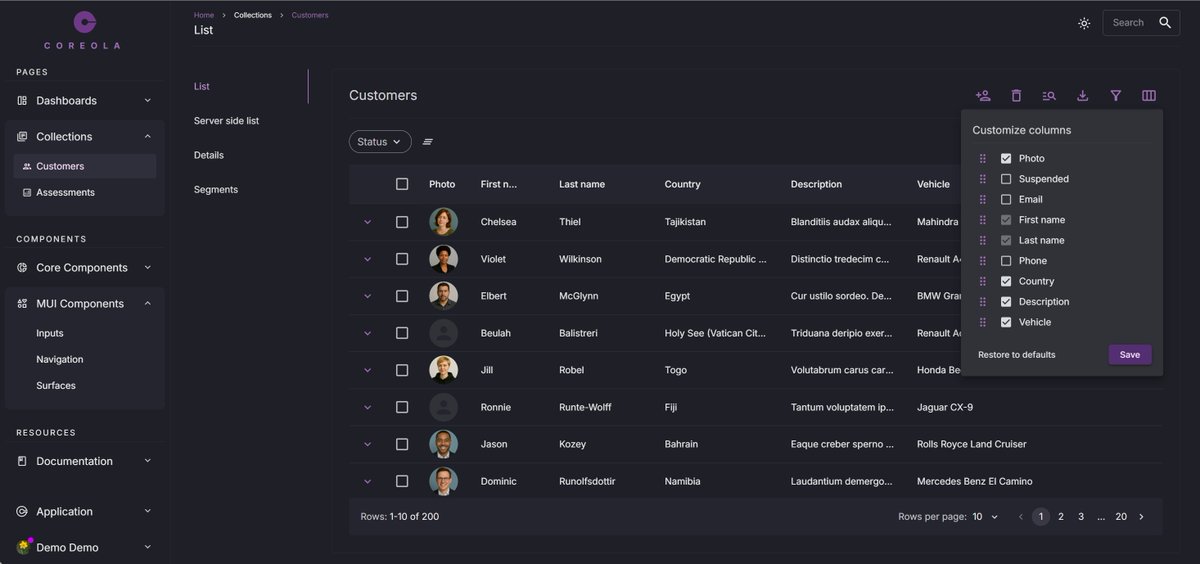
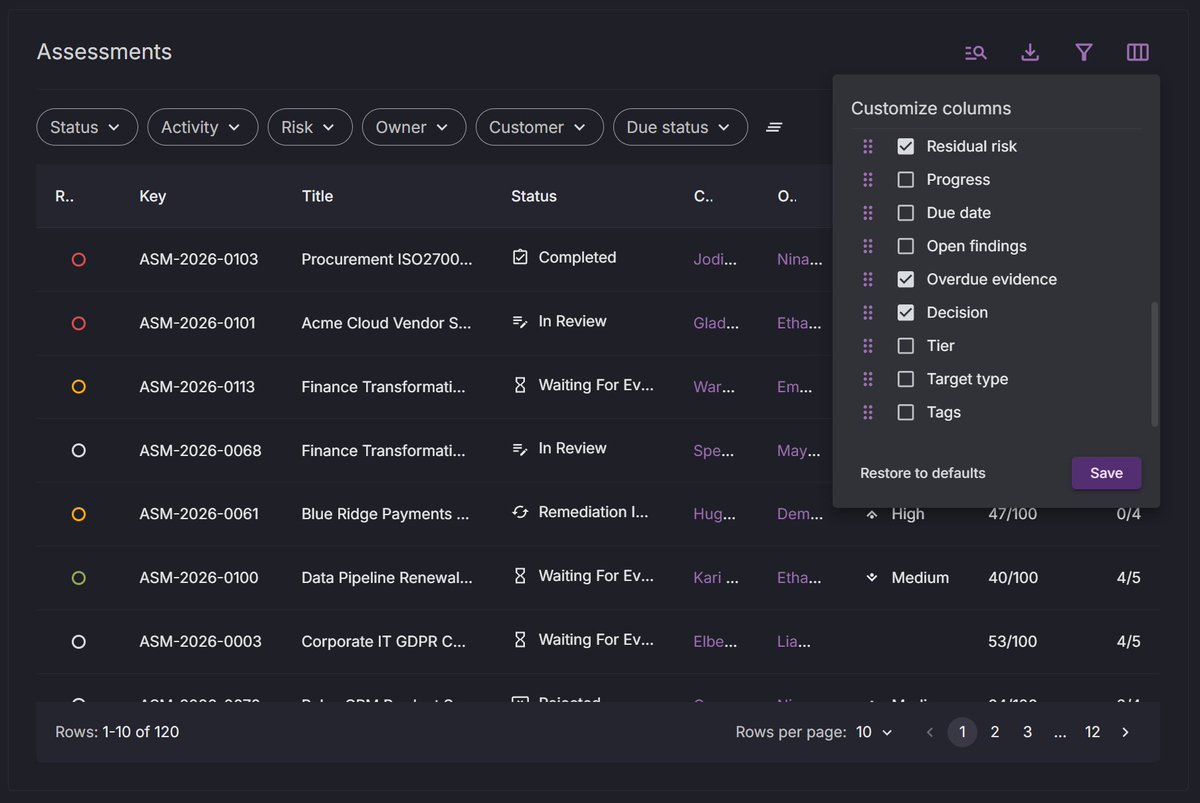
Coreola tables, out of the box:
— column order, width, and visibility persist per user
— filters sync to the URL, so links are shareable
— server-side pagination, sorting, filtering already wired
— loading skeleton, empty state, error state
— state survives navigation
The table you'd build in week 6, ready on day 1.
coreola.com
24
May 29
Read new article.
"I built Coreola — a React admin foundation for founders who keep rebuilding the same thing"
indiehackers.com/post/i-buil…
1
26
May 29
Most admin templates ship a table component.
Coreola ships a table that:
- persists column order, width, and visibility per user
- syncs filters to the URL so links are shareable
- handles server-side pagination, sorting, and filtering without you wiring it
- has a working empty state and loading skeleton
- remembers state across navigation
One table. The one you'd have built in week 6 anyway.
coreola.com
34
May 28
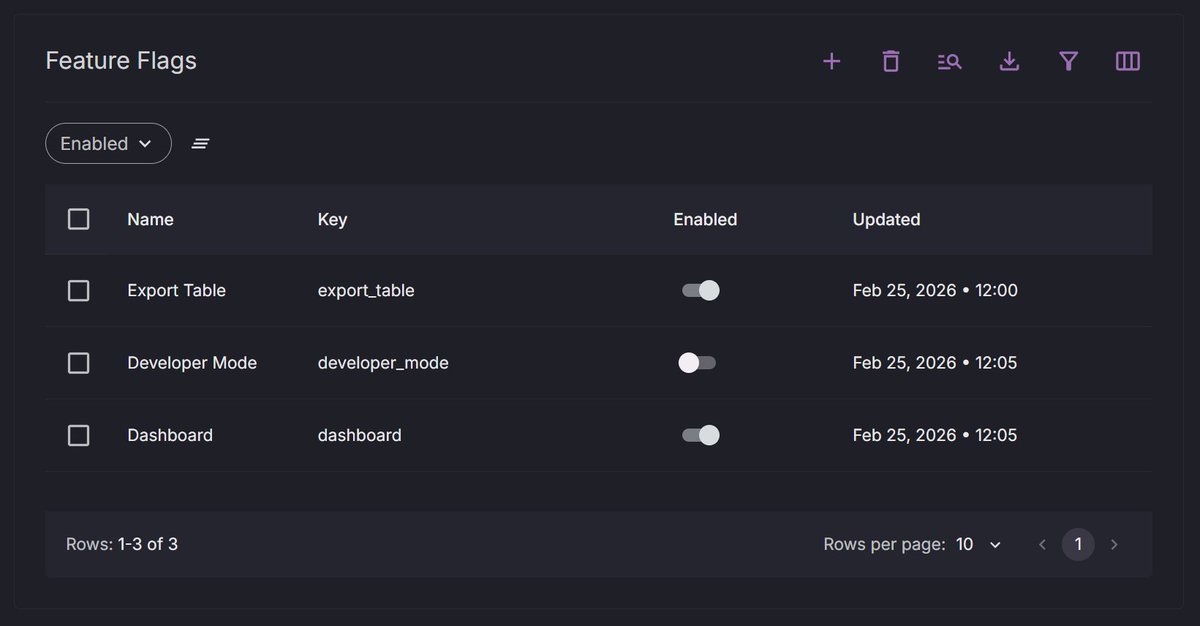
Feature flags defined in one place:
const { canFeatureFlag } = useFeatureFlag();
const developerModeEnabled = canFeatureFlag('developer_mode');
Every admin product needs this by month 4. Coreola has it now.
coreola.com
50