
Creators In Tech Network , Humanizing technology for billions. learn & grow to be a Qualified creator. 500 creators
Joined November 2025
- Tweets 2,829
- Following 23
- Followers 776
- Likes 5,435
247 Photos and videos





Pinned Tweet

4 Dec 2025
The Smart Creator's Guide to Sustainable Growth
We discuss the key strategies for creator growth, emphasizing quality over quantity, focusing on distribution and positioning, mastering one platform, maintaining a clear message, and creating a weekly standout piece of content.
Share to other creators you want to see grow.
Xoxo:) founder @BlarkDemi_01
#CreatorTips #ContentStrategy
#CreatorGrowth
14
11
276
14,639
CIT retweeted

Jun 10
Since y'all are interested, here are some YouTube videos and materials helping me start.
You can explore if you wish
Making Money isn't the issue but sustainability is where must of us gets it wrong.
Jun 10

Am I the only one noticing this?
A lot of remote workers, creators, and people in tech make good money, but very few think seriously about sustaining wealth.
In Web3 especially, many of us reinvest our earnings back into tokens, hoping for the next big win, only to end up getting rugged or watching our investments disappear. I've had my fair share of those experiences too.
We spend so much time thinking about the next gadget, a new car, better lifestyles, and bigger flexes, but barely any time thinking about long-term wealth, financial security, or retirement.
Lately, I've been asking myself a simple question: What happens if web3 crashes?
That's why I've decided to start exploring investments outside of Web3 and diversify my portfolio. Not because I don't believe in the space, but because I believe wealth should be built to last.
Will be documenting the entire journey, the wins, mistakes, lessons, and everything in between.
Who else is thinking beyond the next cycle?
12
2
45
1,148
CIT retweeted
Jun 3
Good morning people, Did another banger Dropping soon………………
What is your life Request ?

29
3
80
804
CIT retweeted
Jun 1
May Recap,
Decided to try coming out of my shell again after losing my sister. It wasn’t easy, but I had to push myself.
~ Posted 12 contents on Twitter
~ Started showing up on other platforms, posting 30 contents each on TikTok, Instagram, and Facebook
~ Started showing up on LinkedIn and made 3 new connections
~ Got 2 paid Tech Product PR deals
~ May made it 11 months working with Bitget Wallet Africa
~ Did street activations for Bitget Wallet, with a total of 6 episodes
~ Led the Bitcoin Pizza Day activation alongside Bitget Wallet and Bitget Exchange
~ Attended one event (Women in Blockchain)
~ Paused @CreatorsInTech activities so we can restructure and come back stronger
~ Got several gigs but rejected them for some important reasons
~ Shot some on-ground interviews about Tech in Lagos and Benin City, Nigeria
~ Invested ₦150k in acquiring more knowledge and skills to level up my craft
~ Hit 2,000 followers on TikTok and had multiple viral contents across platforms
~ Made good connections with amazing people, especially amazing women in Tech.
For a comeback, this is a good one, and I’m honestly grateful to God Almighty for giving me the strength to push through and keep going.
Praying for a better June.
Small steps at a time, but I’ll surely get back on my feet. ❤️

30
2
108
1,352
CIT retweeted
May 28
Being Financially stable requires the selfishness to protect your money from the emergencies of other people and procrastination.
17
4
67
911
CIT retweeted
May 27
Guyyyyyysssss, So I got my first official tech product to review from Luucco AirMic
To do this properly, I actually had to change my entire setup and spent three weeks testing the product before making this video, because I wanted to review it from a real user’s perspective, not just talk about it after unboxing it.
I received the product through AudioMaxng , Luucco’s major distributor in Africa, and I’m genuinely grateful for the opportunity and trust.
What’s exciting about this isn’t just the product itself but the fact that this is my first official tech product review
I’ve always known storytelling, content creation, and breaking down products in a way people can understand are some of my strongest skills. This opportunity simply gave me another way to express that.
For me, this feels less like a one-off collaboration and more like the beginning of something I’ve wanted to explore for a while.
As creators, sometimes all you need is one opportunity to show what you’re capable of.
I’m proud of how this turned out, excited about what’s ahead, and grateful to Luucco AirMic and AudioMax for trusting me with their product
Here’s to more reviews, more stories, and more opportunities to create work that people genuinely connect with.
25
2
135
5,570
May 18
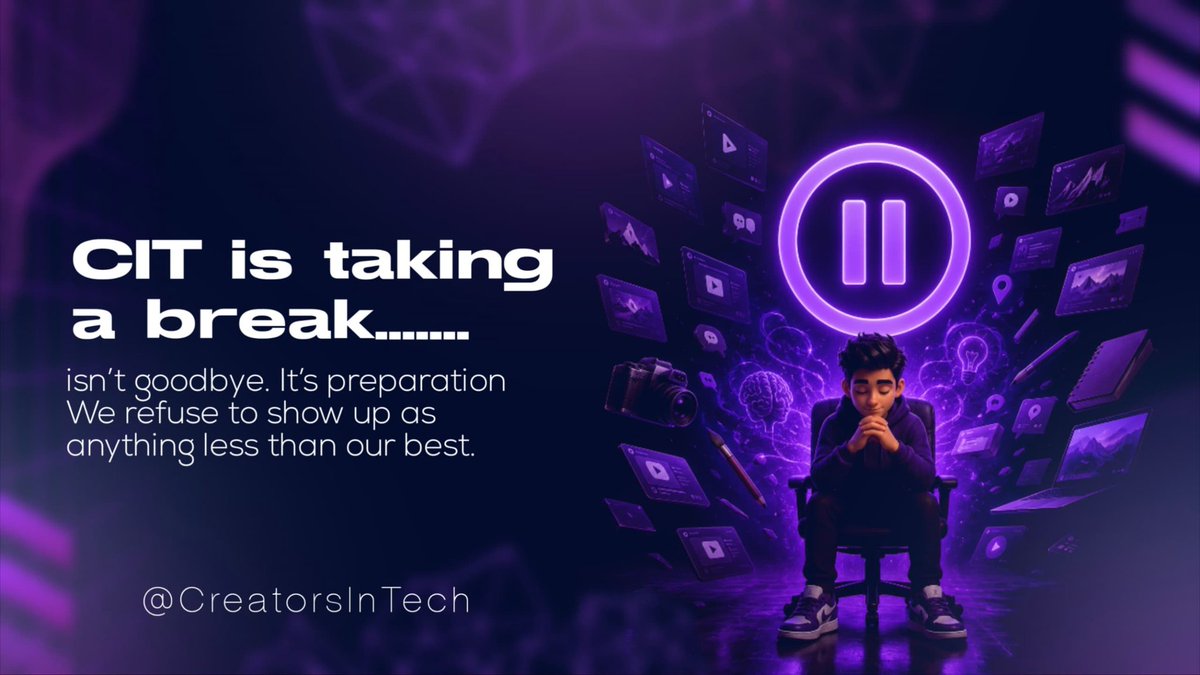
CIT is taking a break...
We are going behind the scenes to replan, restructure and come back with something that truly matches the vision we have for this space.
Thank you for being here from the beginning.
The best is genuinely still coming.
See you soon. 🔥
1
10
81
CIT retweeted
May 8
Good morning creators.
The internet gave everyone a voice.
The question is... are you using yours?
19
4
33
445
CIT retweeted
May 7
Three things about tech... One of them is a lie.
1. YouTube was originally built as a dating site.
2. The first ever text message said "Merry Christmas."
3. WiFi stands for Wireless Fidelity.
Which is the lie?
5
2
9
151
CIT retweeted
May 7
Good morning, creators.
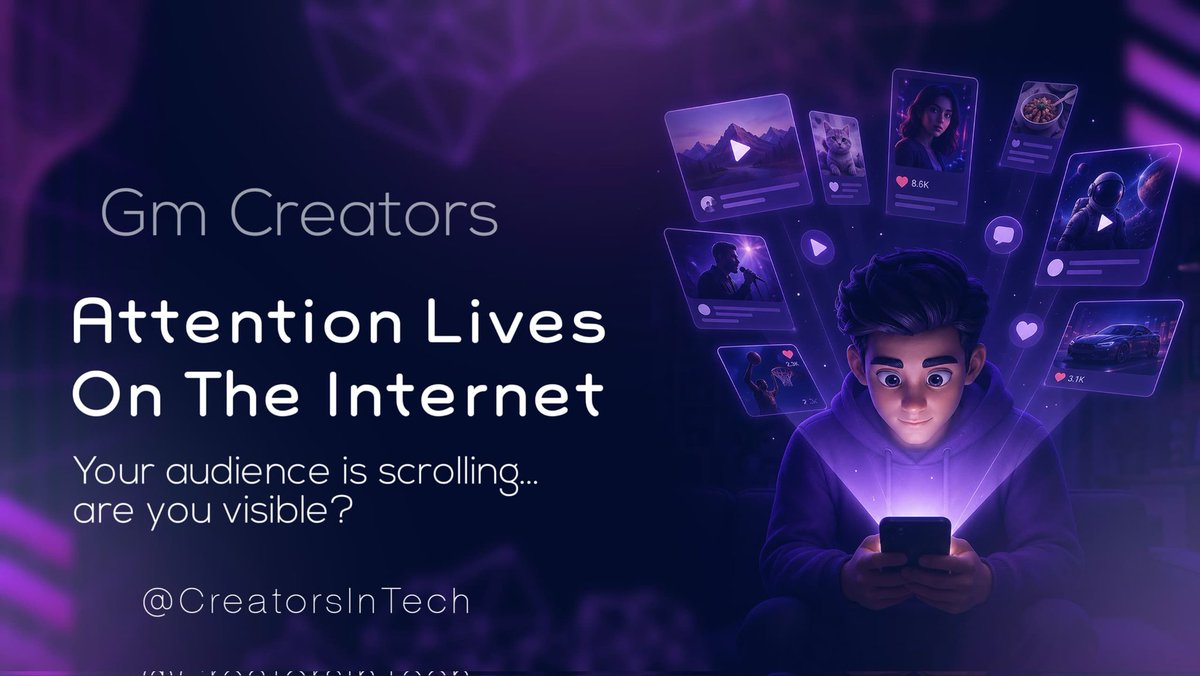
Did you know the average person spends over 6 hours online every day?
That’s a huge part of their day… scrolling, watching, learning, consuming.
The internet is not just a tool anymore; it’s where life happens.
Make sure your content is showing up in those hours.
7
2
17
136
CIT retweeted
May 6
Have you ever talked about something out loud…
And suddenly it starts showing up as ads everywhere?
You didn’t search for it.
You didn’t type it.
You just said it.
So now you’re wondering…
Is my phone listening to me?
Let us tell you the answer.
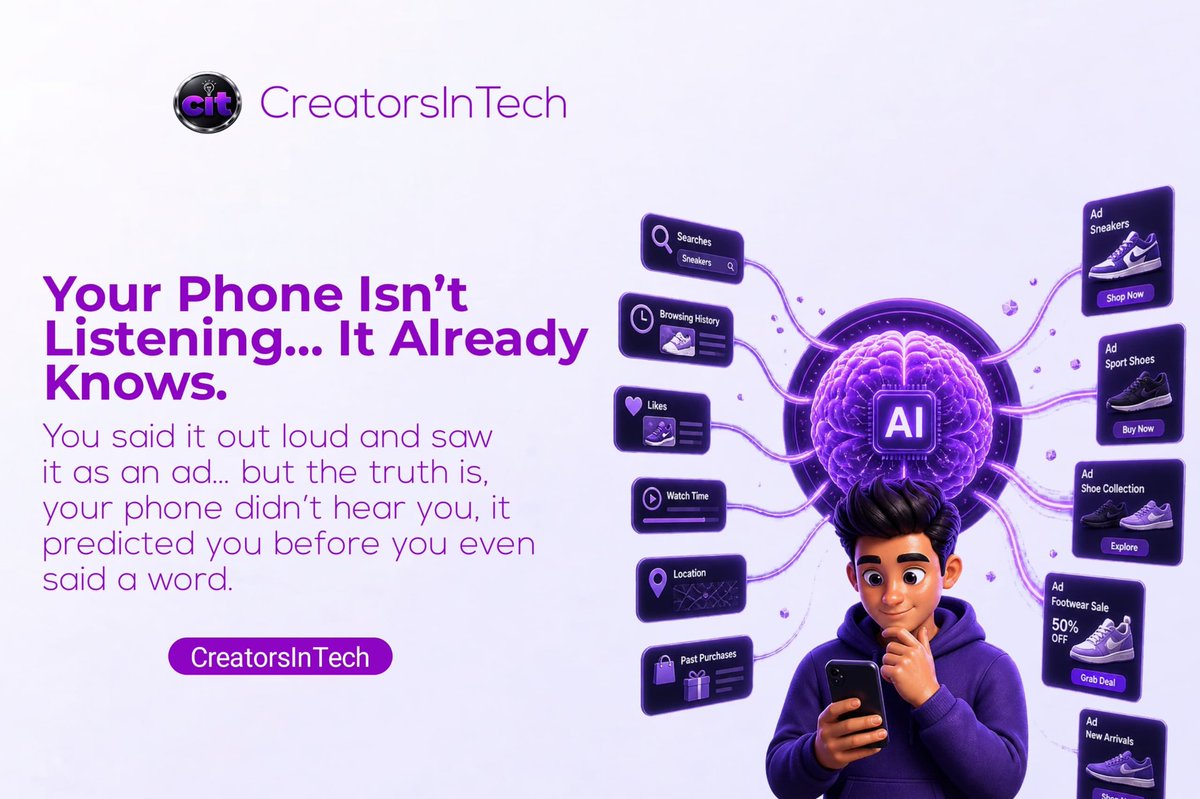
There’s no solid evidence that your phone is secretly listening to your conversations for ads.
This is what’s happening:
Your phone knows what you’ve searched before.
It knows what you click, like, and spend time looking at.
It knows your habits, your location, and the kind of content you engage with daily.
And it uses patterns from people similar to you to predict what you might be interested in.
All of this builds a profile of you that is incredibly detailed.
So when you talk about something like shoes, it feels like that was the trigger…
But most of the time, you were already being categorized as someone interested in it.
Maybe you:
➤ looked at something similar a few days ago
➤ paused on a related post
➤ or fit a pattern the algorithm already picked up on
The ad didn’t come from your conversation,
It came from everything you’ve been doing before it,
The algorithm is just connecting dots you don’t remember creating,
So next time it feels like your phone is listening…
Remember, it’s not hearing you, it's simply predicting you.
This is tech simplified by CIT... where we make technology make sense for everyone.
Drop an emoji if you learned something.
And share this with someone who thinks their phone is always listening.
May 5

Raise a finger if you’ve ever opened your browser,
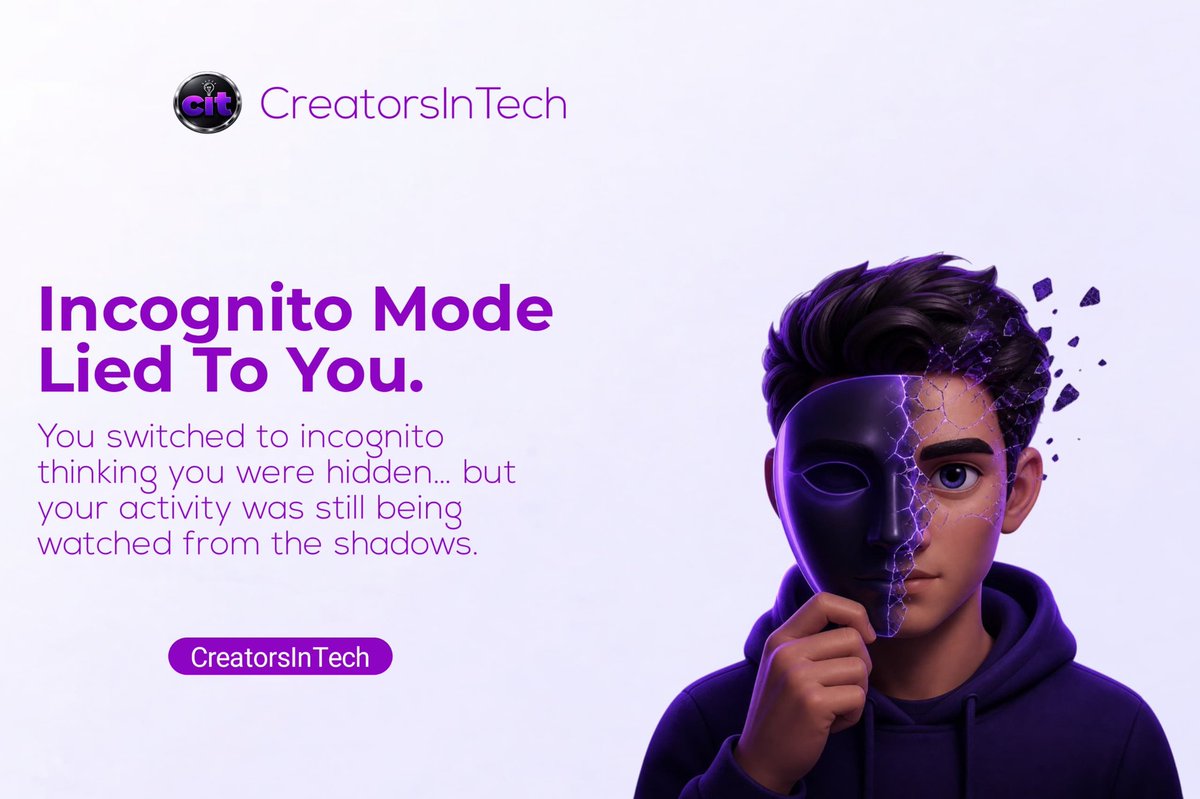
clicked those three dots, and selected “𝘐𝘯𝘤𝘰𝘨𝘯𝘪𝘵𝘰 𝘔𝘰𝘥𝘦” thinking you’ve just become invisible on the internet.
If your finger is up… we need to talk.
Today, we are breaking down one of the most misunderstood features on the internet.
Incognito Mode.
First things first, it does NOT make you invisible.
Let’s repeat that.
It does NOT make you invisible.
Yes, your device doesn’t keep a record of what you did.
your history won’t be saved on your device.
But this is what most people don’t realize:
The internet can still see you,
Your WiFi network can still see you,
Your employer, school, or internet provider can still see what you are doing.
Incognito mode only stops your browser from saving local history, cookies, and form data.
That’s it.
It is privacy from your device, not privacy from the internet.
So why does it even exist?
Simple.
It helps when you don’t want your own browser to remember things like:
➤ Searches you don’t want saved: If you look something up, it won’t appear later in your browser history.
➤ Shared devices: If you’re using someone else’s phone or a public computer, your activity won’t stay on it after you’re done.
➤Multiple logins at the same time: You can sign into a second account without logging out of your main one in normal browsing.
But it is not a cloak of invisibility like most people think.
That’s the misunderstanding.
And that’s why so many people misuse it.
So the next time you open incognito mode, don’t think “𝘐’𝘮 𝘩𝘪𝘥𝘥𝘦𝘯.”
Think “𝘮𝘺 𝘣𝘳𝘰𝘸𝘴𝘦𝘳 𝘪𝘴 𝘯𝘰𝘵 𝘴𝘢𝘷𝘪𝘯𝘨 𝘵𝘩𝘪𝘴.”
Big difference.
This is tech simplified by CIT, where we make technology make sense for everyone.
Drop an emoji if you learned something new.
And share this with someone who thinks incognito mode is a disappearing act.
2
2
7
89
CIT retweeted
May 5
Raise a finger if you’ve ever opened your browser,
clicked those three dots, and selected “𝘐𝘯𝘤𝘰𝘨𝘯𝘪𝘵𝘰 𝘔𝘰𝘥𝘦” thinking you’ve just become invisible on the internet.
If your finger is up… we need to talk.
Today, we are breaking down one of the most misunderstood features on the internet.
Incognito Mode.
First things first, it does NOT make you invisible.
Let’s repeat that.
It does NOT make you invisible.
Yes, your device doesn’t keep a record of what you did.
your history won’t be saved on your device.
But this is what most people don’t realize:
The internet can still see you,
Your WiFi network can still see you,
Your employer, school, or internet provider can still see what you are doing.
Incognito mode only stops your browser from saving local history, cookies, and form data.
That’s it.
It is privacy from your device, not privacy from the internet.
So why does it even exist?
Simple.
It helps when you don’t want your own browser to remember things like:
➤ Searches you don’t want saved: If you look something up, it won’t appear later in your browser history.
➤ Shared devices: If you’re using someone else’s phone or a public computer, your activity won’t stay on it after you’re done.
➤Multiple logins at the same time: You can sign into a second account without logging out of your main one in normal browsing.
But it is not a cloak of invisibility like most people think.
That’s the misunderstanding.
And that’s why so many people misuse it.
So the next time you open incognito mode, don’t think “𝘐’𝘮 𝘩𝘪𝘥𝘥𝘦𝘯.”
Think “𝘮𝘺 𝘣𝘳𝘰𝘸𝘴𝘦𝘳 𝘪𝘴 𝘯𝘰𝘵 𝘴𝘢𝘷𝘪𝘯𝘨 𝘵𝘩𝘪𝘴.”
Big difference.
This is tech simplified by CIT, where we make technology make sense for everyone.
Drop an emoji if you learned something new.
And share this with someone who thinks incognito mode is a disappearing act.
May 4
Raise a finger if you have ever visited a website and seen a little pop-up that says something like:
“𝘛𝘩𝘪𝘴 𝘸𝘦𝘣𝘴𝘪𝘵𝘦 𝘶𝘴𝘦𝘴 𝘤𝘰𝘰𝘬𝘪𝘦𝘴, 𝘢𝘤𝘤𝘦𝘱𝘵 𝘰𝘳 𝘥𝘦𝘤𝘭𝘪𝘯𝘦.”
If your finger is up right now... good.
Now raise another finger if you just clicked “𝘈𝘤𝘤𝘦𝘱𝘵” without having the faintest idea what you were agreeing to.
That is exactly why we are here today.
Today on tech- simplified, we are finally answering the question most people never bother to ask.
What is a cookie?
And why does every website on the internet want you to accept one?
First things first, it has absolutely nothing to do with the cookie you eat.
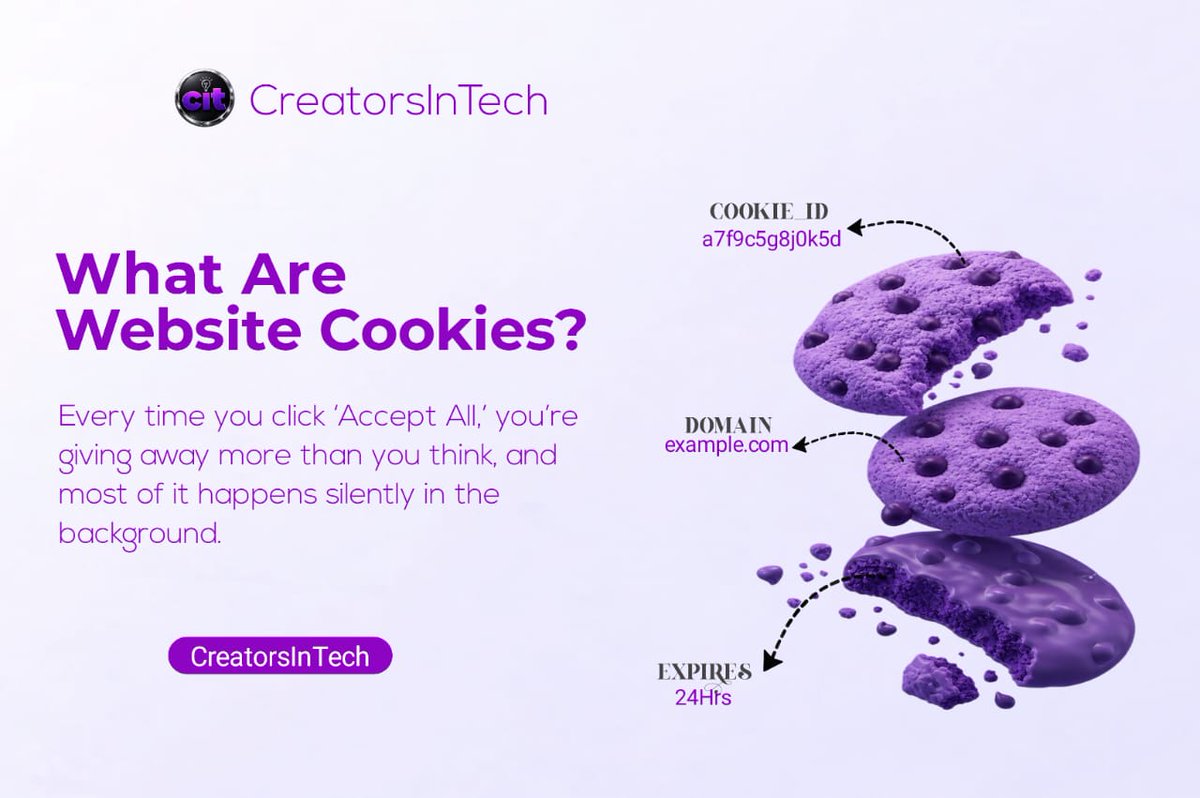
A cookie in tech is a tiny file that a website saves on your device the moment you visit it.
Think of it like this...
You walk into a shop for the first time,
And the shopkeeper writes down your name, what you looked at, how long you stayed and whether you bought anything.
Then the next time you walk in, he already knows who you are, what you like and picks up right where you left off.
That is exactly what a cookie does.
Except instead of a shopkeeper, it is the website doing all of this silently in the background every single time you visit.
Now, cookies are not all bad,
Some of them are useful.
Have you ever noticed how a website remembers you are logged in even after you close it? That is a cookie doing its job.
Or you added something to your cart, closed the tab, came back later, and it was still there? That's a cookie.
These are what people call “𝘨𝘰𝘰𝘥 𝘤𝘰𝘰𝘬𝘪𝘦𝘴”; they just make your experience smoother and more personal.
But then there are the other kind.
Some cookies, called 𝘵𝘳𝘢𝘤𝘬𝘪𝘯𝘨 𝘤𝘰𝘰𝘬𝘪𝘦𝘴, follow you around the internet long after you leave a website.
This is why you search for a pair of shoes on one website, and suddenly every app you open is showing you shoe ads.
That is not a coincidence.
That is a tracking cookie doing exactly what it was designed to do,
Building a profile of your behaviour and using that data to show you targeted ads across the internet.
You accepted it but didn't know what you were accepting.
So the next time you see that cookie pop up, you have two options.
You can click “𝘈𝘤𝘤𝘦𝘱𝘵 𝘈𝘭𝘭” and give the website full access to track everything you do.
Or you can click “𝘔𝘢𝘯𝘢𝘨𝘦 𝘗𝘳𝘦𝘧𝘦𝘳𝘦𝘯𝘤𝘦𝘴” (which most websites hide in small text), and choose exactly what you are comfortable sharing.
Most people never click manage preferences because they do not know it is there.
Now you do, you are welcome😌.
This has been tech simplified by CIT, where we make technology make sense for everyone.
Drop a 🍪 below if this made sense to you.
And share this with someone who has been clicking “𝘈𝘤𝘤𝘦𝘱𝘵” on everything without knowing why.
1
4
164
CIT retweeted
May 5
You’ve probably been clicking "accept" your whole life without knowing this...
Day 1 is worth the read.
Day 2 drops today...stay tuned.
May 4
Raise a finger if you have ever visited a website and seen a little pop-up that says something like:
“𝘛𝘩𝘪𝘴 𝘸𝘦𝘣𝘴𝘪𝘵𝘦 𝘶𝘴𝘦𝘴 𝘤𝘰𝘰𝘬𝘪𝘦𝘴, 𝘢𝘤𝘤𝘦𝘱𝘵 𝘰𝘳 𝘥𝘦𝘤𝘭𝘪𝘯𝘦.”
If your finger is up right now... good.
Now raise another finger if you just clicked “𝘈𝘤𝘤𝘦𝘱𝘵” without having the faintest idea what you were agreeing to.
That is exactly why we are here today.
Today on tech- simplified, we are finally answering the question most people never bother to ask.
What is a cookie?
And why does every website on the internet want you to accept one?
First things first, it has absolutely nothing to do with the cookie you eat.
A cookie in tech is a tiny file that a website saves on your device the moment you visit it.
Think of it like this...
You walk into a shop for the first time,
And the shopkeeper writes down your name, what you looked at, how long you stayed and whether you bought anything.
Then the next time you walk in, he already knows who you are, what you like and picks up right where you left off.
That is exactly what a cookie does.
Except instead of a shopkeeper, it is the website doing all of this silently in the background every single time you visit.
Now, cookies are not all bad,
Some of them are useful.
Have you ever noticed how a website remembers you are logged in even after you close it? That is a cookie doing its job.
Or you added something to your cart, closed the tab, came back later, and it was still there? That's a cookie.
These are what people call “𝘨𝘰𝘰𝘥 𝘤𝘰𝘰𝘬𝘪𝘦𝘴”; they just make your experience smoother and more personal.
But then there are the other kind.
Some cookies, called 𝘵𝘳𝘢𝘤𝘬𝘪𝘯𝘨 𝘤𝘰𝘰𝘬𝘪𝘦𝘴, follow you around the internet long after you leave a website.
This is why you search for a pair of shoes on one website, and suddenly every app you open is showing you shoe ads.
That is not a coincidence.
That is a tracking cookie doing exactly what it was designed to do,
Building a profile of your behaviour and using that data to show you targeted ads across the internet.
You accepted it but didn't know what you were accepting.
So the next time you see that cookie pop up, you have two options.
You can click “𝘈𝘤𝘤𝘦𝘱𝘵 𝘈𝘭𝘭” and give the website full access to track everything you do.
Or you can click “𝘔𝘢𝘯𝘢𝘨𝘦 𝘗𝘳𝘦𝘧𝘦𝘳𝘦𝘯𝘤𝘦𝘴” (which most websites hide in small text), and choose exactly what you are comfortable sharing.
Most people never click manage preferences because they do not know it is there.
Now you do, you are welcome😌.
This has been tech simplified by CIT, where we make technology make sense for everyone.
Drop a 🍪 below if this made sense to you.
And share this with someone who has been clicking “𝘈𝘤𝘤𝘦𝘱𝘵” on everything without knowing why.
3
1
7
46