
Music, Crypto, and NFT's. Anything from the future
Joined April 2014
- Tweets 3,009
- Following 2,428
- Followers 1,884
- Likes 36,556
547 Photos and videos







Just R retweeted

Feb 5
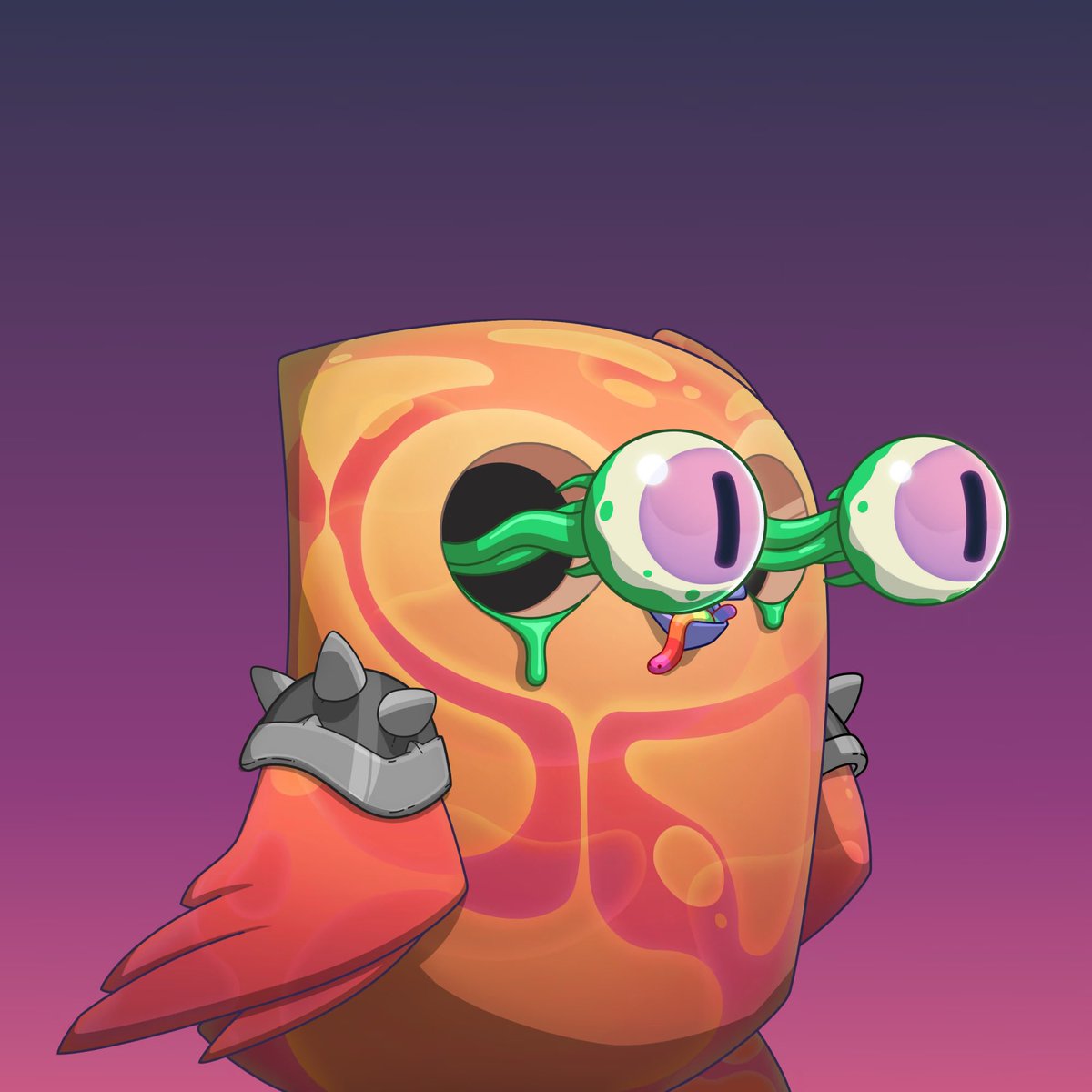
We just birb'd the New York Stock Exchange.
Who do we birb next?
137
101
580
58,775
Just R retweeted
Jan 28
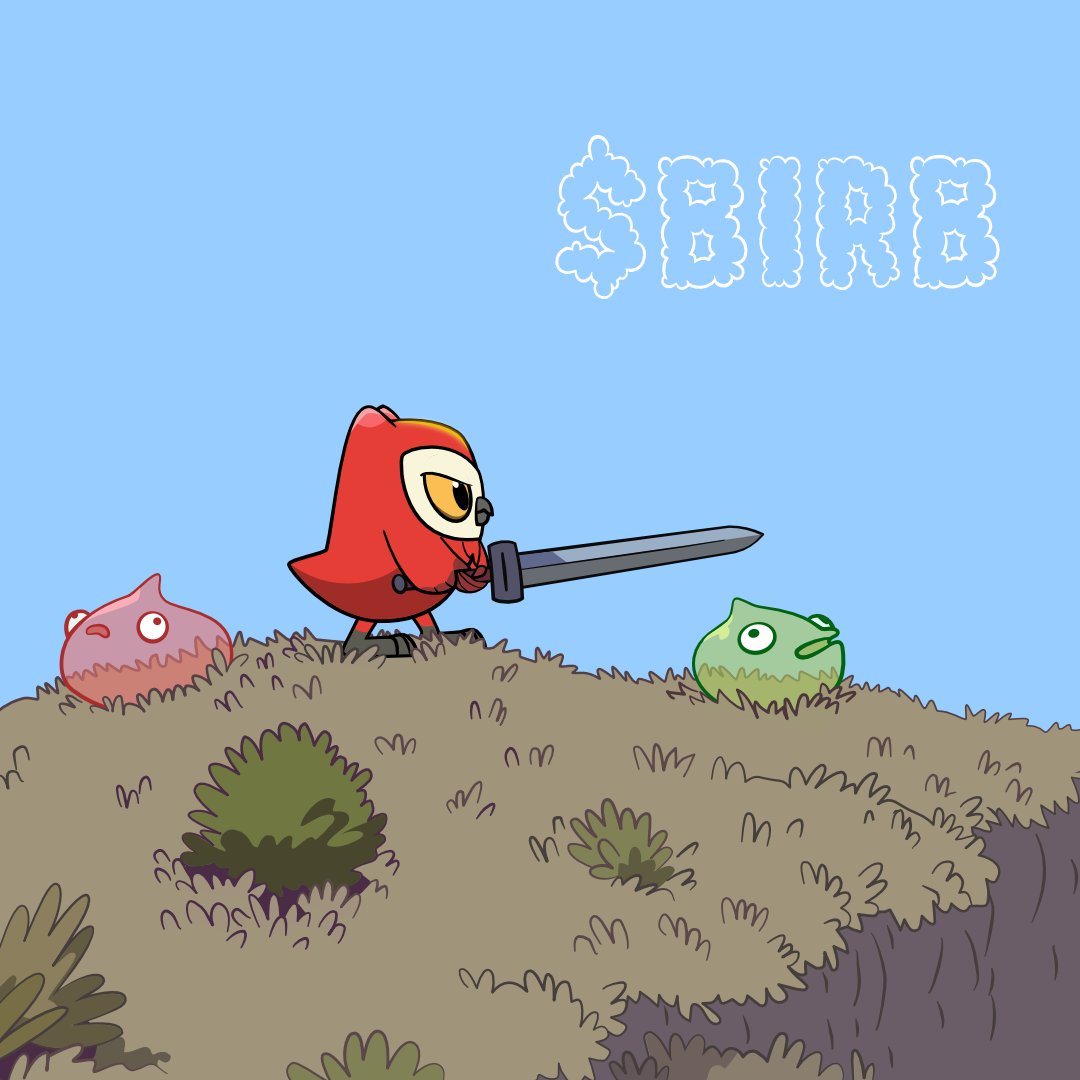
$birb is now live on Binance Alpha & DEXs
The only official contract address is: G7vQWurMkMMm2dU3iZpXYFTHT9Biio4F4gZCrwFpKNwG
Claim is not yet live, only trust announcements from the official "@moonbirds" account and discord, stay safe.
5,124
230
2,165
740,534

Just R retweeted

Jan 24
I want @pudgypenguins to win
I want @goodvibesclub to win
I want @Azuki to win
I want @BoredApeYC to win
I want @doodles to win
I want @quirkiesnft to win
I want @worldofwomenxyz to win
I want @re_generates to win
I want @ChimpersHQ to win
I want @moonbirds to win
I want @unofficialmfers to win
I want @MeebitsNFTs to win
I want @coolcats to win
I will work very very very very hard for @veefriends to win
1,417
408
3,901
372,675
Just R retweeted
Jan 23
1,754
1,352
8,867
2,493,383


Just R retweeted
2 Dec 2025
Follow the steps below to withdraw your Moonbirds physical collectibles from Collector Crypt. (Video Tutorial Below)
1. Access the App
Visit collectorcrypt.com
Select Launch App
2. Log In
Connect your Solana wallet (e.g., Phantom)
Approve the Sign Message prompt to verify your wallet
3. Set Up Your Profile (Required Before Withdrawing)
Click your profile icon (top-right)
Select Settings
Enter a username and email address
Open the verification email and click the confirmation link
Return to Settings and add your shipment address
Set the address as Default
4. Locate Your Collectibles
Navigate to Collection
Select the Merch tab
Find your Moonbirds physical collectible (pre-order) items
Hover each item and click the Withdraw / Burn icon to add it to your withdrawal cart
5. Open the Withdrawal Cart
Click the burn/cart icon in the top menu
Select Withdraw Cards
Review the items, values, shipping cost, and fees
6. Confirm Shipping Details
Verify your shipping address
Choose a shipping method
Add any optional comments or instructions
7. Select Payment Method
Choose between: Crypto (USDC / SOL) - Credit Card
Click Confirm and Pay
8. Finalize Your Withdrawal
If paying with crypto, approve the transaction in your wallet
Once completed, a confirmation screen will appear
Select Go to My Shipments to view shipment status and updates
13
12
88
15,536
Just R retweeted
21 Nov 2025
Claim your BoDoggos X Moonbirds SBT on @solana now!
Open for all @bodoggos holders, as well as all holders of Moonbirds, Mythics & Oddities. All holders can claim 1 SBT per NFT held.
minting.moonbirds.com
130
98
595
227,054

Just R retweeted

29 Oct 2025
hearing things
massive things
you are NOT birbish enough
45
21
191
11,074