The Official Twitter of E-Learning & Instructional Technology @ PHSC. Serving faculty, students and staff.
Joined August 2012
- Tweets 886
- Following 42
- Followers 129
- Likes 1,052
331 Photos and videos


Pinned Tweet

Apr 20
#Checkout our Web Accessibility Help section of EIT's website. It's jam packed with all info you need about the new update to Title II of the ADA! Explore: online.phsc.edu/support/acce…
#accessinaction #ADAupdate @PHSCedu
1
25
May 21
Graph equations using line graphs and discover even more advanced features in OneNote’s Math Assistant for accessible graphing! Learn more: support.microsoft.com/en-us/…
#A11y4STEM #GAAD #accessiblegraphs
7
May 21
Happy #GAAD! @Microsoft OneNote is a great place to gather all your digital notebooks in one place. OneNote also provides Math Assistant, which makes it easy to draw handwritten equations, and turn them into readable online text! support.microsoft.com/en-us/…
#A11y4STEM
18
May 20
Explore this resource on captioning videos with STEM content for a more accessible viewing experience. Discover tips for captioning equations, symbols, & STEM terms from @gotranscriptcom! gotranscript.com/en/blog/cap…
#A11y4STEM #GAAD #videoaccessibility
21
May 20
#DYK that Canvas has a Math Equation Editor to make accessible equations for math and science?! Learn how easy it is to edit and create accessible equations for math and chemistry in Canvas! community.instructure.com/en…
#A11y4STEM #GAAD #accessiblemath
20
May 19
Explore this guide on integrating accessibility into online STEM courses from @IowaStateU. The guide on creating accessible data visualizations (graphs) is especially helpful! it.iastate.edu/guide-digital…
#A11y4STEM #GAAD #accessiblegraphs
14
May 19
The AEM Center at @CAST_UDL has an amazing resource for creating accessible STEM content. Discover tips for creating long image descriptions for complex graphs and accessible coding strategies for Computer Science. aem.cast.org/create/accessib…
#A11y4STEM #GAAD
1
18
May 18
STEM Education and programs are in high demand, so students need access to accessible STEM education. For this GAAD, check out these tips from @MitrLearning defining digital access for those in the STEM fields!
mitrmedia.com/resources/blog…
#A11y4STEM #GAAD
17
May 14
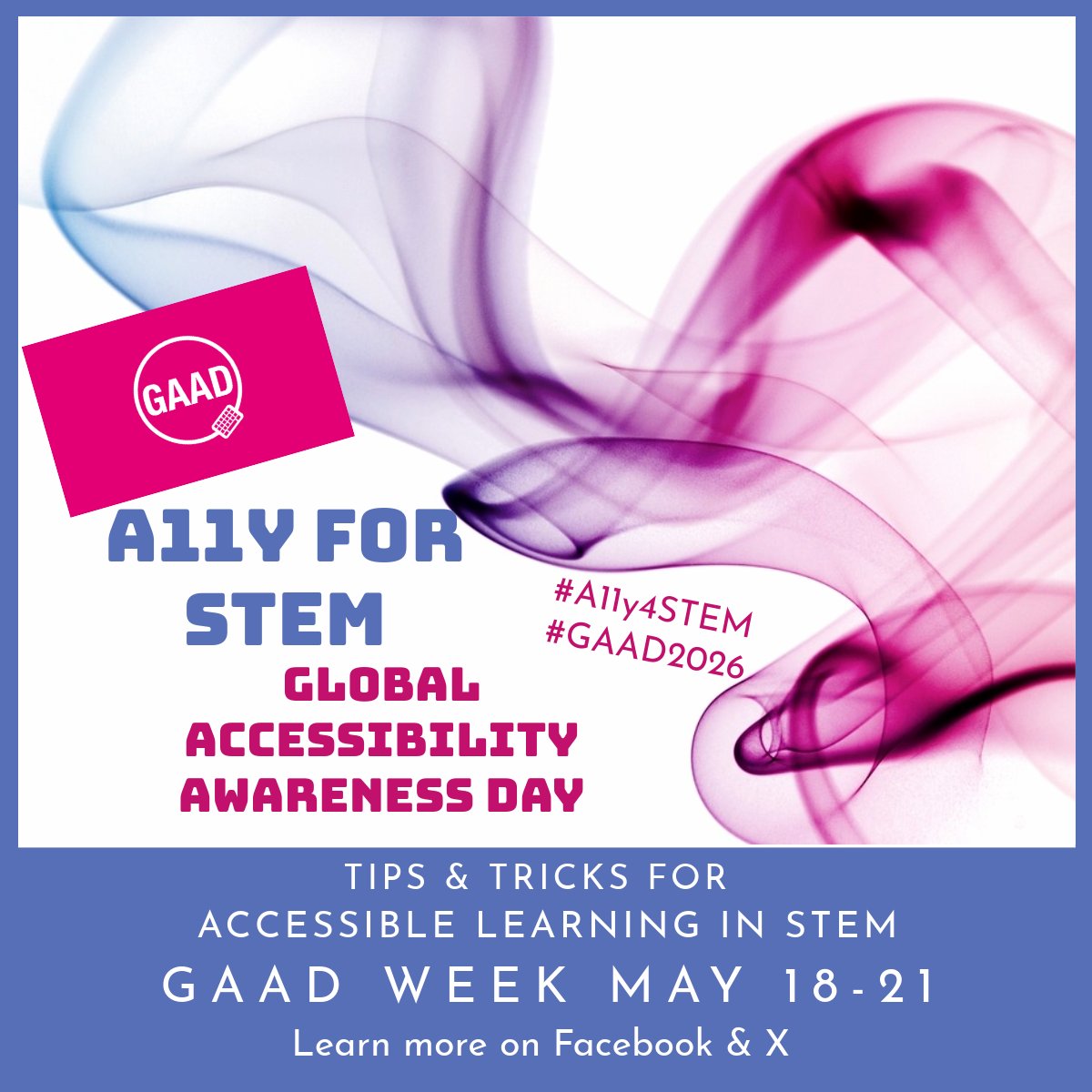
Get ready for Global Accessibility Awareness Day with EIT next week! Explore the tips to make your STEM learning more accessible! Follow the hashtag: #A11y4STEM to find the posts! #GAAD @gbla11yday
5
May 5
The UDOIT Accessibility Assistant is where you want to start with ensuring your course’s accessibility. The EIT Team is asking that all Canvas courses have a scorecard reading of 85% or higher. Learn more from @CidiLabs: cidilabs.com/landing/udoit/
#designforall
1
2
56
May 5
Providing accessibility info about the tech used in the course is a good practice! ✔️out how @Canvas_by_Inst is making learning a more pleasant experience for all.
community.instructure.com/en…
#designforall #accessibilitymatters
1
17
Apr 30
Have you ever wondered about the accessibility elements in media players, such as YouTube? Learn more about keyboard controls, clear labelling, and captions. ✔️out more: w3.org/WAI/media/av/player/
#designforall #accessiblemedia
1
11
Apr 30
Planning accessible multimedia is important. These checklists from the Web Accessibility Initiative make it easy to assess your multimedia. ✔️out more: w3.org/WAI/media/av/planning…
#designforall #accessibilitymatters #accessiblemedia
1
8
Apr 29
Making a video soon? Check out @Kaltura to create an accessible video with closed captions. Kaltura makes it extremely easy to request, add, and edit closed captions for your videos. Watch this how-to vid: learning.kaltura.com/media/H…
#designforall #videoaccessibility
2
28
Apr 29
#DYK: 1 in 8 people in the US has a partial or total hearing loss? Captions and subtitles make it easier for them to participate in the video! Discover more about open vs closed captioning: accessiblyapp.com/blog/open-…
#designforall #videoaccessibility
1
17
Apr 27
Check out this 2-minute video on adding and managing alt text in @Canvas_by_Inst! Watch: community.instructure.com/en…
#designforall #accessibilitymatters
1
19
Apr 27
Alt text provides a description of an image. This is required for all images that convey content! Not only does alt text help the visually impaired, but it can even help users who don’t have high-speed internet! Learn more: section508.gov/create/altern…
#designforall #AltText
1
6
Apr 24
Using color for emphasis on important info can make it tough for those who are blind or have low vision to understand the importance. Learn more about color contrast and conveying the meaning from @dallascollegetx : dallascollege.edu/about/acce…
#designforall
1
10
Apr 24
Appropriate Heading Styles helps readers understand the content relationship and quickly find sections to read, and is helpful to screen readers! Learn more: section508.gov/blog/accessib…
#designforall #AccessibilityMatters
1
10
Apr 23
Readable font and font sizes are a must! When developing content online, use fonts that are simple and familiar. Discover more from @webaim
webaim.org/techniques/fonts/
#designforall #AccessibilityMatters #fontstyle
1
10
Apr 23
The Chunking Concept helps effectively design content to simplify and enhance the learner’s retention and understanding. Explore more from @elearnindustry
elearningindustry.com/master…
#designforall #AccessibilityMatters #chunking
1
9