
✦ 𝐬𝐞𝐨𝐧𝐠𝐡𝐰𝐚 𝐚𝐞𝐬𝐭𝐡𝐞𝐭𝐢𝐜 𝐬𝐩𝐚𝐜𝐞 ✦ a place for all things Seonghwa ✦ all images are edited by me unless otherwise noted
Joined April 2024
- Tweets 3,641
- Following 49
- Followers 1,179
- Likes 7,117
860 Photos and videos
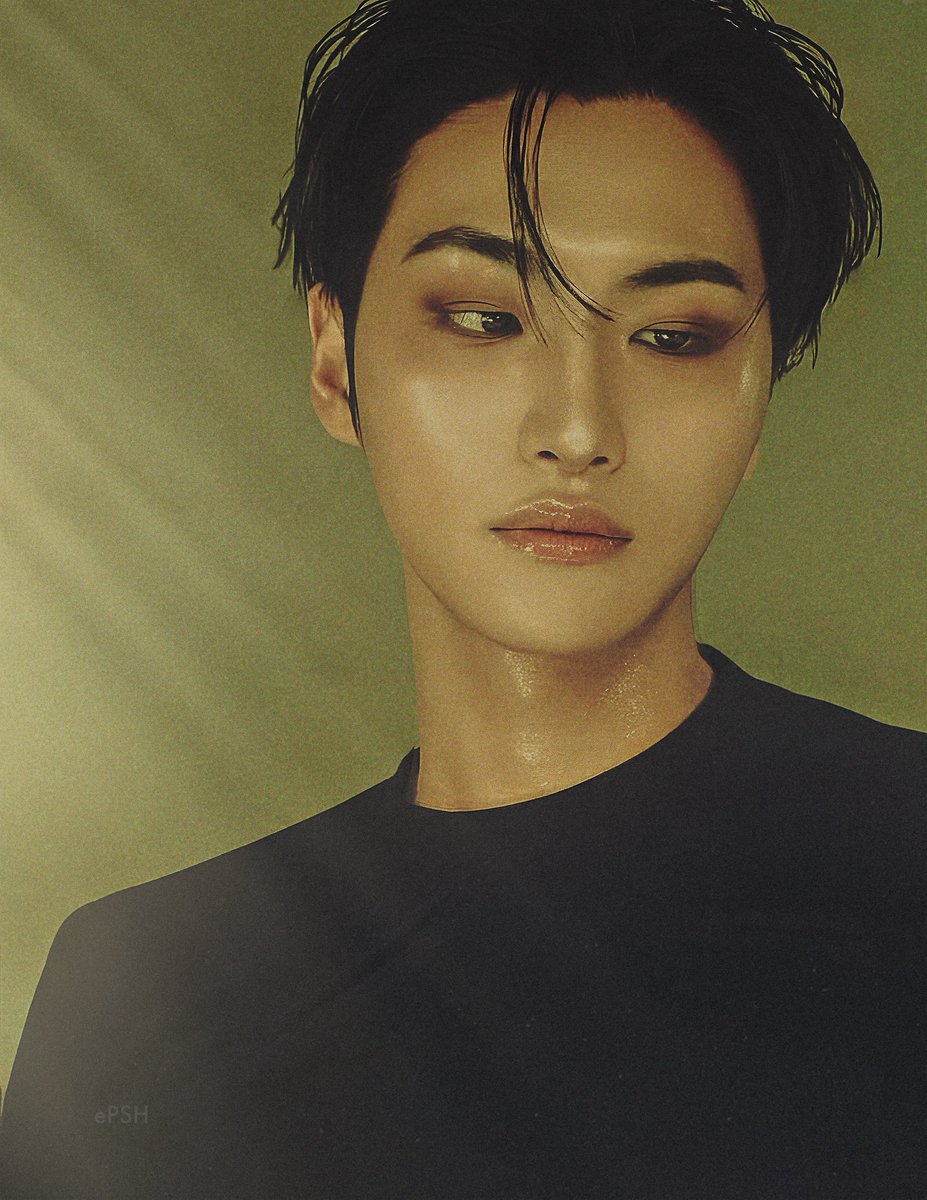
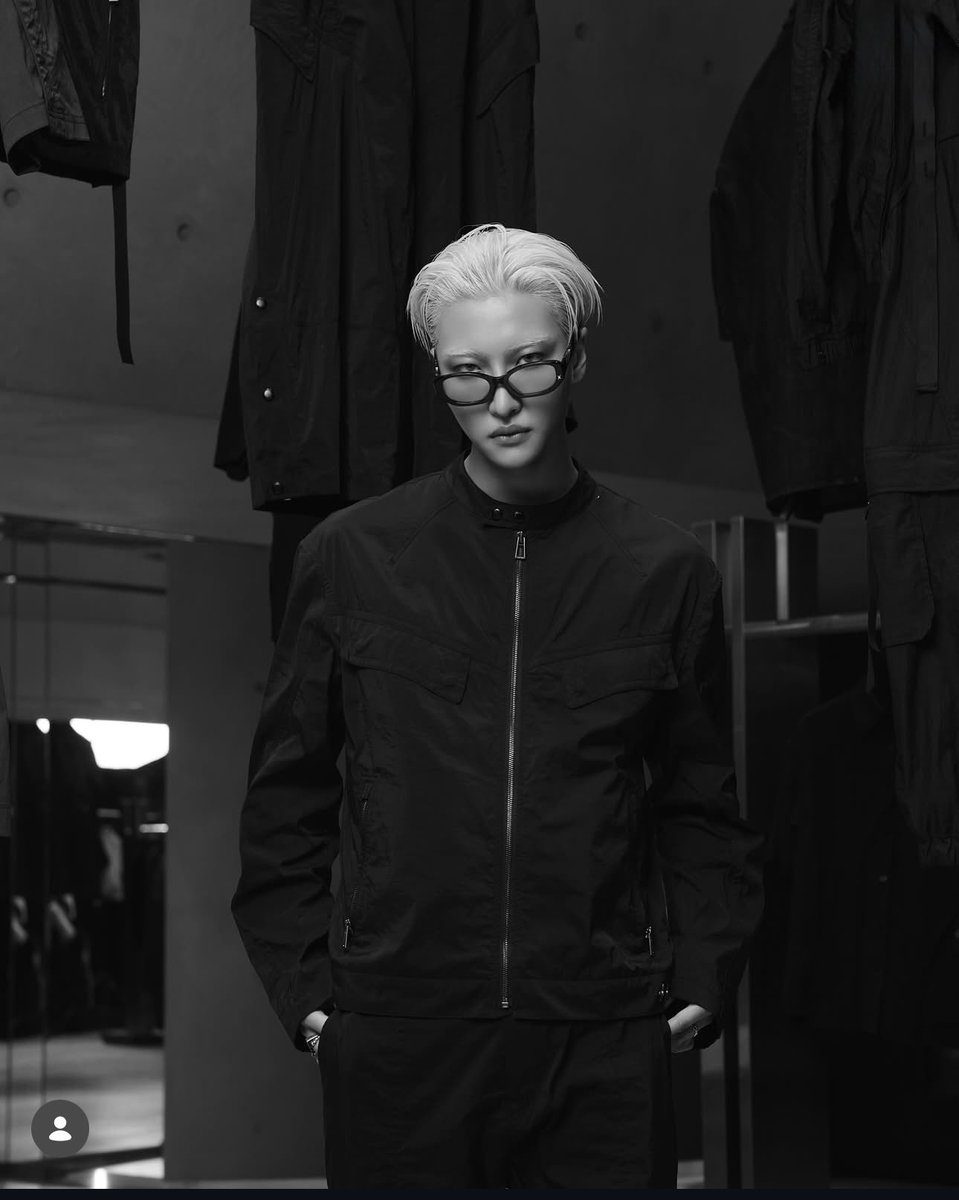
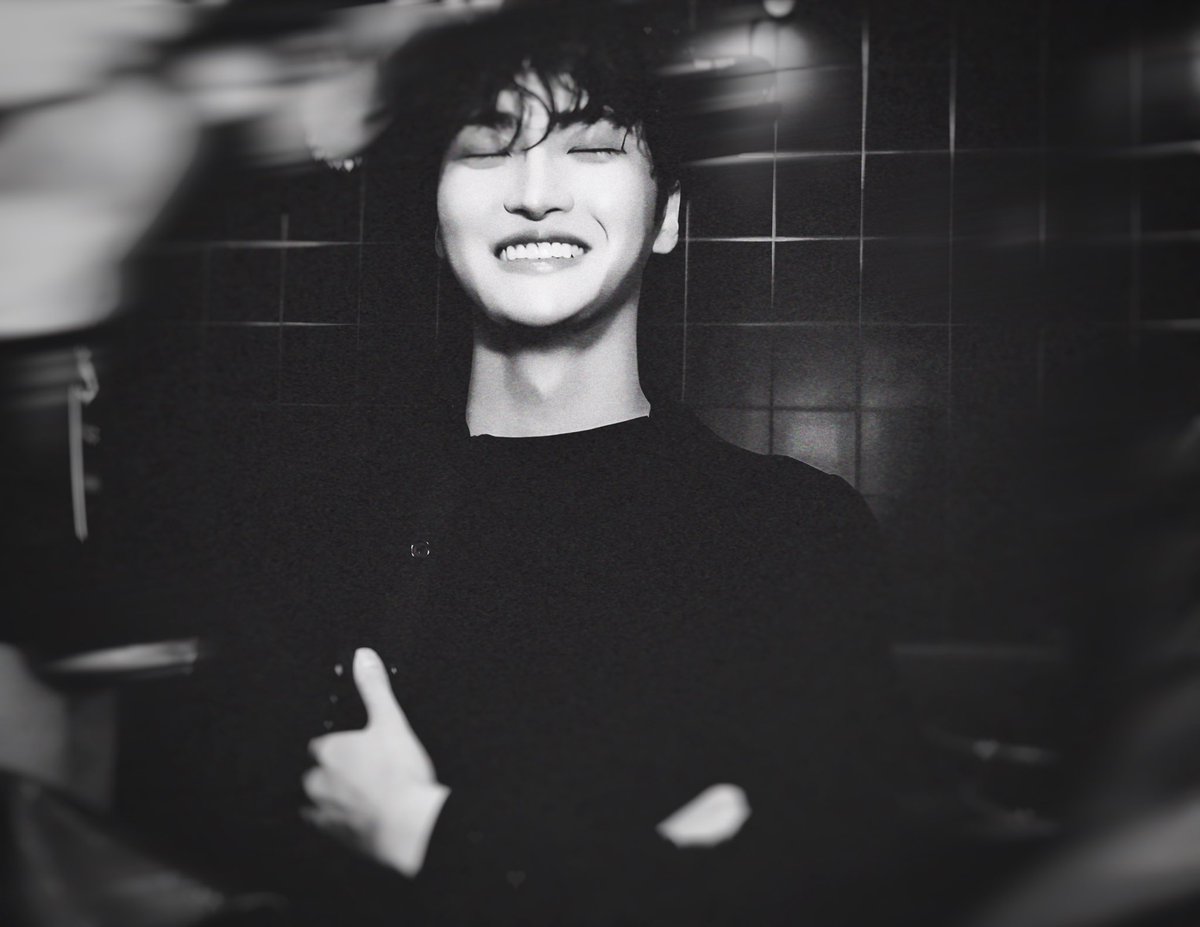
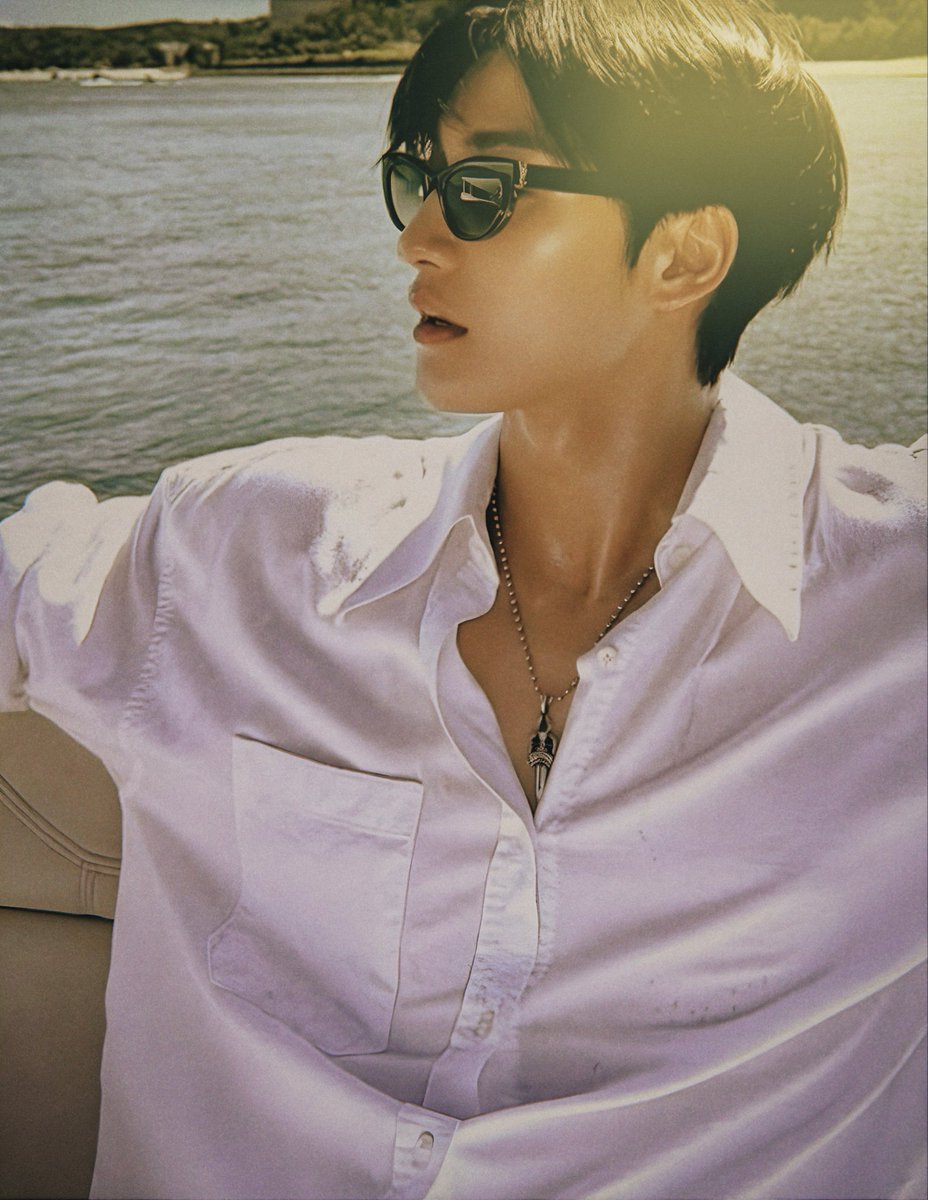
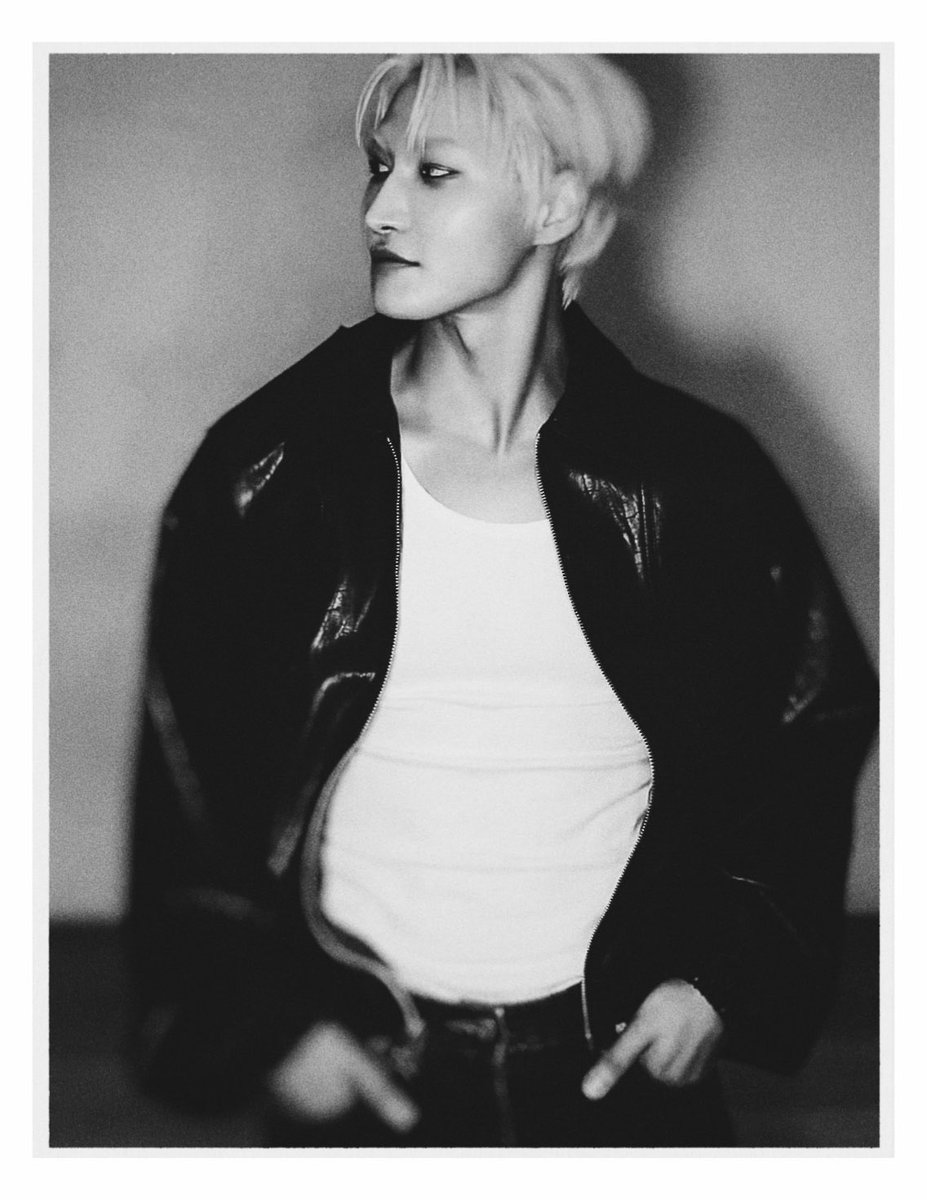
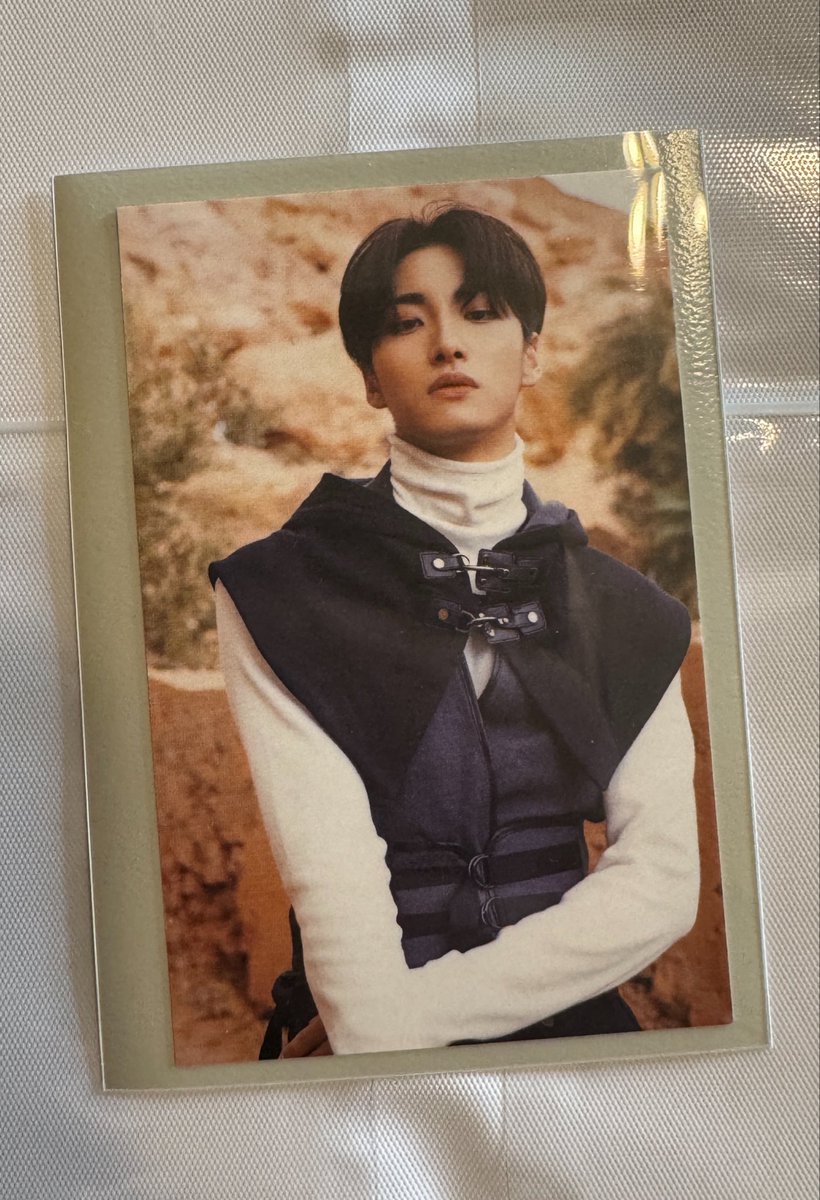
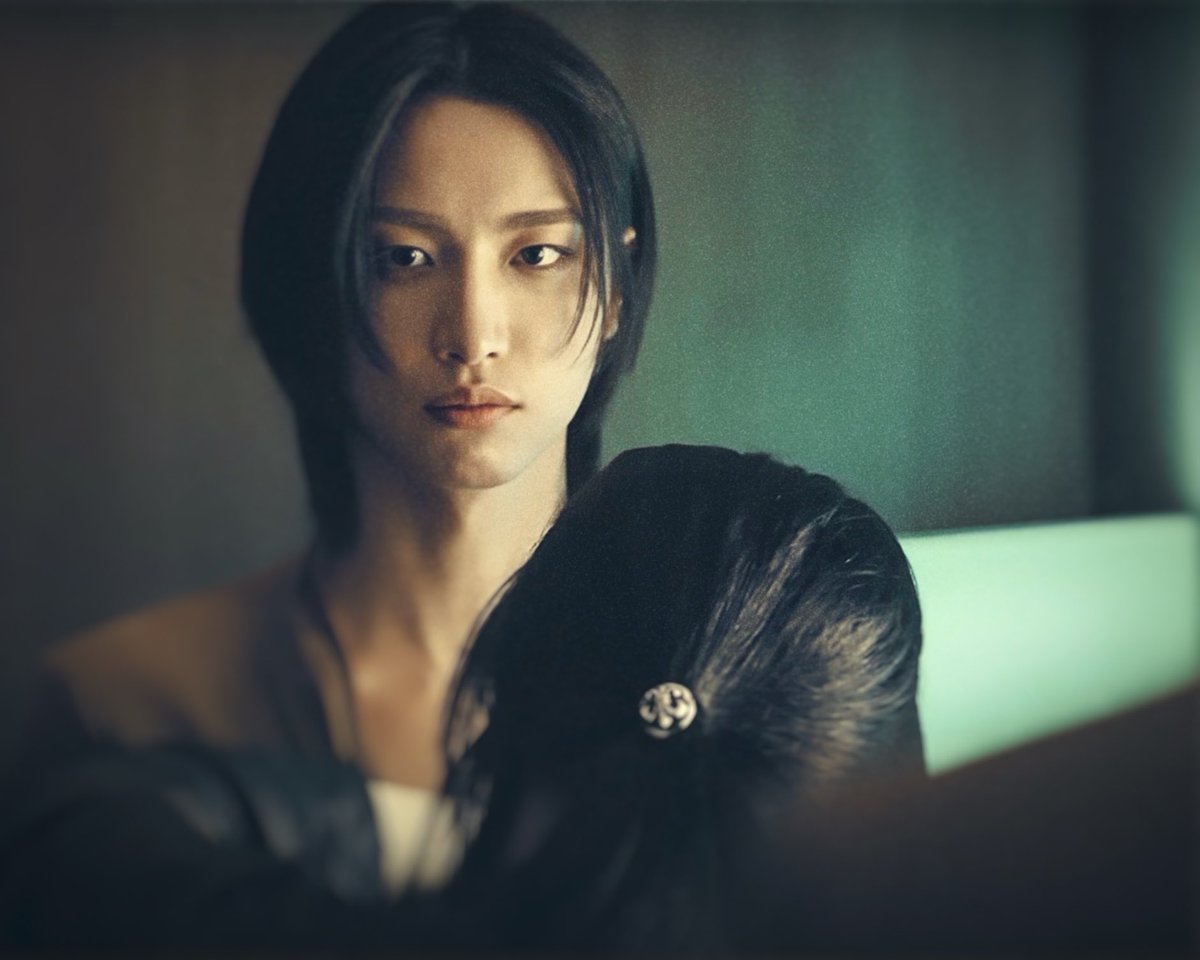
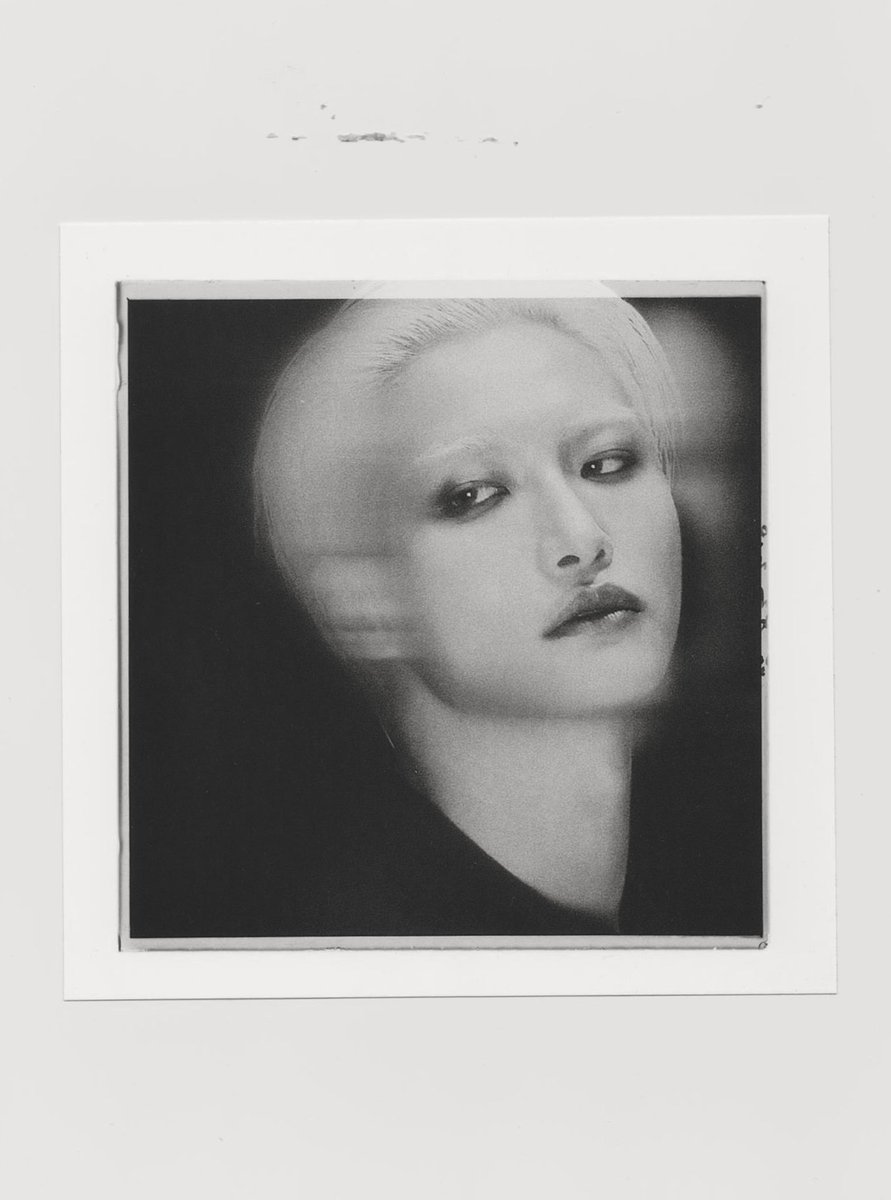
Pinned Tweet

Jun 16
Hey friends!!
So I’m trying to do a thing *and it’s entirely by choice ofc for followers*
If you RT/QRT my posts and are feeling kind, please include a hashtag with Seonghwa’s name and Korean name!
It keeps him in the searches during quiet periods and helps boost his EMV 🩶🙏🏻
#SEONGHWA #성화

2
43
1,775

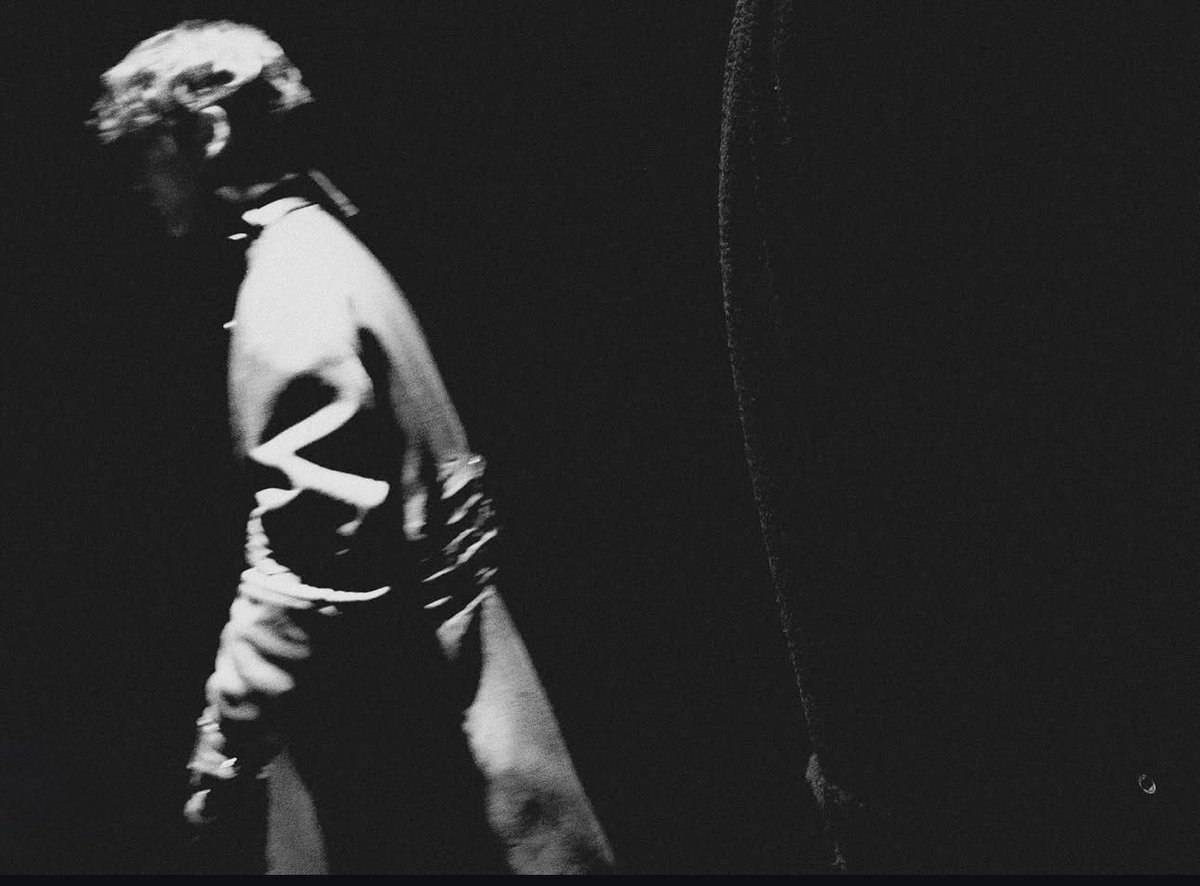
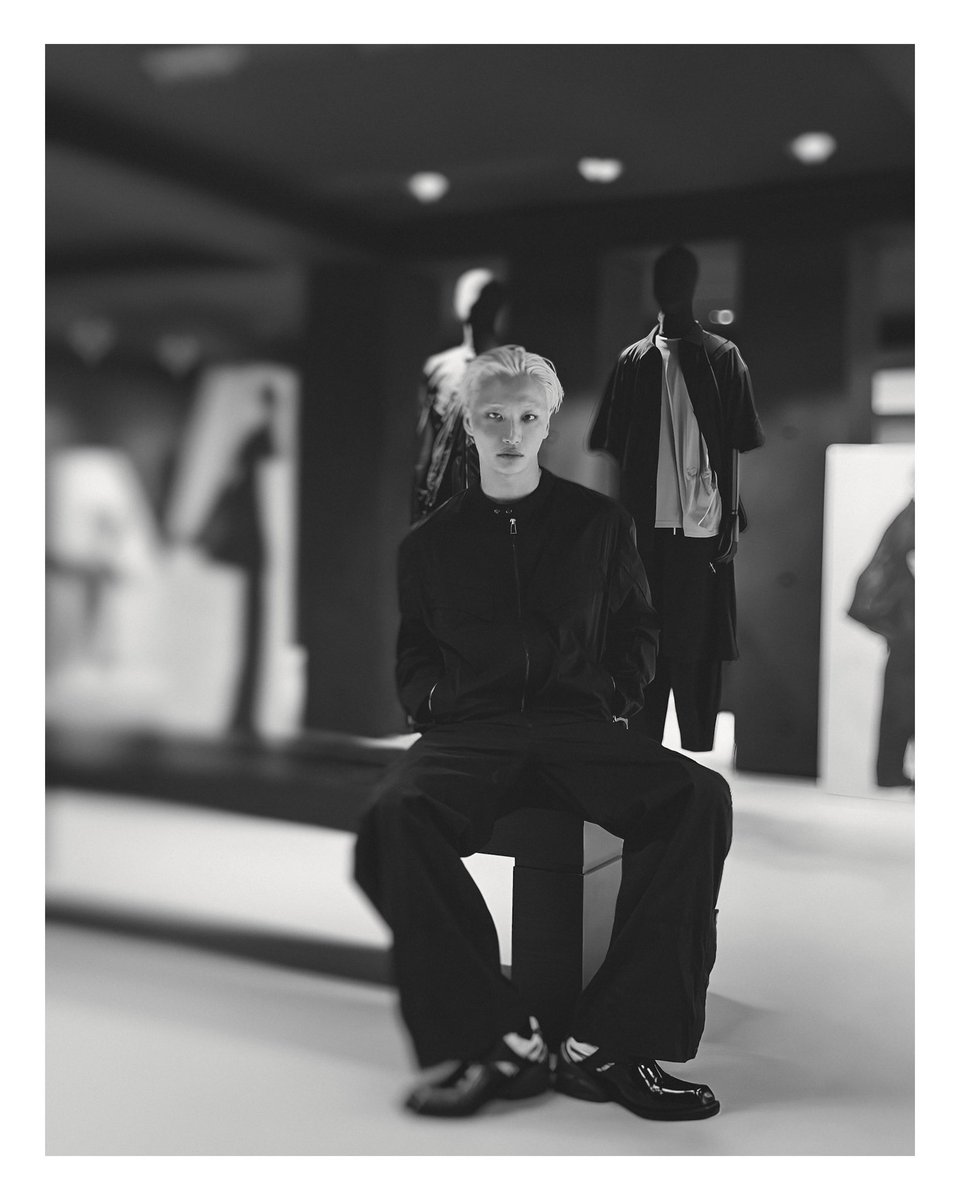
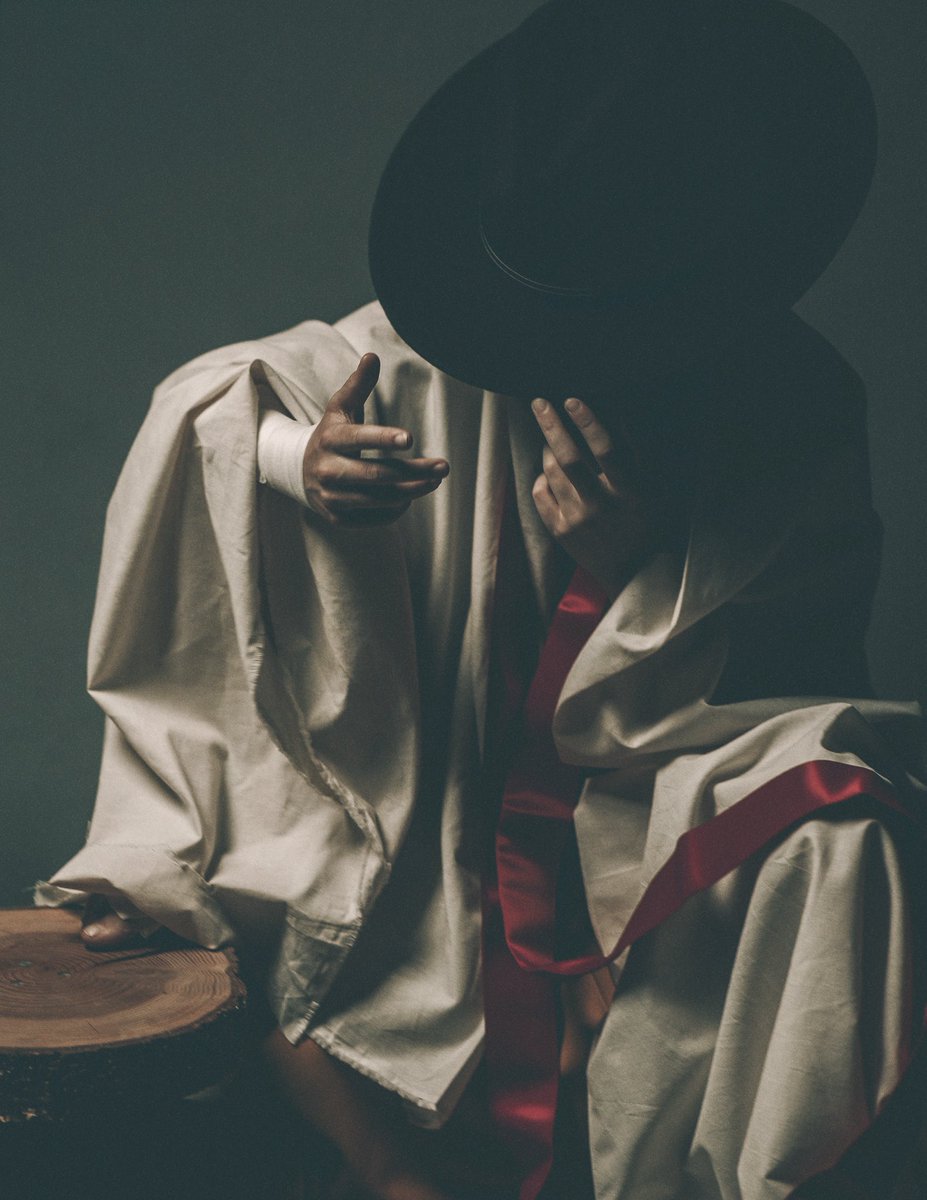
“Genesis”
Photography/Styling/Lighting by me
©️2026 NMS
#photography #atiny
3
175
1
16
243
Jun 17
I’ll be bumping the Instagram next week to verified so I can better support Seonghwa’s visibility in terms of fashion, along with any other personal projects he may have in the works.
(I had it once before; it gets pushed to the top in terms of comments, story replies and mentions.)
Let’s gooo!! 💪🏻💪🏻
#SEONGHWA
16
664
Jun 17
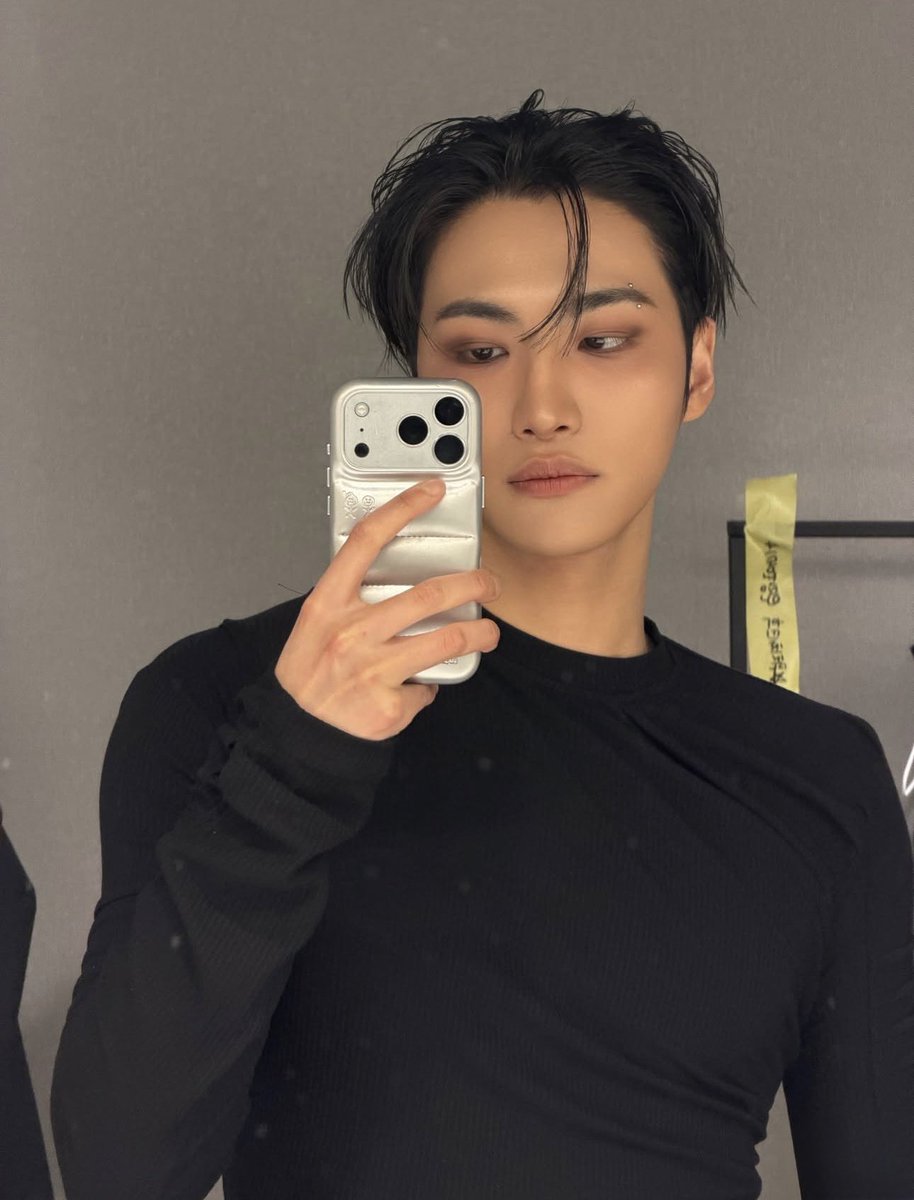
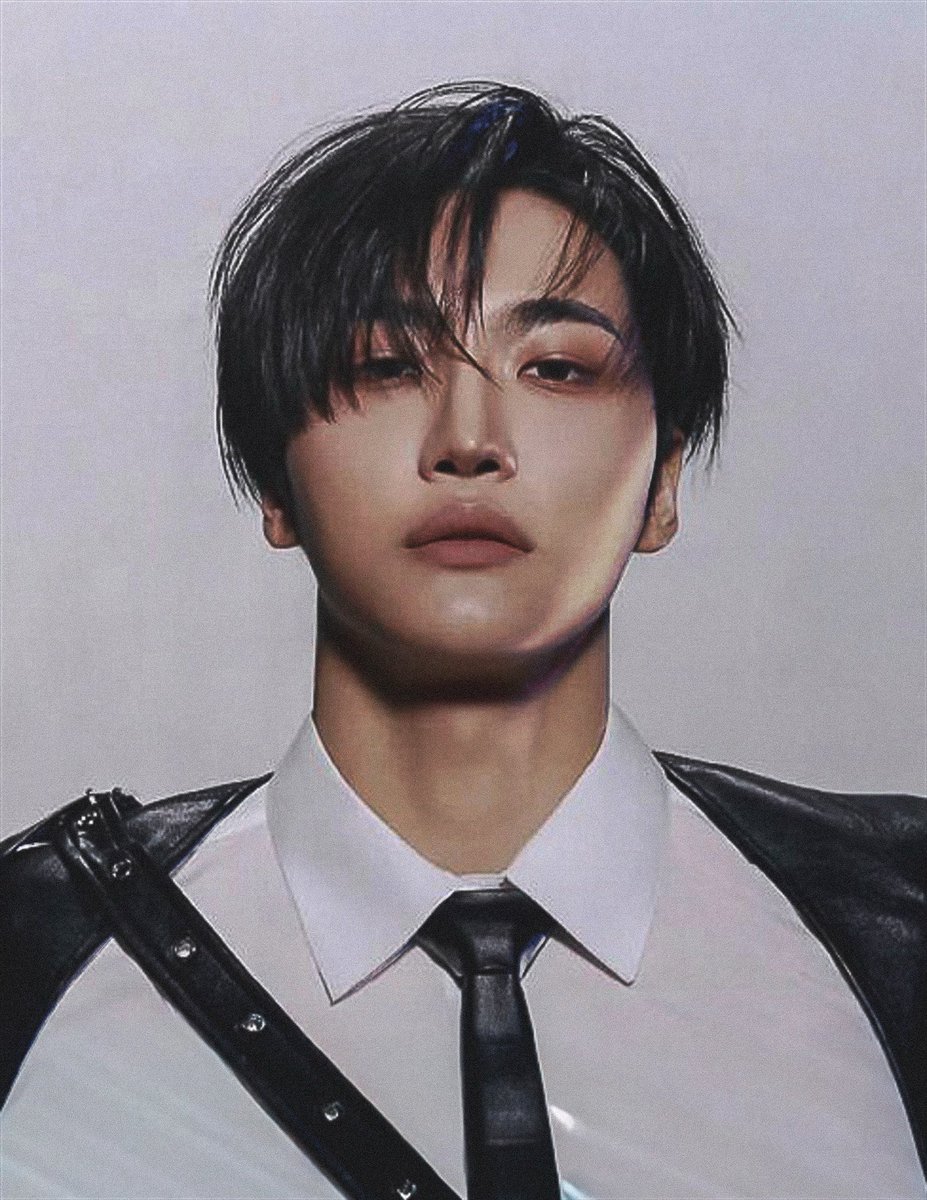
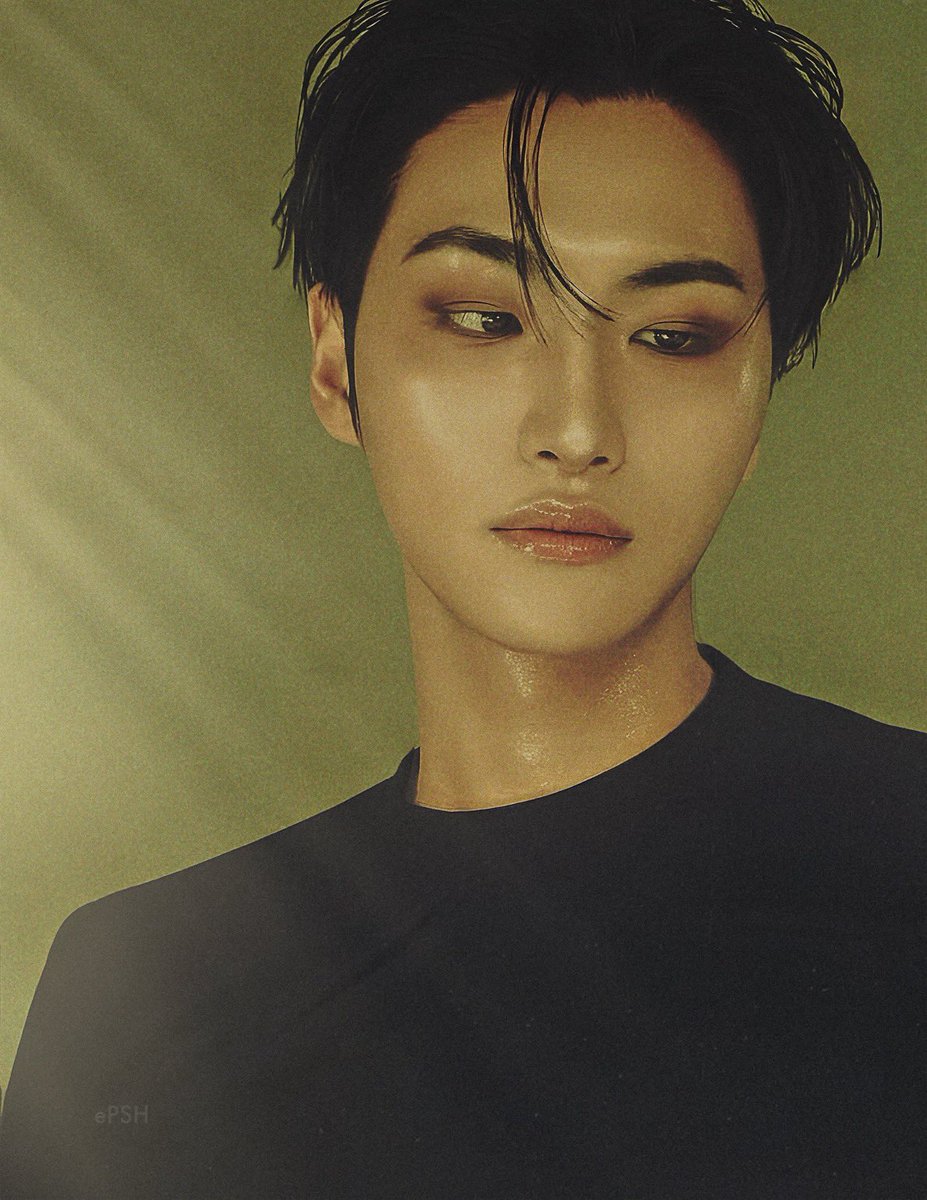
Edit breakdown before and after
•The main programs I used for this one were Adobe Lightroom, Photoshop, InDesign and Procreate. The base image was 72p resolution so I first imported to InDesign to upsample and enlarge. It makes the image lossy but I clean it up later.
•First I worked on his phone and filled in the gap compositing with layers I created from other images of his face. From there I filled in and cleaned up discoloration and edges.
•set crop constraints to my usual 8.5x11 and cropped out the rest of his arm.
•imported into Lightroom for color and light adjustments, and spot removed background distractions, blemishes, jpg artifacts and color banding from enlargement. Applied overall sharpen and luminosity correction.
•back to Photoshop for skin retouch, lip gloss action and enhancement, and sweat overlay
•import to procreate for detail refinement using the dedicated paint tools I normally use to fine enhance my own photography and add a grain layer to imitate ISO like an actual photograph.
The end!
#SEONGHWA #성화
Before. After.
2
5
81
3,277
Jun 17
💥⭐️
Jun 17
Edit breakdown before and after
•The main programs I used for this one were Adobe Lightroom, Photoshop, InDesign and Procreate. The base image was 72p resolution so I first imported to InDesign to upsample and enlarge. It makes the image lossy but I clean it up later.
•First I worked on his phone and filled in the gap compositing with layers I created from other images of his face. From there I filled in and cleaned up discoloration and edges.
•set crop constraints to my usual 8.5x11 and cropped out the rest of his arm.
•imported into Lightroom for color and light adjustments, and spot removed background distractions, blemishes, jpg artifacts and color banding from enlargement. Applied overall sharpen and luminosity correction.
•back to Photoshop for skin retouch and sweat overlay
•import to procreate for detail refinement using the dedicated paint tools I normally use to fine enhance my own photography and add a grain layer to imitate ISO like an actual photograph.
The end!
#SEONGHWA #성화
Before. After.
293
Jun 17
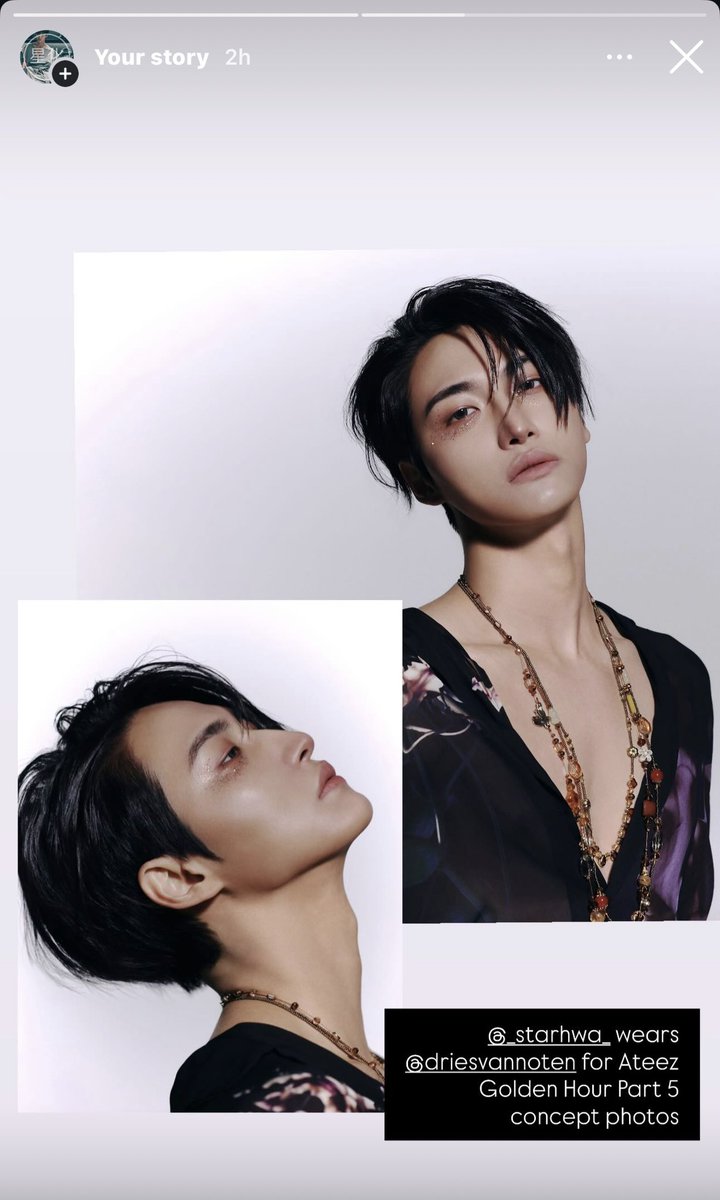
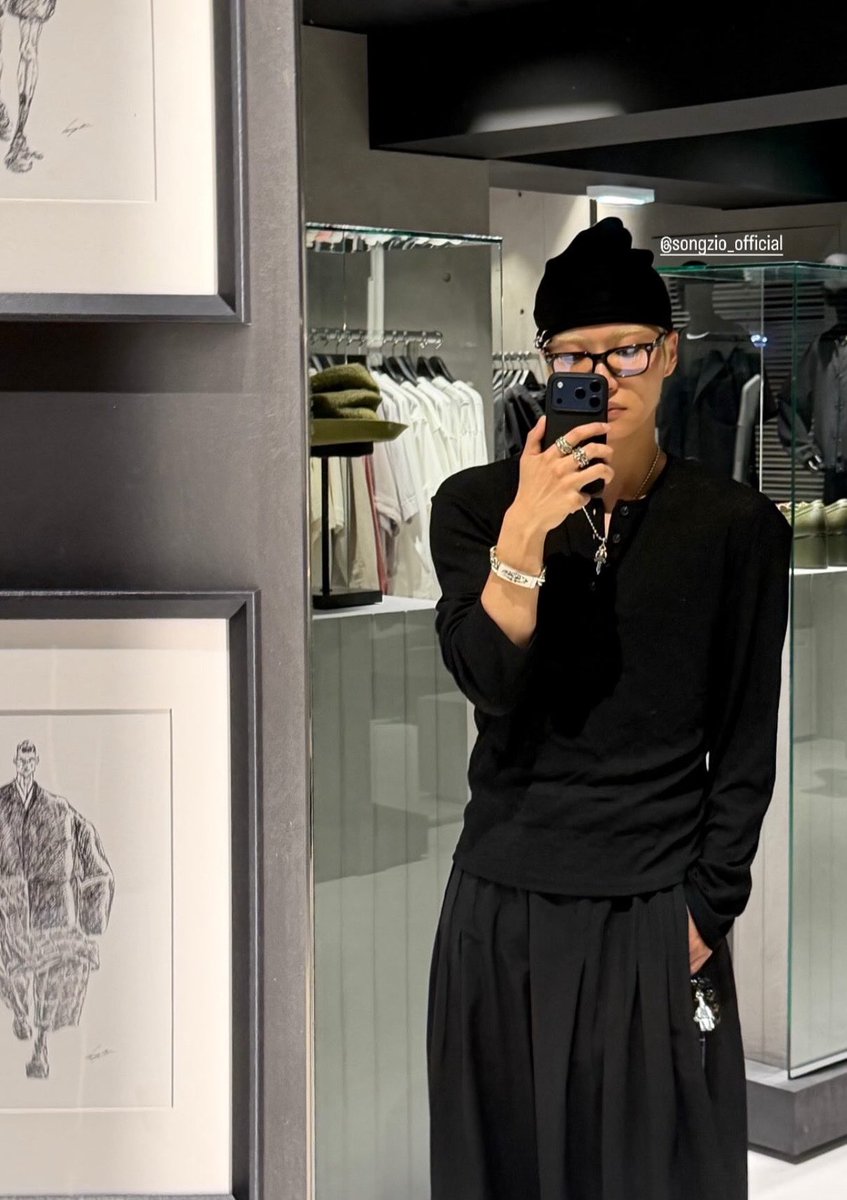
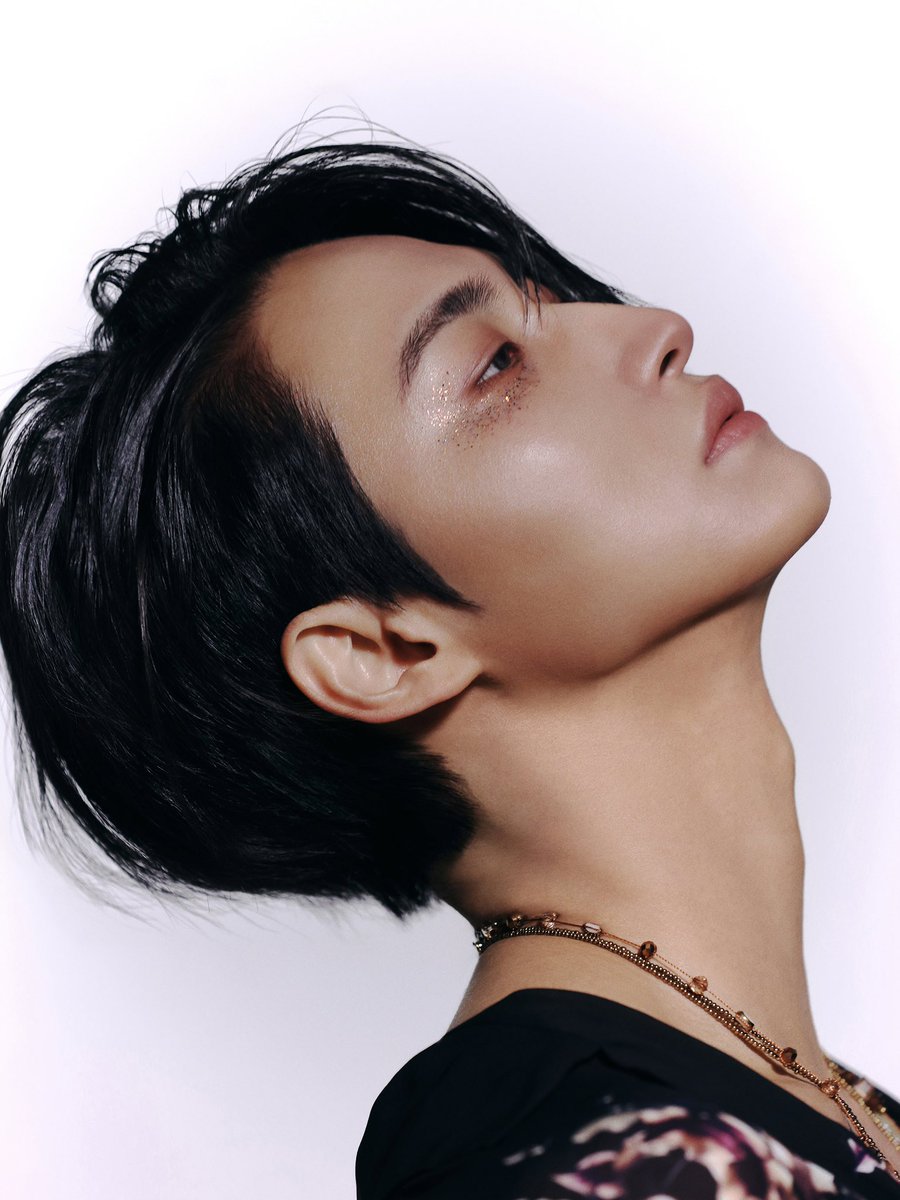
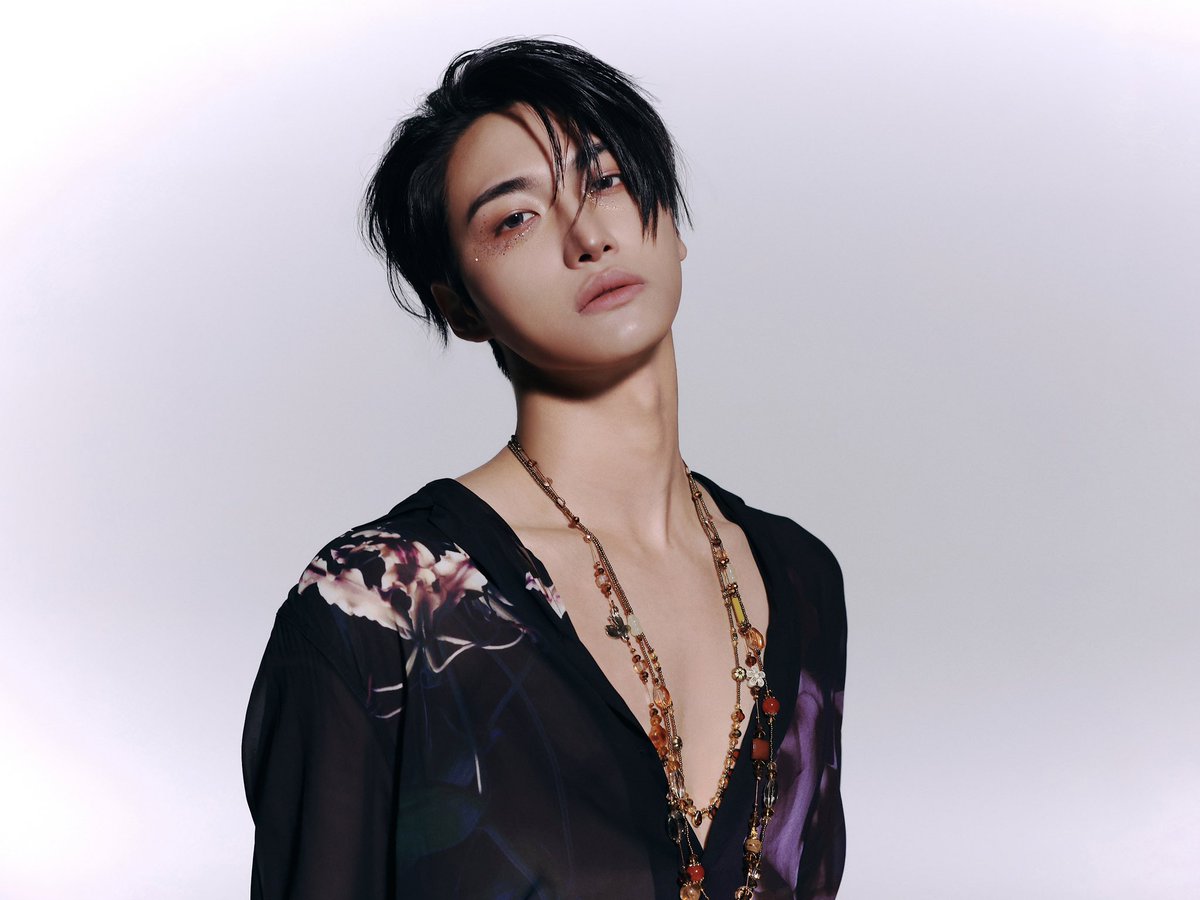
Shared and tagged #DriesVanNoten and Seonghwa on Instagram stories in the GH5 concept fit!!
Please feel free to follow me there, OR do your own tagging!! Seonghwa looks beautiful and they should see it!!
#SEONGHWA #성화
8
31
575
Jun 16
Will drop a short edit breakdown soon!!
16
808

Jun 16
13
85
1,130
Jun 14
105
876
6,552