Fully illustrated Excel tutorial 300 examples. 100% free.
The correct NPV formula in Excel uses the NPV function to calculate the present value of a series of future cash flows and subtracts the initial investment.
To check if a cell contains specific text, use ISNUMBER and SEARCH in Excel. There's no CONTAINS function in Excel.
The TRIM function in Excel removes leading spaces, extra spaces and trailing spaces. Use the SUBSTITUTE function to remove all spaces or non-breaking spaces.
Learn how to work with dates and times in Excel VBA. To declare a date, use the Dim statement. To initialize a date, use the DateValue function.
The percent change formula is frequently used in Excel. First, let's understand the formula. Next, let's calculate the monthly and total percent change over a period of time.
There's no SUBSTRING function in Excel. Use MID, LEFT, RIGHT, FIND, LEN, SUBSTITUTE, REPT, TRIM and MAX in Excel to extract substrings.
The powerful SUMIF function in Excel sums cells based on one criteria. This page contains many easy to follow SUMIF examples.
A circular reference in Excel occurs when a formula directly or indirectly refers to its own cell. This is not possible. Let's start simple.
The Analysis ToolPak is an Excel add-in program that provides data analysis tools for financial, statistical and engineering data analysis.
Excel includes a tool called Solver that uses techniques from operations research, a field focused on optimizing decisions, to solve all kinds of problems. To load the Solver add-in, execute the...
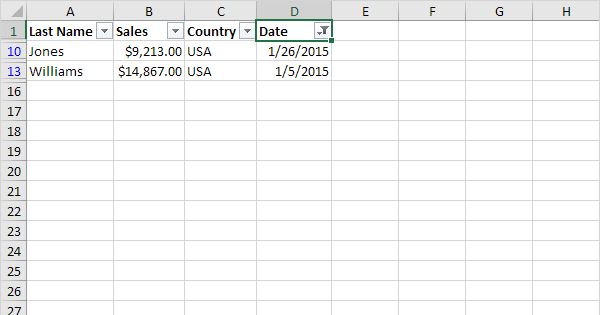
To delete blank rows in Excel, use Go To Special, Blanks. You can also use the COUNTA function and a filter to remove empty rows.
This page teaches you how to create a running total (cumulative sum) in Excel. A running total changes each time new data is added to a list.
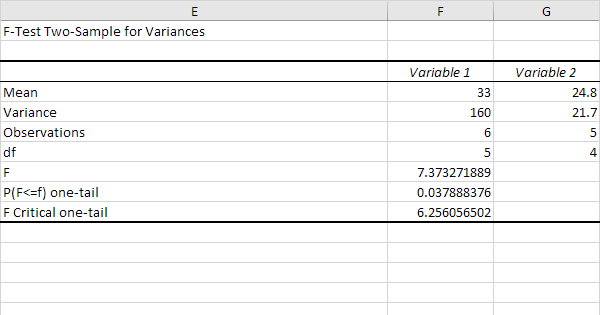
This example teaches you how to perform a single factor ANOVA (analysis of variance) in Excel. A single factor ANOVA is used to test the null hypothesis that the means of several populations are all...
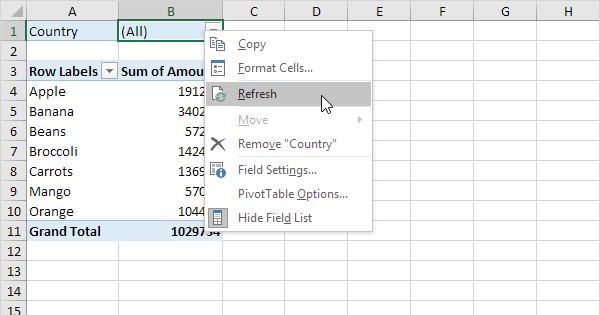
Pivot tables are one of Excel's most powerful features. A pivot table allows you to extract the significance from a large, detailed data set.
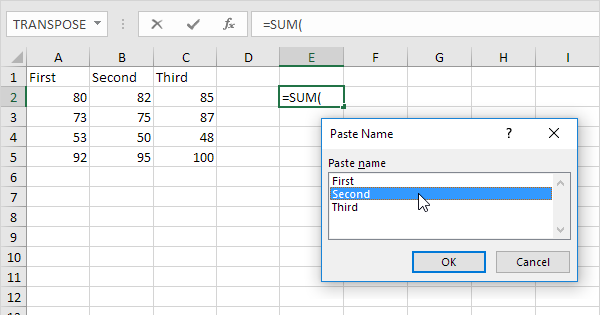
Use LAMBDA and the Name Manager in Excel to create your own Excel function. You can use this custom function like any other Excel function!
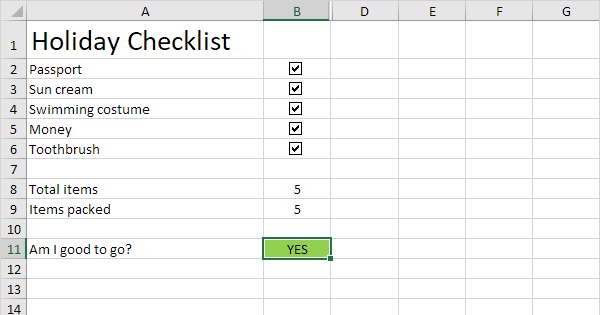
To insert a check mark symbol in Excel, simply press SHIFT P and use the Wingdings 2 font. You can also insert a checkbox in Excel.
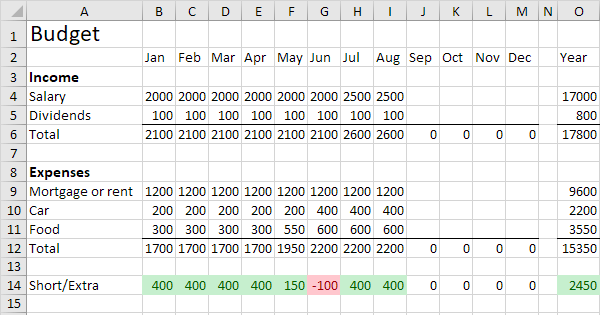
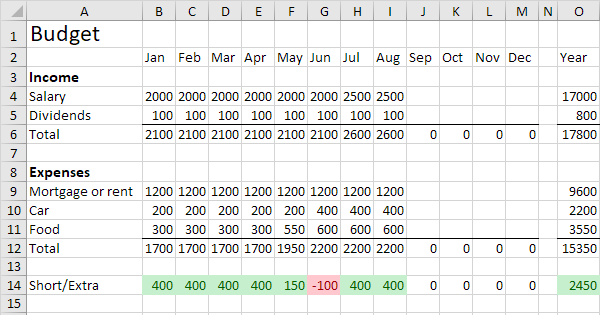
This example shows you how to create a budget in Excel. Follow this step-by-step guide and take control of your finances. First, enter the different types of income and expenses in column A.
This example describes how to create a calendar in Excel (2025 calendar, 2026 calendar, etc). If you are in a hurry, simply download the Excel file.
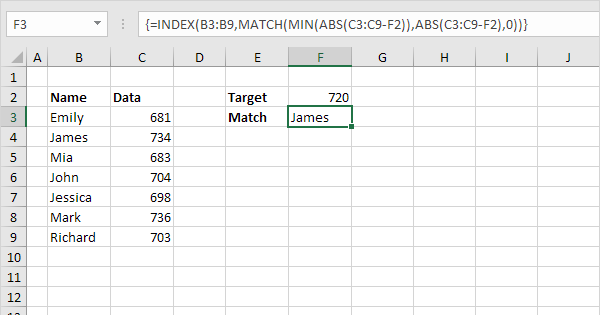
Use INDEX and MATCH in Excel and impress your boss. Instead of using VLOOKUP, use INDEX and MATCH. To perform advanced lookups, you'll need INDEX and MATCH.
Use comparison operators in Excel to check if two values are equal to each other, if one value is greater than another value, if one value is less than another value, etc.