
Joined April 2026
- Tweets 131
- Following 296
- Followers 282
- Likes 646
15 Photos and videos

Pinned Tweet

Apr 20
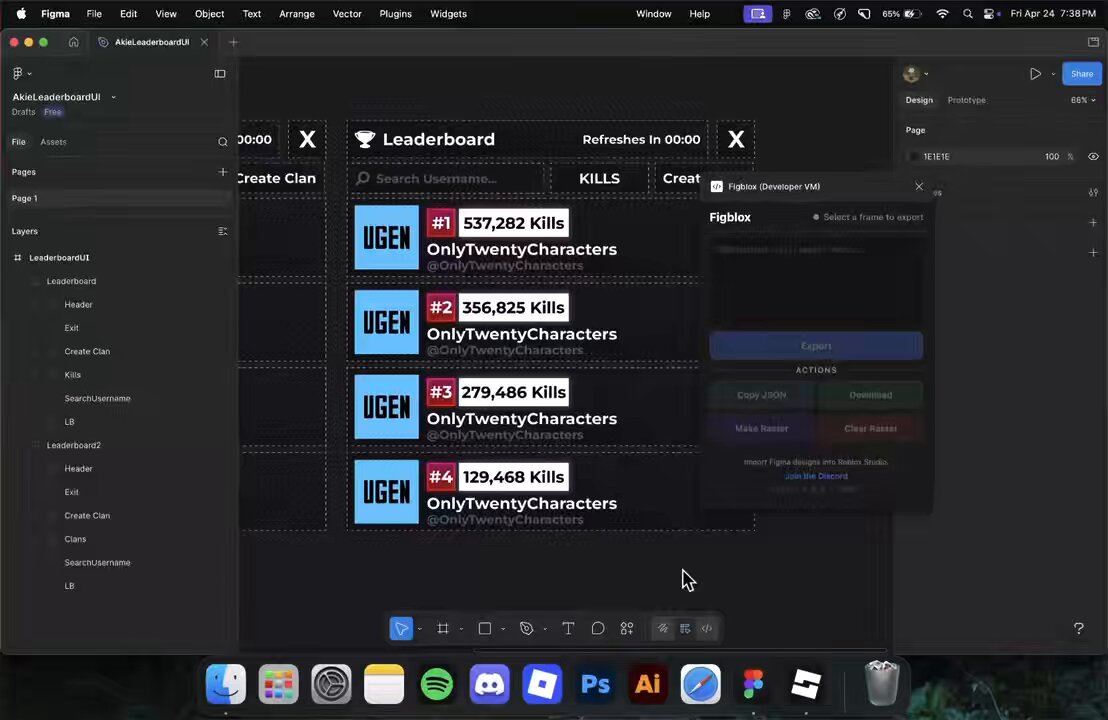
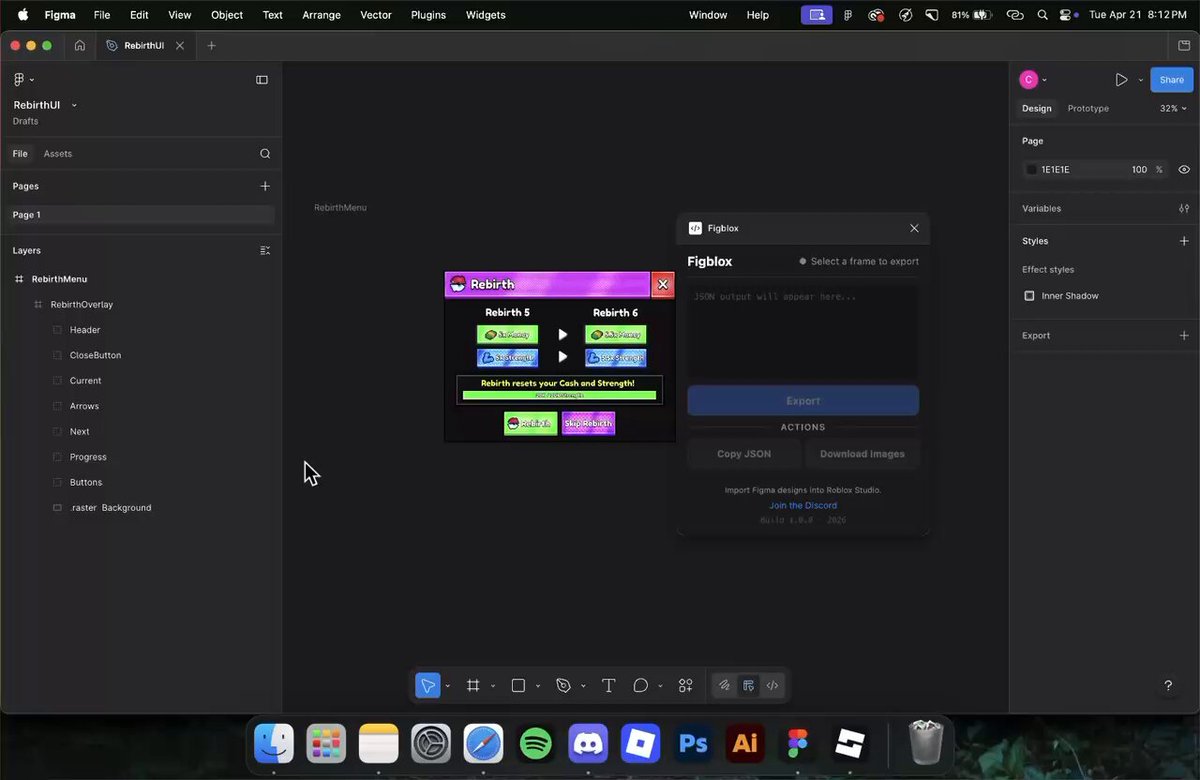
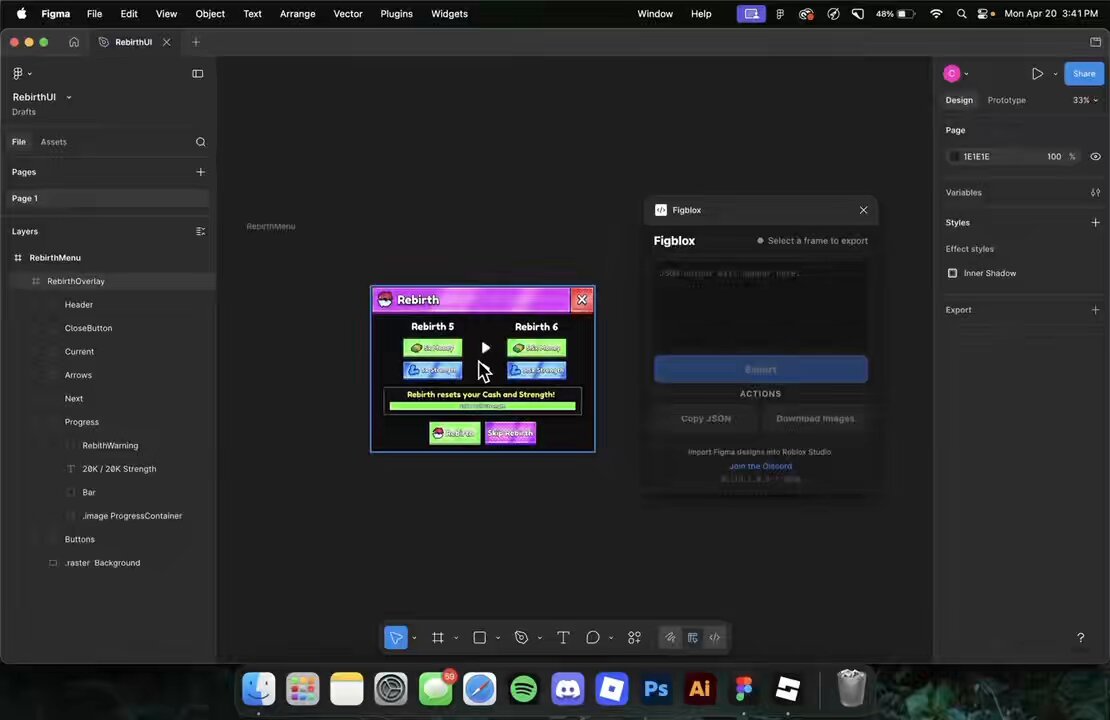
Stop rebuilding your Figma designs by hand. Figblox exports to JSON and imports directly into studio. Coming soon.
#robloxui #robloxdev #figma
20
15
422
21,197
May 9
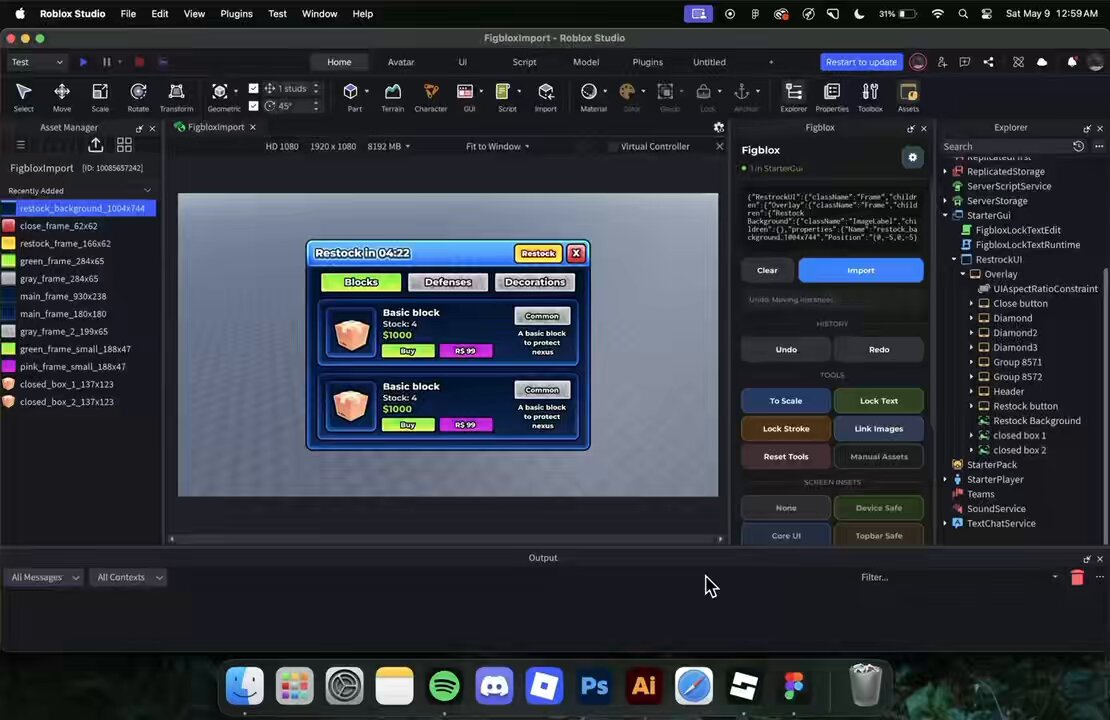
Figblox now has Preserve on Reparent. Normally Studio can break a layer’s absolute position and size when it gets moved to a different parent. This keeps it in place.
#robloxui #robloxdev #figma #figblox
7
70
3,345
May 7
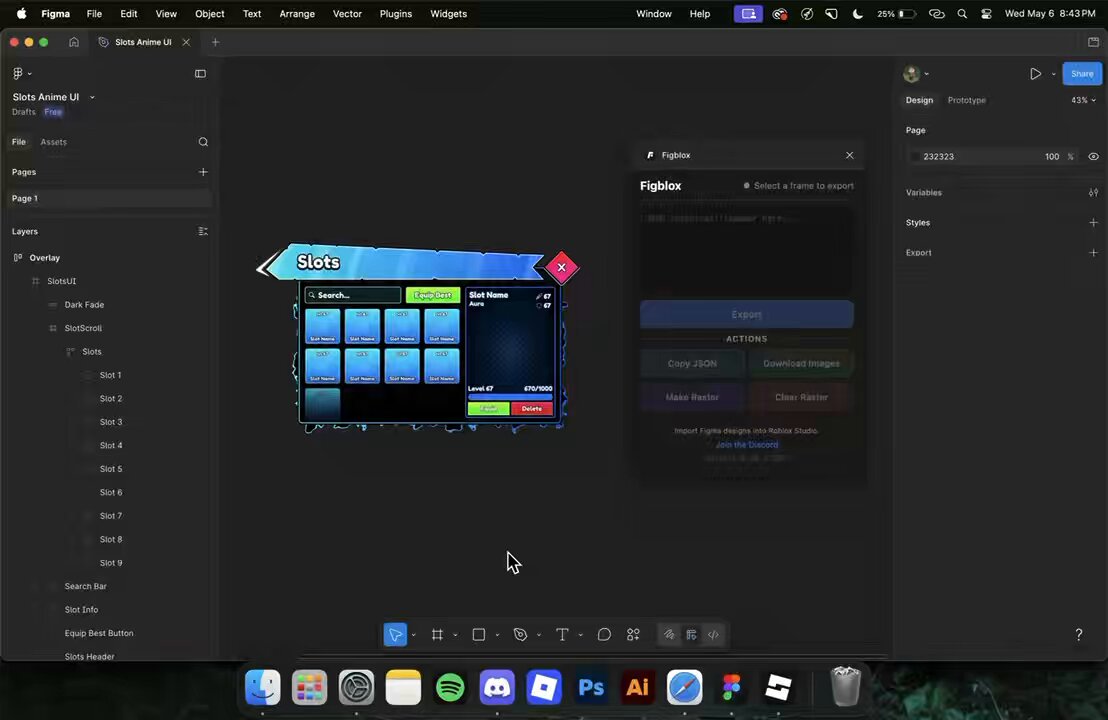
Figblox turns Figma auto layout and scroll settings into Roblox layout and scrolling objects automatically. Duplicate content, and the scroll area expands with it.
#robloxui #robloxdev #figma
2
1
55
3,649
May 2
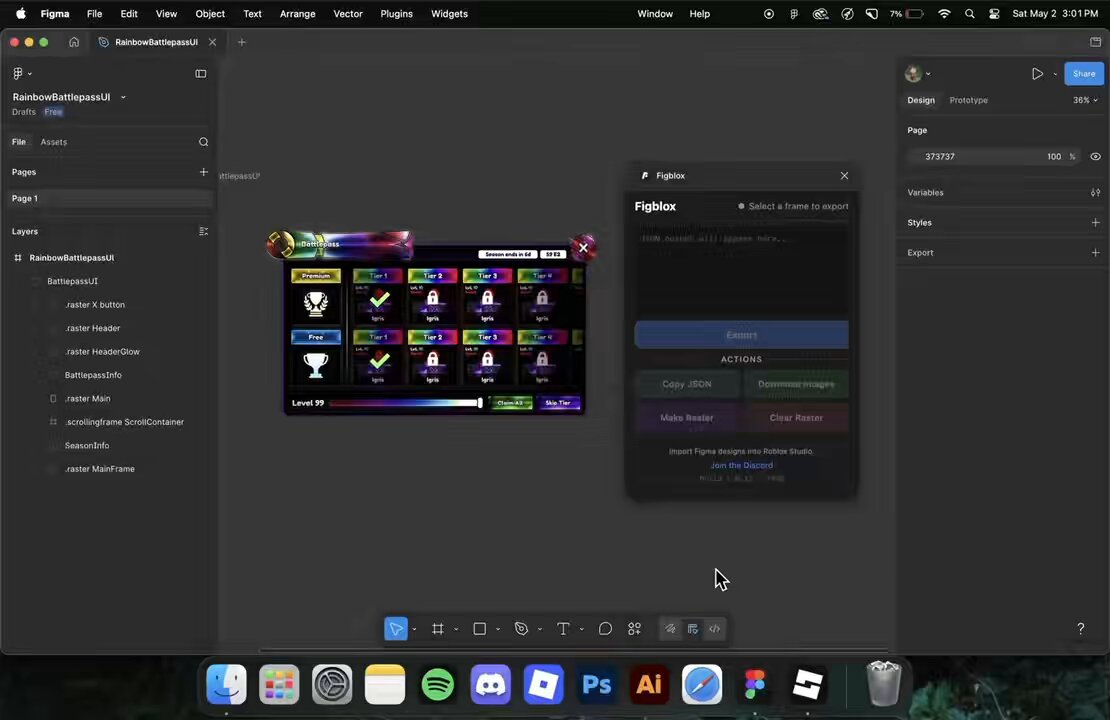
importing your figma ui just got easier with figblox! it’s available now.
insane ui by @buddingrblx
#robloxui #robloxdev #figma
9
5
101
5,479
May 1
i genuinely just got sick of manually rebuilding ui in studio
so i built figblox
3
1
12
1,743
Apr 30
3
2
145
9,151
Apr 28
Figblox is out.
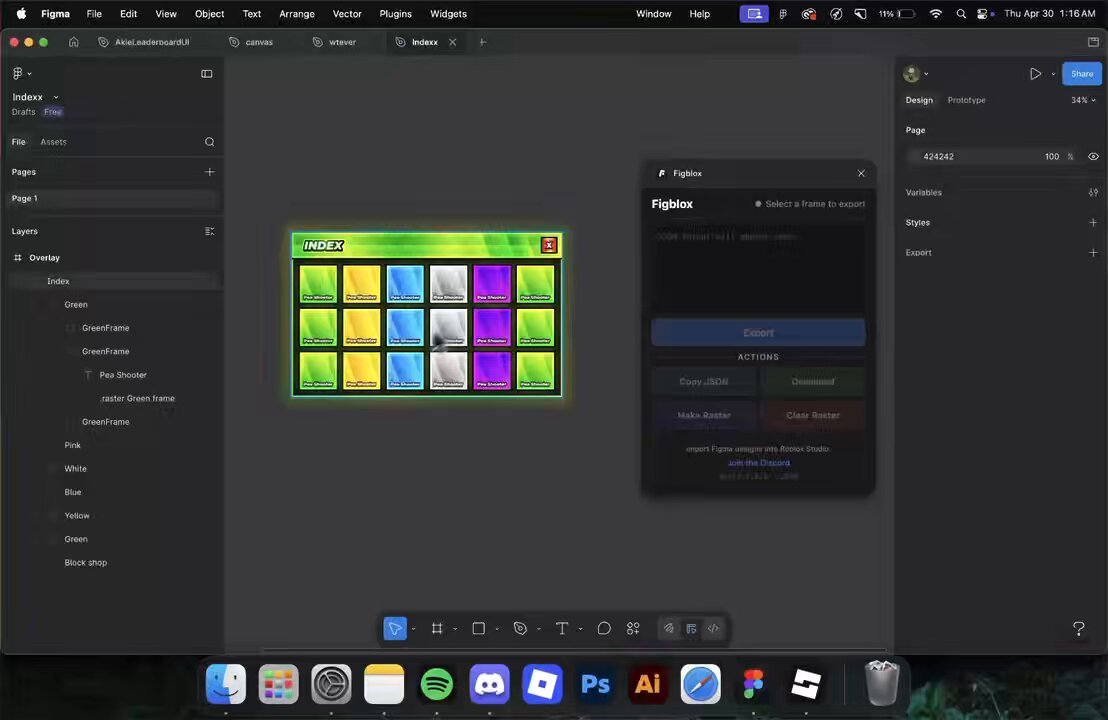
Figblox is a two-plugin system for moving UI from Figma into Roblox Studio without rebuilding it by hand.
Get Figblox at figblox.xyz
Use code KWQ3E60Q for 20% off your first month.
#robloxui #robloxdev #figma
6
4
62
3,879
Apr 28
A closer look at the Figblox workflow for raster images, linking, import, and scaling in Roblox Studio.
#robloxui #robloxdev #figma
7
87
4,694
Apr 25
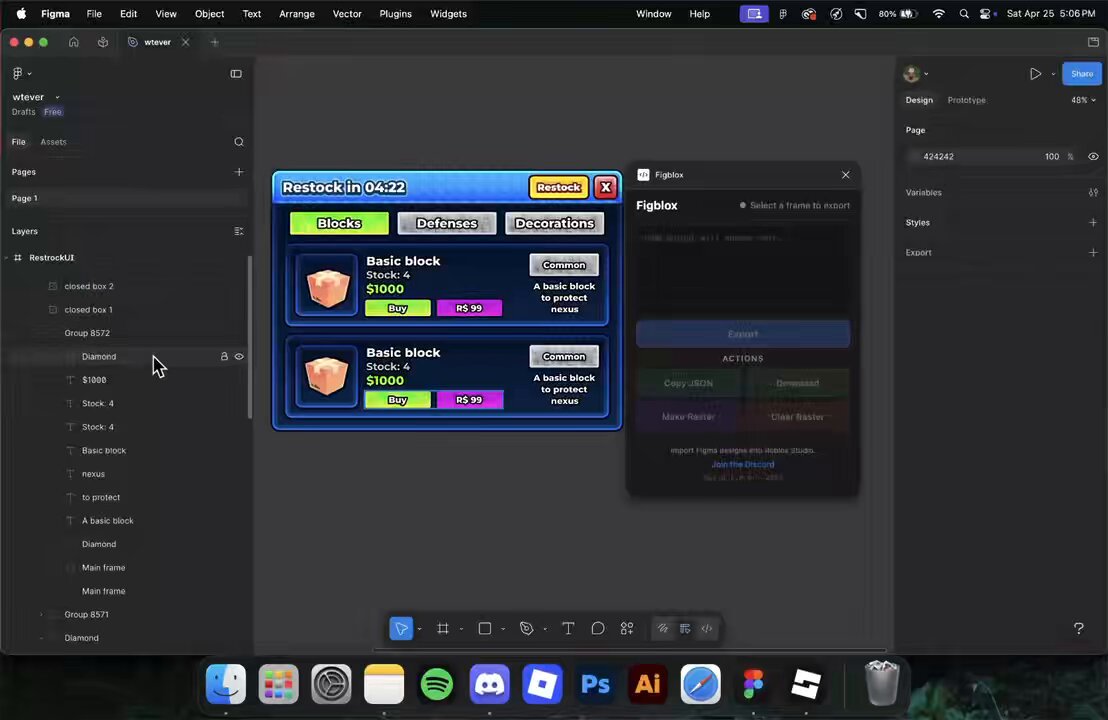
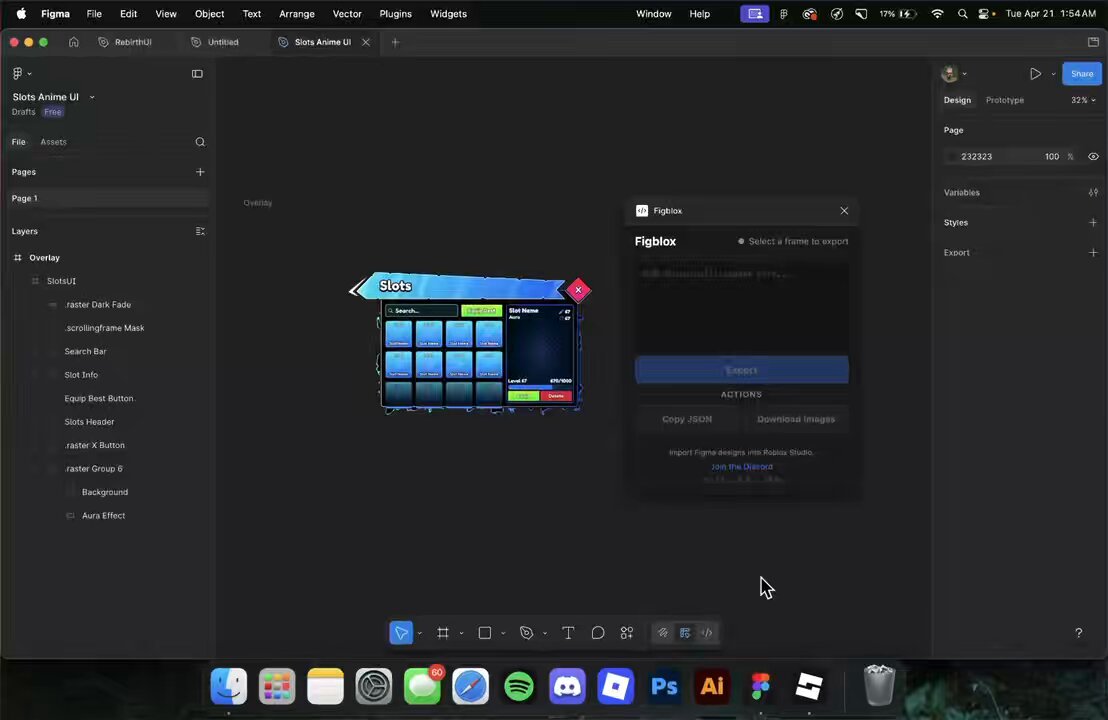
Another Figblox import showcase. Complete 1:1 import, now with automatic text drop shadow detection and translation.
Credit to @TotallyNotWar for the UI design.
#robloxui #robloxdev #figma
4
4
82
4,456
Apr 24
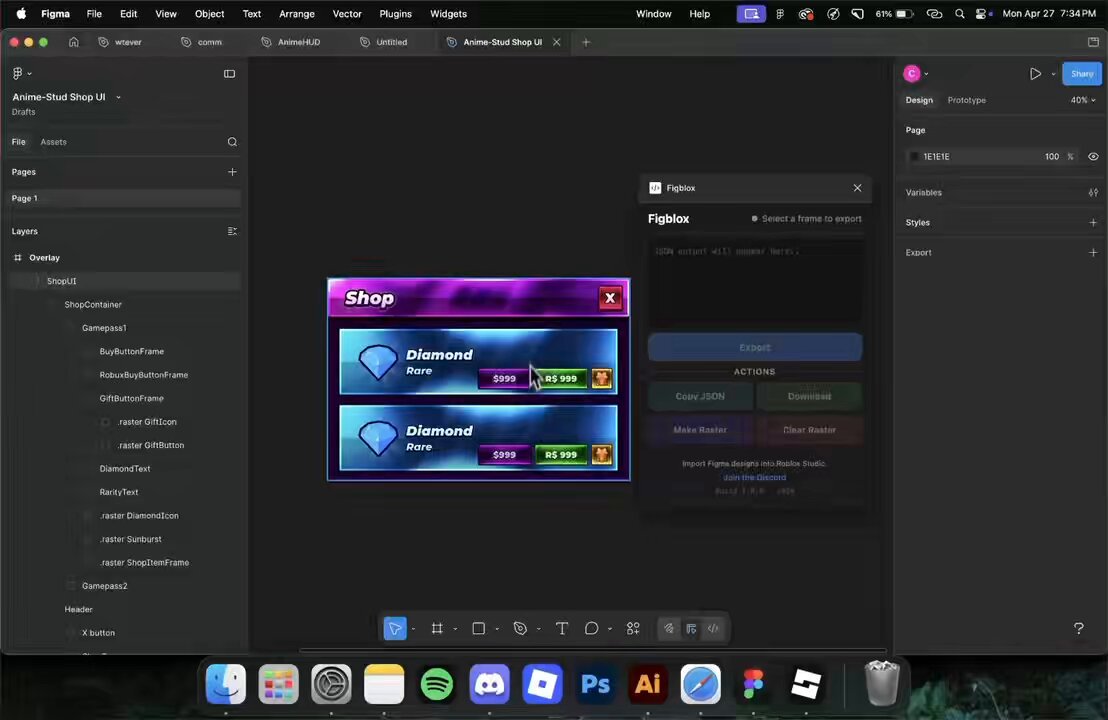
Another Figblox import flow: Make Raster, Clear Raster, import into Studio, then run To Scale, Lock Text, and Lock Stroke. Matching raster layers are detected by their properties and reused, so duplicate images are not exported again.
#robloxui #robloxdev #figma
5
39
2,368
Apr 23
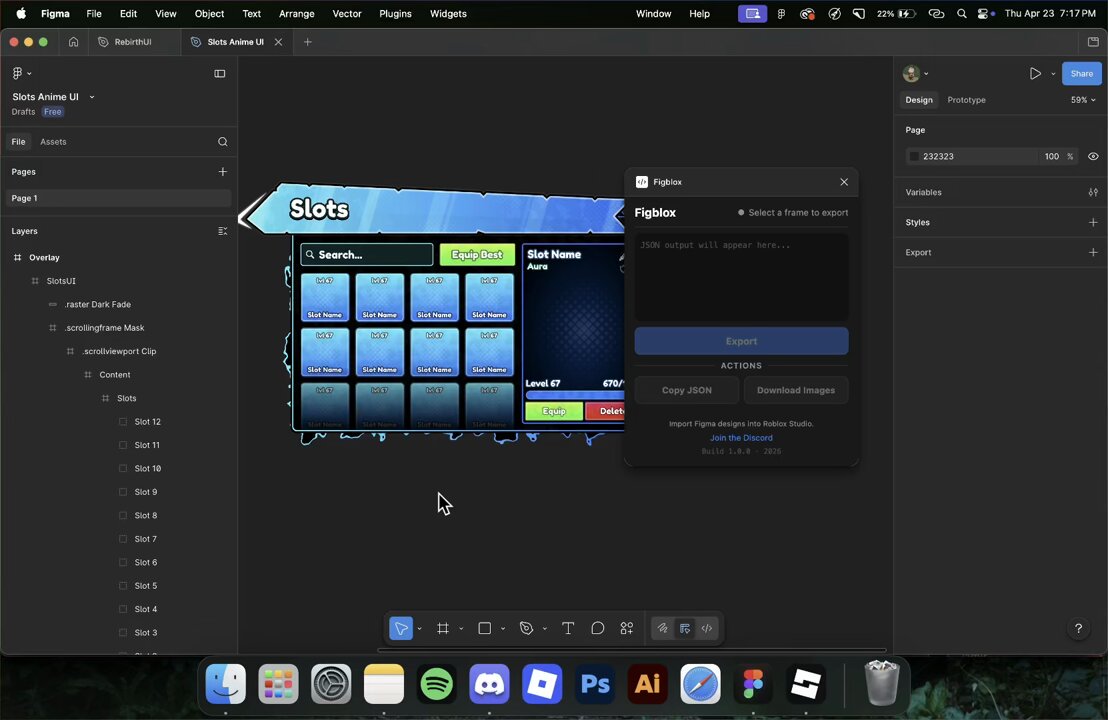
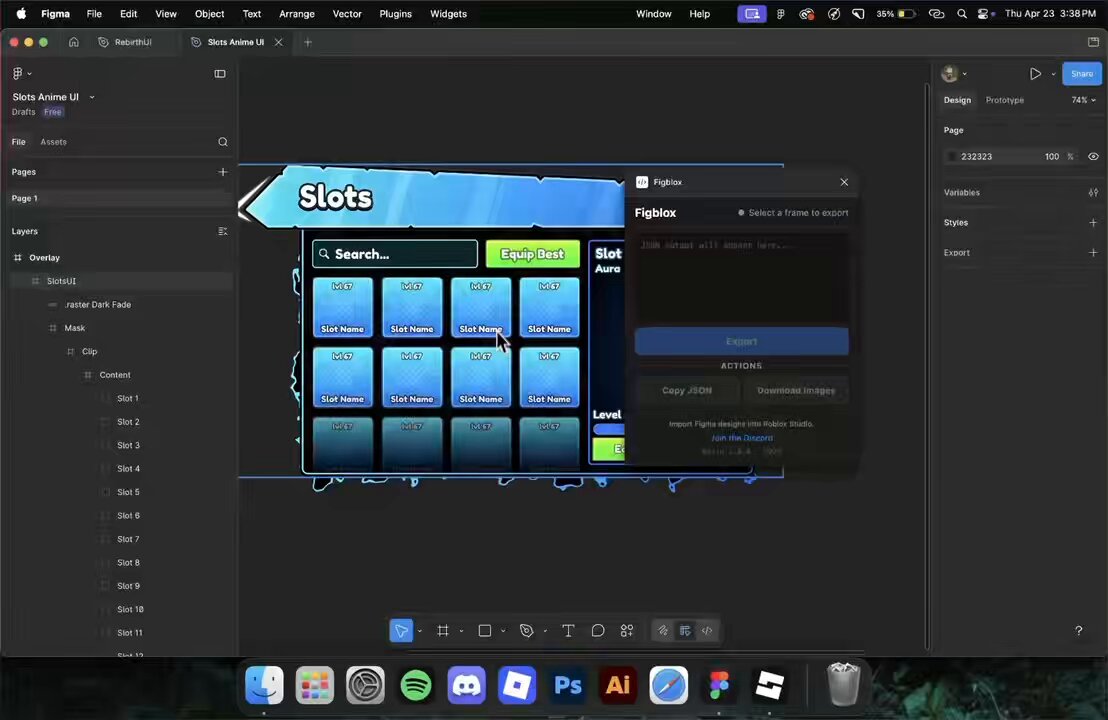
Figblox is a two-plugin system for moving UI from Figma into Roblox Studio. Here’s a quick example of how .scrollingframe and .scrollviewport work.
#robloxui #robloxdev #figma
18
27
503
25,457
Apr 19
Figblox is a plugin for Figma and Roblox Studio. Design your Ul, export it straight into your game.
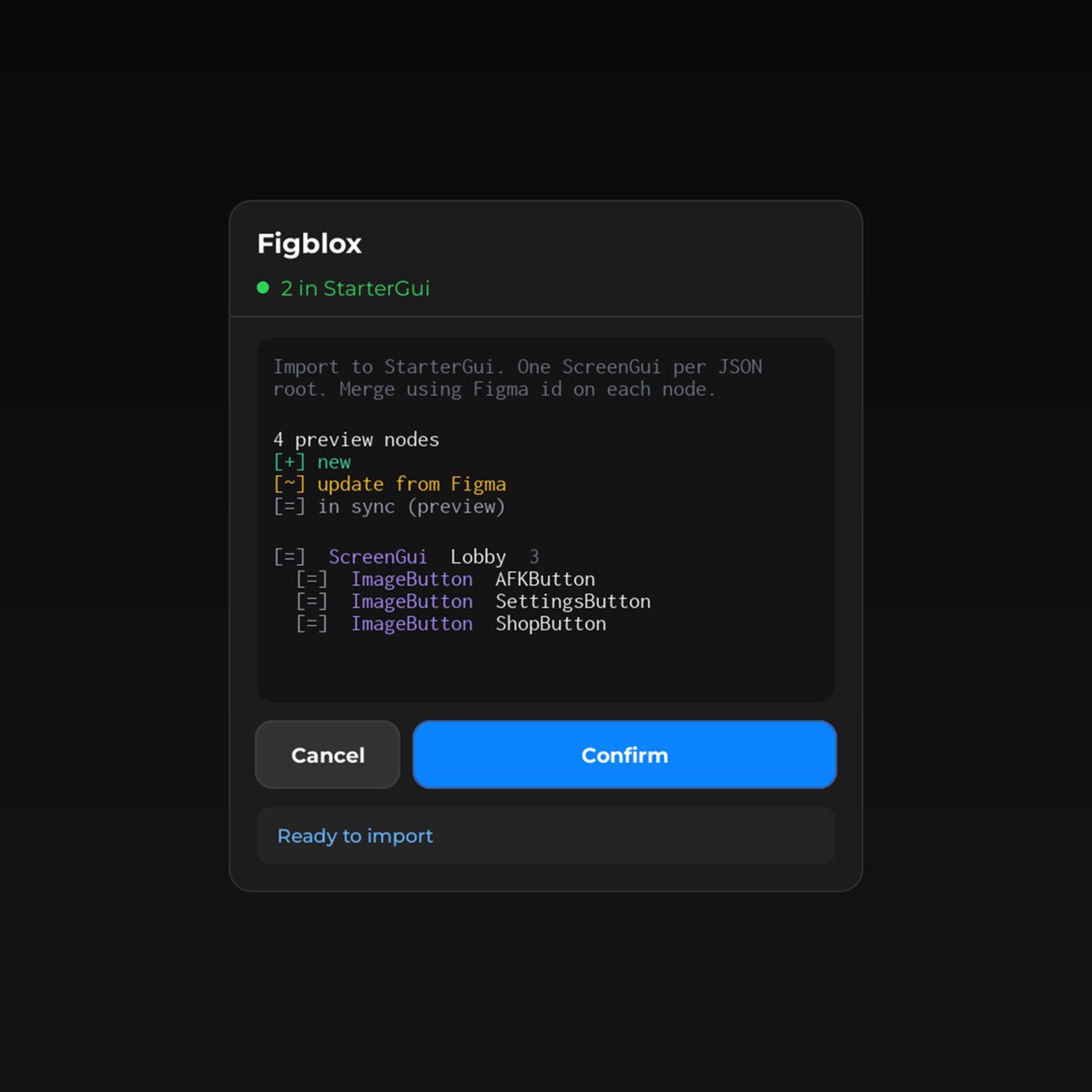
It detects what's new, what changed, and what's already up to date before a single node touches your game. You confirm. It imports. No guessing.
#robloxdev #robloxui #figma
5
920