
Unlock Your Digital Potential with Our Studio
Joined March 2024
- Tweets 11
- Following 30
- Followers 9
- Likes 145
Photos and videos
Pinned Tweet

24 Apr 2024
Don't blend in, stand out!
Framerstack unlocks your brand's potential with a stunning online presence. Connect with a wider audience and showcase your brilliance to the world.

My studio website is live!
More on the back story later, but for now, I'm pumped to share this milestone!
I'd love your feedback & advice🙏
This is a new chapter & your support will mean a lot. Let's build something amazing together🤝
Studio website : framerstack.framer.website/
2
145
Framer Stack retweeted

27 Aug 2024
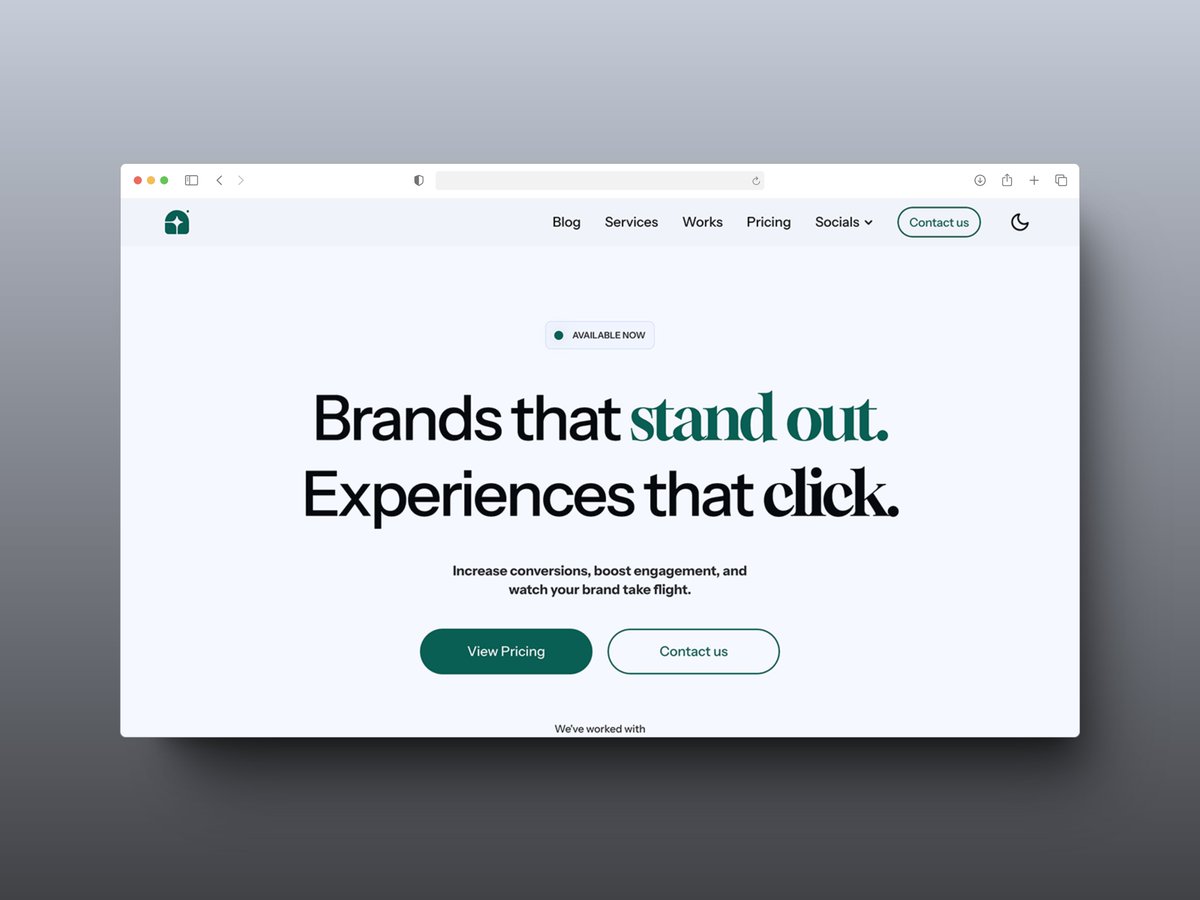
🖥 Mango Studio @framer template
A beautiful agency template for studios.
By @Framerstack
→ frameplate.co/templates/mang…
2
1
153

A big thank you to everyone who grabbed their copy! For those who missed out, you can still get the "Declan Beans" Framer template to showcase your case studies with style! ➡️ framerstack.lemonsqueezy.com…
I'm super excited to announce the release of my first ever @framer template😌⚡️
Declan beans is a @framer template perfect for UI/UX Designers who want to showcase their work with impactful and user friendly CASE STUDIES✨
⬇️Check thread⬇️
1
3
7
527
Everytime
5 Apr 2024

Quality > Quantity
1
2
44

Framer Stack retweeted

1 Apr 2024
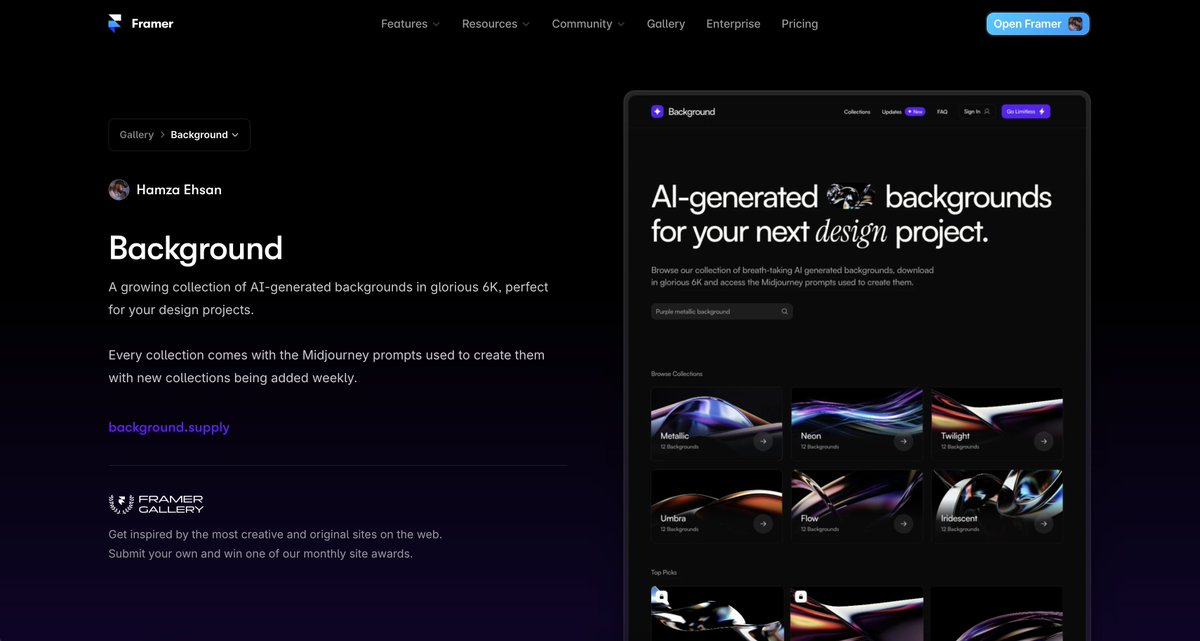
Yooo! Background has been featured on the @framer gallery of best websites 🎉 thank you Framer!
14
1
115
6,248
Framer Stack retweeted

29 Mar 2024
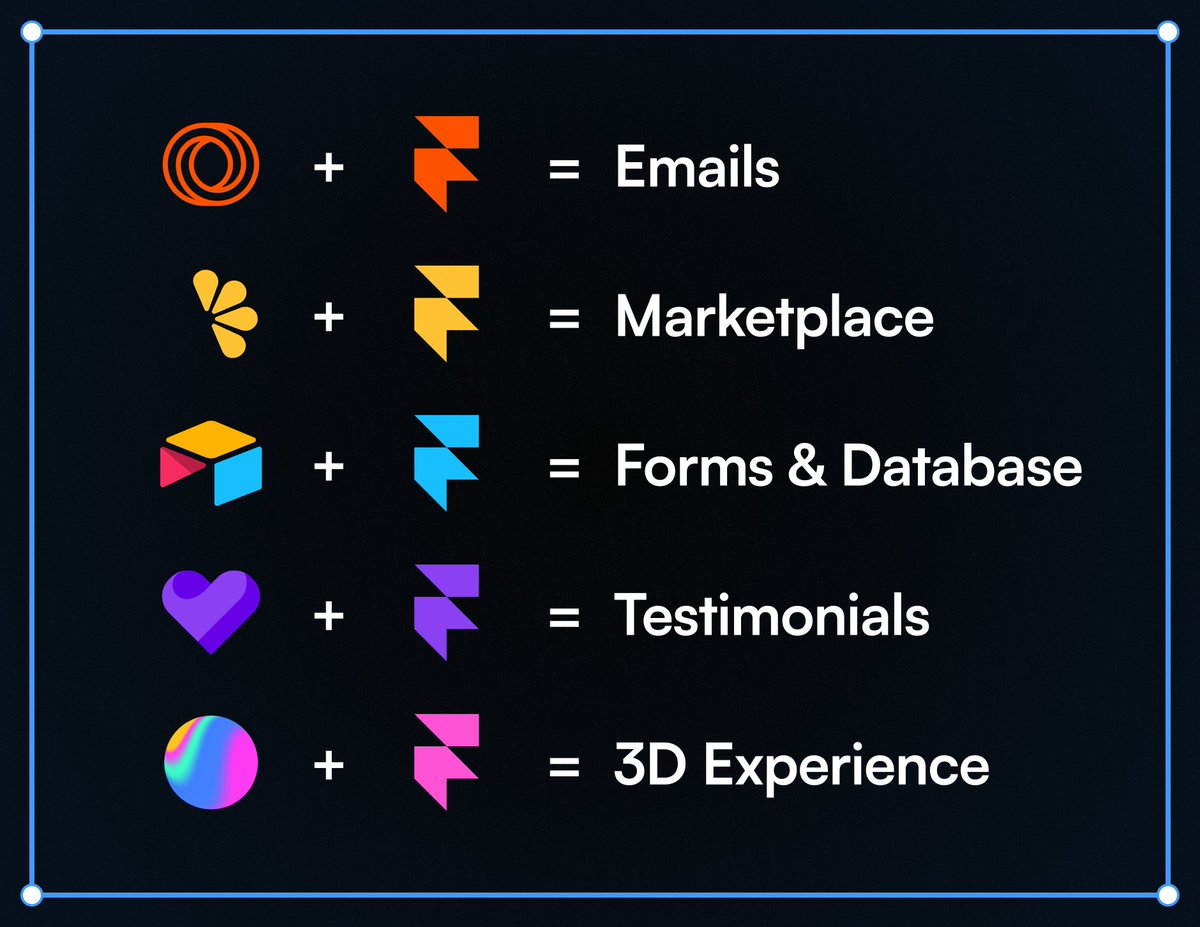
Want to be unstoppable? Combine @Framer with these tools:
11
17
372
20,689
29 Mar 2024
Great tips! I'm embarking on my template creation journey and I'll definitely implement your suggestions.
28 Mar 2024

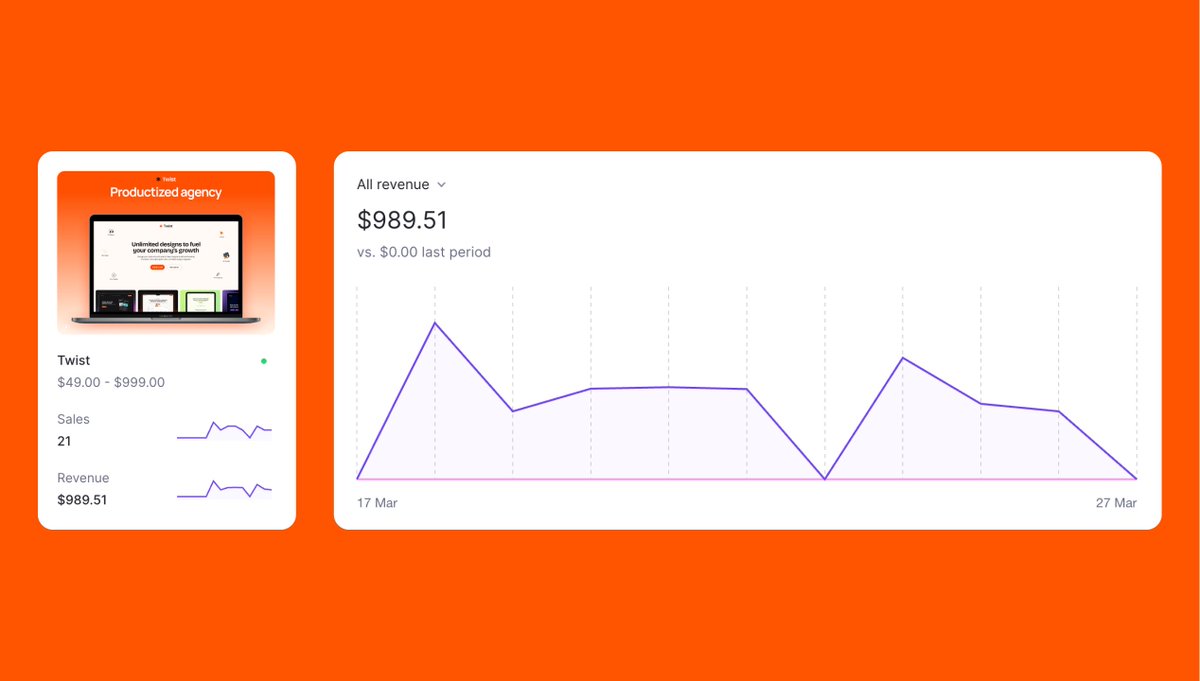
How to make $1,000 in the first 10 days of launching a @framer template without getting featured and with a small X/twitter following?
Here are 7 actionable steps you can take for your next launch.
Background: I'm a Framer template creator and I launched my latest template for productized agencies 10 days ago. In this timeframe, I made 21 sales and $1,000 in revenue. I have a tiny Twitter/X following and my template became featured in the Framer marketplace only yesterday - 10 days after launch.
Here's how you can accomplish the same.
1. Create a high-quality template
This goes without saying. Quality of your template is going to be one of the biggest determinants of your success. You can do everything right but if the quality isn't there, it's not going to matter. Take extra time to polish the template and make sure that all the breakpoints look good. Test, test, and test again before launch.
2. Make sure the thumbnail stands out
The template thumbnail is the first thing users see. Make sure it has great imagery that shows the hero or some prominent section of the template. Be careful with those super fancy laptop mockups because the thumbnail size is going to be small and it's better to have a simple mockup that shows your website vs a laptop mockup flying through the air with a tiny screen.
3. Choose a great category
Not all categories are created equal. I believe that agency, SaaS, and Commerce categories perform great because there are a lot businesses in these fields. The big categories have a lot more potential customers but there's also a lot more competition. It really helps if your template falls nicely into one of the categories. But also - don't be afraid to experiment with smaller niches.
4. Launch a marketing/sales page
I have a collection of templates so I decided to launch a unique marketing page for each one of them. In each landing page, I talk about the benefits, what's included and highlight special template features. People who are serious about purchasing the template check out the page and it helps me convert users. I will also include all the customer testimonials once they come in to help convert future customers.
5. Give discounts to the first X number of customers
Create a discount offer for the first X amount of users and let users know how many discounts are left. This creates urgency. I gave 20% to the first 20 people who purchased the template. Many people redeemed it, but some purchased it without a discount.
6. Include template tutorials
One of the questions a potential buyer is going to ask themselves is whether they can customize the template to their use-case. Make it easy for them. I provided my customers a 10-part tutorial series for free to help them with implementation. I think that helped push customers over the edge. Plus, it's important for me that my customers are successful post purchase.
7. Submit your template to other marketplaces
The Framer marketplace is going to be the main driver of traffic, but any additional traffic helps. I submitted my template to @superbthemescom and @CreativeMarket. While the traffic hasn't been huge, it's still something. I didn't submit to UI8 because only pass-holders download the template and it's basically like giving away your template for free.
So this it. In summary:
- Create a high-quality template
- Make sure the thumbnail stands out
- Choose a great category
- Launch a marketing/sales page
- Give discounts to the first X number of customers
- Include template tutorials
- Submit your template to other marketplaces
I hope this helps. Follow me @firdavsabdu for more design & framer tips and learnings.
3
429