GameDev / Artist / Technologist • Architectural background • Chasing low poly vibes • Developing DEEP STATE - Wishlist on Steam 👽👇
Joined September 2022
- Tweets 1,568
- Following 1,216
- Followers 23,384
- Likes 11,742
416 Photos and videos
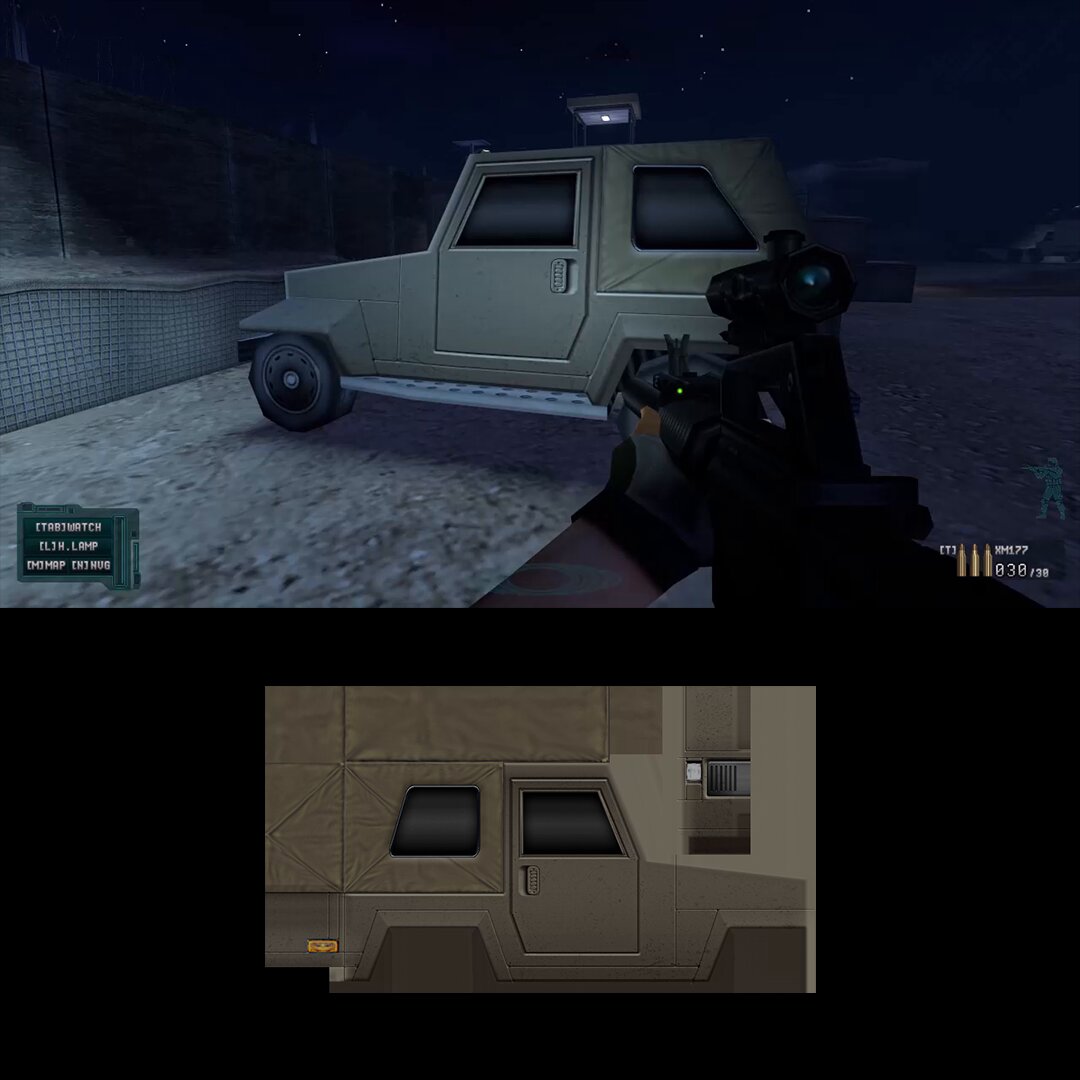
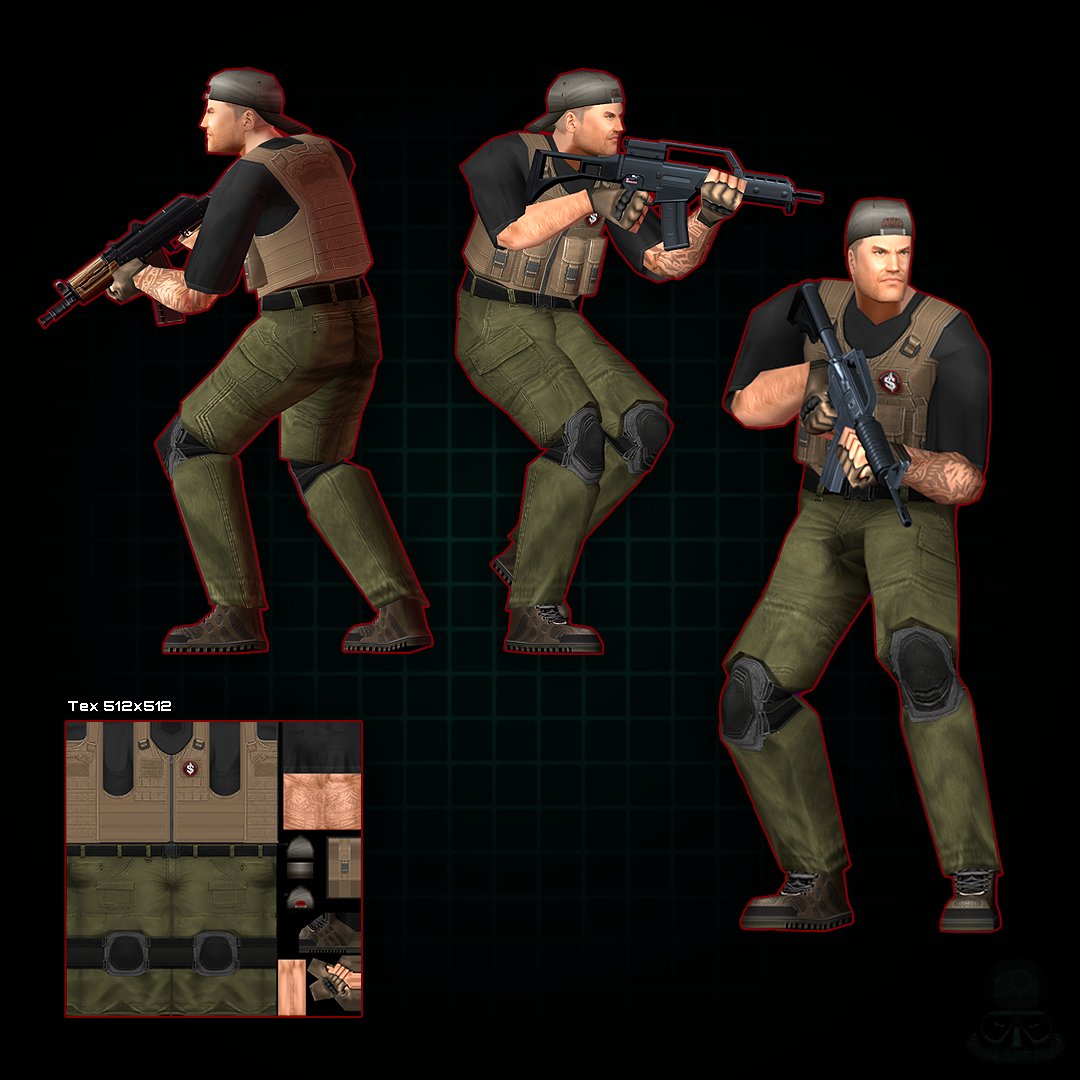
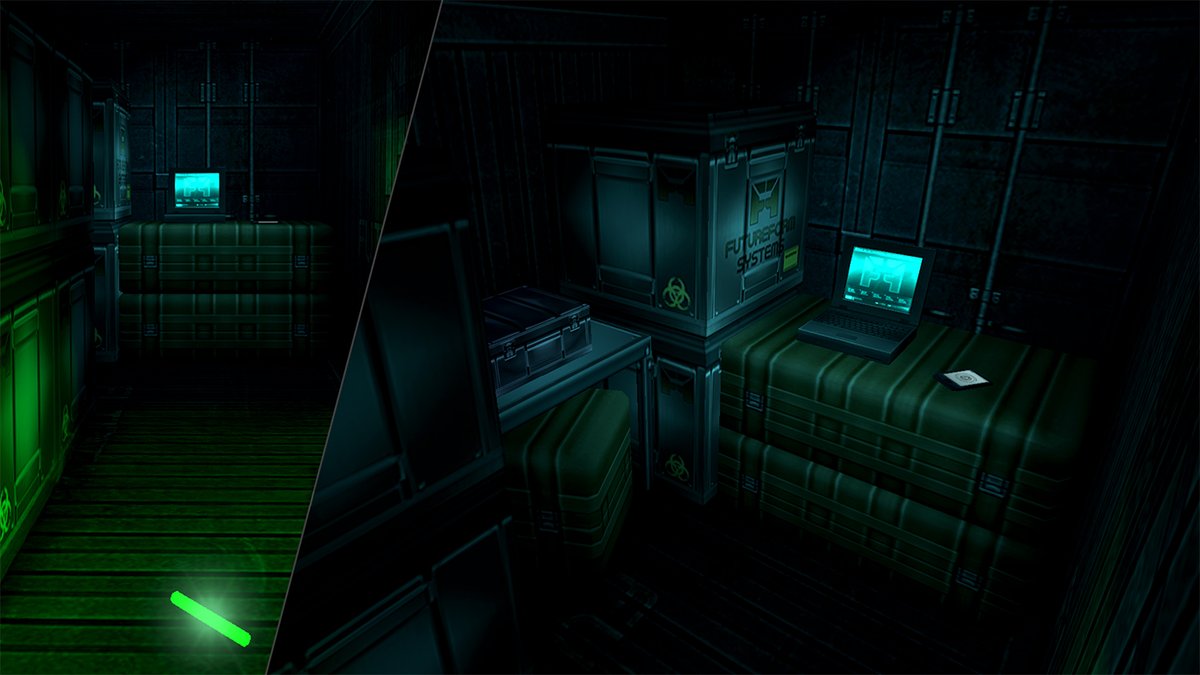

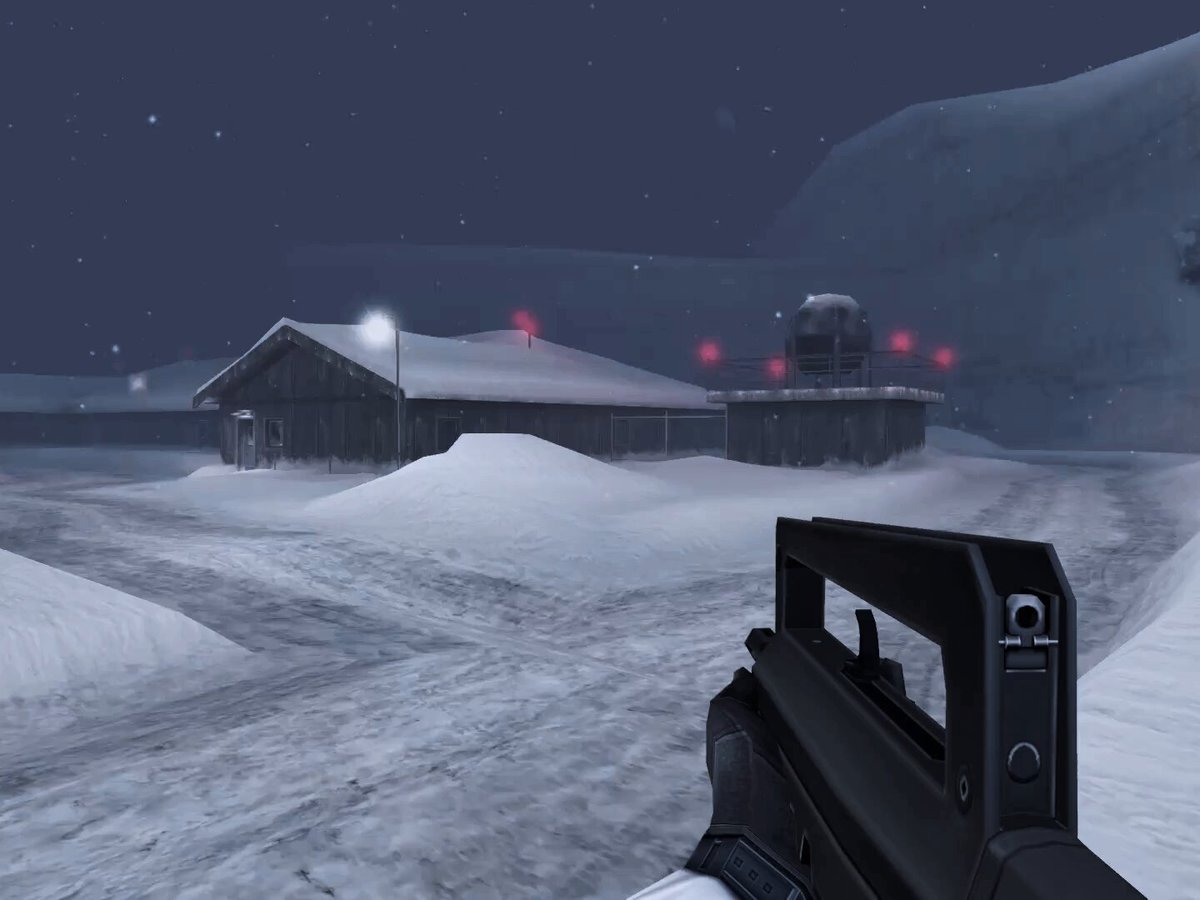

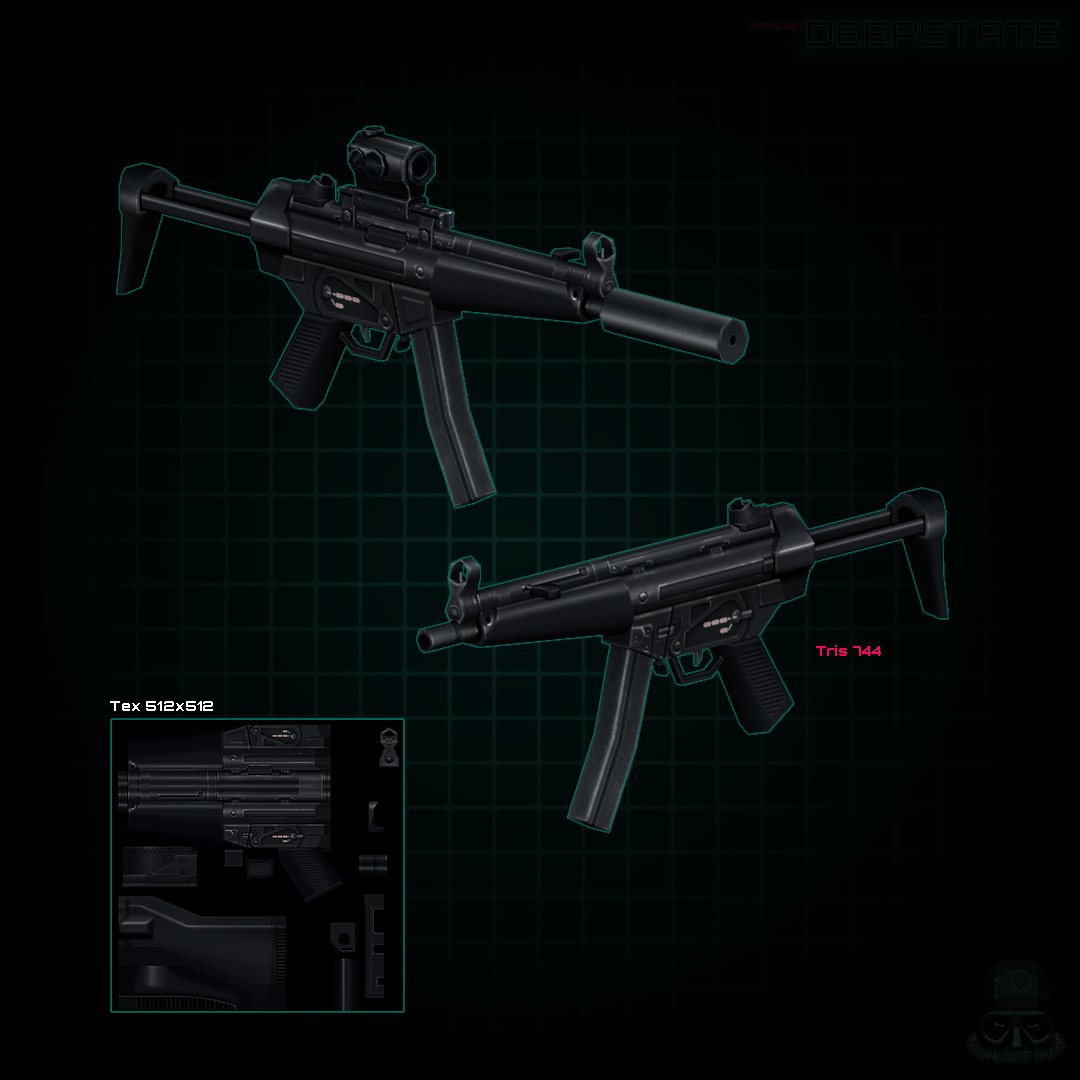


#DERELIKT finally has a new publisher: @HYPERSTRANGE 🥂
A narrative retro FPS inspired by Alien Resurrection & Doom 3, with a dash of lovecraftian cosmic horror.
Explore a dark outpost, meet NPCs, solve puzzles & fight eldritch abominations! 🐙
New Trailer too!👇
19
83
627
30,209

May 21
After being on the back burner for a few months the texture regions are finally working
Lets us draw shapes directly on textures to tag areas by material type, each having unique bullet hole decals, impact sfx, particles, and other surface-specific behavior 👽
65
253
3,974
217,367
FrogmanDev retweeted

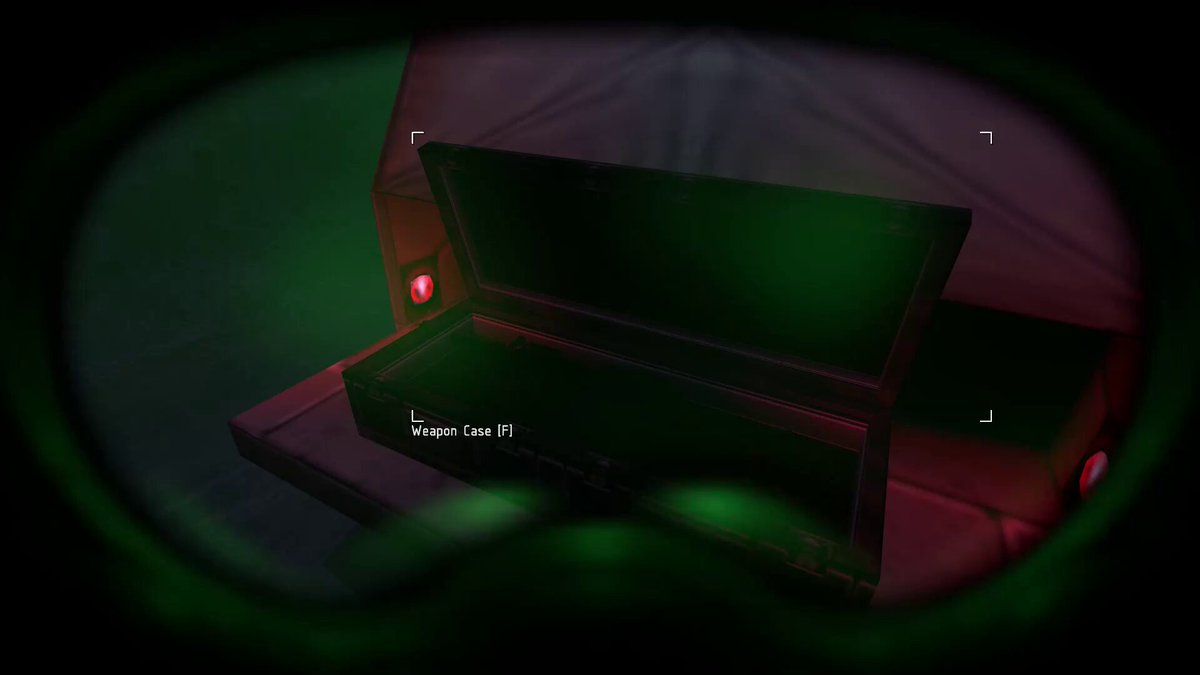
New effects for a new item, the G31 Rangefinder goggles...
9
67
839
30,706
Somehow, #DERELIKT got a @noclipvideo documentary!? Surreal! 🤯 Check it out: youtube.com/watch?v=8auTT5c2…
1
8
29
12,461
FrogmanDev retweeted

Apr 23
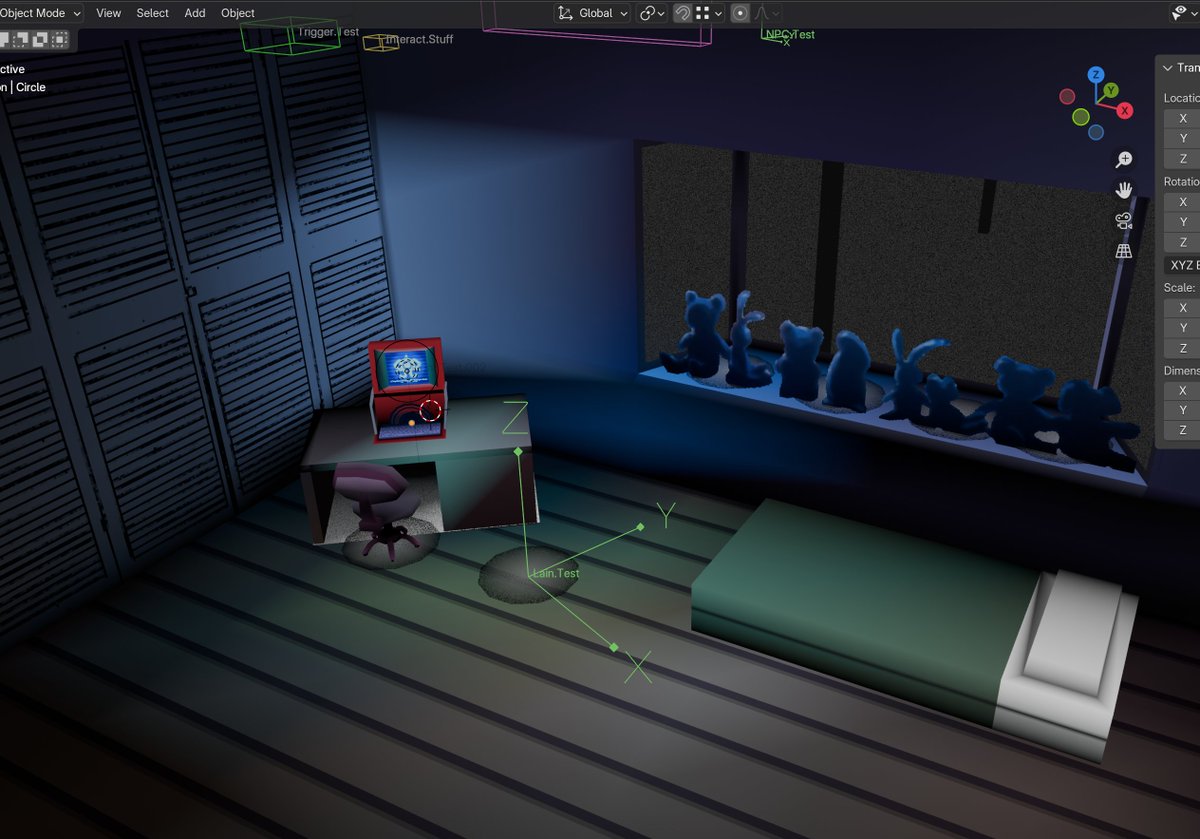
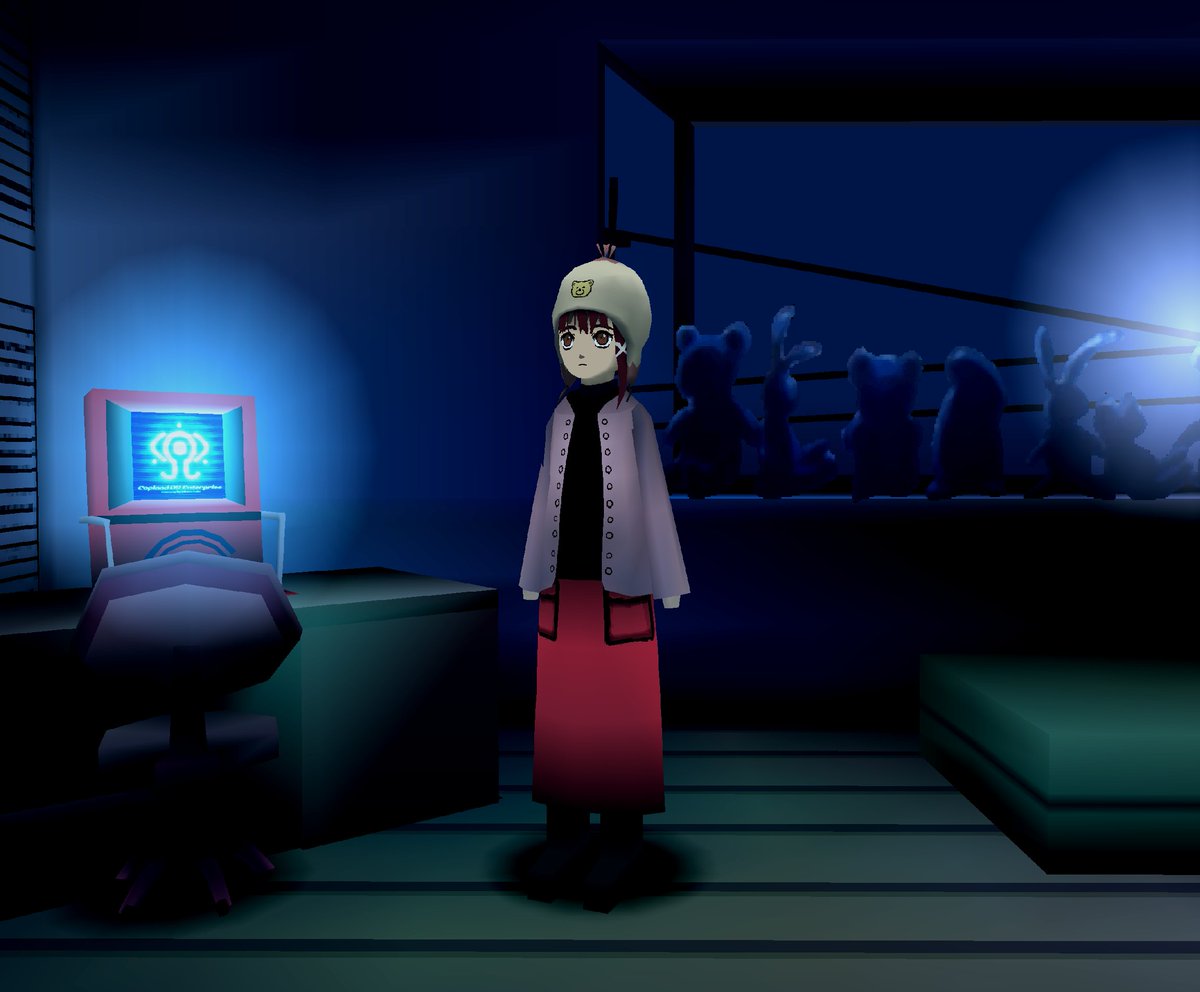
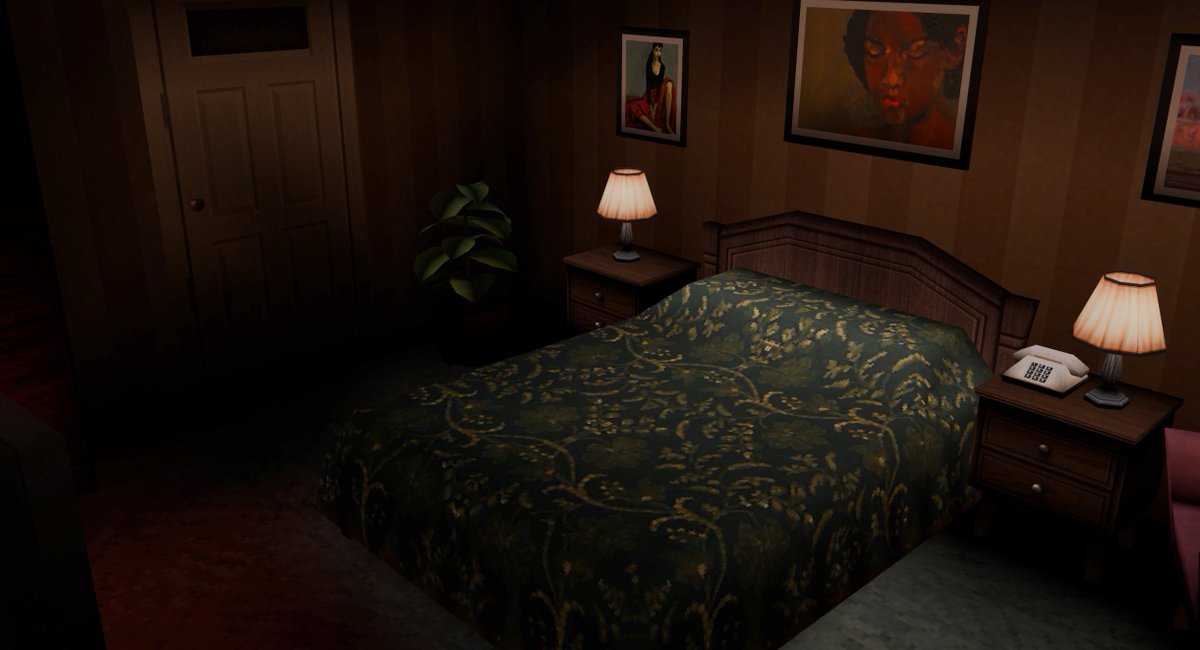
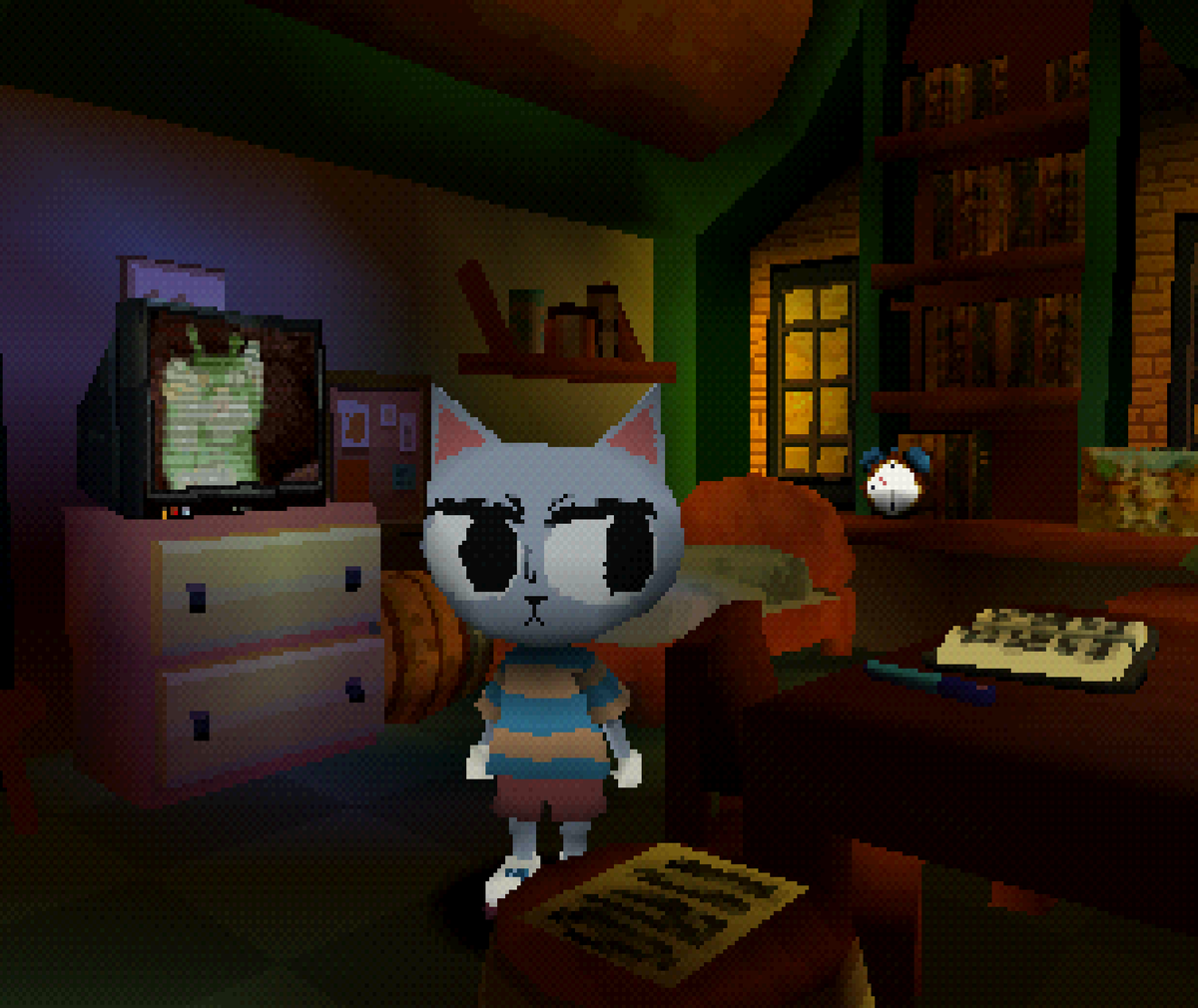
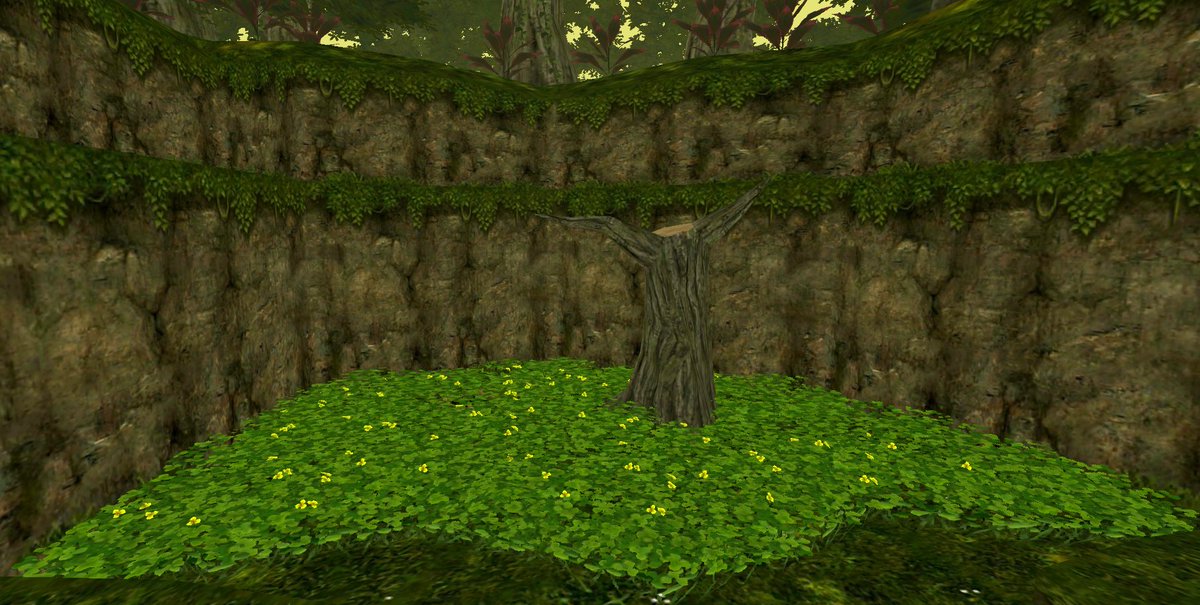
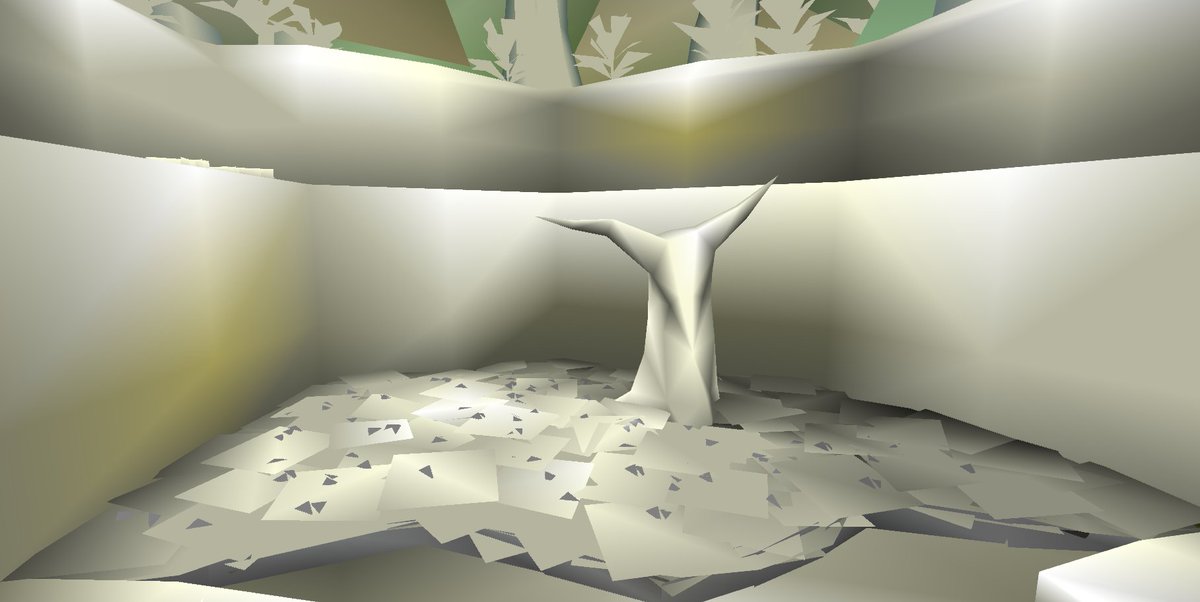
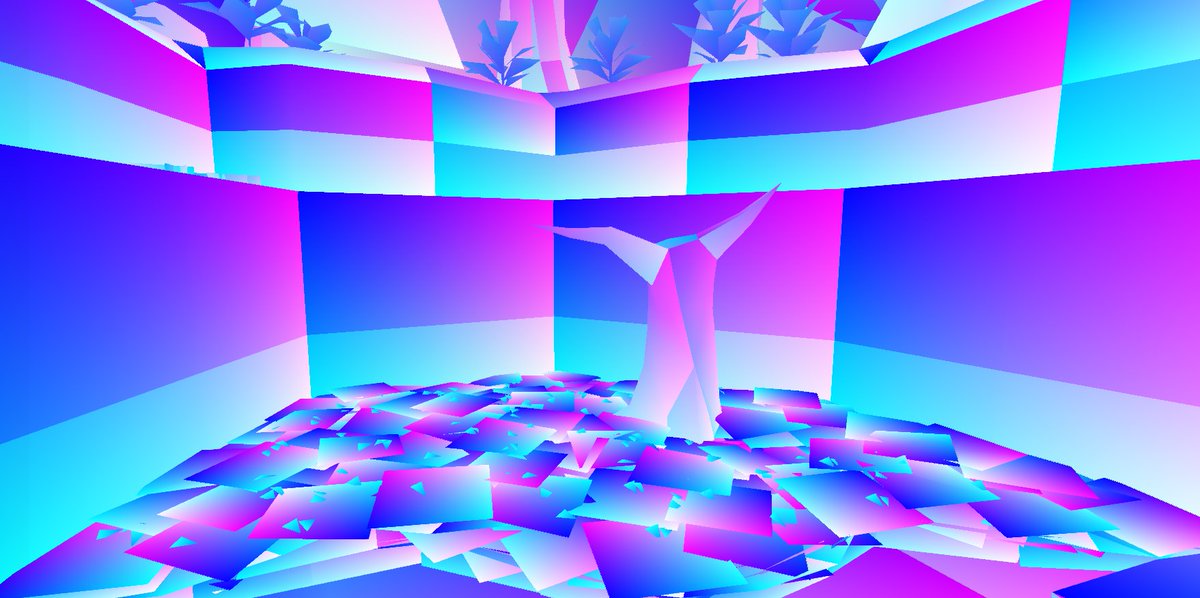
Vertex colors my beloved... They give me life.
They improve the look of my PS1 games so much.
Here are some tips from years of doing around with them in Blender...
Apr 23

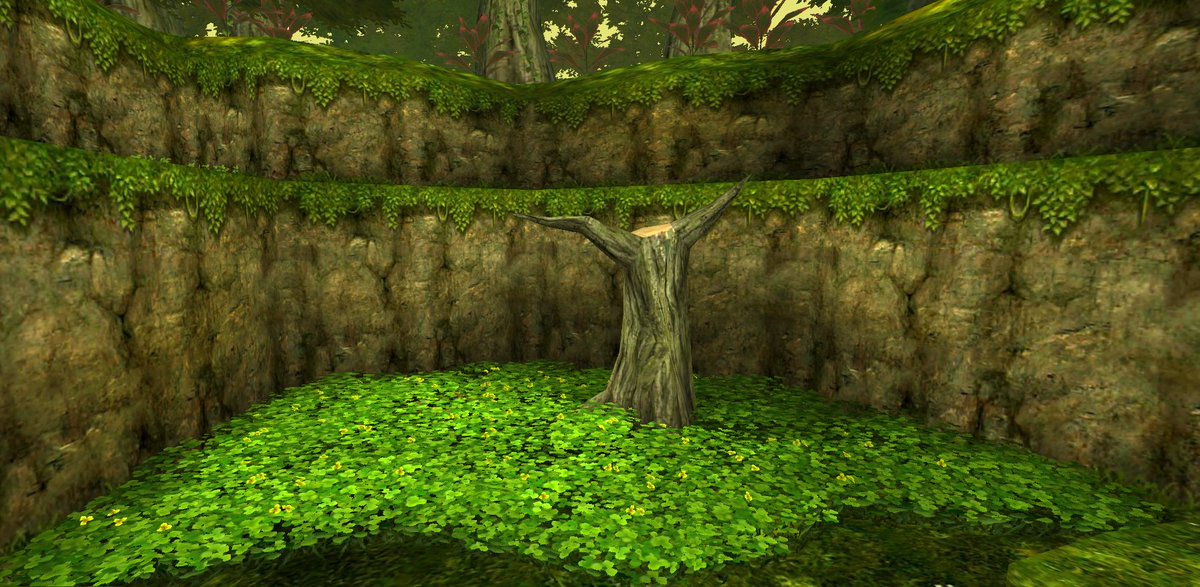
noclip is such a fantastic resource, it is really helping me understand how to use vertex colors to make a level pop without any real time lighting. if anyone has any tips, let me know! environmental design scares the hell outta me
16
180
2,277
85,279
Apr 15
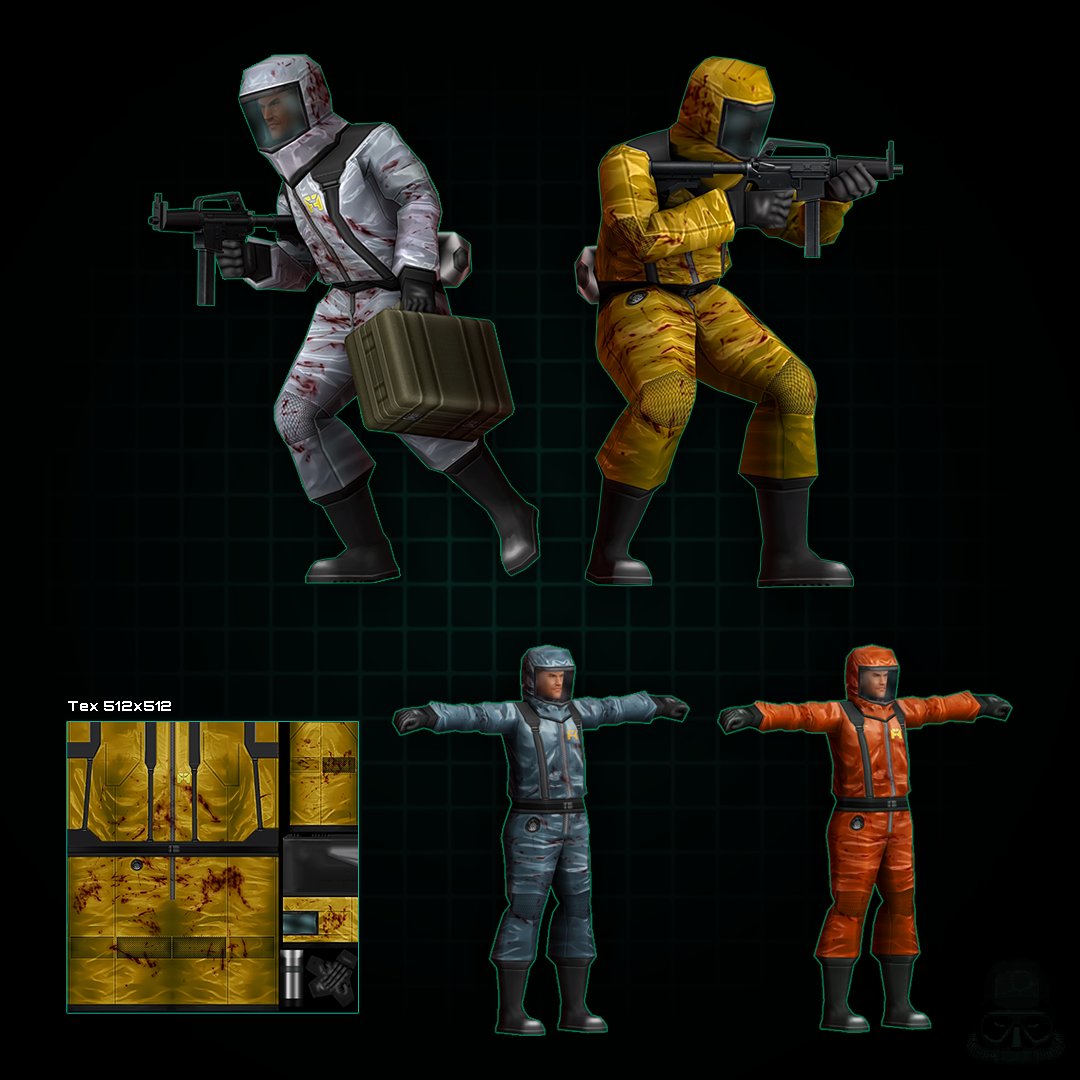
Hazmat goons ☣️
Haven't decided on the color scheme yet
40
134
1,900
25,244
FrogmanDev retweeted

Apr 10
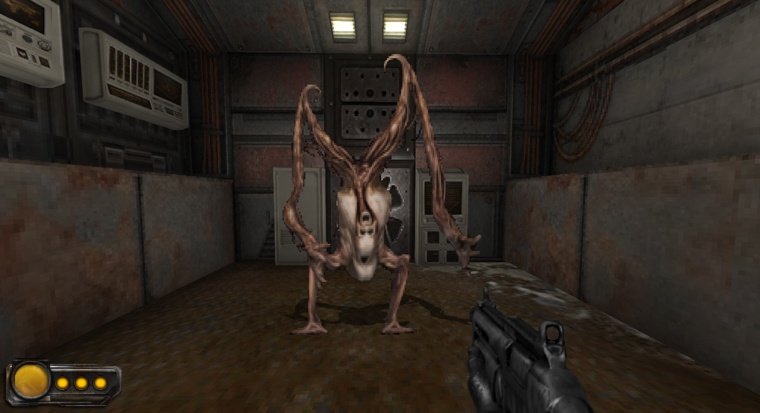
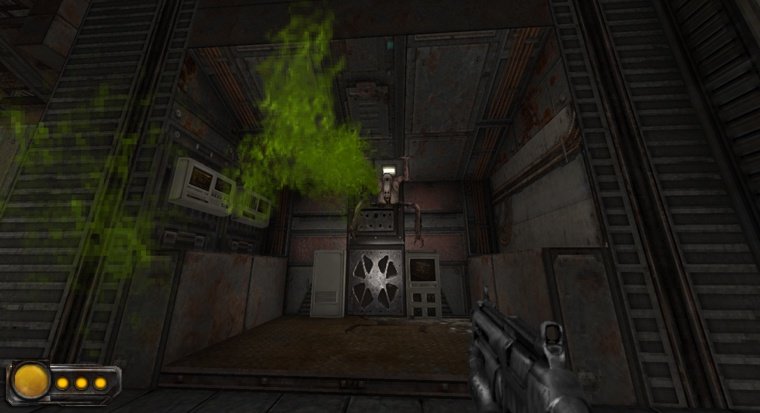
Meet the Paleweaver. He's a little upset about being born an upside-down flesh tree that has to walk on his hands. He vents his frustration by jumping on the ceilings and walls and puking acid on whoever he feels like puking on.
#neurostate #uzdoom #indiedev #solodev
8
38
499
13,586
Apr 10
Saw this and now I long for claustrophobic low-vis gasmask vibes

I just found out that someone made a port/remake of Medal of Honor (1998) on UE4, I'm having a blast so far. And it's free! DL link below 👇
5
17
442
15,874
FrogmanDev retweeted

Apr 9
Hey!! Figured it's time to update the pinned post
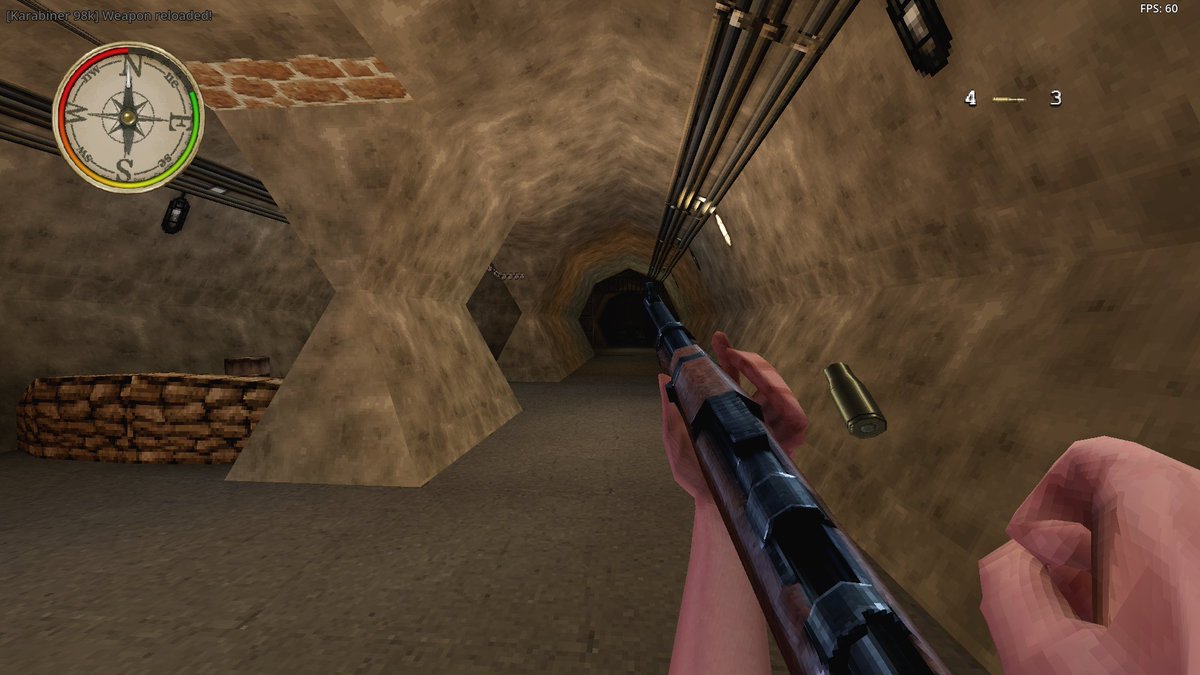
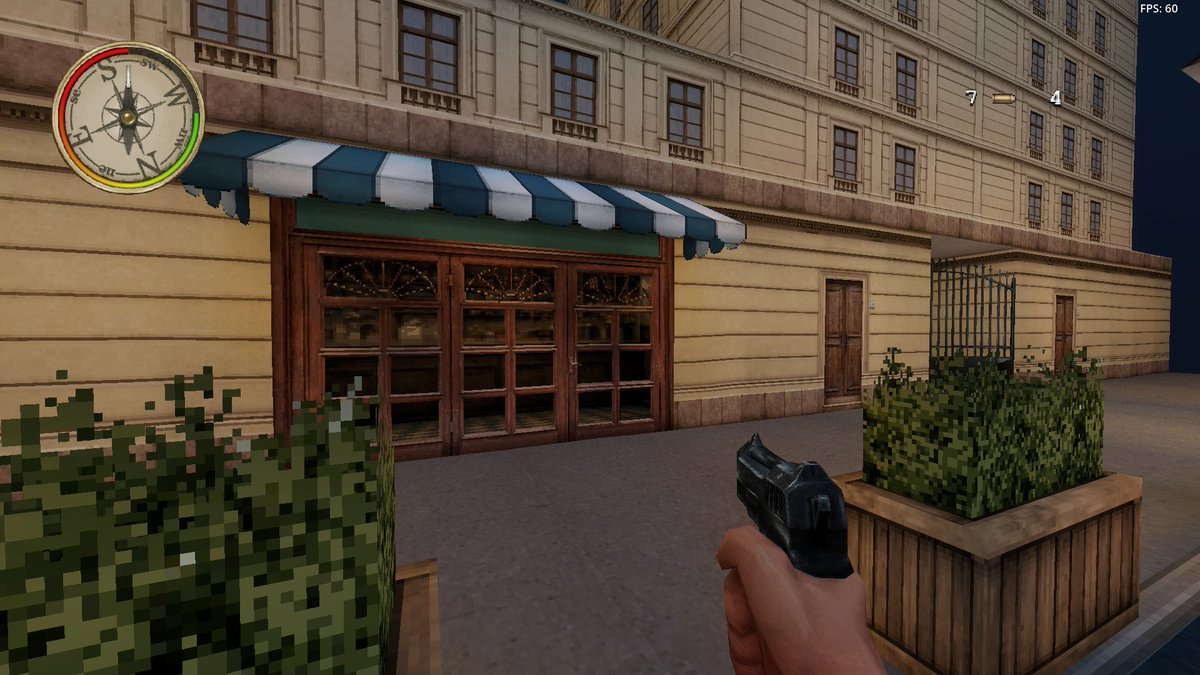
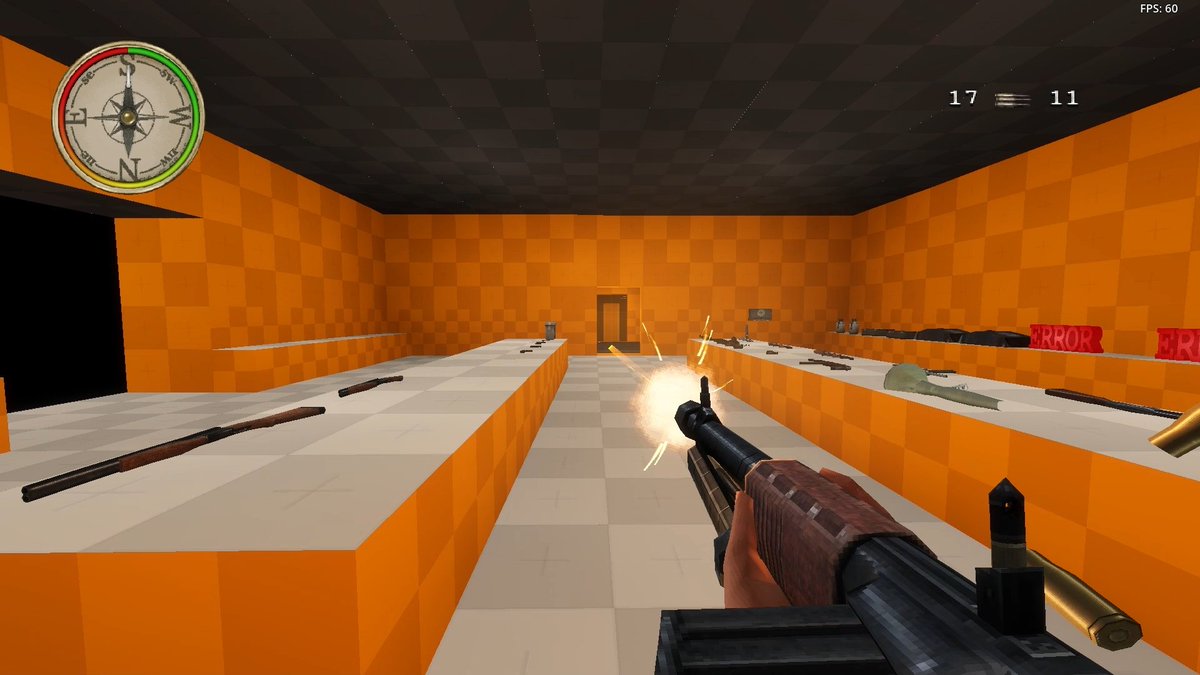
I'm Solace and I'm working on Legion of Honor: a spiritual successor to the classic PS1-era Medal of Honor games.
The project's come a long way since the last pinned post, I'll be marking milestones by pinning them from now on!!

36
123
1,112
36,488
FrogmanDev retweeted

Apr 7
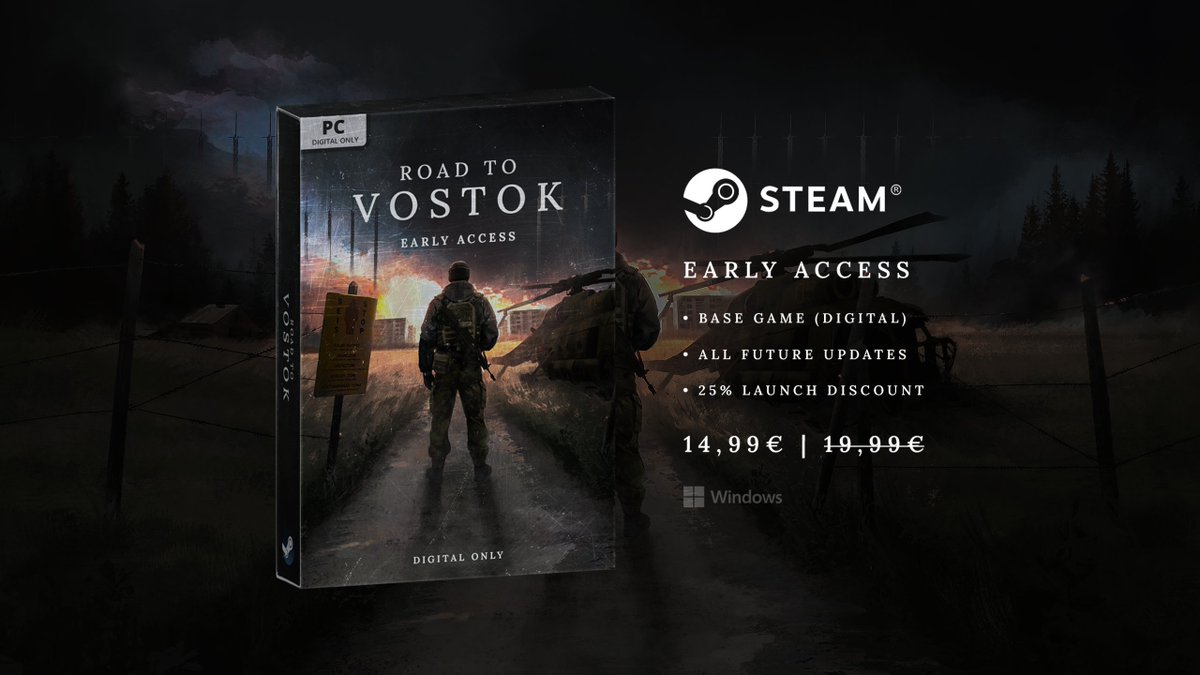
Road to Vostok is now available on Steam Early Access!
Launch price: 14,99€ (25% launch discount)
Regional pricing: Provided by Steam
Good luck with your survival! :)
125
418
2,879
435,874
Apr 3
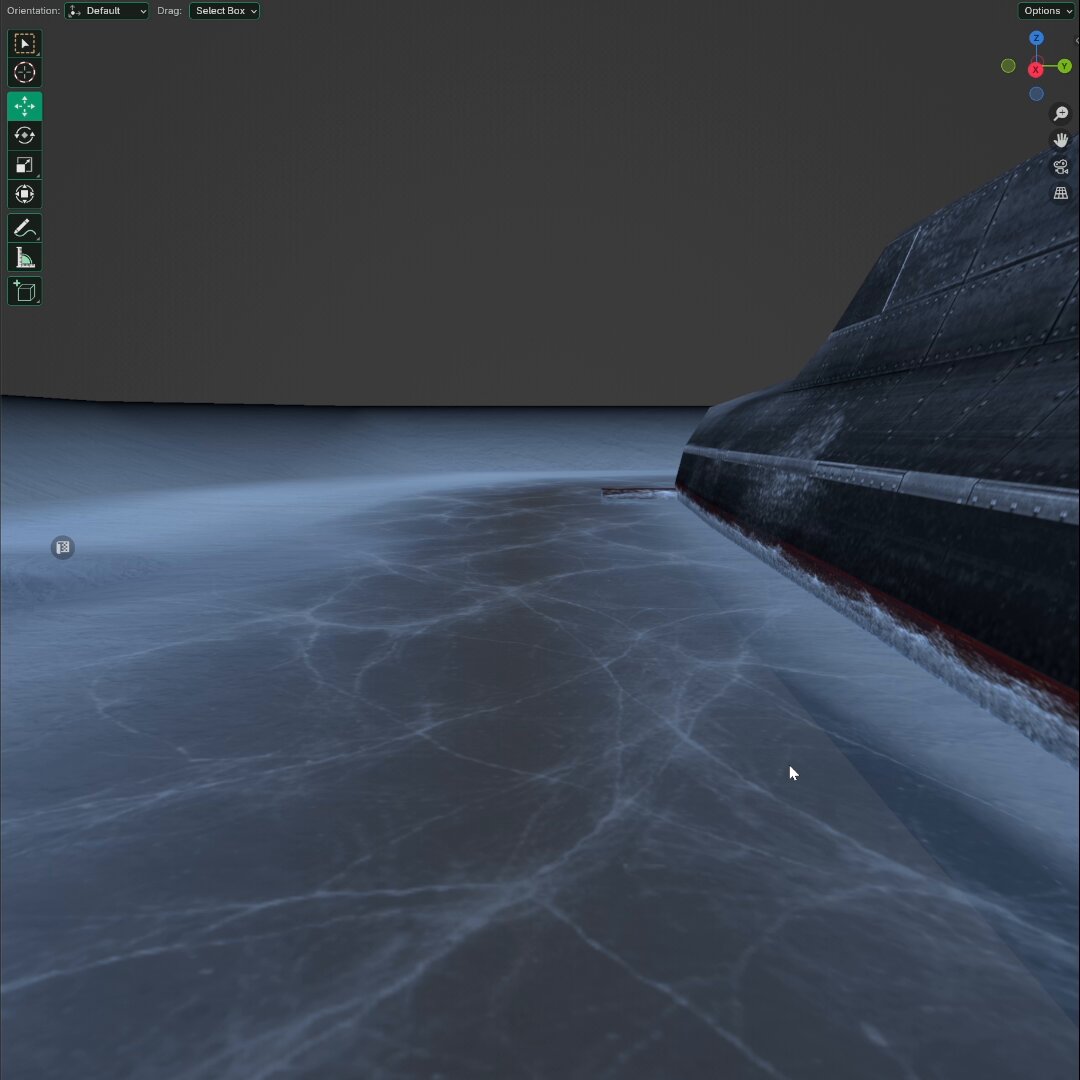
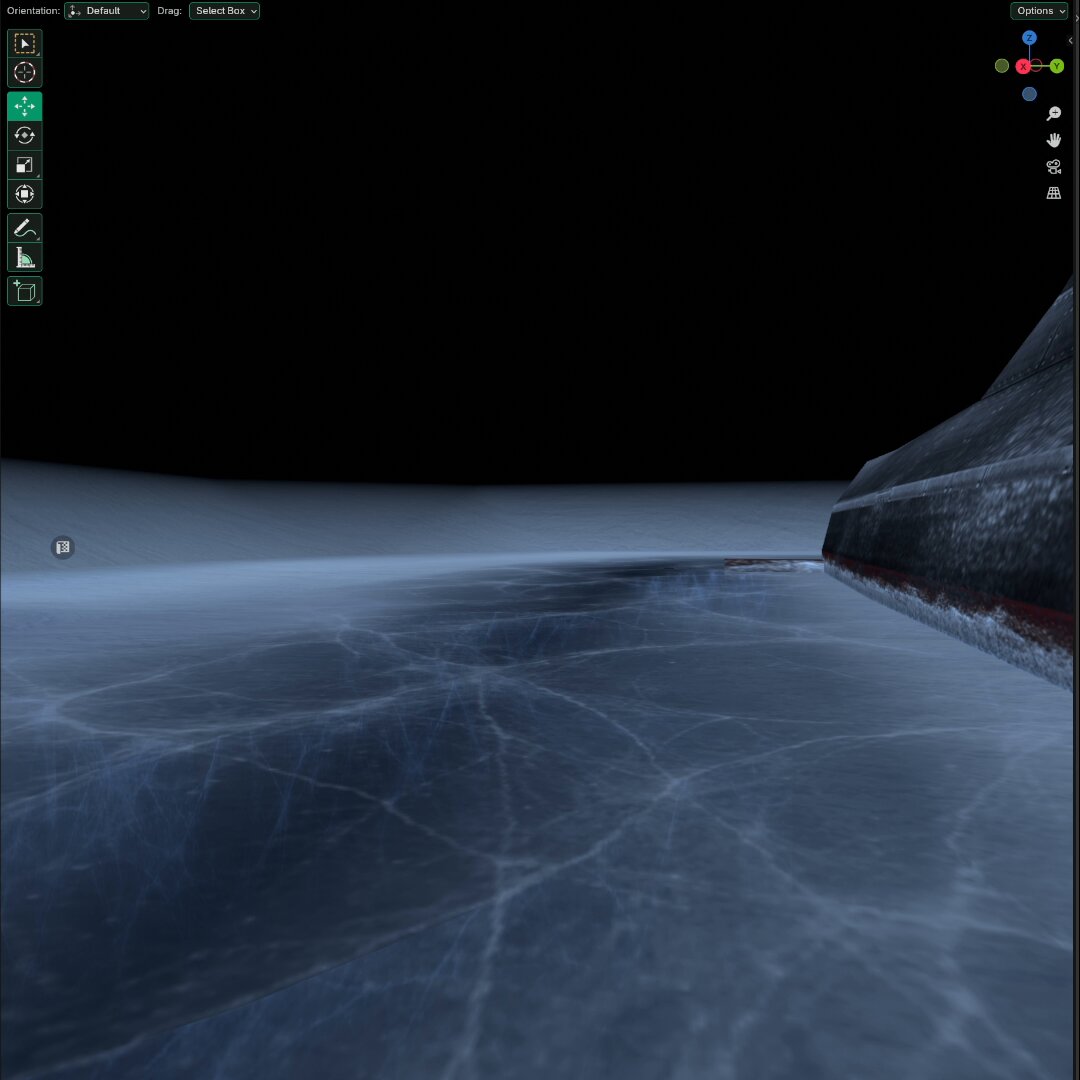
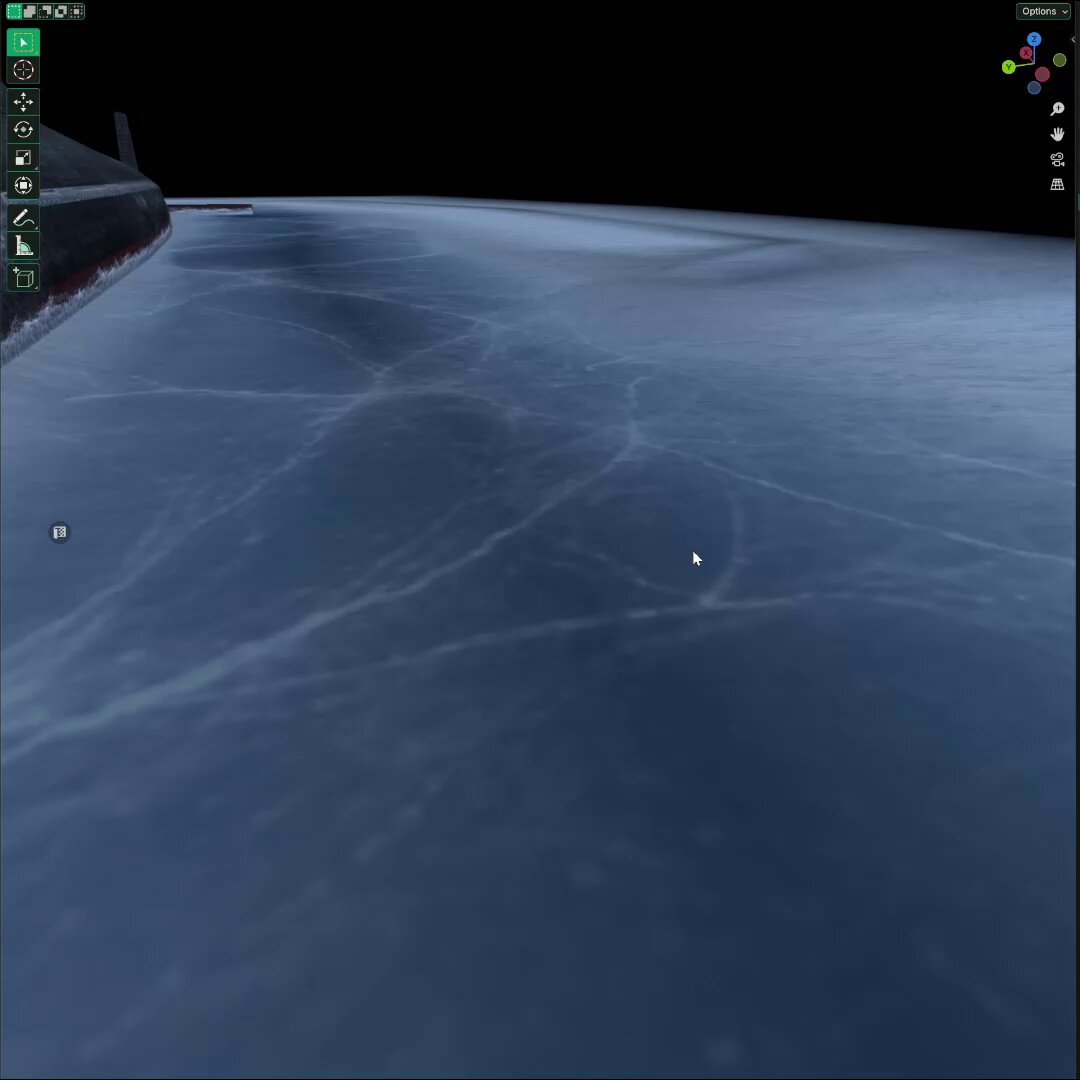
Tried adding some cracks below this ice, crazy what a difference it makes compared to the flat texture 🧊
116
416
9,841
288,681
Apr 5
Super rough test but it's just a textured plane that uses the data transfer modifier to project the vertex colors from a hidden mesh onto itself so it looks like the light is peaking through the ice where the snow is missing.
2
69
4,449
FrogmanDev retweeted
Apr 5
Just needs something lurking below the surface 💀
5
16
491
11,309
Apr 5
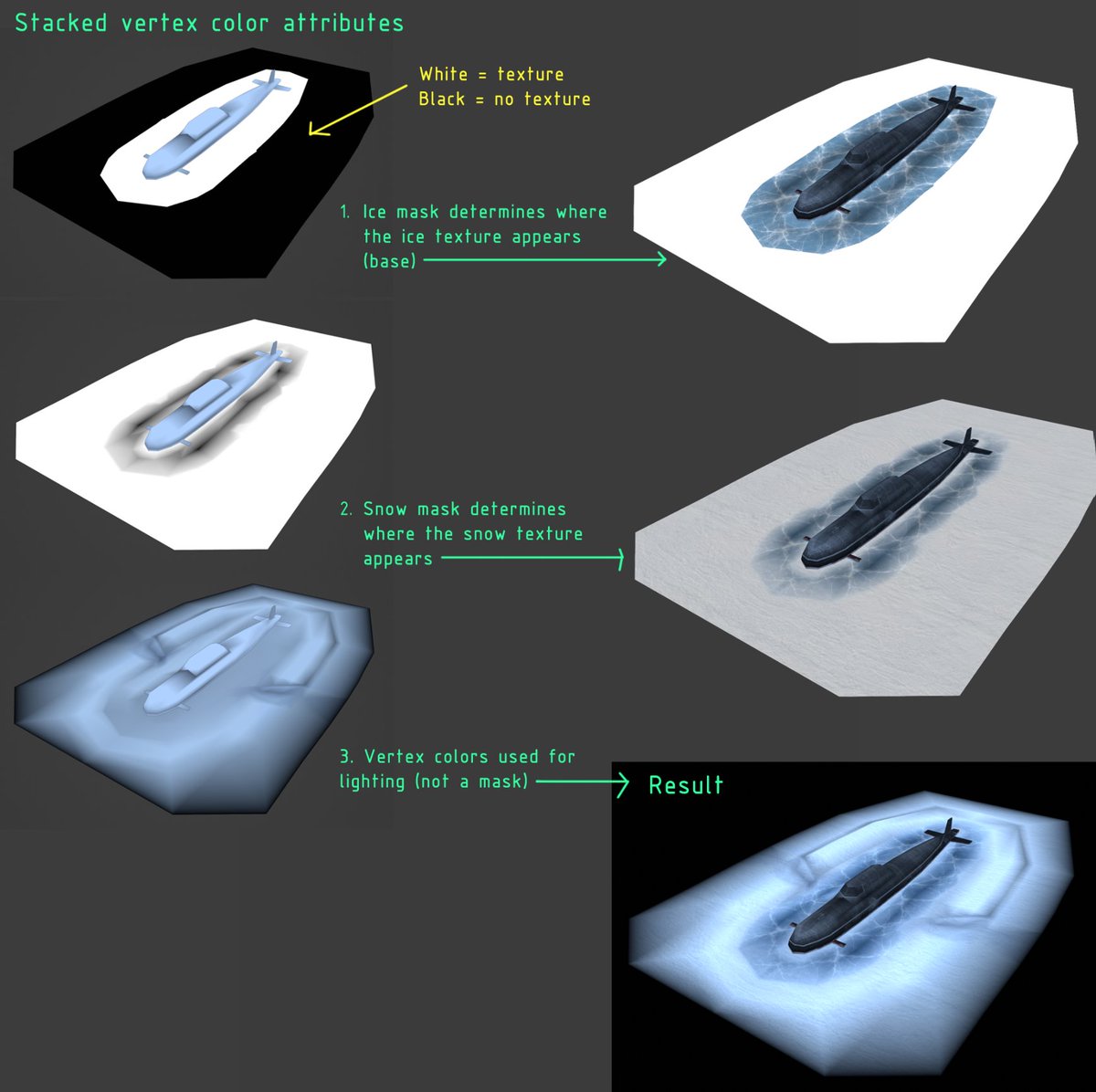
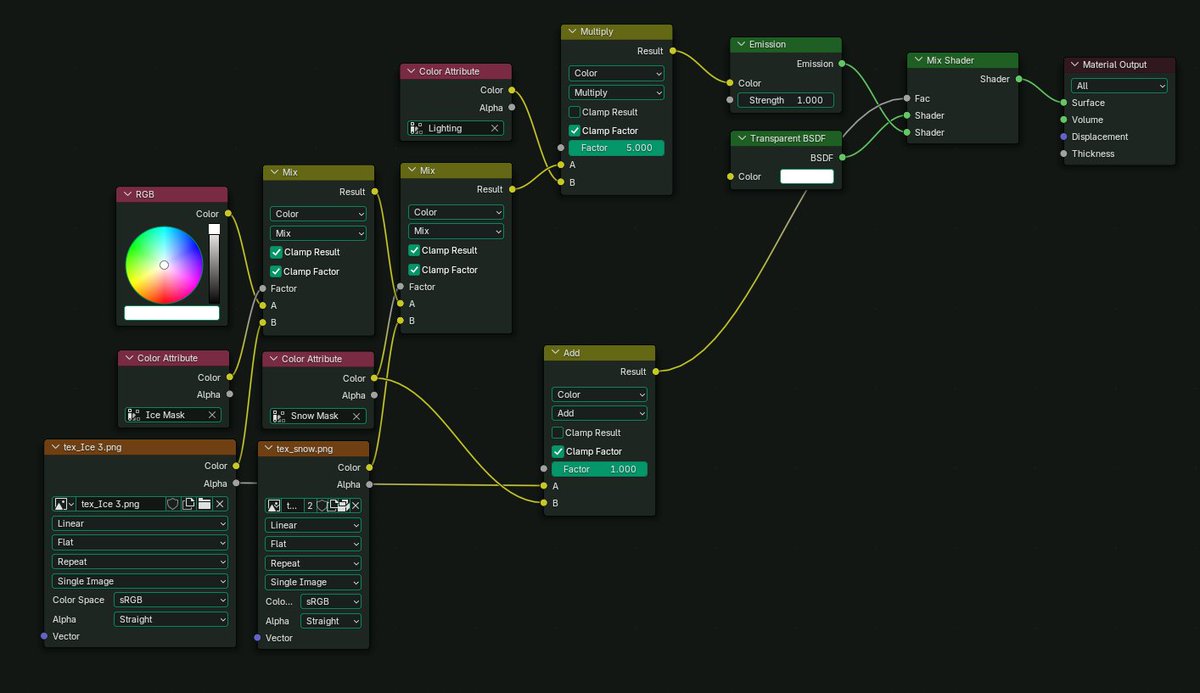
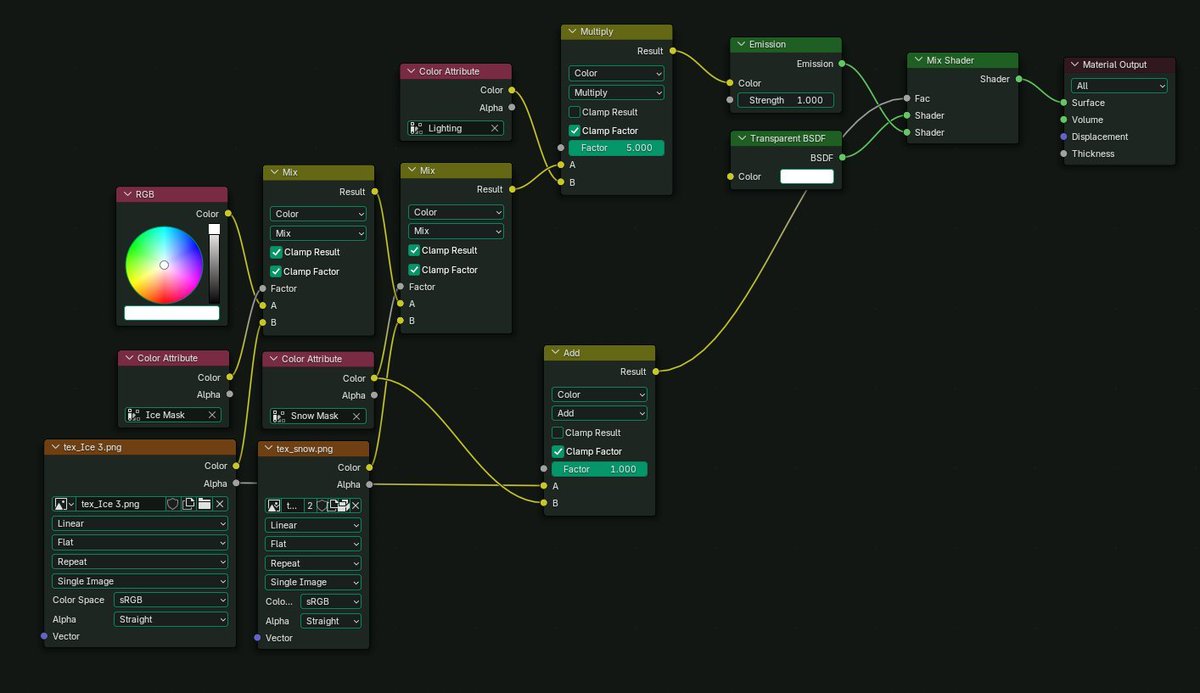
Here is a little breakdown of the surface shader and how the snow blends into the ice, this setup works in blender but when moving to unity there is one more step. I use an addon called "Vertex Color Master" to convert the two mask color attributes to UV channels leaving only the one for lighting, meshes in unity can only have 1 vertex color channel. The shader is essentially the exact same in unity just with those masks pointing to the additional UVs. There could be a more efficient way to do this but that's the best approach I've found so far.
Oh and for the node setup below, I usually turn up the emission strength (showing as 1) to around 4ish which gives the light an illuminating effect
1
10
118
5,218
Apr 5
Oh and forgot to mention you can add an additional Texture Coordinate > Mapping node and plug those into the vector of your textures to add tri-planar mapping support
24
3,912