
Joined January 2010
- Tweets 4,948
- Following 797
- Followers 9,582
- Likes 3,353
1,724 Photos and videos


Pinned Tweet

20 Oct 2025
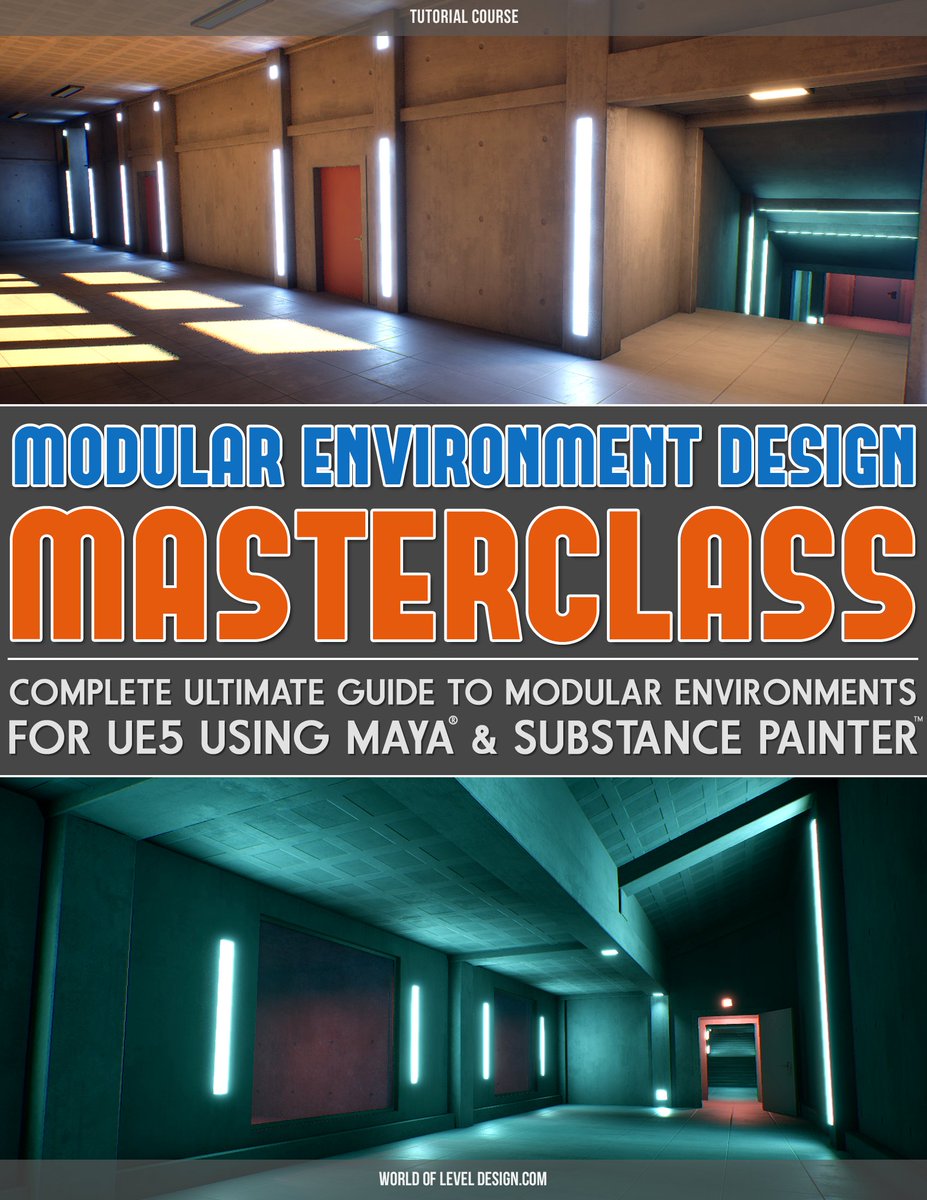
"Modular Environment Design Masterclass" tutorial course is now available.
Includes:
▪️Comprehensive Masterclass
▪️Full Modular Asset Creation Pipeline
▪️Step-by-Step Workflow
▪️37 Videos
▪️12 hrs of Detailed Instructions
Download. Watch. Learn. Create. worldofleveldesign.com/store…
1
16
2,900
NEW TUTORIAL!
Substance Painter: 4 Powerful Methods of Creating Tiling or Detail Normal Maps from Height to Export and Use.
See full video and tutorial post: worldofleveldesign.com/categ…
1
20
198
7,064
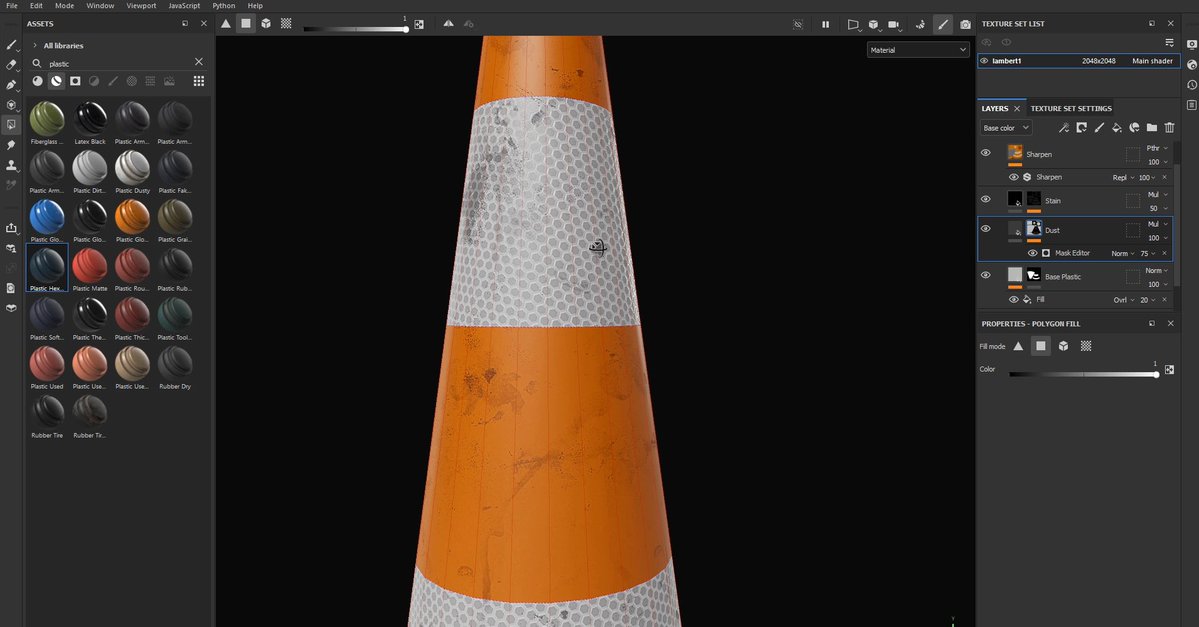
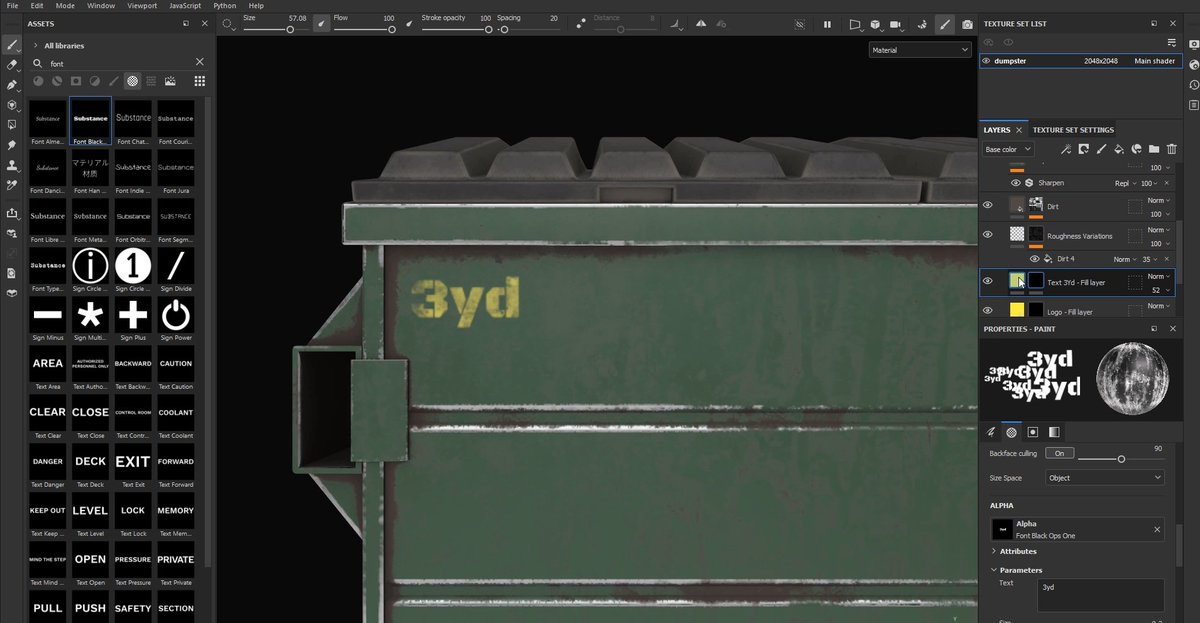
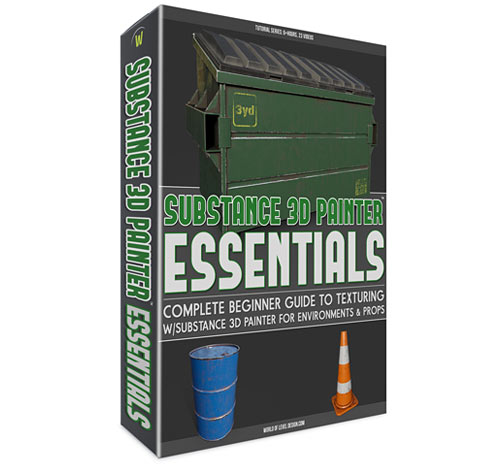
It's crazy there is complete beginner tutorial course that will teach you how to use Substance Painter completely from scratch for environment art.
In only 23 videos & in 6 hours you'll be able to use Substance Painter.
Substance 3D Painter Essentials: worldofleveldesign.com/store…
12
241
9,093

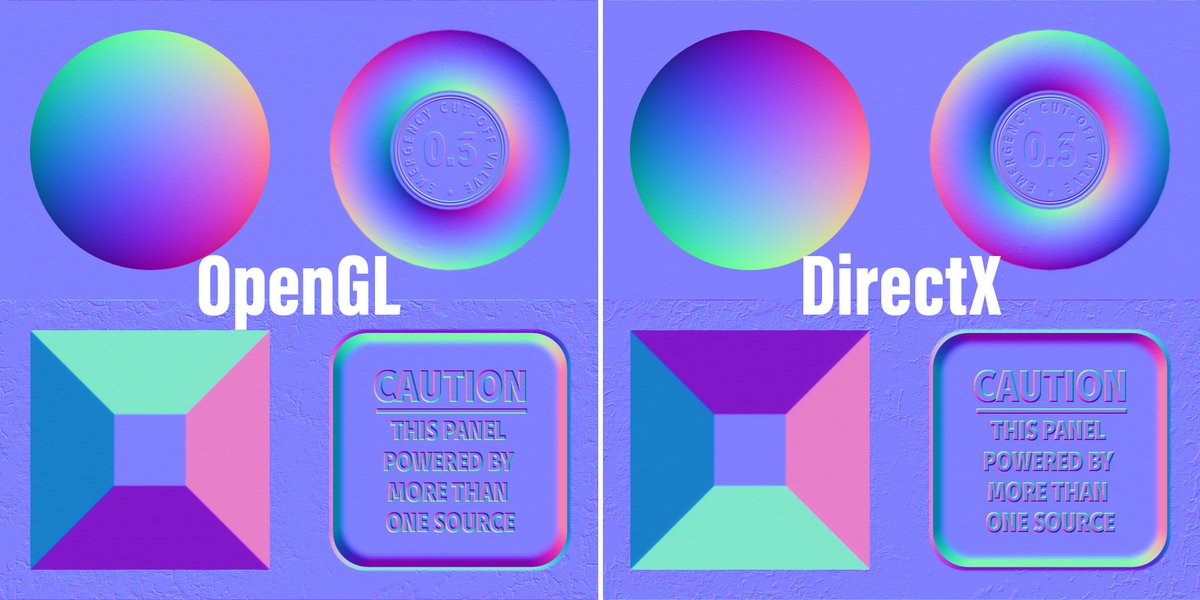
If you see a normal map as a texture (unlabeled) and are unsure what format it is my mnemonic is:
“OGL = Overhead Green Light”
OpenGL normal maps will appear as though they are being lit from above in their green channel. Extruded details should have a green light on top edges
2
7
64
2,311
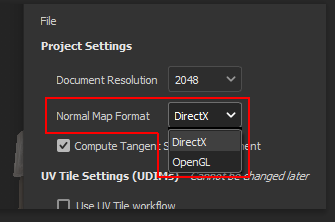
There are 2 types of Normal Map Formats you'll be dealing with depending on output: DirectX & OpenGL
Both outputs will be defined in presets in Substance Painter:
▪️UE4/5, 3dsMax = DirectX
▪️Maya, Unity, Blender = OpenGL
DirectX requires a Flipped Green Channel.
4
7
94
85,243
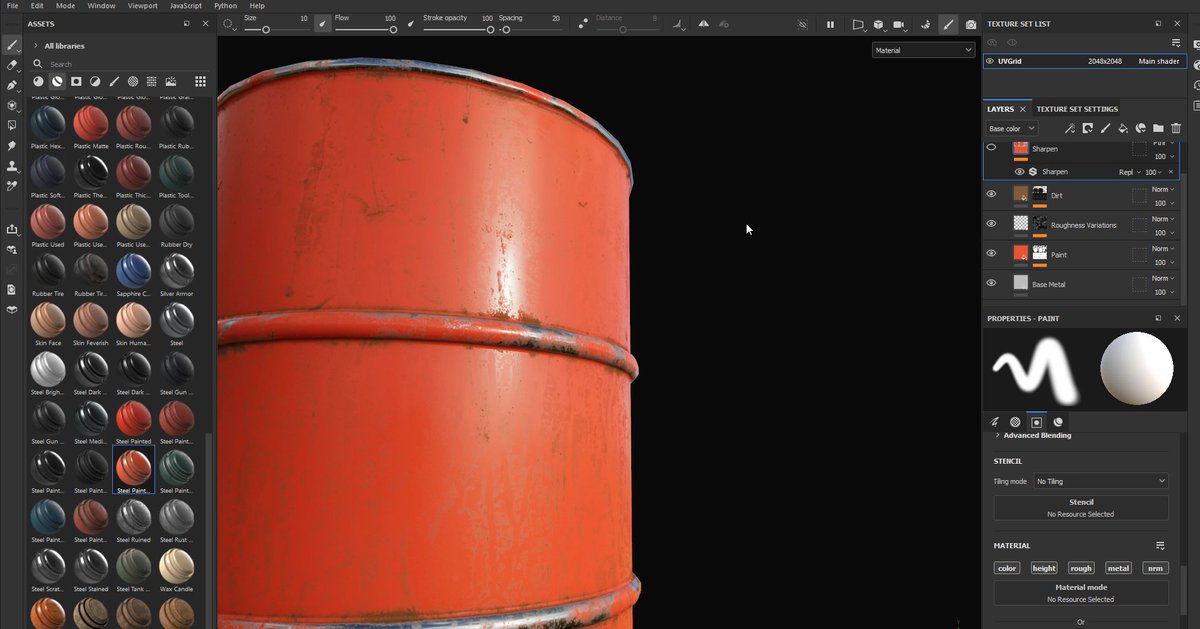
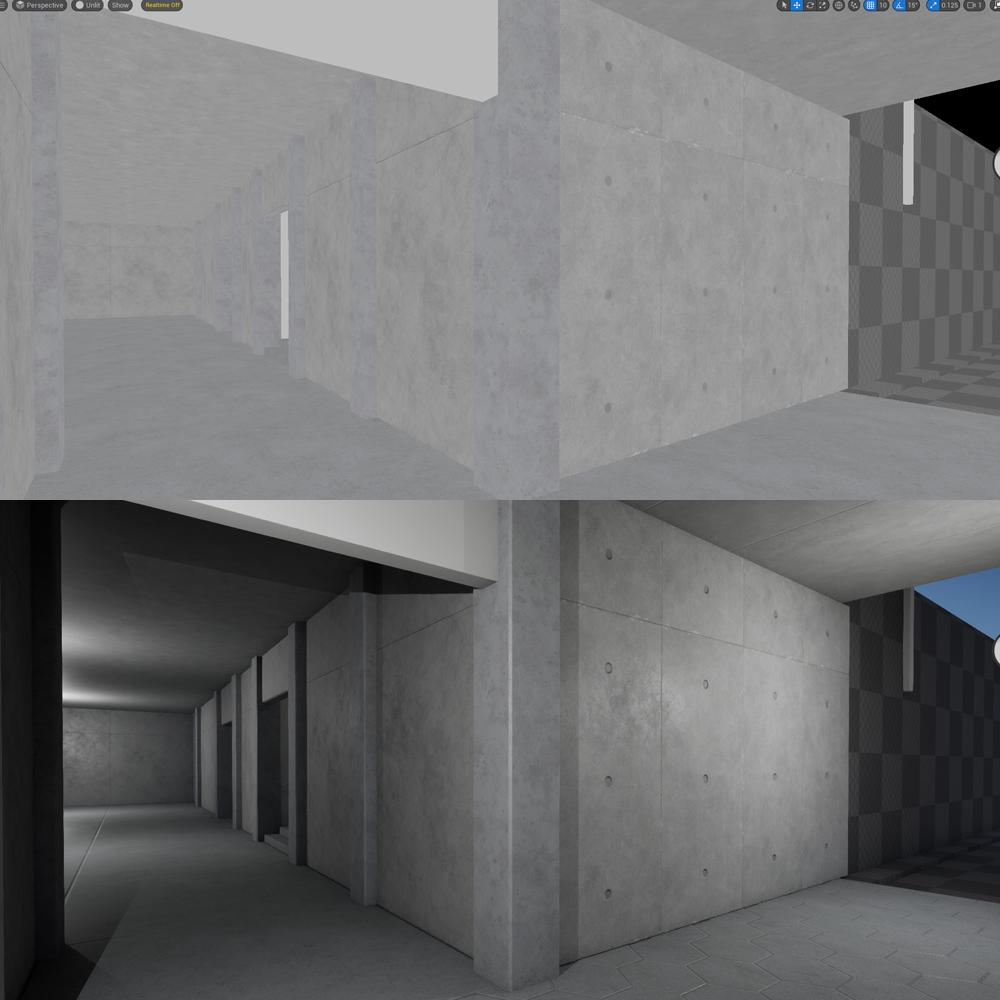
Generally, your textures will work better if they don’t stand out apart from each other as too bright or too dark.
Instead are more cohesive.
You then able to have more controllable lighting.
Check Base Color only view. Not always the case but generally this will help you.
1
7
120
6,432
When creating asset packs for UE5 or anything else, it’s important to decide on naming convention you’ll be using for all meshes, textures, materials etc. This requires thought planning but it’ll make finding, updating, working w/assets a lot easier. Especially when sharing them.
2
8
974
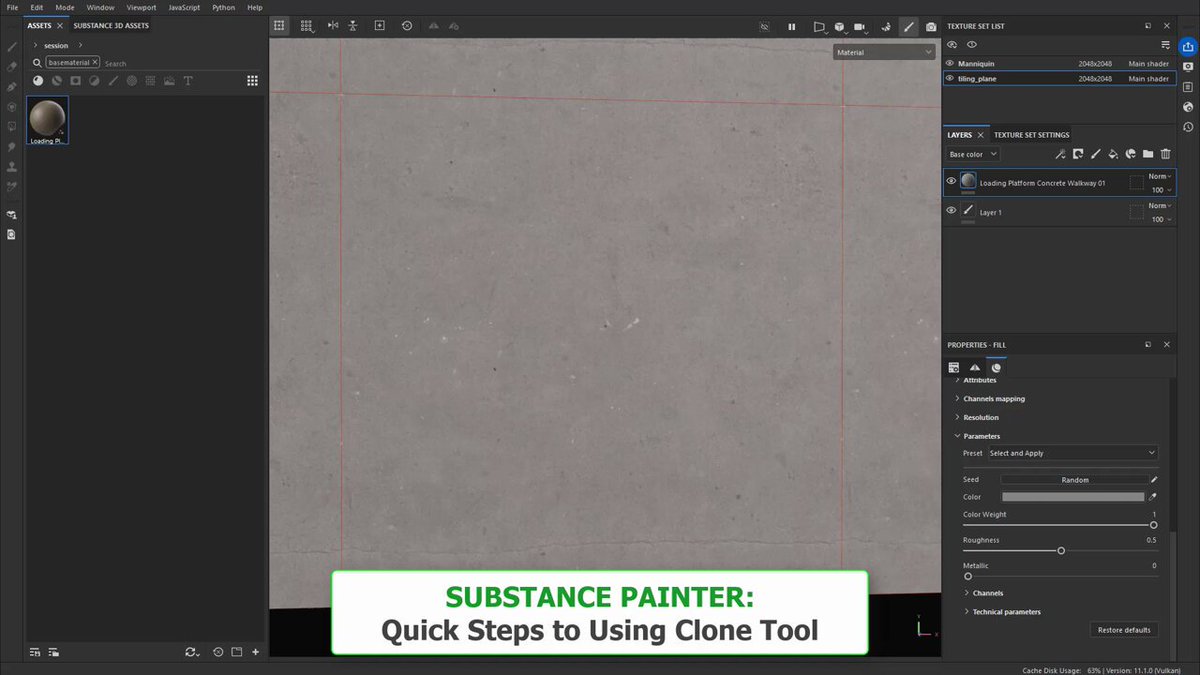
Quick steps to using the Clone Tool in Substance Painter...
For more detailed step-by-step you can check out full breakdown tutorial.
Substance Painter: Using Clone Tool (Great for Fixing Tiling Seams or Copying Texture Elements) - worldofleveldesign.com/categ…
3
8
985
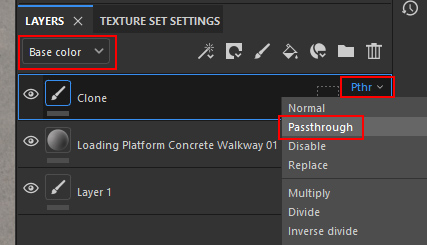
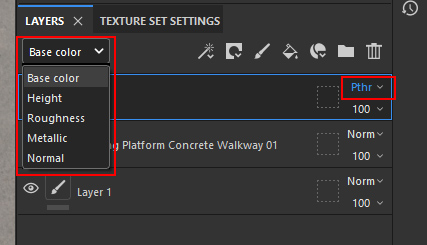
If you are using the Clone tool in Substance Painter, make sure to create an Empty Layer and then change each Channel to Passthrough for the Clone tool to work.
1
23
1,612
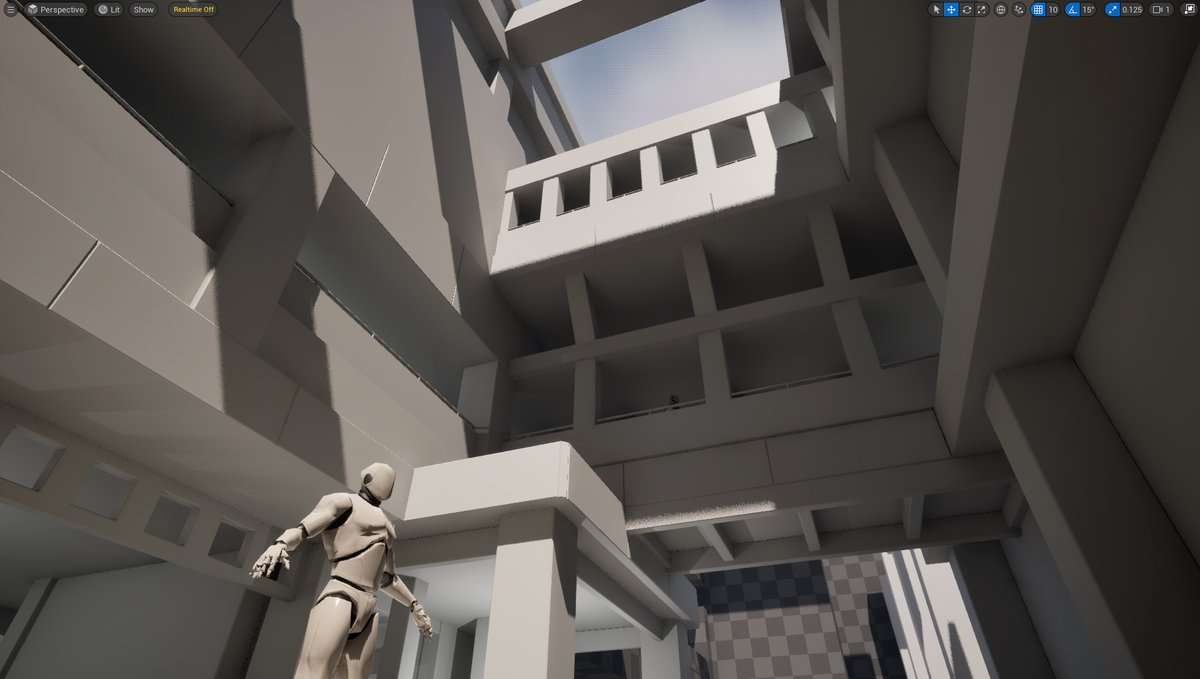
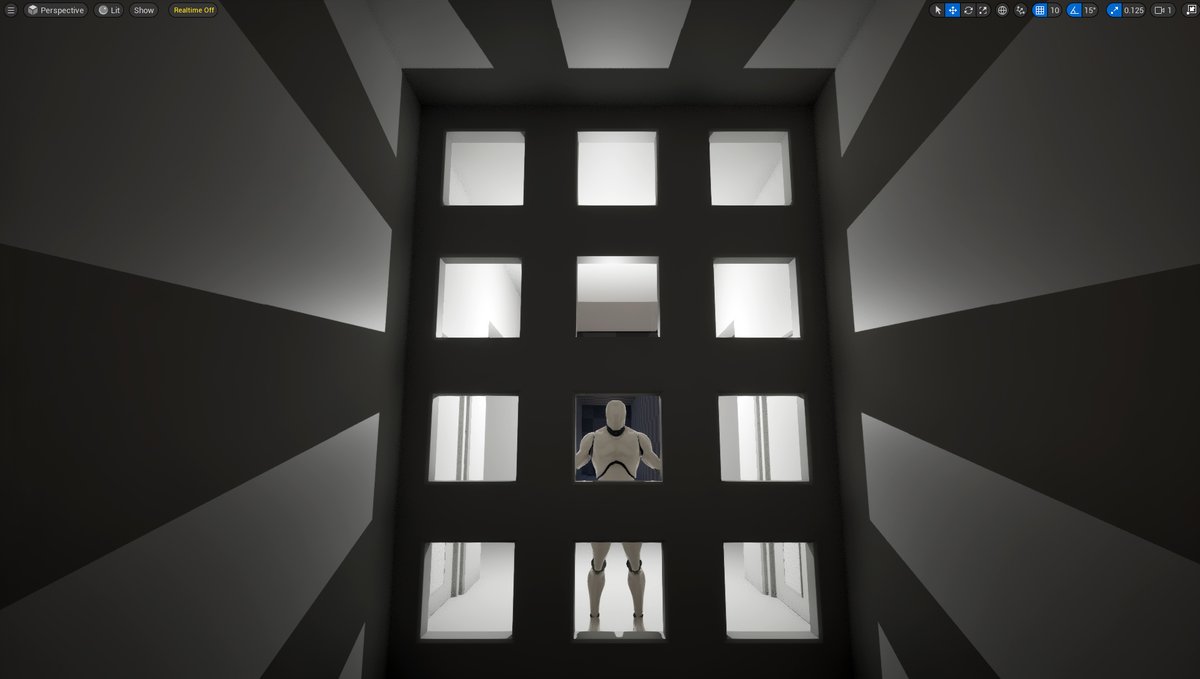
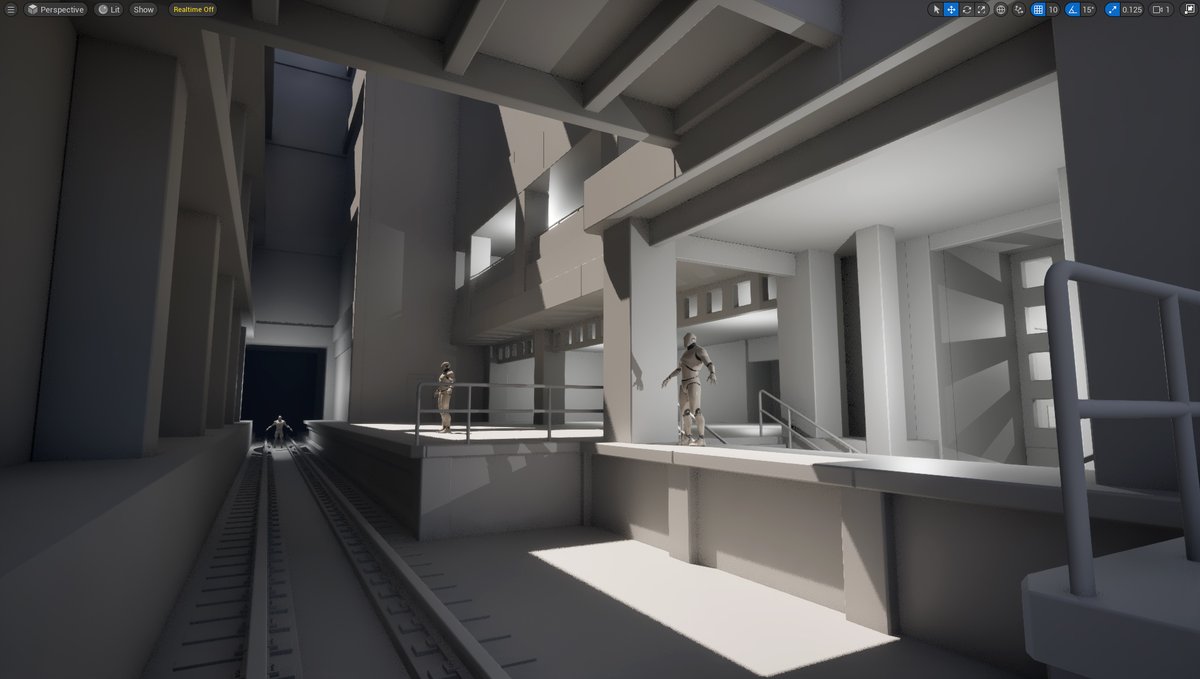
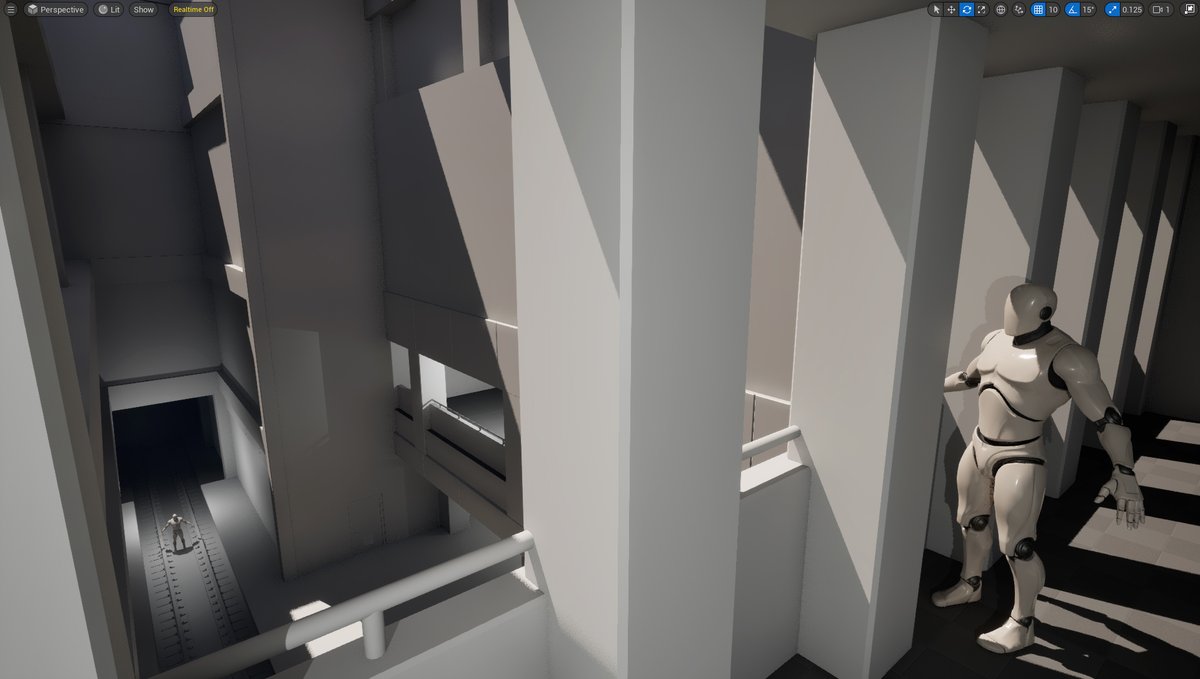
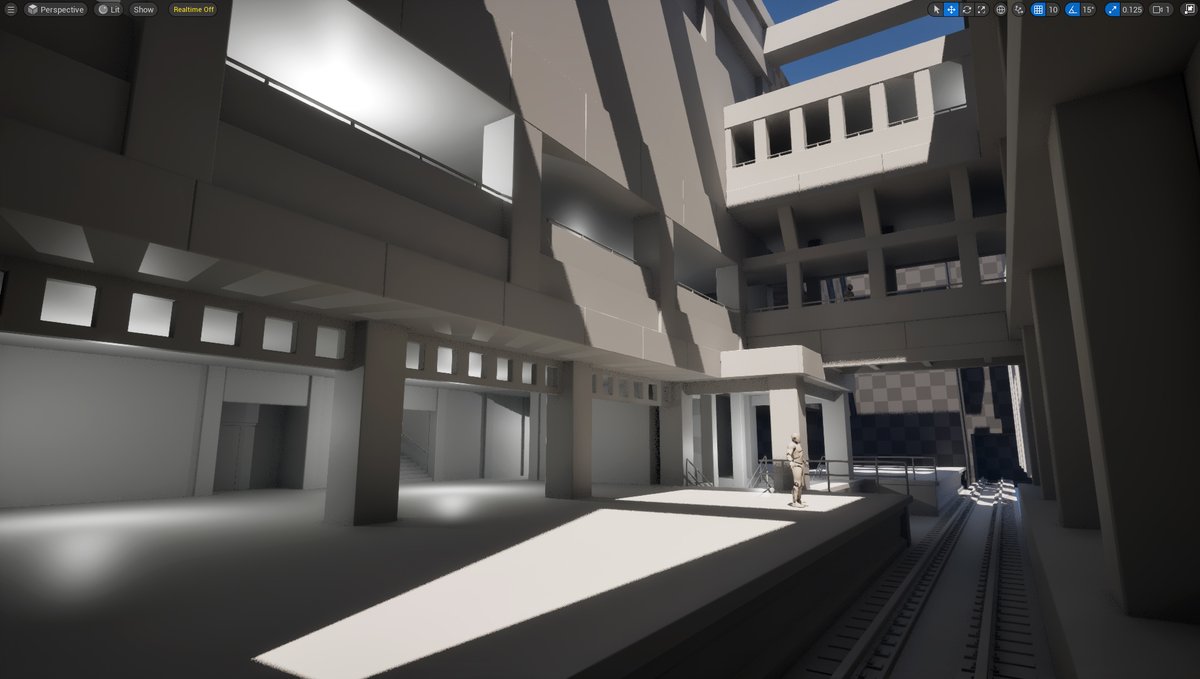
Portion of environment is done.
Modular pieces are stressed tested. All work.
But it’s time to start working on tiling textures to see how surfaces fit together before building rest of environment. And before adding med to small detail & props.
Modeled in Maya, designed in UE5
1
10
259
8,785
“What if you put details first & then built environment around them.”
This can be done. It is a method.
However, difficult to execute for most.
Instead it's recommended you work LARGE to SMALL. Focus first on blockout, big shapes then detail become secondary & almost automatic
1
5
72
1,892
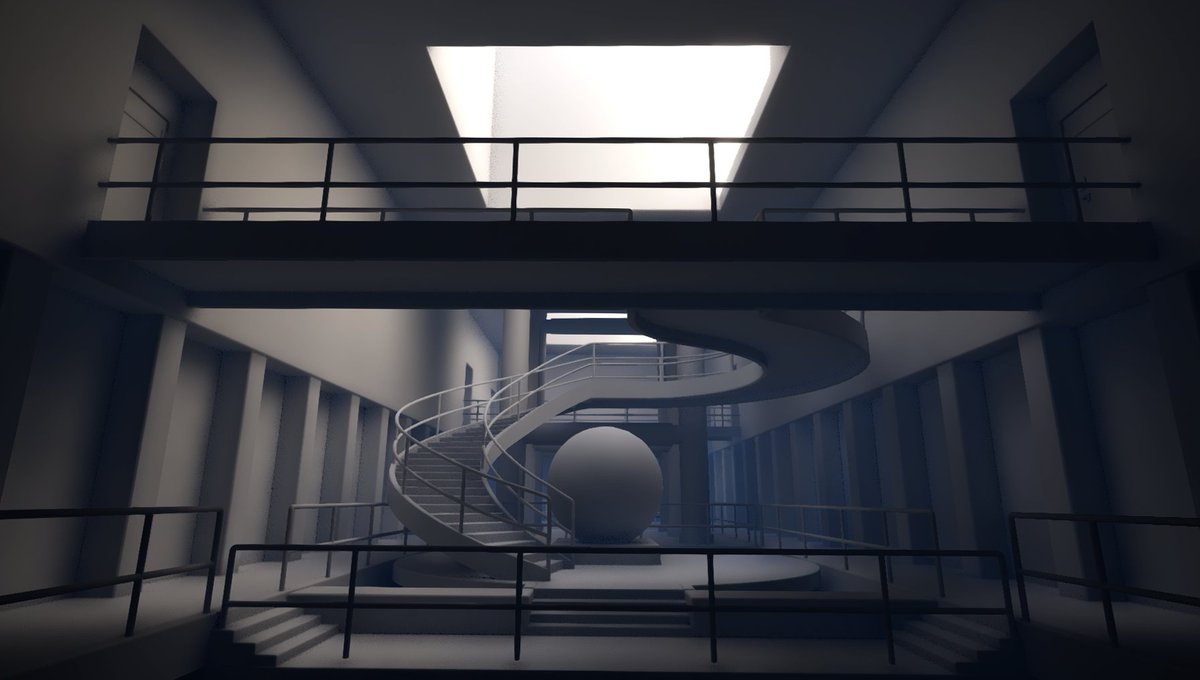
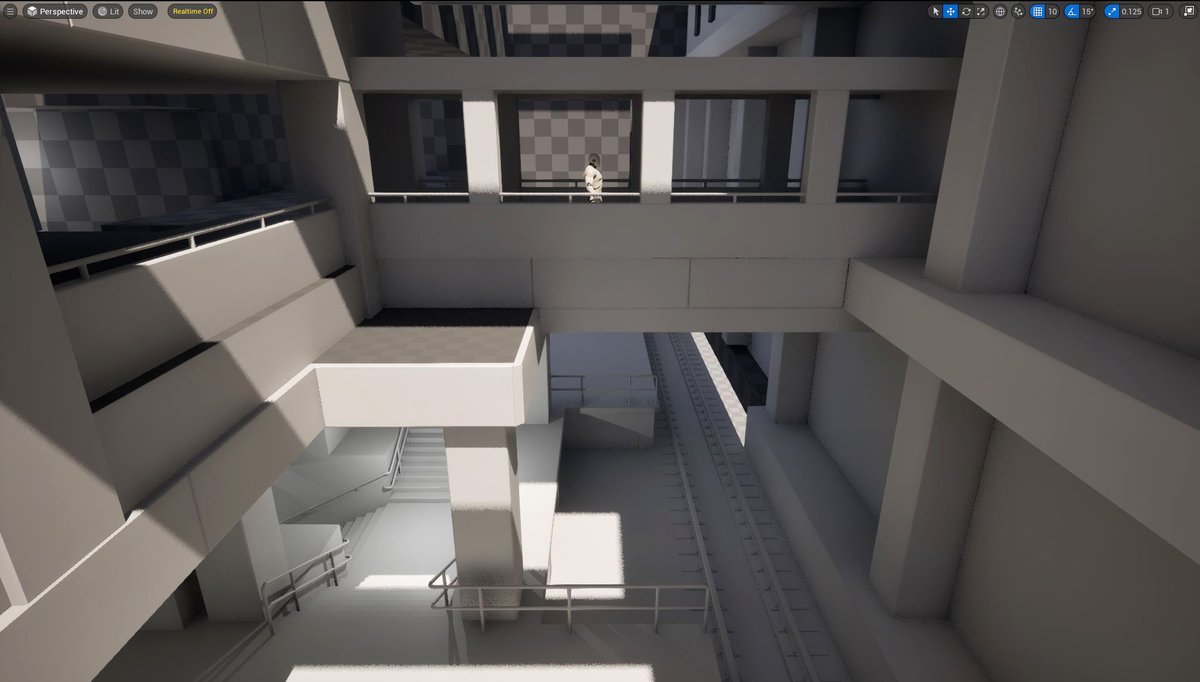
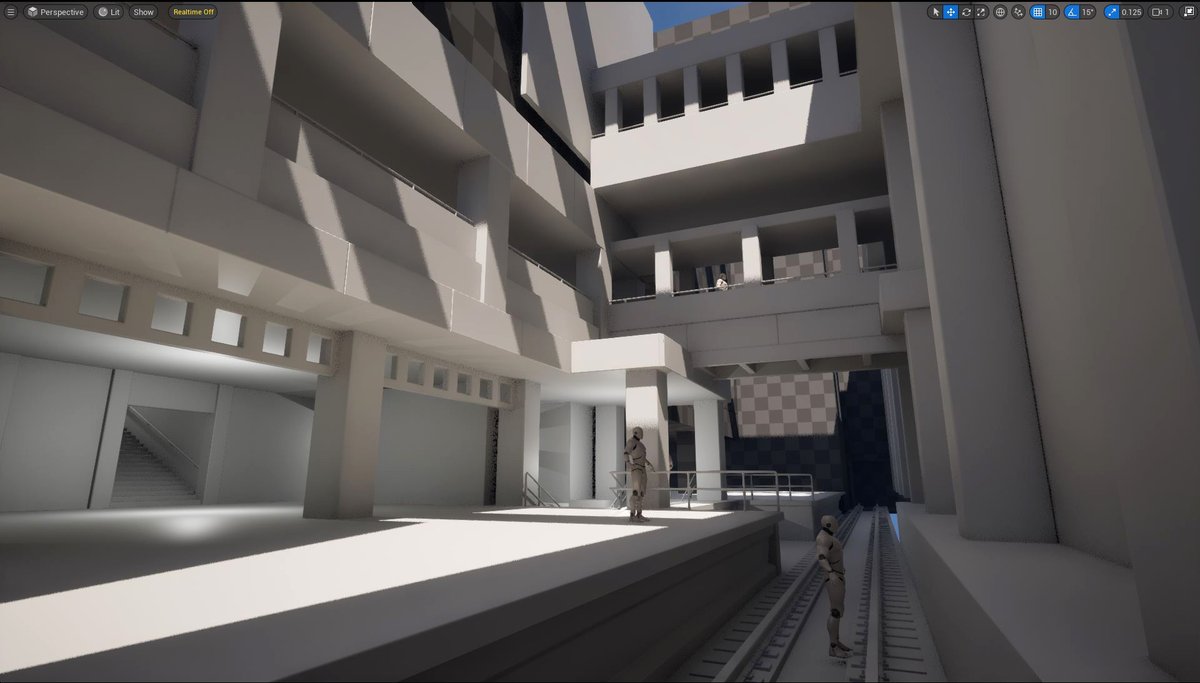
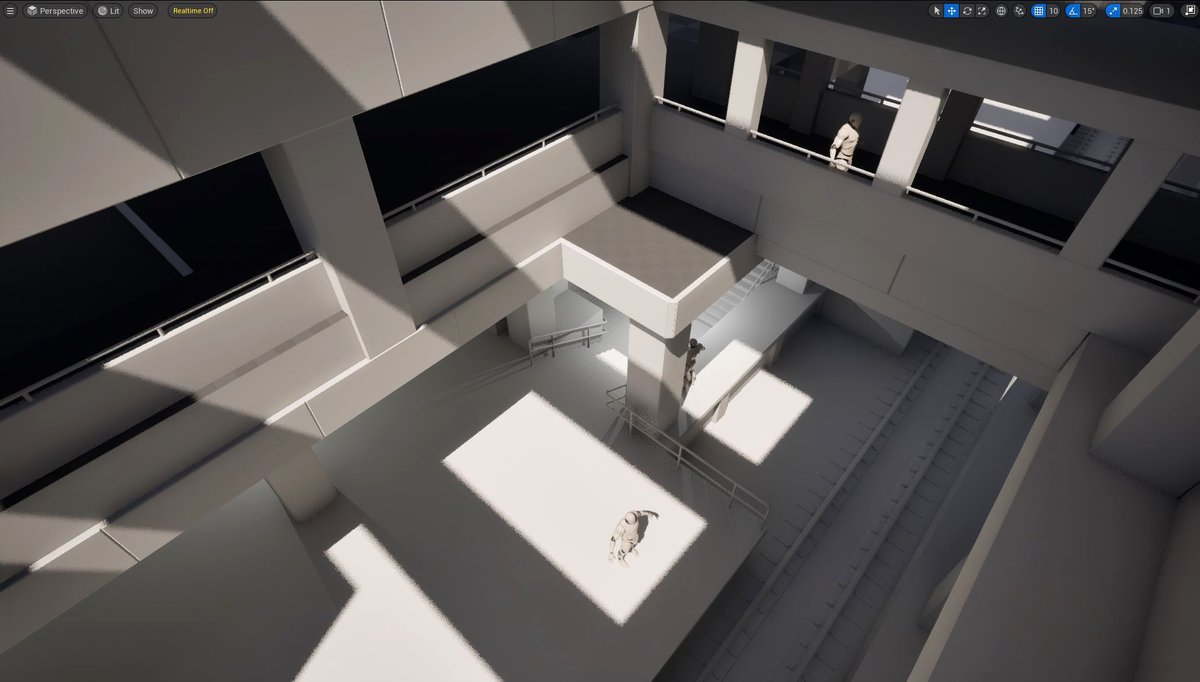
Creating entire environment first.
All untextured. Using all modular meshes. Designing the space.
Then will focus on texturing/mat creation.
Documented similar approach from start to end in Modular Environment Masterclass: worldofleveldesign.com/store…
Maya modeled. UE5 created.
3
18
273
9,496
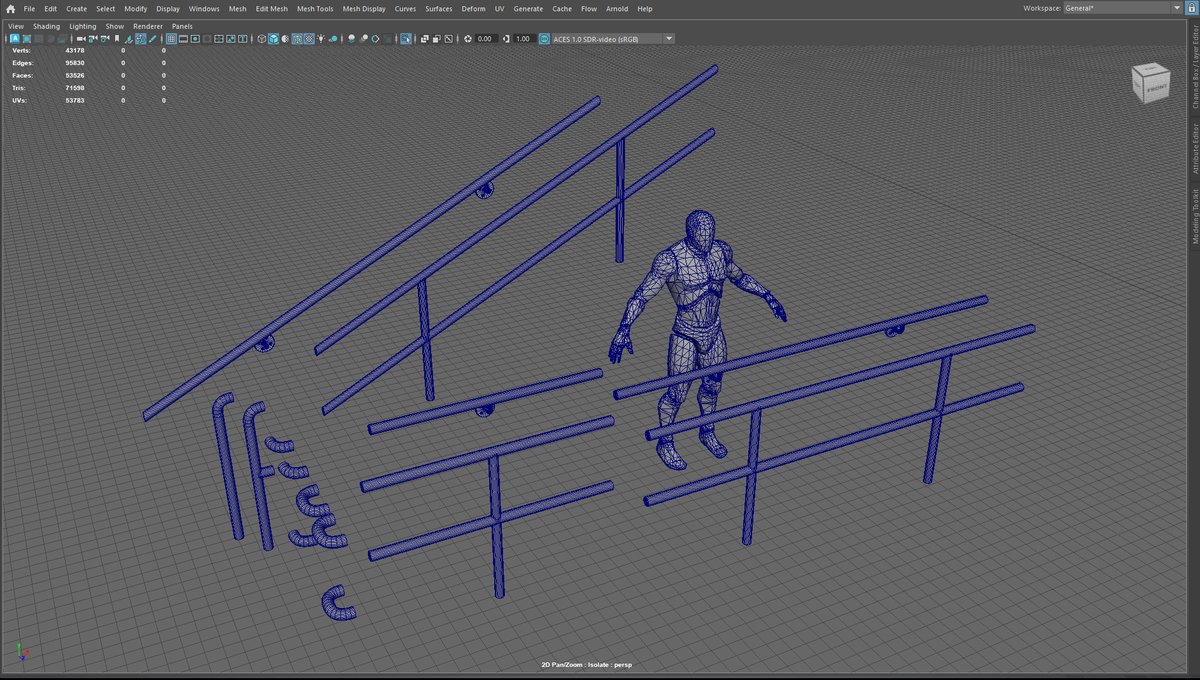
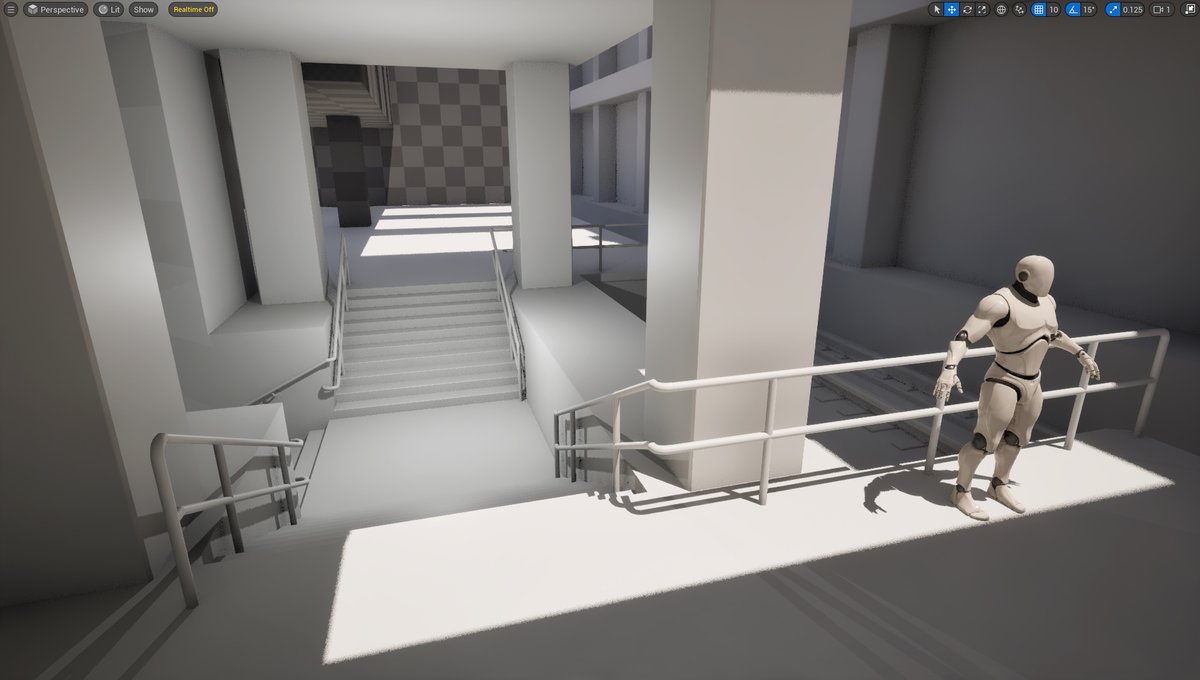
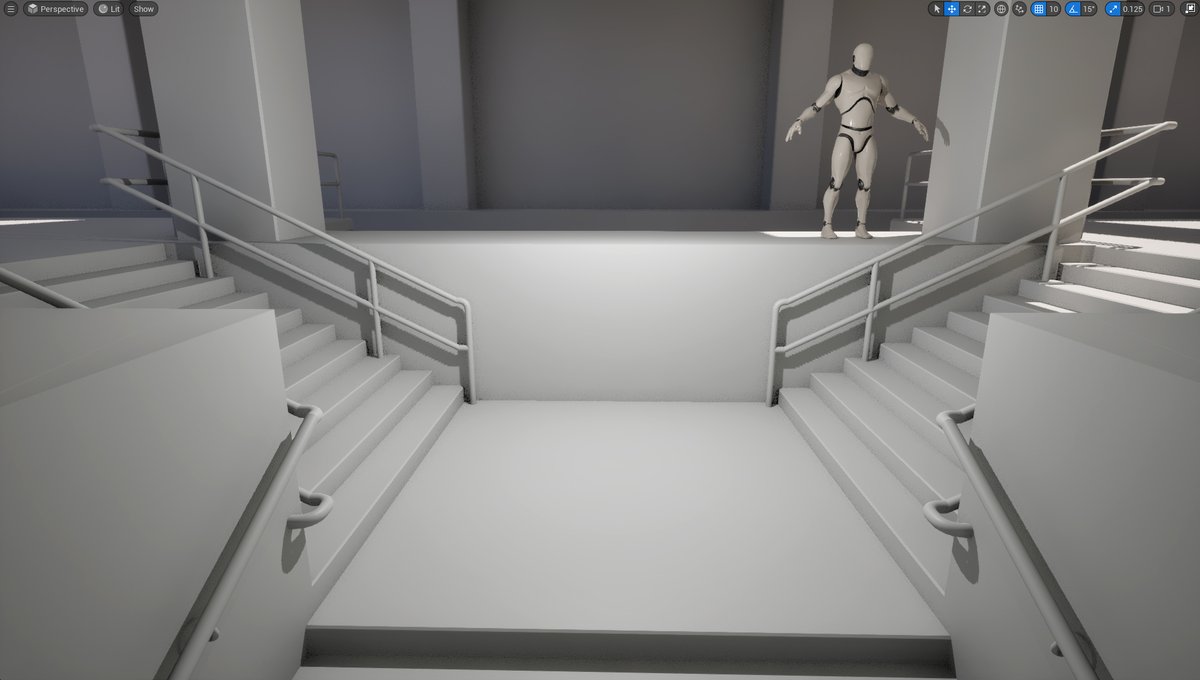
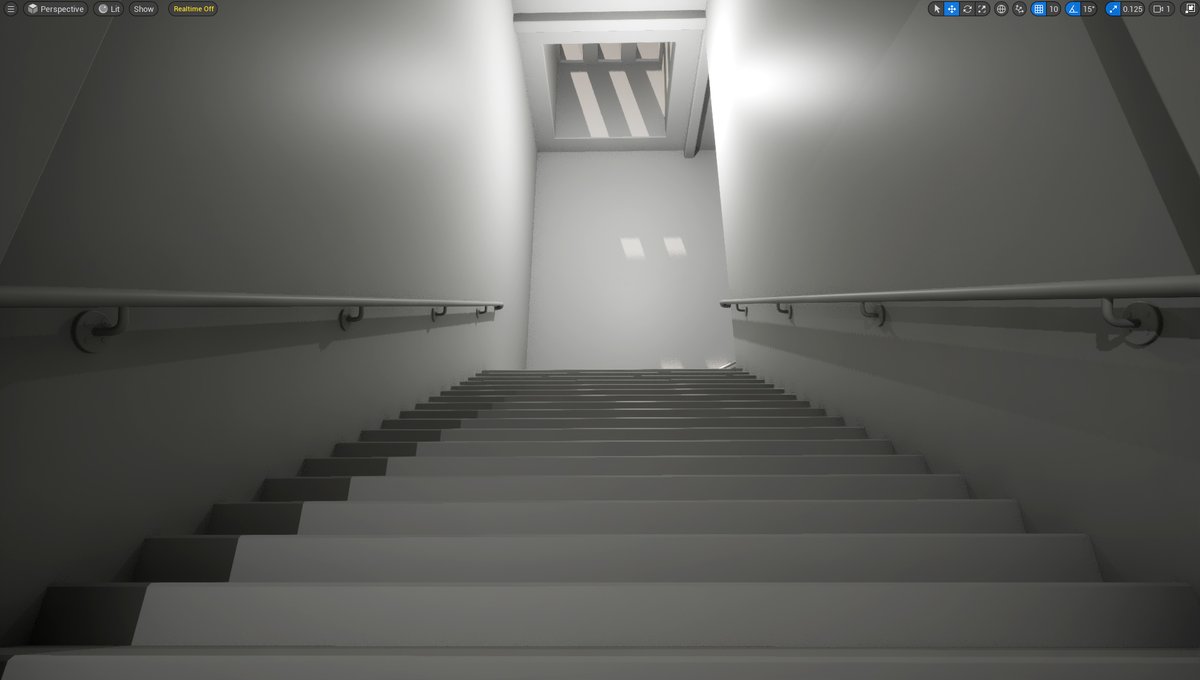
We have modular railings. Modeled in Maya and imported into UE5.
Stand-alone. Attached to a wall. End caps. Straight. Inclined. Connector pieces 90 and 180 degrees.
Enough for pretty much most use case scenarios.
1
2
107
5,005
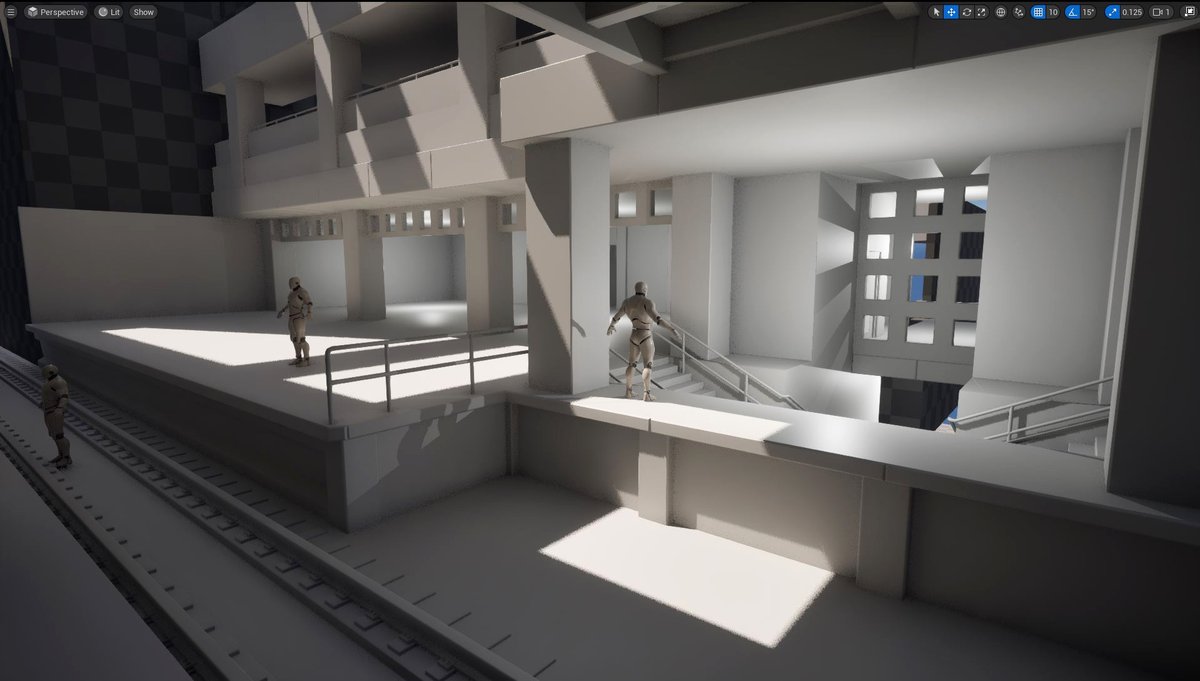
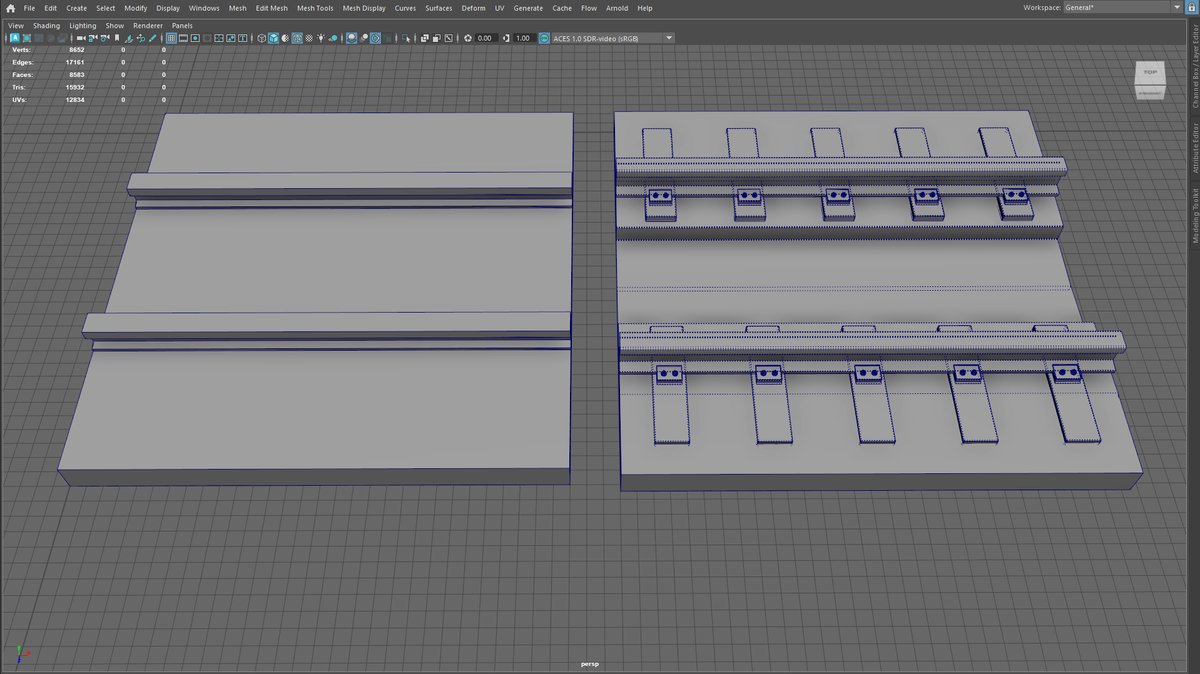
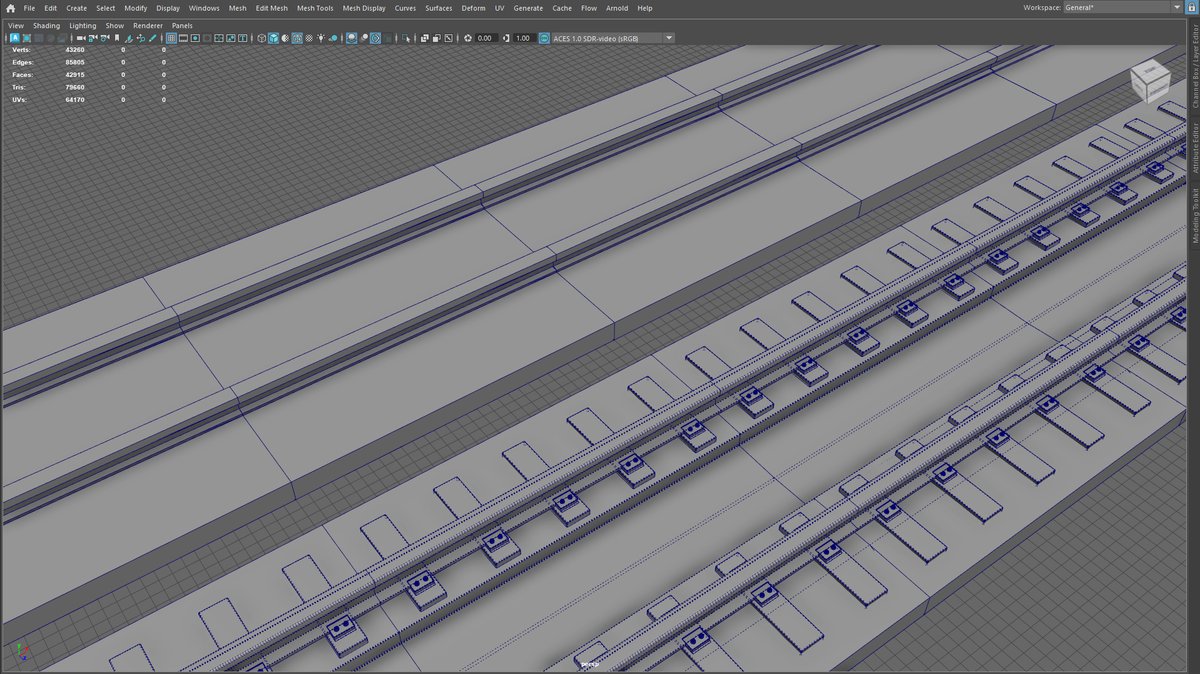
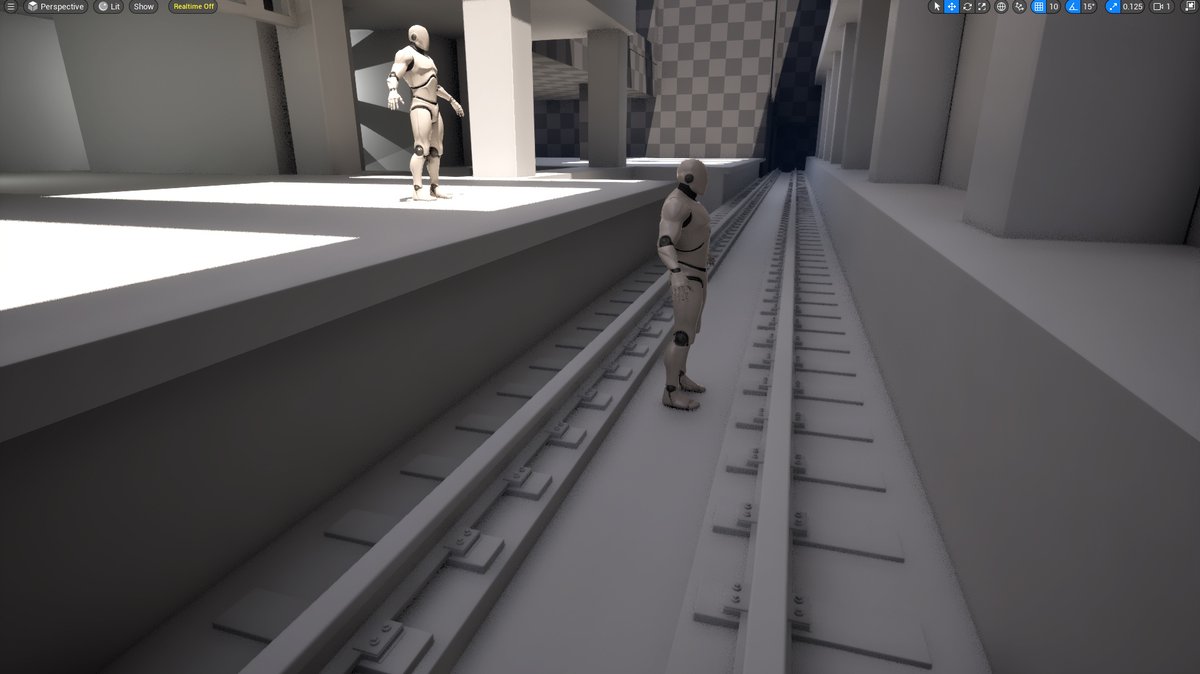
Blockout train tracks to modeled train tracks. From Maya to UE5.
Blockout is kept as simple as possible but has the dimensions locked in.
This way when you model & update blockouts with final meshes, the environment is kept the same & doesn't shift for you having to fix it.
6
131
5,769
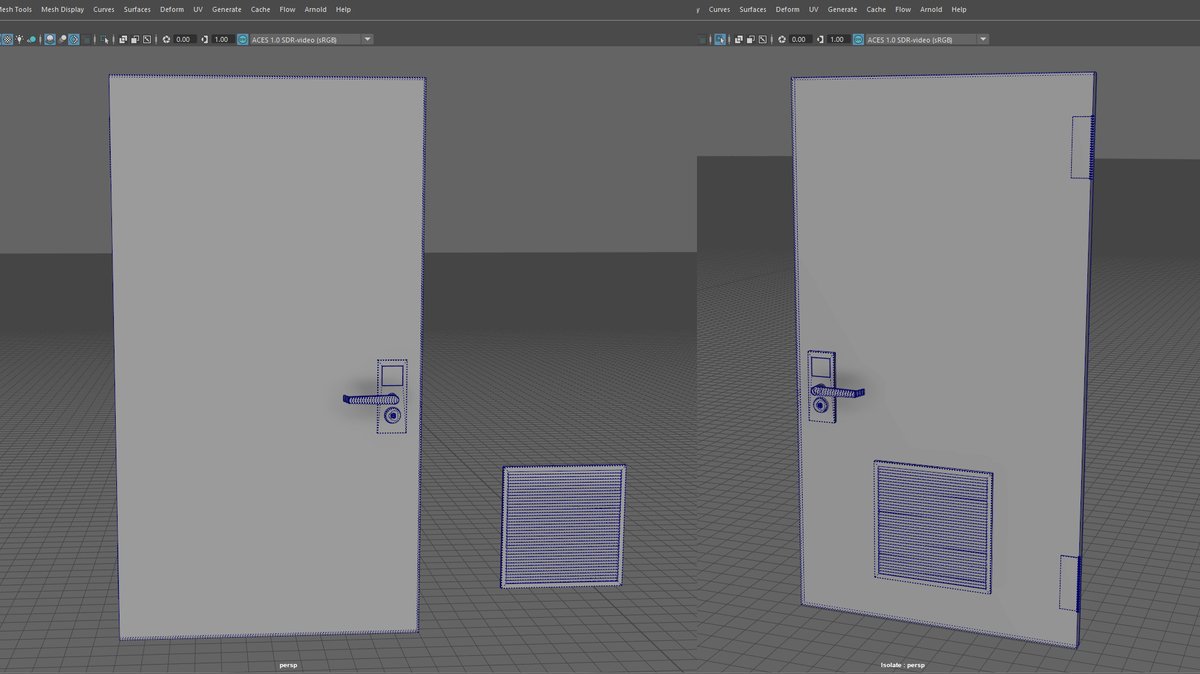
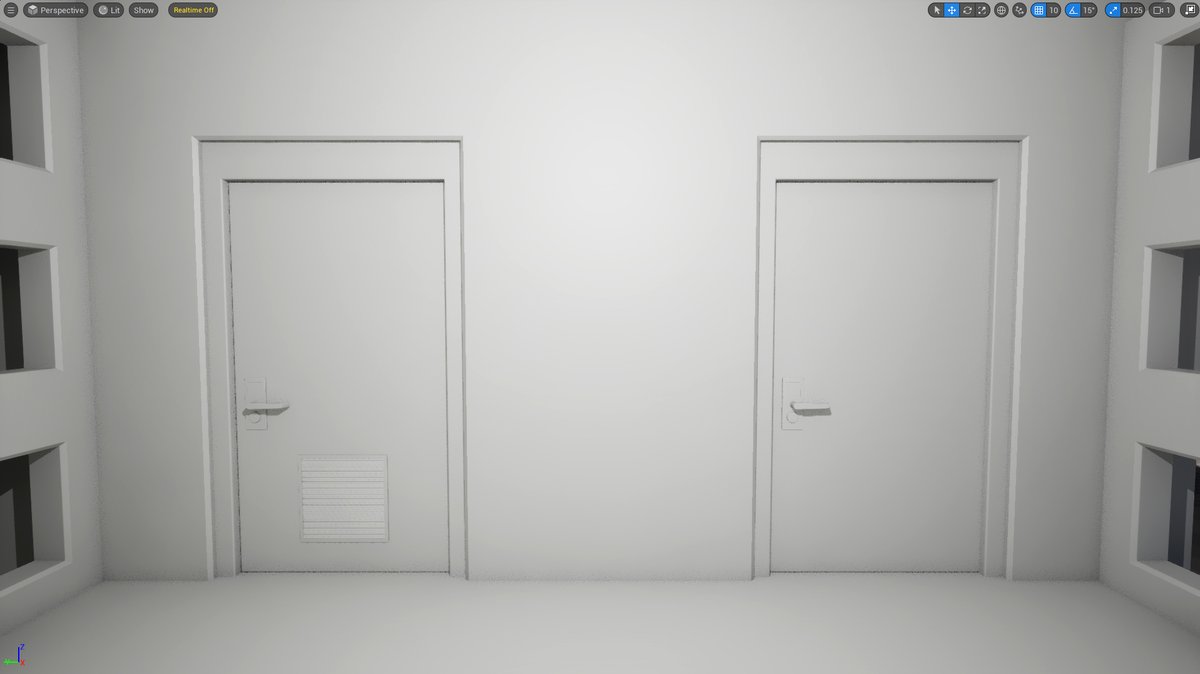
Modeling doors in Maya and bringing them into UE5. No textures yet.
Lock and keycard with vent variation.
Also got to have some hinges.
Doorways and door frames are kept separate for additional variations to swap out to and allow you to open/close doors.
2
26
1,293
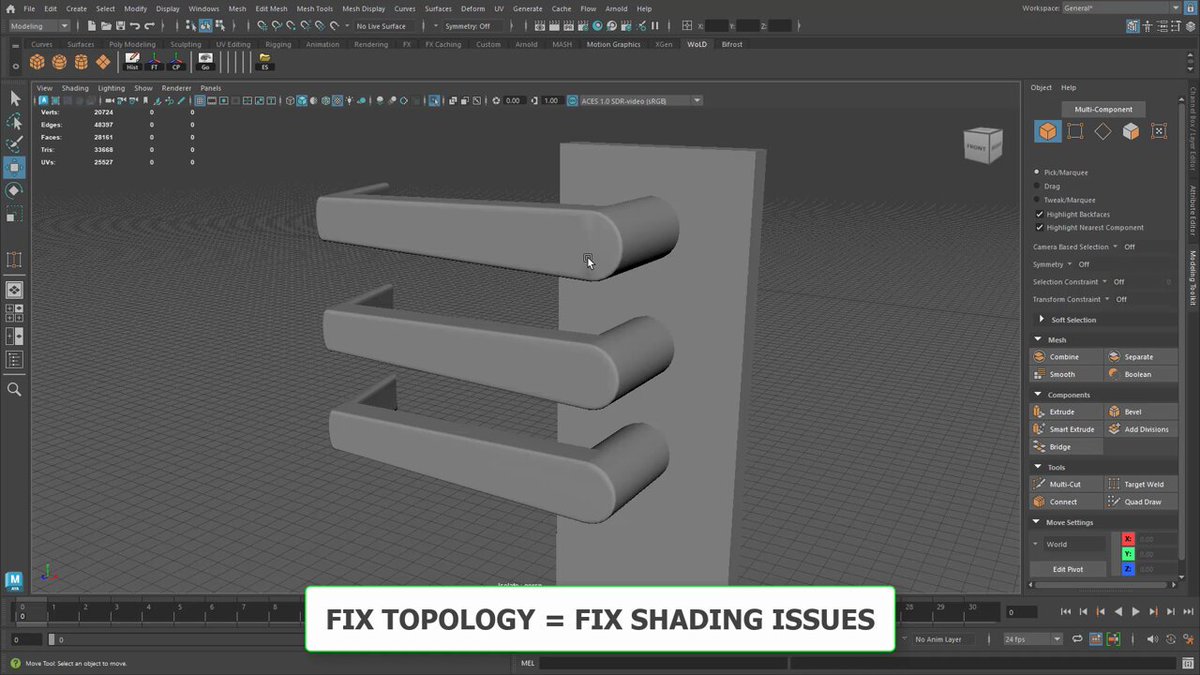
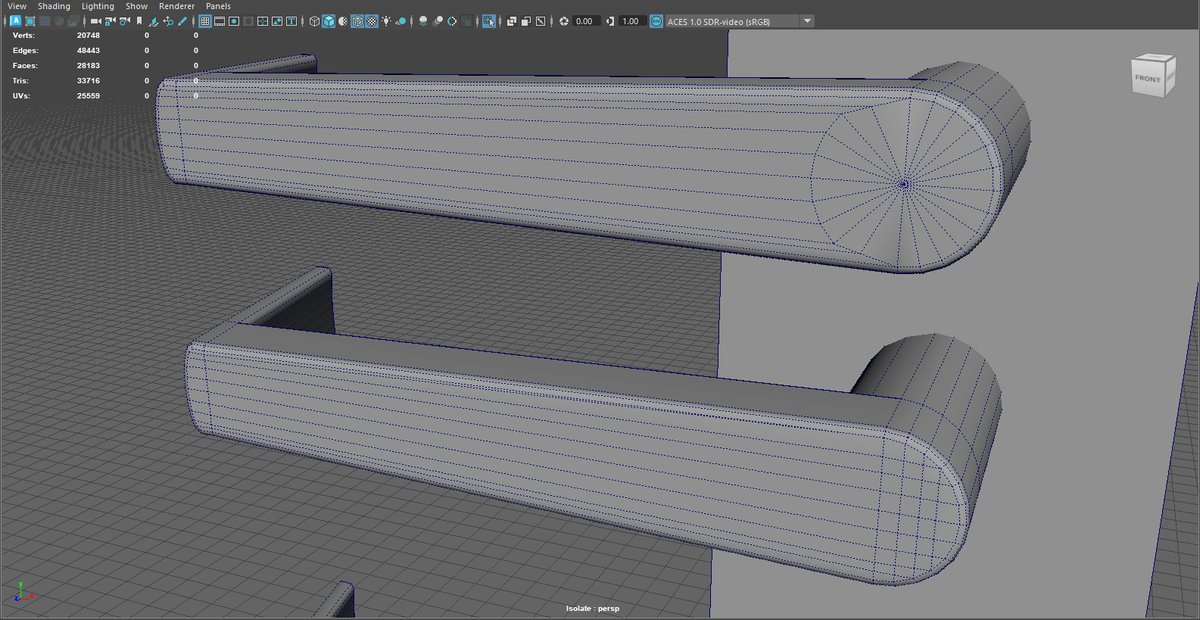
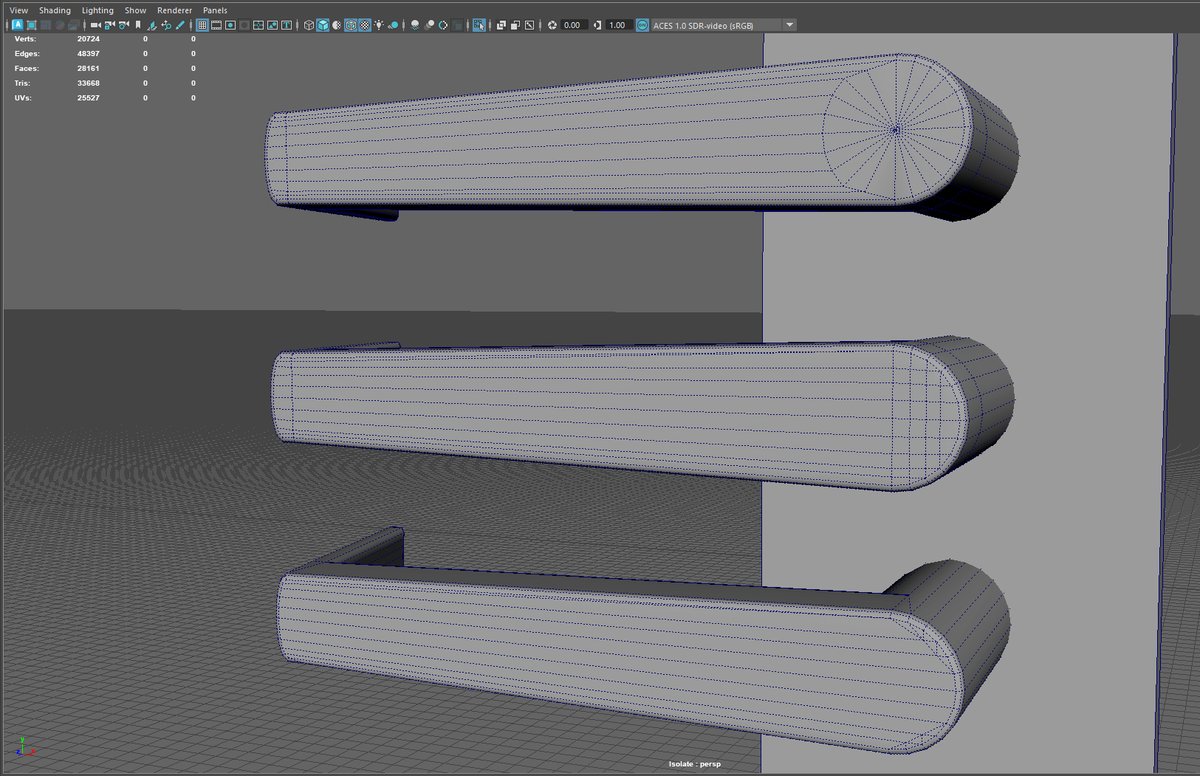
Fix Modeling Topology = Fix Modeling Shading Issues...
1
33
2,502
Shading issues often stem from bad topology. Fix your topology will fix your shading issues.
Image 1 2:
Top: shading issues from bad topology.
2nd From Top: fixed topology, shading issue gone.
Image 3:
Bottom Piece: same as 2nd from top just optimized, less verts in the area.
1
13
175
22,153
What has helped a lot is to constantly keep on-going lists of what to do next on the project and what has been already done. This time and anytime you have 30-60 minutes to put something into your project, you don’t waste time.
1
11
706
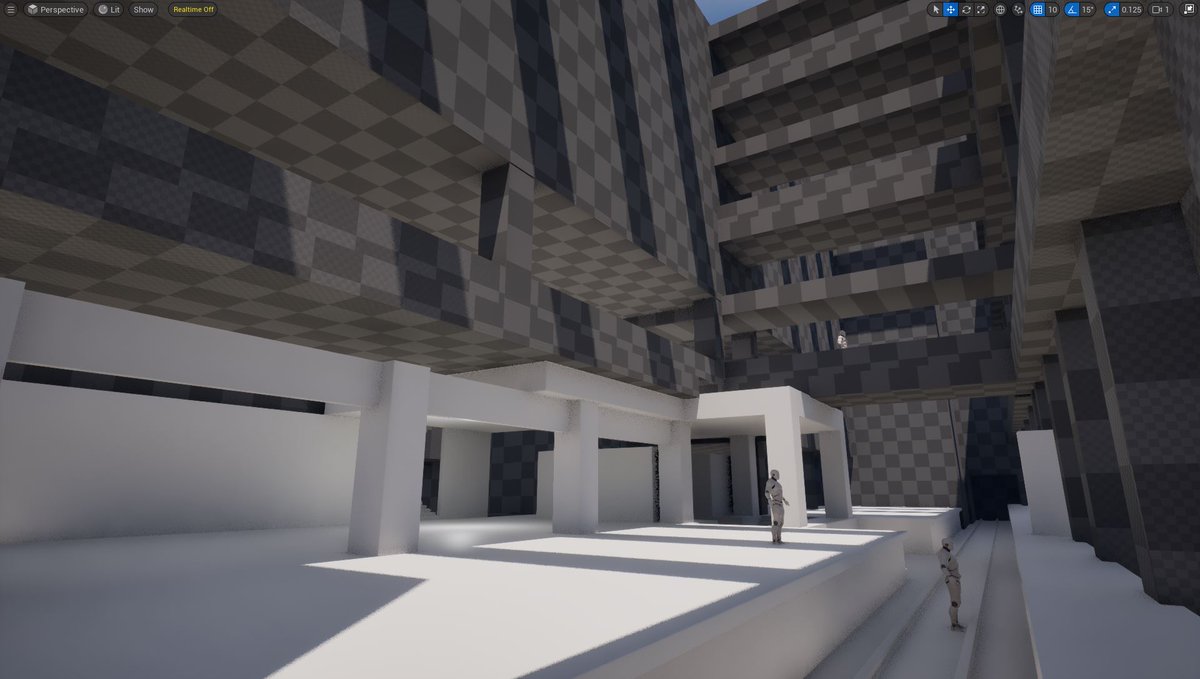
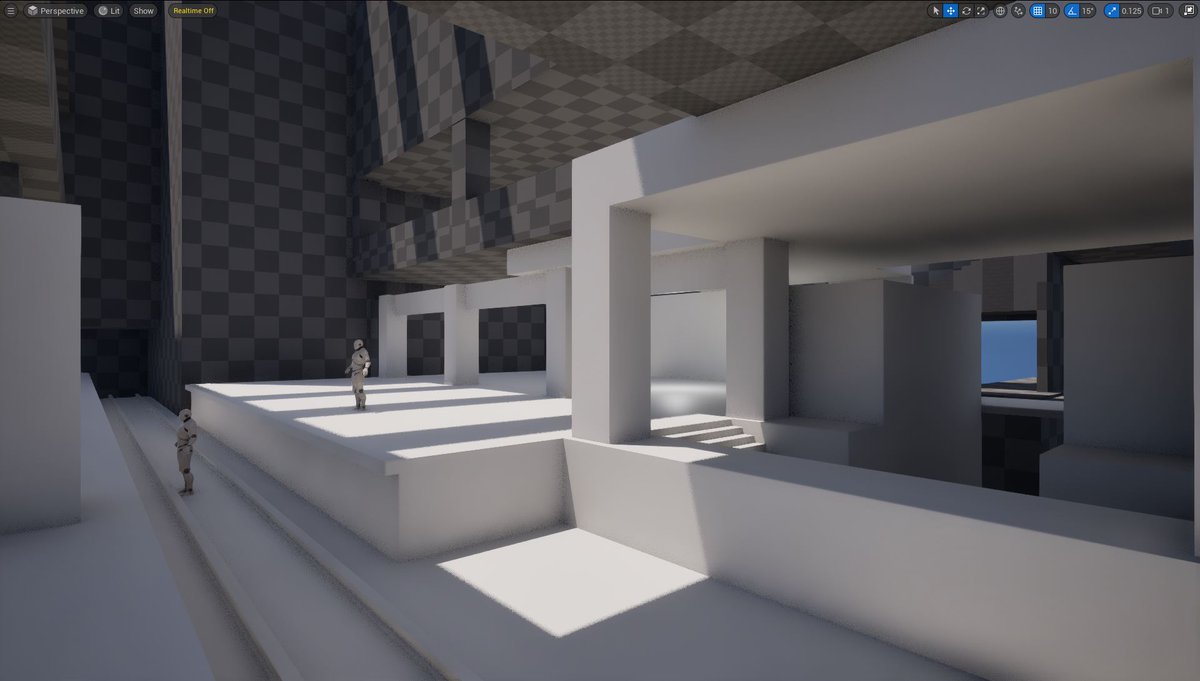
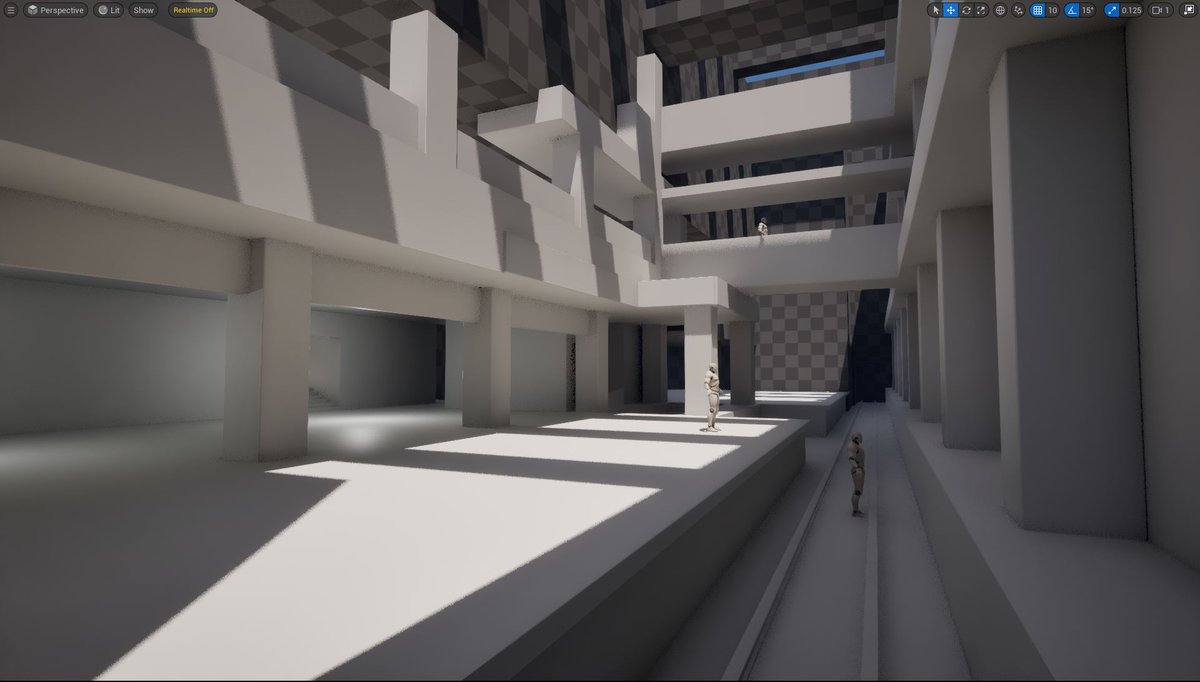
Beginning to replace BSP blockout w/base meshes in UE5.
These meshes will become final. But right now, it’s about size, dimensions & how they'll work together.
I covered full process of modular geometry creation in Modular Environment Design Masterclass: worldofleveldesign.com/store…
8
62
2,443
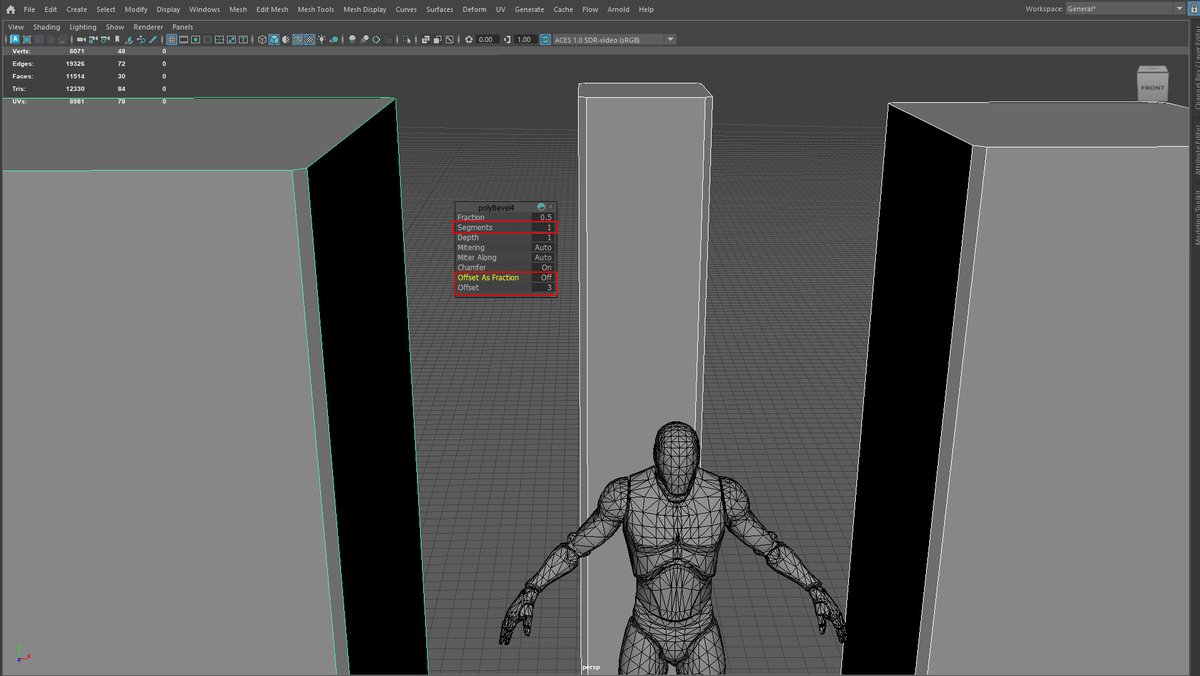
Reminder: In Maya, to keep all your edges beveled at same distance regardless mesh size, use:
▪️Offset As Fraction: Off
▪️Offset: input value to bevel
▪️Segments: input number of segments for bevel
This makes all bevels across all meshes consistent and match each other.
2
24
1,330