
Next generation Geometry Dash mod loader.
Joined December 2023
- Tweets 238
- Following 13
- Followers 14,764
- Likes 141
35 Photos and videos
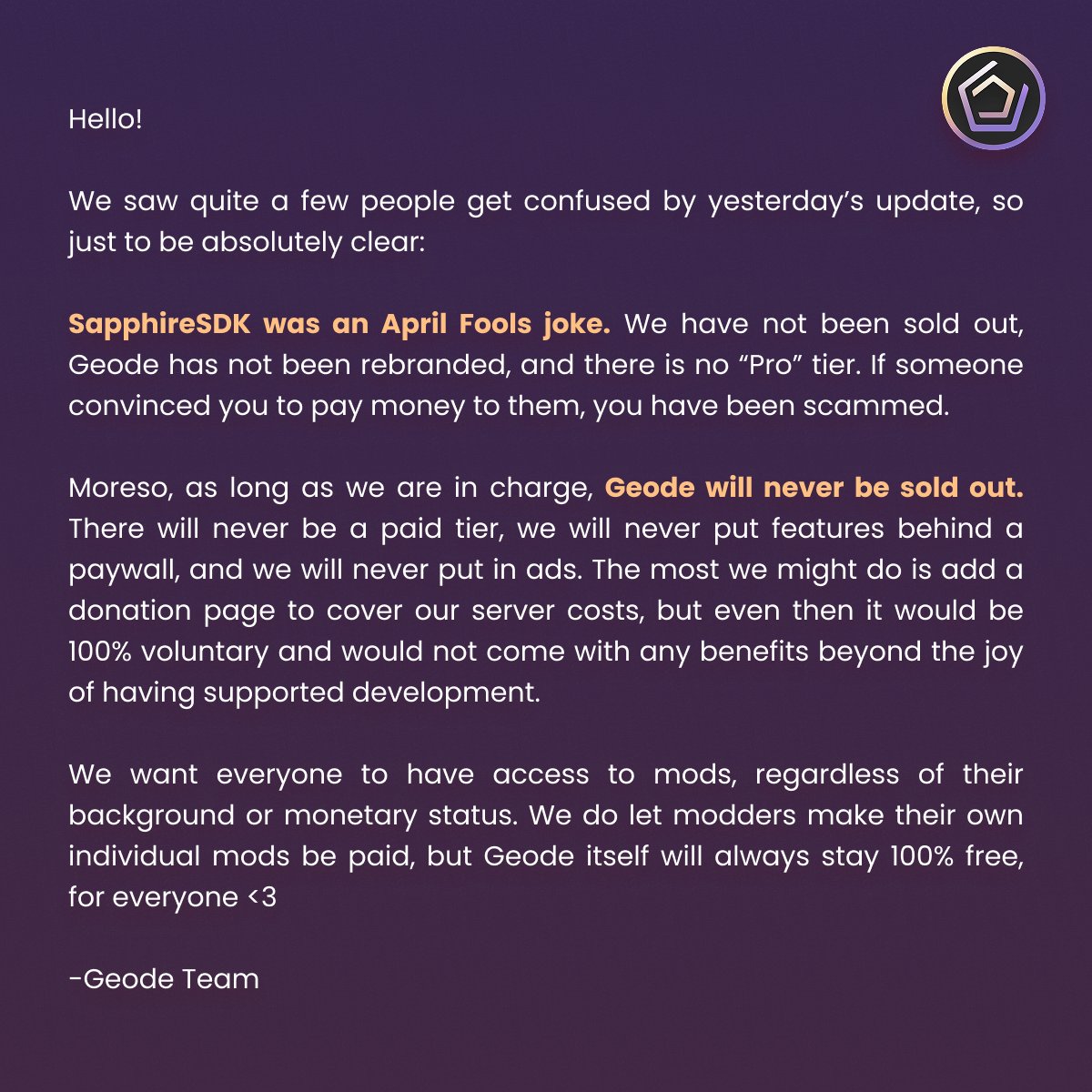

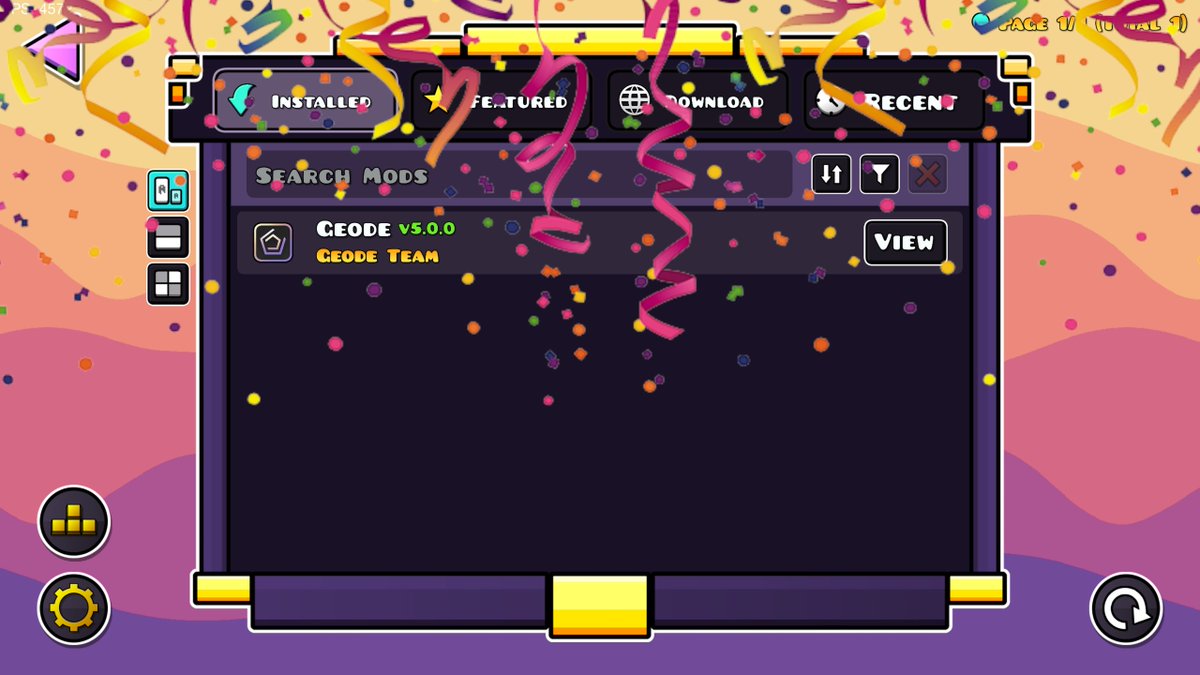
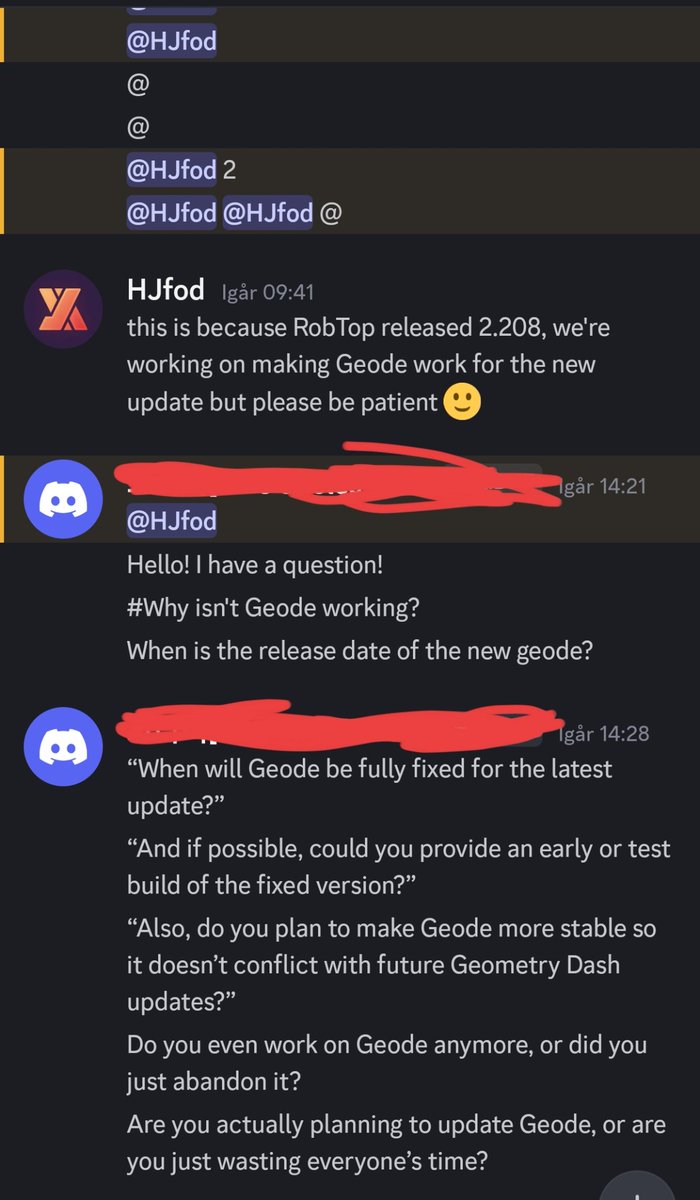

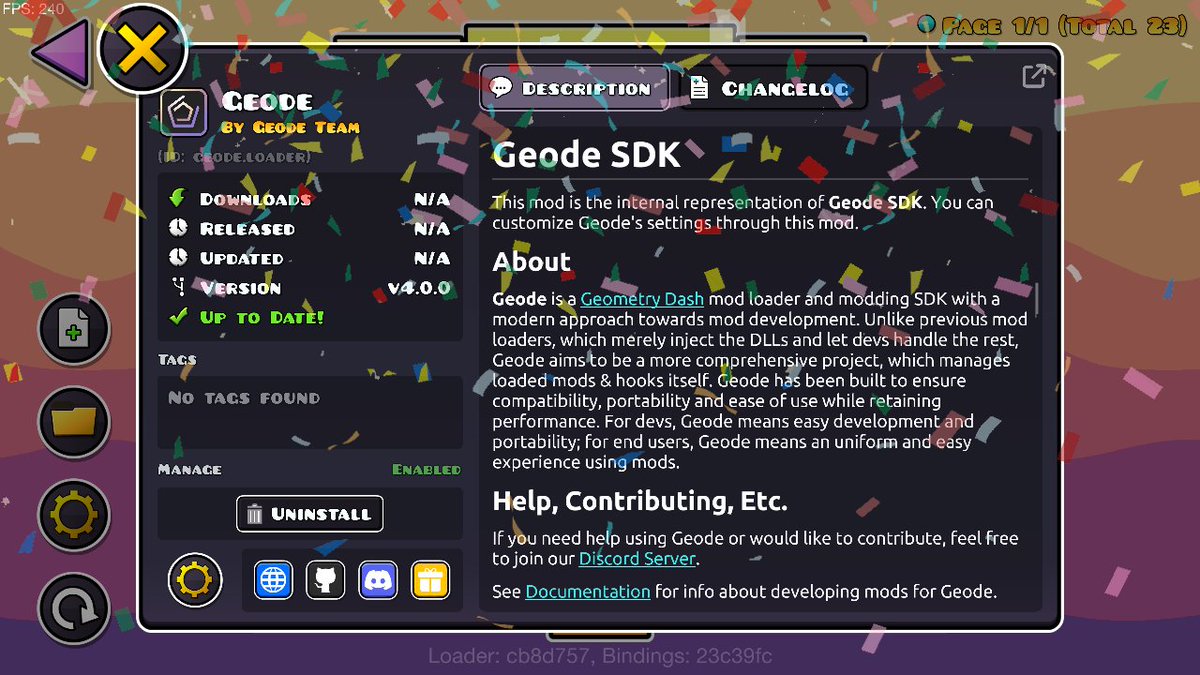
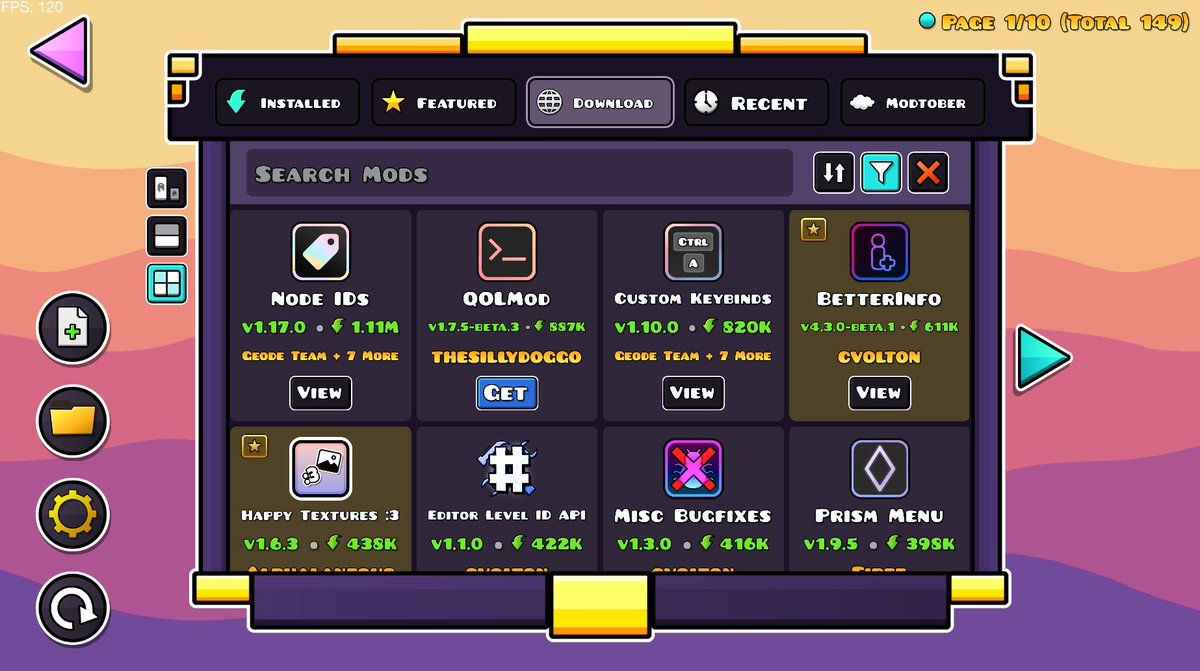

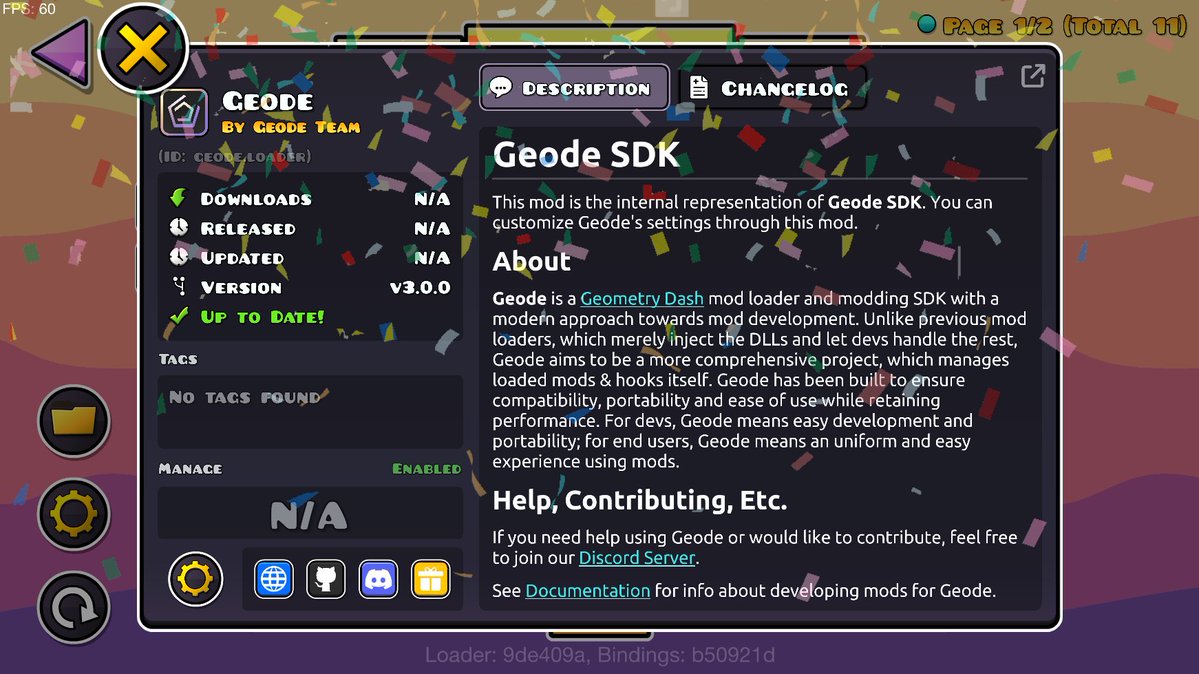
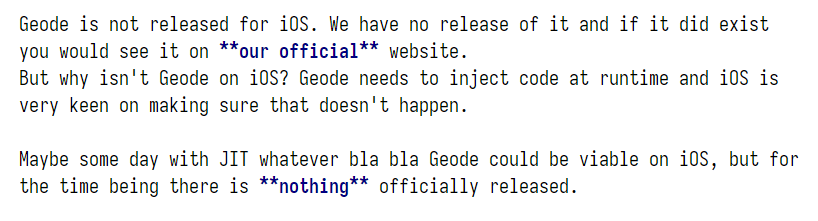

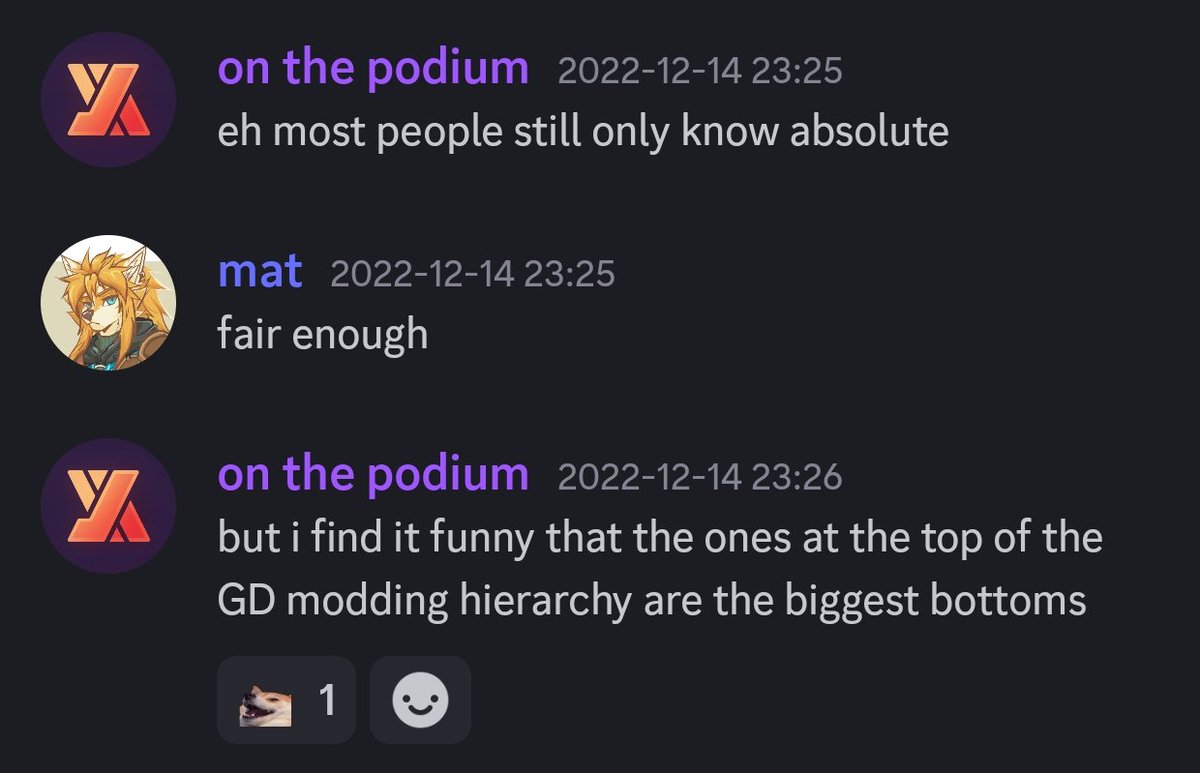

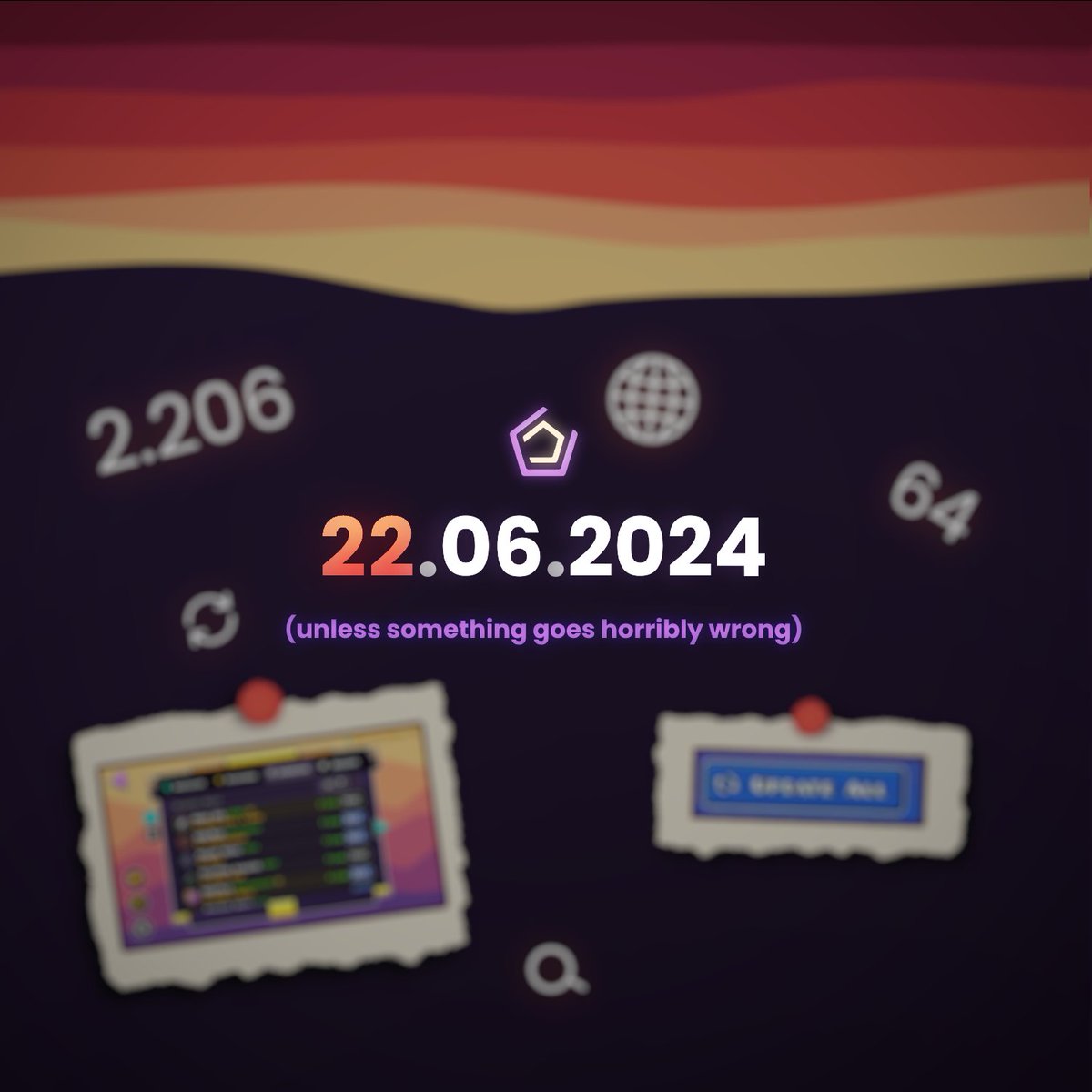

They offered to buy us out for two hotdogs and a cigarette. We simply couldn't refuse.
#saphiresdk #newyearnewme #aprilfol
37
76
1,040
22,165

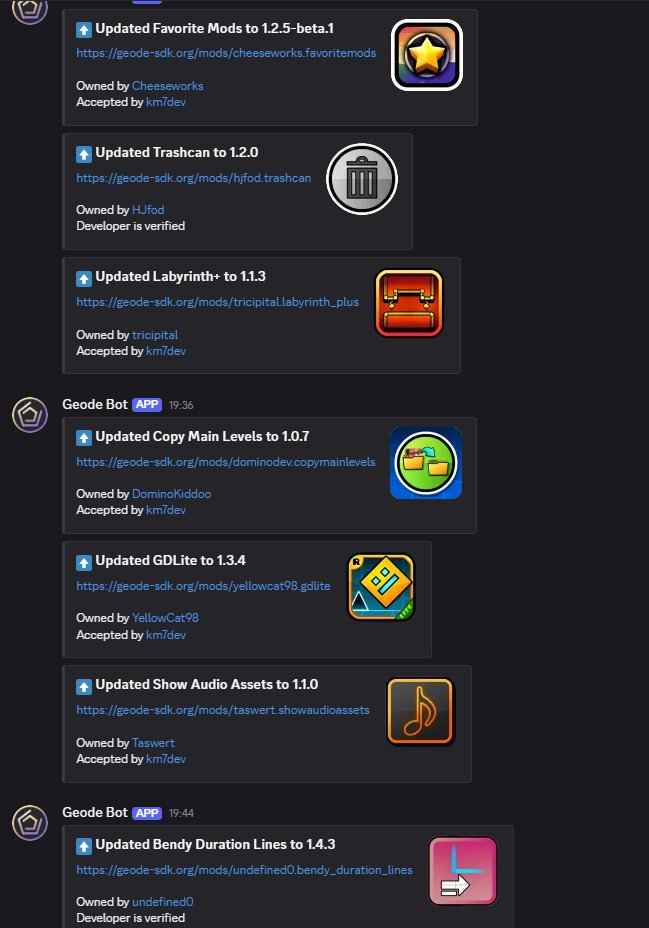
Hey guys! Just wanted to give a quick update on how Geode is going: we released a beta for developers yesterday and have spent today watching mods be ported and fixing crashes :) The update is most likely going to be fully released next week for everyone, sorry for the wait :)
131
170
2,259
101,752
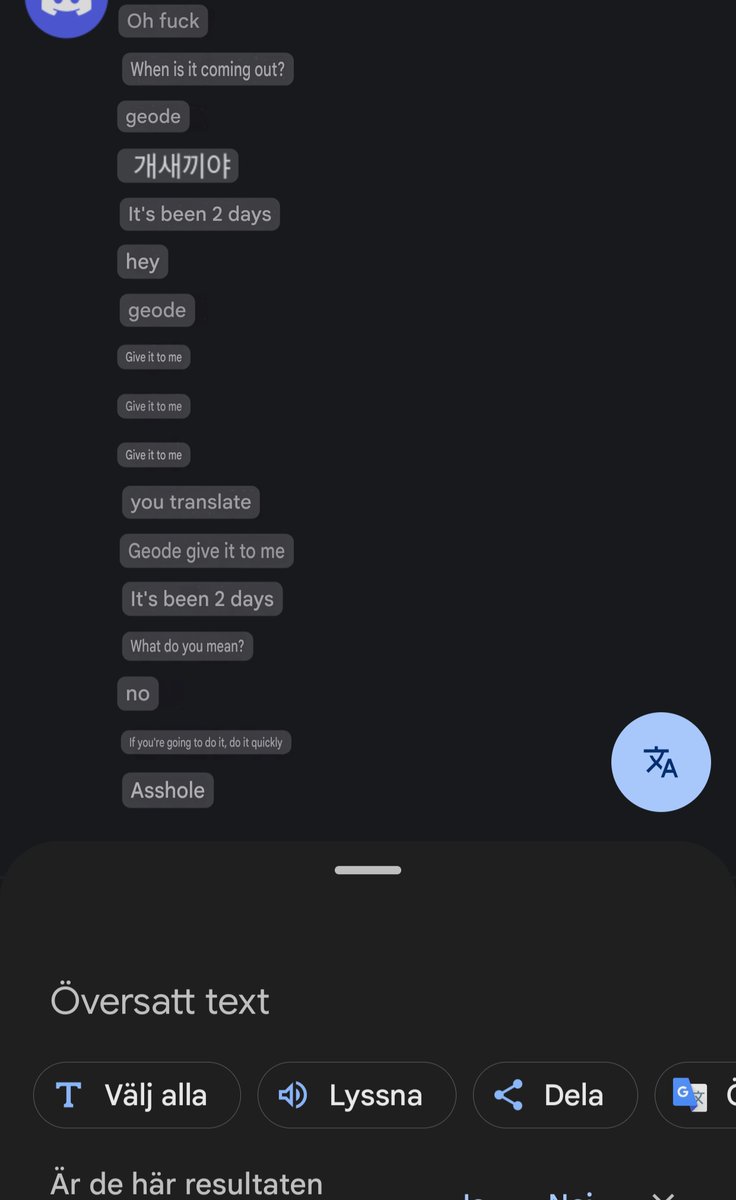


Quick reminder to never install mods or Geode itself from untrusted sources!
To stay safe, please download Geode only from geode-sdk.org/install, and download mods from the in-game mod browser or our website.
Most mods on the index are open source and guaranteed to be safe.
10
4
124
30,294
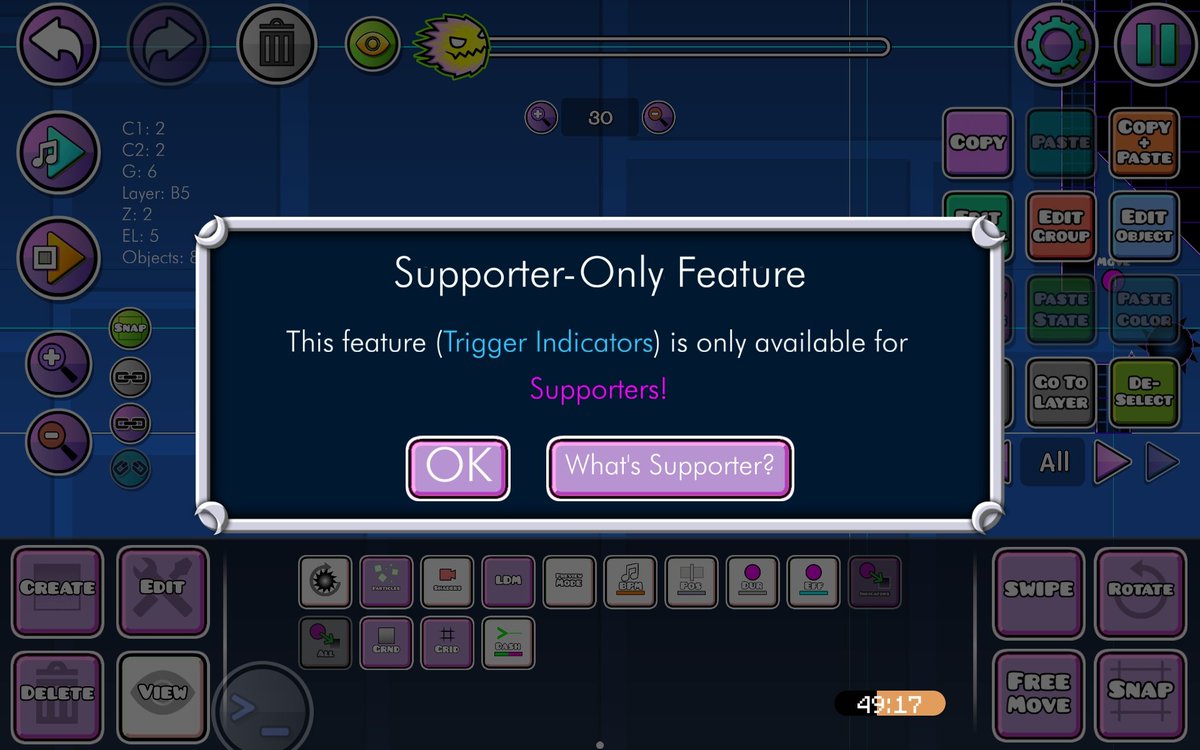
I actually agree with this tweet, but as the developer of the pictured mod, I want to give a bit of context to clear things up🧵

27
26
1,078
110,230
Geode 4.4.0 released!
This version adds experimental support for iOS, among other things. Instructions can be found on the website
geode-sdk.org
ALT soggy ios
11
11
152
13,810
Full changelog:
github.com/geode-sdk/geode/r…
1
15
7,203
Hey Geode users! We're curious on your experience with using our Texture Loader mod and its user interface. What do you prefer? (Moving via buttons would be similar to the vanilla List edit interface)
35%
Moving via buttons
58%
Dragging the pack
7%
Other
234 votes • Final results
3
1
33
7,337
Geode 4.0.0 is out NOW!! This version adds support for 2.207, and much more!
Download it at geode-sdk.org/install
71
140
1,207
108,855
Full changelog: github.com/geode-sdk/geode/r…
2.206 users might get an auto update to this version, which will break geode. Sorry!
1
1
48
11,271
Hey everyone 👋, been a while!
GD has recently gotten a few updates and as expected they break mods!
We are getting quite close to releasing a **beta** version of Geode 4.0.0, which is made for GD 2.2074.
Nothing that big in this version for users, mostly developer changes.
35
65
1,179
43,194
Small PSA:
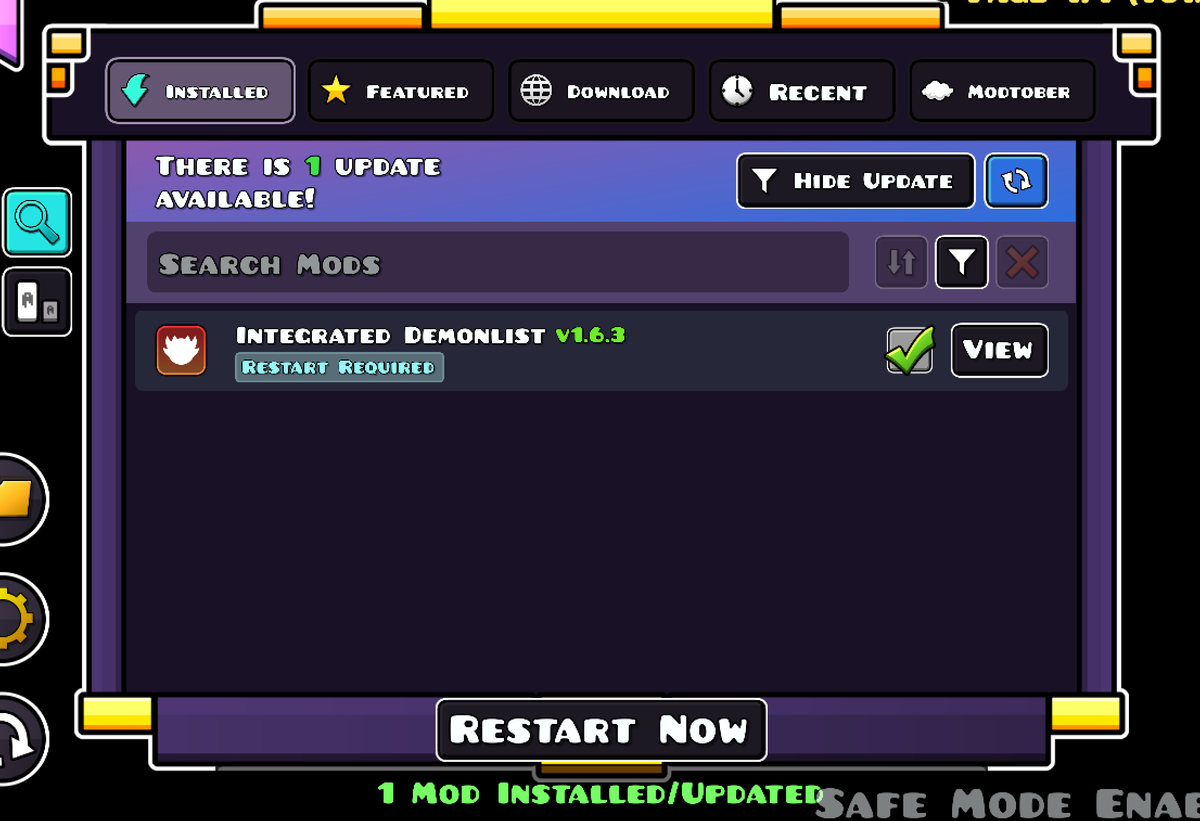
There have been reports of crashes during startup from the Integrated Demonlist mod. While a bugfix is available, you'll have to use safe mode to access the update button.
The steps to do this will be in the next reply. It could be helpful to remember them!
ALT screenshot of the ingame geode menu, showing the integrated demonlist being updated while in safe mode
15
6
180
19,392
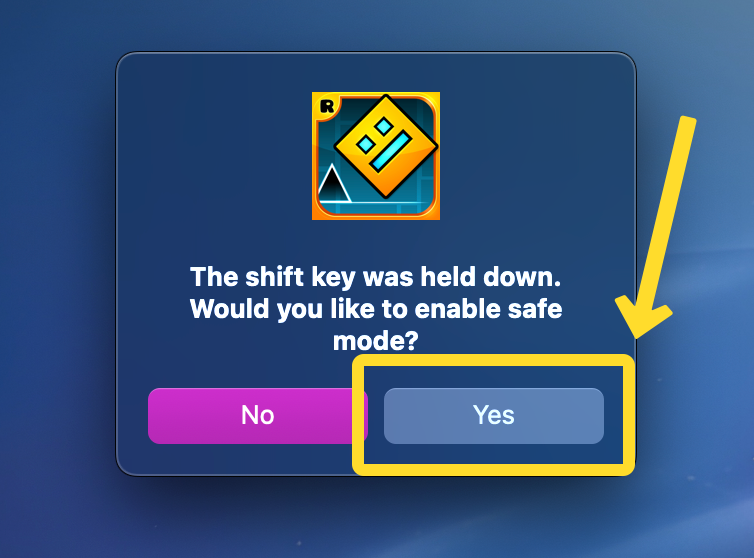
On PC/macOS, you can enable safe mode by holding down shift when starting the game. On Android, hold the launch button instead.
A popup will be shown to confirm your intent, like the one shown below.
Once in safe mode, you can open the Geode menu and manage your mods as needed.
ALT screenshot showing the safe mode prompt on macOS. an arrow is pointing to the yes button to indicate that it should be pressed
2
1
55
10,474