
The official X account for the Google Chrome browser.
Joined July 2009
- Tweets 183,818
- Following 78
- Followers 6,244,864
- Likes 1,829
724 Photos and videos


Jun 11
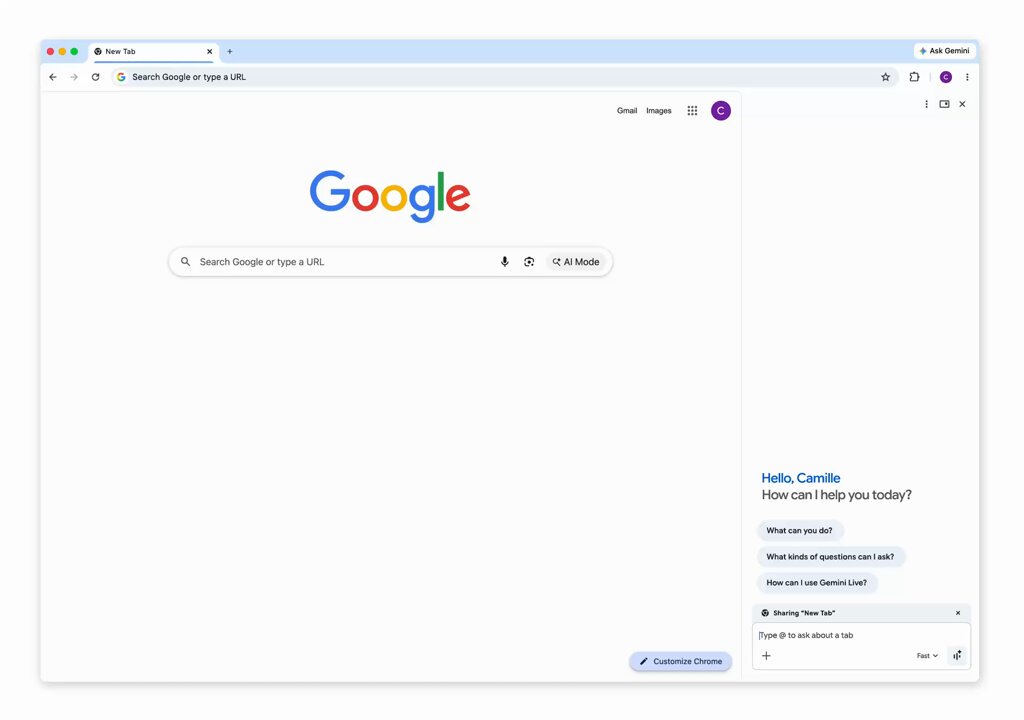
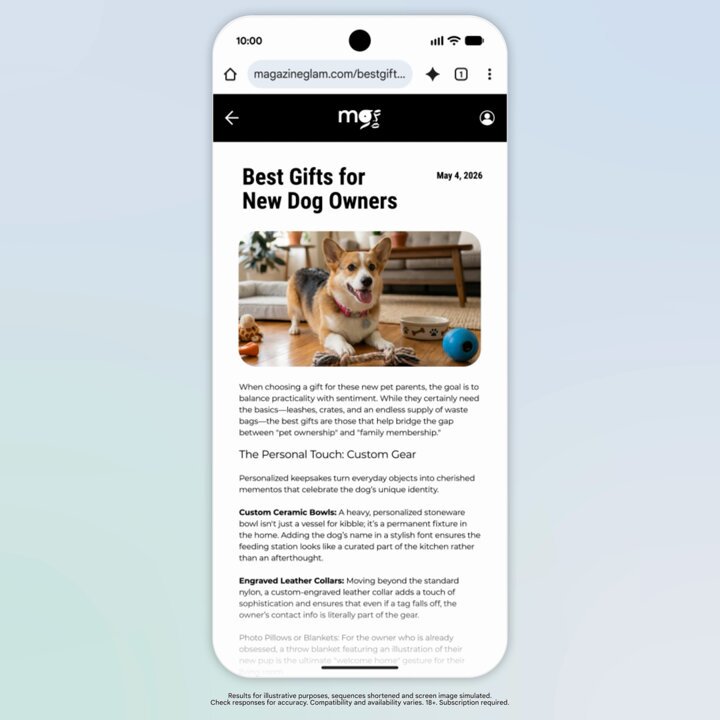
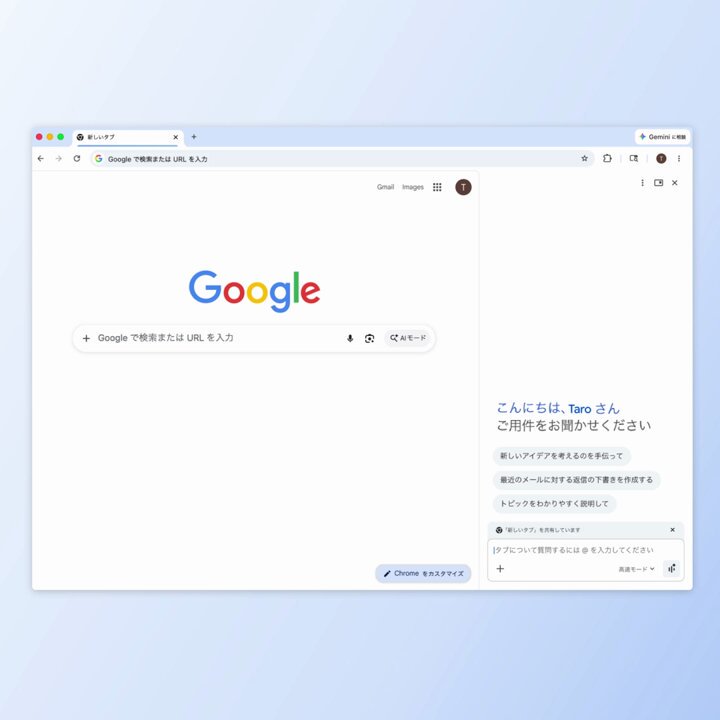
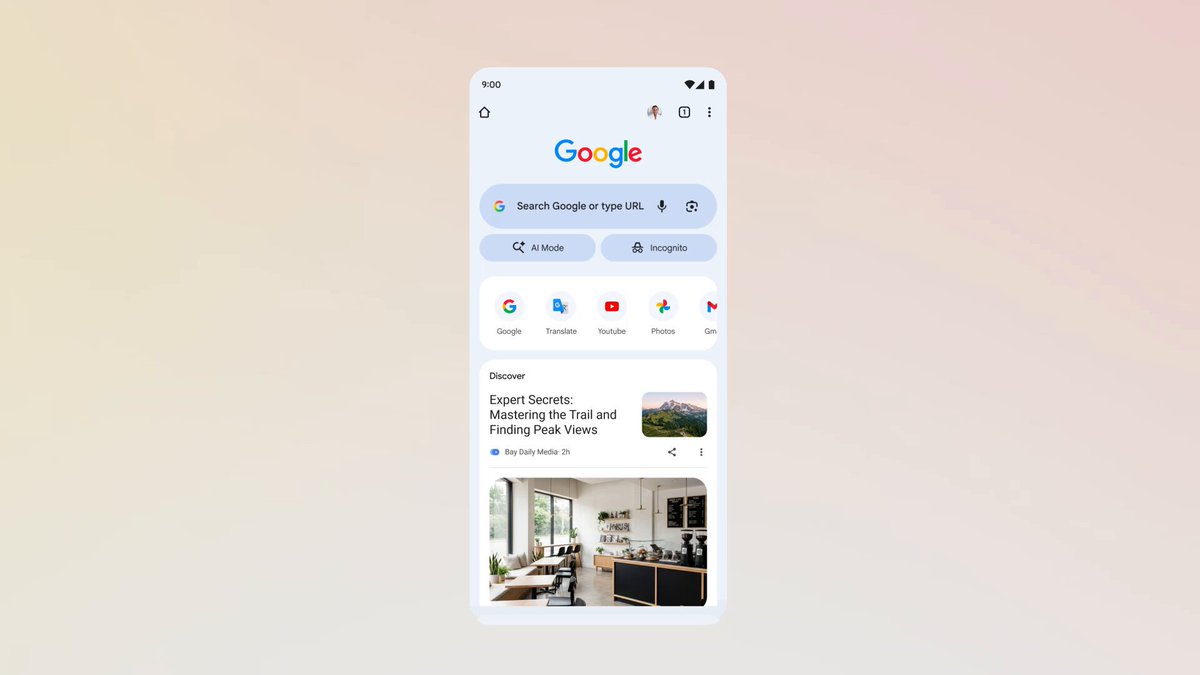
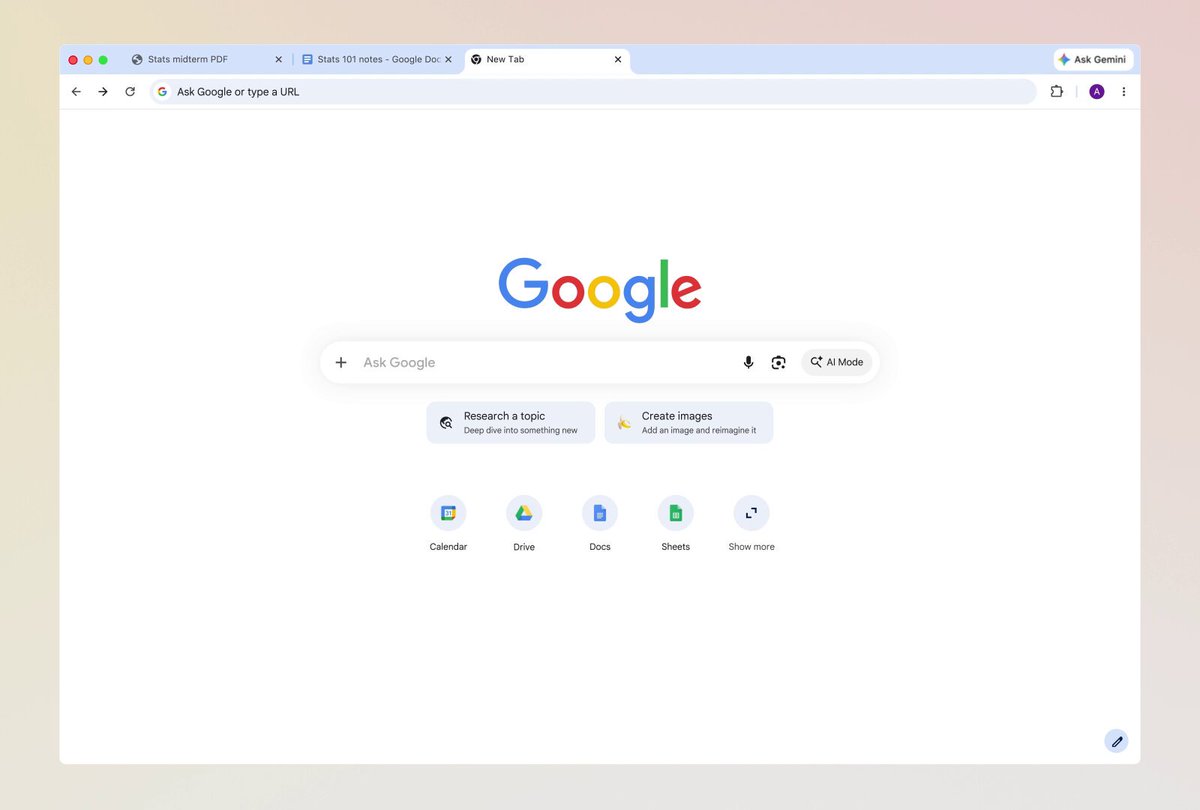
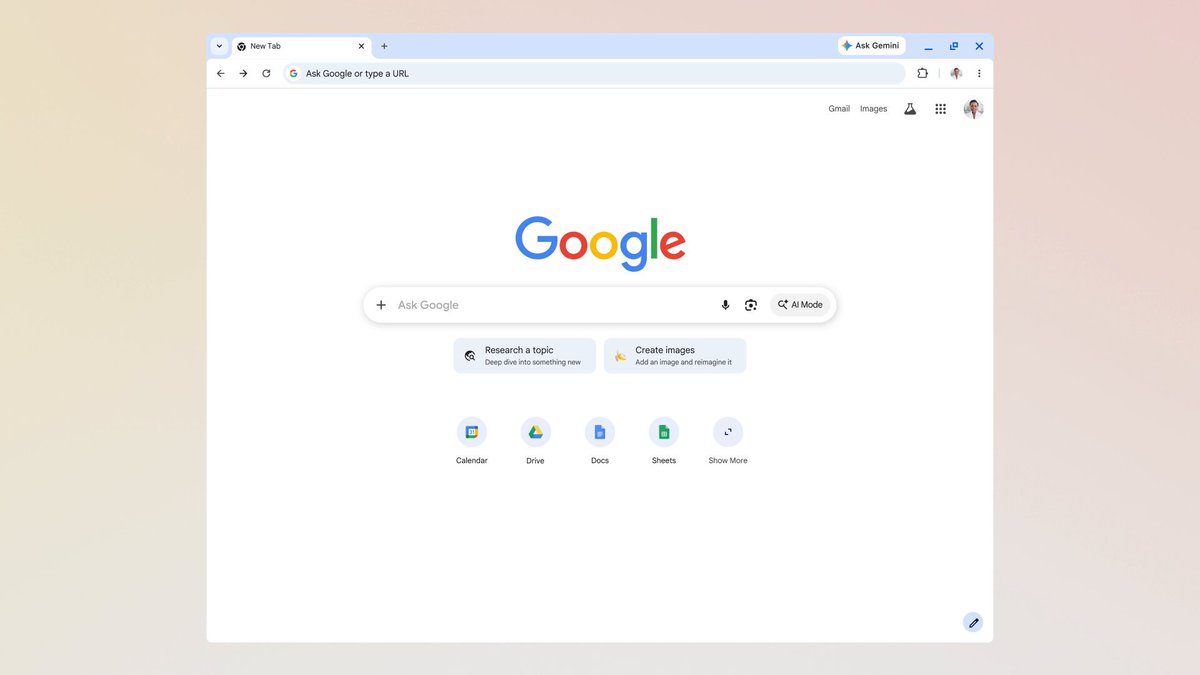
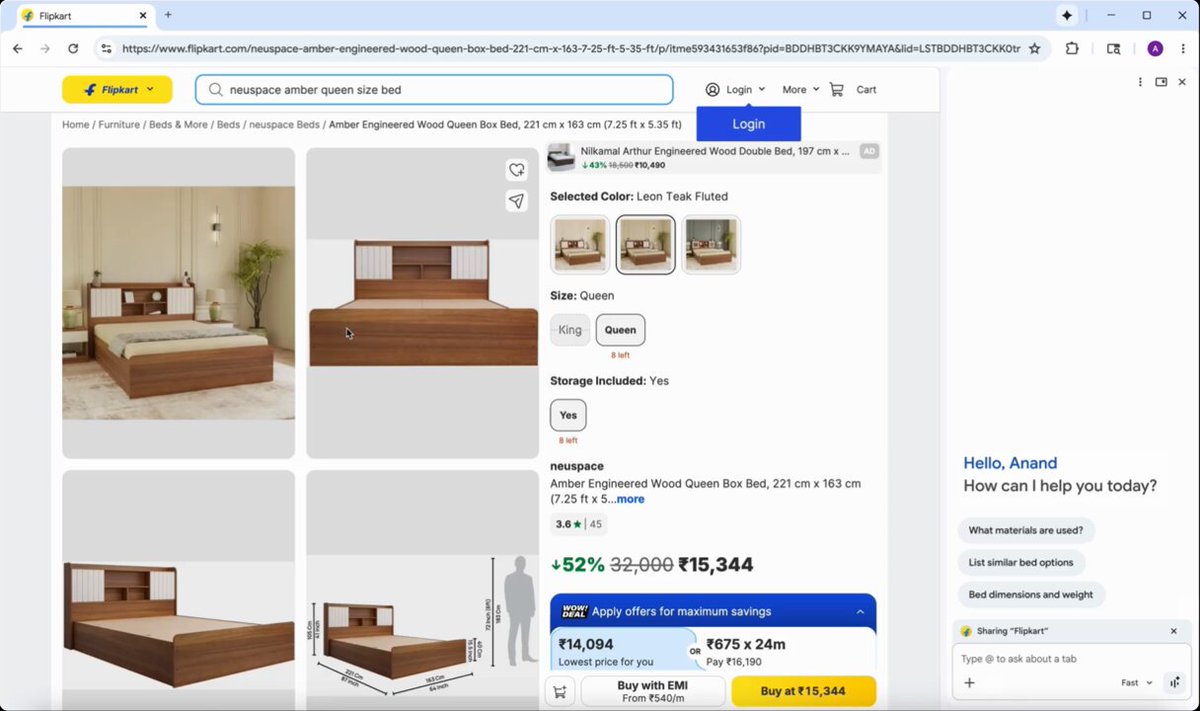
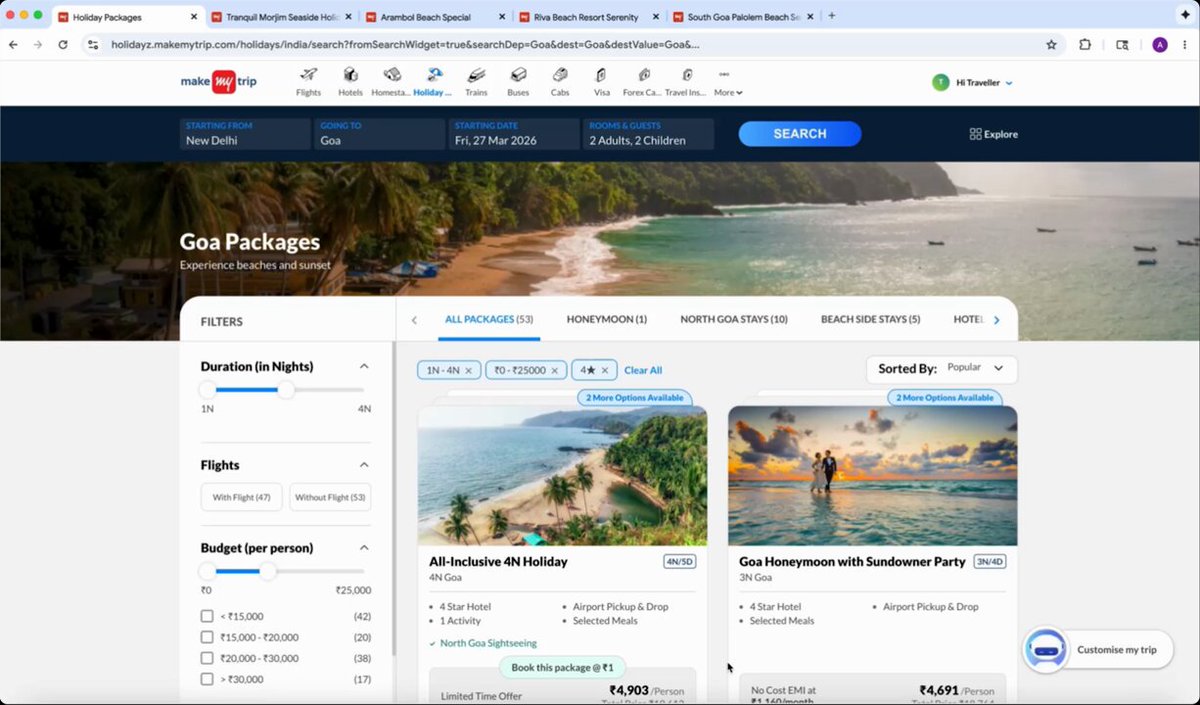
The wait is over! We’re expanding access to Gemini in Chrome across Latin America, Africa, the Middle East and more.
39
55
375
66,171
Jun 11
Check our blog for the full list of regions & languages where Gemini in Chrome is launching: goo.gle/4eDeT7O
*Gemini in Chrome is available for signed-in users, 18 . Auto browse remains available to Google AI Pro and Ultra customers in the U.S.
7
4
27
7,566
Jun 4
Happy birthday Chrome-chan! 🥳
Jun 4

くろーむがユーザーのみなさんに生んでいただいてから 2 年をむかえました🎂
おかげさまで、くろーむはこの 1 年も大活躍することができました!
これからもくろーむと仲良くしてくださいねっ✨
18
44
183
24,273
Jun 3
When Gemini in Chrome helps you avoid procrastinating by simplifying the steps to get started, then you slam dunk the task, we call that a dilly-dally-oop. 🏀
16
17
110
16,229
May 27
When you want to see fish underwater: goggle lens
When you want to know what fish you’re looking at: Google Lens
15
24
62
17,149
Chrome retweeted

May 21
Another epic #GoogleIO in the books!
Here’s a recap of all the @googlechrome updates we shared to help you browse & build for the agentic web: developer.chrome.com/blog/ch… 🤖✨🕸️
11
32
89
29,941
May 21
We’ve upgraded your search experience in Chrome. Now you can use inputs like open tabs and images when you search with AI Mode in Chrome on your phone.
Learn more: goo.gle/4dWxuLR
40
99
1,045
66,681
May 19
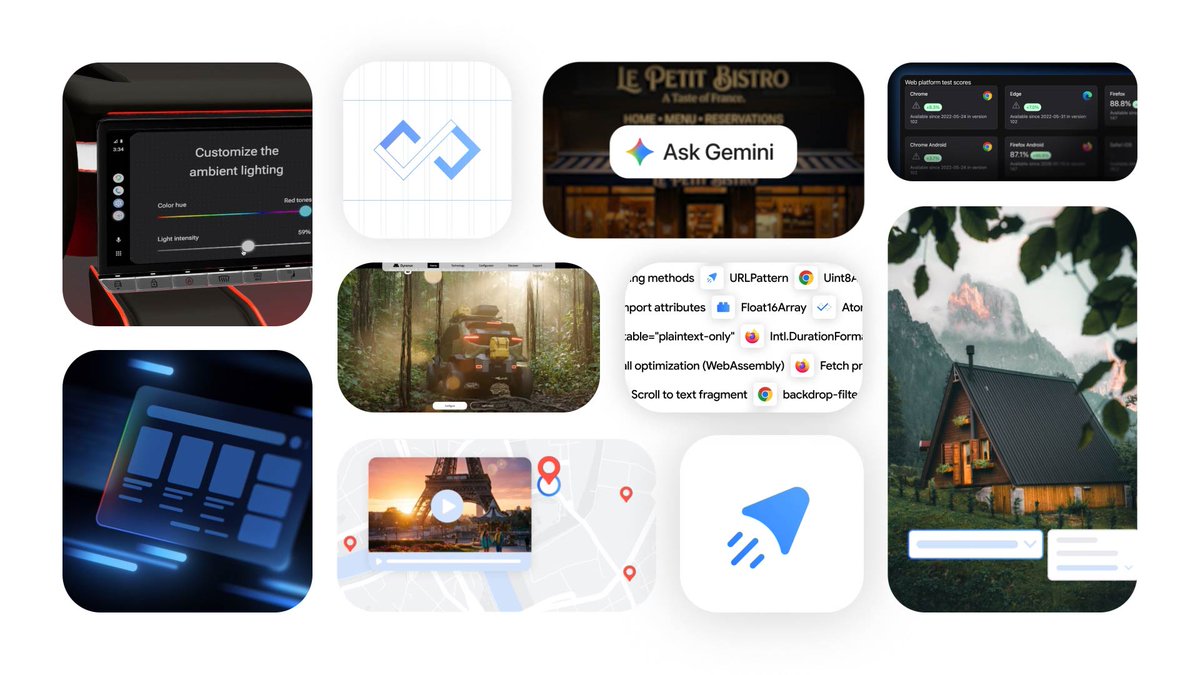
Looking for a #GoogleIO 2026 rapid recap? Here are some of the most exciting Chrome announcements and upgrades that will make browsing on Chrome easier and more helpful ⬇️
Select from your screen using the cursor to add context to Gemini in Chrome prompts ☝️
Use your voice to type on the web easily and more naturally 🎤
Save & reuse prompts with Skills in Chrome 💡
Gemini in Chrome (with auto browse and Nano Banana) is coming to Android 🍌
ALT A collage of small images with abstract user interface elements often next to landscapes or monuments.
24
35
208
39,915
May 19
Get the full details on how Chrome can help you thrive in this era of web browsing: goo.gle/4fBRtk6
2
10
34
9,516

Google I/O is starting NOW ✨ Tune in ↓
x.com/i/events/2053241348807…
21
88
447
75,803
May 12
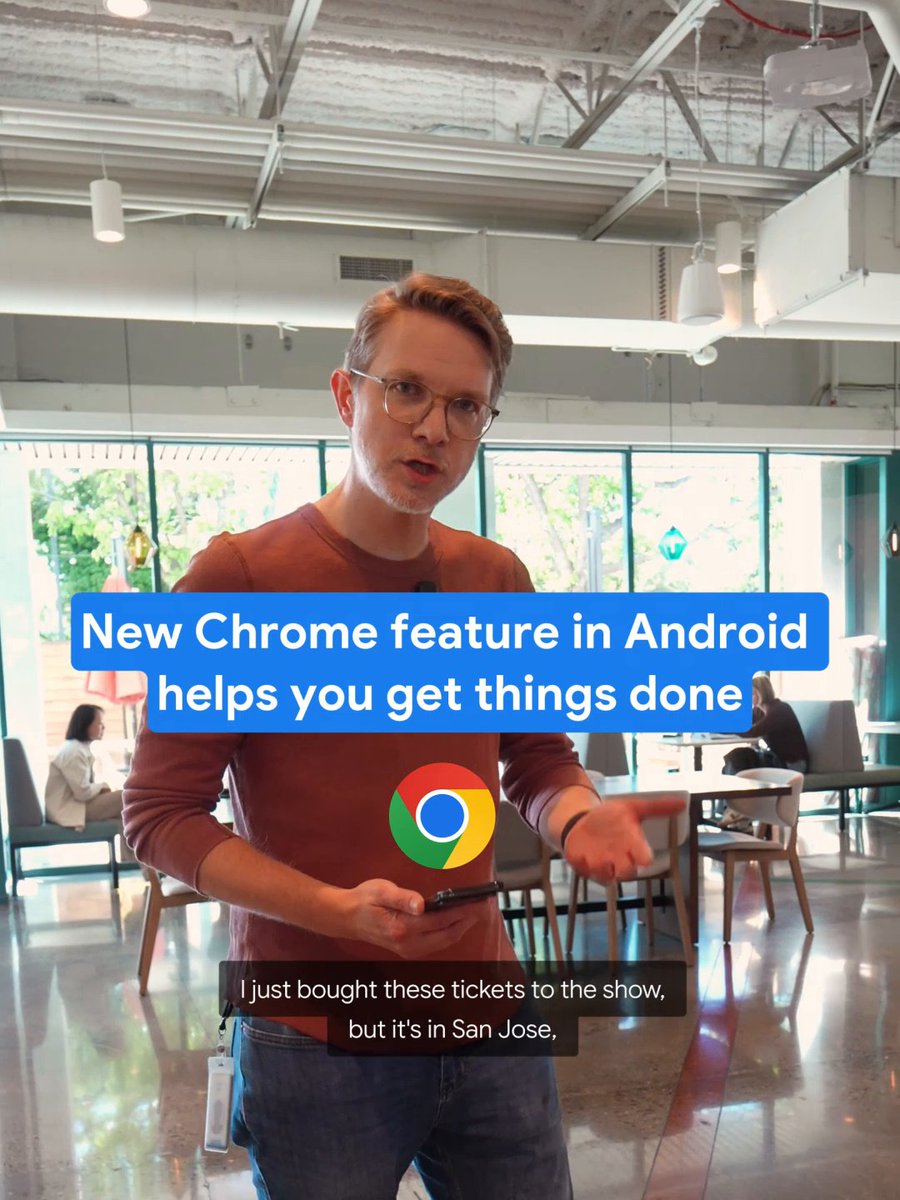
Auto browse is coming soon to Chrome on @Android, letting you automate time-consuming digital chores. Prompt, approve a plan, then return when the task is complete.
48
148
1,285
124,002

🎬 Tune in NOW to The Android Show | I/O Edition and discover why this is one of Android's biggest years yet.
Watch now → youtube.com/watch?v=dXCCleAd… #TheAndroidShow
24
87
460
176,989
May 8
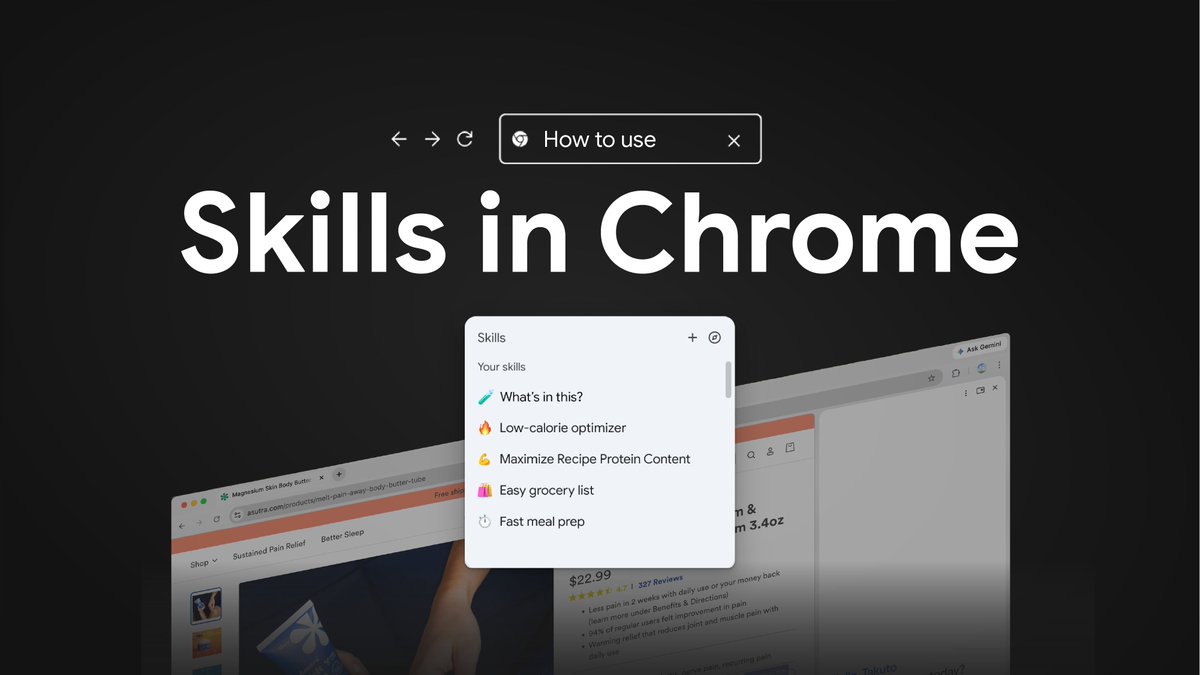
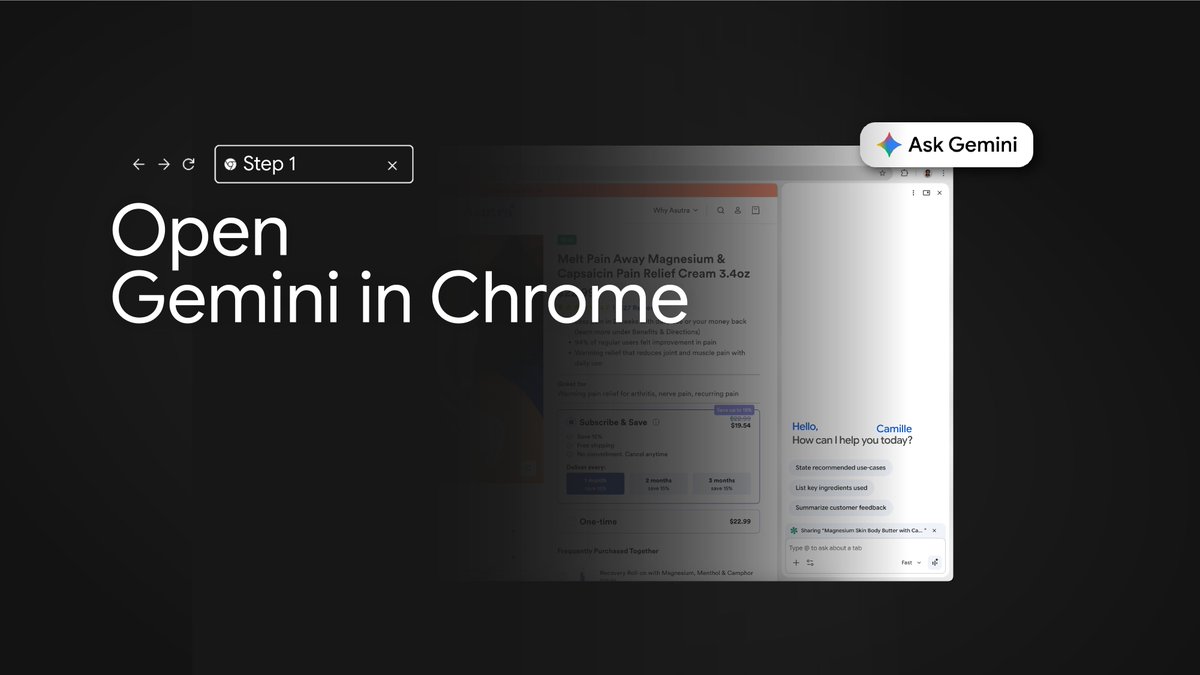
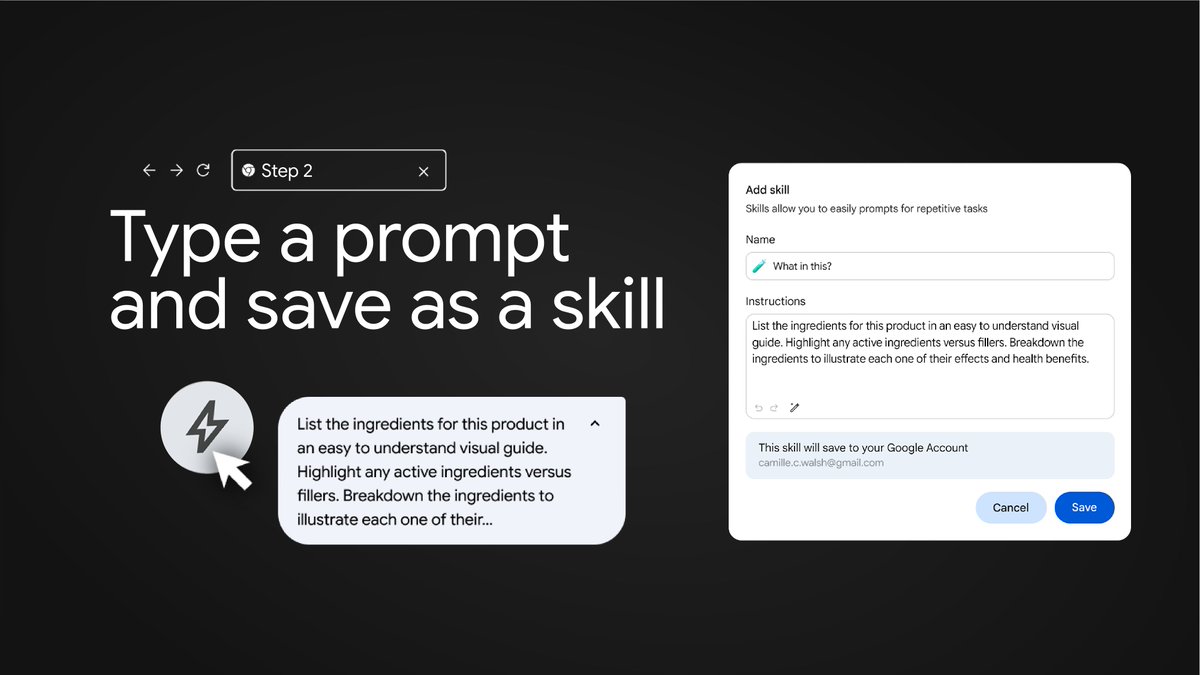
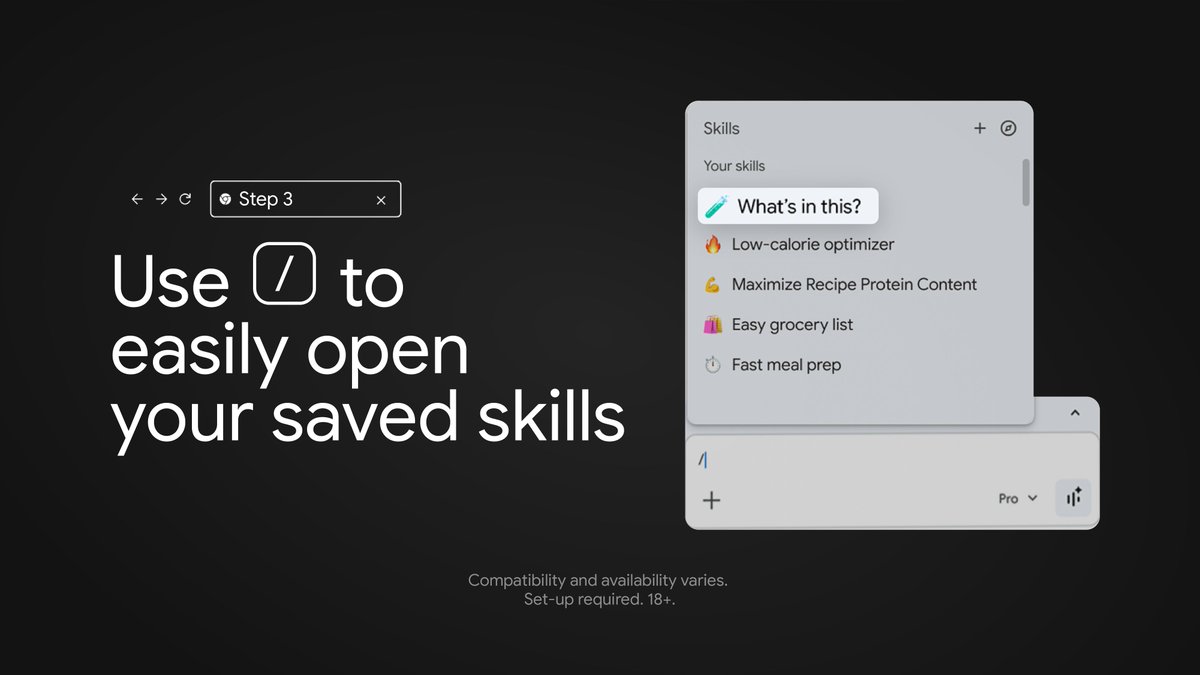
Skills in Chrome are now available. Get started saving and customizing your favorite prompts with our quick tutorial.
What Skill are you saving first? ⬇️
67
233
2,093
165,479
You won’t believe what’s next for Android!
Tune in to the The Android Show | I/O Edition May 12 at 10 am PT for a look at the future.
Set a reminder at Android.com/io-2026 and be the first to know 🗓️ #TheAndroidShow
305
761
6,254
860,002
May 1
Grouping 9 tabs for work so you can easily find the 1 tab called “YouTube Shorts puppies.”
79
3
50
181,868
Apr 28
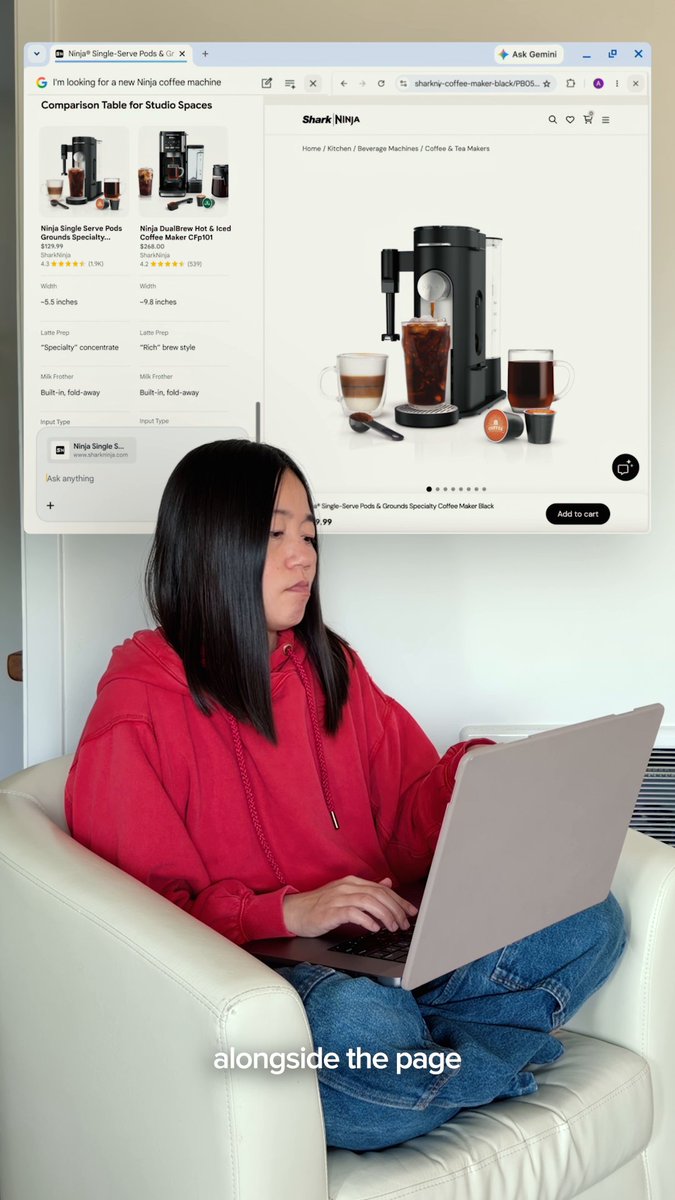
Three ways Gemini in Chrome helps you browse smarter so you don't have to work harder 👀

One of the most underrated @googlechrome features takes just seconds to activate and comes with a big payoff to help you get things done quickly and easily. Here’s what you may be missing out on ⬇️
12
6
68
76,294
Apr 27
Imagine typing out your payment info every time you order that thing you absolutely totally definitely do not need. Couldn’t be us.
21
5
66
46,206