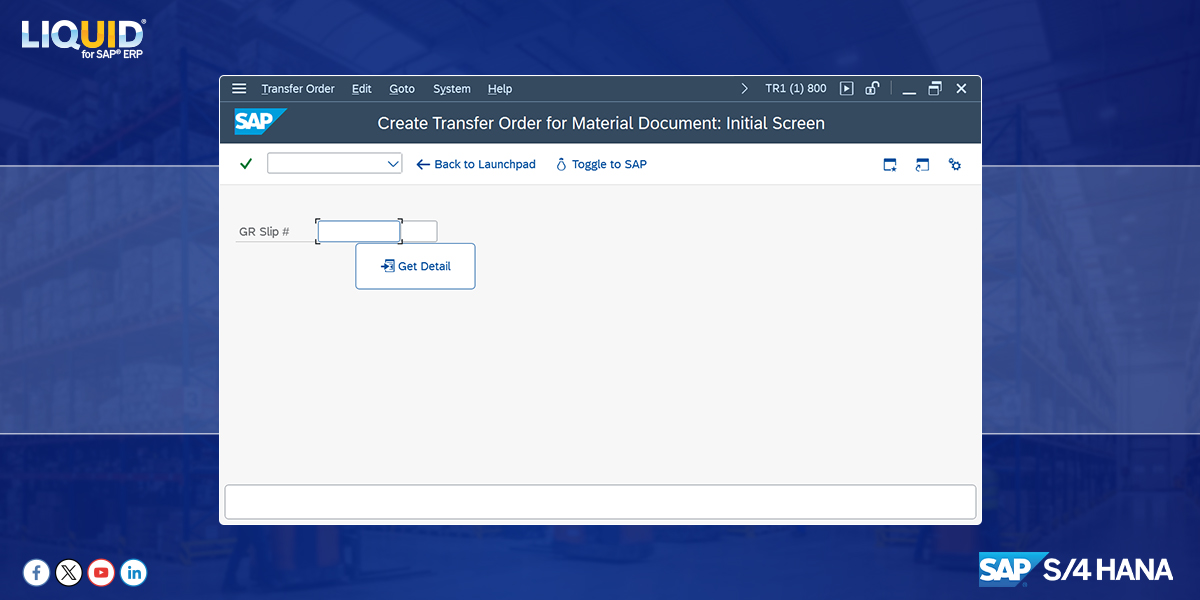
Synactive, Inc. provides tools to simplify any SAP transaction/module (eg. SAP PM, MM, SD), and extend the optimized user experience to mobile or desktop users.
Joined July 2009
- Tweets 1,598
- Following 42
- Followers 230
- Likes 112
1,152 Photos and videos

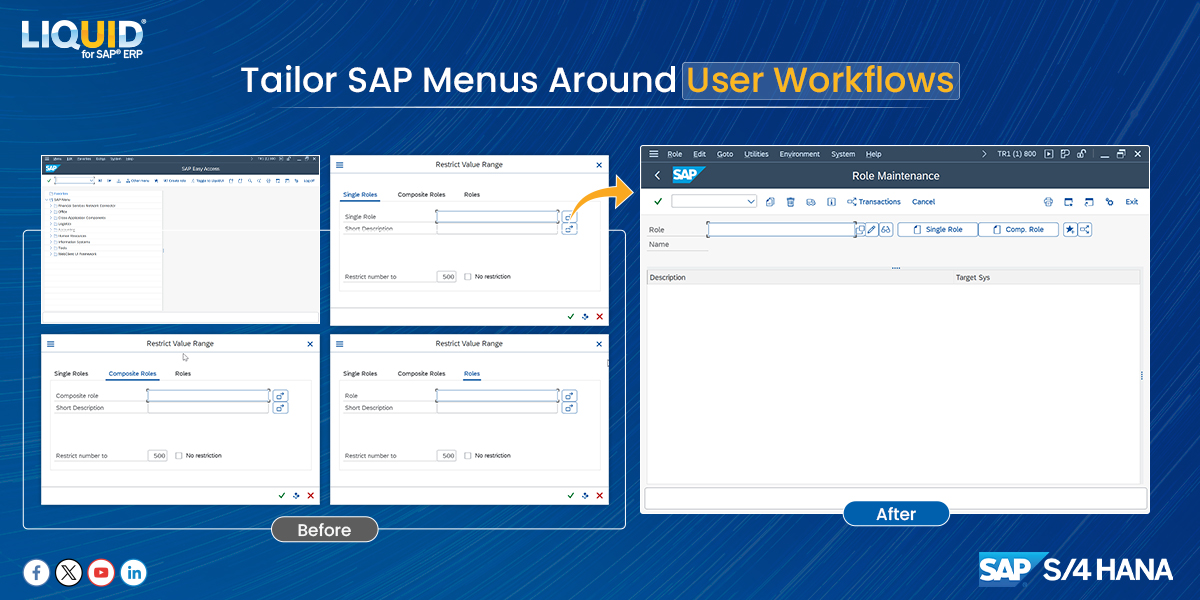


This before-and-after SAP menu redesign shows how role-based SAP menus simplify navigation:
Remove unused folders
Bring common transactions forward
Organize menus around the user’s role
The SAP logic stays the same. Users reach transactions faster with fewer navigation steps.
7
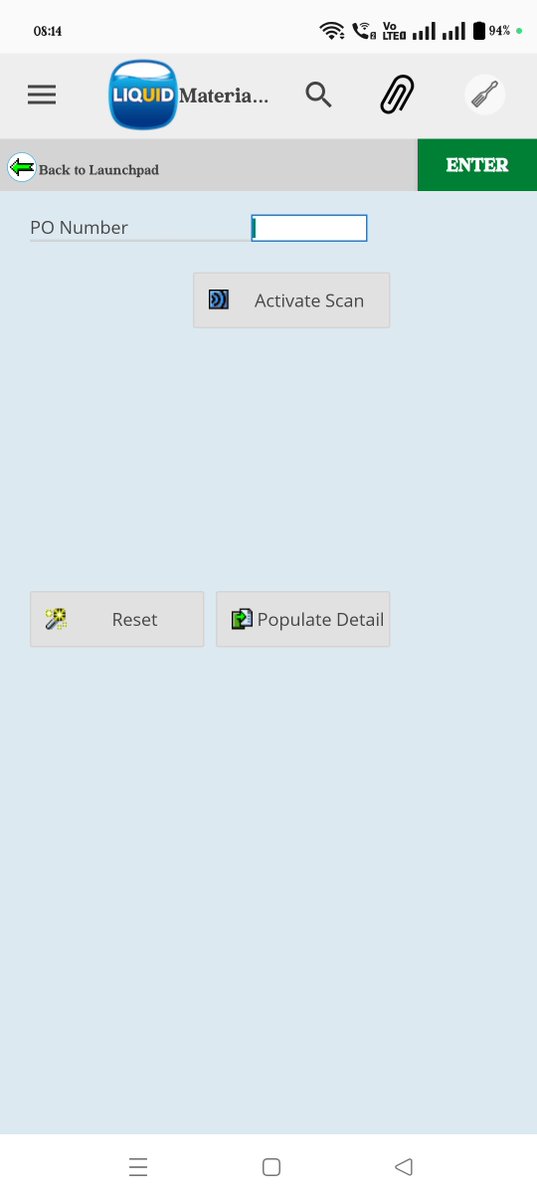
Manual PO entry adds friction to everyday SAP tasks.
Users shouldn't have to type what they can scan.
Adding barcode scanning to PO entry lets SAP populate fields instantly, reducing keystrokes and entry errors.
Look for repetitive SAP fields where scanning can replace typing.
18
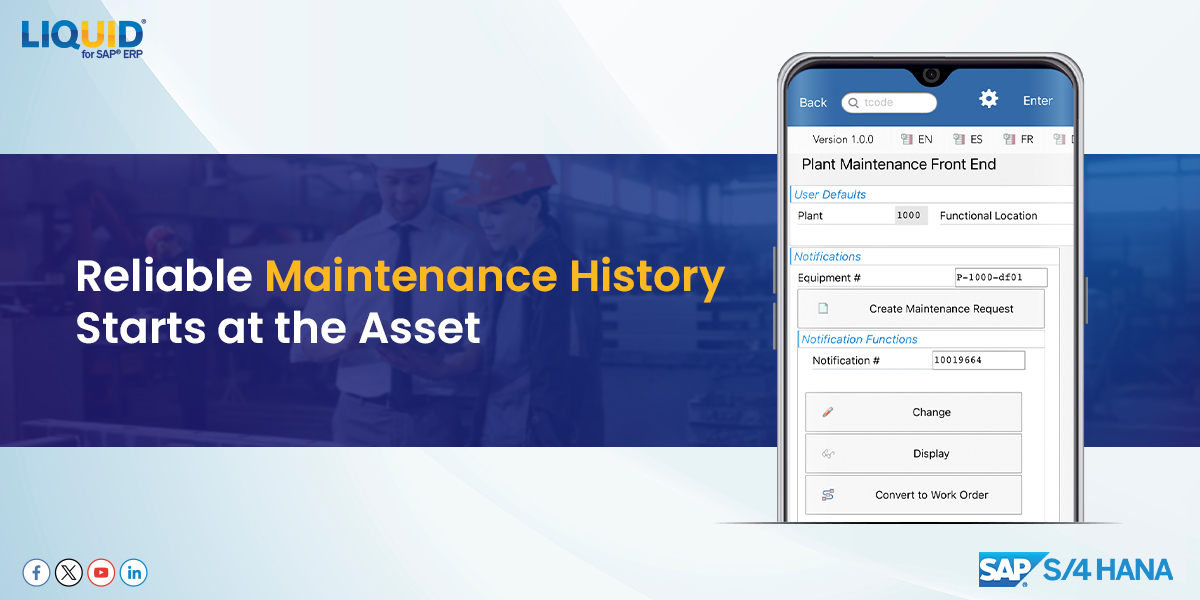
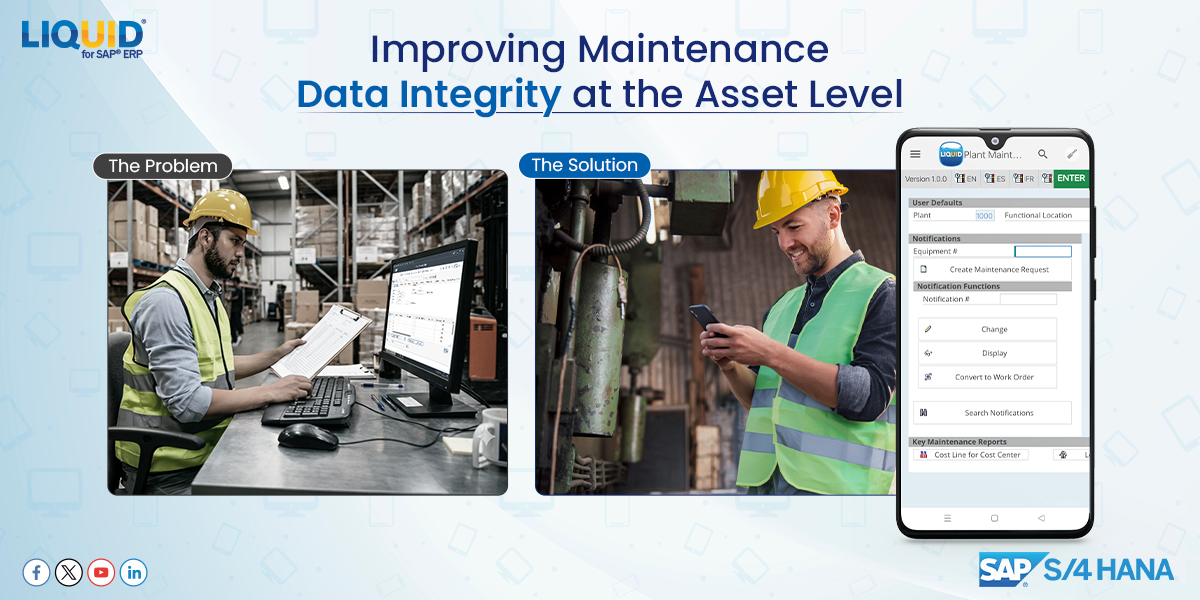
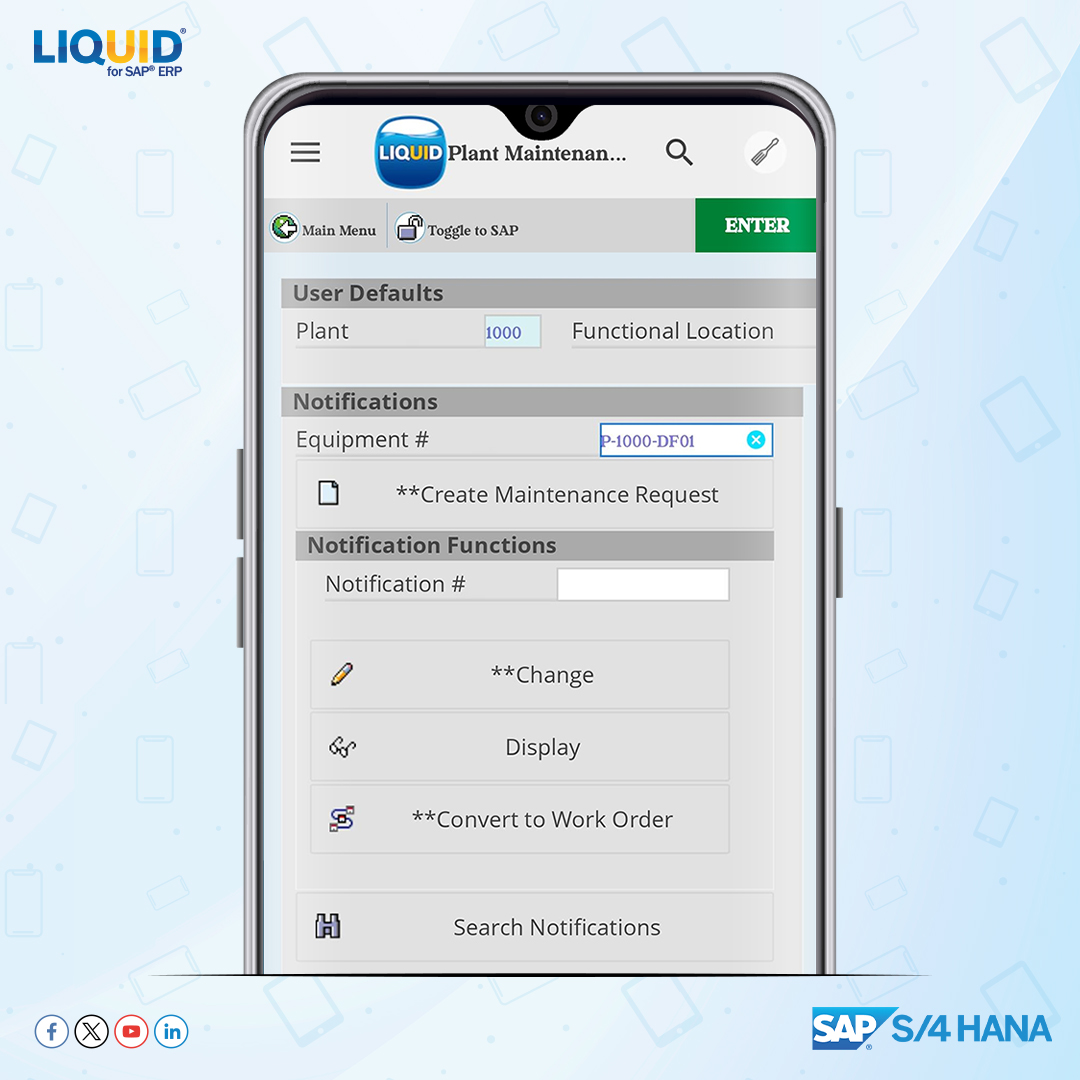
Maintenance data is most accurate at the moment work is performed.
Liquid UI extends SAP PM to mobile, allowing technicians to:
Create notifications (IW21)
Assign work orders (IW31)
Confirm time (IW41)
directly at asset, keeping SAP records aligned with real-world conditions.
10
Is your SAP layout actually slowing your team down?
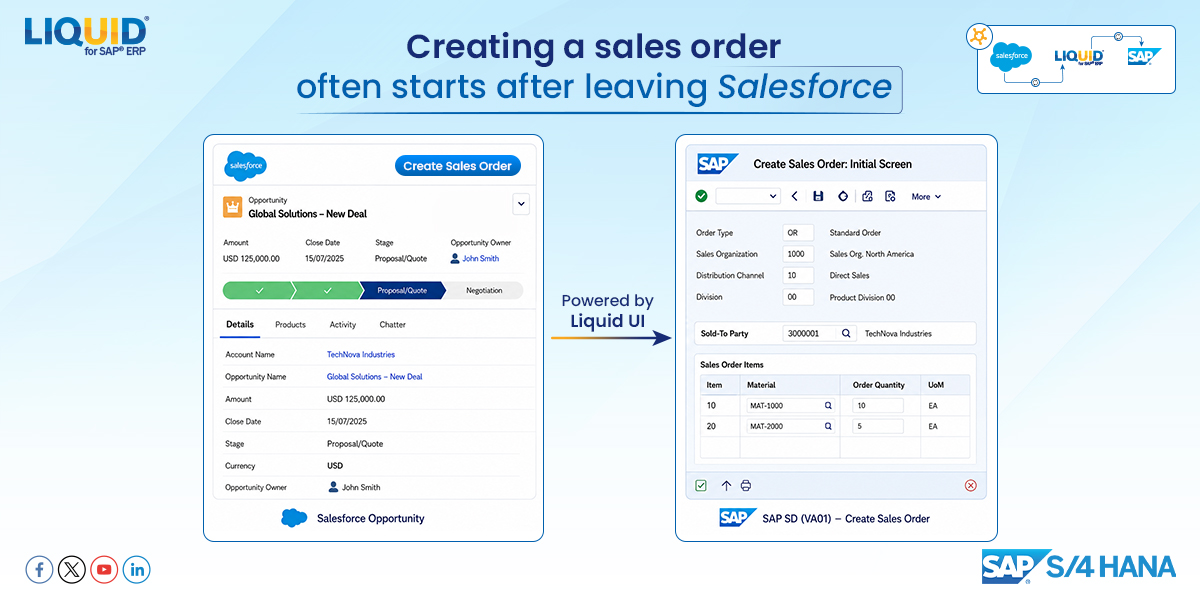
Customer service reps shouldn't spend more time navigating SAP than creating orders.
Liquid UI simplified VA01 to address this and reduce navigation.
Fewer clicks, faster order entry, and fewer mistakes.
youtu.be/wPr6q_YRslo?si=TOQK…
16
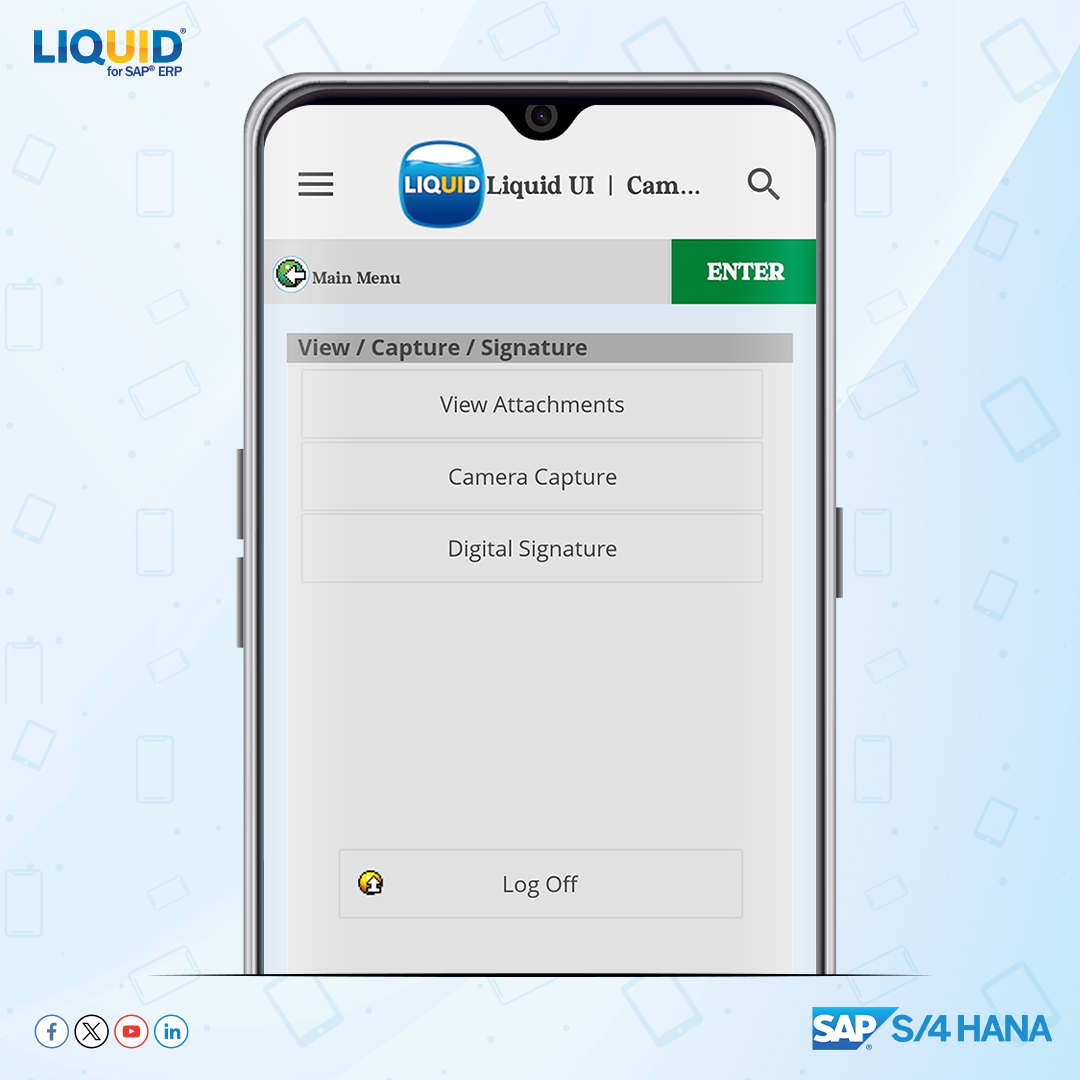
A completed repair isn't a completed work order.
Technicians often finish repair, then switch apps to attach photos and collect signatures.
That extra step delays closure and leaves documentation incomplete
Bring camera capture, attachments, and signatures into the SAP screen.
1
When inventory counts are captured at the bin.
In SAP WM (Enter Inventory Count), counts are often entered later → small gap.
Fix: capture at the sourceCount with device camera
Auto-fill SAP quantity field
Confirm before moving
No process change
action: youtube.com/shorts/c93FNydOJ…
1
16
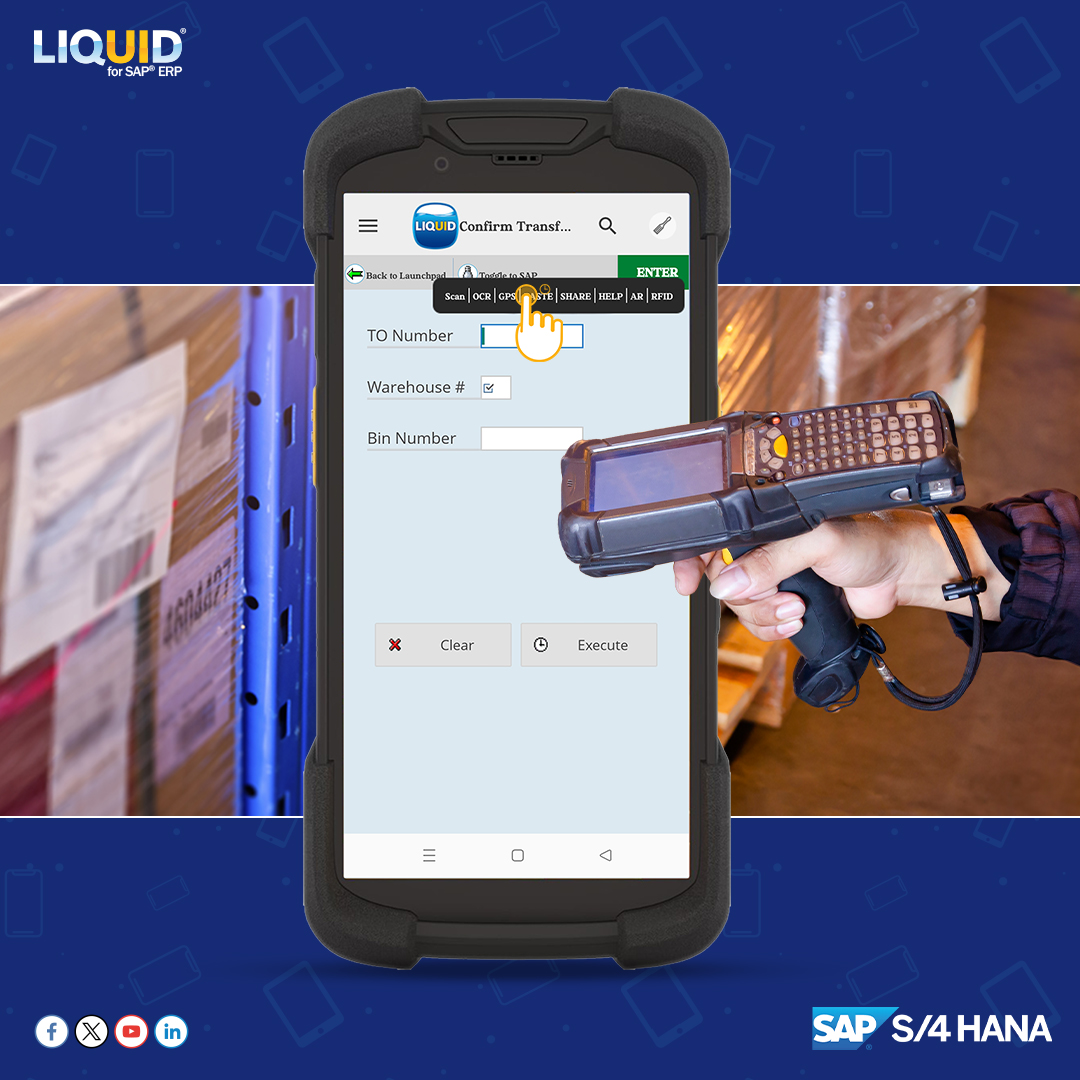
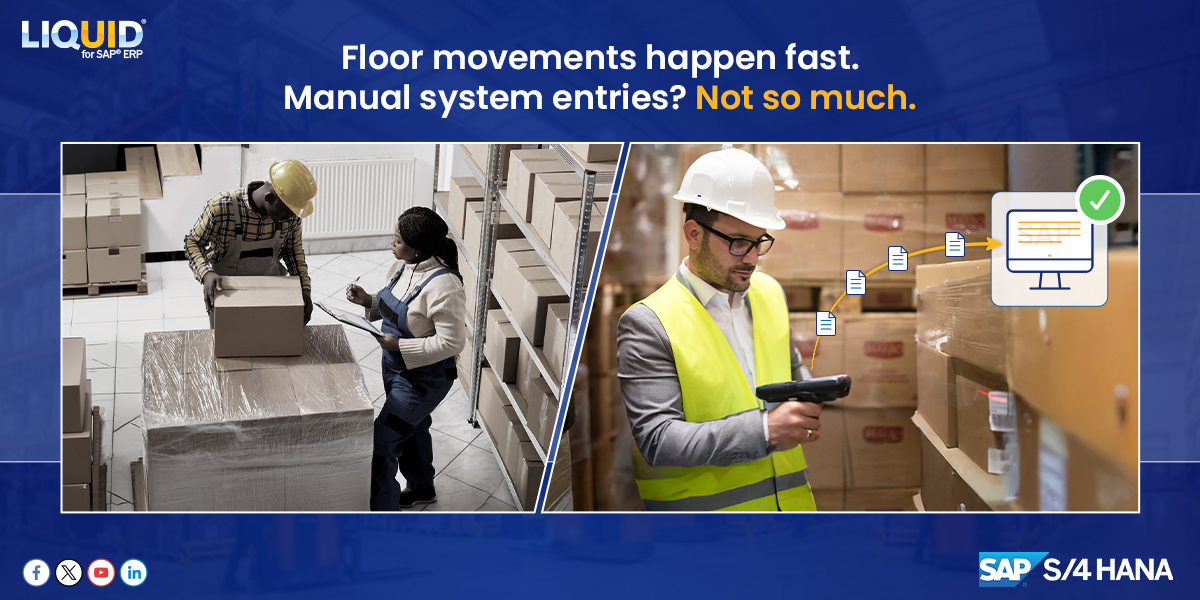
Floor movements happen fast. Manual SAP updates don’t.
In SAP WM/EWM, users often scan items one by one during bin transfers, while inventory changes faster than the system can keep up.
With RFID integration to SAP transfer screen, multiple tags can be read and passed into SAP.
1
12
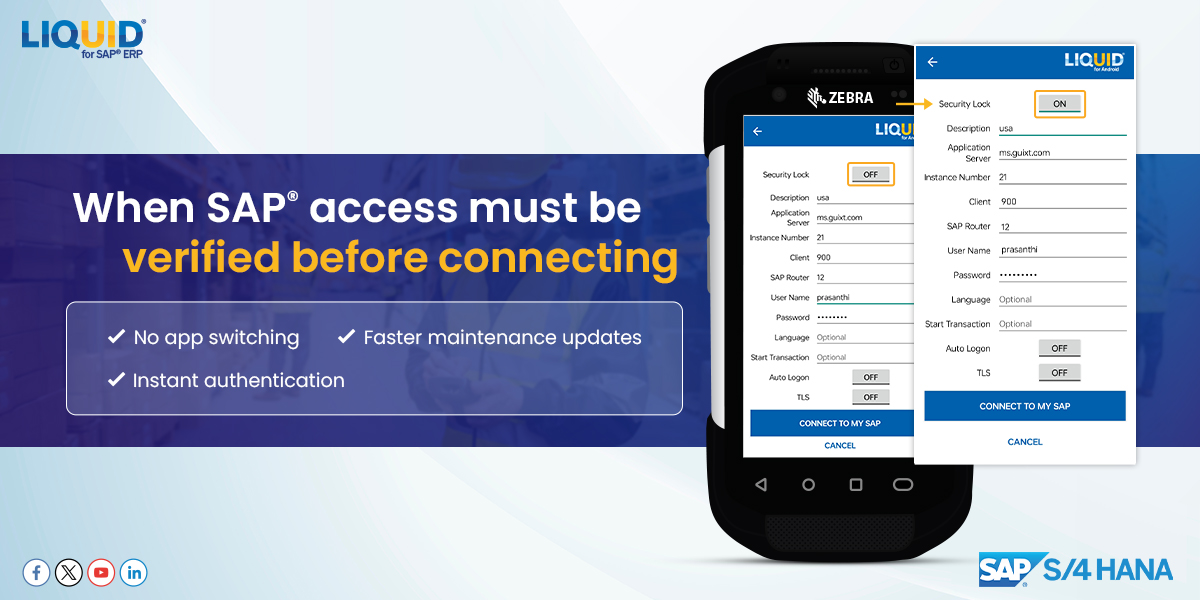
Before updating a maintenance order, technicians often stop to verify SAP access, switch apps, and confirm credentials.
With Liquid UI Security Lock, authentication happens directly inside the SAP workflow on the handheld device.
See it in action: liquid-ui.com/knowledge_base…
1
9
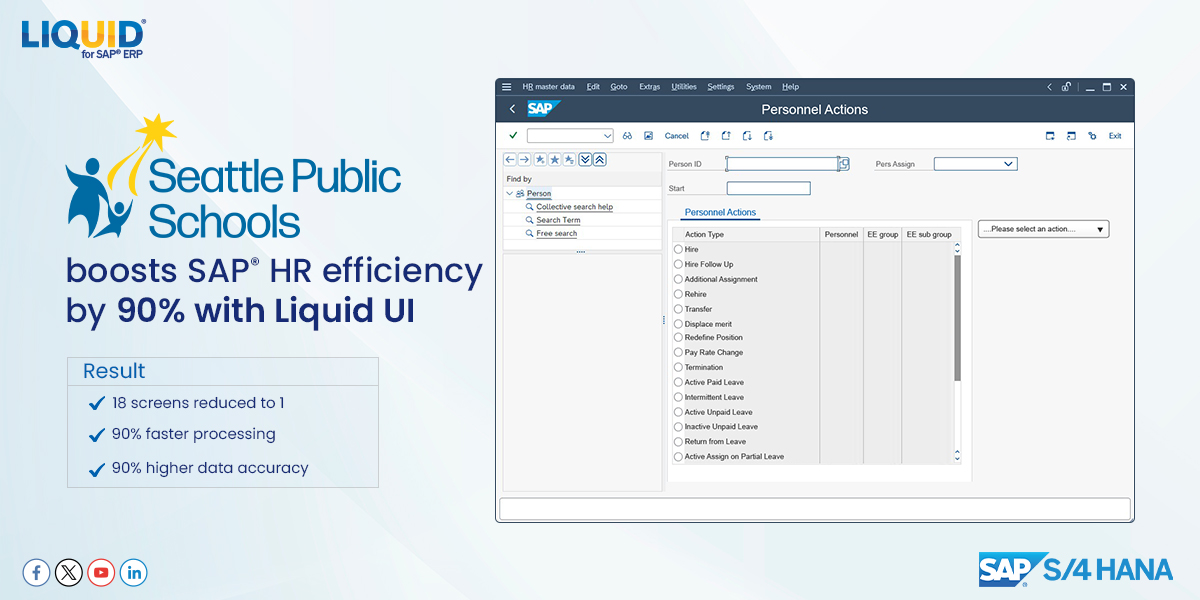
Seattle Public Schools boosts SAP HR efficiency by 90% with Liquid UI
Updating employee data meant jumping across screens and retyping the same info.
Fix: one unified view → enter once → auto-fill everywhere
Result:
18 screens → 1
90% faster processing
90% higher accuracy
1
35
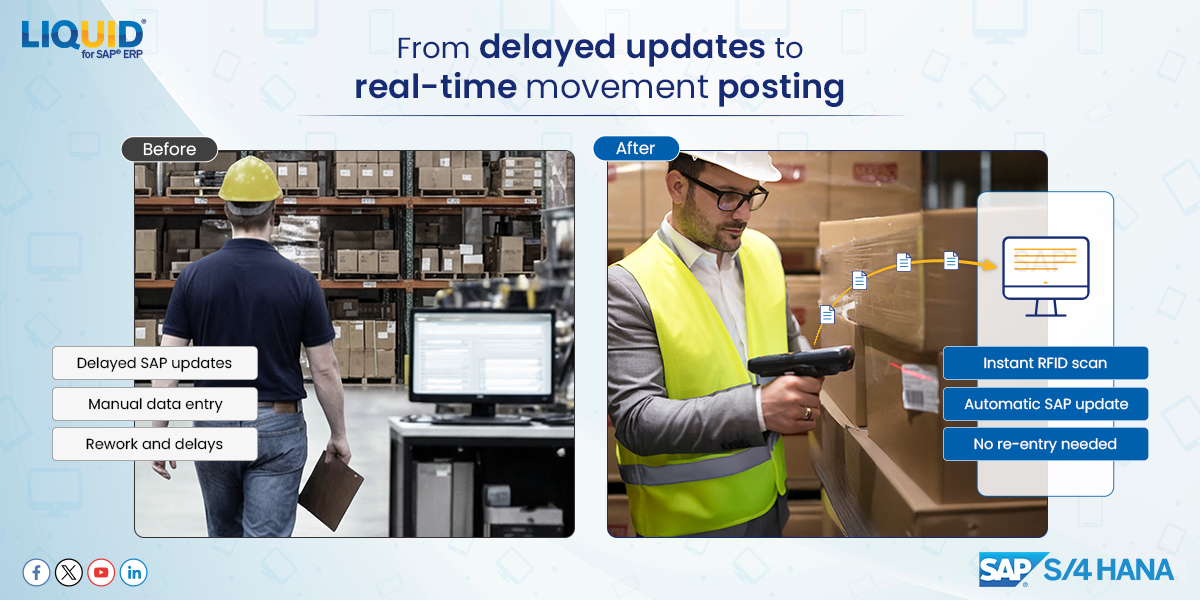
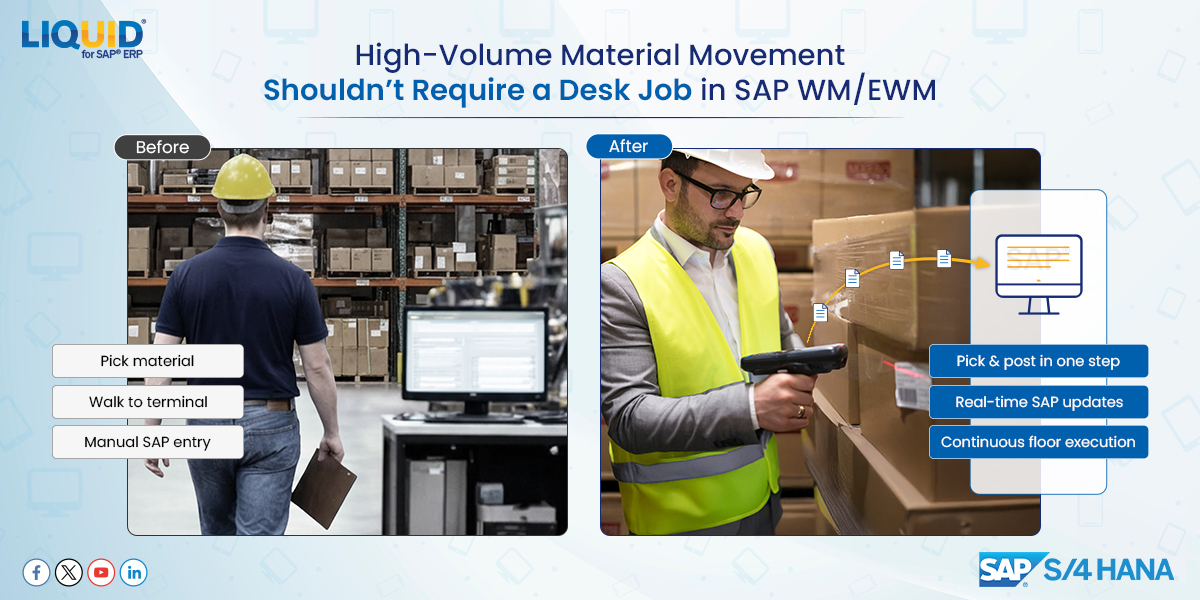
High-volume material movement shouldn't require a desk job in SAP WM.
Before: You pick the material, walk back to a terminal, enter the movement, and loop back to the floor.
After: Material pick and system movement are captured together in one seamless flow directly on the floor.
1
5