Fan of #retrogames, especially obscure ones. Doing videos of #TI994A games rn. I love Falcom, SNK and Treasure. Also Wales & Japan. #StandWithHongKong #Taoist
- Tweets 47,317
- Following 977
- Followers 569
- Likes 79,139





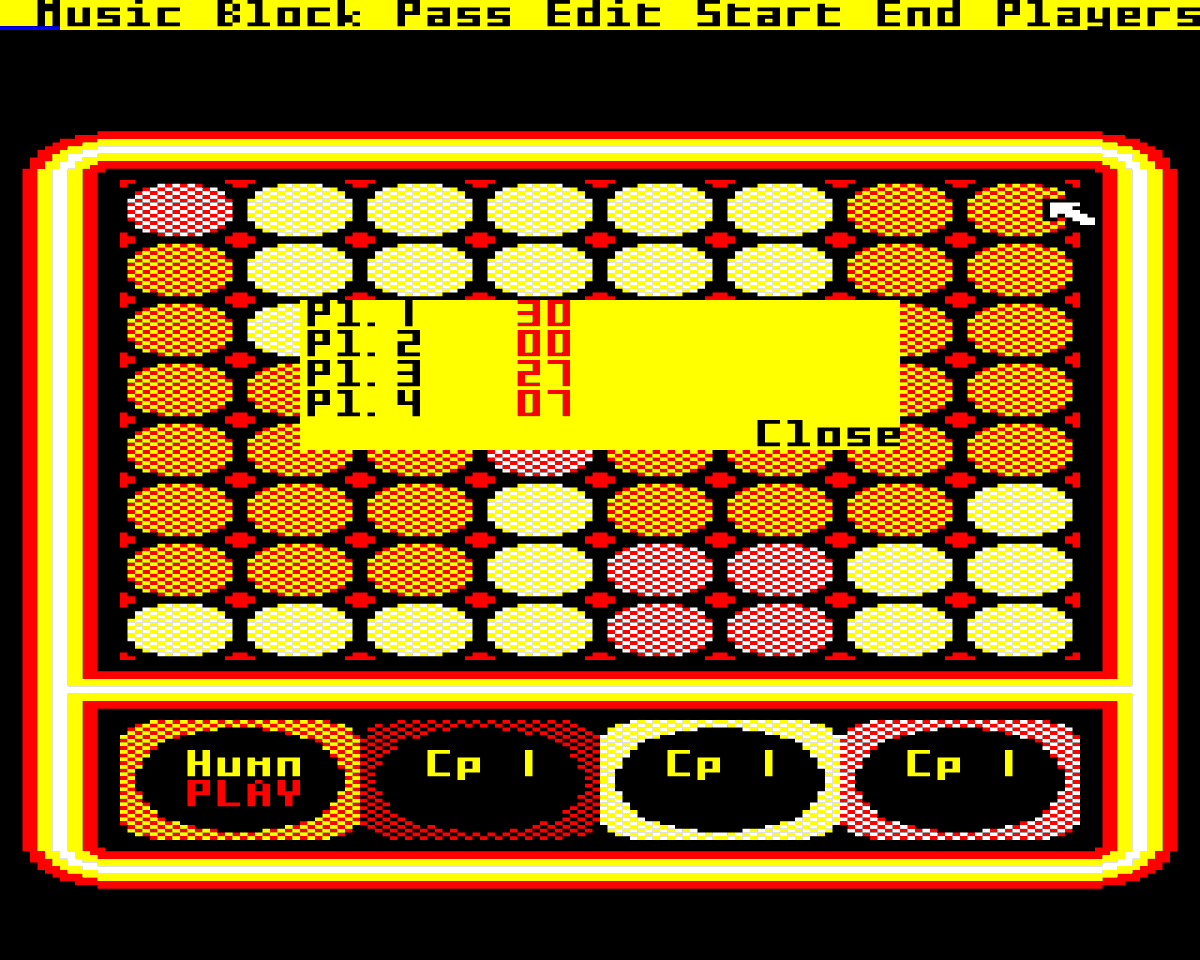
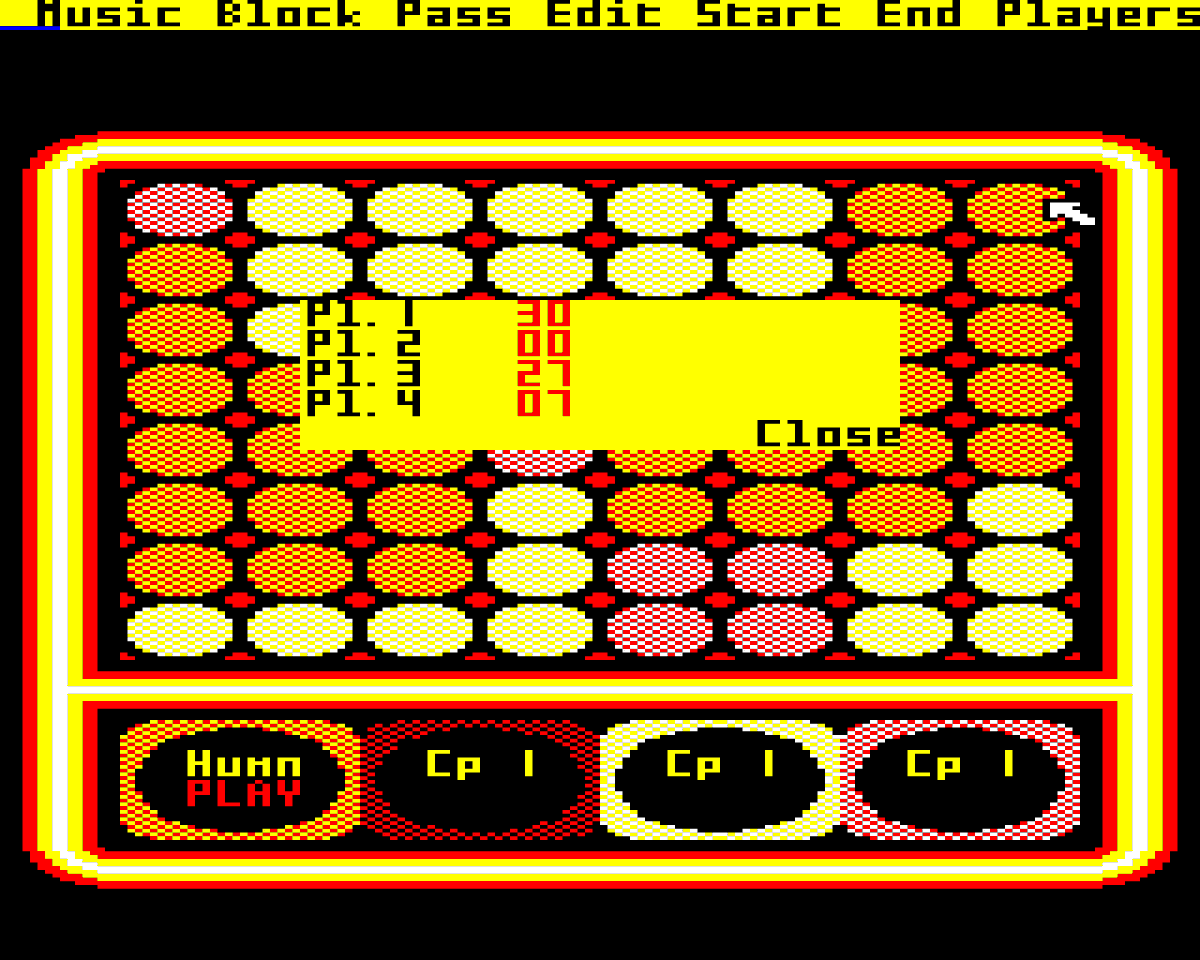
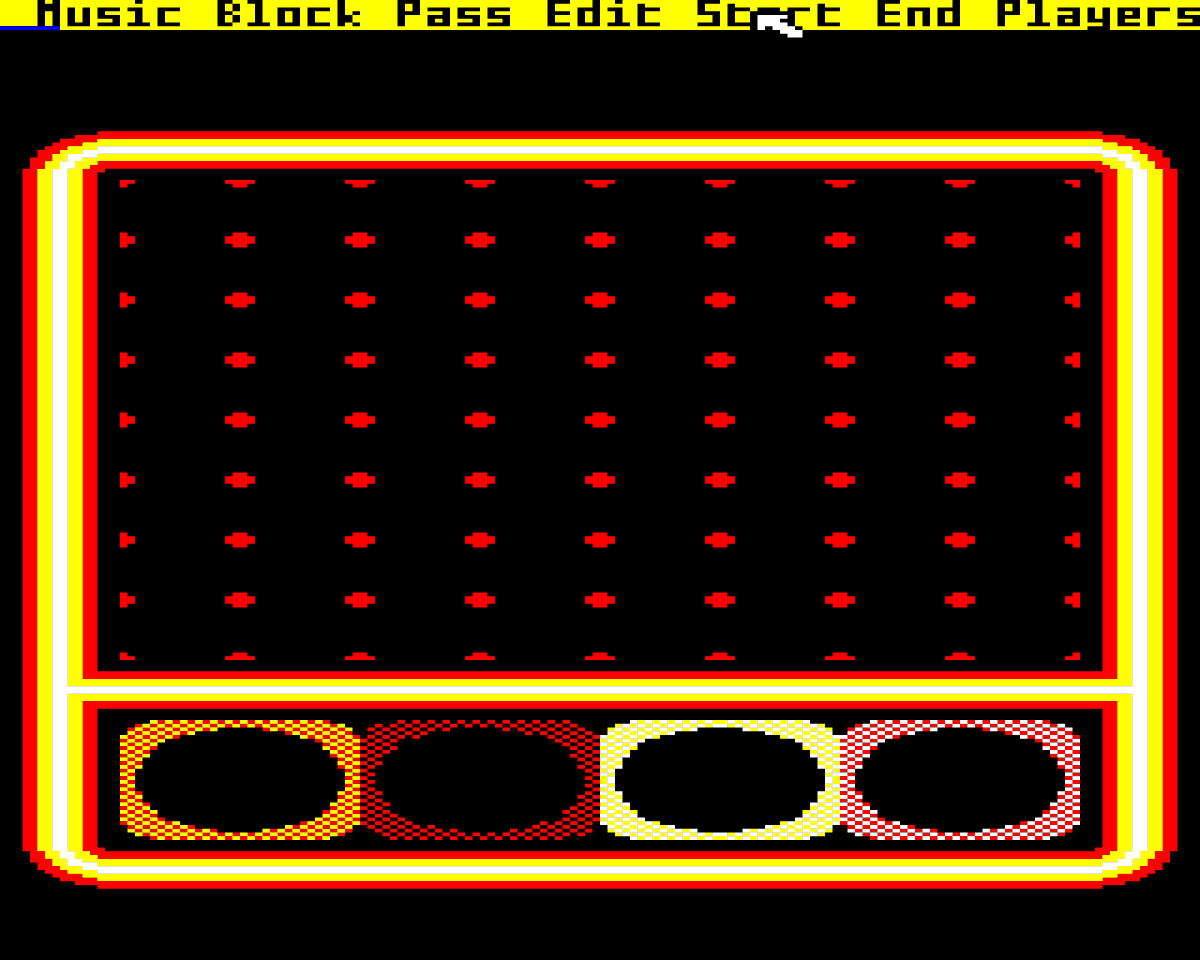
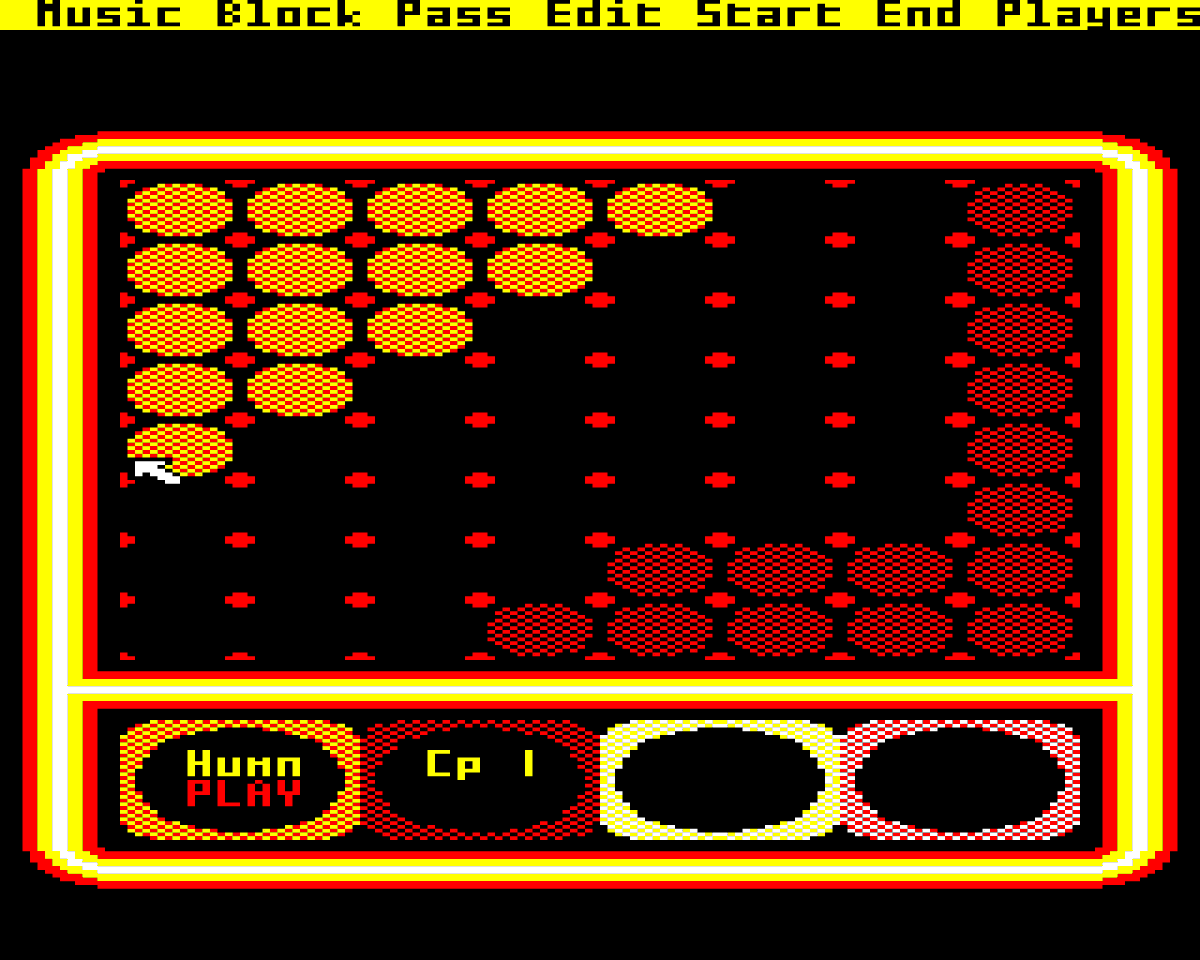
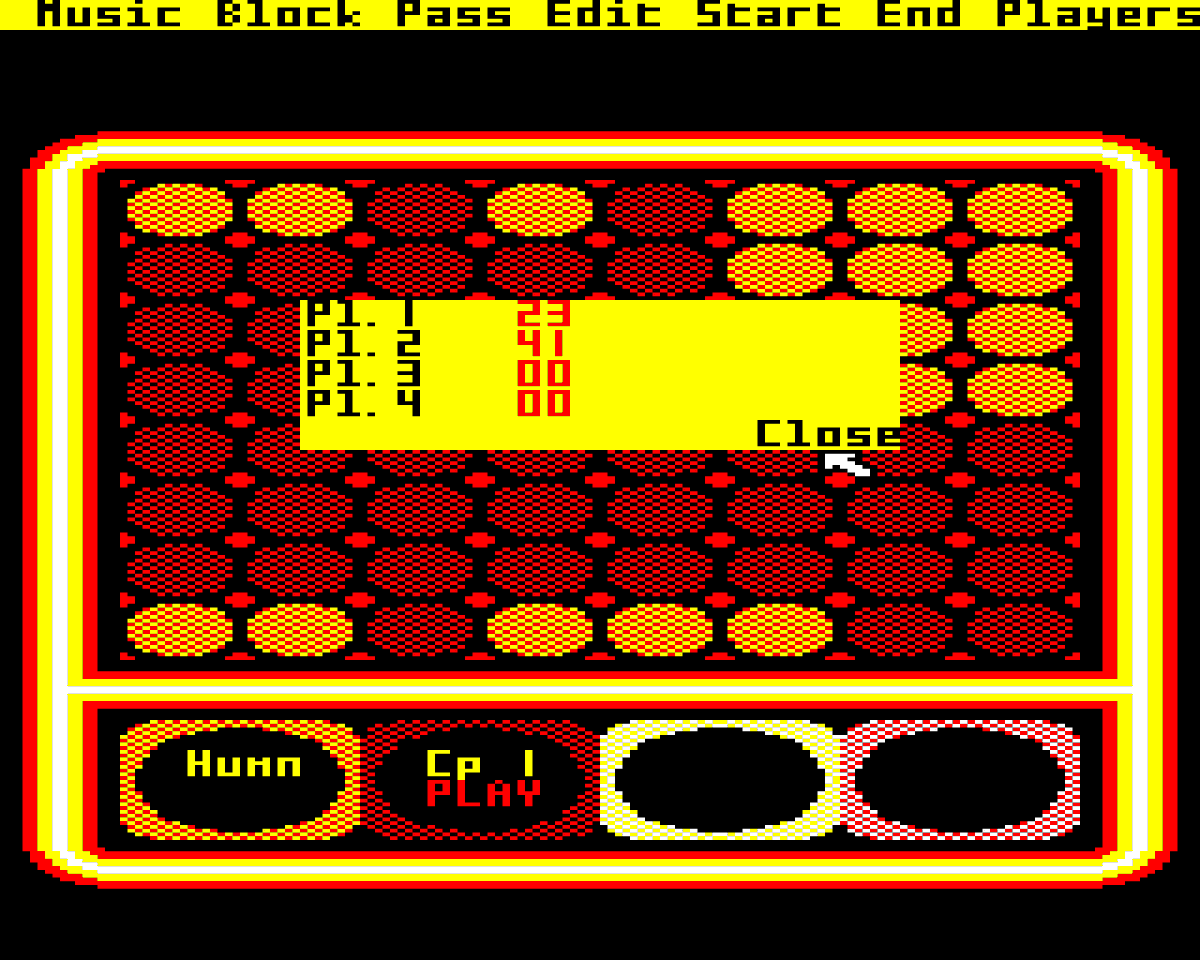
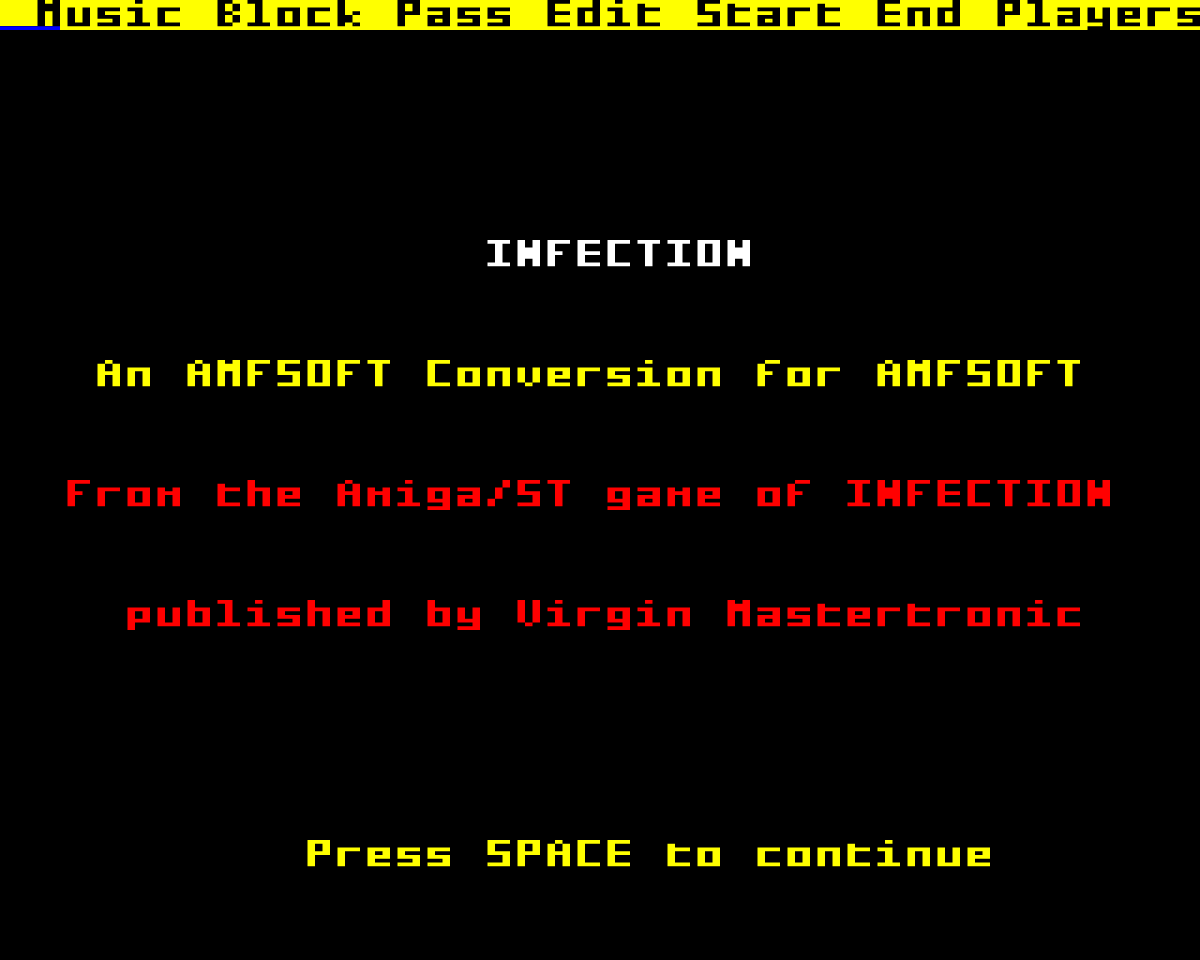
ALT INFECTION An AMFSOFT Conversion for AMFSOFT From the Amiga/ST game of INFECTION published by Virgin Mastertronic
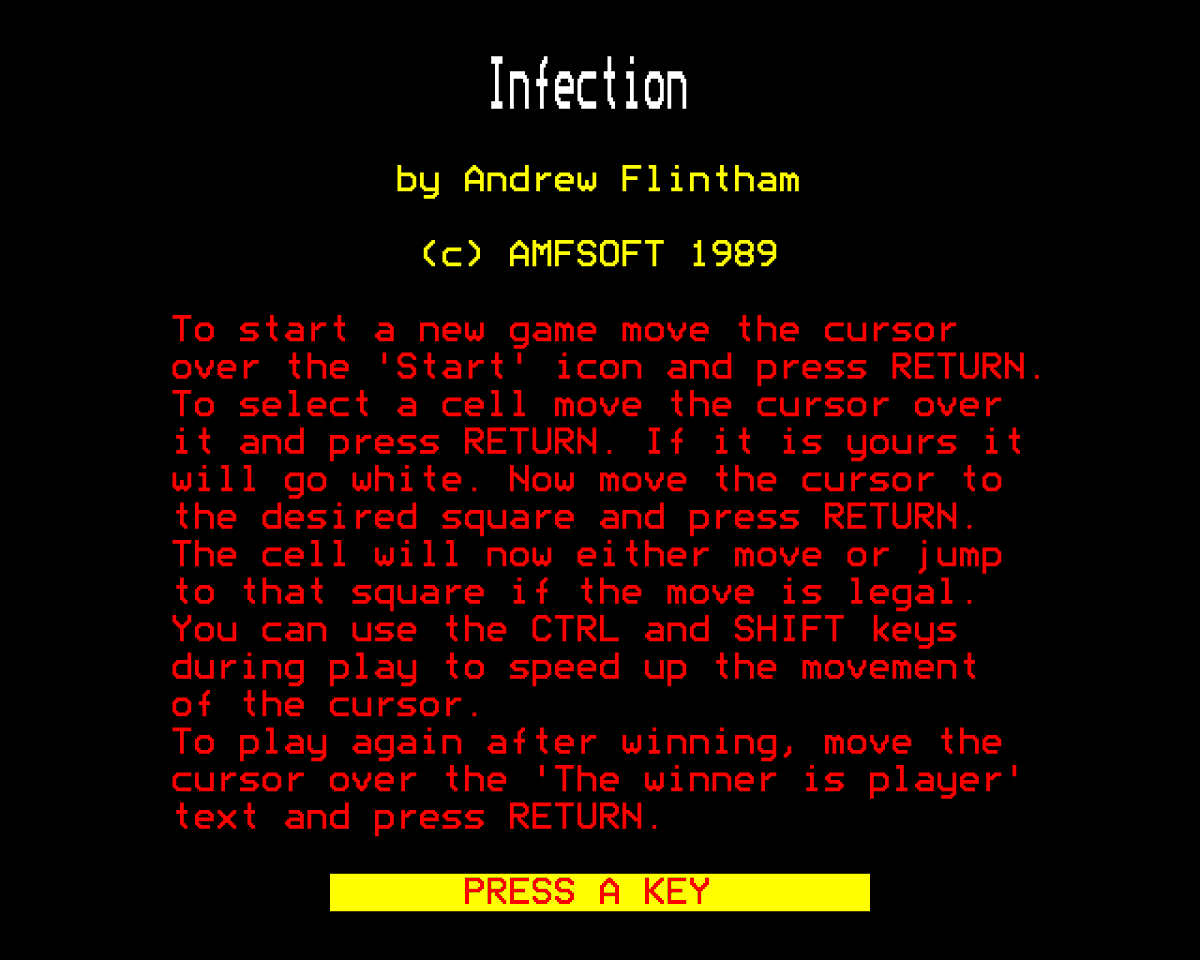
ALT Infection by Andrew Flintham (c) AMFSOFT 1989 To start a new game move the cursor over the 'Start' icon and press RETURN. To select a cell move the cursor over it and press RETURN. If it is yours it will go white. Now move the cursor to the desired square and press RETURN. The cell will now either move or jump to that square if the move is legal. You can use the CTRL and SHIFT keys during play to speed up the movement of the cursor. To play again after winning, move the cursor over the 'The winner is player' text and press RETURN.
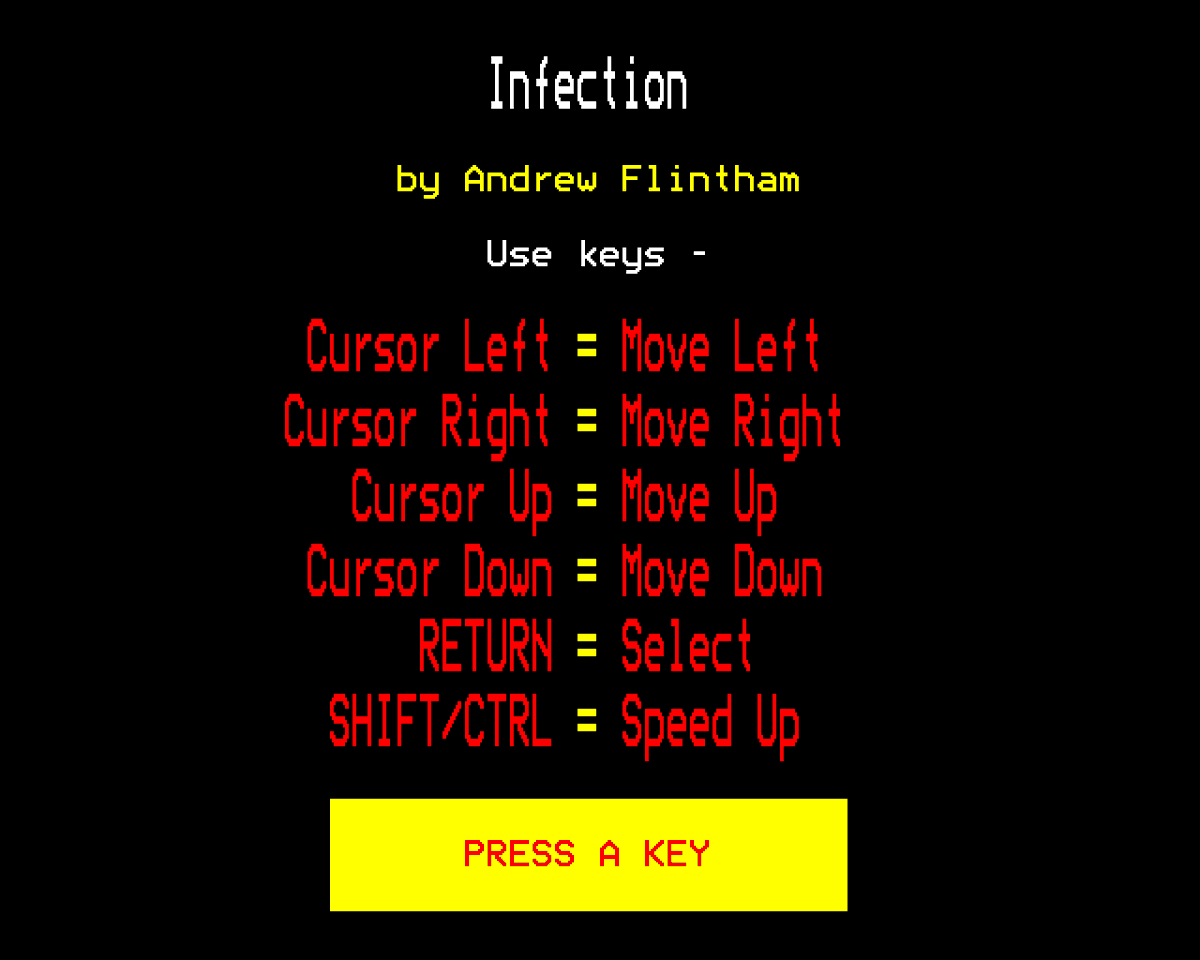
ALT Infection by Andrew Flintham Use keys - Cursor Left = Move Left Cursor Right = Move Right Cursor Up = Move Up Cursor Down = Move Down RETURN = Select SHIFT/CTRL = Speed Up
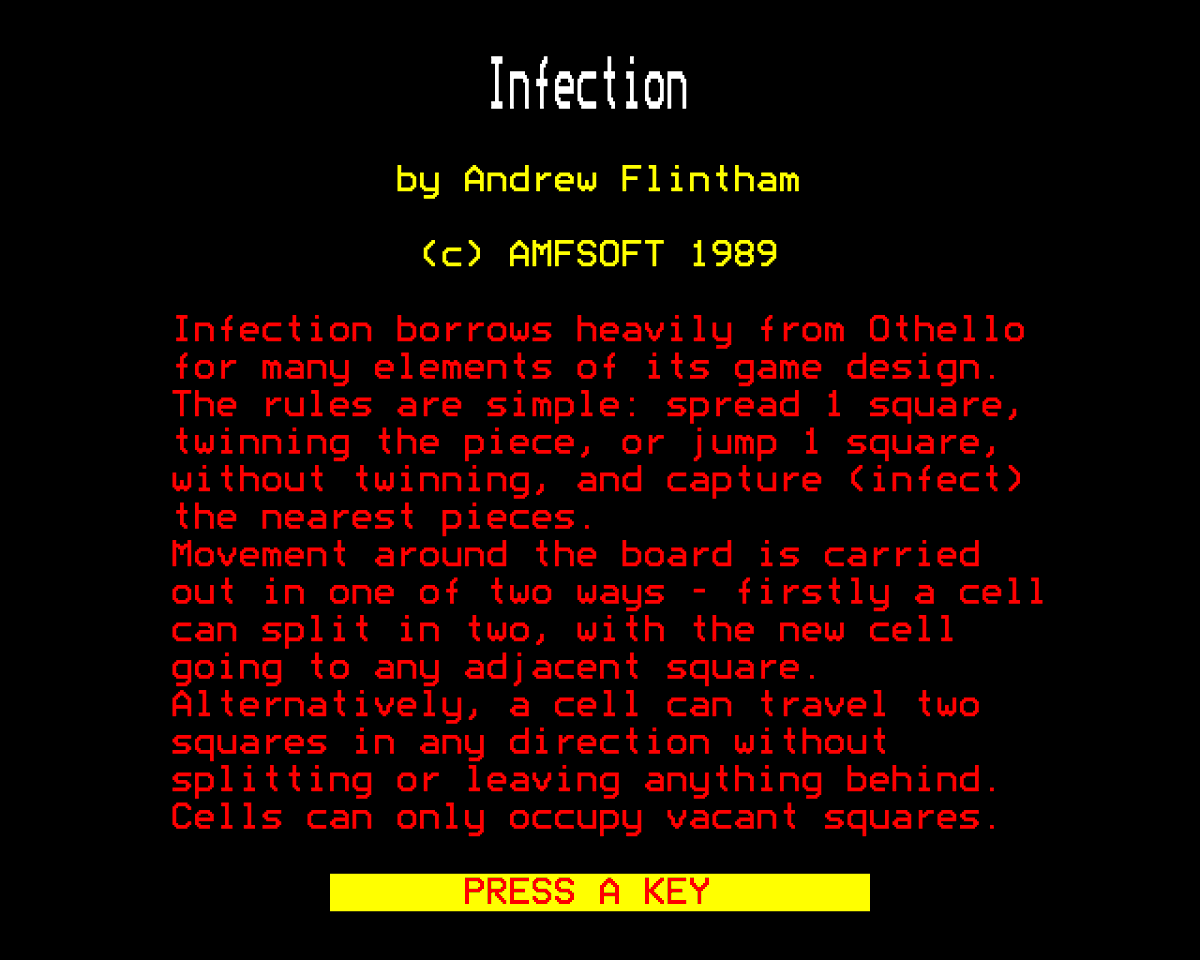
ALT Infection by Andrew Flintham (c) AMFSOFT 1989 Infection borrows heavily from Othello for many elements of its game design. The rules are simple: spread 1 square, twinning the piece, or jump 1 square, without twinning, and capture (infect) the nearest pieces. Movement around the board is carried out in one of two ways - firstly a cell can split in two, with the new cell going to any adjacent square. Alternatively, a cell can travel two squares in any direction without splitting or leaving anything behind. Cells can only occupy vacant squares.
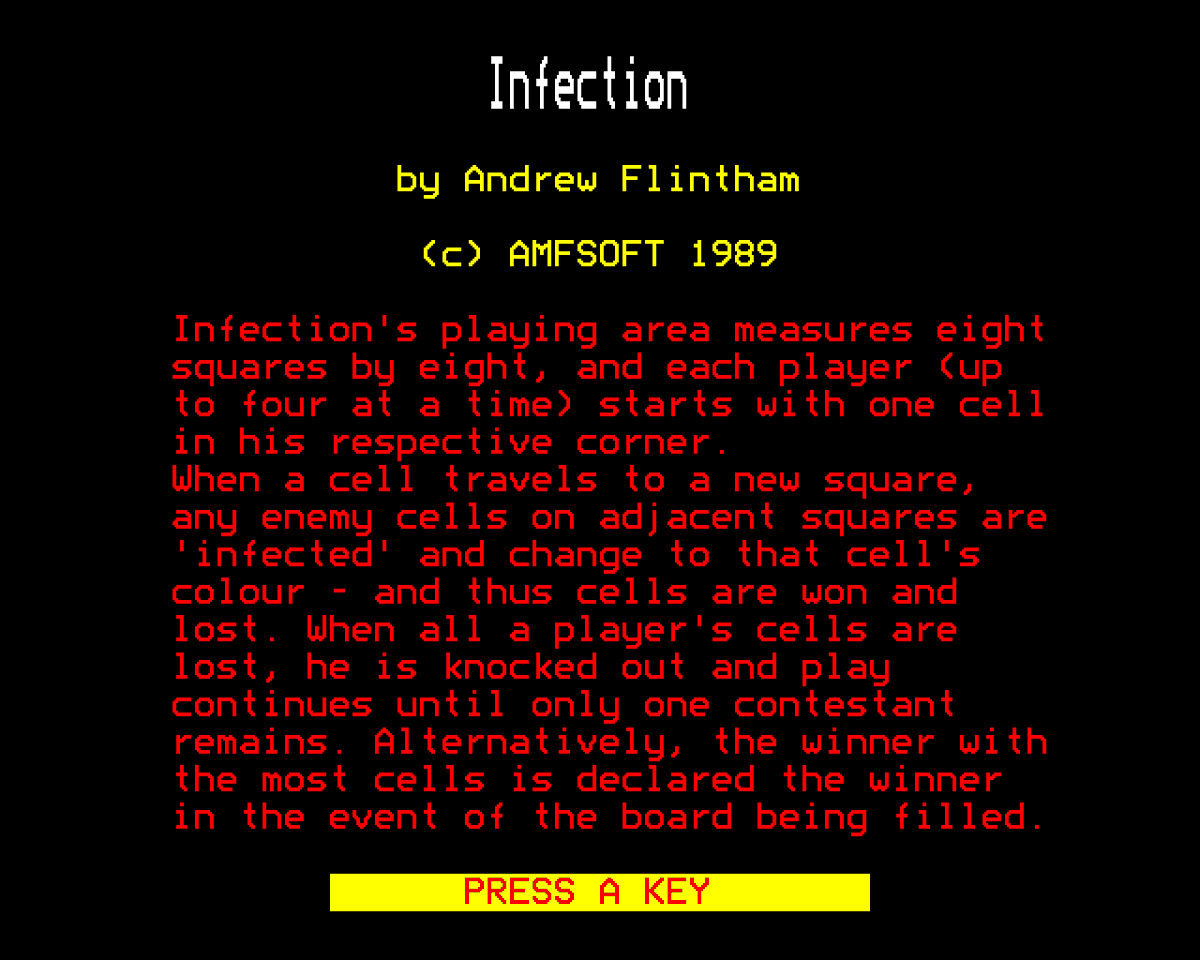
ALT Infection by Andrew Flintham (c) AMFSOFT 1989 Infection's playing area measure eight squares by eight, and each player (up to four at a time) starts with one cell in his respective corner. When a cell travels to a new square, any enemy cells on adjacent squares are 'infected' and change to that cell's colour - and thus cells are won and lost. When all a player's cells are lost, he is knocked out and play continues until only one contestant remains. Alternatively, the winner with the most cells is declared the winner in the event of the board being filled.
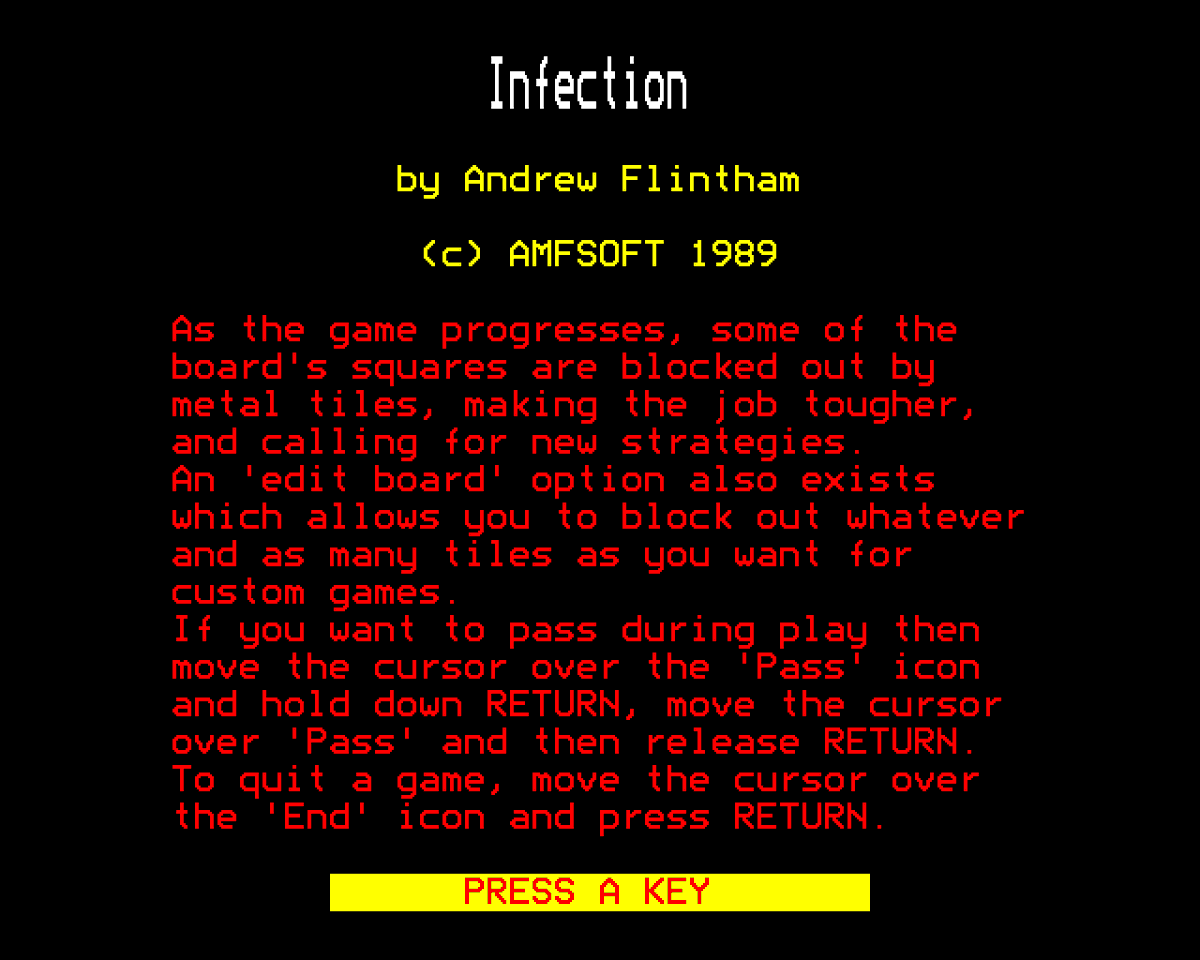
ALT Infection by Andrew Flintham (c) AMFSOFT 1989 As the game progresses, some of the board's squares are blocked out by metal tiles, making the job tougher, and calling for new strategies. An 'edit board' option also exists which allows you to block out whatever and as many tiles as you want for custom games. If you want to pass during play then move the cursor over the 'Pass" icon and hold down RETURN, move the cursor over 'Pass' and then release RETURN. To quit a game, move the cursor over the 'End' icon and press RETURN.
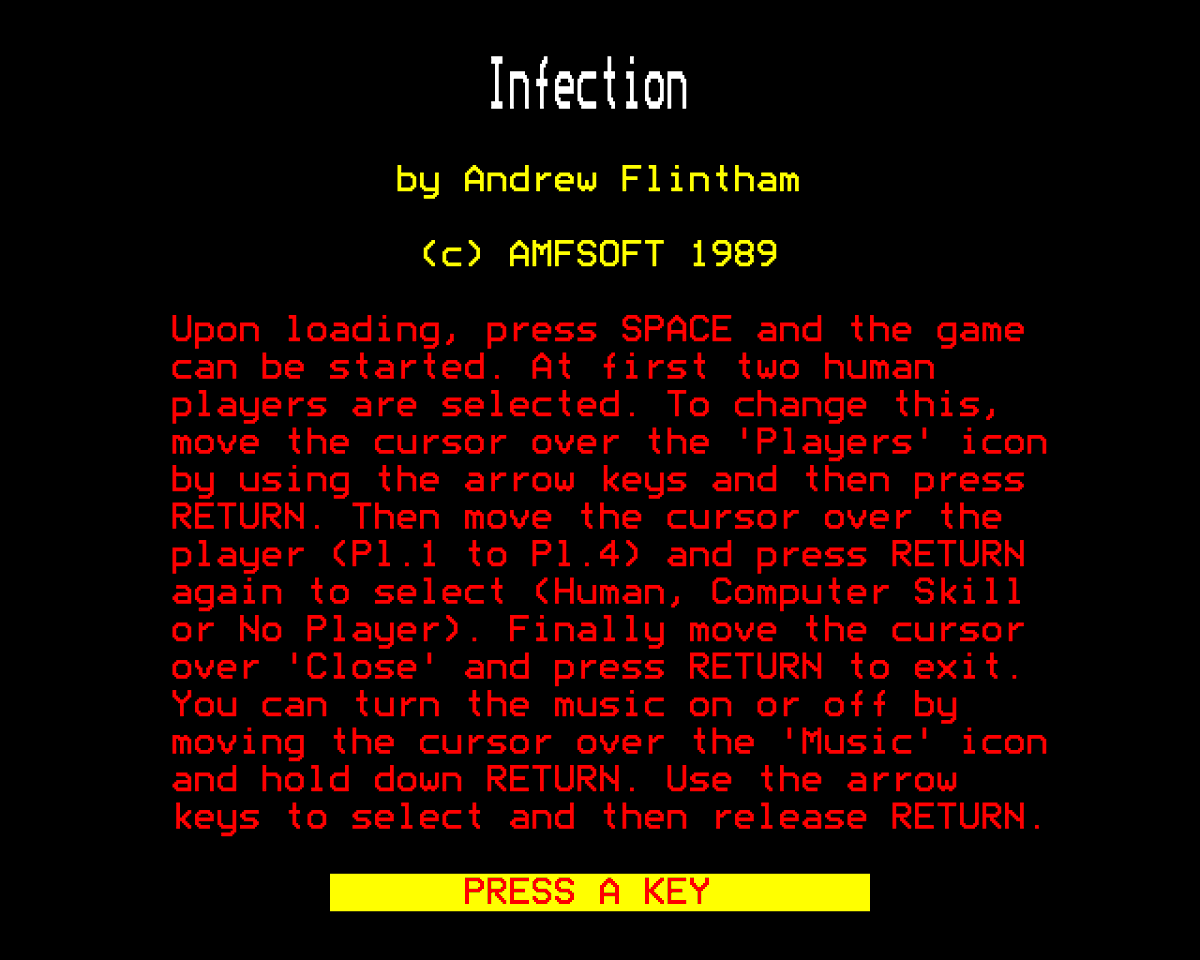
ALT Infection by Andrew Flintham (c) AMFSOFT 1989 Upon loading, press SPACE and the game can be started. At first two human players are selected. To change this, move the cursor over the 'Players' icon by using the arrow keys and then press RETURN. Then move the cursor over the player (Pl.1 to Pl.4) and press RETURN again to select (Human, Computer Skill or No Player). Finally move the cursor over 'Close' and press RETURN to exit. You an turn the music on or off by moving the cursor over the 'Music' icon and hold down RETURN. Use the arrow keys to select and then release RETURN.

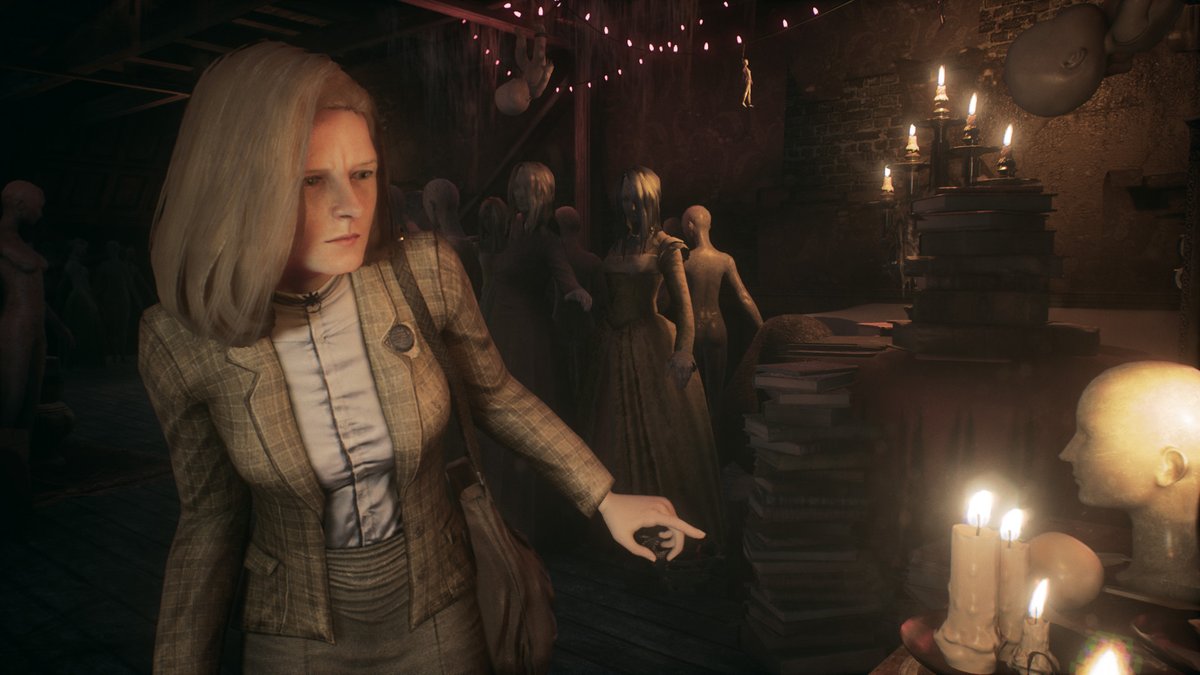
ALT Remothered: Tormented Fathers
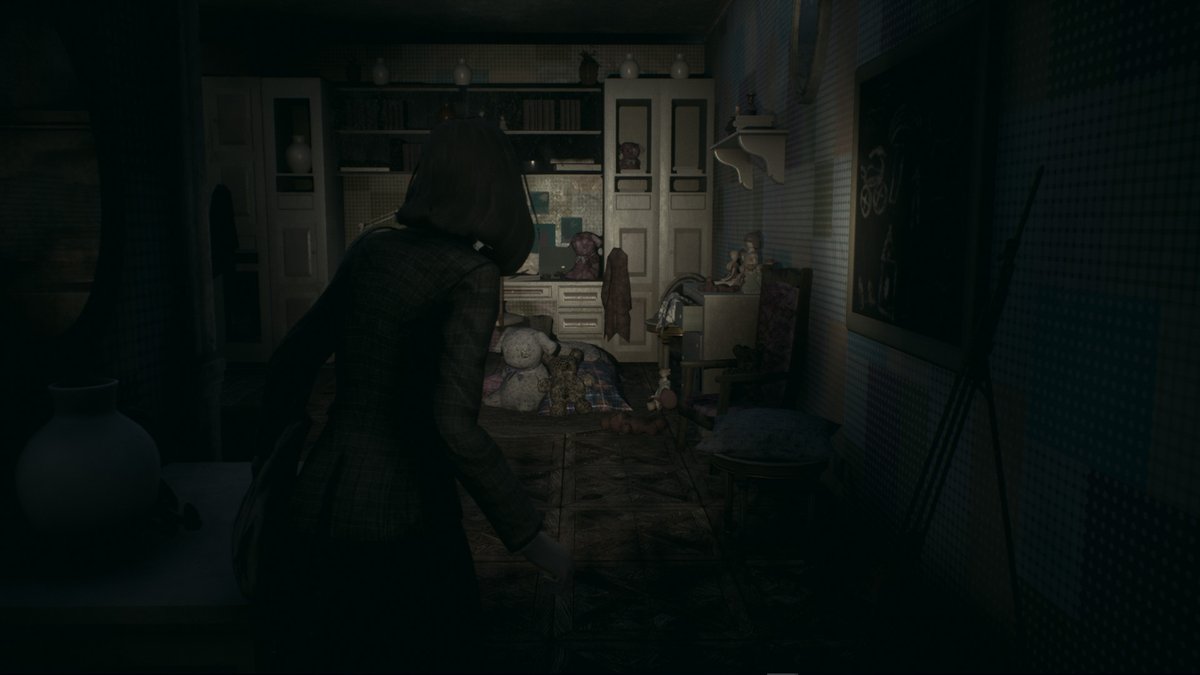
ALT Remothered: Tormented Fathers
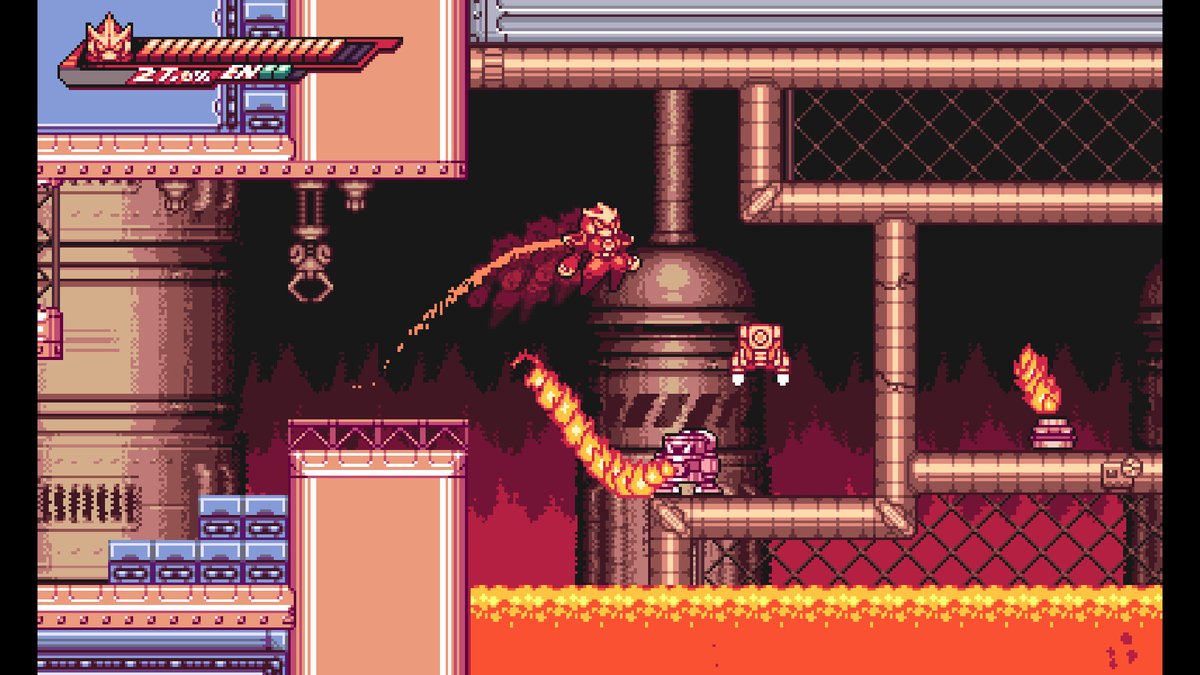
ALT Gravity Circuit
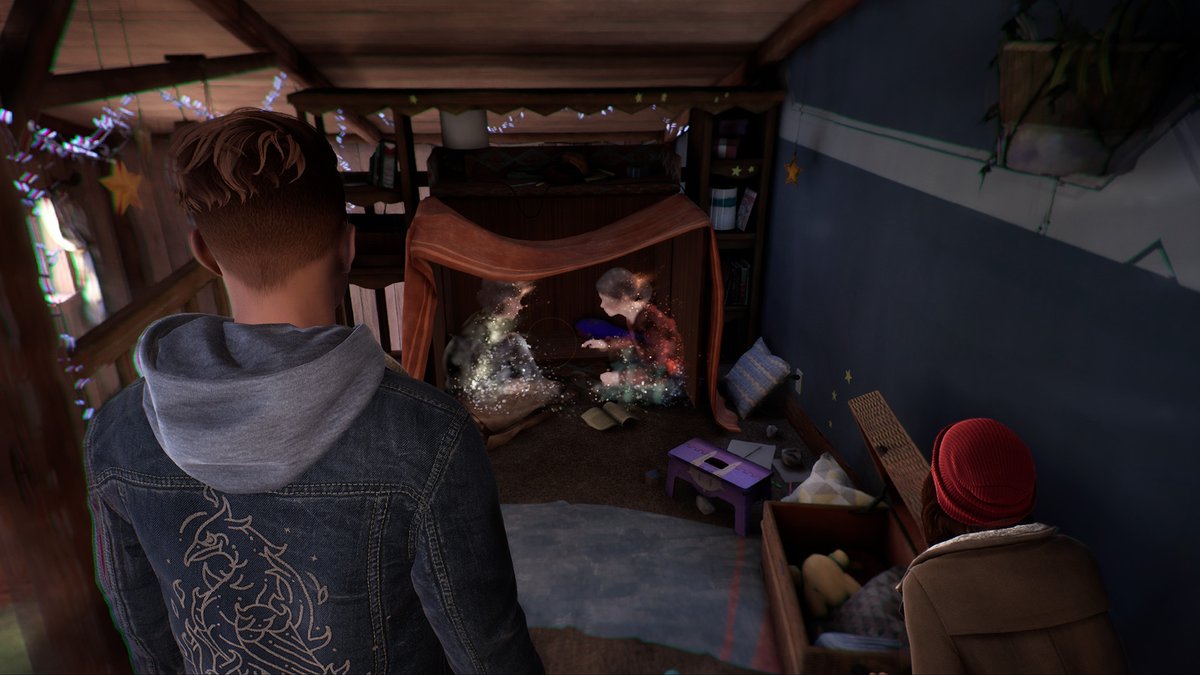
ALT Tell me Why