Head First C# by @AndrewStellman & @JennyGreene is a fun, fast, and effective way to learn to code with C#! Download the first four chapters: bit.ly/hfcsharp4e
- Tweets 879
- Following 475
- Followers 949
- Likes 2,264
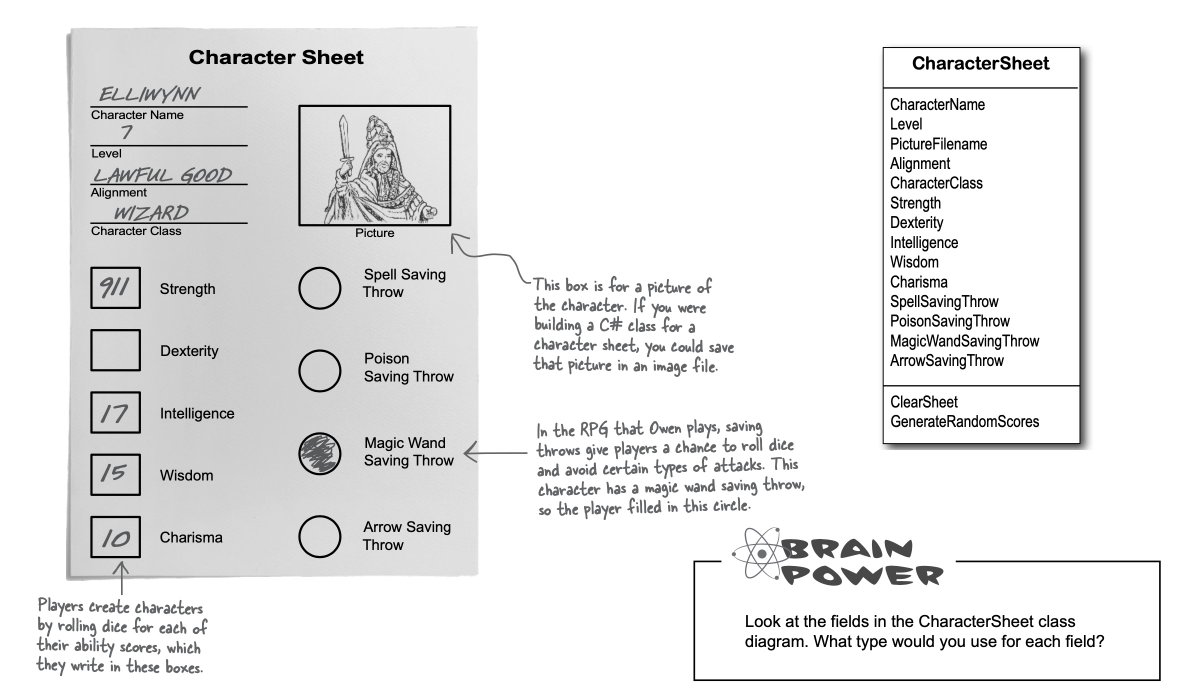
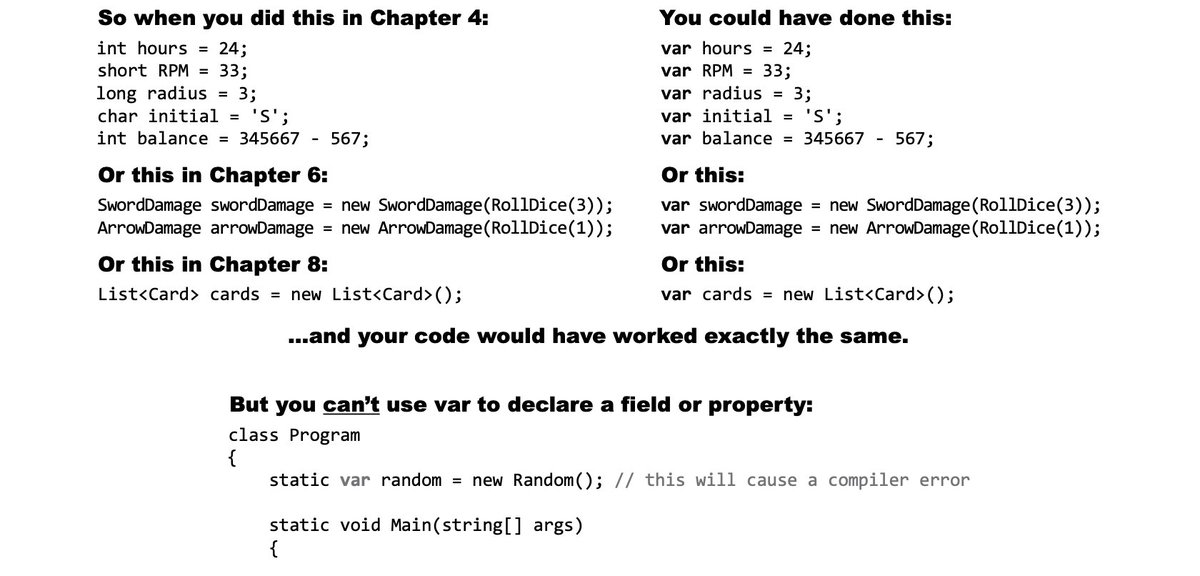
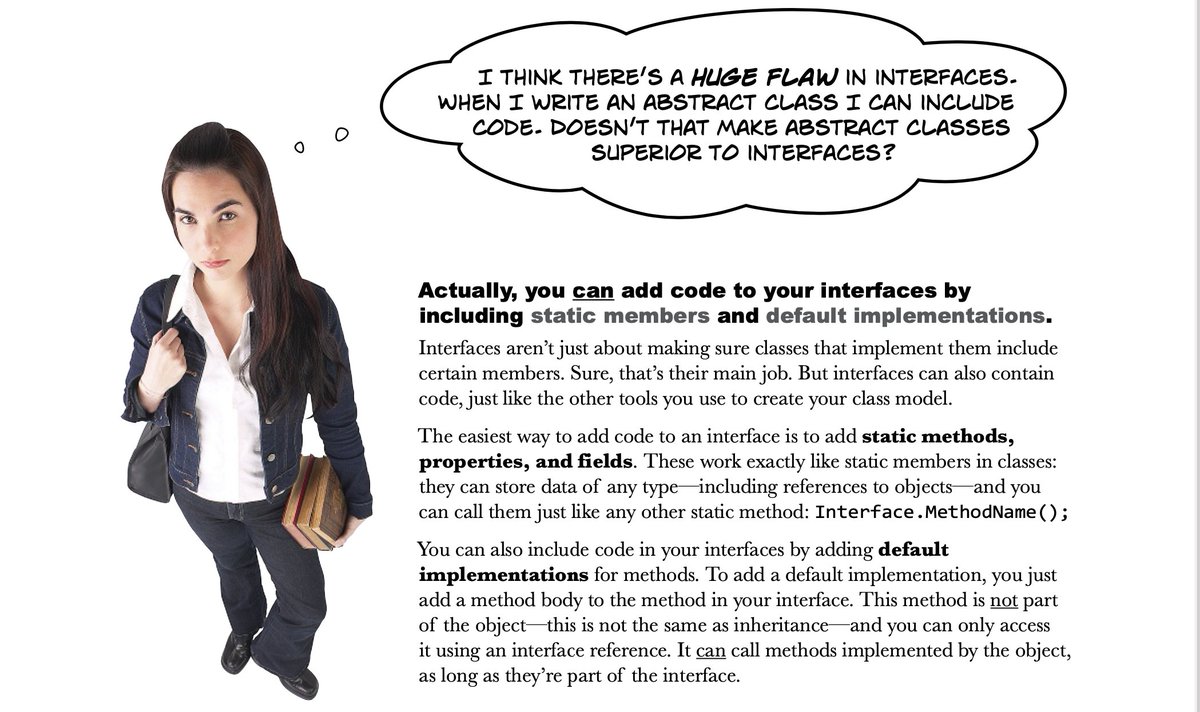
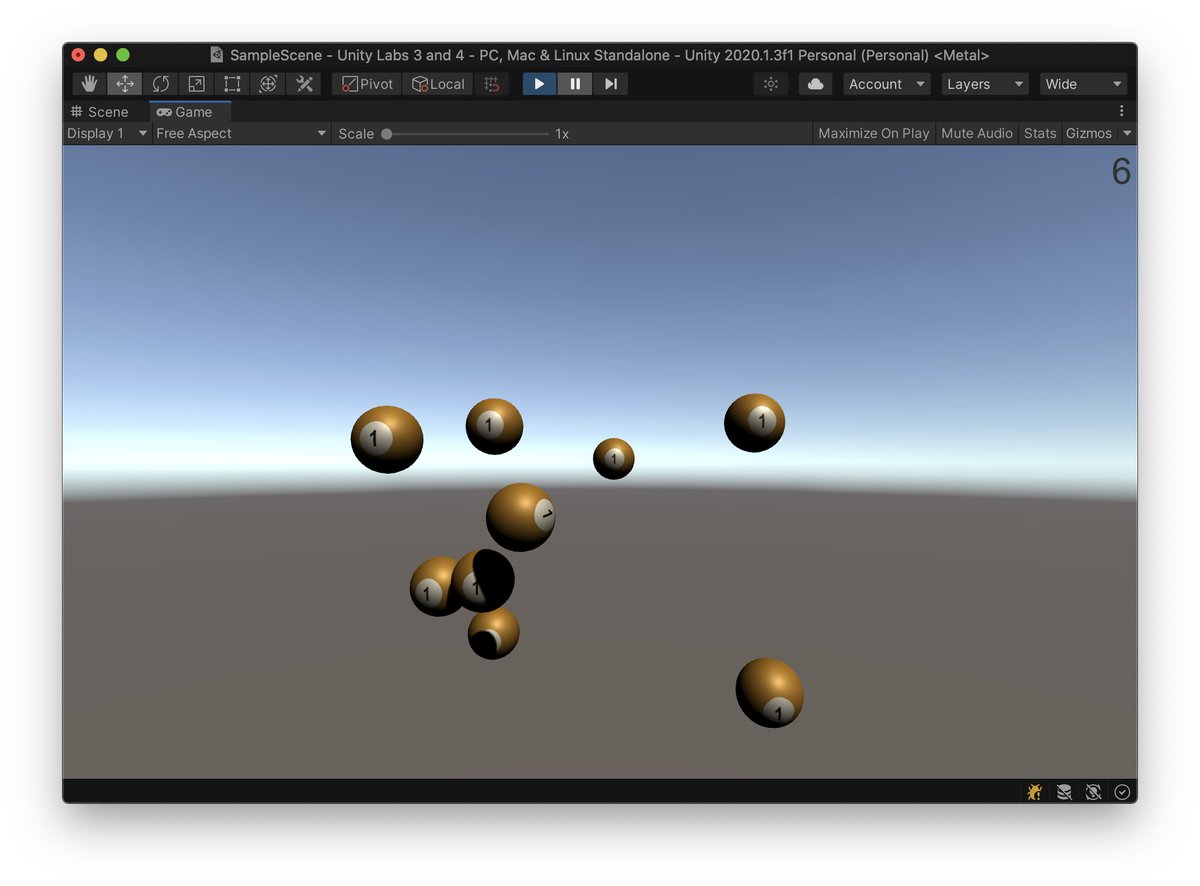
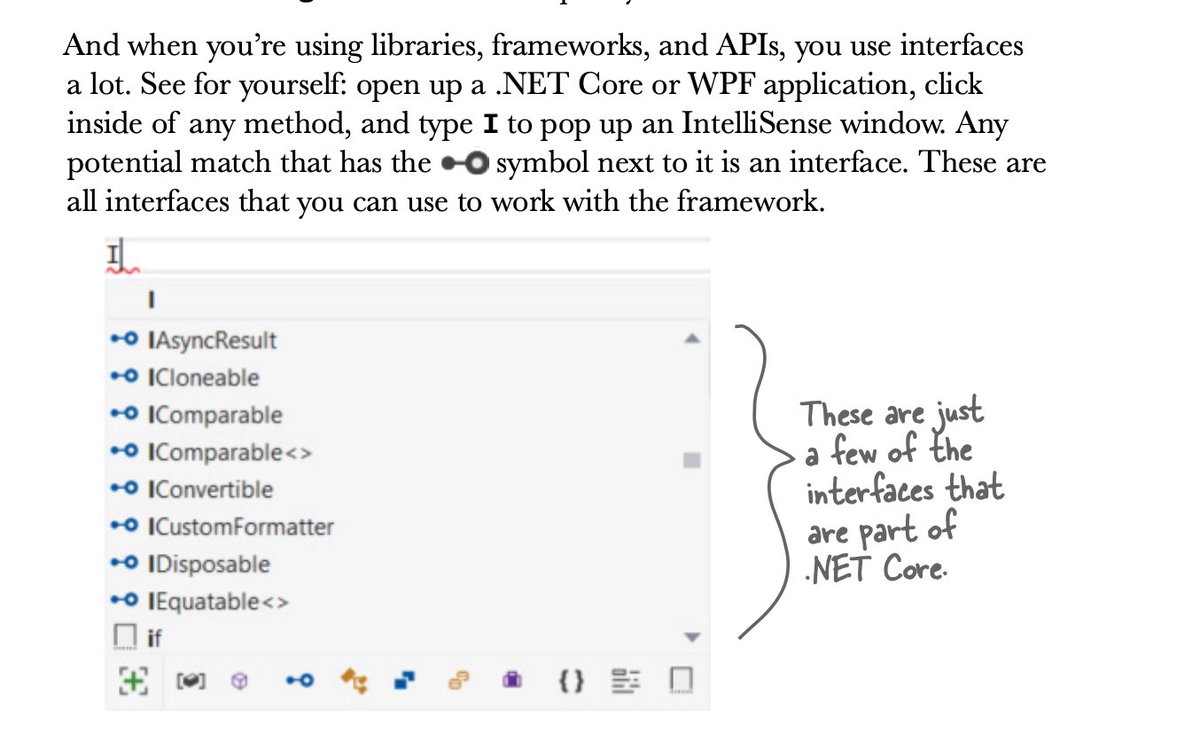
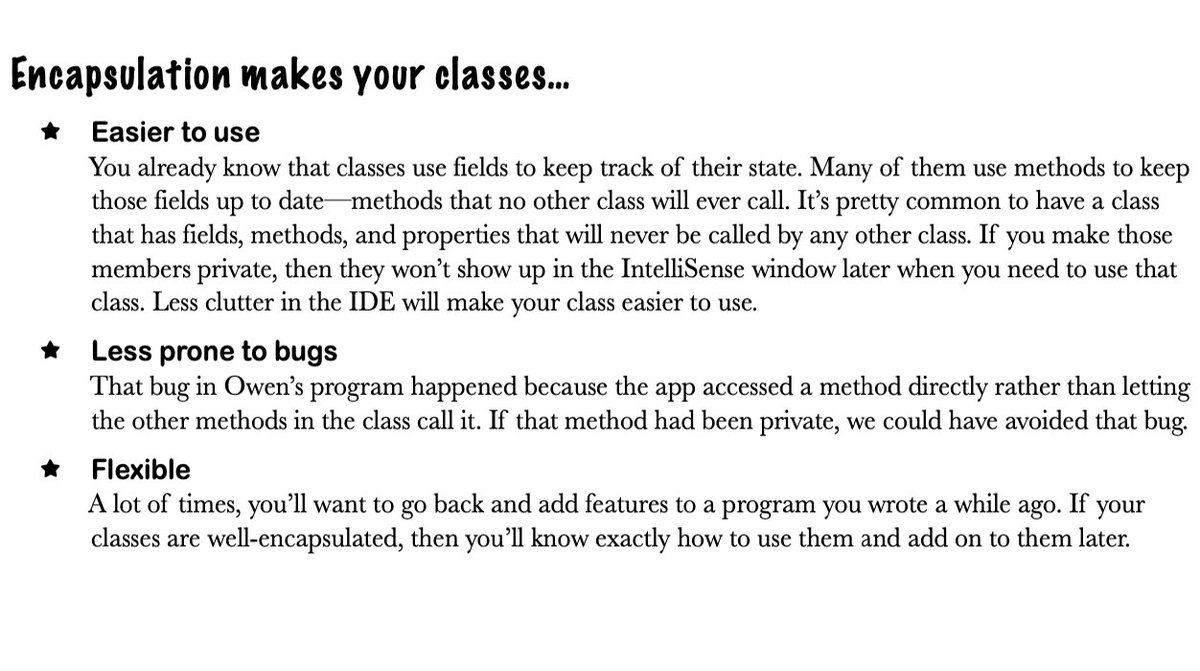
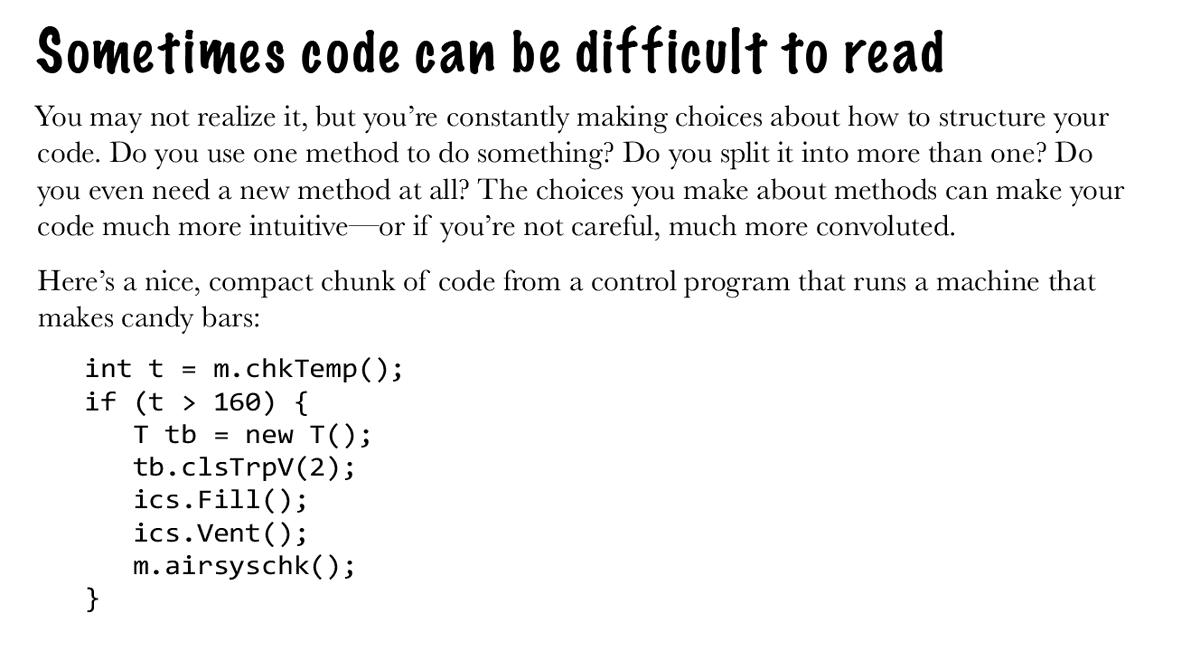



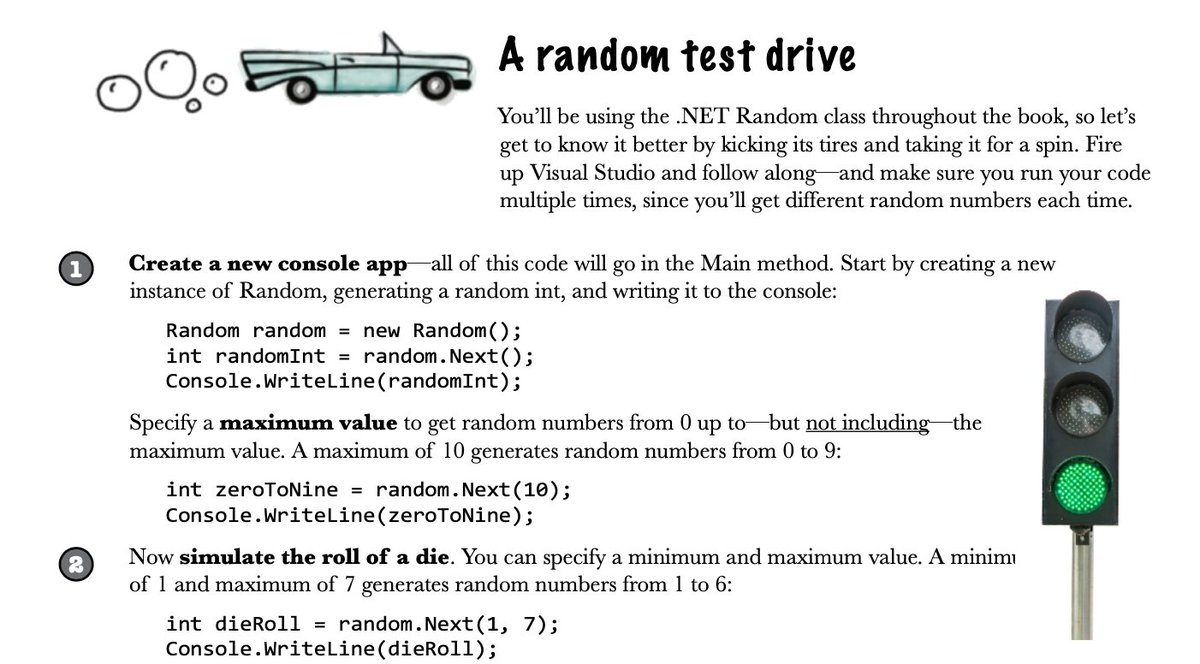
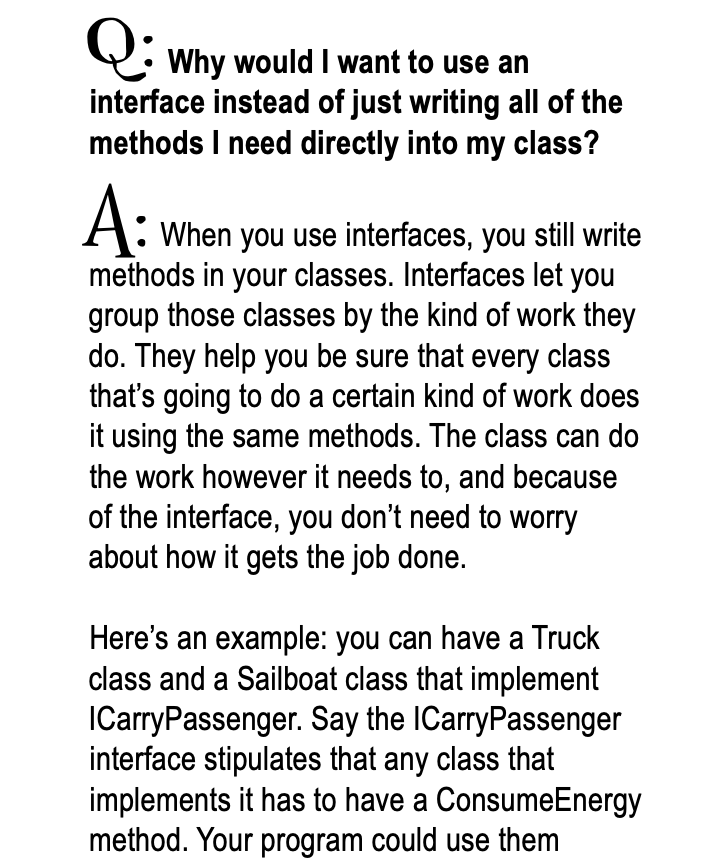
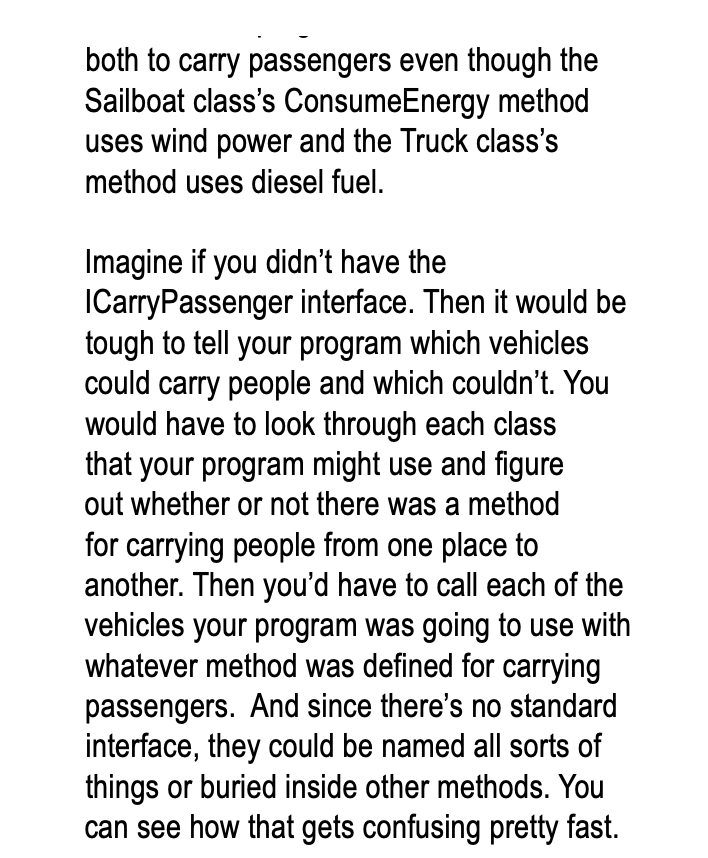
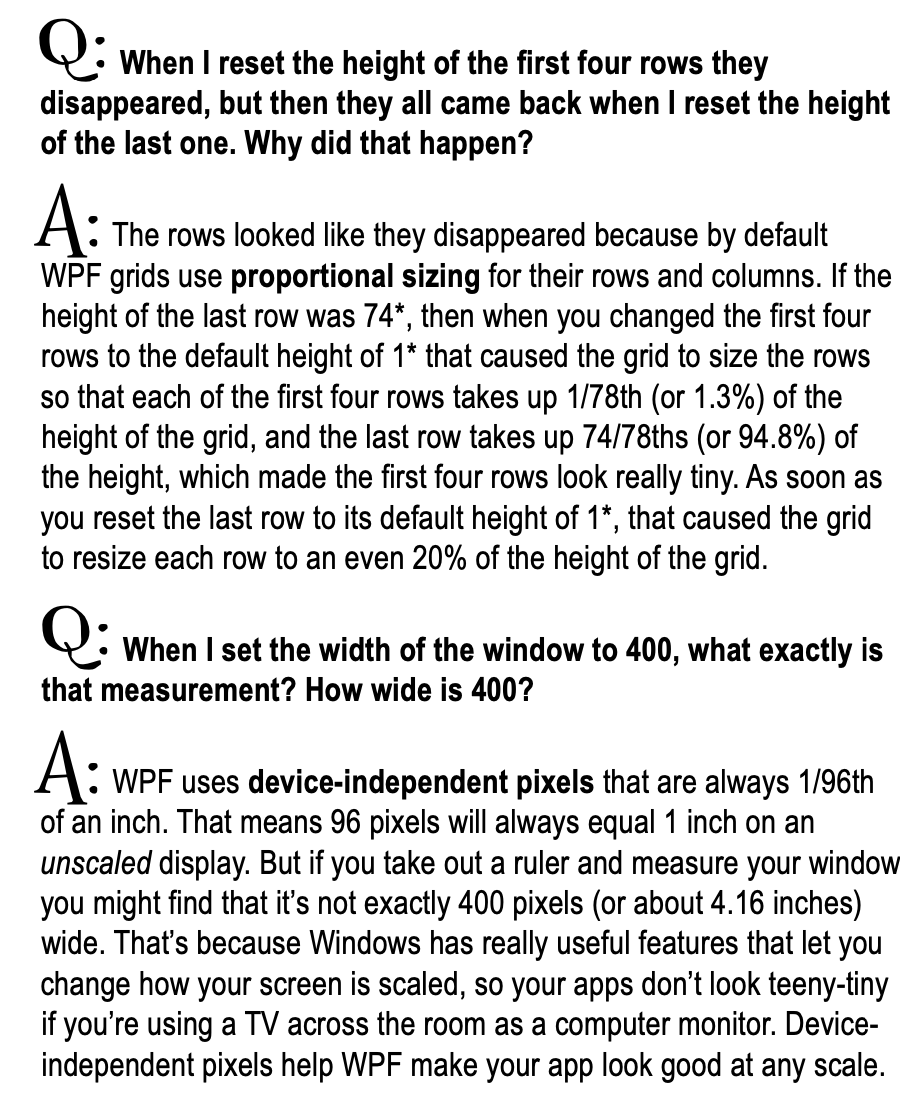
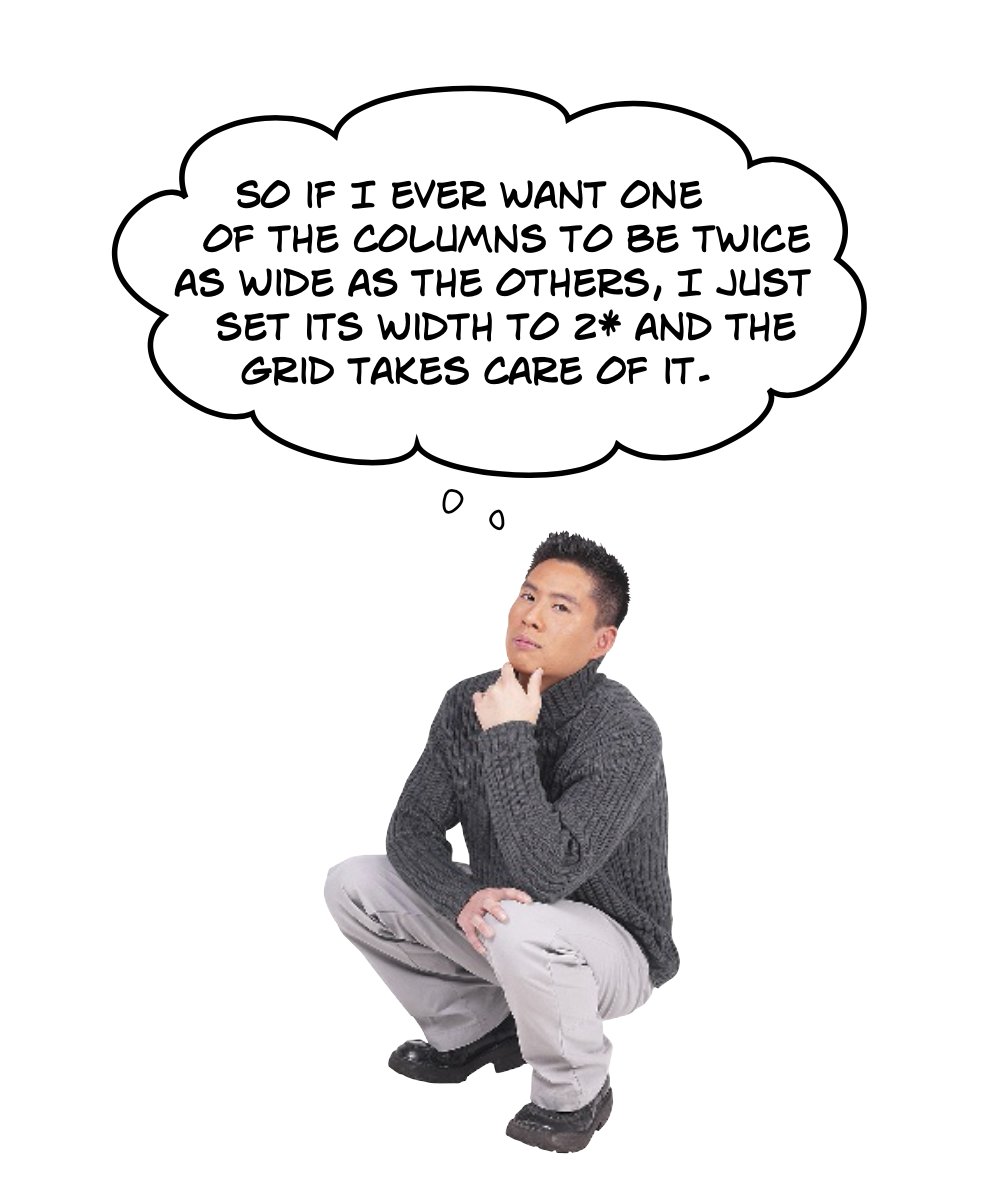
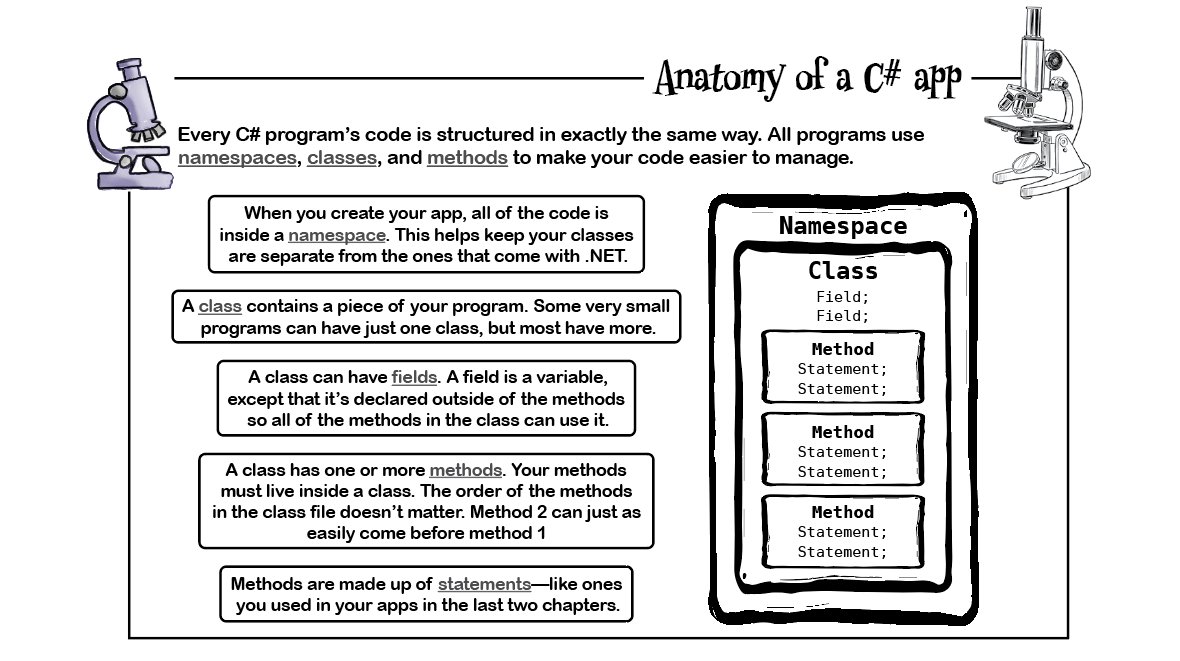
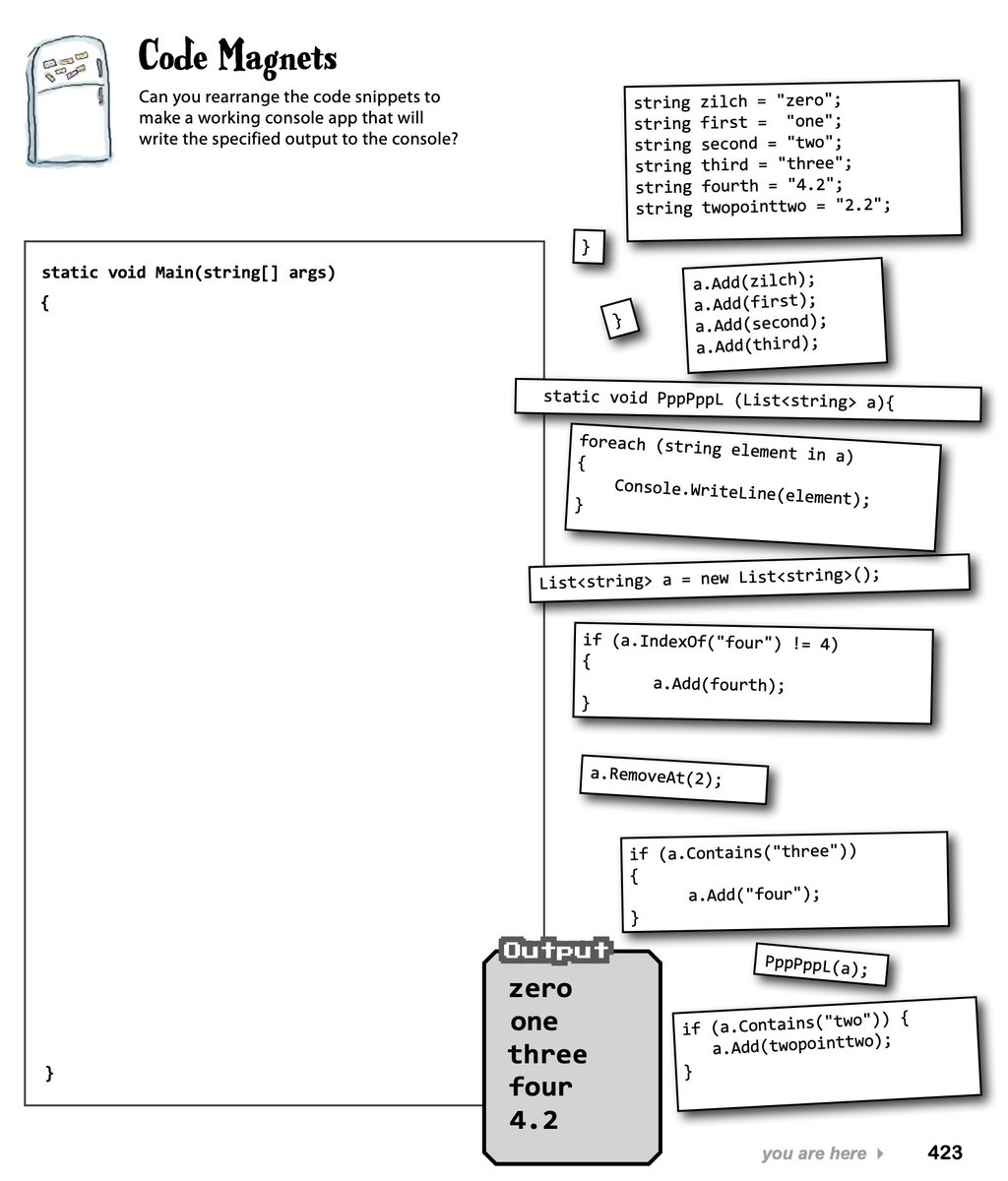
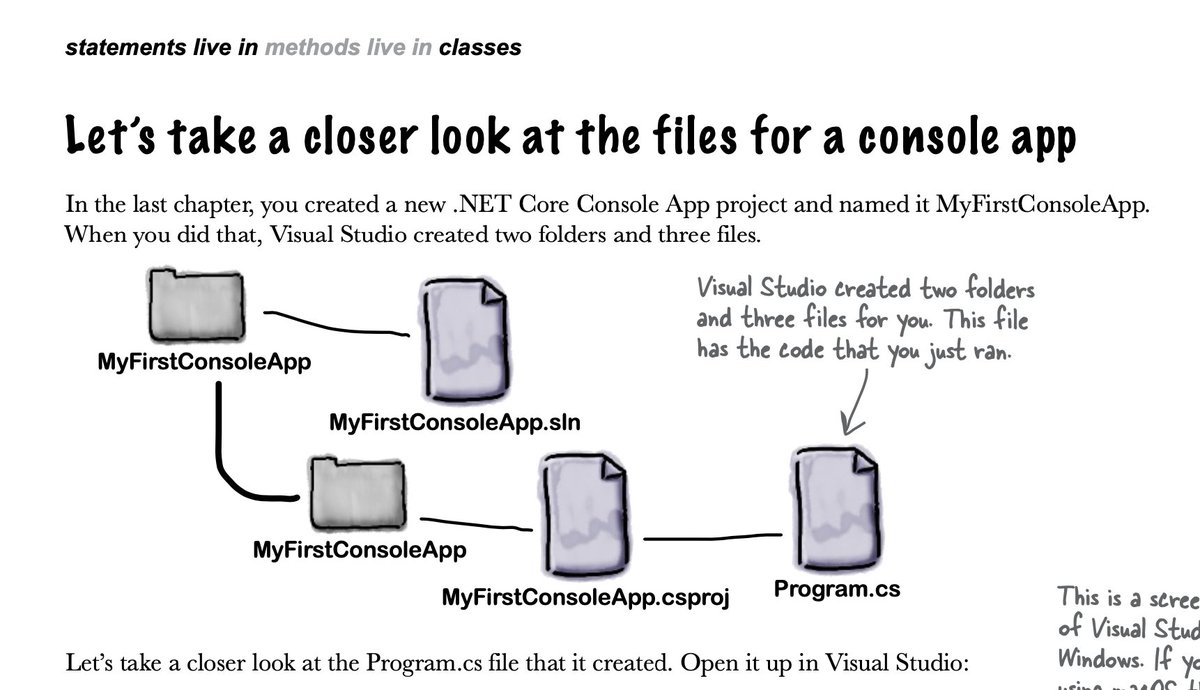
ALT Image from the upcoming edition of Head First C# Every C# program’s code is structured in exactly the same way. All programs use namespaces, classes, and methods to make your code easier to manage. When you create your app, all of the code is inside a namespace. This helps keep your classes are separate from the ones that come with .NET. A class contains a piece of your program. Some very small programs can have just one class, but most have more. A class can have fields. A field is a variable, except that it’s declared outside of the methods so all of the methods in the class can use it. A class has one or more methods. Your methods must live inside a class. The order of the methods in the class file doesn’t matter. Method 2 can just as easily come before method 1 Methods are made up of statements—like ones you used in your apps in the last two chapters.
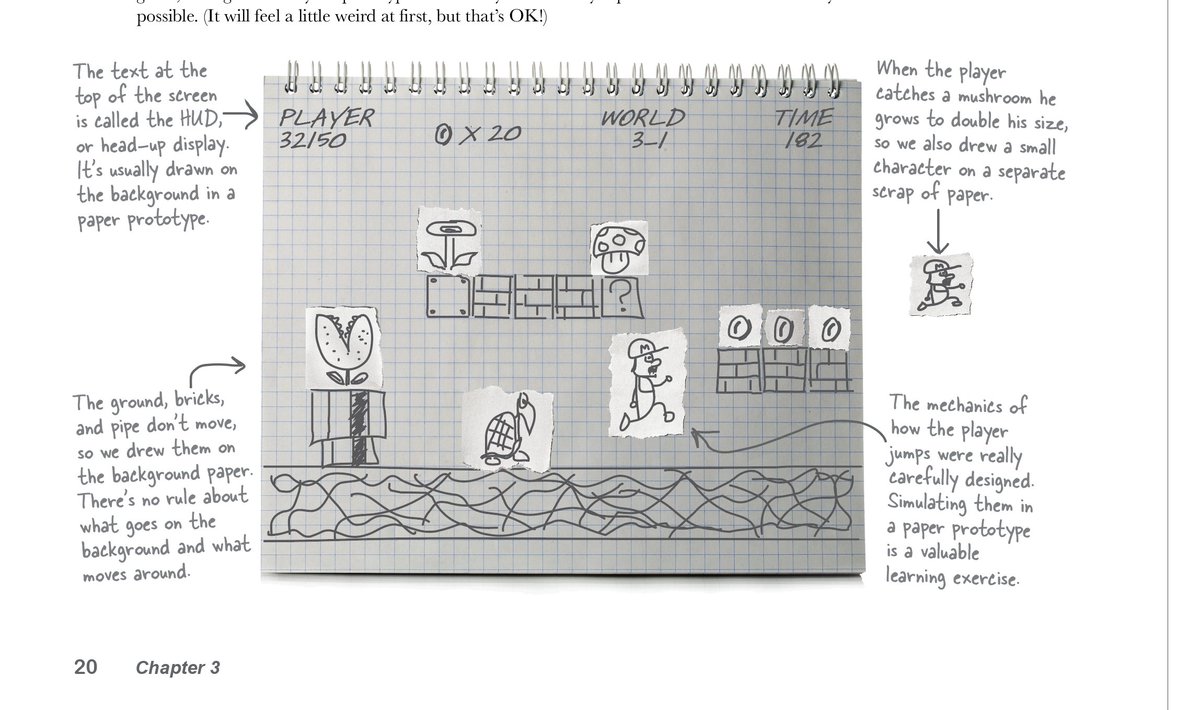
ALT Excerpt from Head First C#. A paper prototype of a screen from Super Mario Brothers. Annotations: The text at the top of the screen is called the HUD, or head-up display. It’s usually drawn on the background in a paper prototype. When the player catches a mushroom he grows to double his size, so we also drew a small character on a separate scrap of paper. The ground, bricks, and pipe don’t move, so we drew them on the background paper. There’s no rule about what goes on the background and what moves around. The mechanics of how the player jumps were really carefully designed. Simulating them in a paper prototype is a valuable learning exercise.
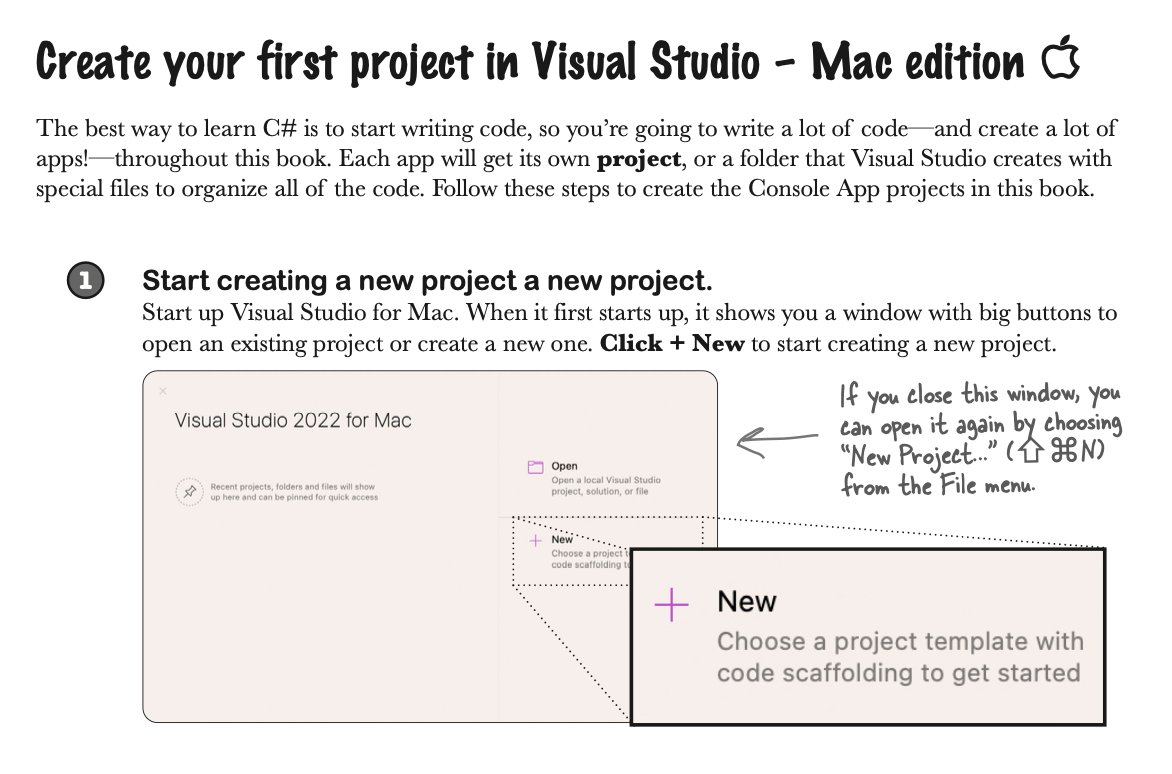
ALT Excerpt from Head First C#: Create your first project in Visual Studio – Mac edition The best way to learn C# is to start writing code, so you’re going to write a lot of code—and create a lot of apps!—throughout this book. Each app will get its own project, or a folder that Visual Studio creates with special files to organize all of the code. Follow these steps to create the Console App projects in this book.
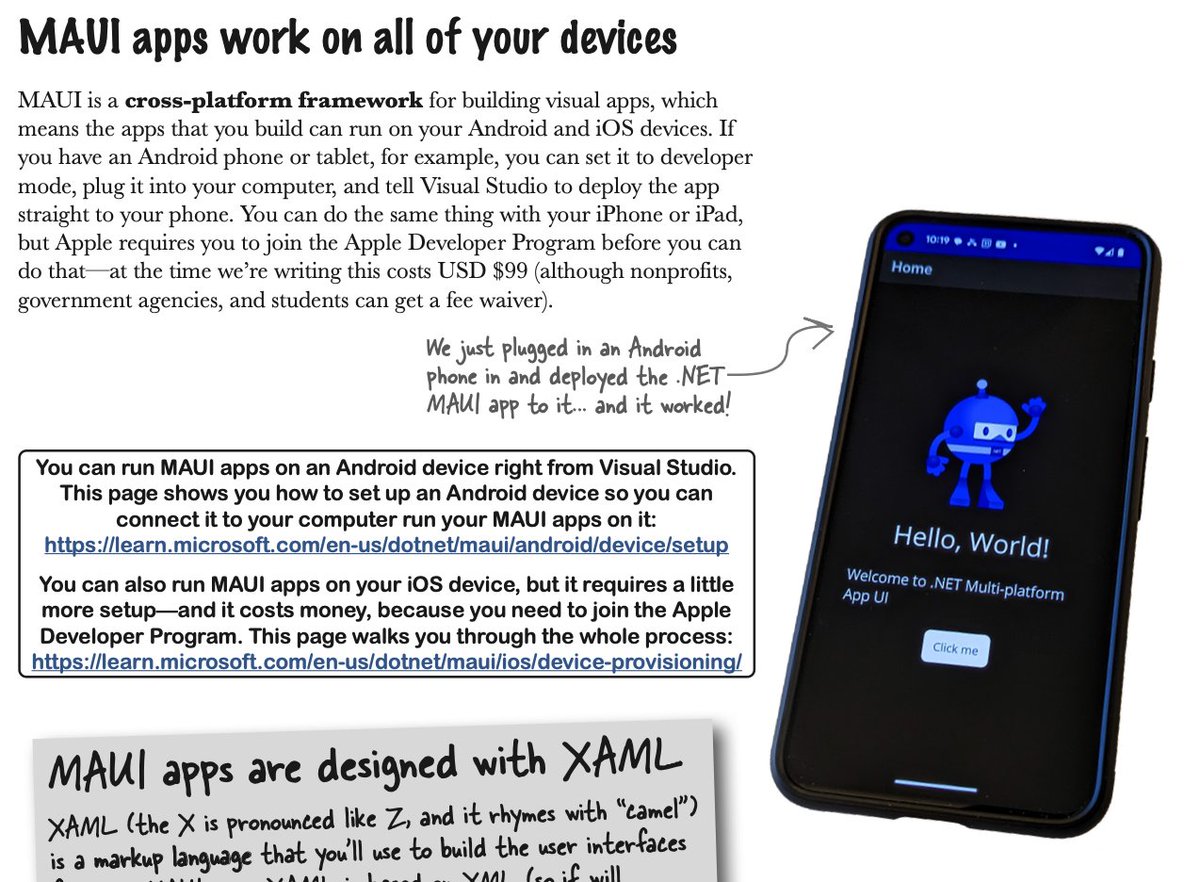
ALT Excerpt from Head First C#: MAUI apps work on all of your devices MAUI is a cross-platform framework for building visual apps, which means the apps that you build can run on your Android and iOS devices. If you have an Android phone or tablet, for example, you can set it to developer mode, plug it into your computer, and tell Visual Studio to deploy the app straight to your phone. You can do the same thing with your iPhone or iPad, but Apple requires you to join the Apple Developer Program before you can do that—at the time we’re writing this costs USD $99 (although nonprofits, government agencies, and students can get a fee waiver). We just plugged in an Android phone in and deployed the .NET MAUI app to it... and it worked!
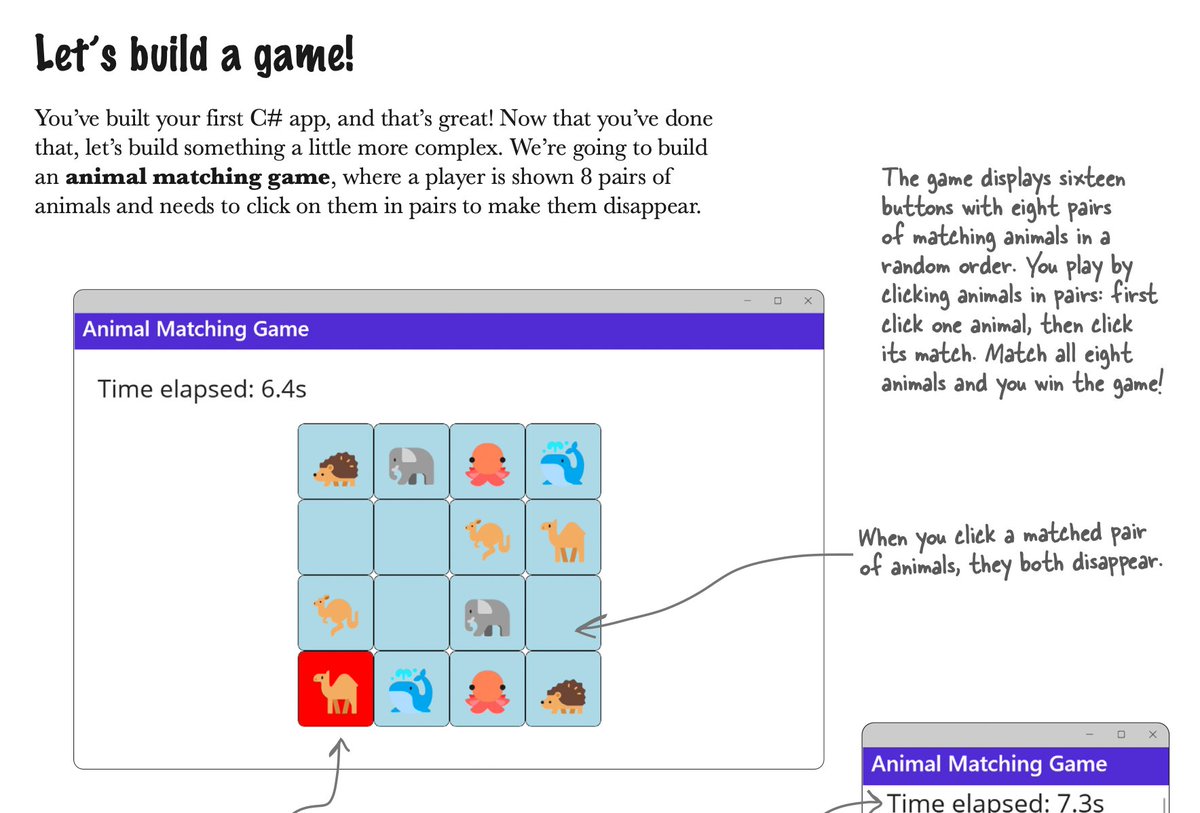
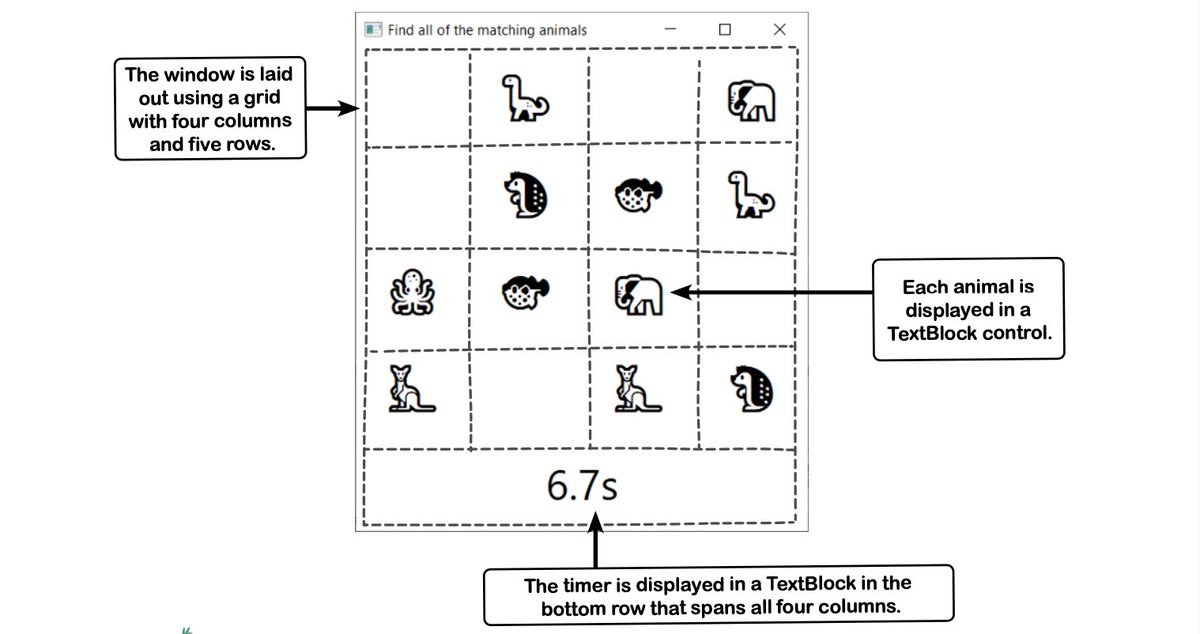
ALT Excerpt from the next edition of Head First C#: Let’s build a game! You’ve built your first C# app, and that’s great! Now that you’ve done that, let’s build something a little more complex. We’re going to build an animal matching game, where a player is shown 8 pairs of animals and needs to click on them in pairs to make them disappear. The game displays sixteen buttons with eight pairs of matching animals in a random order. You play by clicking animals in pairs: first click one animal, then click its match. Match all eight animals and you win the game!
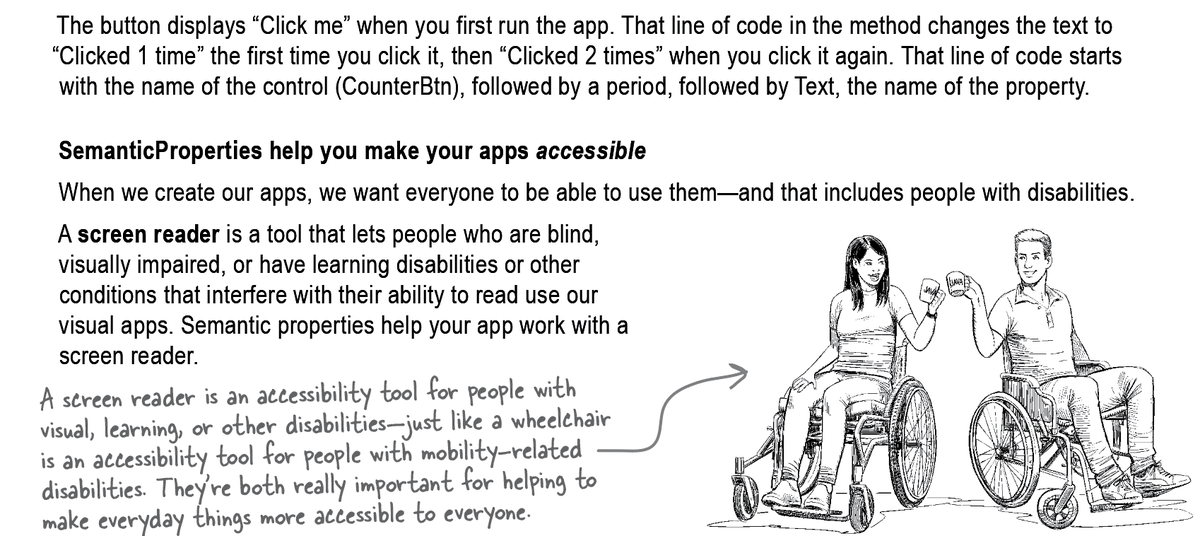
ALT Excerpt from the upcoming Head First C#. Image of two people in wheelchairs holding coffee mugs. Text says: SemanticProperties help you make your apps accessible When we create our apps, we want everyone to be able to use them—and that includes people with disabilities. A screen reader is a tool that lets people who are blind, visually impaired, or have learning disabilities or other conditions that interfere with their ability to read use our visual apps. Semantic properties help your app work with a screen reader. Annotation pointing to people says: A screen reader is an accessibility tool for people with visual, learning, or other disabilities—just like a wheelchair is an accessibility tool for people with mobility-related disabilities. They’re both really important for helping to make everyday things more accessible to everyone.
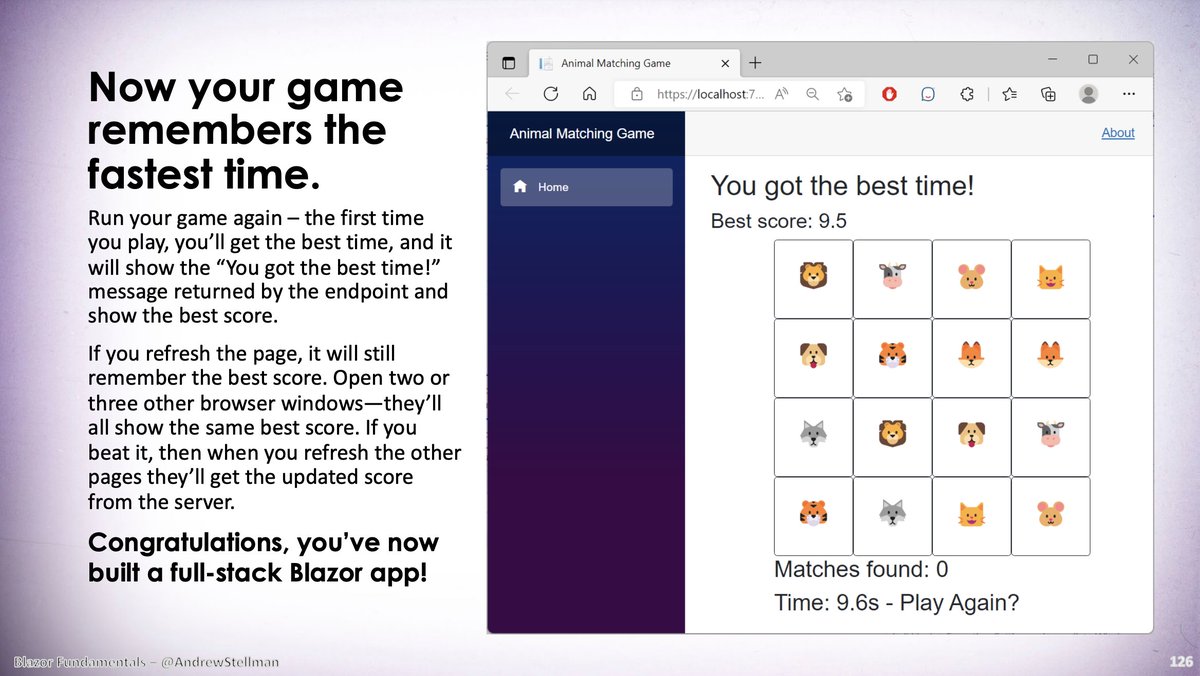


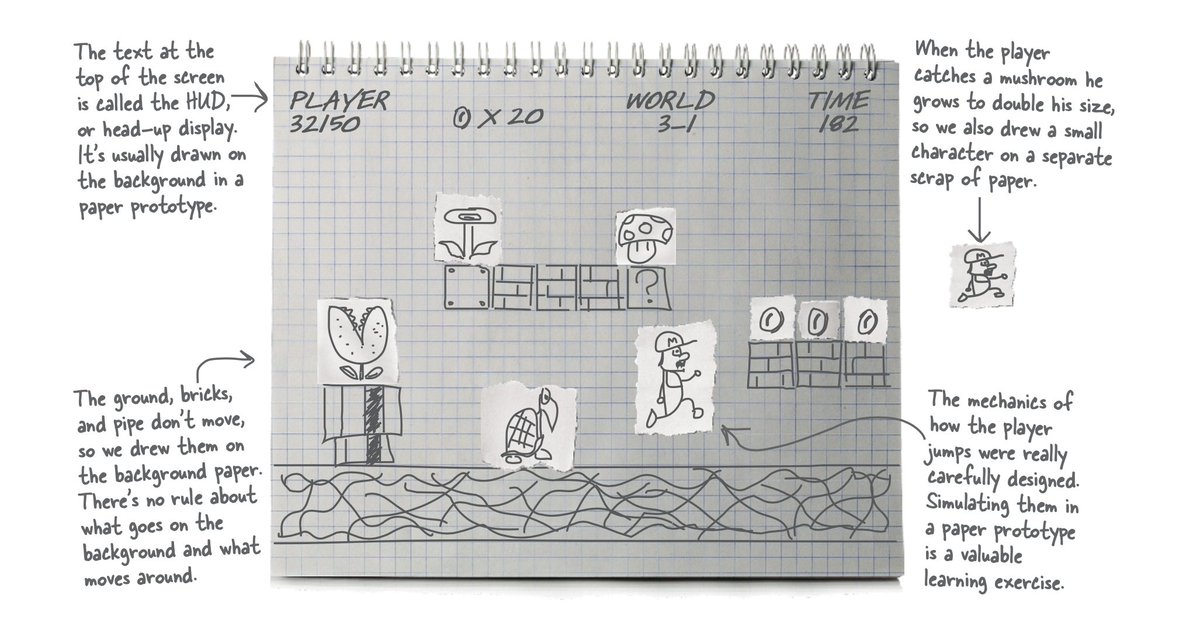
ALT A paper prototype of a classic game, from Chapter 3 of Head First C# (O'Reilly Media) by Andrew Stellman and Jenny Greene

ALT Screenshot of my "Blazor Fundamentals... Just Enough to be Dangerous" course listing